



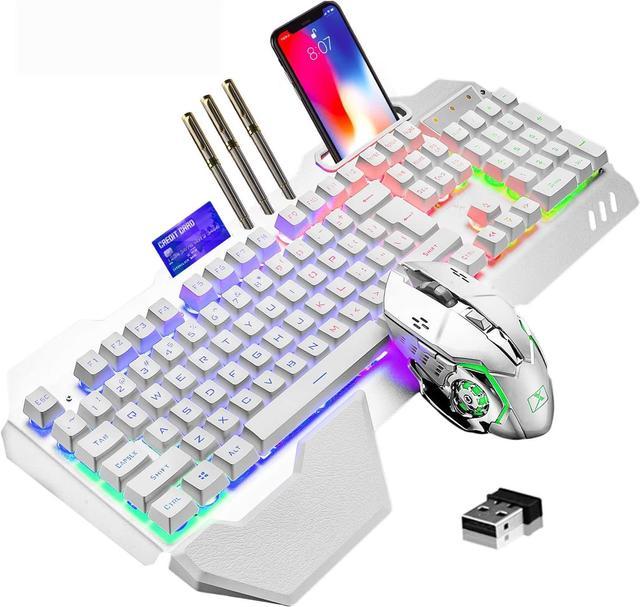






RGB LED Backlit Keyboard
- FN 1-5: Five backlight state switches;FN+5 switch 7 kinds single color
- FN + Up/down: Enhance/reduce backlight brightness
- FN + left/right: Speed up / Slow Down the backlight of breathing light speed
Note:
- Before the keyboard is used, turn the switch on the side of the keyboard and the bottom of the mouse to the ON position.
- The keyboard and mouse share a receiver, the receiver is at the bottom of the mouse
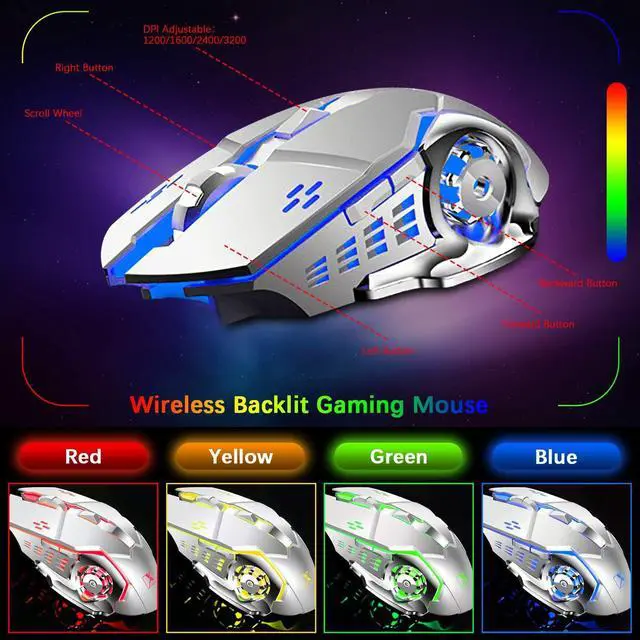
- When the mouse snake head light is dimmed or off, you need to charge the mouse.When the LOCK light on the keyboard is flashing, you need to charge the keyboard.
- The keyboard and mouse are charged using a DC power supply of 5V.