




 here!
here!
I’m your shopping assistant for PC builds, upgrades, and everything tech.
Got questions? Ask away!
Start a conversation
here!
I’m your shopping assistant for PC builds, upgrades, and everything tech.
Got questions? Ask away!
Start a conversation

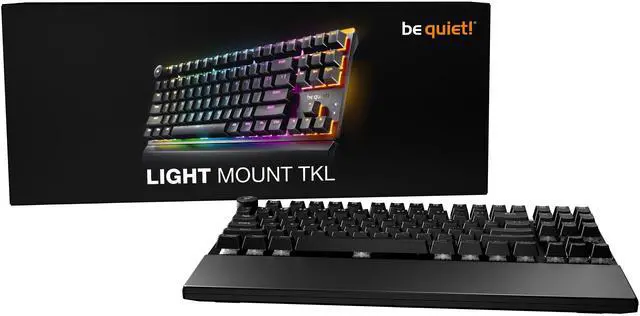



Any questions? Ask CelesteSM will help you find out quickly.


Silent space-saver
Every intense gaming moment deserves total focus. The Light Mount TKL enhances your experience with 3 layers of sound dampening
foam and ultra-quiet switches, so you can stay immersed in the game.
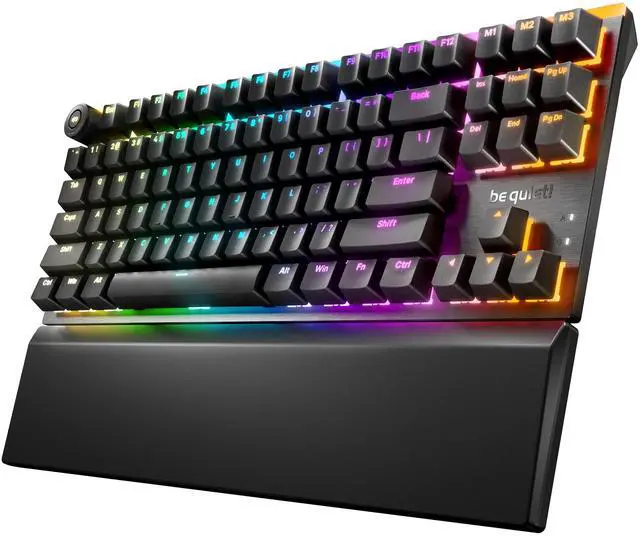
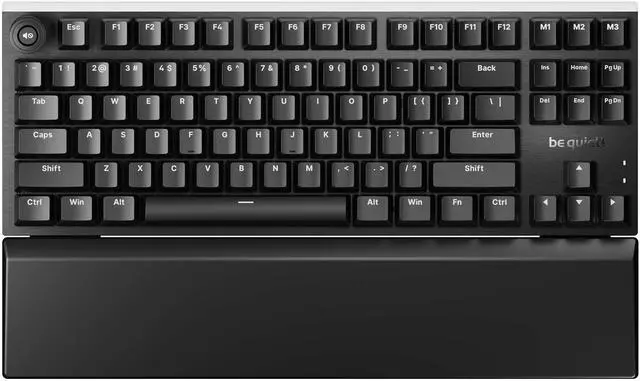
Space-saving TKL version with more space for the mouse
Factory-lubricated mechanical orange be quiet! Silent V2 Switches or black be quiet! Silent V2 Switches offer speed, precision
and accuracy with linear or tactile actuation
3 layers of foam for extra silent keystrokes
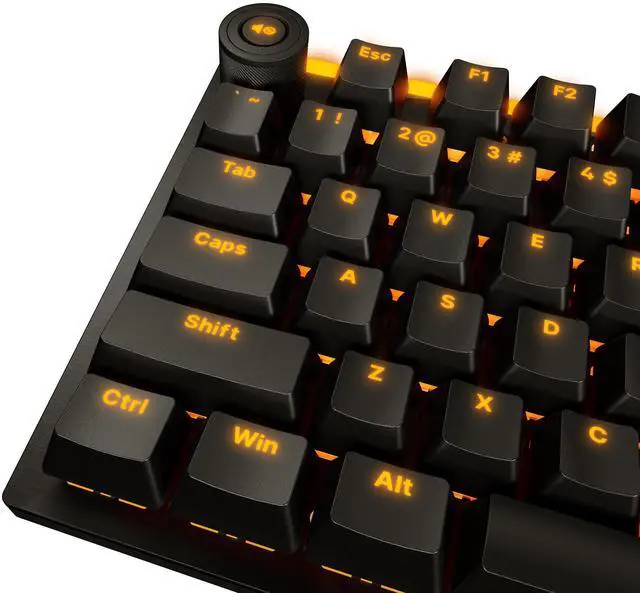
High-quality PBT double-shot keycaps
Prioritize the most recent input with Quick Tap (SOCD)
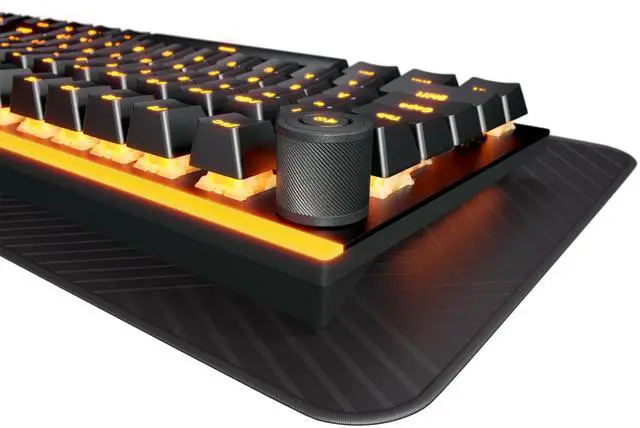
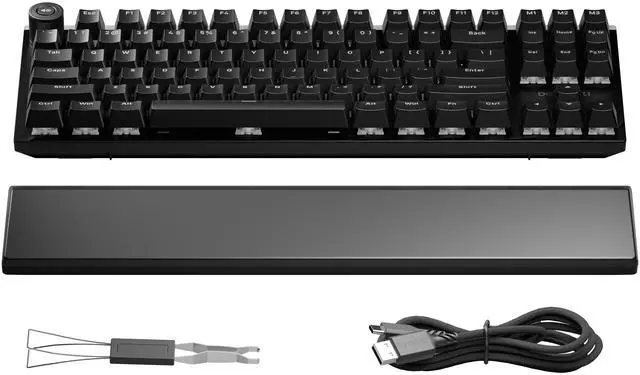
Aluminum 3D Media Wheel and 3 macro or multimedia keys
Arched ARGB diffuser on each switch for bright and even per-key illumination
Customizable ARGB LED bars at the top and on both sides for atmospheric lighting effects
Support for hot-swappable 5-pin MX style switches
Brushed aluminum top plate
Folding feet with three angled positions and modular magnetic Palm Rest for best ergonomics
Detachable, braided USB-A-to-C cable
Reprogram keys, create macros, configure the lighting and more with the be quiet! IO Center software
3-year manufacturers warranty
Product conception, design and quality control in Germany


