• $44.18
  • Free 30-day Returns
  • Volume Discounts Available
    • $43.48 ea.
    • $42.98 ea.
    Ships from Hong Kong.
    Price alert
    Shop it at NeweggBusiness.

    Meet Your Seller

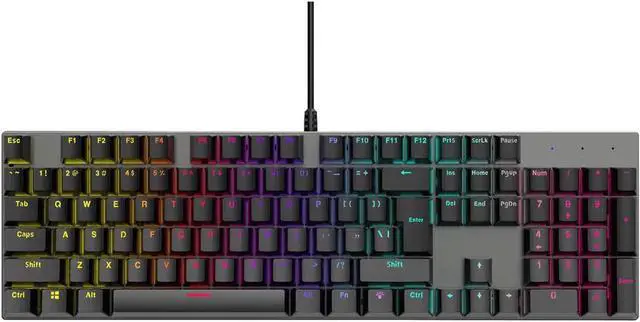
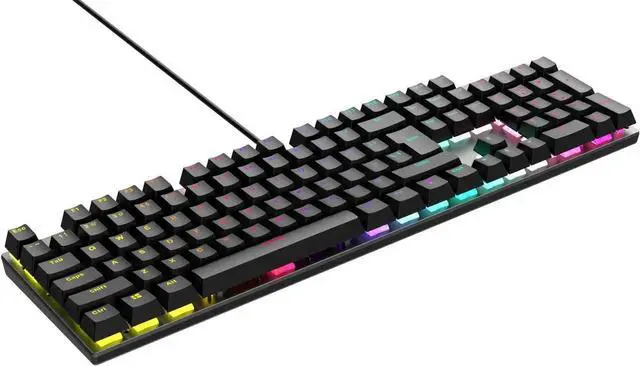
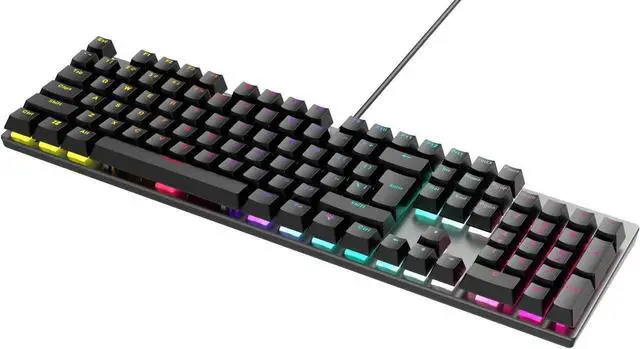
    Mechanical Keyboard, TROPRO TGK05 Gaming Keyboard LED Backlit Wired Keyboard with Blue Switches for Windows PC Office and Working (Black, 104 Keys)

    Limited time offer, ends 01/09 By Goldendisk

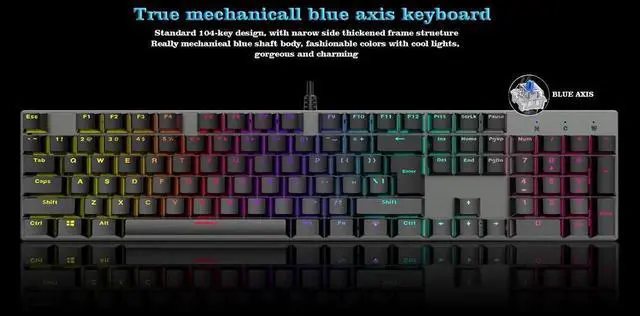
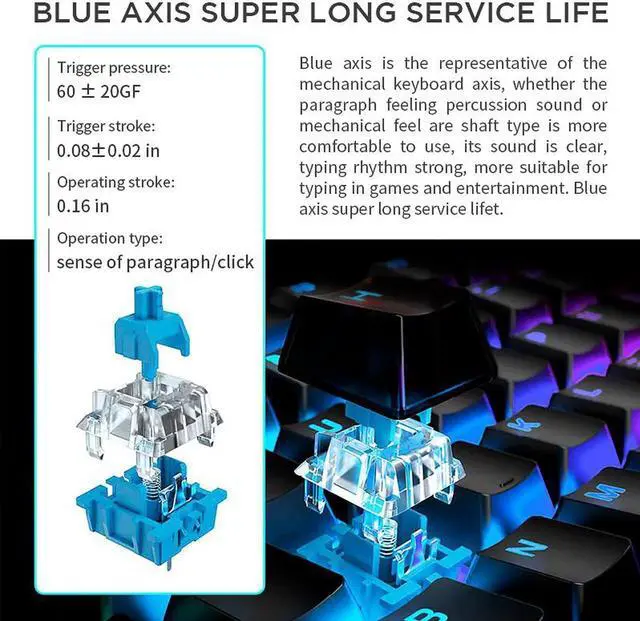
    • [MECHANICAL GAMING KEYBOARD] 104 Key Mechanical Keyboard with flexible detachable Mechanical Blue Switches designed for longevity with greater durability and responsiveness. Fast mechanical keys with medium resistance, precise actuation, audible click sound, and tactile bump feedback.
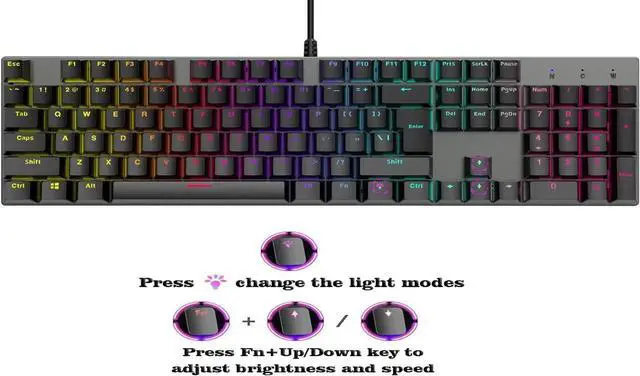
    • [9 BACKLIT MODES] Press [FN+INS] to change the backlit modes. Rainbow LED adjustable lighting with 9-themed backlights - 8 default lighting models.
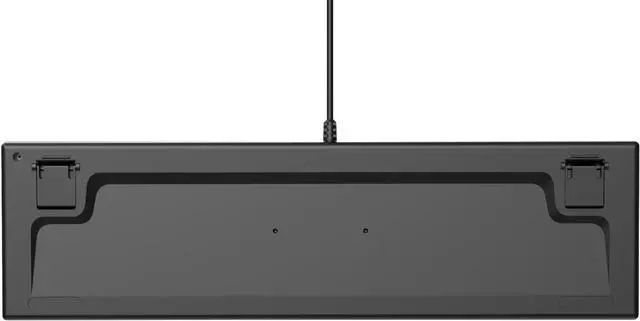
    • [BACKLIT ANTI-GHOSTING KEYBOARD] ALL 104 mechanical gaming keyboards keys are conflict free (n-Key Rollover) for ultimate Gaming performance.Featuring 12 Multimedia keys, Non-Slip Ergonomic, splash-proof Design. Comes with Full numeric keypad and a gold-plated corrosion free USB connector for a reliable connection.
    • [PC GAMING KEYBOARD COMPATIBILTY] Support computer system including Windows10/8/7/XP/VISTA,, Mac OS X, etc.
    +
    +
    Overview
    Specs
    Reviews
    avatar

    Any questions? Our AI beta will help you find out quickly.

    Technical Specifications

    Keyboard Type: Wired Gaming Mechanical Keyboard

    Backlit Display:Colorful LED

    Keyboard Interface: USB

    USB Cable Length:1.4 meter

    Service Life: 50 million keystroke


    6-Color Rainbow LED Backlight

    9 dynamic lighting effects

    Press Fn+Ins to switch lighting effects

    Press Fn+Up/Down key to adjust brightness and speed

    Enhance your computer setup with up to 9 different lighting effects including Static, Breathing, Neon , Button Press, Wave, Chasing, and so on


    Other key combination function definitions:

    FN+F1=CD

    FN+F2=Volume-

    FN+F3=Volume+

    FN+F4=Mute

    FN+F5=CD Stop

    FN+F6=Prev Track

    FN+F7=Play/Pause

    FN+F8=Next Track

    FN+F9=Email

    FN+F10=IE

    FN+F11=Computer

    FN+F12=Calculator

    FN+Up/Down =Adjust the brightness

    FN+W=The arrow keys are cut to each other, allowing WSAD to be interchanged with ????


    Press FN+WIN key, the WIN button is locked and cannot be used. Press the FN+WIN button again and the WIN button can be unlocked. It is convenient for the player to accidentally touch the WIN button and play back to the desktop during the game.

    Warranty & Returns

    Warranty, Returns, And Additional Information

    Warranty

    • Please contact the Seller directly for warranty information. Warranty information may also be found on the Manufacturer's website.
    • CONTACT

    Return Policies

    • Return for refund within: 30 days
    • Return for replacement within: 30 days
    • This item is covered by Goldendisk Return Policy

    Manufacturer Contact Info

    LOADING...