Out of stock
This item is currently out of stock and it may or may not be restocked.
Most customers receive within 7-9 days.
Sold by Fegfrght

Shipped by Fegfrght

Shop it at NeweggBusiness.

Meet Your Seller

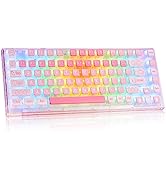
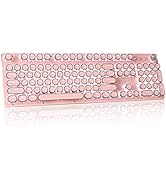
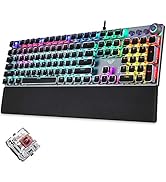
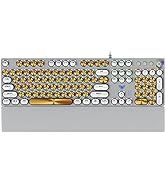
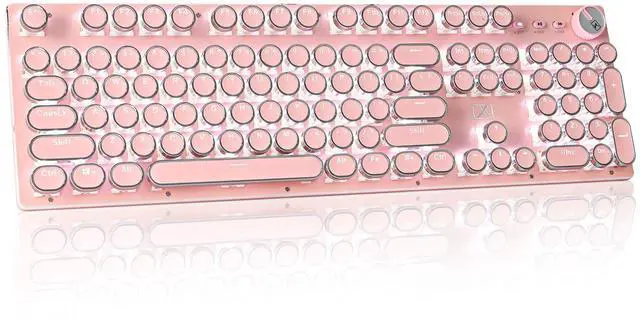
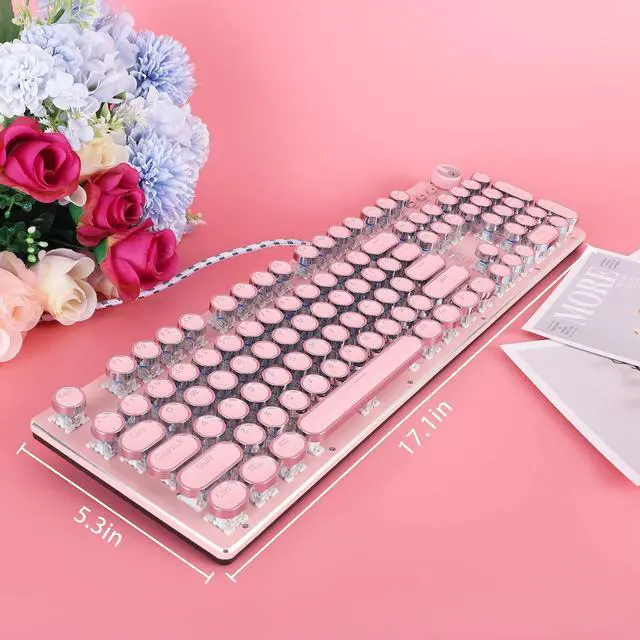
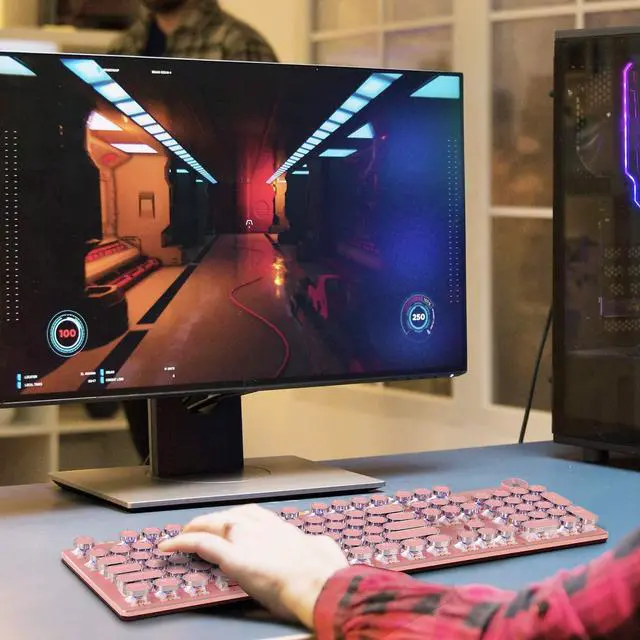
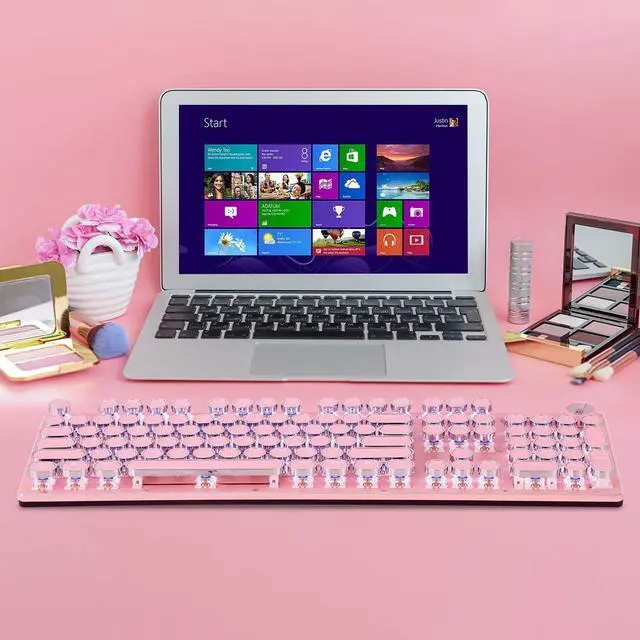
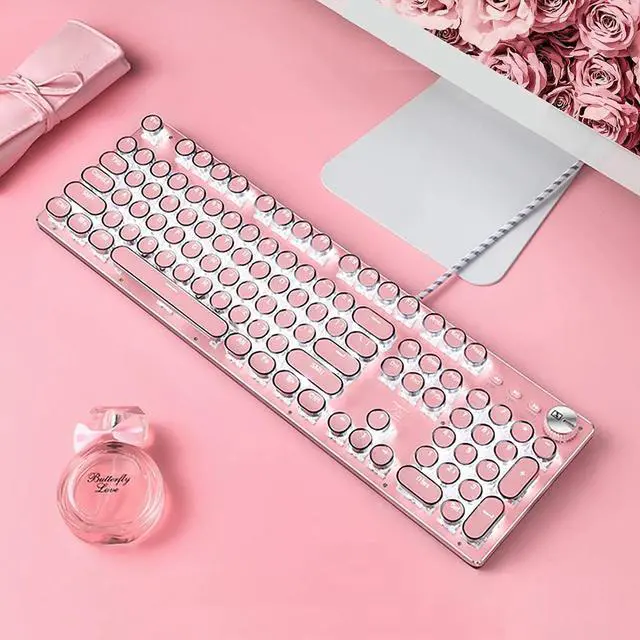
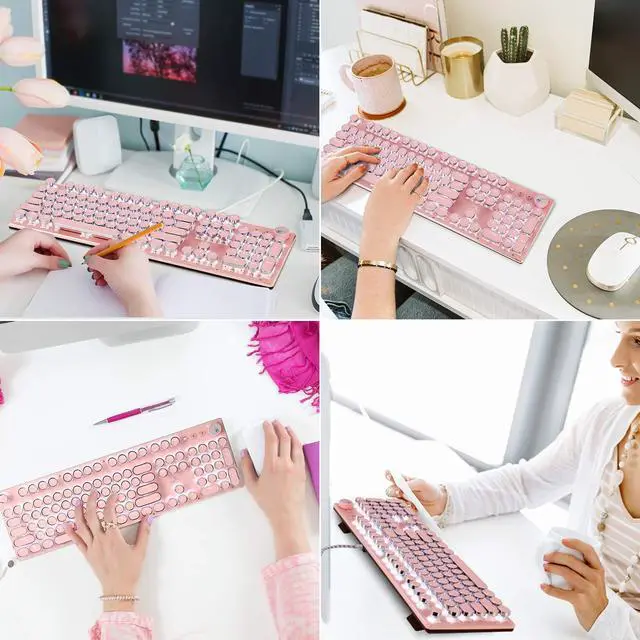
Retro Steampunk Typewriter-Style Gaming Keyboard, Blue Switches,Pure White Backlight, USB Wired, for PC Laptop Desktop, Stylish Pink Mechanical Keyboard Round Keycaps

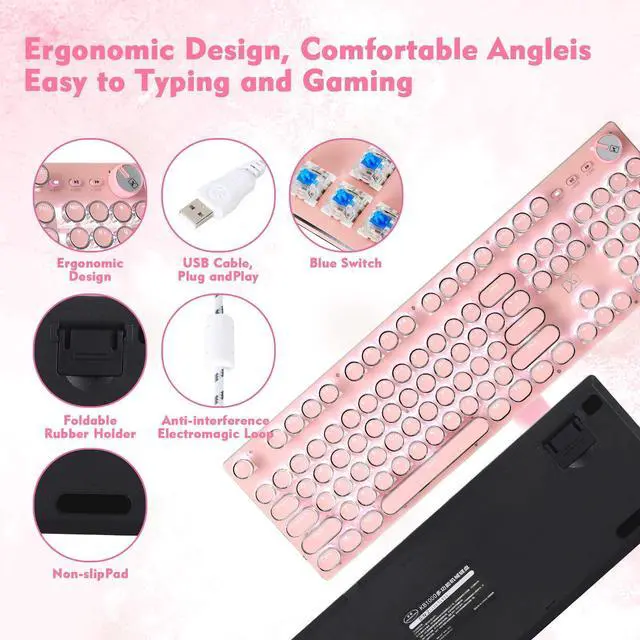
  • Professional blue switches, tested by professional players, comfortable, sounds crisp and durable.
  • The keyboard has 30 types of lighting effects with white backlight, and the three buttons and large knob in the upper right corner of the keyboard have multimedia functions. (For details, see the description below) you can hold the knob 3 seconds to switch the backlit mode, and rotate it to adjust the lighting brightness.
  • This is a Full-Size keyboard, and all 104 keys non-conflict. N-key rollover. Allows multiple keys to work simultaneously with high speed. Let you enjoy high-grade games with fast response. 12 easy-to-reach multimedia keys.
  • The keycaps are jointly studied by international manufacturers,produced with 79 complicated processes.We adopt double injection molding process to ensure accurate and non-fading color,uniform light transmission and high light transmittance.
  • The body is electroplated to give the metal a gorgeous color.At the same time, the metal panel is resistant to abrasion and corrosion.The keys' position is ergonomically placed to reduce hand fatigue.
Overview
Specs
Reviews
avatar

Any questions? Our AI beta will help you find out quickly.

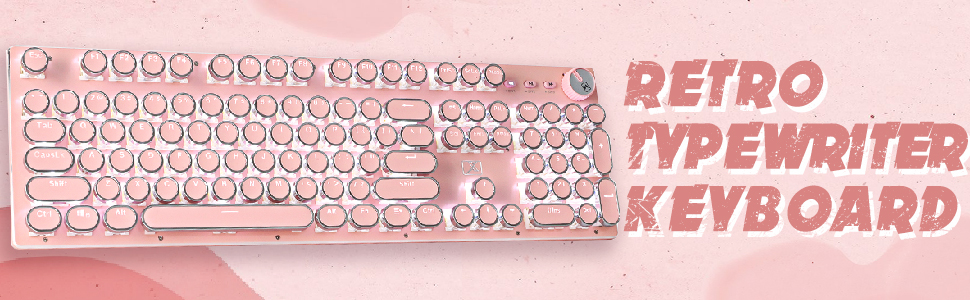
Retro typewriter keyboard

The physical pictures of the product from the buyers
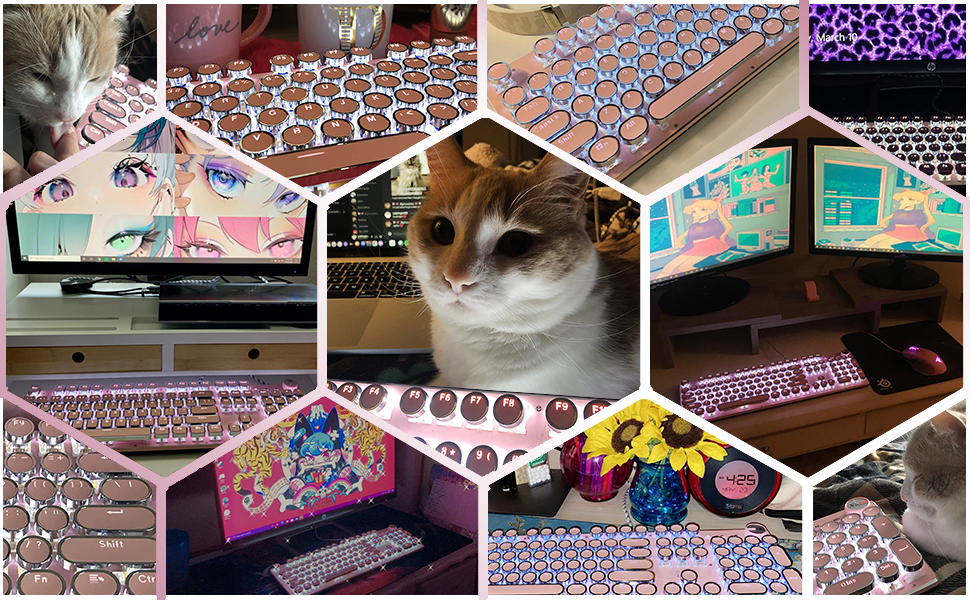
The physical picture of the product feedback from the buyers
Gaming keyboard

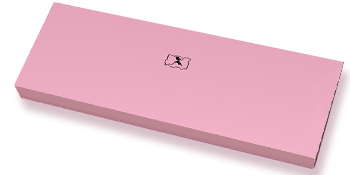
The cute Packing box
Specification
  • Keyboard * 1
  • Package: Pink Box (suit for gift)
  • Keyboard Size: 17.5*5.7*1.2 in
  • USB Cable Length: 63in/1.6m

Multimedia Functions

The knob and the keys SW1/SW2/SW3 have the multimedia functions: Previous /Next/Play/Pause/Adjust Volume. (Long press the knob for about 3 seconds to switch between lighting /multimedia mode). Besides,there are some shortcuts by FN+ keys,more convenient.

  • Customize lighting: Press FN+9 or FN+0 to enter custom mode, then press FN+END to start recording. Click the keys you want them light up, and press FN+END again when finished to maintain the setting.
  • FN+INS: switch lighting effects FN + ? / ?: adjust the speed of the light effects Knob: adjust backlight brightness
  • Fn+F1: My Favorite Fn+F2: My Computer Fn+F3: E-mail Fn+F4: Browser Fn+F5: Stop Fn+F6: Previous Fn+F7: Play/Pause Fn+F8: Next Fn+F9: Music Fn+F10: Volume - Fn+F11: Volume + Fn+F12: Mute

Typewiter style

Fashion Vintage Style

This keyboard imitates the shape of retro typewriter, while fusing the style of steampunk with the trend of retro fashion. Coupled with the unique clicky sound of the mechanical switches, it gives you a more realistic typewriter feel.

Blue switch

Professional Blue Switches

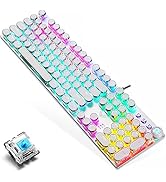
The mechanical blue switches studied by multinational teams, tested by professional players, have excellent performance and long service life. All keys won't conflict when clicking at the same time, ensure better gaming and working experience.

Lighting Effects

30 Lighting Effects

The keyboard has 30 kinds of lighting effects with white backlight.Create a more pleasant feel for work and game. Lighting effects and the brightness can be adjusted by the knob.You can also customize lighting effect by the key SW1/SW2/SW3.

Round Keycaps

Keycaps and Metal Panel

The pink keycaps have non-fading color, transparent letters with high light transmission. The keycaps' edge are electroplated,make keyboard more gorgeous.The panel is metal,more beautiful and resistant to abrasion and corrosion.

https://m.media-amazon.com/images/S/aplus-media-library-service-media/1d76ab9f-e095-4c81-8403-8883ca44ed4c.__CR0,0,150,300_PT0_SX150_V1___.jpg
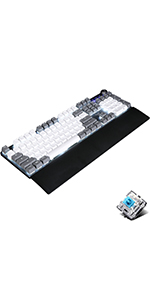
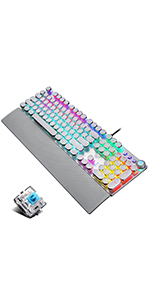
pink white keycaps
https://m.media-amazon.com/images/S/aplus-media-library-service-media/b64b90cf-ebeb-456e-8fb0-d06384855d1a.__CR0,0,150,300_PT0_SX150_V1___.jpg
gray white keycaps
https://m.media-amazon.com/images/S/aplus-media-library-service-media/cccc8296-d293-4b2c-8b61-d781a5a6ad6c.__CR0,0,150,300_PT0_SX150_V1___.jpg
round keys keyboard
https://m.media-amazon.com/images/S/aplus-media-library-service-media/8ed6884a-2b2b-4571-885f-0819b0b6e960.__CR0,0,150,300_PT0_SX150_V1___.jpg
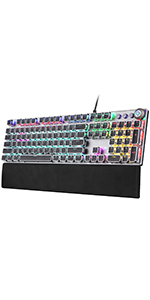
square keys keygoard
https://m.media-amazon.com/images/S/aplus-media-library-service-media/eba043f0-fadb-4795-995c-003d93f7e013.__CR0,0,150,300_PT0_SX150_V1___.jpg
RGB keyboard
Customer Reviews
Switch Blue Switch Blue Switch Blue Switch Brown Switch Blue Switch
Connection Wired USB Wired USB Wired USB Wired USB Wired USB
Retro typewriter keyboard

The physical pictures of the product from the buyers
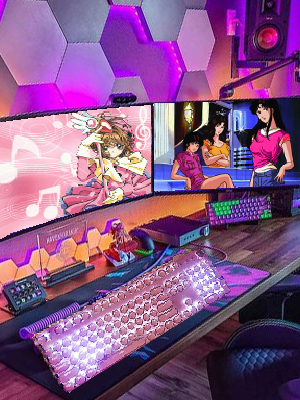
The physical picture of the product feedback from the buyers

Multimedia Functions

The cute Packing box
Specification
  • Keyboard * 1
  • Package: Pink Box (suit for gift)
  • Keyboard Size: 17.5*5.7*1.2 in
  • USB Cable Length: 63in/1.6m
Gaming keyboard

The knob and the keys SW1/SW2/SW3 have the multimedia functions: Previous /Next/Play/Pause/Adjust Volume. (Long press the knob for about 3 seconds to switch between lighting /multimedia mode). Besides,there are some shortcuts by FN+ keys,more convenient.

  • Customize lighting: Press FN+9 or FN+0 to enter custom mode, then press FN+END to start recording. Click the keys you want them light up, and press FN+END again when finished to maintain the setting.
  • FN+INS: switch lighting effects FN + ? / ?: adjust the speed of the light effects Knob: adjust backlight brightness
  • Fn+F1: My Favorite Fn+F2: My Computer Fn+F3: E-mail Fn+F4: Browser Fn+F5: Stop Fn+F6: Previous Fn+F7: Play/Pause Fn+F8: Next Fn+F9: Music Fn+F10: Volume - Fn+F11: Volume + Fn+F12: Mute

Typewiter style

Fashion Vintage Style

This keyboard imitates the shape of retro typewriter, while fusing the style of steampunk with the trend of retro fashion. Coupled with the unique clicky sound of the mechanical switches, it gives you a more realistic typewriter feel.
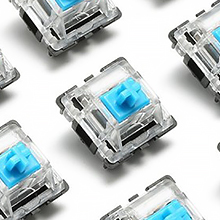
Blue switch

Professional Blue Switches

The mechanical blue switches studied by multinational teams, tested by professional players, have excellent performance and long service life. All keys won't conflict when clicking at the same time, ensure better gaming and working experience.
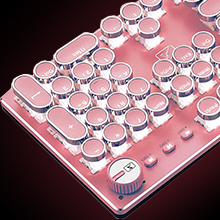
Lighting Effects

30 Lighting Effects

The keyboard has 30 kinds of lighting effects with white backlight.Create a more pleasant feel for work and game. Lighting effects and the brightness can be adjusted by the knob.You can also customize lighting effect by the key SW1/SW2/SW3.
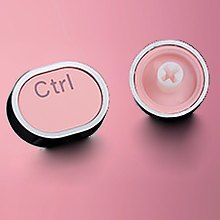
Round Keycaps

Keycaps and Metal Panel

The pink keycaps have non-fading color, transparent letters with high light transmission. The keycaps' edge are electroplated,make keyboard more gorgeous.The panel is metal,more beautiful and resistant to abrasion and corrosion.
https://m.media-amazon.com/images/S/aplus-media-library-service-media/1d76ab9f-e095-4c81-8403-8883ca44ed4c.__CR0,0,150,300_PT0_SX150_V1___.jpg
pink white keycaps
https://m.media-amazon.com/images/S/aplus-media-library-service-media/b64b90cf-ebeb-456e-8fb0-d06384855d1a.__CR0,0,150,300_PT0_SX150_V1___.jpg
gray white keycaps
https://m.media-amazon.com/images/S/aplus-media-library-service-media/cccc8296-d293-4b2c-8b61-d781a5a6ad6c.__CR0,0,150,300_PT0_SX150_V1___.jpg
round keys keyboard
https://m.media-amazon.com/images/S/aplus-media-library-service-media/8ed6884a-2b2b-4571-885f-0819b0b6e960.__CR0,0,150,300_PT0_SX150_V1___.jpg
square keys keygoard
https://m.media-amazon.com/images/S/aplus-media-library-service-media/eba043f0-fadb-4795-995c-003d93f7e013.__CR0,0,150,300_PT0_SX150_V1___.jpg
RGB keyboard
Customer Reviews
Switch Blue Switch Blue Switch Blue Switch Brown Switch Blue Switch
Connection Wired USB Wired USB Wired USB Wired USB Wired USB

Specification:
Dimensions: 445*144*30mm
Weight: 700±10g
Switch lifespan: >50 million
Cable length: 1.6m
Convenient Multimedia Shortcuts:
FN+F1: My Favorite
FN+F2: My Computer
FN+F3: E-mail
FN+F4: Browser
FN+F5: Stop
FN+F6: Previous
FN+F7: Play/Pause
FN+F8: Next
FN+F9: Music
FN+F10: Volume -
FN+F11: Volume +
FN+F12: Mute
Lighting Effects Shortcuts:
Rotary KnobHold 3 seconds to switch the backlit mode, rotate to adjust the lighting brightness.
FN+ PauseBreak: Restore Factory Settings
FN+Insert: Switching Lighting Effect
FN+"": Lighting Speed Up
FN+"": Lighting Speed Down
FN+"": Lighting Brightness Up
FN+"": Lighting Brightness Down
FN+Win: Window Lock Key
FN+1: FPS Game Mode (Lighted Keys: A, S, D, W, , , , , ESC)
FN+2: CF Mode (Lighted Keys: 1, 2, 3, 4, 5, Q, W, E, R, A, S, D, G, Left Shift, B, Left Ctrl, Left Alt, Space, Home, End, PgUp, PgDn)
FN+3: COD Mode (Lighted Keys: 1, 2, 3, 4, 5, 6, 7, Q, W, E, R, T, A, S, D, F, G, LeftShift, C, V, LeftCtrl)
FN+4: RTS Game Mode (Lighted Keys: 1, 2, 3, 4, 5, 6, 7, 8, 9, 0, Q, W, E, R, T, Y, U, P, A, S, D, F, G, H, K, L, LeftShift, Z, X, N, M, LeftCtrl, LeftAlt)
FN+5: LOL Full Mode (Lighted Keys: ESC, ~, 1, 2, 3, 4, 5, 6, Tab, Q, W, E, R, D, F, G, V, B, LeftCtrl, LeftAlt)
FN+6: CAR Game Mode (Lighted Keys: W, R, A, S, D, LeftShift, LeftCtrl, LeftAlt, , , , )
FN+7: NBA Game Mode (Lighted Keys: 1, 2, 3, 4, W, E, R, A, S, F, LeftShift, Z, X, C, V, LeftCtrl, LeftAlt, Space, , , , )
FN+8: LOL Mode (Lighted Keys: 1, 2, 3, 4, 5, 6, Q, W, E, R, D, F, B)
Customizable Light Setup Instructions:
1. Press FN+9 or FN+0 for customizable mode, press FN+End to start recording.
2. Customize keys' lightand press FN+End to save it.
3. Press FN+9 or FN+0 to light the customizable lighting zone.


Product information

Brand CHICHEN
Compatible Devices Laptop, PC, Tablet
Connectivity Technology USB-A
Keyboard Description Gaming,mechanical,typewriter keyboard
Recommended Uses For Product Office
Special Feature Backlit, Ergonomic, Round Key, Volume Roller, Water Resistant
Color Pink
Keyboard backlighting color support Single Color
Style Retro
Product Dimensions 17"L x 7"W x 2"H
Item Weight 1.9 pounds
Manufacturer Suo Ai
Item model number XM-T520pink
Date First Available November 20, 2020

Warranty & Returns

Warranty, Returns, And Additional Information

Warranty

  • Please contact the Seller directly for warranty information. Warranty information may also be found on the Manufacturer's website.
  • CONTACT

Return Policies

  • Return for refund within: 30 days
  • Return for replacement within: 30 days
  • This item is covered by Fegfrght Return Policy

Manufacturer Contact Info

LOADING...