



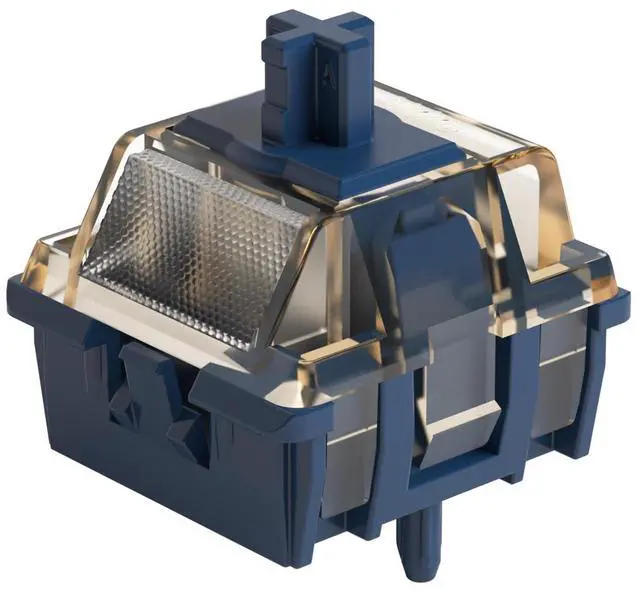
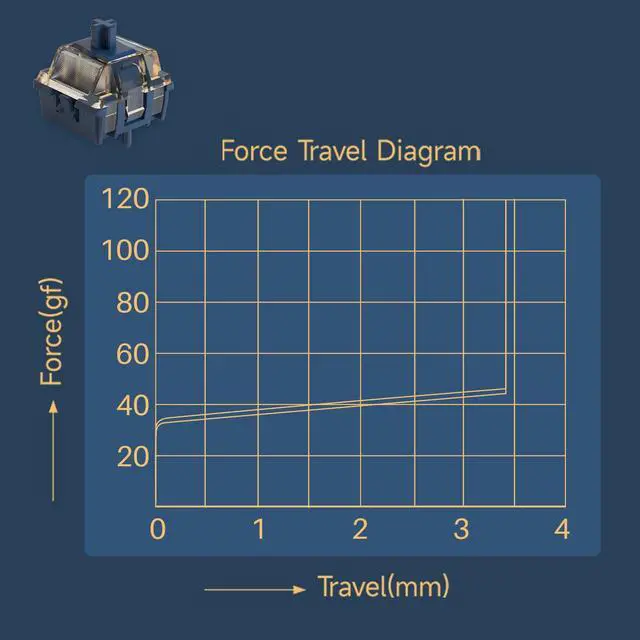
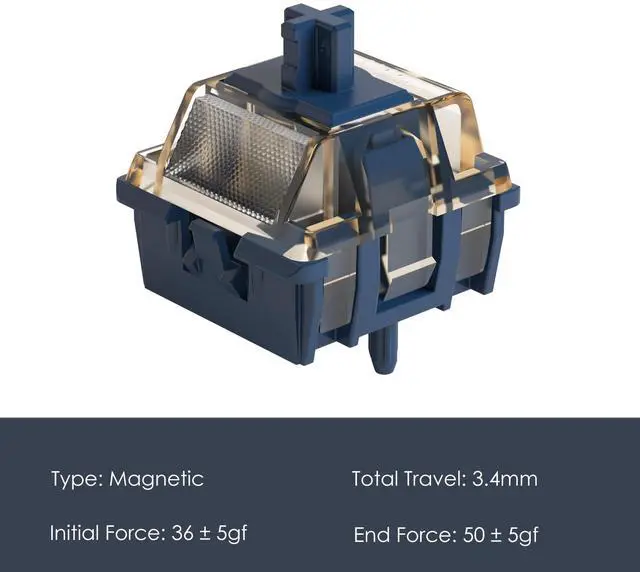
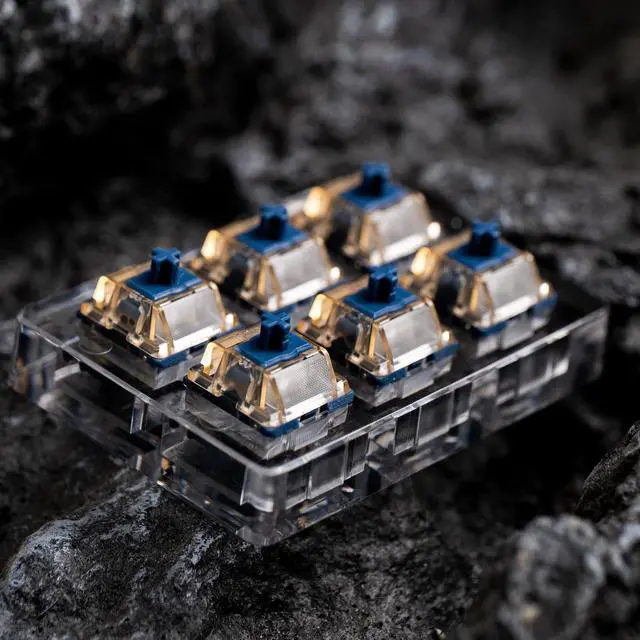
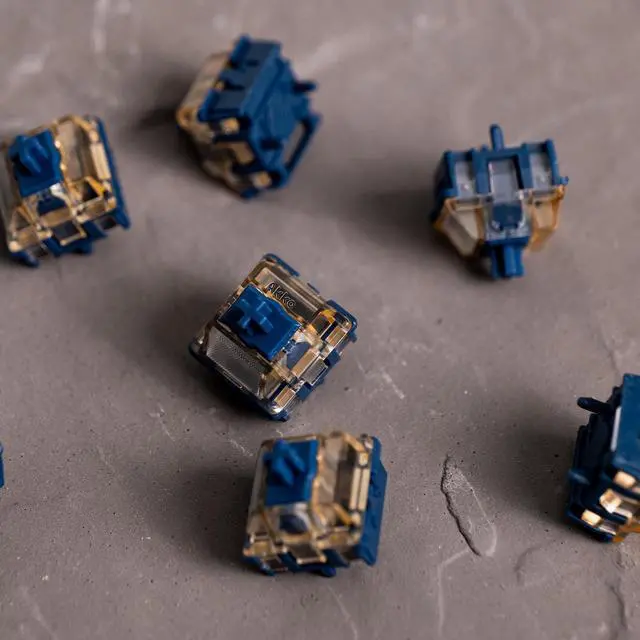


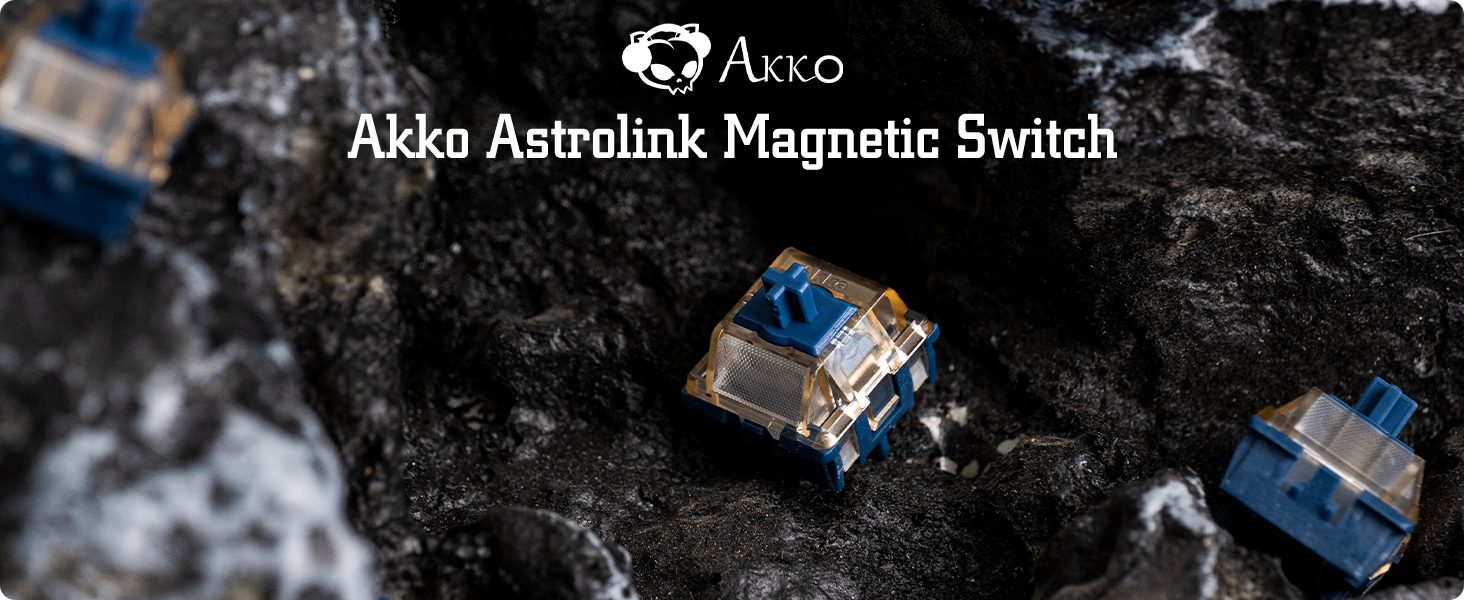
Disclaimer: The Astrolink magnetic switches are NOT compatible with conventional mechanical switches keyboards as well as S-pole magnetic switch PCBs such as MOD007B HE / MOD007B YOTD v1
Parameter
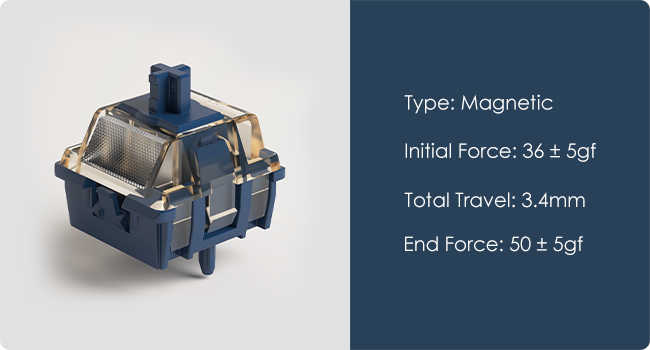
- Initial Magnetic Flux: 90+15GS (PCB1.6mm)
- Bottom Magnetic Flux: 480+40GS (PCB1.6mm)
- Top/Stem/Bottom: PC/POM/Nylon
- Spring: 20mm
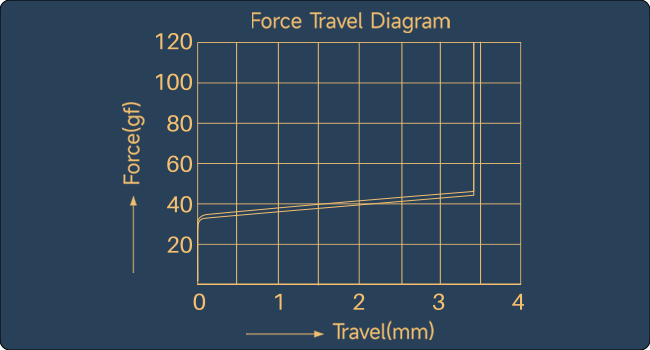
- The switches are designed for rapid trigger and actuation for hall effect keyboard.
- The magnetic switches' contactless design eliminates physical wear, enabling an ultra-long lifespan.
How to replace and install switches

Remove the keycaps with a keycap puller.

Remove the old switch with the switch puller.

Place the new switch on the right position.

Gently press new switches into PCB.
Are Akko switches pre-lubed?
Yes, Akko applies a thin factory lube to reduce pings and noise for a better typing experience. For thick lubrication, hand-lubing is recommended.
Are these switches compatible with my keyboard?
They should also theoretically be compatible with other downward-facing N-pole magnetic switches keyboards. More tests will be rolled out. They are NOT compatible with MX mechanical switch PCBs as well as S-pole magnetic switch PCBs.
Does the switch customize the precision?
Yes, Astrolink Switches, used in the FUN60 and M1 V5 TMR versions, offer features such as 0.01mm precision and custom actuation for enhanced customization and control through the MonsGeek Driver.
Akko Switches
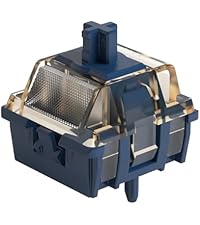 Astrolink Switch |  Creamy Black Pro |  Creamy Blue Pro |  Lavender Purple Pro |  Matcha Green Pro |  Silver Pro | |
|---|---|---|---|---|---|---|
Customer Reviews | — | — | — | — | — | — |
Price | — | — | — | — | — | — |
Type | Magnetic | Linear | Tactile | Tactile | Linear | Linear |
Operating Force | / | 55gf ± 5gf | 45gf ± 5gf | 40gf ± 5gf | 50gf ± 5gf | 40gf ± 5gf |
Total Travel | 3.4mm | 3.3mm | 3.3mm | 3.8mm | 3.8mm | 3.3mm |
Pre-Travel | / | 2.0 ± 0.5mm | 2.2 ± 0.5mm | 1.9 ± 0.5mm | 2.0 ± 0.5mm | 1.0 ± 0.5mm |
Tactile Position | / | / | 0.5mm | 0.5mm | / | / |
Tactile Force | / | / | 55gf ± 5gf | 55gf ± 5gf | / | / |
Feature | Firm & Clean Feeling | HEAVIER Version Creamy Yellow | THE Budget Choice | Deep Tactile than Creamy Blue | Clacky with a Deep Twist | Fast Actuation for Gaming |
Disclaimer: The Astrolink magnetic switches are NOT compatible with conventional mechanical switches keyboards as well as S-pole magnetic switch PCBs such as MOD007B HE / MOD007B YOTD v1
Parameter
- Initial Magnetic Flux: 90+15GS (PCB1.6mm)
- Bottom Magnetic Flux: 480+40GS (PCB1.6mm)
- Top/Stem/Bottom: PC/POM/Nylon
- Spring: 20mm
- The switches are designed for rapid trigger and actuation for hall effect keyboard.
- The magnetic switches' contactless design eliminates physical wear, enabling an ultra-long lifespan.
How to replace and install switches
Remove the keycaps with a keycap puller.
Remove the old switch with the switch puller.
Place the new switch on the right position.
Gently press new switches into PCB.
Are Akko switches pre-lubed?
Yes, Akko applies a thin factory lube to reduce pings and noise for a better typing experience. For thick lubrication, hand-lubing is recommended.
Are these switches compatible with my keyboard?
They should also theoretically be compatible with other downward-facing N-pole magnetic switches keyboards. More tests will be rolled out. They are NOT compatible with MX mechanical switch PCBs as well as S-pole magnetic switch PCBs.
Does the switch customize the precision?
Yes, Astrolink Switches, used in the FUN60 and M1 V5 TMR versions, offer features such as 0.01mm precision and custom actuation for enhanced customization and control through the MonsGeek Driver.
Akko Switches
Astrolink Switch | Creamy Black Pro | Creamy Blue Pro | Lavender Purple Pro | Matcha Green Pro | Silver Pro |
|---|---|---|---|---|---|
| Customer Reviews | |||||
| — | — | — | — | — | — |
| Price | |||||
| — | — | — | — | — | — |
| Type | |||||
| Magnetic | Linear | Tactile | Tactile | Linear | Linear |
| Operating Force | |||||
| / | 55gf ± 5gf | 45gf ± 5gf | 40gf ± 5gf | 50gf ± 5gf | 40gf ± 5gf |
| Total Travel | |||||
| 3.4mm | 3.3mm | 3.3mm | 3.8mm | 3.8mm | 3.3mm |
| Pre-Travel | |||||
| / | 2.0 ± 0.5mm | 2.2 ± 0.5mm | 1.9 ± 0.5mm | 2.0 ± 0.5mm | 1.0 ± 0.5mm |
| Tactile Position | |||||
| / | / | 0.5mm | 0.5mm | / | / |
| Tactile Force | |||||
| / | / | 55gf ± 5gf | 55gf ± 5gf | / | / |
| Feature | |||||
| Firm & Clean Feeling | HEAVIER Version Creamy Yellow | THE Budget Choice | Deep Tactile than Creamy Blue | Clacky with a Deep Twist | Fast Actuation for Gaming |