



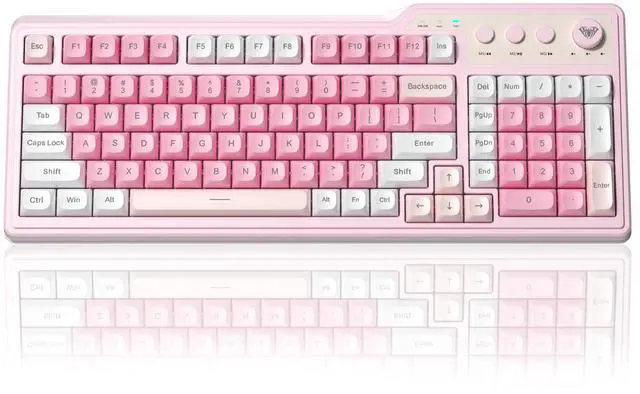
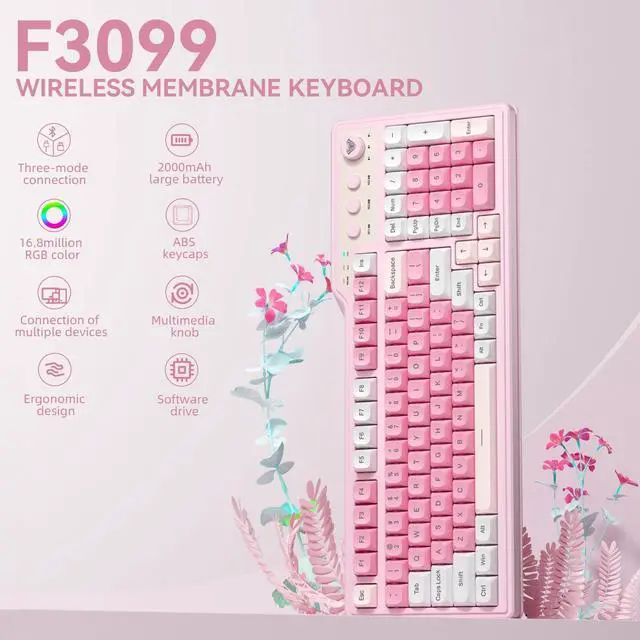
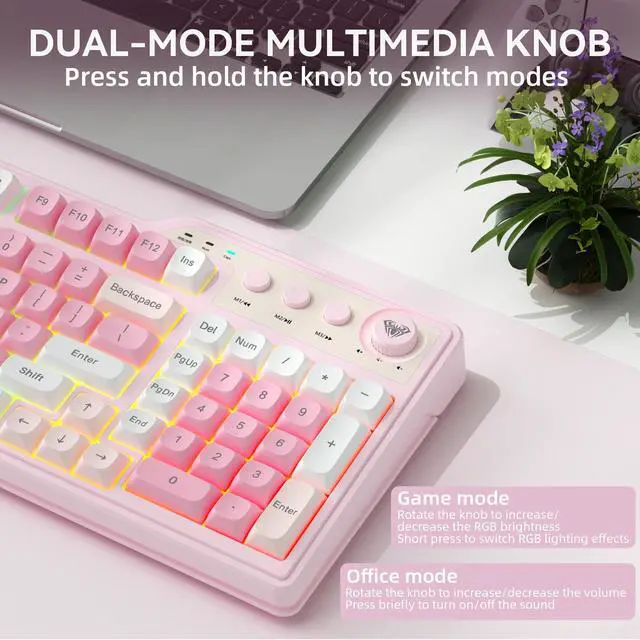
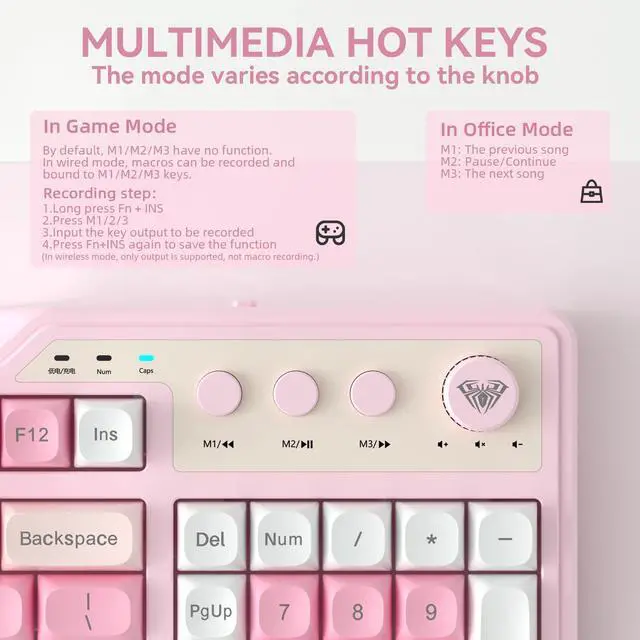
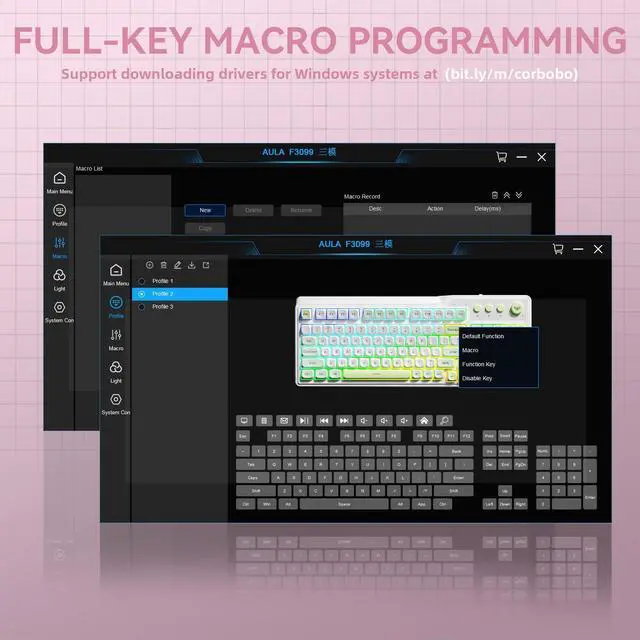


AULA F3099 Wireless Keyboard with Media Knob


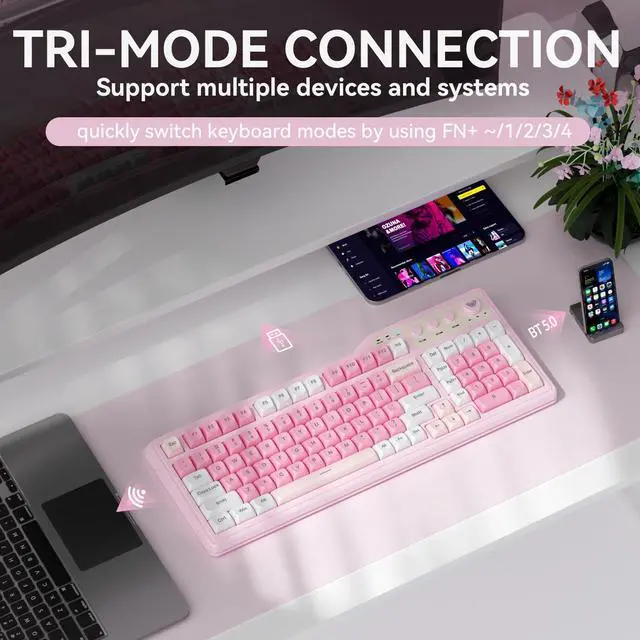
Why can't my device detect the AULA F3099 keyboard when I press FN+1/2/3 to switch to BT mode?
For the initial pairing, press and hold “FN+1/2/3” to display and pair the device. After pairing is complete, a short press of “FN+1/2/3” allows quick switching between different paired channels.
Why isn't the F3099 keyboard working after I plug it in? How do I reattach the key that came off?
You must press FN+~/1/2/3/4 to switch to the corresponding mode in order to use it.
The key can be directly reattached for use. The large key features a satellite bar; please refer to the product page video for installation instructions.
Why won't this wireless keyboard charge? What are the precautions?
1.Please use the included charging cable to connect the keyboard to a computer for charging.
2.Do not use fast-charging cables or chargers with excessively high current/voltage, as this may affect battery performance.
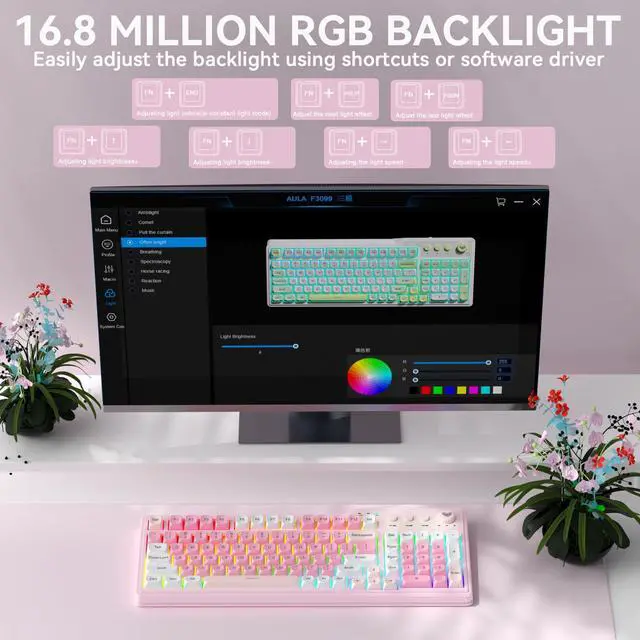
Why can't I install the driver after downloading it? Why can't the keyboard be detected after installing the driver?
1.The software driver is currently only compatible with Windows computers and cannot be installed on other operating systems.
2.After installing the driver, the keyboard must be in wired mode and connected via a wired connection to be recognized.
What should I do if some keys on this F3099 quiet keyboard stop working?Why did I receive a keyboard in the wrong color?
It is recommended to press and hold the “FN+ESC” keys simultaneously for 3-5 seconds to reset the keyboard and resolve this issue.
Keyboards are uniformly packaged in green. The actual color may vary slightly from the packaging.
Hot-selling Wireless Keyboards From CORBOBO
 AULA F3099 |  LINGBAO K108 Pro |  LINGBAO K108 Pro |  LINGBAO K75 |  LINGBAO K75 |  LEOBOG AMG65 |  SOLAKAKA KI75 | |
|---|---|---|---|---|---|---|---|
Customer Reviews | — | — | — | — | — | — | — |
Price | — | — | — | — | — | — | — |
Hot Swappable | ? | ? | ? | ? | ? | ? | ? |
Layout&Keys | 96% Size/99 Keys | Full-Size/104 Keys | Full-Size/104 Keys | 75%/81 Keys | 75%/81 Keys | 65%/67 Keys | 75%/81 Keys |
Keyboard Type | Membrane Keyboard | Mechanical Keyboard | Mechanical Keyboard | Mechanical Keyboard | Mechanical Keyboard | Mechanical Keyboard | Mechanical Keyboard |
Keycap Material | ABS | PBT | PBT | PBT | PBT | PBT | PBT Side Print |
Connectivity | BT5.0/2.4Ghz/USB-C Wired | BT5.0/2.4Ghz/USB-C Wired | BT5.0/2.4Ghz/USB-C Wired | BT5.0/2.4Ghz/USB-C Wired | BT5.0/2.4Ghz/USB-C Wired | BT5.0/2.4Ghz/USB-C Wired | BT5.0/2.4Ghz/USB-C Wired |
Backlight | RGB (Keycap Not Lit-Through) | RGB (Keycap Not Lit-Through) | RGB(Keycap Side Lit-Through) | RGB (Keycap Not Lit-Through) | RGB (Keycap Not Lit-Through) | RGB (Keycap Not Lit-Through) | RGB(Keycap Side Lit-Through) |
Battery Capacity | 2000mAh | 10000mAh | 10000mAh | 10000mAh | 10000mAh | 8000mAh | 4000mAh |
Housing Material | Plastic | Plastic | Plastic | Plastic | Plastic | Plastic | Aluminum |


CORBOBO keyboards grace desktops worldwide, a testament to our dedication to delivering superior typing solutions. We continue to innovate, ensuring every stroke reflects our promise of excellence. We stand by our motto:Designed for Performance, Crafted for Elegance. And as we move forward, we continue to innovate, ensuring that every keyboard is a testament to our legacy—a blend of functionality and art that transcends time.
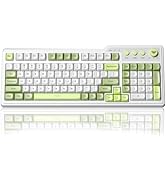
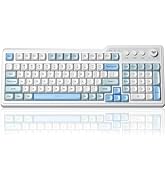
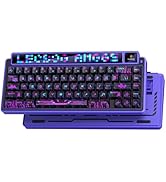
Hot-selling items
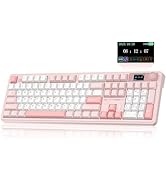
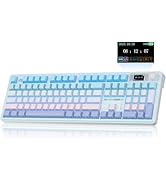
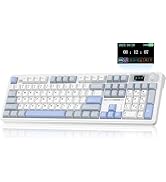
Full-Size Keyboard
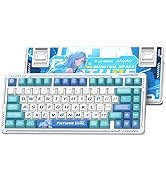
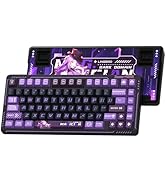
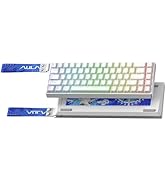
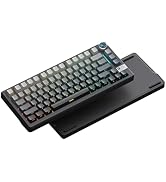
Gaming keyboard
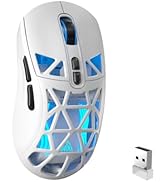
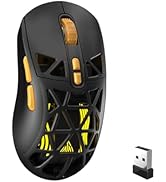
SOLAKAKA Gaming Mice
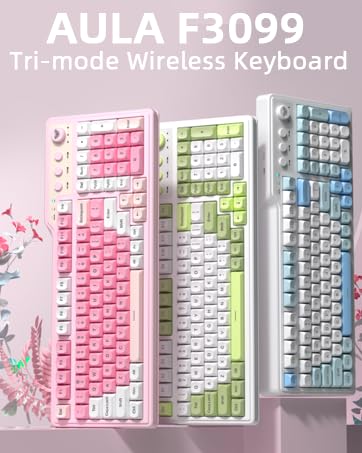
AULA F3099 Wireless Keyboard with Media Knob


Why can't my device detect the AULA F3099 keyboard when I press FN+1/2/3 to switch to BT mode?
For the initial pairing, press and hold “FN+1/2/3” to display and pair the device. After pairing is complete, a short press of “FN+1/2/3” allows quick switching between different paired channels.
Why isn't the F3099 keyboard working after I plug it in? How do I reattach the key that came off?
You must press FN+~/1/2/3/4 to switch to the corresponding mode in order to use it.
The key can be directly reattached for use. The large key features a satellite bar; please refer to the product page video for installation instructions.
Why won't this wireless keyboard charge? What are the precautions?
1.Please use the included charging cable to connect the keyboard to a computer for charging.
2.Do not use fast-charging cables or chargers with excessively high current/voltage, as this may affect battery performance.
Why can't I install the driver after downloading it? Why can't the keyboard be detected after installing the driver?
1.The software driver is currently only compatible with Windows computers and cannot be installed on other operating systems.
2.After installing the driver, the keyboard must be in wired mode and connected via a wired connection to be recognized.
What should I do if some keys on this F3099 quiet keyboard stop working?Why did I receive a keyboard in the wrong color?
It is recommended to press and hold the “FN+ESC” keys simultaneously for 3-5 seconds to reset the keyboard and resolve this issue.
Keyboards are uniformly packaged in green. The actual color may vary slightly from the packaging.
Hot-selling Wireless Keyboards From CORBOBO
AULA F3099 | LINGBAO K108 Pro | LINGBAO K108 Pro | LINGBAO K75 | LINGBAO K75 | LEOBOG AMG65 | SOLAKAKA KI75 |
|---|---|---|---|---|---|---|
| Customer Reviews | ||||||
| — | — | — | — | — | — | — |
| Price | ||||||
| — | — | — | — | — | — | — |
| Hot Swappable | ||||||
| ? | ? | ? | ? | ? | ? | ? |
| Layout&Keys | ||||||
| 96% Size/99 Keys | Full-Size/104 Keys | Full-Size/104 Keys | 75%/81 Keys | 75%/81 Keys | 65%/67 Keys | 75%/81 Keys |
| Keyboard Type | ||||||
| Membrane Keyboard | Mechanical Keyboard | Mechanical Keyboard | Mechanical Keyboard | Mechanical Keyboard | Mechanical Keyboard | Mechanical Keyboard |
| Keycap Material | ||||||
| ABS | PBT | PBT | PBT | PBT | PBT | PBT Side Print |
| Connectivity | ||||||
| BT5.0/2.4Ghz/USB-C Wired | BT5.0/2.4Ghz/USB-C Wired | BT5.0/2.4Ghz/USB-C Wired | BT5.0/2.4Ghz/USB-C Wired | BT5.0/2.4Ghz/USB-C Wired | BT5.0/2.4Ghz/USB-C Wired | BT5.0/2.4Ghz/USB-C Wired |
| Backlight | ||||||
| RGB (Keycap Not Lit-Through) | RGB (Keycap Not Lit-Through) | RGB(Keycap Side Lit-Through) | RGB (Keycap Not Lit-Through) | RGB (Keycap Not Lit-Through) | RGB (Keycap Not Lit-Through) | RGB(Keycap Side Lit-Through) |
| Battery Capacity | ||||||
| 2000mAh | 10000mAh | 10000mAh | 10000mAh | 10000mAh | 8000mAh | 4000mAh |
| Housing Material | ||||||
| Plastic | Plastic | Plastic | Plastic | Plastic | Plastic | Aluminum |
CORBOBO keyboards grace desktops worldwide, a testament to our dedication to delivering superior typing solutions. We continue to innovate, ensuring every stroke reflects our promise of excellence. We stand by our motto:Designed for Performance, Crafted for Elegance. And as we move forward, we continue to innovate, ensuring that every keyboard is a testament to our legacy—a blend of functionality and art that transcends time.
Hot-selling items
Full-Size Keyboard
Gaming keyboard
SOLAKAKA Gaming Mice