



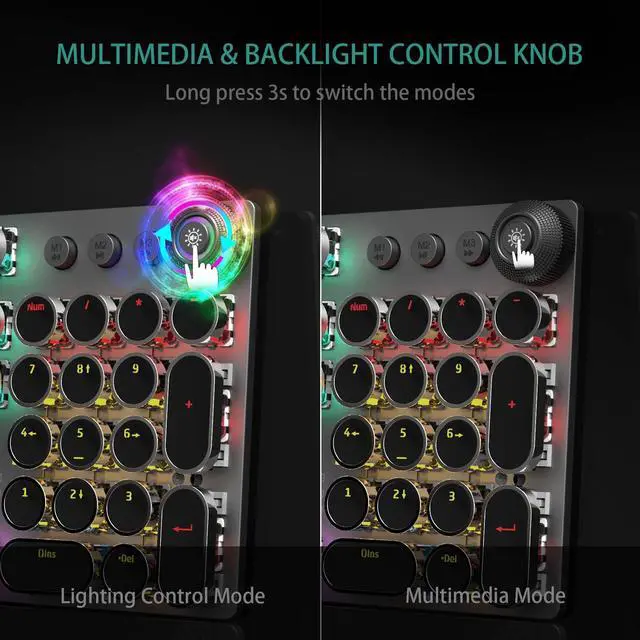


MULTIFUNCTIONAL KNOB: CONTROL MEDIA VOLUME AND LIGHTING EFFECTS

How to switch the mode of the knob?
Long press the knob until the knob LED light OFF: enter the multimedia mode.
Long press the knob until the knob LED light ON: enter the lighting control mode.
Lighting Effect Control
When the LED light of knob is on, the knob is in the light effect control mode:
1.Click the button to switch the light effect mode and store up to 19 lighting effects.
2.Rotate the knob to adjust the brightness.
3.You can customize 3 lighting effects according to your preference through M1/M2/M3 keys. (Refer to the manual)
Media Volume Control
When the LED light of knob is off, the knob is in the multimedia mode:
1.Click the button to mute the function.
2.Rotate the knob to adjust the volume.


FULL-SIZE GAMING/OFFICE MECHANICAL KEYBOARD
Convenient Shortcut Keys
FN+F1 (My Computer); FN+F2 (Search)
FN+F3 (Calculator); FN+F4 (CD Player)
FN+F5 (Previous Song); FN+F6 (Next Song)
FN+F12 (Lock/Unlock Full Keyboard)
FN+WIN-L (Lock WIN+APP)
FN+-?(Speed+); FN+<?(Speed-)
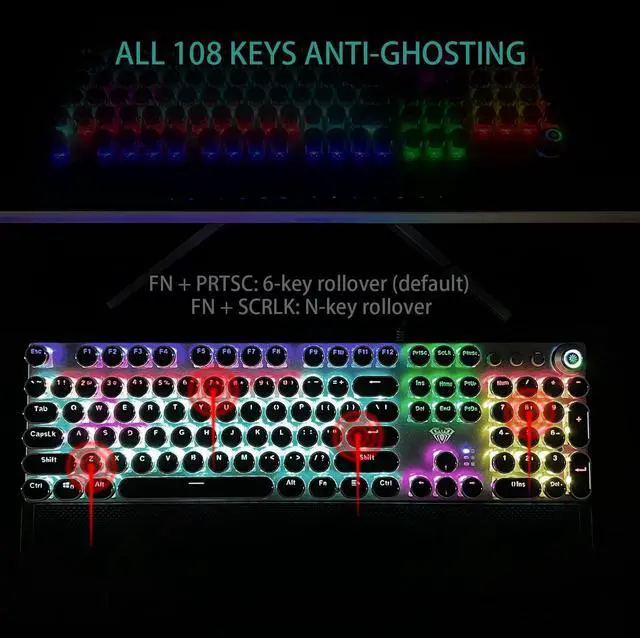
FN+PRTSC (6-key Rollover)
FN+SCRLK (N-key Rollover)


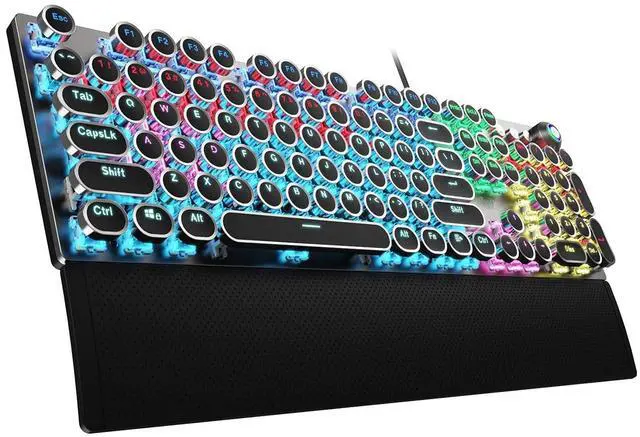
Retro Typewriter Style Mechanical Keyboard

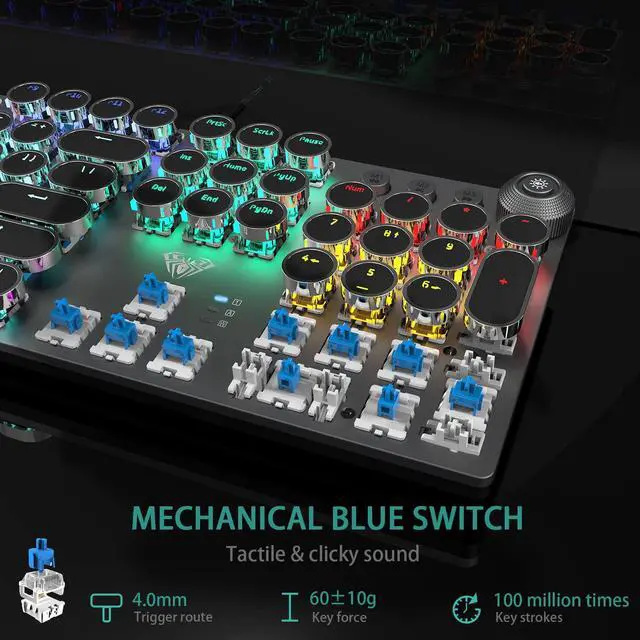
Blue Switch for Both Gaming and Office

Support Macro Programming
Specification


ABOUT AULA
Founded in 2002, AULA is an enterprise integrating production, sales, distribution and after-sales service. The brand is inspired by one of the largest spiders in the world, the tarantula, which is characterized by its speed and strength, like the response of AULA keyboard and mouse. Our products are sold all over the world and are loved by gaming enthusiasts.

AULA Hot Selling

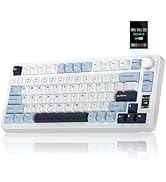
75% Keyboard-F75 PRO & S75 PRO


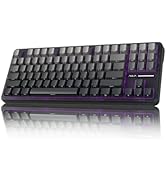
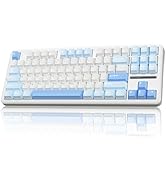
Creamy Keyboard - S98pro & F87
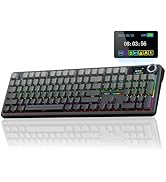
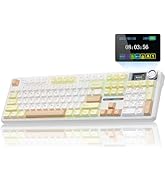


Full Size Keyboard - F108 Pro
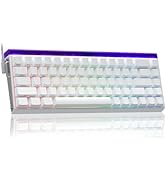


Magnetic Keyboard-HERO68&WIN68

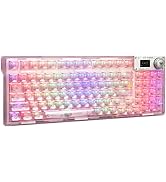
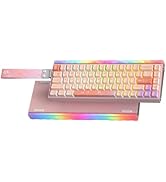
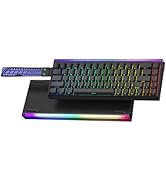
RGB Keyboards-F98Pro &Hero68HE
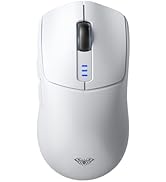
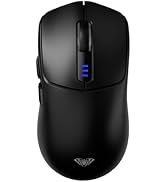
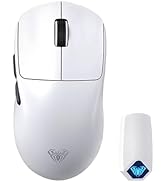

Tri-Mode Mouse-SC580 & SC800


Tri-Mode Mouse-SC680 &SC900pro


Gaming Mice
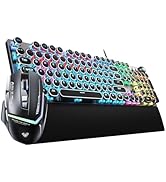

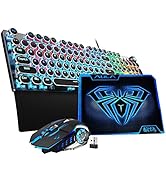

Gaming Keyboard&Mouse Combo

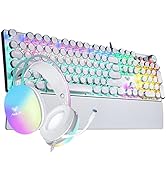
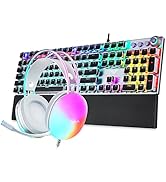
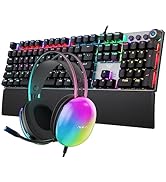
Gaming Keyboard Headset Combo
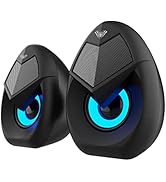
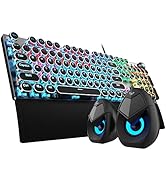

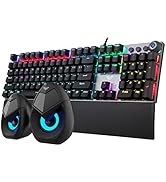
Keyboard & Speakers Combo


MULTIFUNCTIONAL KNOB: CONTROL MEDIA VOLUME AND LIGHTING EFFECTS
How to switch the mode of the knob?
Long press the knob until the knob LED light OFF: enter the multimedia mode.
Long press the knob until the knob LED light ON: enter the lighting control mode.
Lighting Effect Control
When the LED light of knob is on, the knob is in the light effect control mode:
1.Click the button to switch the light effect mode and store up to 19 lighting effects.
2.Rotate the knob to adjust the brightness.
3.You can customize 3 lighting effects according to your preference through M1/M2/M3 keys. (Refer to the manual)
Media Volume Control
When the LED light of knob is off, the knob is in the multimedia mode:
1.Click the button to mute the function.
2.Rotate the knob to adjust the volume.
FULL-SIZE GAMING/OFFICE MECHANICAL KEYBOARD
Convenient Shortcut Keys
FN+F1 (My Computer); FN+F2 (Search)
FN+F3 (Calculator); FN+F4 (CD Player)
FN+F5 (Previous Song); FN+F6 (Next Song)
FN+F12 (Lock/Unlock Full Keyboard)
FN+WIN-L (Lock WIN+APP)
FN+-?(Speed+); FN+<?(Speed-)
FN+PRTSC (6-key Rollover)
FN+SCRLK (N-key Rollover)
Retro Typewriter Style Mechanical Keyboard
Blue Switch for Both Gaming and Office
Support Macro Programming
Specification
| Keyboard Size | 435×123×38mm |
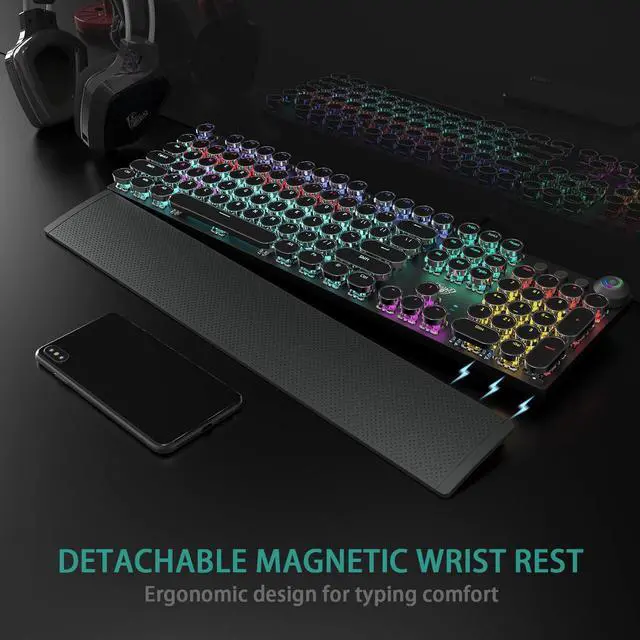
| Wrist Rest Size | 435×68×15mm |
| Connection Method | USB Wired |
| Cable Length | 1.8m |
| Number of Keys | Full Size Keyboard(104 normal keys + 4 multimedia keys) |
| Key Stroke | 4.0mm |
| Keystroke Force | 60±10g |
| Key Life Times | 100 Million Times |
| Rated Voltage | DC 5V |
| Rated Current | 250mA |
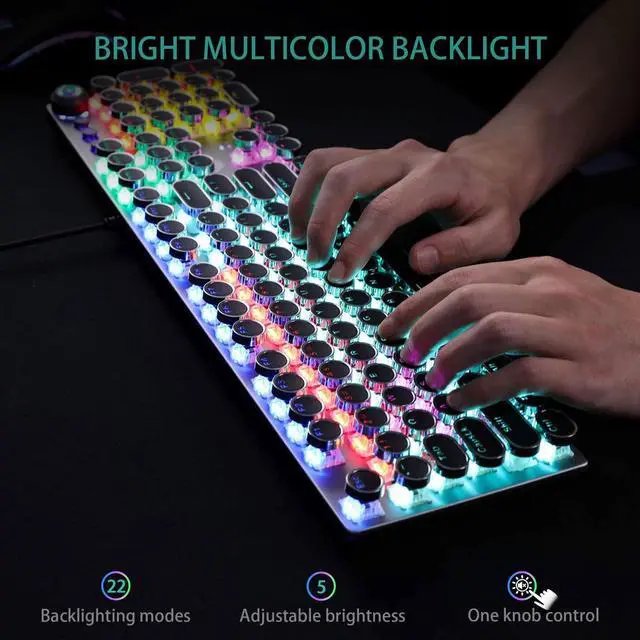
| Types Of Lighting Effects | 22 Kinds |
| Knob Function | Media Volume Control/Lighting Effect Switch |
| Switch Type | Blue Switch |
| System | Support Mac OS, Windows 7/8/10/Vista |
| Applicable Equipment | Ps4/ Ps5/ Xbox/ Pc/ Mac/ Laptop/ Tablet/ Notebook/ Desktop Computer |
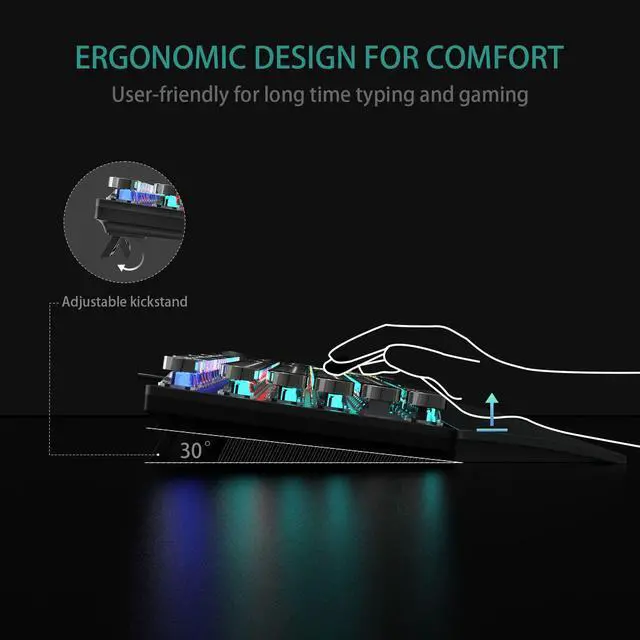
| Material | Metal Panel/Alloy Knob/ABS Keycaps/LED Backlight/Nylon Braided Wire/Silicone Base/Plastic Keyboard Stand |
ABOUT AULA
Founded in 2002, AULA is an enterprise integrating production, sales, distribution and after-sales service. The brand is inspired by one of the largest spiders in the world, the tarantula, which is characterized by its speed and strength, like the response of AULA keyboard and mouse. Our products are sold all over the world and are loved by gaming enthusiasts.
AULA Hot Selling
75% Keyboard-F75 PRO & S75 PRO
Creamy Keyboard - S98pro & F87
Full Size Keyboard - F108 Pro
Magnetic Keyboard-HERO68&WIN68
RGB Keyboards-F98Pro &Hero68HE
Tri-Mode Mouse-SC580 & SC800
Tri-Mode Mouse-SC680 &SC900pro
Gaming Mice
Gaming Keyboard&Mouse Combo
Gaming Keyboard Headset Combo
Keyboard & Speakers Combo