




Wide Application of 2 in 1 Receiver
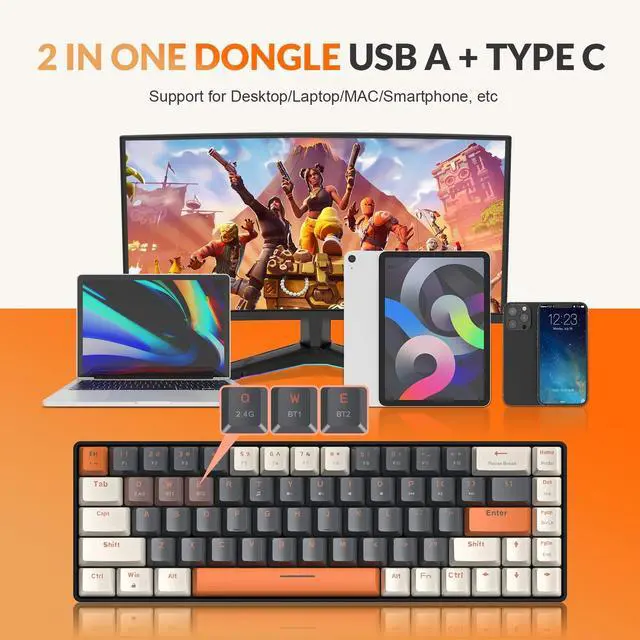
The USB A port is for the PC/Laptop/Mac/Gaming devices.The Type C port is for the Mobile Phone/Mac/Ipad,etc.
Using the latest 2.4G wireless technology, no delay, stable and fast.Also support Bluetooth to connect 2 devices at the same time.It makes our work very convenient.

Can't find where is Type C?
The wireless receiver has 2 ports: USB A and Type C. Type C is on the other port of the receiver, you need to pull out the cover to see the type C port.
2 in 1 recevier allows you to connect devices that only have a type C interface, such as mobile phones,MAC,etc.

Hot Swappable PCB
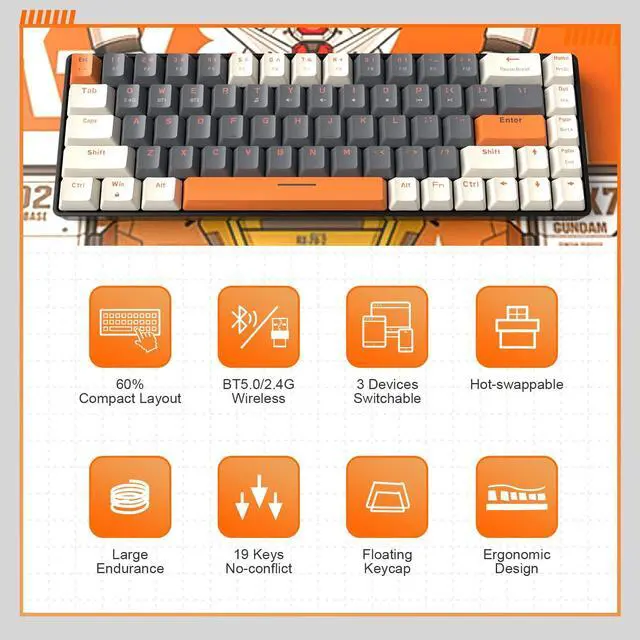
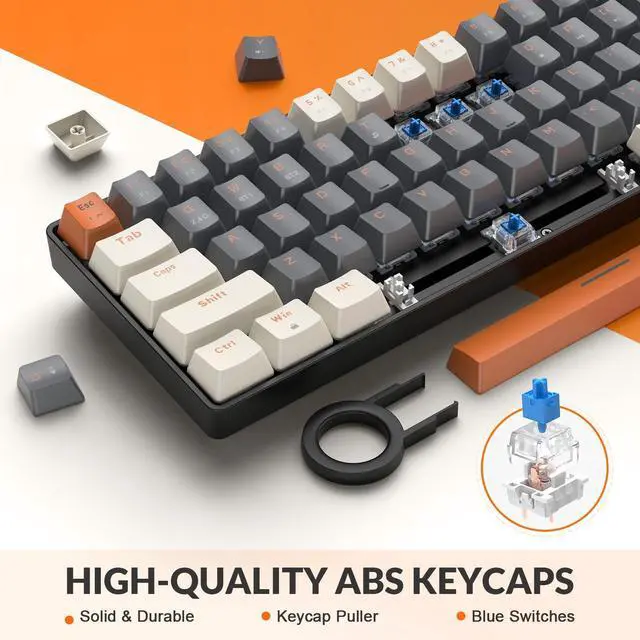
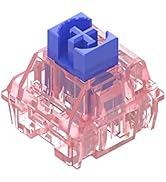
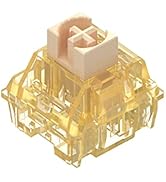
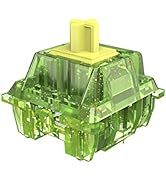
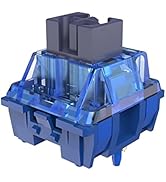
The keyboard is compatible with 3pin mechanical switches.You can customize your favorite switches without soldering,MX switches(Red,Brown,Blue,Black,Yellow Switch,etc.)
This is the most cost-effective hot-swappable keyboard.
Operation process of wireless connection:
- 1. Add 2 brand new AAA batteries to the bottom of the keyboard.
- 2. Turn on the power switch at the bottom of keyboard.
- 3. Bluetooth connection mode:
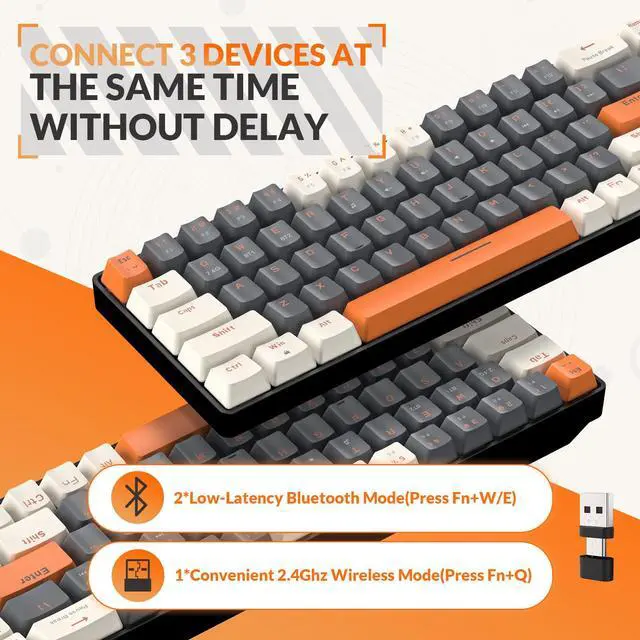
- 1) Press FN+W/E for three seconds,the indicator of W/E key will flash,indicating that the keyboard is in pairing mode.
- 2) Turn on the bluetooth of your device, click on the keyboard bluetooth name to pair,the keyboard bluetooth name: K68TB5.0.
- If the pairing is successful, the W/E key will turns off the light, and you can start using it.
- 4. 2.4G wireless connection mode:
- 1) Press FN+Q for three seconds, and the light of the Q key will flash quickly.
- 2) Insert the 2 in 1 dual interface receiver into your device, and it will be paired automatically.
- 3) The light of the Q key is off, which means that the pairing is successful and it can be used.
The keyboard can be connected to 3 devices at the same time, supporting connection to PC, laptop, smartphone, tablet, PS4, PS5, Xbox. You can quickly switch devices by pressing FN+W/E/Q, and you can easily switch scenes between games, work, and daily use.
Key Specifications:
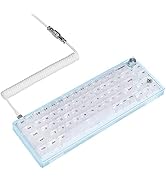
- Number of Keys: 68
- Keyboard Dimensions: about 12.3in*4in*1.7in
- Interface Type: Dual Mode 2-in-1 Receiver (USB+Type-c)
- System Support: Windows XP/7/8/10/11/Android/iOS/MAC and Other operating systems
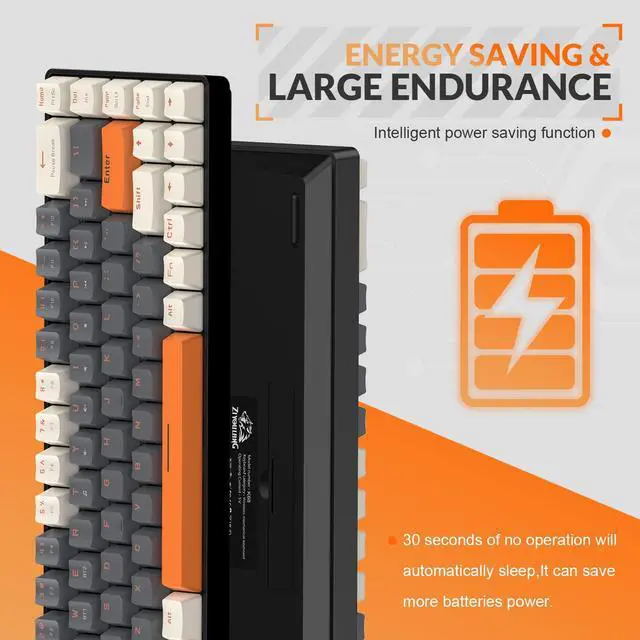
- Light effects: Non-Backlit (Power Saving)
FN combination functions:
- FN+Q: Switch to 2.4G wireless mode
- FN+W/E: Switch to Bluetooth mode
- FN+T: Multimedia player
- FN+U/Y: Volume+/-
- FN+I: Mute/Unmute
- FN+{: Play/Pause
- FN+}/P: Next/Previous Song
- FN+WIN: Lock/Unlock win
Packing List:
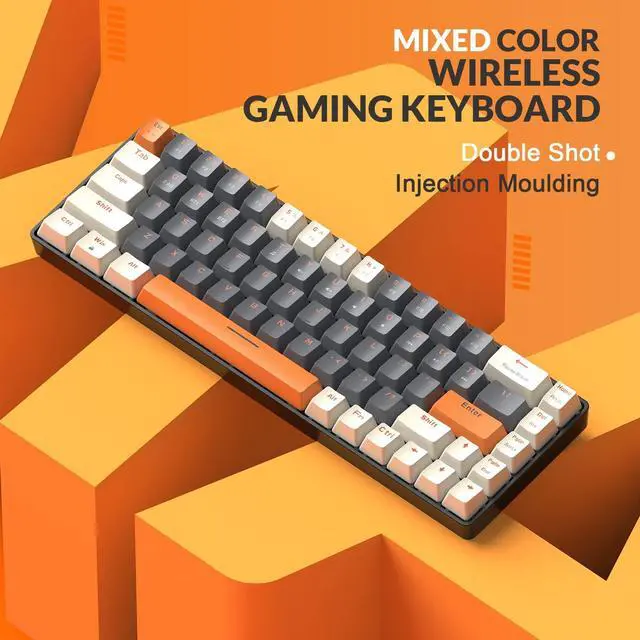
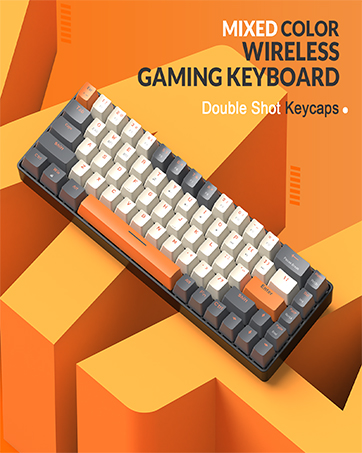
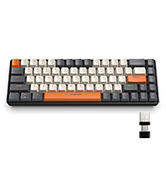
1x Wireless Mechanical Gaming Keyboard
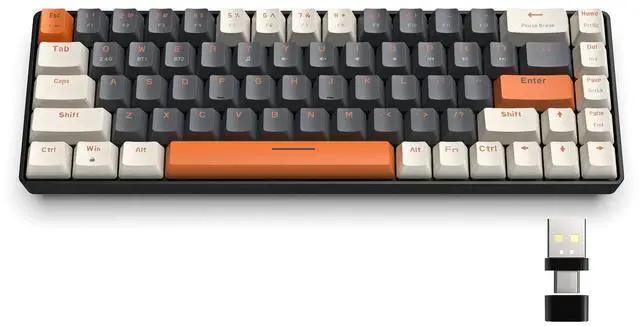
1x Dual Mode 2-in-1 Receiver
1x Keycap and Switch Puller
1x User Manual


Wide Application of 2 in 1 Receiver
The USB A port is for the PC/Laptop/Mac/Gaming devices.The Type C port is for the Mobile Phone/Mac/Ipad,etc.
Using the latest 2.4G wireless technology, no delay, stable and fast.Also support Bluetooth to connect 2 devices at the same time.It makes our work very convenient.
Can't find where is Type C?
The wireless receiver has 2 ports: USB A and Type C. Type C is on the other port of the receiver, you need to pull out the cover to see the type C port.
2 in 1 recevier allows you to connect devices that only have a type C interface, such as mobile phones,MAC,etc.
Hot Swappable PCB
The keyboard is compatible with 3pin mechanical switches.You can customize your favorite switches without soldering,MX switches(Red,Brown,Blue,Black,Yellow Switch,etc.)
This is the most cost-effective hot-swappable keyboard.
Operation process of wireless connection:
- 1. Add 2 brand new AAA batteries to the bottom of the keyboard.
- 2. Turn on the power switch at the bottom of keyboard.
- 3. Bluetooth connection mode:
- 1) Press FN+W/E for three seconds,the indicator of W/E key will flash,indicating that the keyboard is in pairing mode.
- 2) Turn on the bluetooth of your device, click on the keyboard bluetooth name to pair,the keyboard bluetooth name: K68TB5.0.
- If the pairing is successful, the W/E key will turns off the light, and you can start using it.
- 4. 2.4G wireless connection mode:
- 1) Press FN+Q for three seconds, and the light of the Q key will flash quickly.
- 2) Insert the 2 in 1 dual interface receiver into your device, and it will be paired automatically.
- 3) The light of the Q key is off, which means that the pairing is successful and it can be used.
The keyboard can be connected to 3 devices at the same time, supporting connection to PC, laptop, smartphone, tablet, PS4, PS5, Xbox. You can quickly switch devices by pressing FN+W/E/Q, and you can easily switch scenes between games, work, and daily use.
Key Specifications:
- Number of Keys: 68
- Keyboard Dimensions: about 12.3in*4in*1.7in
- Interface Type: Dual Mode 2-in-1 Receiver (USB+Type-c)
- System Support: Windows XP/7/8/10/11/Android/iOS/MAC and Other operating systems
- Light effects: Non-Backlit (Power Saving)
FN combination functions:
- FN+Q: Switch to 2.4G wireless mode
- FN+W/E: Switch to Bluetooth mode
- FN+T: Multimedia player
- FN+U/Y: Volume+/-
- FN+I: Mute/Unmute
- FN+{: Play/Pause
- FN+}/P: Next/Previous Song
- FN+WIN: Lock/Unlock win
Packing List:
1x Wireless Mechanical Gaming Keyboard
1x Dual Mode 2-in-1 Receiver
1x Keycap and Switch Puller
1x User Manual
MAGIC-REFINER
The best products, the best service, the best reputaion.
MAGIC-REFINER is committed to bringing you the best shopping experience.
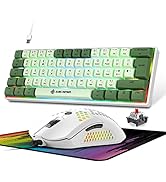
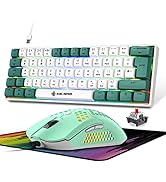
New Supply Landed K68
New Supply Landed MK31
Colorful & Passionate
Compact Keyboard & Mouse Combo
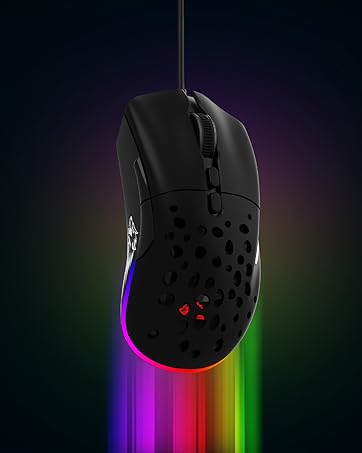
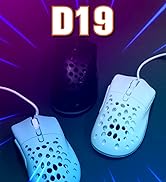
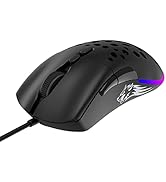
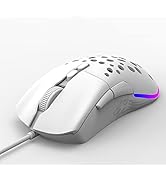
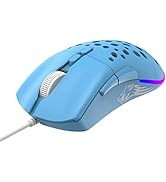
Lightweight Gaming Mouse