





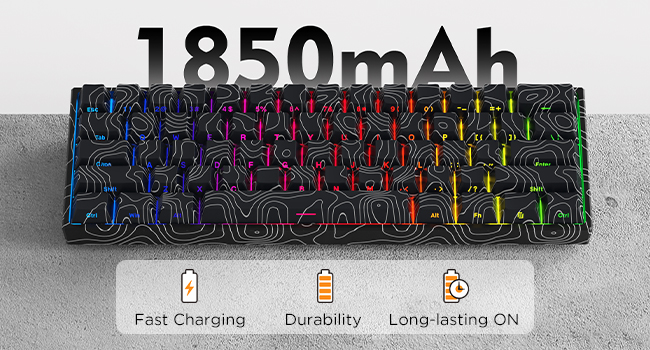
1850mAh High-capacity Battery
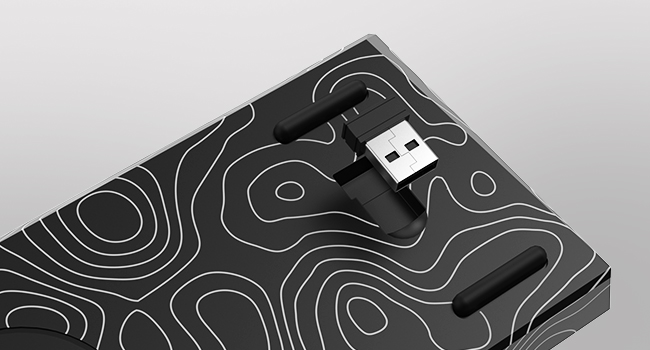
Magnetic Receiver Storage Compartment
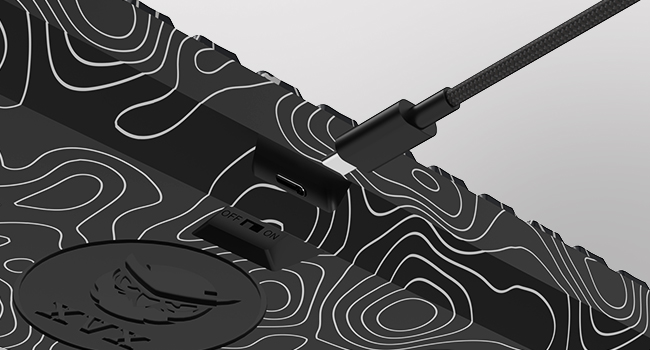
Detachable USB-C Cable
Compartical for Most of the USB-C Cable. More convenient, portable.
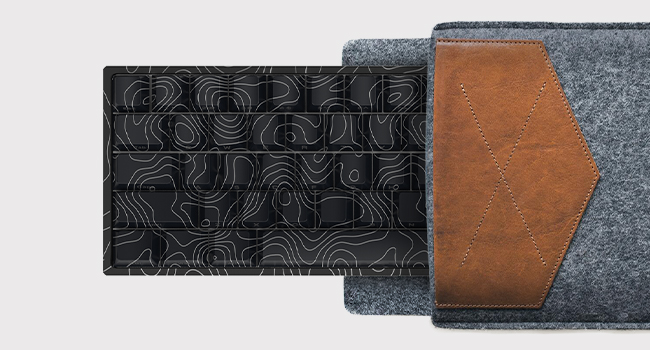
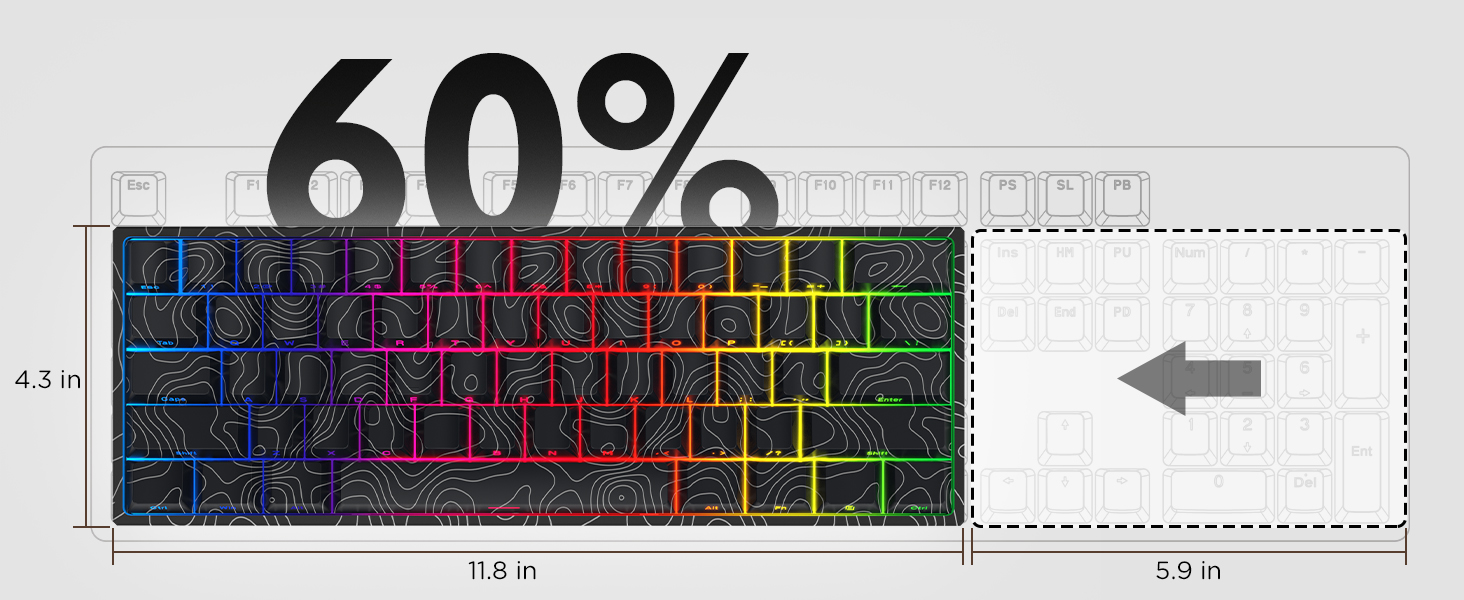
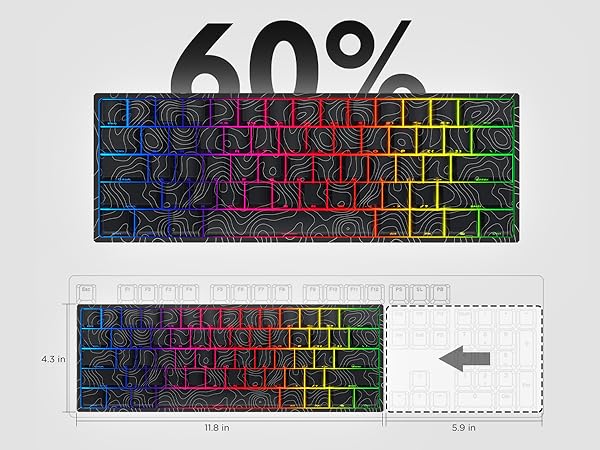
Ultra-compact Design
60% Layout,100% Portable.
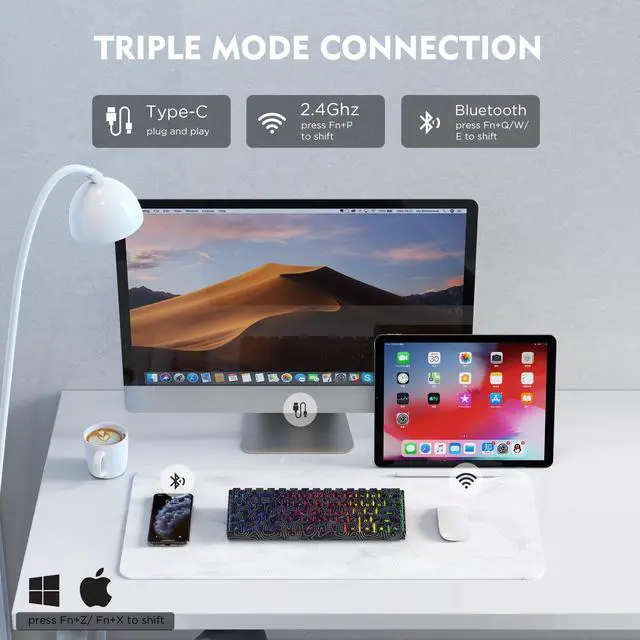
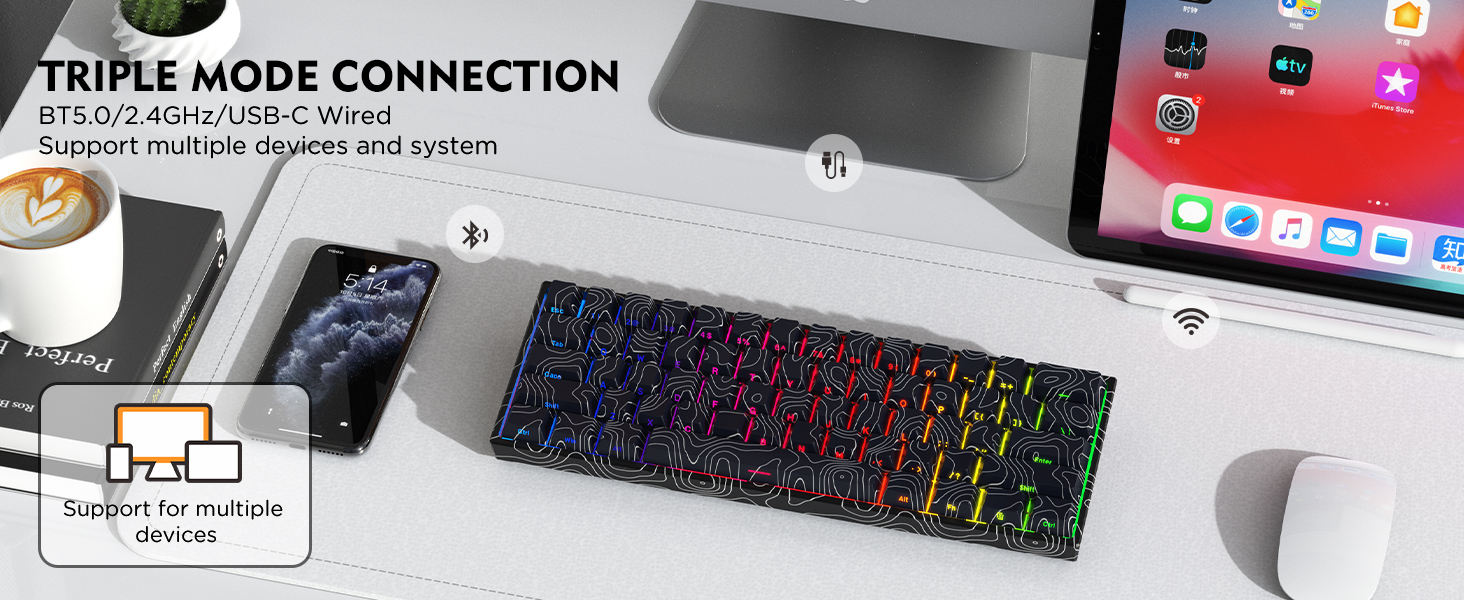
How to connect wired mode?
1. Turn off the power switch.
2. Insert the USB-C cable into the keyboard port.
3. Connect the other end of the USB-C cable to the computer.
How to connect to 2.4Ghz wireless mode?
1. Turn on the power switch.
2. Hold FN+P for 3-4 seconds, "P" key LED light flashes at high frequency, enter the pairing state.
3. Insert the 2.4GHz receiver to the USB port on the PC.
How to connect to Bluetooth wireless mode?
1.Turn on the power switch.
2.Hold FN+Q/W/E for 3 seconds, and the corresponding blue/green/purple light flashes quickly to enter the pairing mode.
3.Supports up to three devices; you can switch between them by pressing FN+Q/W/E.
Can you re-program the keys for Mac users?
This keyboard is Mac and Windows compatible, but the driver only supports Windows, so Mac users will not be able to re-program the keys.
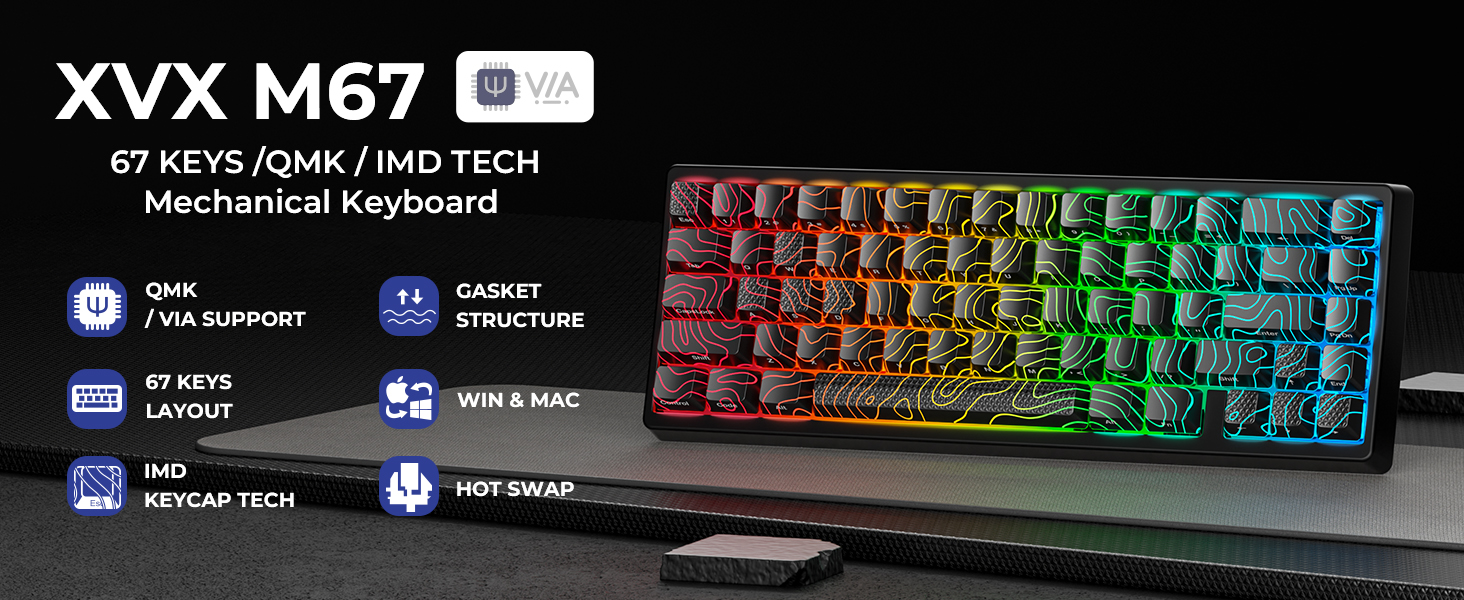
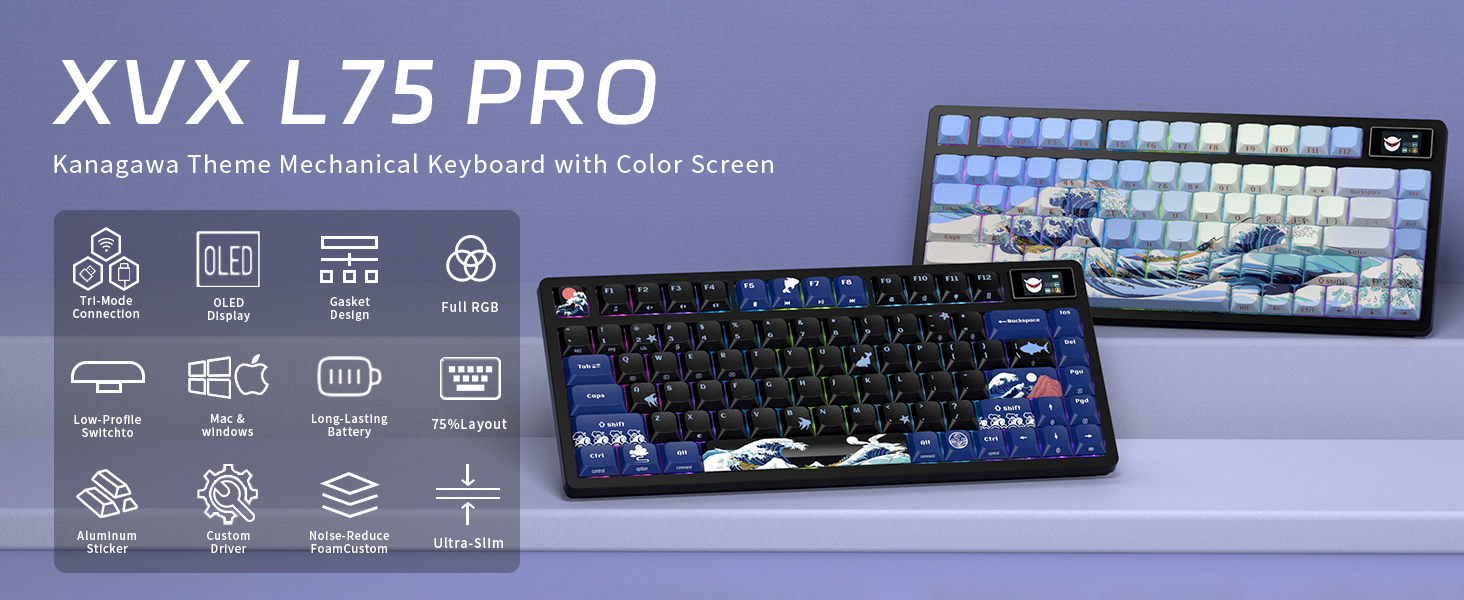
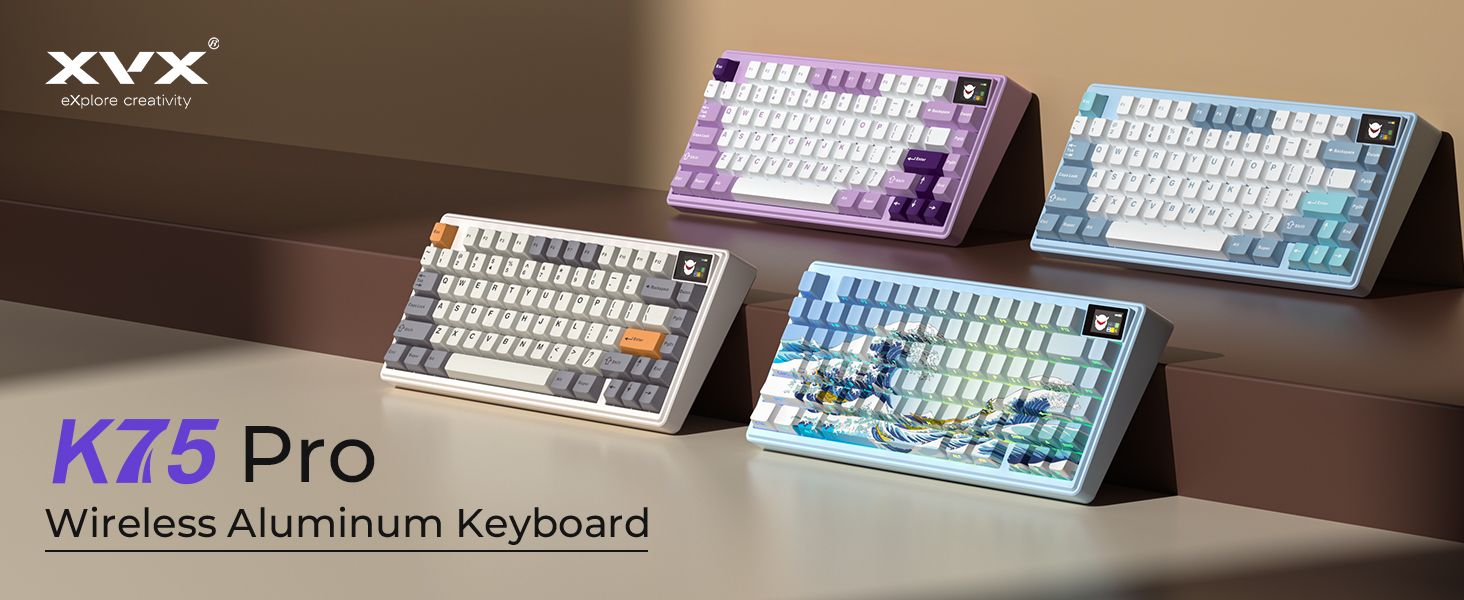
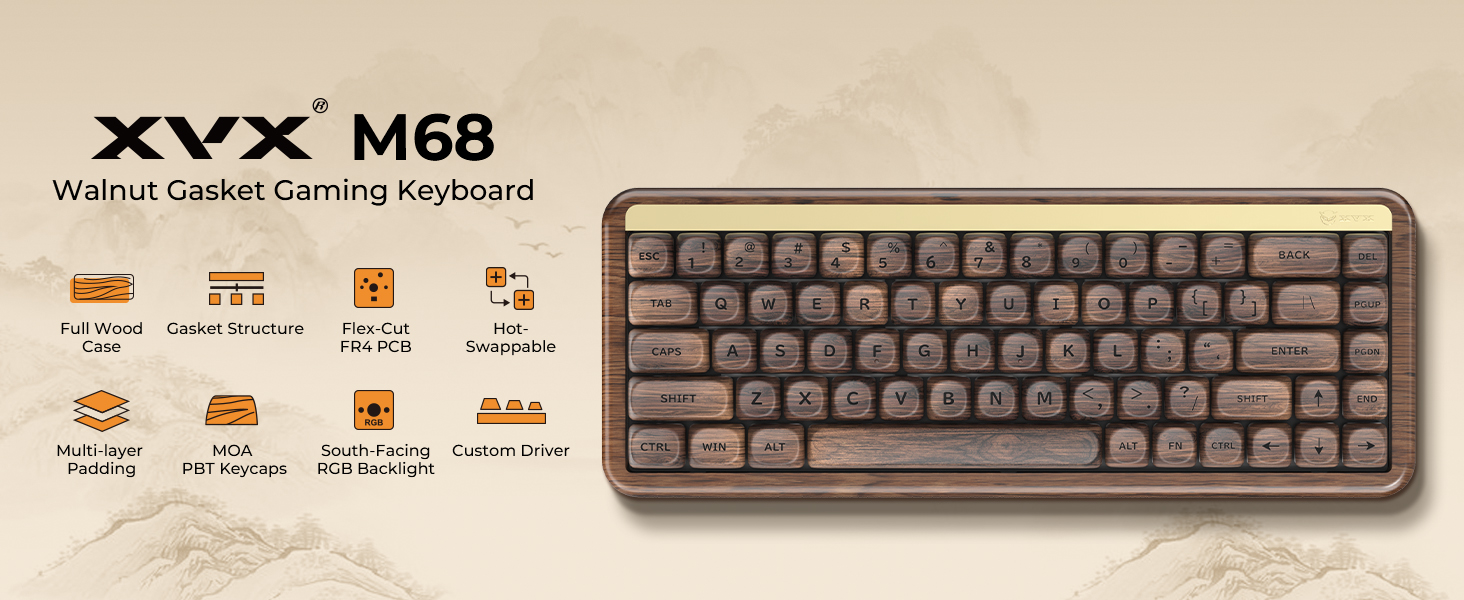
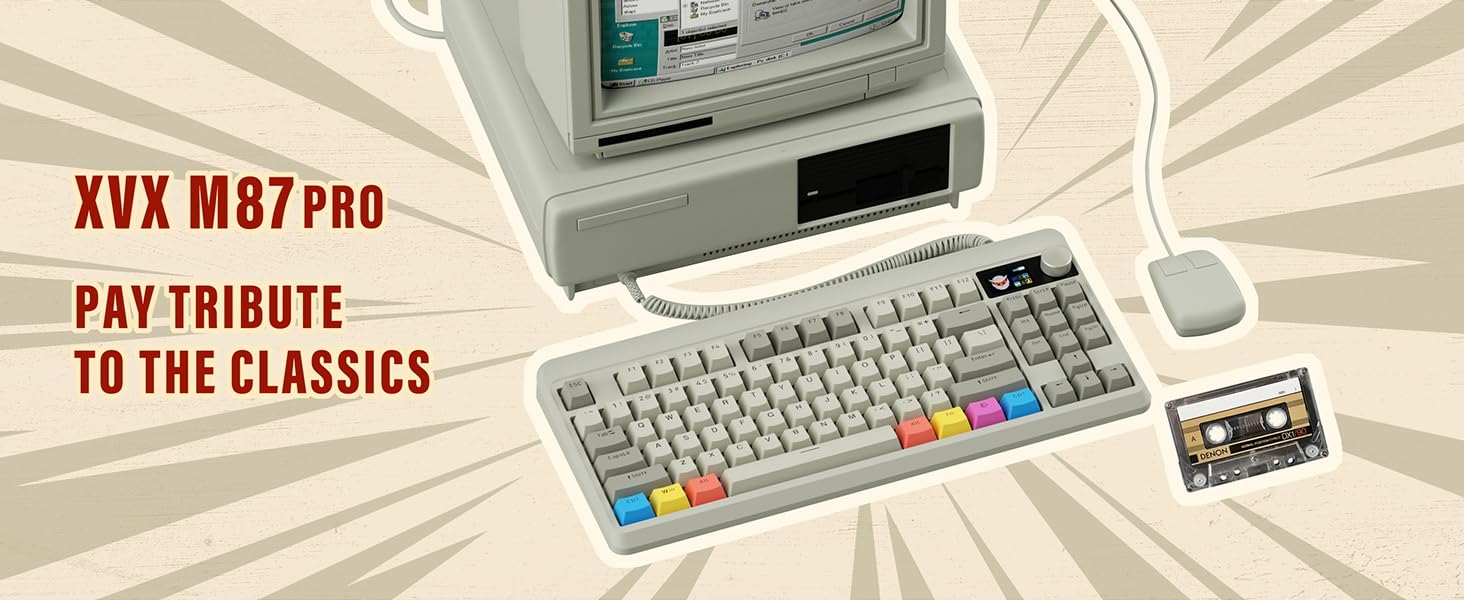
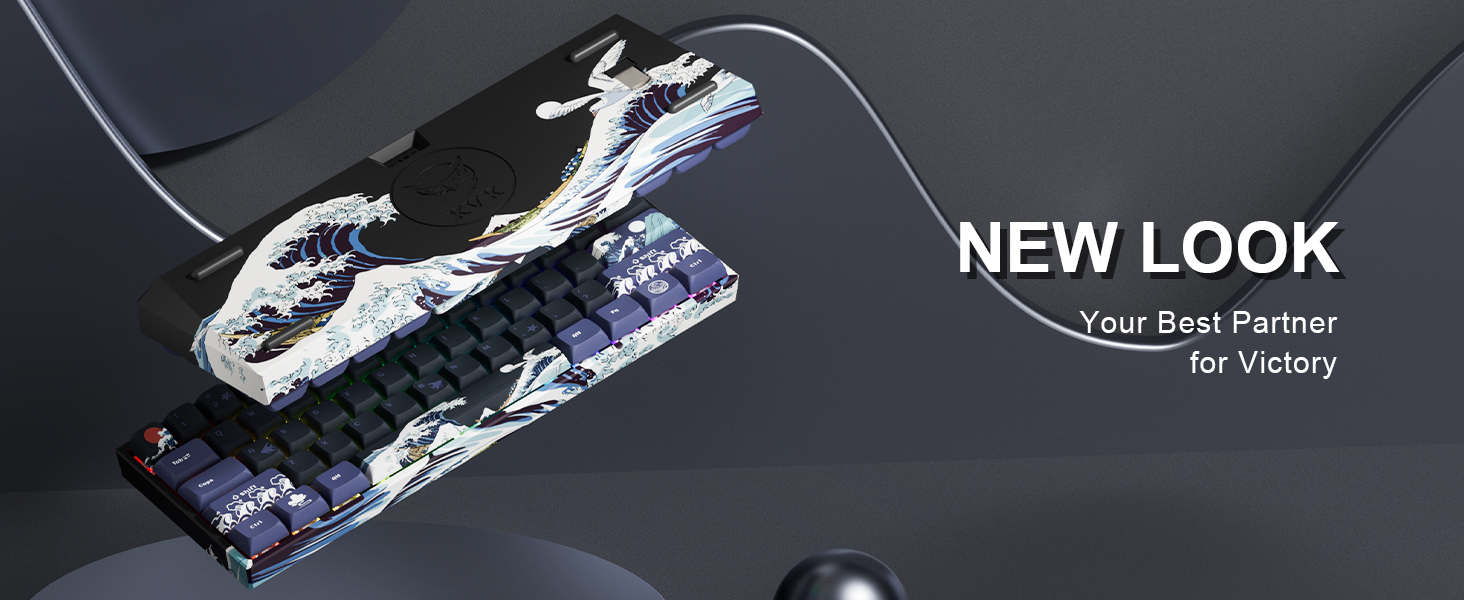


Founded in 2020, sub-brand of XVX, dedicating ourselves to designing and manufacturing custom keyboards and related peripherals.
HITIME, a brand that focuses on user experience. Diverse themes, and distinctive designs are the hallmarks of ours.
With the goal of "Let the keyboard express", HITIME will come up with more modifying-friendly peripherals and interesting themed keyboard collections. After all, mechanical keyboards are all about FUN!
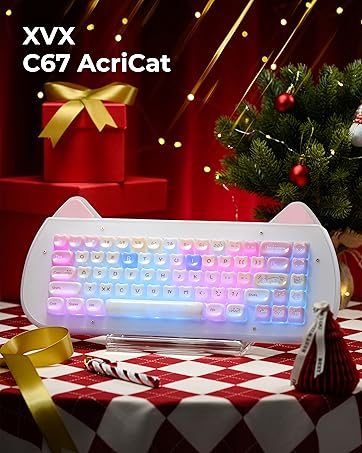
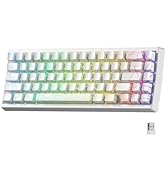
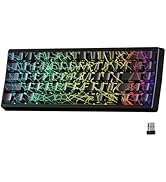
XVX M67 JadeStone Keyboard
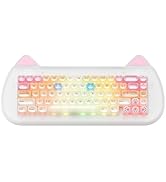
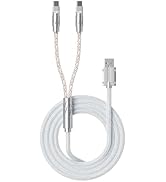
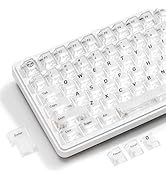
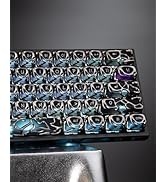
XVX New Arrivals
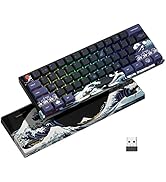
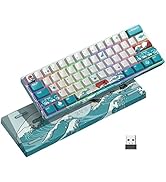
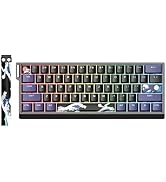
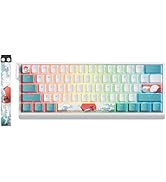
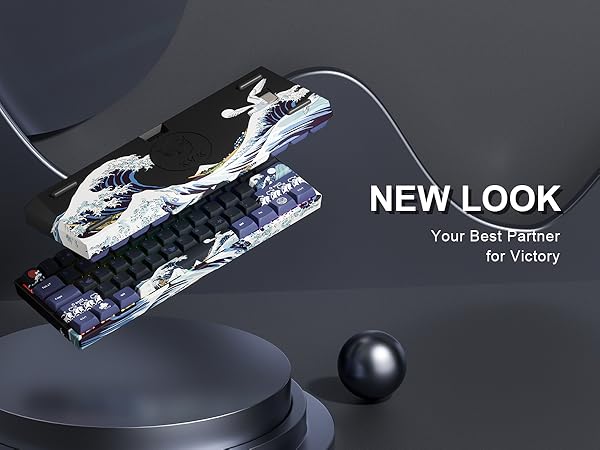
Kanagawa Series Keyboard
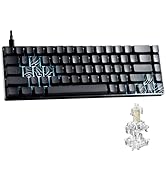
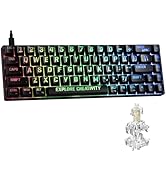
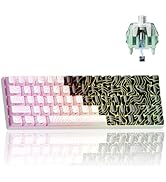
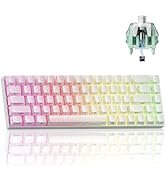
Gateron Magnetic Keyboard
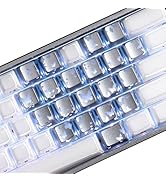
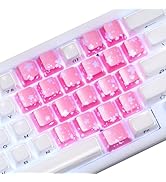
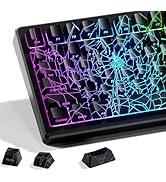
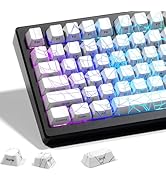
XVX Keycaps
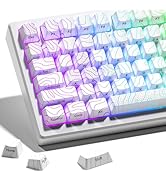
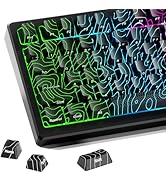
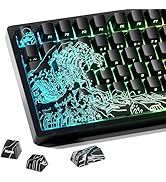
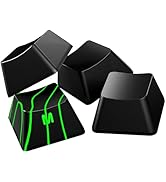
XVX IMD Keycaps
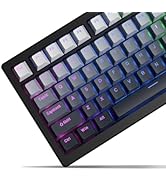
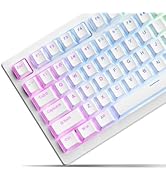
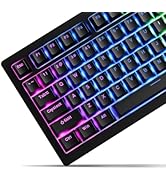
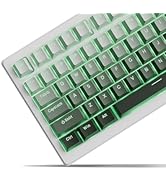
XVX Keycap Set
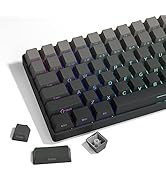
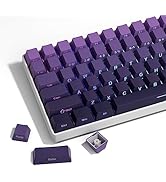
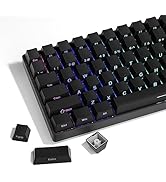
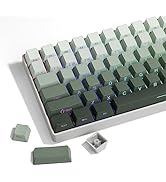
XVX Keycap Set
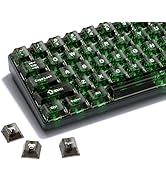
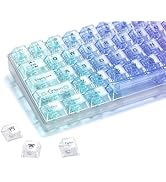
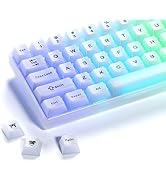
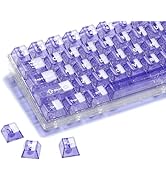
New Custom Keycaps
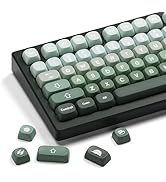
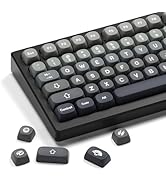
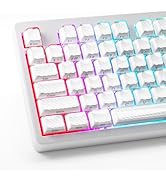
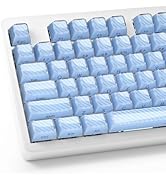
New PBT Keycaps
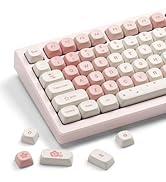
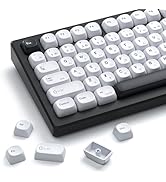
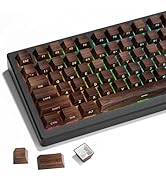
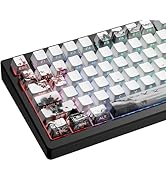
Hot New Releases
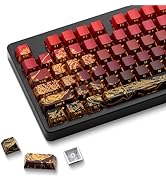
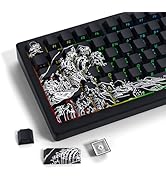
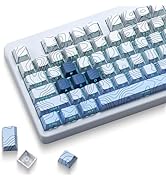
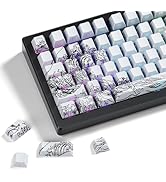
Hot New Releases
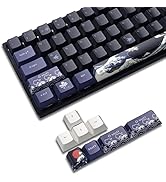
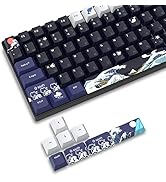
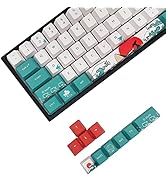
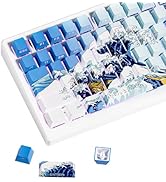
XVX Keycap Set
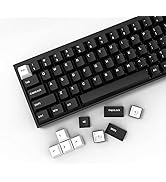
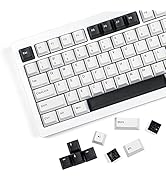
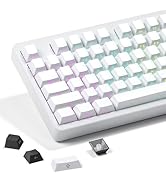
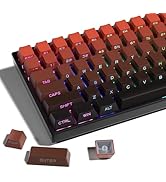
XVX Keycap Set
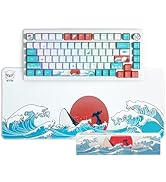
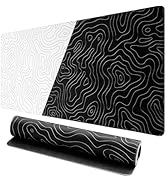
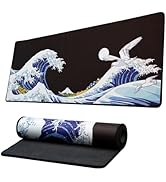
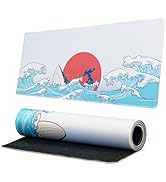
Keycap Set & Gaming Mouse Pad
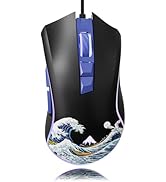
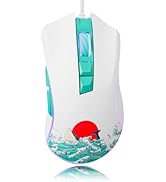
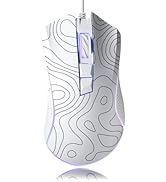
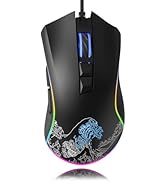
Wired Gaming Mouse
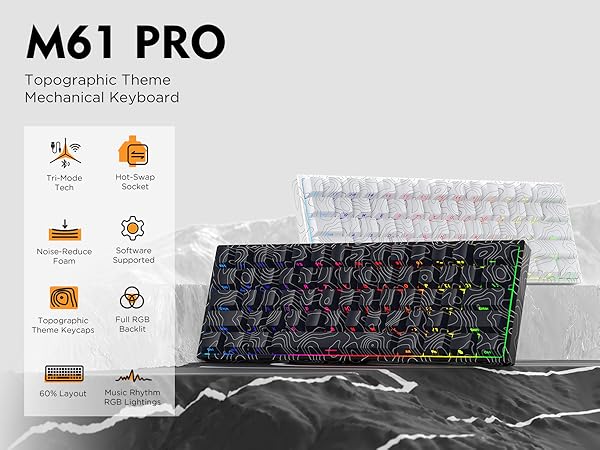
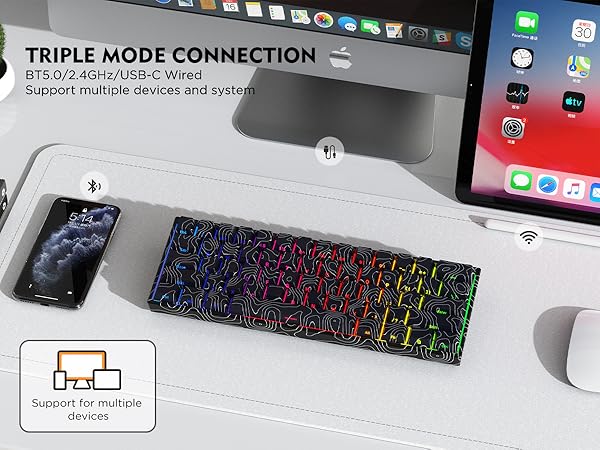
1850mAh High-capacity Battery
Magnetic Receiver Storage Compartment
Detachable USB-C Cable
Compartical for Most of the USB-C Cable. More convenient, portable.
Ultra-compact Design
60% Layout,100% Portable.
How to connect wired mode?
1. Turn off the power switch.
2. Insert the USB-C cable into the keyboard port.
3. Connect the other end of the USB-C cable to the computer.
How to connect to 2.4Ghz wireless mode?
1. Turn on the power switch.
2. Hold FN+P for 3-4 seconds, "P" key LED light flashes at high frequency, enter the pairing state.
3. Insert the 2.4GHz receiver to the USB port on the PC.
How to connect to Bluetooth wireless mode?
1.Turn on the power switch.
2.Hold FN+Q/W/E for 3 seconds, and the corresponding blue/green/purple light flashes quickly to enter the pairing mode.
3.Supports up to three devices; you can switch between them by pressing FN+Q/W/E.
Can you re-program the keys for Mac users?
This keyboard is Mac and Windows compatible, but the driver only supports Windows, so Mac users will not be able to re-program the keys.
XVX Personalized Custom Keyboard
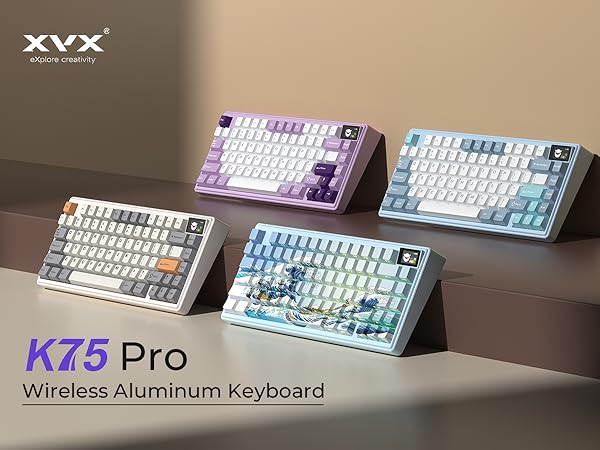
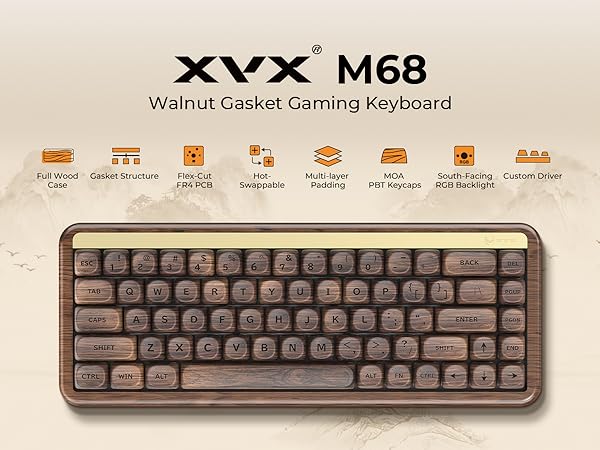
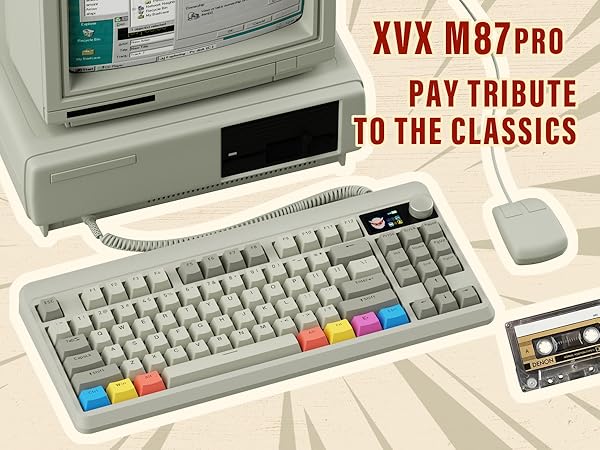
Founded in 2020, sub-brand of XVX, dedicating ourselves to designing and manufacturing custom keyboards and related peripherals.
HITIME, a brand that focuses on user experience. Diverse themes, and distinctive designs are the hallmarks of ours.
With the goal of "Let the keyboard express", HITIME will come up with more modifying-friendly peripherals and interesting themed keyboard collections. After all, mechanical keyboards are all about FUN!
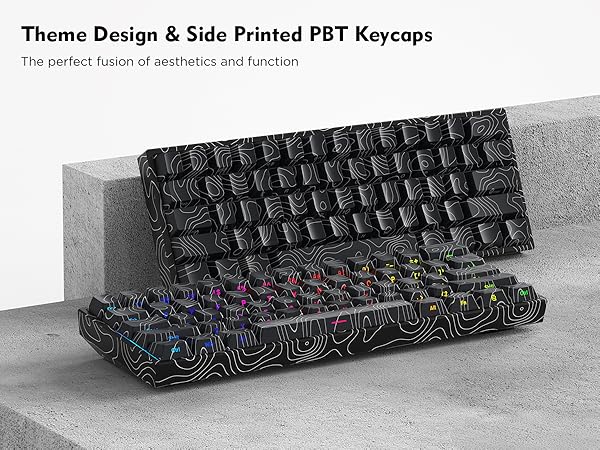
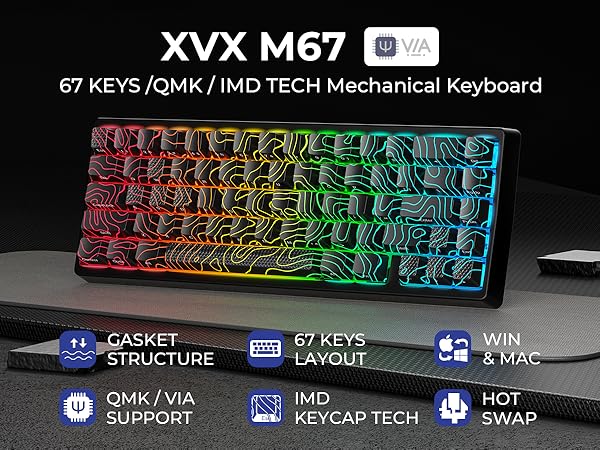
XVX M67 JadeStone Keyboard
XVX New Arrivals
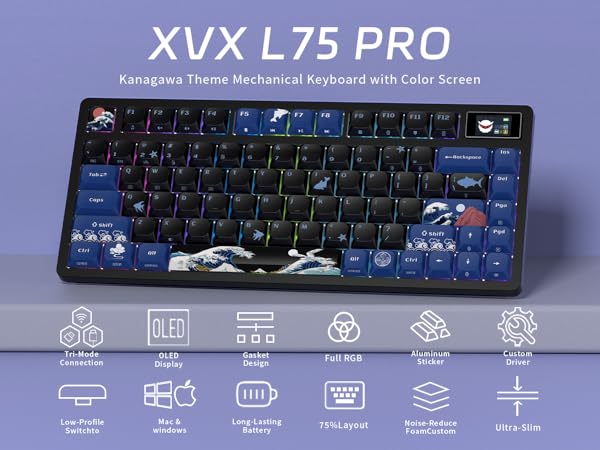
Kanagawa Series Keyboard
Gateron Magnetic Keyboard
XVX Keycaps
XVX IMD Keycaps
XVX Keycap Set
XVX Keycap Set
New Custom Keycaps
New PBT Keycaps
Hot New Releases
Hot New Releases
XVX Keycap Set
XVX Keycap Set
Keycap Set & Gaming Mouse Pad
Wired Gaming Mouse