




High-Performance Magnetic Gaming Keyboard with Unmatched Precision and Control

Snap Keys (SOCD)
No more halting in the heat of battle. With SOCD, only latter key is prioritized and activated when two opposing directions are pressed simultaneously

Dynamic Rapid Triggering (RT)
RT eliminates delays from switch movement. it activates and deactivates keys instantly with minimal travel, making it perfect for FPS gaming.

Toggle Key (TGL)
Set "hold" or "double-click" as the trigger for continuous input and "tap" as termination. Release your finger for operation elsewhere.

DKS (Dynamic Keystroke)
The current key can be modified to bind 1 to 4 functions based on the degree of pressing and releasing.
Premium Details: Online Software, Magnetic Switch, RGB Backlit, and Package
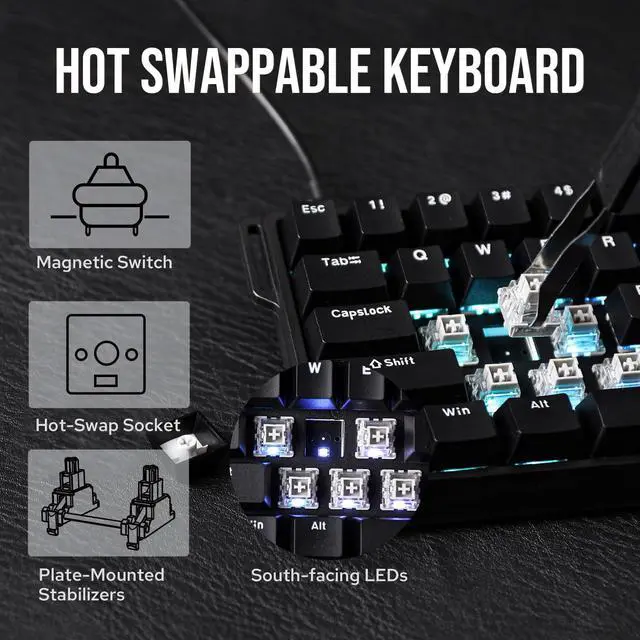
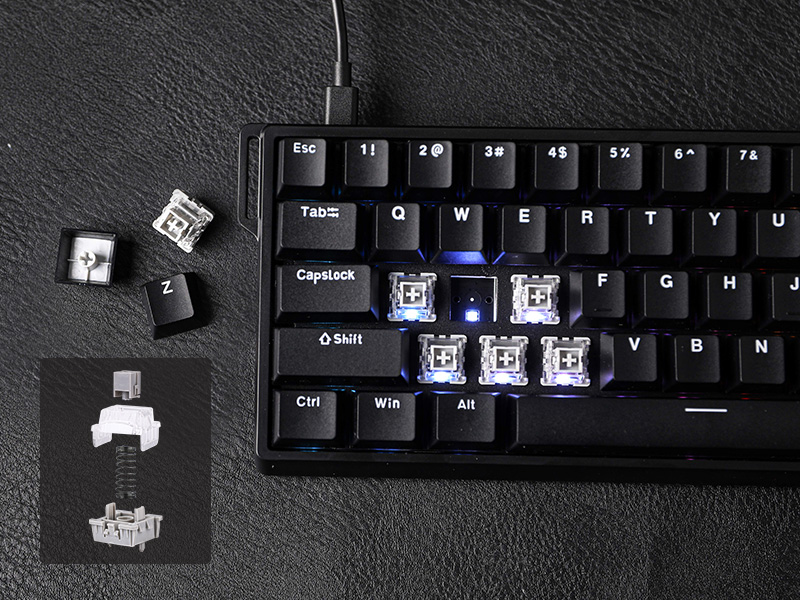
Hall Effect Magnetic Switch
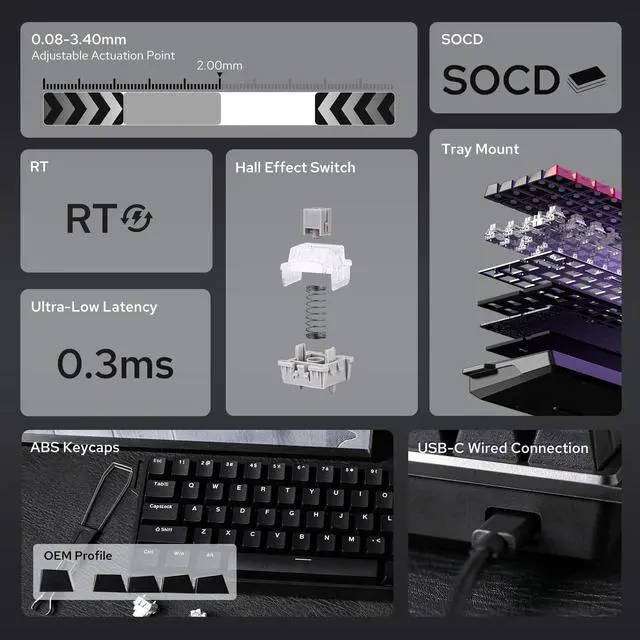
Trigger precision up to 0.02mm, ensuring every keypress is accurate
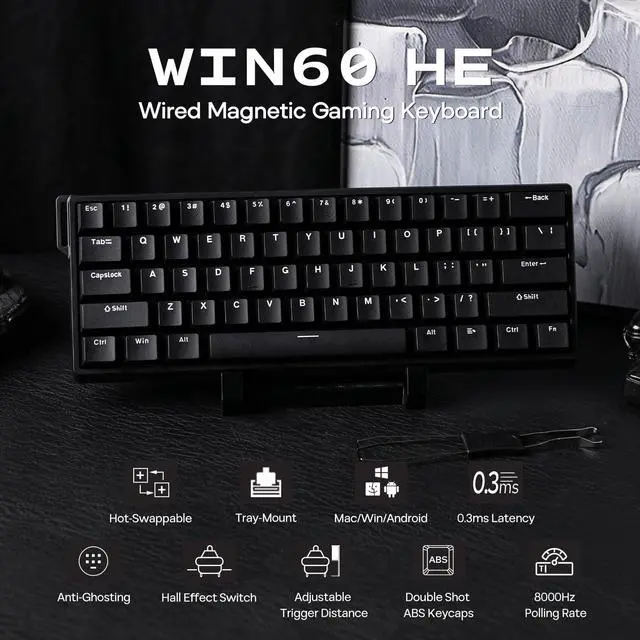
Experience the unmatched speed of a magnetic keyboard with the wired version, boasting 8x faster response times. Powered by Hall sensor technology, it ensures millisecond-level precision for quicker and more accurate inputs. Plus, with fully customizable key actuation, you can adjust the trigger distance from 0.08mm to 3.4mm to suit your unique preferences.
- Greywood Magnetic Switch: Force: 32gf; Bottom-out Force: 50gf; Stroke: 3.4±0.1mm; Accuracy: 0.04mm
Dynamic RGB Backlight
Multiple effects for preference
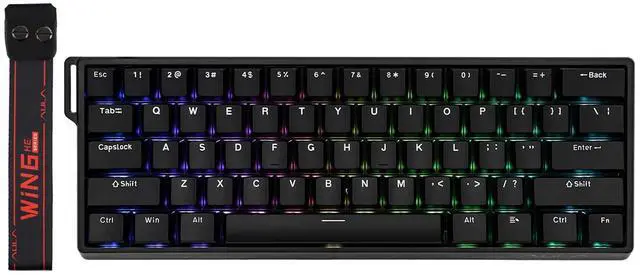
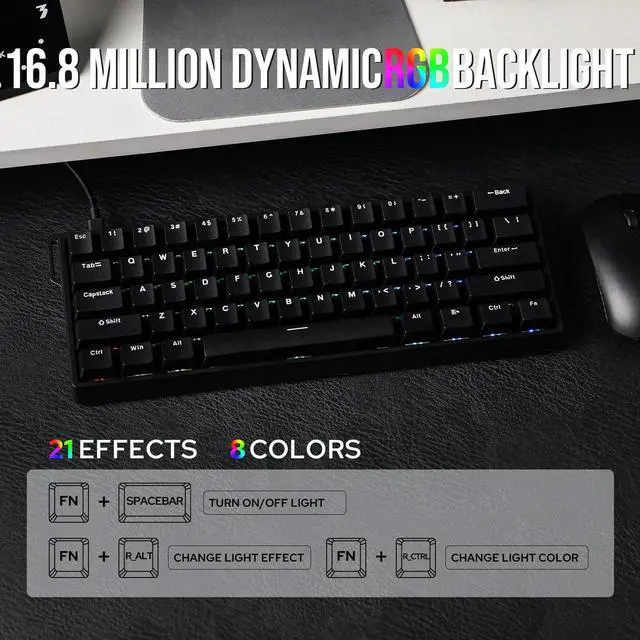
Experience stunning, customizable RGB effects that enhance your gaming environment, complemented by an ergonomic layout designed for comfort during extended sessions, and superior heat dissipation properties.
- FN+Spacebar: Turn On/Off Light
- FN+R_Alt: Change Light Effect; FN+R_Ctrl: Change Light Color
- FN+{ } : " : Change Light Brightness/Speed

Package Content
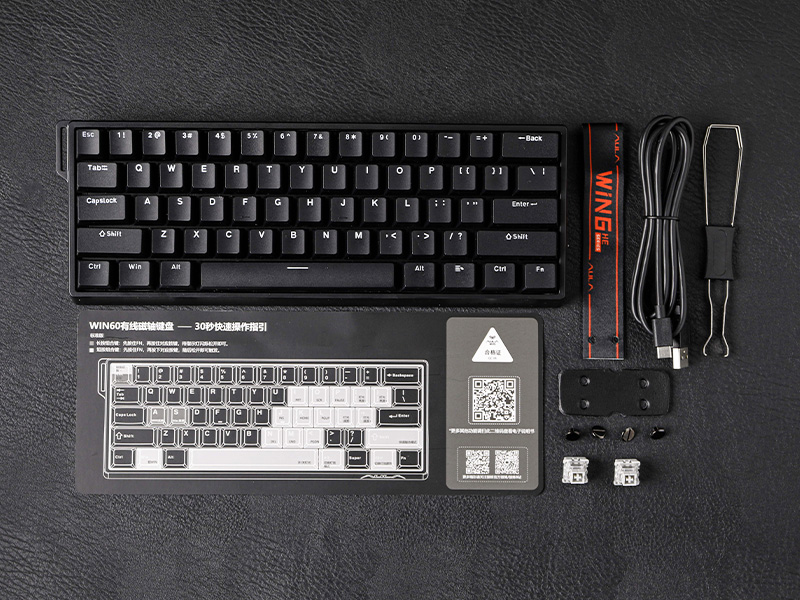
- 1*WIN60 HE Magnetic Gaming Keyboard
- 1*Detachable USB-A to C Cable
- 1* 2-in-1 Keycap Switch Puller
- 1*Detachable Ribbon; 2*Extra Magnetic Switch


N-key Rollover
Every keystroke is accurately registered when multiple keys are pressed at the same time.
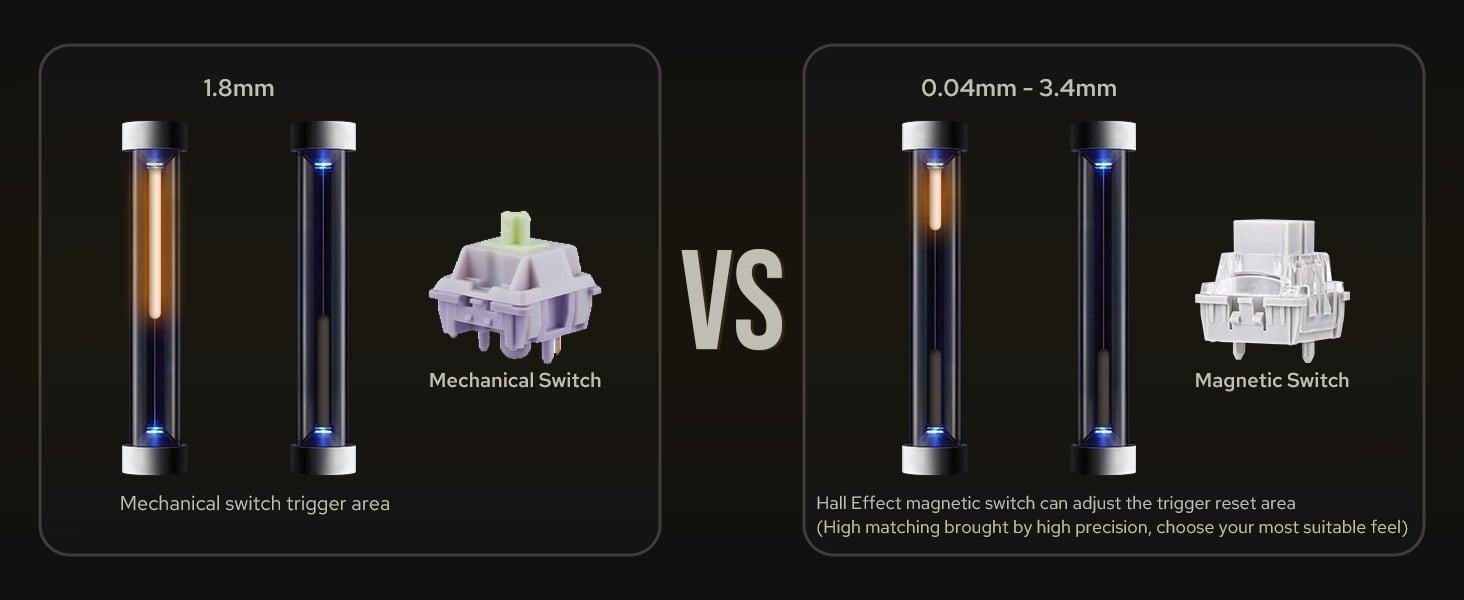
Powered by Hall sensor technology
It ensures millisecond-level precision for quicker and more accurate inputs
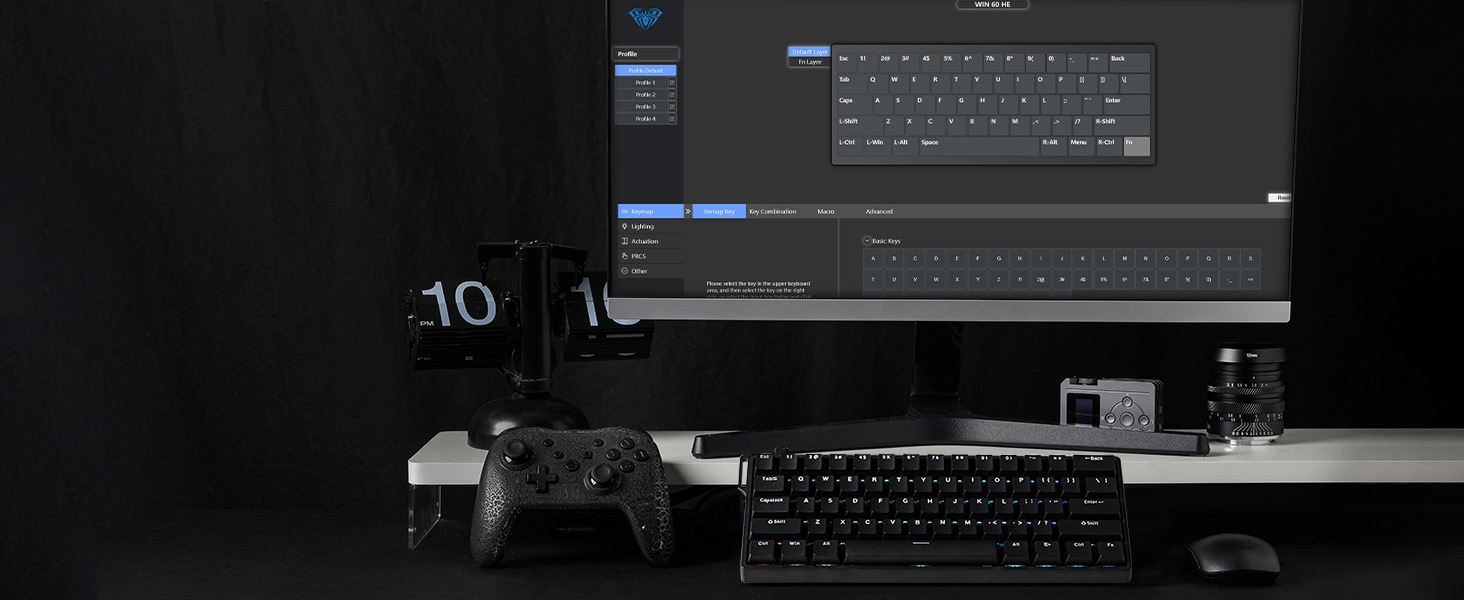
Compatible with multiple operating systems
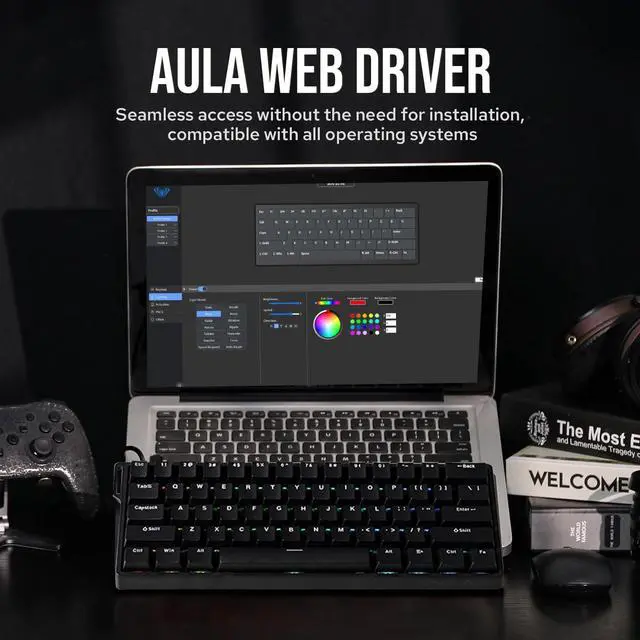
User-friendly customization via Web Driver allows real-time layout changes without downloads
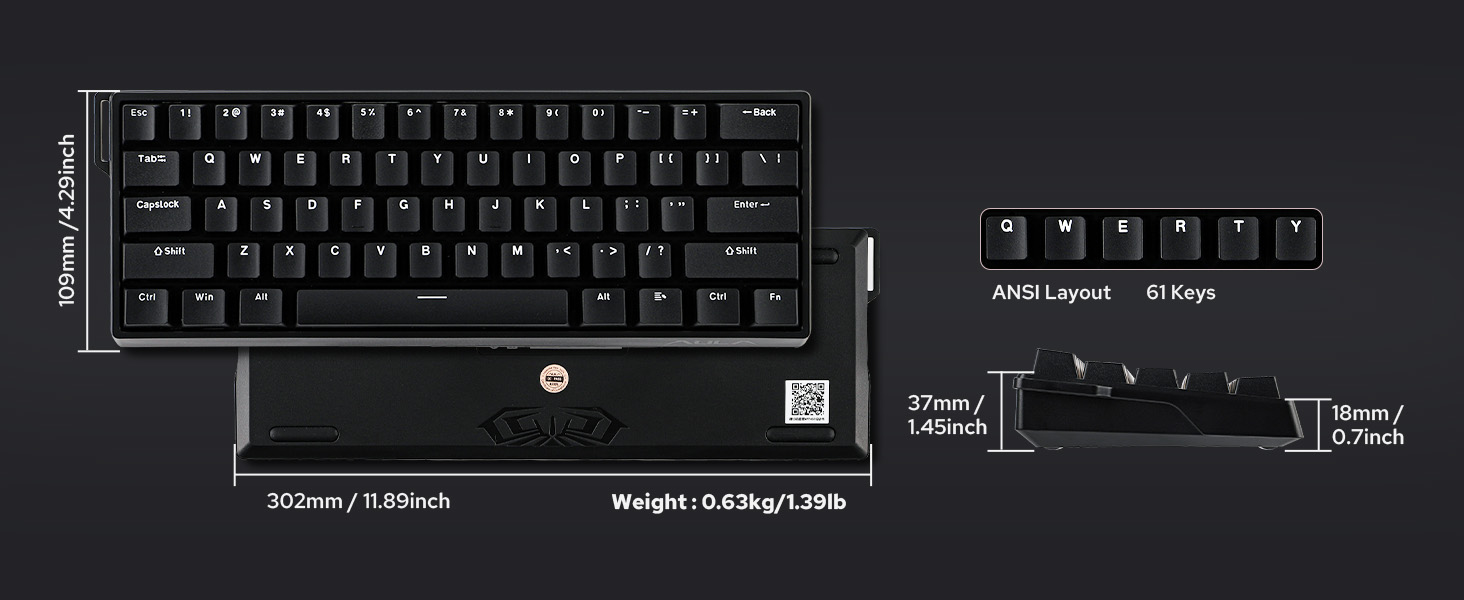
60% Compact Layout
Perfect for users seeking a compact keyboard without sacrificing essential functions


How to fix the ghosting problem? Why the keys keep triggering?
Due to the special triggering principle of the magnetic axis keyboard, the bumpy movement during shipment may affect the triggering accuracy of the keyboard. Calibrating all the keyboard keys via AULA web driver can solve this problem.
What is magnetic key switches? What is the speciality of hall effect switch?
Magnetic switches use hall effect while mechanical switch use physical contact to input letters. It is resistant to dust and liquids for long lifespan. And it provide an even typing feel across switches.
What is the difference between WIN60 HE Standard version and MAX version?
The MAX version features adjustable polling rates, unlike the standard version. The differences between them lie in keyboard latency, keycap design, switch, and RT Trigger precision, and the Max version offers more RT functions.
Why is my browser unable to recognize the WIN60 HE keyboard and why can't I use the Aula online driver?
WIN60 HE's driver is only compatible with Chrome and browsers that use the Chromium-based, such as IE Edge or Google.
Why the WASD on my WIN60HE Standard/MAX keyboard starts to act like arrow keys?
Standard: FN+W to enable/disable WASD as arrow keys. MAX: FN+WSAD=????
Compact Layout Gaming/Office Magnetic Keyboard from EPOMAKER
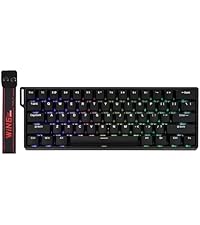 WIN60 HE |  MINI60 HE |  Hero68 HE | 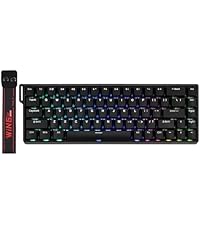 WIN68 HE | 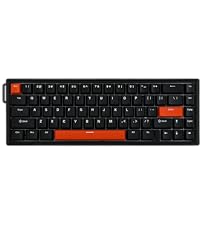 HE68 |  Magforce68 | |
|---|---|---|---|---|---|---|
Customer Reviews | — | — | — | — | — | — |
Price | — | — | — | — | — | — |
Special Feature | Adjustable 125 to 8k Polling | 3 Modes, Adjust Kickstand | Adjustable Polling & RGB Box | Adjustable 125 to 8k Polling | 0.125ms Latency & 8k Polling | CNC Aluminum Alloy Shell |
Material & Color | Plastic&Black/Blue/Yellow/Red | Plastic; Black | Plastic&White | Plastic&Black/Blue/Yellow/Red | Plastic&Black/White | Aluminum&Black |
Switch Types | Linear (Magnetic) | Linear (Magnetic) | Linear (Magnetic) | Linear (Magnetic) | Linear (Magnetic) | Linear (Magnetic) |
Layout | 60% ANSI, QWERTY US | 60% ANSI, QWERTY US | 65% ANSI, QWERTY US | 65% ANSI, QWERTY US | 65% ANSI, QWERTY US | 65% ANSI, QWERTY US |
Keys+Knob | 61 Keys | 61 Keys | 68 Keys | 68 Keys | 67 Keys | 68 Keys |
Keycap Profile & Material | Cherry/OEM Profile. PBT/ABS | OEM Profile. ABS | Cherry/MDA Profile. PBT | Cherry/OEM Profile. PBT/ABS | Cherry Profile. PBT | Cherry Profile. PBT |
Connectivity | USB A-C | 2.4Ghz/Bluetooth/USB A-C | USB A-C | USB A-C | USB A-C | USB A-C |
Battery | X | 4000mAh | X | X | X | X |
Hot-Swappable | Aula Magnetic Switch | Aula Magnetic Switch | Aula Magnetic Switch | Aula Magnetic Switch | EP Magnetic Pink Switch | Gateron Magnetic Jade Pro |
Backlight | Per-Key RGB | Per-Key RGB | Per-Key RGB | Per-Key RGB | Per-Key RGB | Per-Key RGB |
OS System | Win/Mac/Android/iOS/Linux | Win/Mac/Android/iOS | Win/Mac/Android/iOS/Linux | Win/Mac/Android/iOS/Linux | Win/Mac/Android/iOS | Win/Mac/Android/iOS/Linux |
Software | AULA Web Driver (Chrome) | AULA Web Driver (Chrome) | AULA Web Driver (Chrome) | AULA Web Driver (Chrome) | EPOMAKER Software (WIN/Mac) | EPOMAKER Online Software |
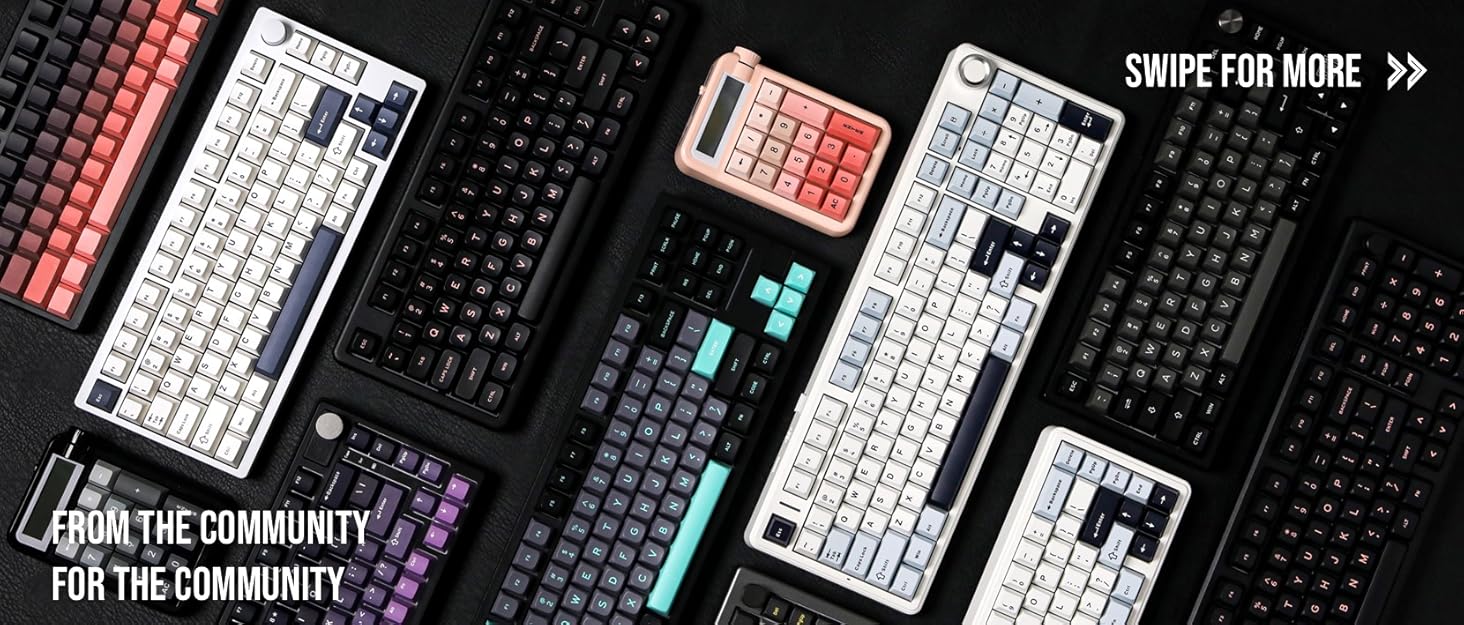
Composed of a team of young gamers, software engineers, and product designers who love tech gadgets, we set out to develop the best products that encapsulate personality, functionality, and affordability. Unsatisfied with the keyboards currently out there, we have created our ultimate sturdiness, wireless, and fully-customizable mechanical keyboard. Our promise is to deliver a keyboard that meets all of your workflow needs.
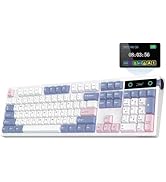
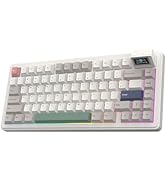
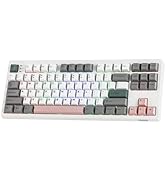
EPOMAKER New Release for 2025
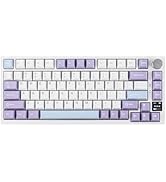
EPOMAKER Gaming Keyboard
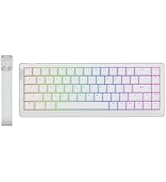
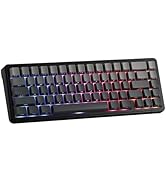
65% Layout Gaming Keyboard
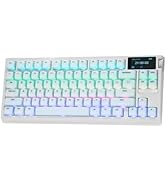
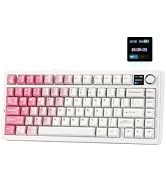
75% Layout Gaming Keyboard
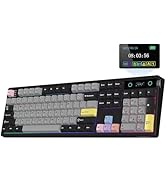
1800 Layout Gaming Keyboard
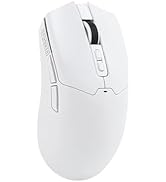
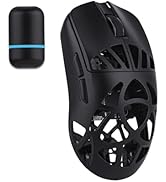
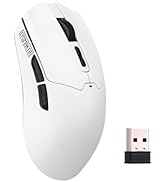
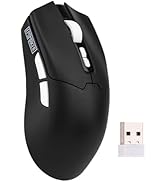
PC Gaming Mice
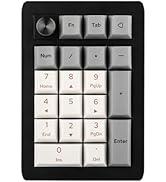
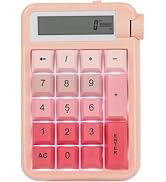
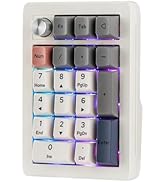
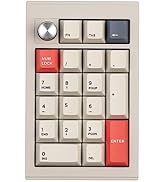
Numpad
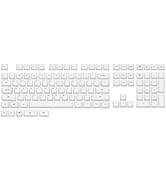
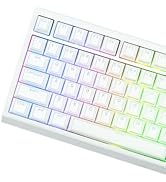
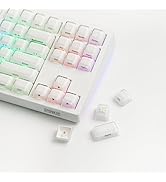
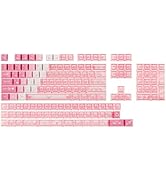
Premium PBT Keycap Set
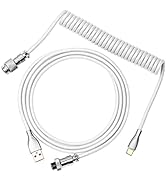
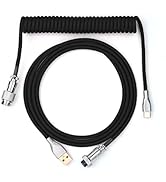
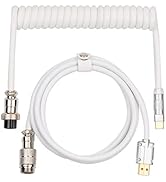
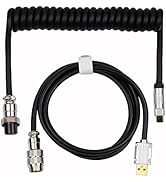
Keyboard Cable
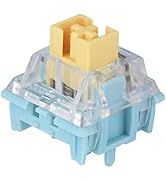
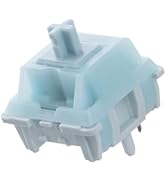
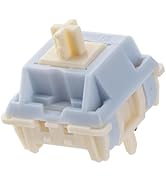
Keyboard Switches

High-Performance Magnetic Gaming Keyboard with Unmatched Precision and Control
Snap Keys (SOCD)
No more halting in the heat of battle. With SOCD, only latter key is prioritized and activated when two opposing directions are pressed simultaneously
Dynamic Rapid Triggering (RT)
RT eliminates delays from switch movement. it activates and deactivates keys instantly with minimal travel, making it perfect for FPS gaming.
Toggle Key (TGL)
Set "hold" or "double-click" as the trigger for continuous input and "tap" as termination. Release your finger for operation elsewhere.
DKS (Dynamic Keystroke)
The current key can be modified to bind 1 to 4 functions based on the degree of pressing and releasing.
Premium Details: Online Software, Magnetic Switch, RGB Backlit, and Package


AULA Online Driver (Chrome)
How to connect software
- Visit the official "AULA" website.
- On the "Downloads" page, click on "Driver."
- Locate the link for "WIN60/68 Magnetic Switch Keyboard Website Driver" and select "Standard Edition."
- Click "Allow browser access," choose your device, and then click to connect.
Hall Effect Magnetic Switch
Trigger precision up to 0.02mm, ensuring every keypress is accurate
Experience the unmatched speed of a magnetic keyboard with the wired version, boasting 8x faster response times. Powered by Hall sensor technology, it ensures millisecond-level precision for quicker and more accurate inputs. Plus, with fully customizable key actuation, you can adjust the trigger distance from 0.08mm to 3.4mm to suit your unique preferences.
- Greywood Magnetic Switch: Force: 32gf; Bottom-out Force: 50gf; Stroke: 3.4±0.1mm; Accuracy: 0.04mm
Dynamic RGB Backlight
Multiple effects for preference
Experience stunning, customizable RGB effects that enhance your gaming environment, complemented by an ergonomic layout designed for comfort during extended sessions, and superior heat dissipation properties.
- FN+Spacebar: Turn On/Off Light
- FN+R_Alt: Change Light Effect; FN+R_Ctrl: Change Light Color
- FN+{ } : " : Change Light Brightness/Speed
Package Content
- 1*WIN60 HE Magnetic Gaming Keyboard
- 1*Detachable USB-A to C Cable
- 1* 2-in-1 Keycap Switch Puller
- 1*Detachable Ribbon; 2*Extra Magnetic Switch
N-key Rollover
Every keystroke is accurately registered when multiple keys are pressed at the same time.
Powered by Hall sensor technology
It ensures millisecond-level precision for quicker and more accurate inputs
Compatible with multiple operating systems
User-friendly customization via Web Driver allows real-time layout changes without downloads
60% Compact Layout
Perfect for users seeking a compact keyboard without sacrificing essential functions


Switch between Mac/Win mode with FN+A/S for cross-system multitasking
ABS Keycap
Features thick double-shot ABS keycaps, making its aesthetics as impressive as its functionality
How to fix the ghosting problem? Why the keys keep triggering?
Due to the special triggering principle of the magnetic axis keyboard, the bumpy movement during shipment may affect the triggering accuracy of the keyboard. Calibrating all the keyboard keys via AULA web driver can solve this problem.
What is magnetic key switches? What is the speciality of hall effect switch?
Magnetic switches use hall effect while mechanical switch use physical contact to input letters. It is resistant to dust and liquids for long lifespan. And it provide an even typing feel across switches.
What is the difference between WIN60 HE Standard version and MAX version?
The MAX version features adjustable polling rates, unlike the standard version. The differences between them lie in keyboard latency, keycap design, switch, and RT Trigger precision, and the Max version offers more RT functions.
Why is my browser unable to recognize the WIN60 HE keyboard and why can't I use the Aula online driver?
WIN60 HE's driver is only compatible with Chrome and browsers that use the Chromium-based, such as IE Edge or Google.
Why the WASD on my WIN60HE Standard/MAX keyboard starts to act like arrow keys?
Standard: FN+W to enable/disable WASD as arrow keys. MAX: FN+WSAD=????
Compact Layout Gaming/Office Magnetic Keyboard from EPOMAKER
WIN60 HE | MINI60 HE | Hero68 HE | WIN68 HE | HE68 | Magforce68 |
|---|---|---|---|---|---|
| Customer Reviews | |||||
| — | — | — | — | — | — |
| Price | |||||
| — | — | — | — | — | — |
| Special Feature | |||||
| Adjustable 125 to 8k Polling | 3 Modes, Adjust Kickstand | Adjustable Polling & RGB Box | Adjustable 125 to 8k Polling | 0.125ms Latency & 8k Polling | CNC Aluminum Alloy Shell |
| Material & Color | |||||
| Plastic&Black/Blue/Yellow/Red | Plastic; Black | Plastic&White | Plastic&Black/Blue/Yellow/Red | Plastic&Black/White | Aluminum&Black |
| Switch Types | |||||
| Linear (Magnetic) | Linear (Magnetic) | Linear (Magnetic) | Linear (Magnetic) | Linear (Magnetic) | Linear (Magnetic) |
| Layout | |||||
| 60% ANSI, QWERTY US | 60% ANSI, QWERTY US | 65% ANSI, QWERTY US | 65% ANSI, QWERTY US | 65% ANSI, QWERTY US | 65% ANSI, QWERTY US |
| Keys+Knob | |||||
| 61 Keys | 61 Keys | 68 Keys | 68 Keys | 67 Keys | 68 Keys |
| Keycap Profile & Material | |||||
| Cherry/OEM Profile. PBT/ABS | OEM Profile. ABS | Cherry/MDA Profile. PBT | Cherry/OEM Profile. PBT/ABS | Cherry Profile. PBT | Cherry Profile. PBT |
| Connectivity | |||||
| USB A-C | 2.4Ghz/Bluetooth/USB A-C | USB A-C | USB A-C | USB A-C | USB A-C |
| Battery | |||||
| X | 4000mAh | X | X | X | X |
| Hot-Swappable | |||||
| Aula Magnetic Switch | Aula Magnetic Switch | Aula Magnetic Switch | Aula Magnetic Switch | EP Magnetic Pink Switch | Gateron Magnetic Jade Pro |
| Backlight | |||||
| Per-Key RGB | Per-Key RGB | Per-Key RGB | Per-Key RGB | Per-Key RGB | Per-Key RGB |
| OS System | |||||
| Win/Mac/Android/iOS/Linux | Win/Mac/Android/iOS | Win/Mac/Android/iOS/Linux | Win/Mac/Android/iOS/Linux | Win/Mac/Android/iOS | Win/Mac/Android/iOS/Linux |
| Software | |||||
| AULA Web Driver (Chrome) | AULA Web Driver (Chrome) | AULA Web Driver (Chrome) | AULA Web Driver (Chrome) | EPOMAKER Software (WIN/Mac) | EPOMAKER Online Software |
Composed of a team of young gamers, software engineers, and product designers who love tech gadgets, we set out to develop the best products that encapsulate personality, functionality, and affordability. Unsatisfied with the keyboards currently out there, we have created our ultimate sturdiness, wireless, and fully-customizable mechanical keyboard. Our promise is to deliver a keyboard that meets all of your workflow needs.
EPOMAKER New Release for 2025
EPOMAKER Gaming Keyboard
65% Layout Gaming Keyboard
75% Layout Gaming Keyboard
1800 Layout Gaming Keyboard
PC Gaming Mice
Numpad
Premium PBT Keycap Set
Keyboard Cable
Keyboard Switches