




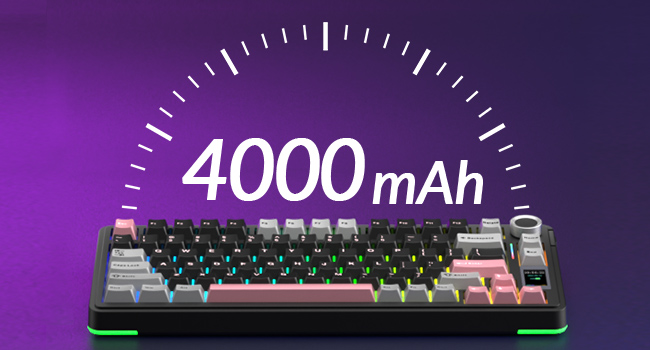
Large-capacity Rechargeable Battery
About 30 hours (Backlit ON)
About 80 hours (Backlit OFF)
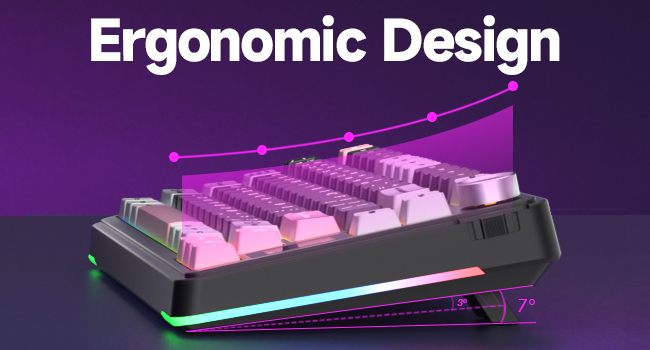
Ergonomic Design
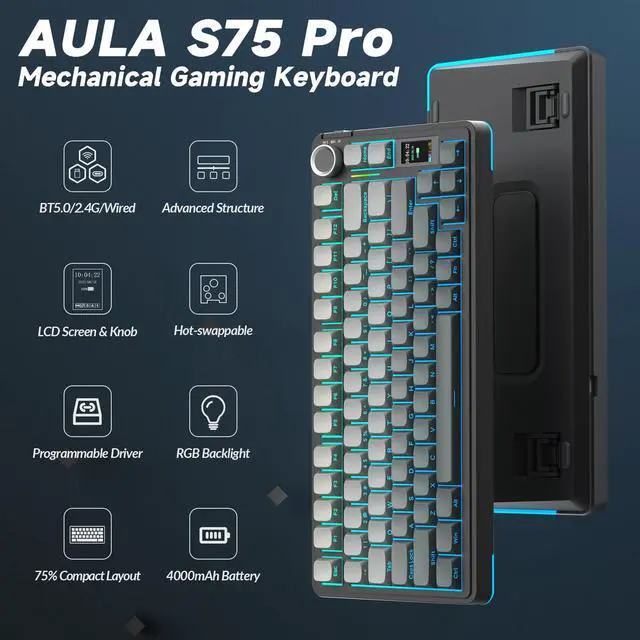
With two-stage kickstand,
Fits different working heights
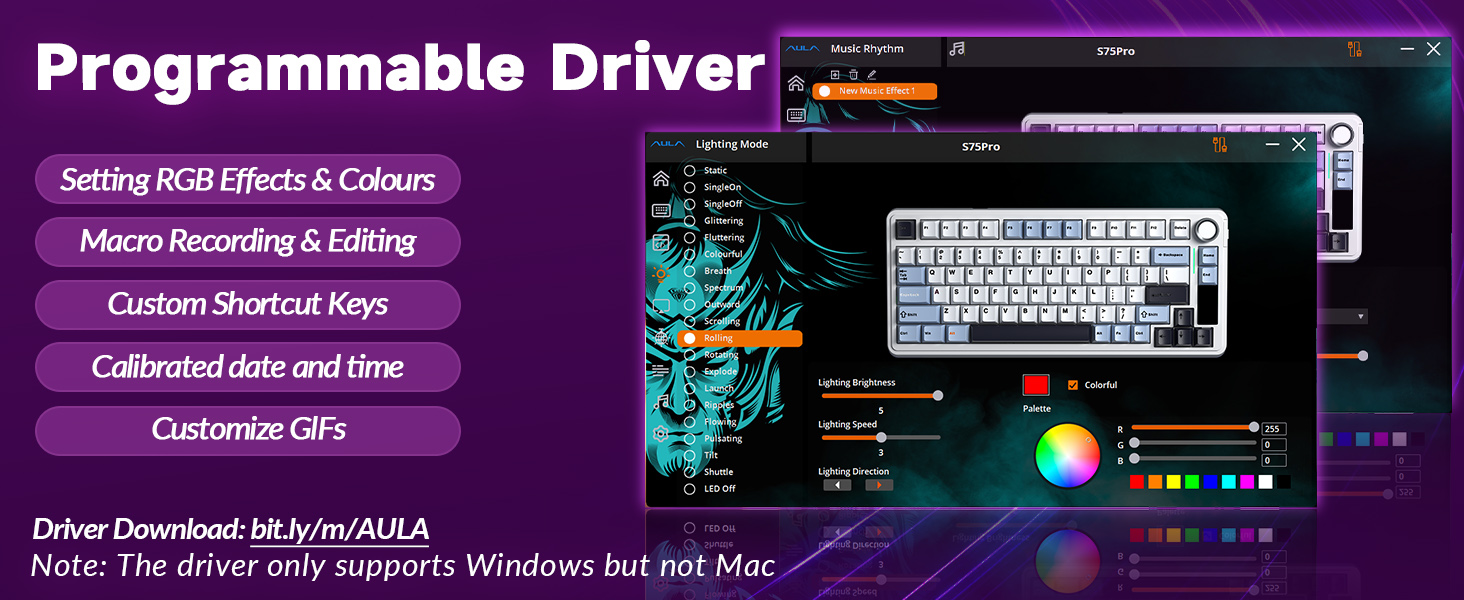
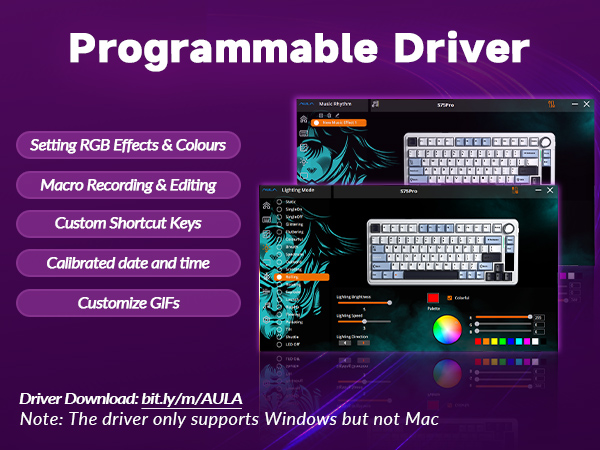
How to download the software/driver? Is it compatible with Mac?
1.Download the software via bit.ly/m/AULA
2.This S75 Pro wireless mechanical keyboard is compatible with Windows, Mac, IOS and Android systems, but the software only supports Windows system and wired mode.
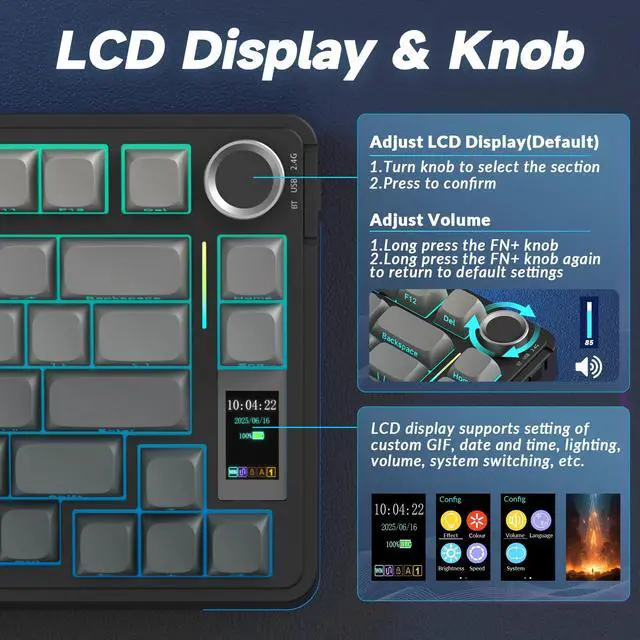
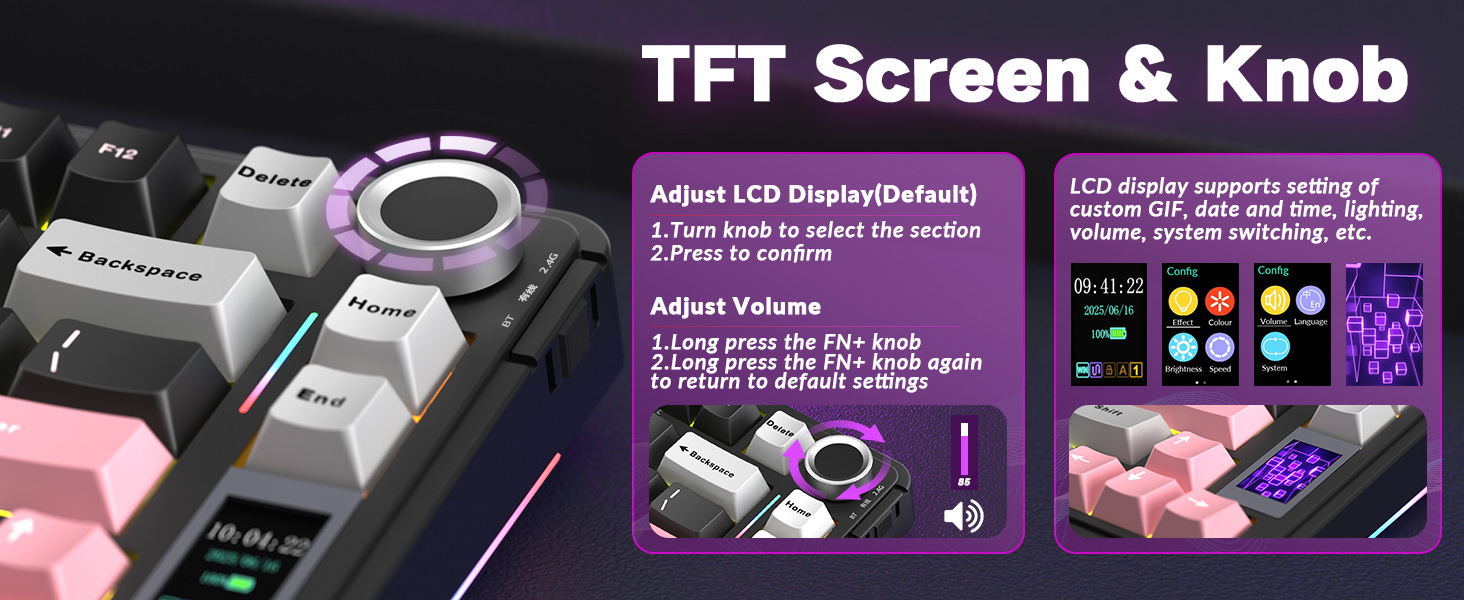
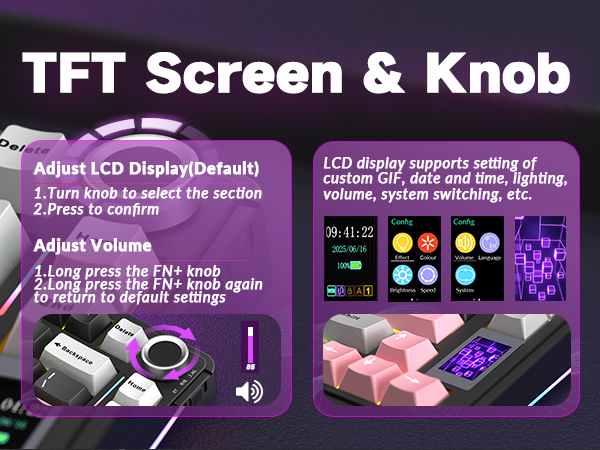
How to calibrate the date/time and custom GIF images on the screen?
1.Download and install the S75 pro driver in wired mode with windows system.
2.Find the "TFT screen" and click to "Time Syns" button.
3.Upload an image or gif
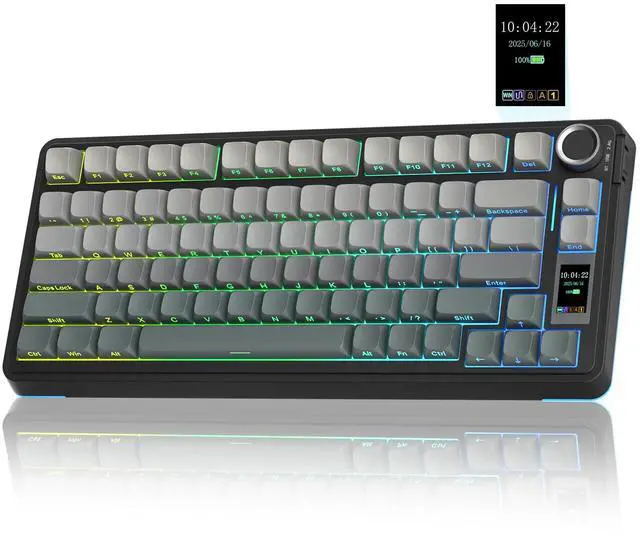
Note: The LCD screen has a transparent protective film that can be peeled off before use.
How to view the instruction manual?And how to quickly solve keyboard unresponsive or other unknown issues?
1.Scan the QR at the bottom of the S75 Pro gaming keyboard to view the electronic manual.
2.Reset the AULA S75 Pro creamy keyboard by holding down FN+ESC for a few seconds until the keyboard light flashes.
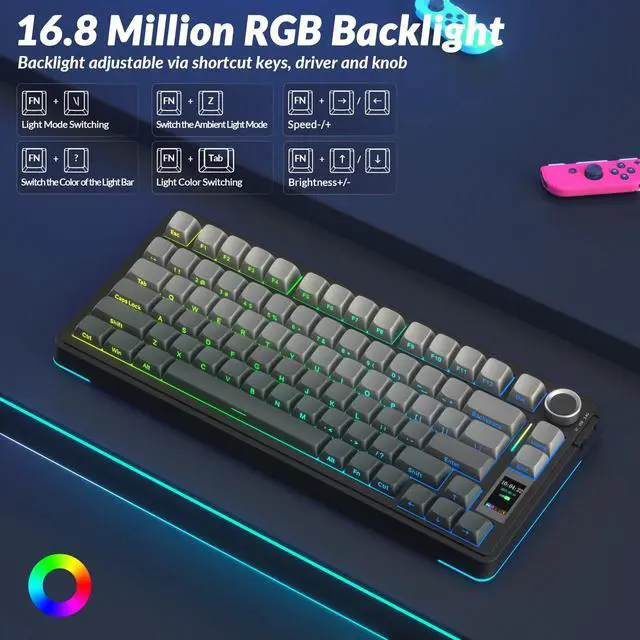
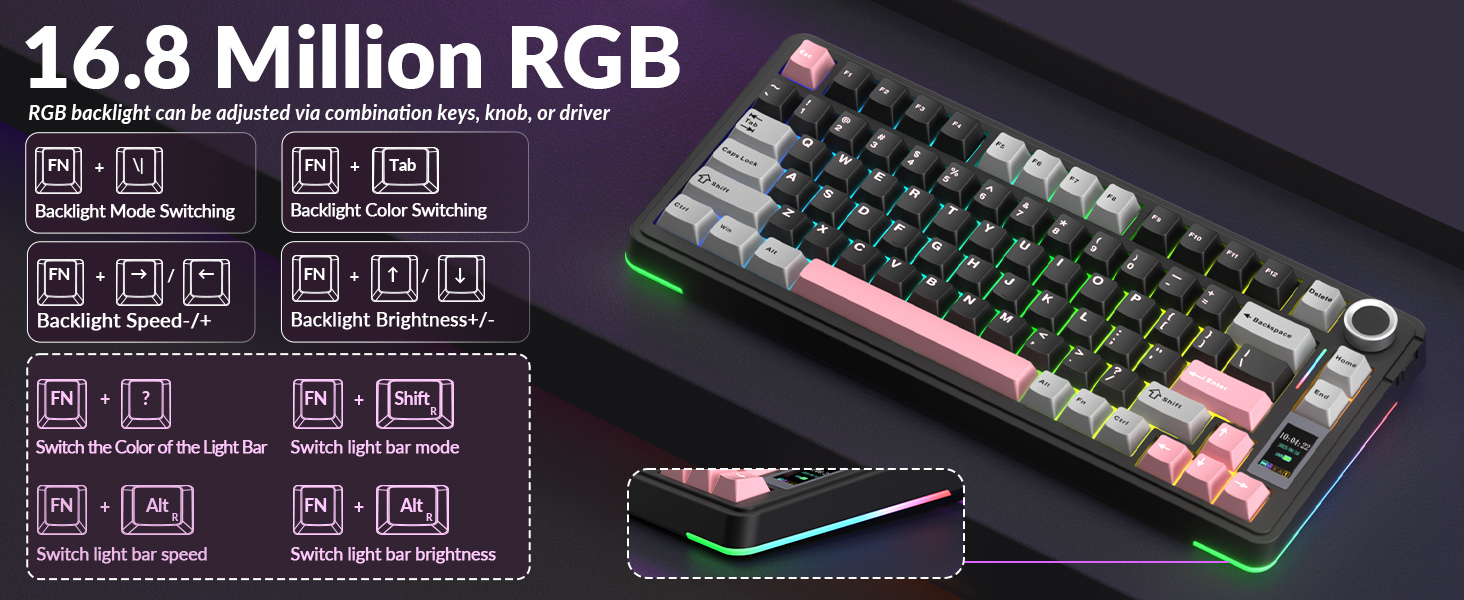
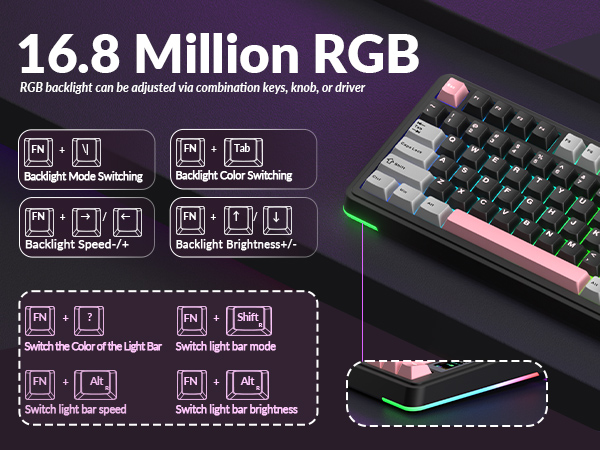
How to adjust the AULA S75 PRO backlight/side light?
Backlight Adjustment:
FN+\|=switch 19 lighting effects;FN+Tab=switch lighting colors;FN+?/?=lighting brightness+/-;FN+?/?=lighting speed+/-
Side Light Adjustment:
FN+Right Shift=Switch effect;FN+/?=Switch color;FN+Right Alt=Switch brightness
Is there anything to note when charging the S75 PRO keyboard?
1. Please use only the USB interface of the computer to charge the keyboard;
2. Do not use the mobile phone fast charging charger/over-voltage/over-current power adapter to charge the keyboard.
Compared with AULA Tri-mode Wireless Mechanical Keyboard
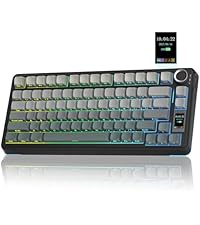 AULA S75 PRO | 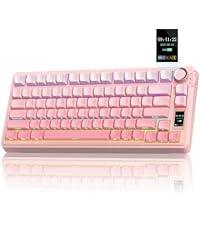 AULA S75 PRO | 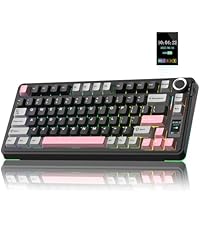 AULA S75 PRO | 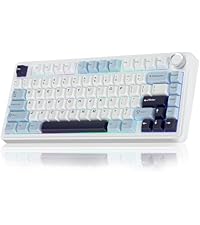 AULA F75 | 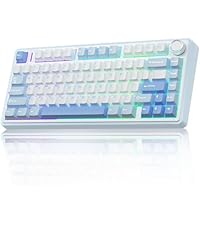 AULA F75 | 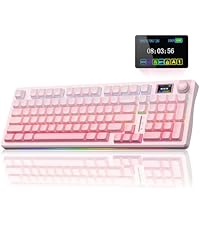 AULA S98 Pro | 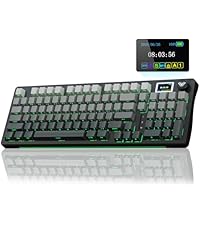 AULA S98 Pro | |
|---|---|---|---|---|---|---|---|
Customer Reviews | — | — | — | — | — | — | — |
Price | — | — | — | — | — | — | — |
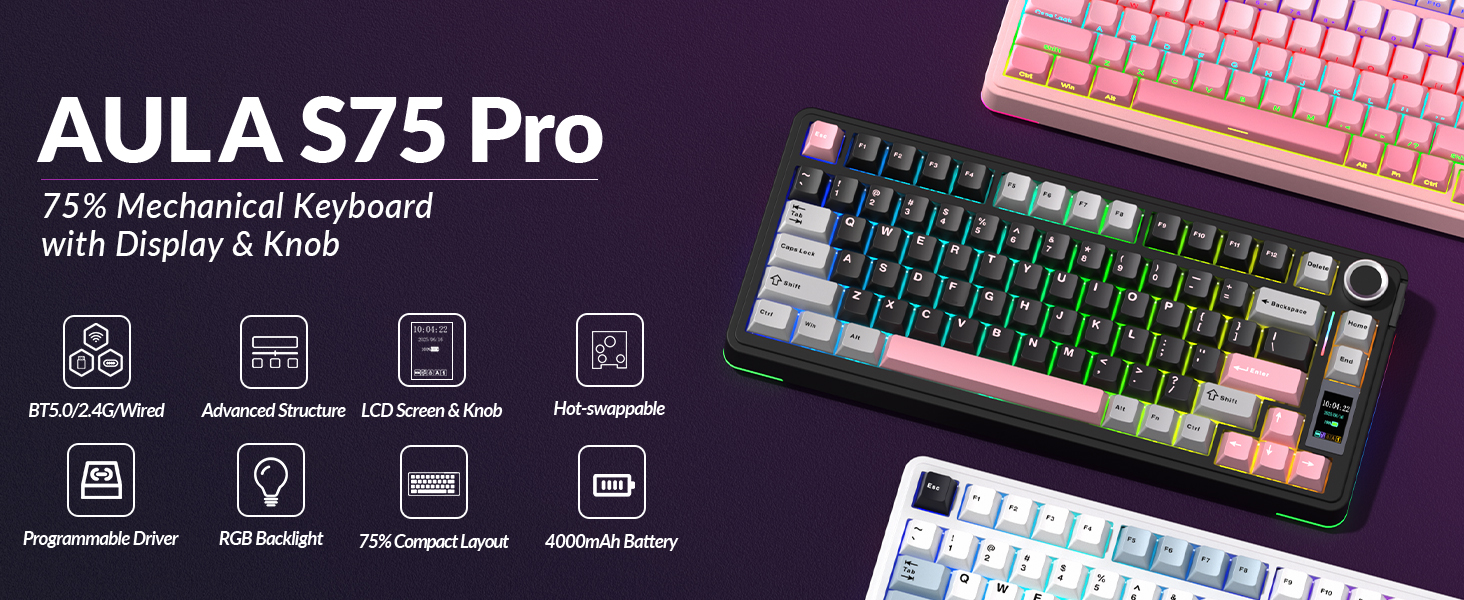
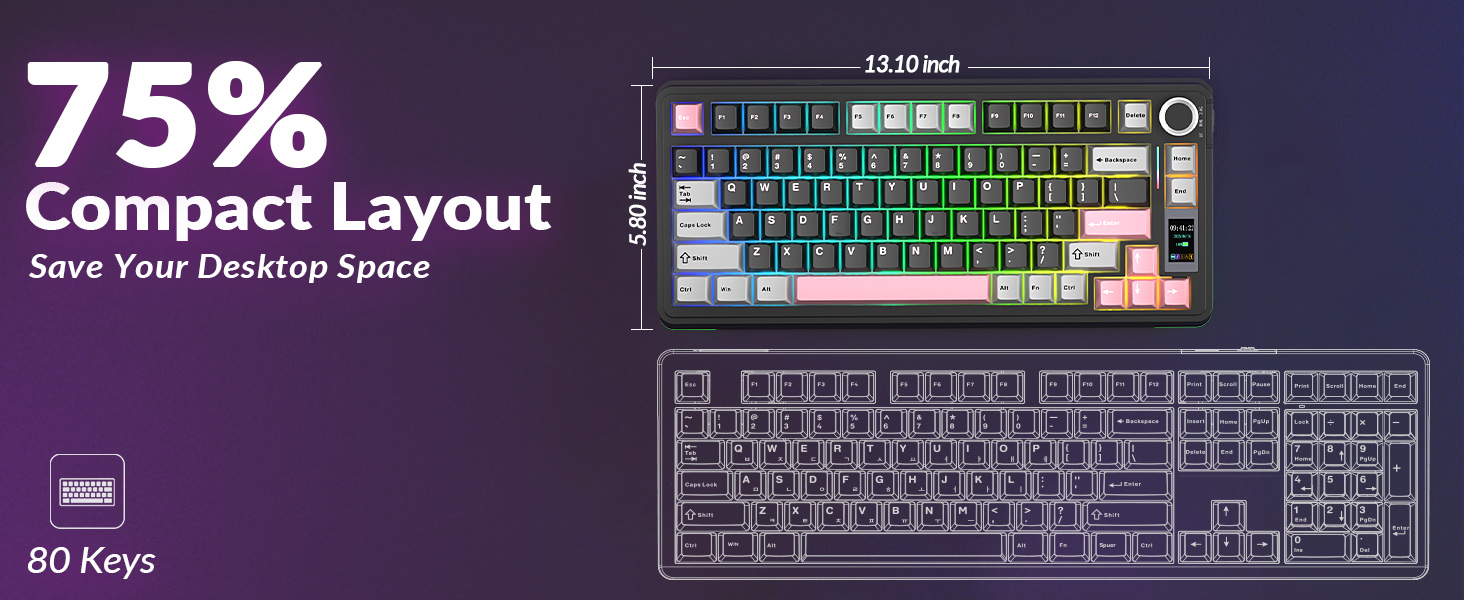
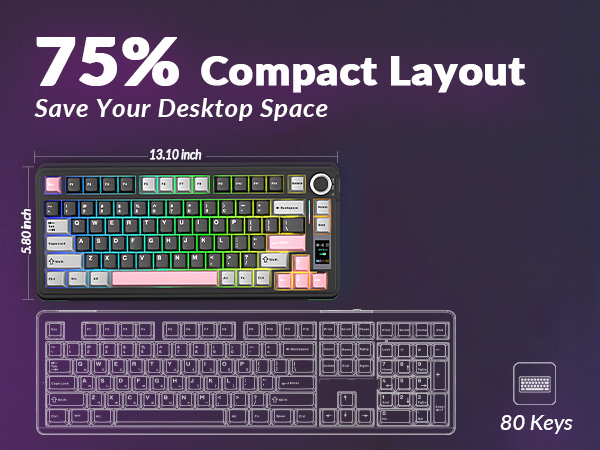
Layout&Keys | 75% Compact Layout /80 Keys | 75% Compact Layout /80 Keys | 75% Compact Layout /80 Keys | 75% Compact Layout /80 Keys | 75% Compact Layout /80 Keys | 96% Layout /96 Keys | 96% Layout /96 Keys |
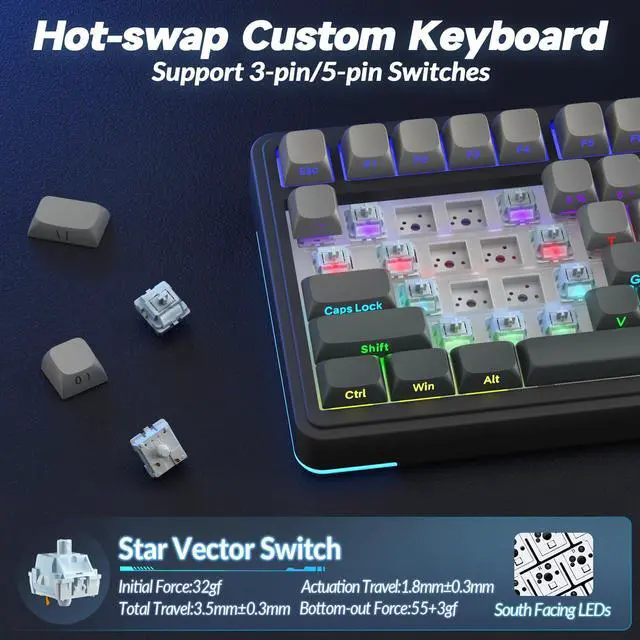
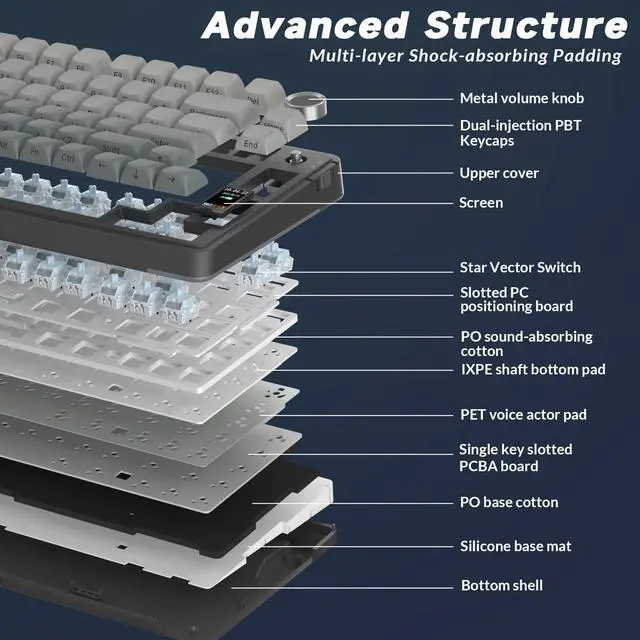
Switch Type | Star Vector Switch(linear) | Star Vector Switch(linear) | Star Vector Switch(linear) | Reaper Switch(linear) | Star Vector Switch(linear) | Flower Switch(linear) | Star Vector Switch(linear) |
LCD Screen | ? | ? | ? | ? | ? | ? | ? |
Multifunctional Knob | ? | ? | ? | ? | ? | ? | ? |
Battery Capacity | 4000mAh | 4000mAh | 4000mAh | 4000mAh | 4000mAh | 5000mAh | 5000mAh |
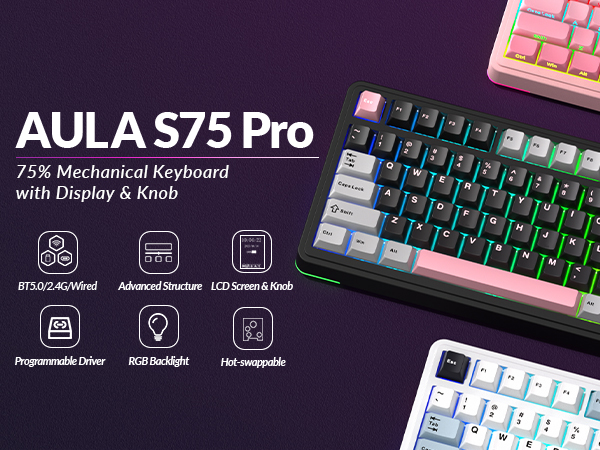
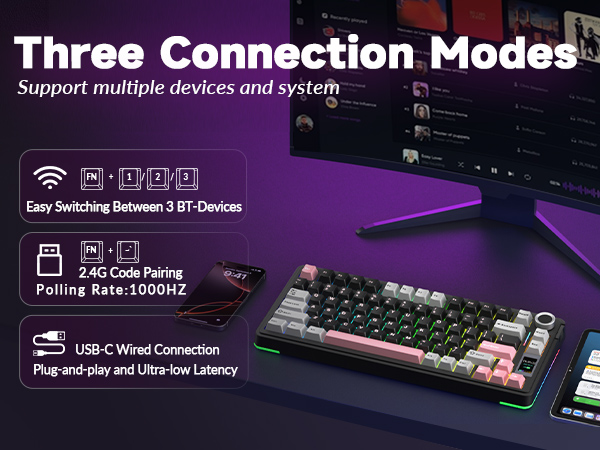
Connectivity | BT5.0/2.4Ghz/USB-C Wired | BT5.0/2.4Ghz/USB-C Wired | BT5.0/2.4Ghz/USB-C Wired | BT5.0/2.4Ghz/USB-C Wired | BT5.0/2.4Ghz/USB-C Wired | BT5.0/2.4Ghz/USB-C Wired | BT5.0/2.4Ghz/USB-C Wired |
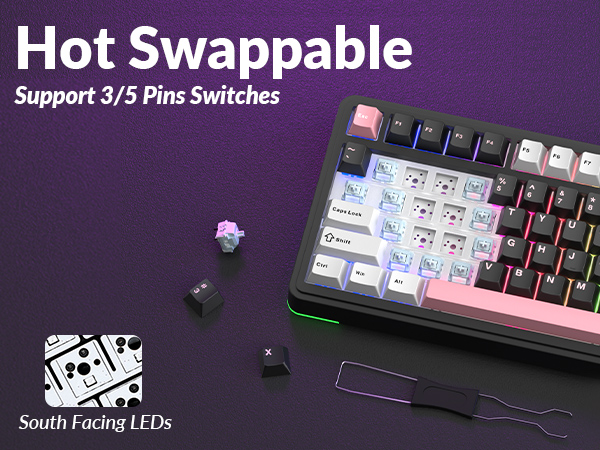
Hot Swappable | 3/5-pin Mechanical Switches | 3/5-pin Mechanical Switches | 3/5-pin Mechanical Switches | 3/5-pin Mechanical Switches | 3/5-pin Mechanical Switches | 3/5-pin Mechanical Switches | 3/5-pin Mechanical Switches |
Keycap Material | Side-Printed PBT | Side-Printed PBT | PBT | PBT | PBT | Side-Printed PBT | Side-Printed PBT |
Per-Key LEDs | South-Facing | South-Facing | South-Facing | South-Facing | South-Facing | South-Facing | South-Facing |
Backlight | RGB(Keycap Side Lit-Through) | RGB(Keycap Side Lit-Through) | RGB (Keycap Not Lit-Through) | RGB (Keycap Not Lit-Through) | RGB (Keycap Not Lit-Through) | RGB(Keycap Side Lit-Through) | RGB(Keycap Side Lit-Through) |


ABOUT AULA
Founded in 2002, AULA is an enterprise integrating production, sales, distribution and after-sales service. The brand is inspired by one of the largest spiders in the world, the tarantula, which is characterized by its speed and strength, like the response of AULA keyboard and mouse. Our products are sold all over the world and are loved by gaming enthusiasts.
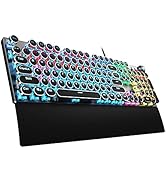
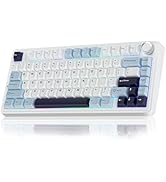
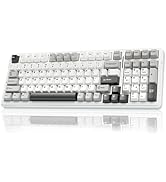

AULA Hot Selling
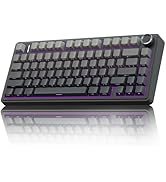

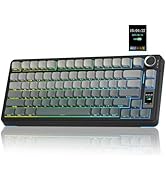
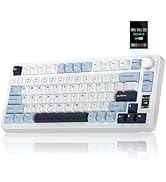
75% Keyboard-F75 PRO & S75 PRO


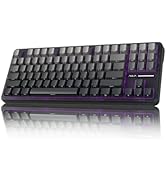
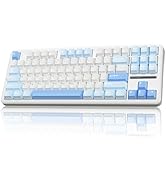
Creamy Keyboard - S98pro & F87
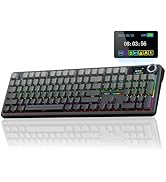
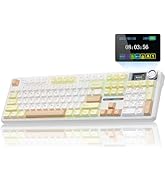


Full Size Keyboard - F108 Pro
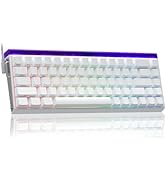


Magnetic Keyboard-HERO68&WIN68

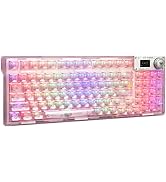
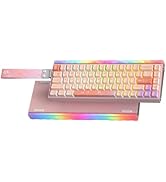
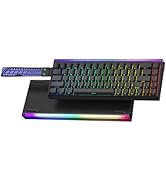
RGB Keyboards-F98Pro &Hero68HE
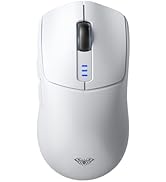
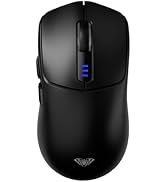
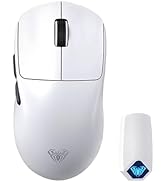

Tri-Mode Mouse-SC580 & SC800
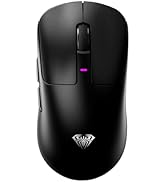
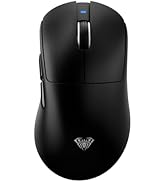


Tri-Mode Mouse-SC680 &SC900pro

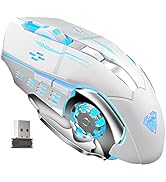

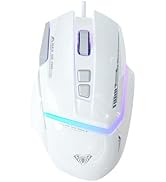
Gaming Mice
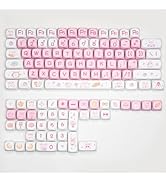
Accessories
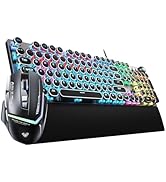

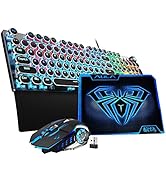

Gaming Keyboard&Mouse Combo
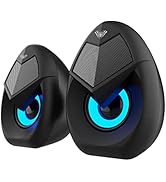
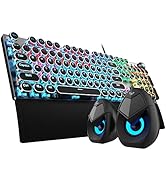

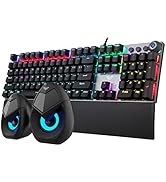
Keyboard & Speakers Combo
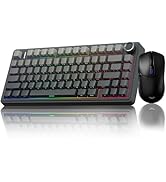
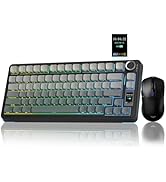
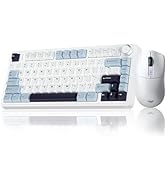
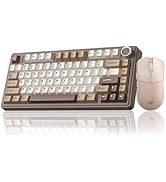
Gaming Keyboard&Mouse Combo
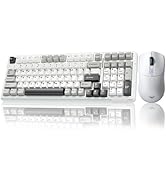
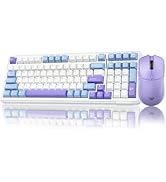
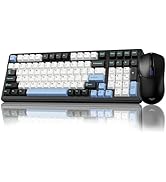
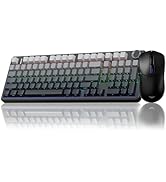
Wireless Keyboard&Mouse Combo
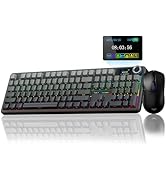
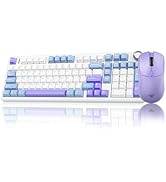
Wireless Keyboard&Mouse Combo


Large-capacity Rechargeable Battery
About 30 hours (Backlit ON)
About 80 hours (Backlit OFF)
Ergonomic Design
With two-stage kickstand,
Fits different working heights
How to download the software/driver? Is it compatible with Mac?
1.Download the software via bit.ly/m/AULA
2.This S75 Pro wireless mechanical keyboard is compatible with Windows, Mac, IOS and Android systems, but the software only supports Windows system and wired mode.
How to calibrate the date/time and custom GIF images on the screen?
1.Download and install the S75 pro driver in wired mode with windows system.
2.Find the "TFT screen" and click to "Time Syns" button.
3.Upload an image or gif
Note: The LCD screen has a transparent protective film that can be peeled off before use.
How to view the instruction manual?And how to quickly solve keyboard unresponsive or other unknown issues?
1.Scan the QR at the bottom of the S75 Pro gaming keyboard to view the electronic manual.
2.Reset the AULA S75 Pro creamy keyboard by holding down FN+ESC for a few seconds until the keyboard light flashes.
How to adjust the AULA S75 PRO backlight/side light?
Backlight Adjustment:
FN+\|=switch 19 lighting effects;FN+Tab=switch lighting colors;FN+?/?=lighting brightness+/-;FN+?/?=lighting speed+/-
Side Light Adjustment:
FN+Right Shift=Switch effect;FN+/?=Switch color;FN+Right Alt=Switch brightness
Is there anything to note when charging the S75 PRO keyboard?
1. Please use only the USB interface of the computer to charge the keyboard;
2. Do not use the mobile phone fast charging charger/over-voltage/over-current power adapter to charge the keyboard.
Compared with AULA Tri-mode Wireless Mechanical Keyboard
AULA S75 PRO | AULA S75 PRO | AULA S75 PRO | AULA F75 | AULA F75 | AULA S98 Pro | AULA S98 Pro |
|---|---|---|---|---|---|---|
| Customer Reviews | ||||||
| — | — | — | — | — | — | — |
| Price | ||||||
| — | — | — | — | — | — | — |
| Layout&Keys | ||||||
| 75% Compact Layout /80 Keys | 75% Compact Layout /80 Keys | 75% Compact Layout /80 Keys | 75% Compact Layout /80 Keys | 75% Compact Layout /80 Keys | 96% Layout /96 Keys | 96% Layout /96 Keys |
| Switch Type | ||||||
| Star Vector Switch(linear) | Star Vector Switch(linear) | Star Vector Switch(linear) | Reaper Switch(linear) | Star Vector Switch(linear) | Flower Switch(linear) | Star Vector Switch(linear) |
| LCD Screen | ||||||
| ? | ? | ? | ? | ? | ? | ? |
| Multifunctional Knob | ||||||
| ? | ? | ? | ? | ? | ? | ? |
| Battery Capacity | ||||||
| 4000mAh | 4000mAh | 4000mAh | 4000mAh | 4000mAh | 5000mAh | 5000mAh |
| Connectivity | ||||||
| BT5.0/2.4Ghz/USB-C Wired | BT5.0/2.4Ghz/USB-C Wired | BT5.0/2.4Ghz/USB-C Wired | BT5.0/2.4Ghz/USB-C Wired | BT5.0/2.4Ghz/USB-C Wired | BT5.0/2.4Ghz/USB-C Wired | BT5.0/2.4Ghz/USB-C Wired |
| Hot Swappable | ||||||
| 3/5-pin Mechanical Switches | 3/5-pin Mechanical Switches | 3/5-pin Mechanical Switches | 3/5-pin Mechanical Switches | 3/5-pin Mechanical Switches | 3/5-pin Mechanical Switches | 3/5-pin Mechanical Switches |
| Keycap Material | ||||||
| Side-Printed PBT | Side-Printed PBT | PBT | PBT | PBT | Side-Printed PBT | Side-Printed PBT |
| Per-Key LEDs | ||||||
| South-Facing | South-Facing | South-Facing | South-Facing | South-Facing | South-Facing | South-Facing |
| Backlight | ||||||
| RGB(Keycap Side Lit-Through) | RGB(Keycap Side Lit-Through) | RGB (Keycap Not Lit-Through) | RGB (Keycap Not Lit-Through) | RGB (Keycap Not Lit-Through) | RGB(Keycap Side Lit-Through) | RGB(Keycap Side Lit-Through) |
ABOUT AULA
Founded in 2002, AULA is an enterprise integrating production, sales, distribution and after-sales service. The brand is inspired by one of the largest spiders in the world, the tarantula, which is characterized by its speed and strength, like the response of AULA keyboard and mouse. Our products are sold all over the world and are loved by gaming enthusiasts.
AULA Hot Selling
75% Keyboard-F75 PRO & S75 PRO
Creamy Keyboard - S98pro & F87
Full Size Keyboard - F108 Pro
Magnetic Keyboard-HERO68&WIN68
RGB Keyboards-F98Pro &Hero68HE
Tri-Mode Mouse-SC580 & SC800
Tri-Mode Mouse-SC680 &SC900pro
Gaming Mice
Accessories
Gaming Keyboard&Mouse Combo
Keyboard & Speakers Combo
Gaming Keyboard&Mouse Combo
Wireless Keyboard&Mouse Combo
Wireless Keyboard&Mouse Combo