


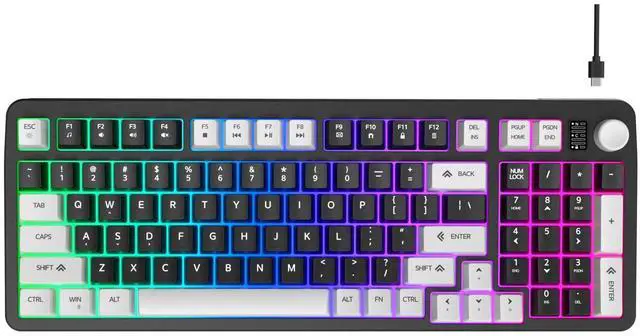
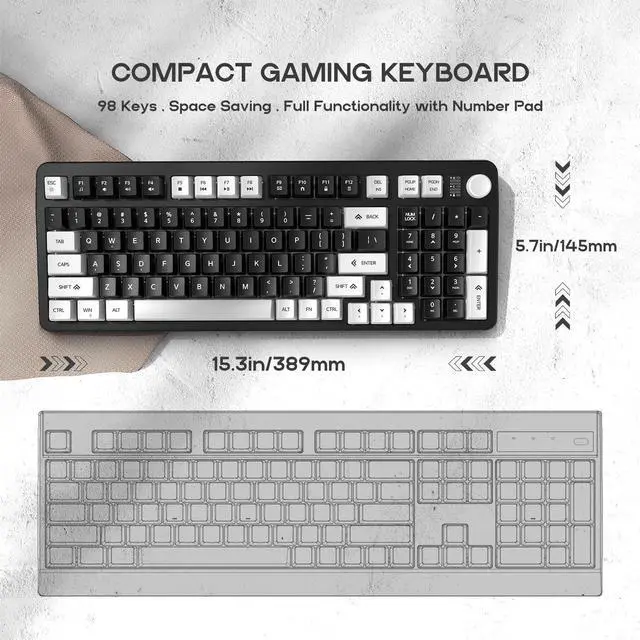
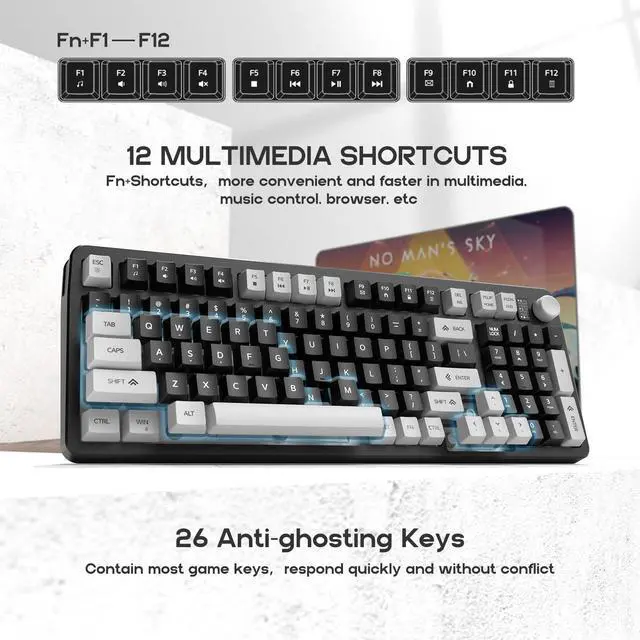


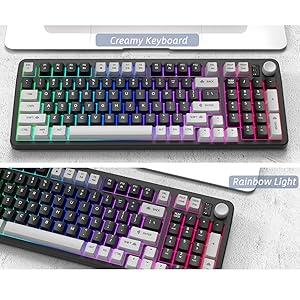
How to Change Backlit Setting:
- Different lighting effects can show different comfortable office experiences or strong gaming atmosphere.
- Rainbow back light is adjustable: highlight mode and breathing mode.
- [FN] +[ ESC ] --- Turn on / off the backlit.
- [FN] +[ ESC ] --- Switch light mode.
- [FN] + [?] / [?] --- Increase / decrease brightness.
- [FN] + [?] / [?] --- Increase / decrease breathing speed.
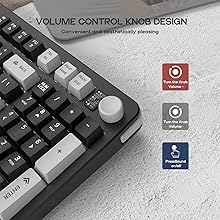
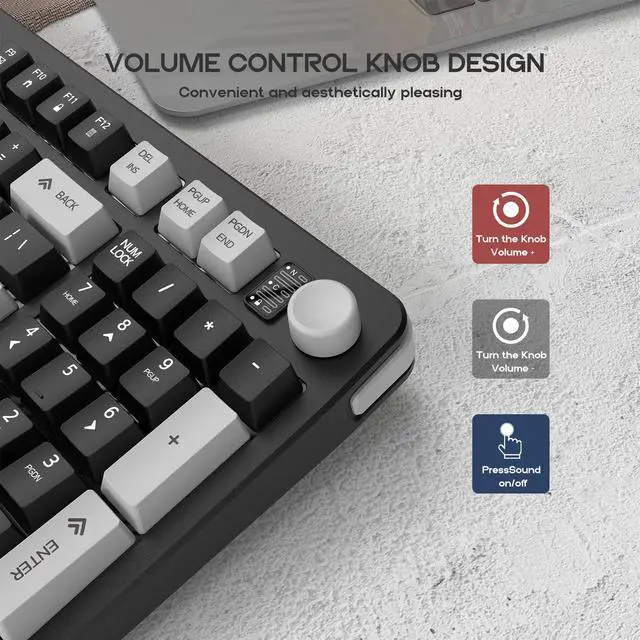
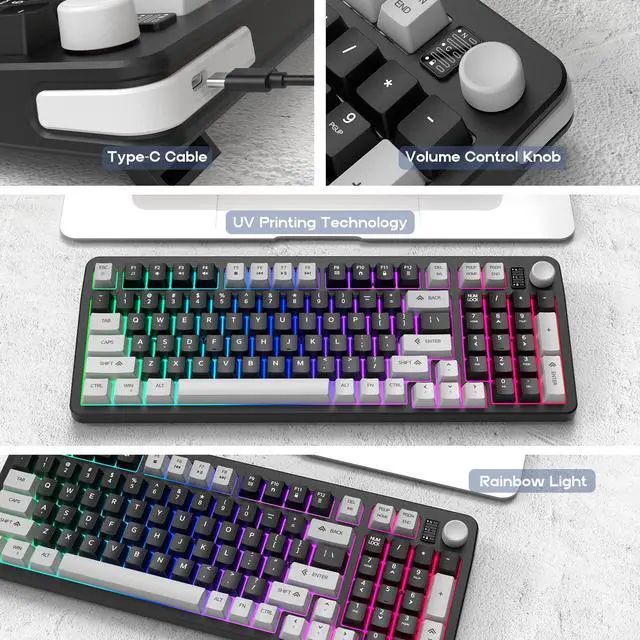
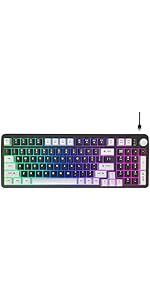
Volume Knob Control Button
Press the knob to turn the sound, you can easily and blindly control the volume during intense games.
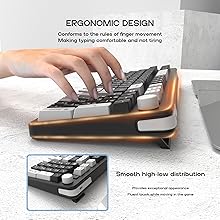
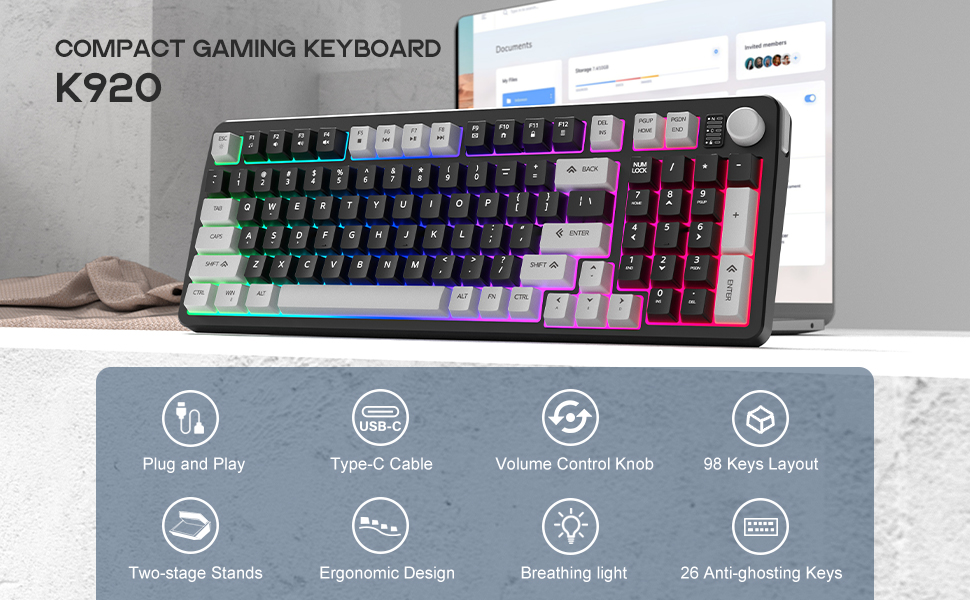
Ergonomic Design
The proper keycap distance forms a smooth high-low distribution, making typing comfortable and not tiring.
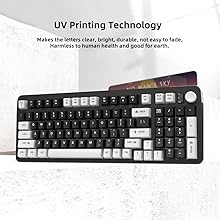
New Keycap Technology
UV printing technology makes the letters clear, bright, durable, not easy to fade, harmless to human health and good for earth.
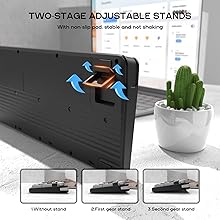
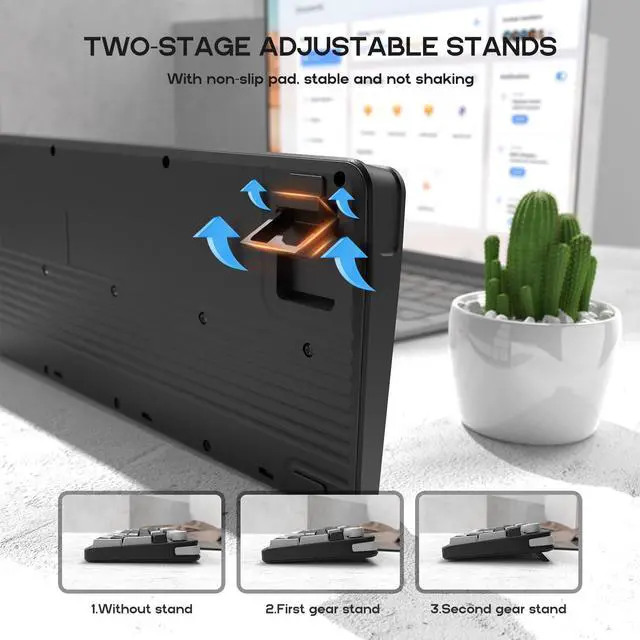
Adjustable Anti-slip Stand
The three-stage adjustable feet can provide different heights of your preference.
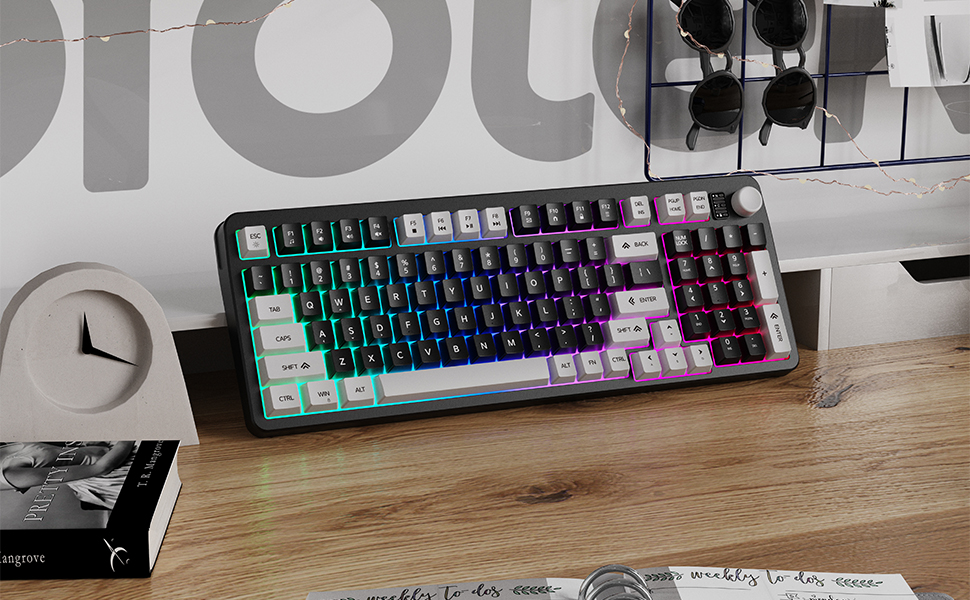
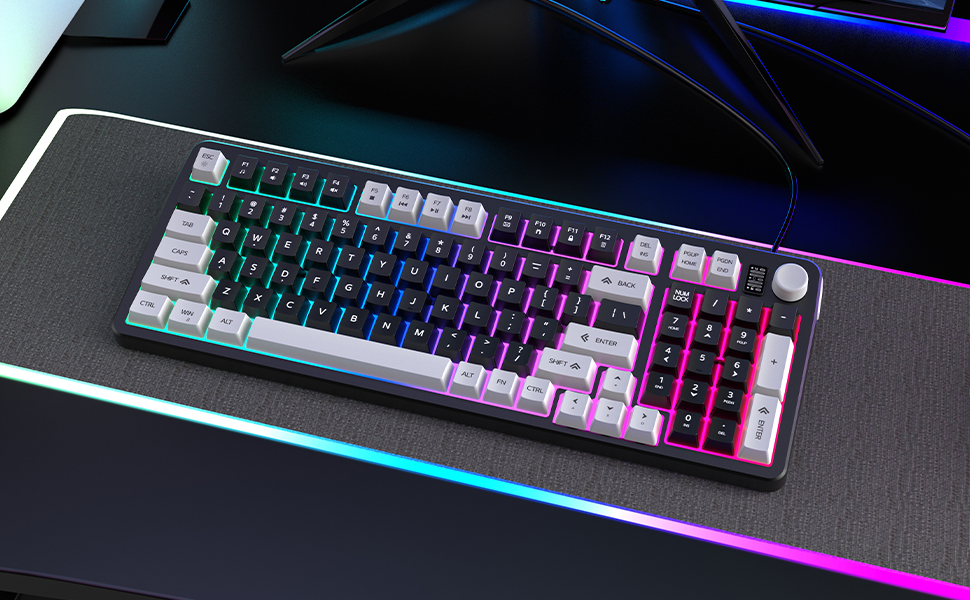
Note: This rainbow keyboard has no memory function. It will back to original factory setting every time you restart the keyboard.
 Wired Gaming Keyboard | 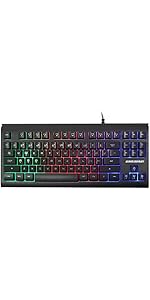 87 Keys Gaming Keyboard | 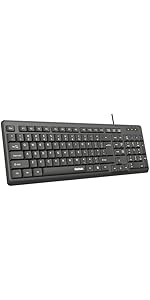 Wired Computer Keyboard | 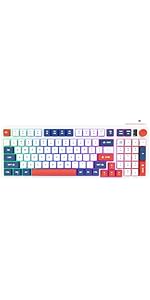 Wired Gaming Keyboard | |
|---|---|---|---|---|
| Customer Reviews | — | — | — | — |
| Price | — | — | — | — |
| Color | Gray&Black | Black | Black | Blue&Red&White |
| LED Backlit | ? | ? | X | ? |
| Light Mode | 2 Light Modes | 2 Light Modes | X | 2 Light Modes |
| Number of Keys | 98 | 87 | 103 | 98 |
| Non-conflicting Keys | 25 | X | X | 25 |
| Brightness Adjustable | ? | ? | X | ? |
| Material | ABS | ABS | ABS | ABS |
| WASD Keys | ? | ? | X | ? |
How to Change Backlit Setting:
- Different lighting effects can show different comfortable office experiences or strong gaming atmosphere.
- Rainbow back light is adjustable: highlight mode and breathing mode.
- [FN] +[ ESC ] --- Turn on / off the backlit.
- [FN] +[ ESC ] --- Switch light mode.
- [FN] + [?] / [?] --- Increase / decrease brightness.
- [FN] + [?] / [?] --- Increase / decrease breathing speed.
Volume Knob Control Button
Press the knob to turn the sound, you can easily and blindly control the volume during intense games.
Ergonomic Design
The proper keycap distance forms a smooth high-low distribution, making typing comfortable and not tiring.
New Keycap Technology
UV printing technology makes the letters clear, bright, durable, not easy to fade, harmless to human health and good for earth.
Adjustable Anti-slip Stand
The three-stage adjustable feet can provide different heights of your preference.
Note: This rainbow keyboard has no memory function. It will back to original factory setting every time you restart the keyboard.
Wired Gaming Keyboard | 87 Keys Gaming Keyboard | Wired Computer Keyboard | Wired Gaming Keyboard | |
|---|---|---|---|---|
| Customer Reviews | — | — | — | — |
| Price | — | — | — | — |
| Color | Gray&Black | Black | Black | Blue&Red&White |
| LED Backlit | ? | ? | X | ? |
| Light Mode | 2 Light Modes | 2 Light Modes | X | 2 Light Modes |
| Number of Keys | 98 | 87 | 103 | 98 |
| Non-conflicting Keys | 25 | X | X | 25 |
| Brightness Adjustable | ? | ? | X | ? |
| Material | ABS | ABS | ABS | ABS |
| WASD Keys | ? | ? | X | ? |