
Your Browsing History




Any questions? Our AI beta will help you find out quickly.
Troubleshooting for Key Issues:
Please replace the keyboard with the spare switch provided, and press and hold Fn + Spacebar to reset.
Troubleshooting for Charging Issues:
Please replace the USB cable and test the charging, while prioritizing using the computer's USB port for charging. Please do not use a fast-charging cable and wall socket to charge the keyboard
Q&A
Q1: What should I do if the keyboard cannot charge or does not respond when connected?
A1: First, try replacing the USB cable and ensure it is properly and securely connected to the keyboard. Next, use a different USB port for charging and avoid utilizing a charger or fast-charging cable. Additionally, you can check the battery level by pressing and holding Fn + Enter while the side button is in the "ON" position to verify if it has successfully charged.
Q2: What should I do if the keyboard is unresponsive or certain keys do not respond when pressed?
A2: Please replace the keyboard with the spare switch provided, and then press and hold Fn + Spacebar to reset.
Q3: How can I resolve issues with the keyboard's unstable wireless connection, frequent disconnections, or failure to connect?
A3: Ensure that the battery is fully charged, then re-pair and reconnect the keyboard. Remove any sources of interference and press and hold Fn + Spacebar to reset.
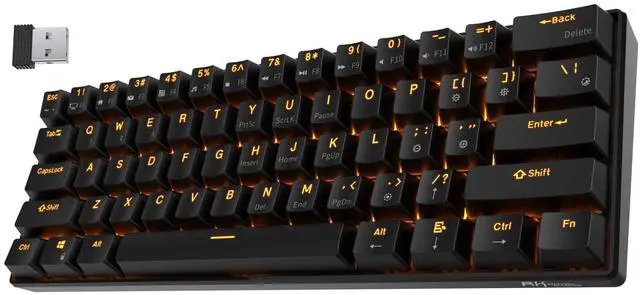
| Brand | RK ROYAL KLUDGE |
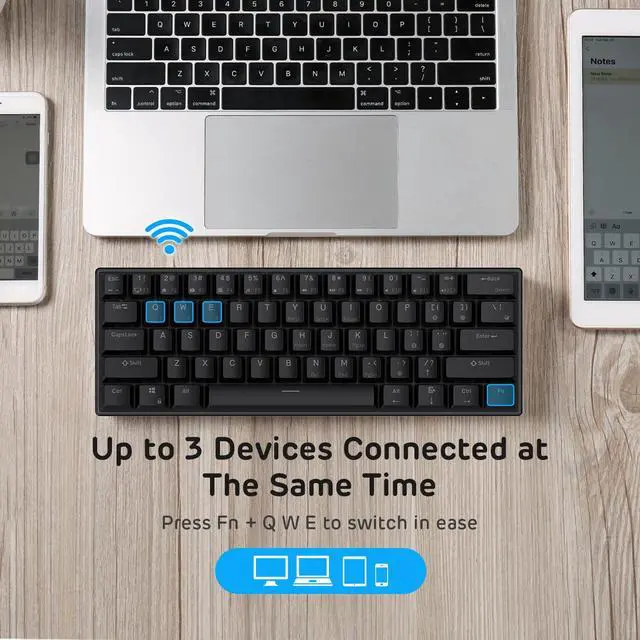
| Compatible Devices | Laptop, Smartphone, Tablet |
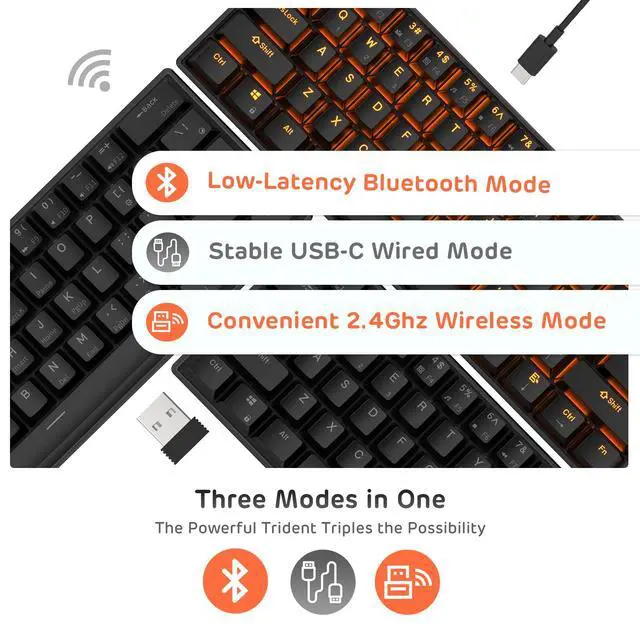
| Connectivity Technology | BT5.0, Wireless 2.4G, USB-C |
| Keyboard Description | Gaming , Mechanical |
| Recommended Uses For Product | Business, Everyday Use, Gaming, Student |
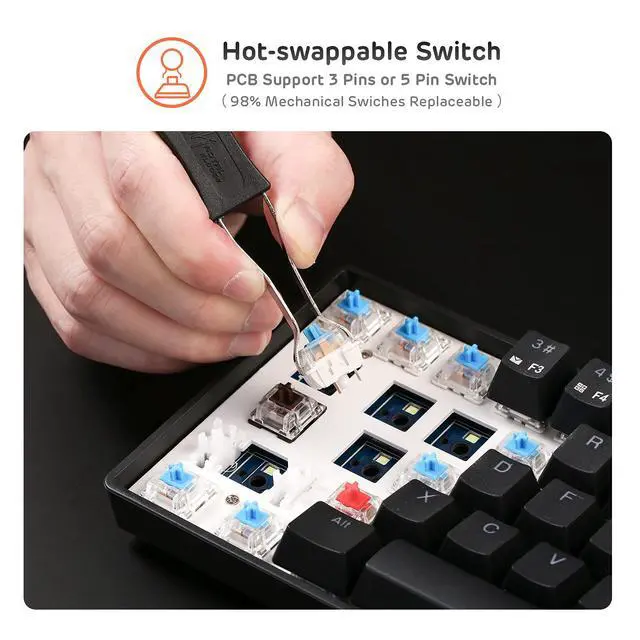
| Special Feature | Backlit, Hot-Swappable |
| Color | Black |
| Keyboard backlighting color support | Single Color |
| Style | Modern |
| Product Dimensions | 11.5"L x 4.02"W x 1.54"H |
| Item Weight | 1.06 pounds |
| Manufacturer | RK ROYAL KLUDGE |
| Item model number | 903338280 |
| Batteries | 1 Lithium Polymer batteries required. |
| Is Discontinued By Manufacturer | No |
| Date First Available | June 22, 2017 |