




AULA Online Driver (Chrome)
How to Connect Software
- Visit the official "AULA" website.
- Navigate to the "Downloads" page, then click on "Driver."
- Locate the link for the "WIN60 Magnetic Switch Keyboard Website Driver" and select the "Standard Edition."
- Click "Allow browser access," choose your device from the list, and then click to connect.
AULA WIN60 HE Online Drive
Merchant Video


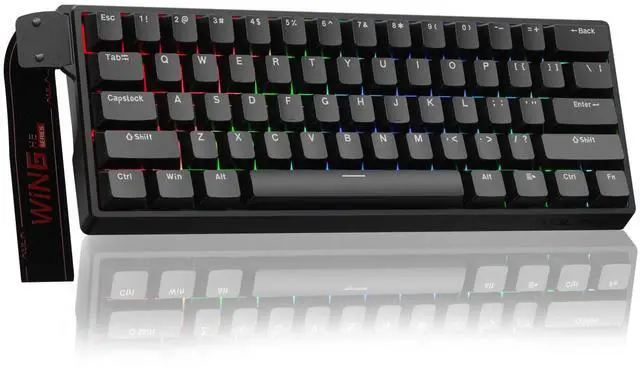
AULA WIN60 HE Hall Effect Keyboard-The Perfect Blend of Precision and Durability
What is the Hall Effect?
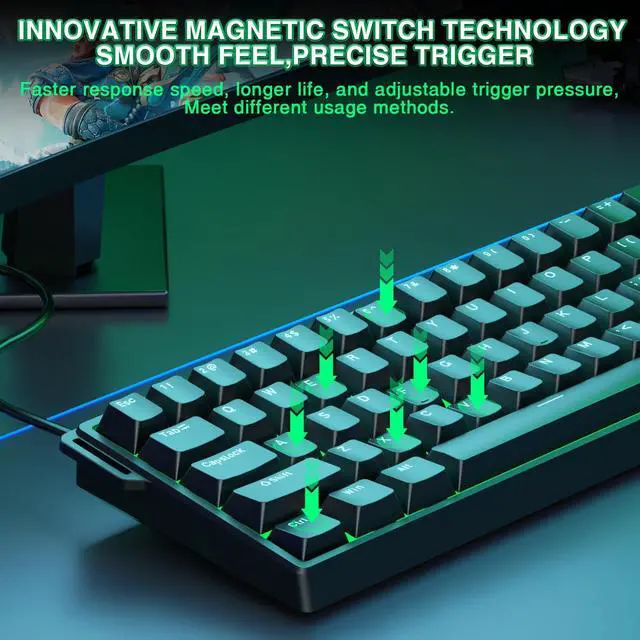
The Hall Effect is a physical phenomenon that allows our keyboard, like the AULA WIN60 HE, to detect whether a key has been pressed by sensing changes in the position of a tiny magnet beneath each key, rather than relying on traditional mechanical contact. This means every keystroke can be recognized with exceptional precision, while also avoiding the wear and tear issues common to traditional switches over time.
Why Choose the AULA WIN60 HE Hall Effect Keyboard?
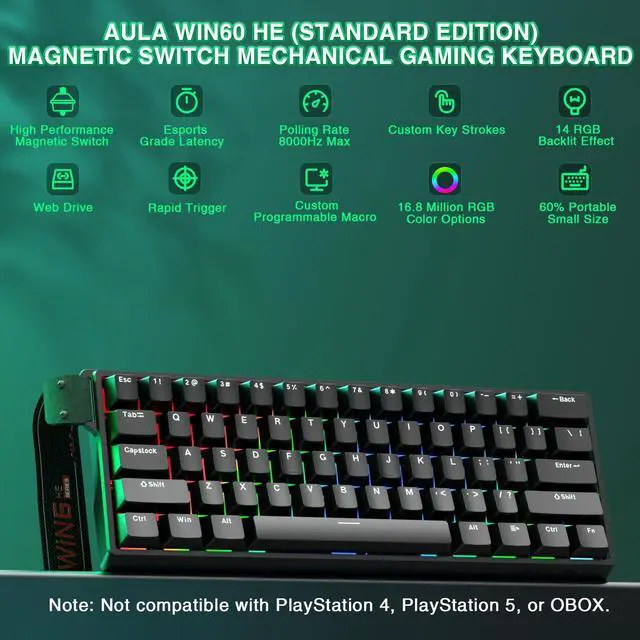
- Unmatched Precision: With Hall Effect technology, the AULA WIN60 HE offers unparalleled accuracy, ensuring that every keystroke is registered correctly. It's perfect for gaming or tasks requiring rapid responses and fine control.
- Extended Lifespan: Thanks to its innovative design without physical contact points, the AULA WIN60 HE is virtually immune to wear from use, ensuring long-term stability and reliability.
- Adjustable Actuation Force: Customize the force required to activate a key according to your preferences. Whether you prefer a light touch or a firmer press, this feature caters to different user needs, making the AULA WIN60 HE highly versatile.
- Quiet Operation: Compared to traditional mechanical keyboards, the AULA WIN60 HE operates more quietly, providing a more comfortable typing experience ideal for both gaming and office environments.
Whether you're a gamer, a professional, or a daily user, the AULA WIN60 HE Hall Effect keyboard is an ideal choice to enhance your input experience. Say goodbye to the limitations of traditional keyboards and enjoy unprecedented precision, durability, and customization with the AULA WIN60 HE!
- Dynamic Keystroke (DKS): The current key can be modified to bind 1 to 4 functions, depending on the degree of pressing and releasing.
- Press and Hold/Click (MT): A single key can perform two functions; pressing and holding the key performs one action, while clicking it performs another.
- Toggle Switch (TGL): You can modify the current key to continuously trigger when clicked, while pressing and holding the key triggers it normally.
- PRCS (SOCD Function): This binds two keys, where the key pressed later will force the release of the previously pressed key, ensuring only one key is triggered at a time.
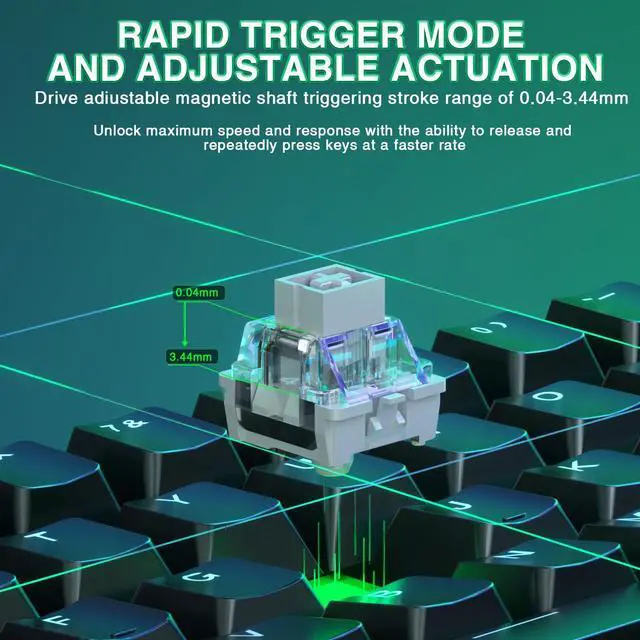
- Quick Trigger Function (RT): The quick trigger dynamically adjusts the trigger stroke and reset stroke based on your intention to press or release the key.
- Visualize Fast Magnetic Switch Travel Calibration: This feature allows you to visually calibrate the travel distance of the magnetic switch.
- Real-Time Detection of Visualized Magnetic Switch Travel: This feature provides real-time visualization and detection of the magnetic switch's travel distance.
AULA Compact Magnetic Switch Gaming Keyboard
 Aula WIN60 HE |  Aula WIN60 HE |  AULA WIN60 HE PRO |  AULA MINI60 HE PRO |  AULA WIN60 HE MAX |  Aula Hero 84 HE |  Aula Hero 84 HE | |
|---|---|---|---|---|---|---|---|
Customer Reviews | — | — | — | — | — | — | — |
Price | — | — | — | — | — | — | — |
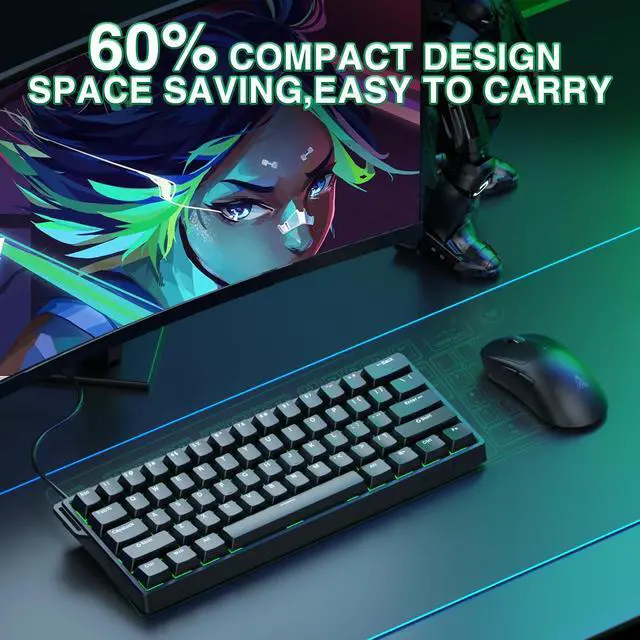
Keyboard Layout | 60% | 60% | 60% | 60% | 60% | 75% | 75% |
Connectivity Tech | Wired USB-C | Wired USB-C | Wired USB-C | Wireless | Wired USB-C | Wired USB-C | Wired USB-C |
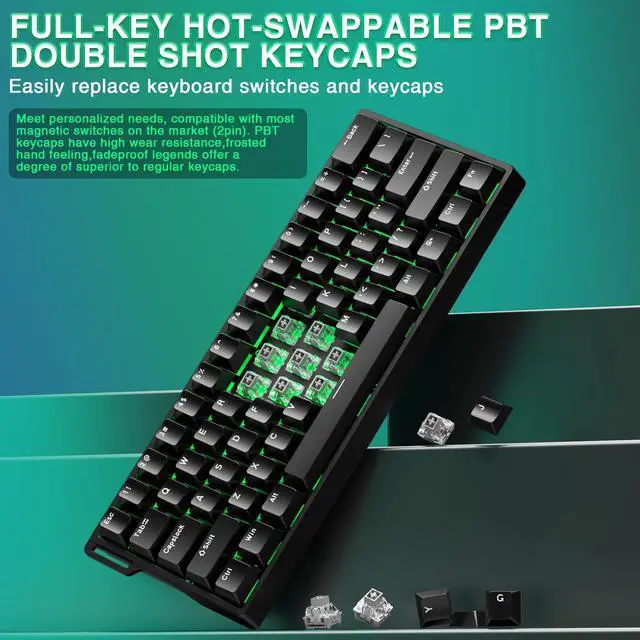
Keycap Material | PBT | PBT | PBT | PBT | PBT | PBT | PBT |
Keyboard Switch Type | Gray Wood Magnetic Switch | Gray Wood Magnetic Switch | Semantic Magnetic Switch | Magnetic Switch | Wing Chun Magnetic Switch | Black King Magnetic Switch | Black King Magnetic Switch |
Polling Rate | 8000Hz | 8000Hz | 8000Hz | 8000Hz | 8000Hz | 8000Hz | 8000Hz |
Latency | 0.3ms | 0.3ms | 0.2ms | 0.1ms | 0.2ms | 0.125ms | 0.125ms |
Rapid Trigger Accuracy | 0.02 | 0.02 | 0.01 | 0.01 | 0.01 | 0.01 | 0.01 |
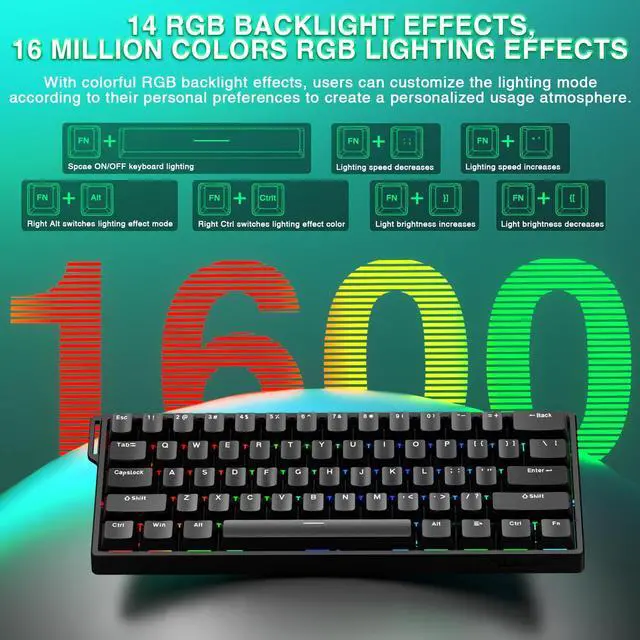
RGB Backlight | ? | ? | ? | ? | ? | ? | ? |


CORBOBO keyboards grace desktops worldwide, a testament to our dedication to delivering superior typing solutions. We continue to innovate, ensuring every stroke reflects our promise of excellence. We stand by our motto:Designed for Performance, Crafted for Elegance. And as we move forward, we continue to innovate, ensuring that every keyboard is a testament to our legacy—a blend of functionality and art that transcends time.
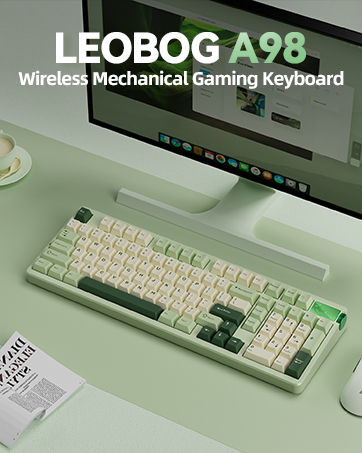
LEOBOG A98 Mechanical Keyboard
96% Mechanical Gaming Keyboard Wireless, Hot Swappable RGB Lighting with Knob
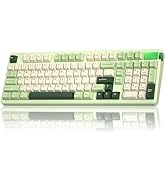
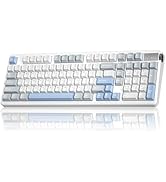
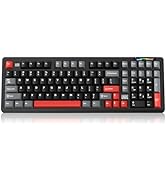
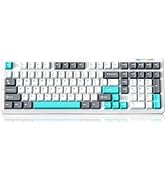
Wireless Mechanical Keyboard
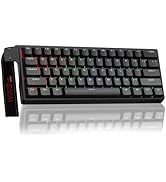
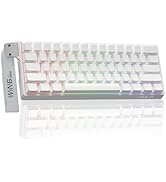
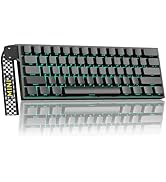
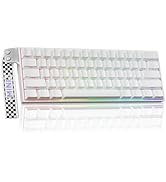
WIN60&MINI60 Magnetic Keyboard
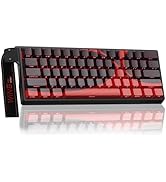
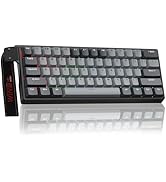
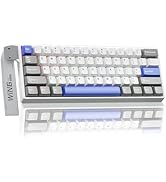
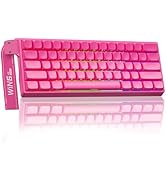
AULA WIN60 HE MAX/Pro
K98Pro-Keyboard with Screen
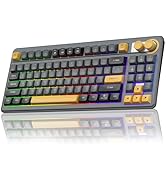
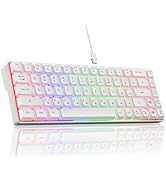
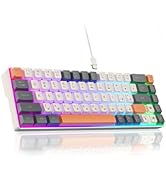
SOLAKAKA PC Gaming Keyboards
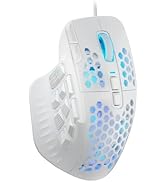
SOLAKAKA PC Gaming Mice
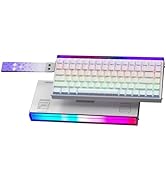
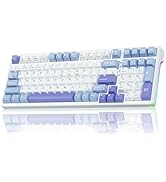
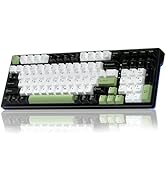
AULA Magnetic Switch Keyboard
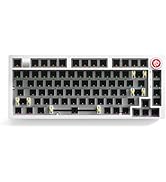
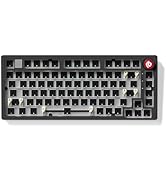
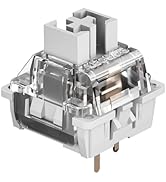
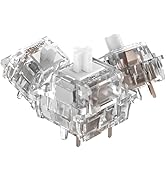
LEOBOG HI75C Keyboard Kit
AULA WIN60 HE Online Drive
Merchant VideoAULA Online Driver (Chrome)
How to Connect Software
- Visit the official "AULA" website.
- Navigate to the "Downloads" page, then click on "Driver."
- Locate the link for the "WIN60 Magnetic Switch Keyboard Website Driver" and select the "Standard Edition."
- Click "Allow browser access," choose your device from the list, and then click to connect.


AULA WIN60 HE Hall Effect Keyboard-The Perfect Blend of Precision and Durability
What is the Hall Effect?
The Hall Effect is a physical phenomenon that allows our keyboard, like the AULA WIN60 HE, to detect whether a key has been pressed by sensing changes in the position of a tiny magnet beneath each key, rather than relying on traditional mechanical contact. This means every keystroke can be recognized with exceptional precision, while also avoiding the wear and tear issues common to traditional switches over time.
Why Choose the AULA WIN60 HE Hall Effect Keyboard?
- Unmatched Precision: With Hall Effect technology, the AULA WIN60 HE offers unparalleled accuracy, ensuring that every keystroke is registered correctly. It's perfect for gaming or tasks requiring rapid responses and fine control.
- Extended Lifespan: Thanks to its innovative design without physical contact points, the AULA WIN60 HE is virtually immune to wear from use, ensuring long-term stability and reliability.
- Adjustable Actuation Force: Customize the force required to activate a key according to your preferences. Whether you prefer a light touch or a firmer press, this feature caters to different user needs, making the AULA WIN60 HE highly versatile.
- Quiet Operation: Compared to traditional mechanical keyboards, the AULA WIN60 HE operates more quietly, providing a more comfortable typing experience ideal for both gaming and office environments.
Whether you're a gamer, a professional, or a daily user, the AULA WIN60 HE Hall Effect keyboard is an ideal choice to enhance your input experience. Say goodbye to the limitations of traditional keyboards and enjoy unprecedented precision, durability, and customization with the AULA WIN60 HE!
- Dynamic Keystroke (DKS): The current key can be modified to bind 1 to 4 functions, depending on the degree of pressing and releasing.
- Press and Hold/Click (MT): A single key can perform two functions; pressing and holding the key performs one action, while clicking it performs another.
- Toggle Switch (TGL): You can modify the current key to continuously trigger when clicked, while pressing and holding the key triggers it normally.
- PRCS (SOCD Function): This binds two keys, where the key pressed later will force the release of the previously pressed key, ensuring only one key is triggered at a time.
- Quick Trigger Function (RT): The quick trigger dynamically adjusts the trigger stroke and reset stroke based on your intention to press or release the key.
- Visualize Fast Magnetic Switch Travel Calibration: This feature allows you to visually calibrate the travel distance of the magnetic switch.
- Real-Time Detection of Visualized Magnetic Switch Travel: This feature provides real-time visualization and detection of the magnetic switch's travel distance.
AULA Compact Magnetic Switch Gaming Keyboard
Aula WIN60 HE | Aula WIN60 HE | AULA WIN60 HE PRO | AULA MINI60 HE PRO | AULA WIN60 HE MAX | Aula Hero 84 HE | Aula Hero 84 HE |
|---|---|---|---|---|---|---|
| Customer Reviews | ||||||
| — | — | — | — | — | — | — |
| Price | ||||||
| — | — | — | — | — | — | — |
| Keyboard Layout | ||||||
| 60% | 60% | 60% | 60% | 60% | 75% | 75% |
| Connectivity Tech | ||||||
| Wired USB-C | Wired USB-C | Wired USB-C | Wireless | Wired USB-C | Wired USB-C | Wired USB-C |
| Keycap Material | ||||||
| PBT | PBT | PBT | PBT | PBT | PBT | PBT |
| Keyboard Switch Type | ||||||
| Gray Wood Magnetic Switch | Gray Wood Magnetic Switch | Semantic Magnetic Switch | Magnetic Switch | Wing Chun Magnetic Switch | Black King Magnetic Switch | Black King Magnetic Switch |
| Polling Rate | ||||||
| 8000Hz | 8000Hz | 8000Hz | 8000Hz | 8000Hz | 8000Hz | 8000Hz |
| Latency | ||||||
| 0.3ms | 0.3ms | 0.2ms | 0.1ms | 0.2ms | 0.125ms | 0.125ms |
| Rapid Trigger Accuracy | ||||||
| 0.02 | 0.02 | 0.01 | 0.01 | 0.01 | 0.01 | 0.01 |
| RGB Backlight | ||||||
| ? | ? | ? | ? | ? | ? | ? |
CORBOBO keyboards grace desktops worldwide, a testament to our dedication to delivering superior typing solutions. We continue to innovate, ensuring every stroke reflects our promise of excellence. We stand by our motto:Designed for Performance, Crafted for Elegance. And as we move forward, we continue to innovate, ensuring that every keyboard is a testament to our legacy—a blend of functionality and art that transcends time.
LEOBOG A98 Mechanical Keyboard
96% Mechanical Gaming Keyboard Wireless, Hot Swappable RGB Lighting with Knob
Wireless Mechanical Keyboard
WIN60&MINI60 Magnetic Keyboard
AULA WIN60 HE MAX/Pro
K98Pro-Keyboard with Screen
SOLAKAKA PC Gaming Keyboards
SOLAKAKA PC Gaming Mice
AULA Magnetic Switch Keyboard
LEOBOG HI75C Keyboard Kit