




Pauroty
Your ultimate gaming destination

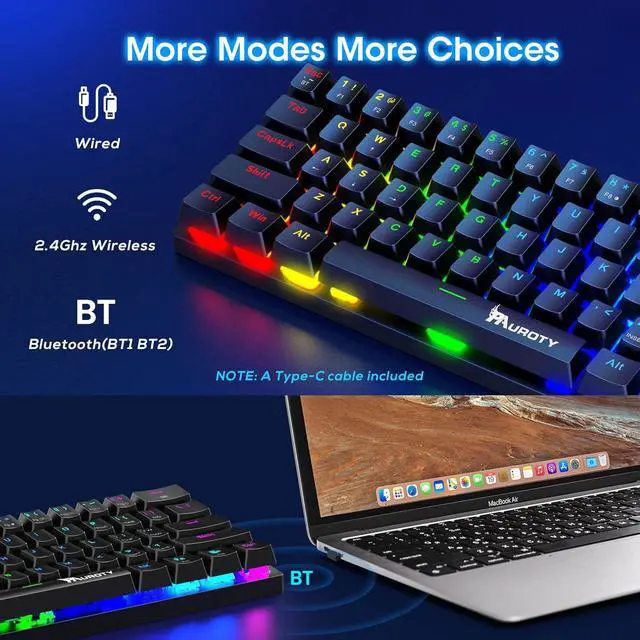
Pauroty is a gaming company that creates wireless one-key zone keyboards for players. Our founders, passionate gamers themselves, designed the perfect keyboard to execute complex commands with a single keystroke, giving players a competitive edge. Pauroty is more than a keyboard company - we are a community of gamers committed to improving our products to meet the needs of our customers. Join us, and take your gaming experience to the next level.

Service Support
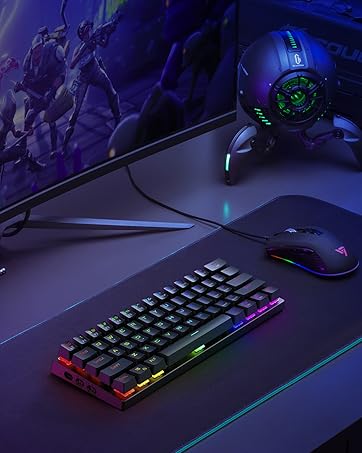
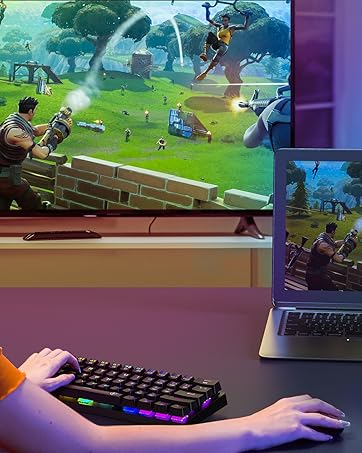
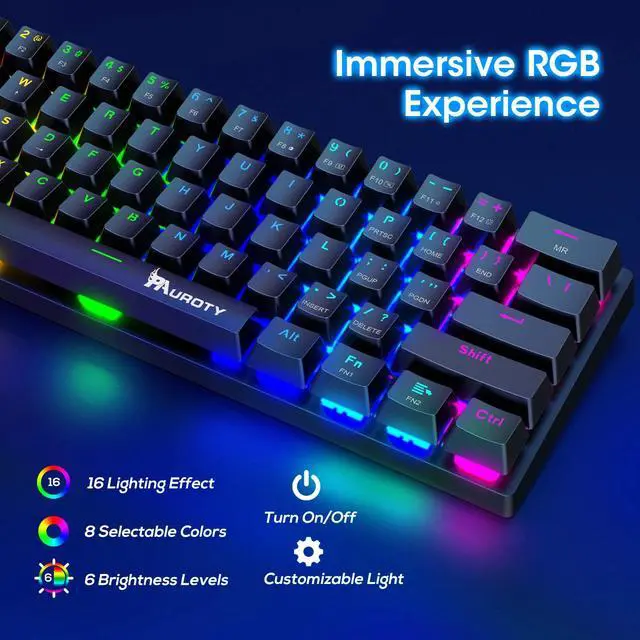
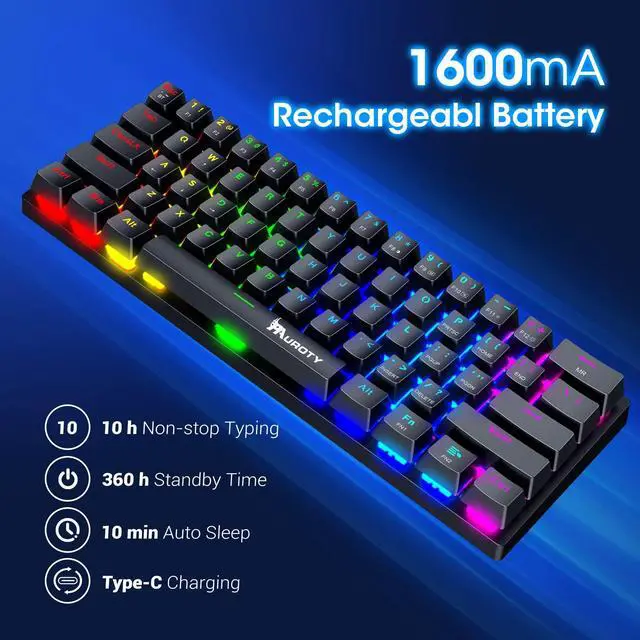
16 RGB backlight modes, 8 color choices, 6 brightness levels


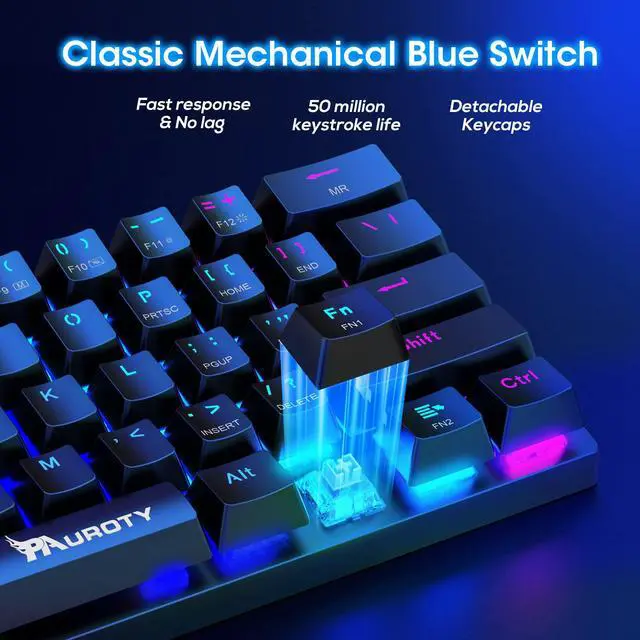
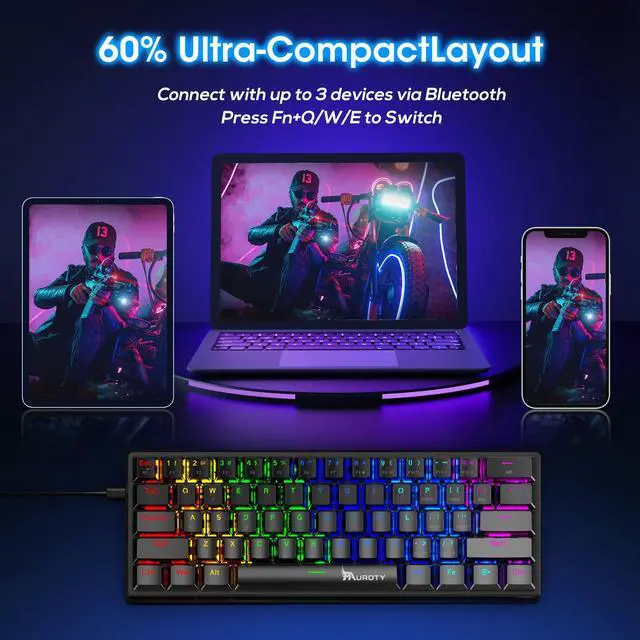
60 Percent Compact Mini
In the Box


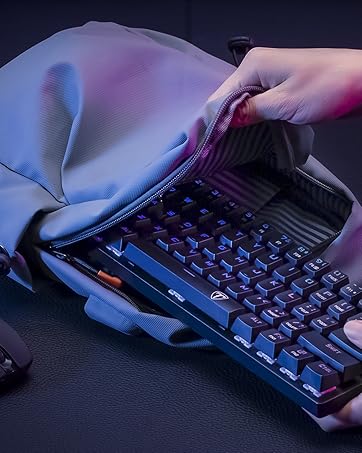
It easily fits into most backpacks for superb portability when you're on the go.
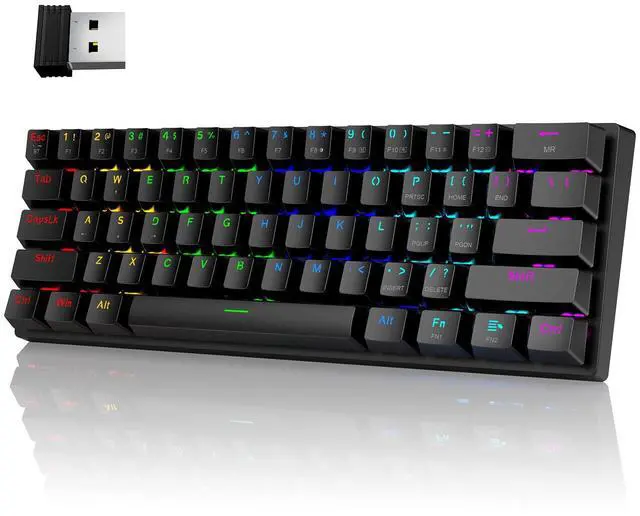
1 x 60 Percent Keyboard
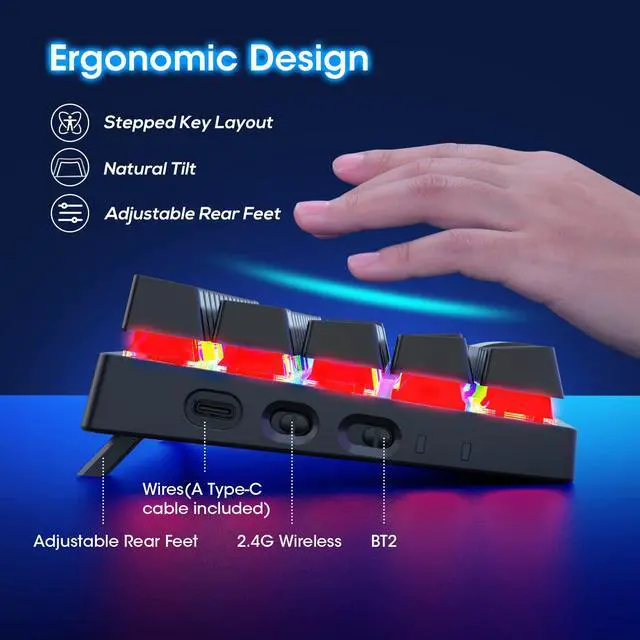
1 x 2.4GHz Receiver, 1 x USB Cable
1 x User Manual


Pauroty
Your ultimate gaming destination
Pauroty is a gaming company that creates wireless one-key zone keyboards for players. Our founders, passionate gamers themselves, designed the perfect keyboard to execute complex commands with a single keystroke, giving players a competitive edge. Pauroty is more than a keyboard company - we are a community of gamers committed to improving our products to meet the needs of our customers. Join us, and take your gaming experience to the next level.
Service Support