


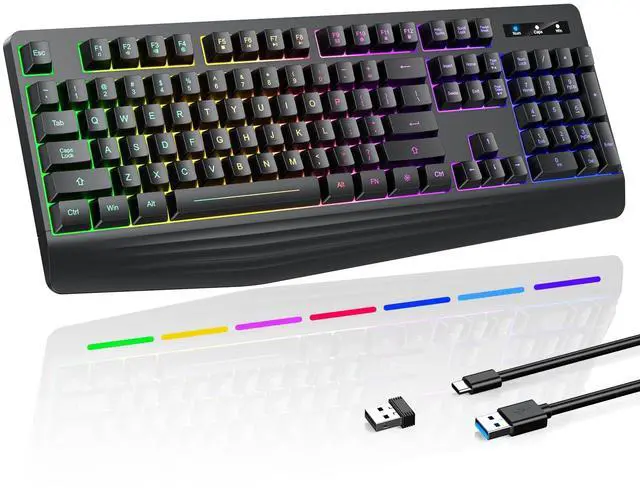


Wirless Gaming Computer Rechargeable Keyboard
wireless backlit keyboard
Merchant Video


Is this a membrane keyboard or a mechanical keyboard? How is the tactile feedback of the keys?
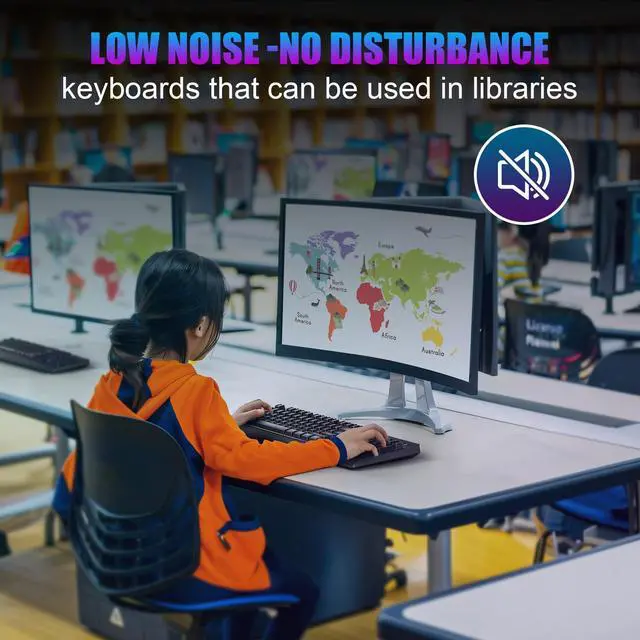
It's a membrane keyboard. The keys are relatively quiet, producing only a faint sound when pressed rapidly and firmly. Regularly clean any dust or debris beneath the keys and ensure the battery is sufficiently charged to maintain its responsiveness.
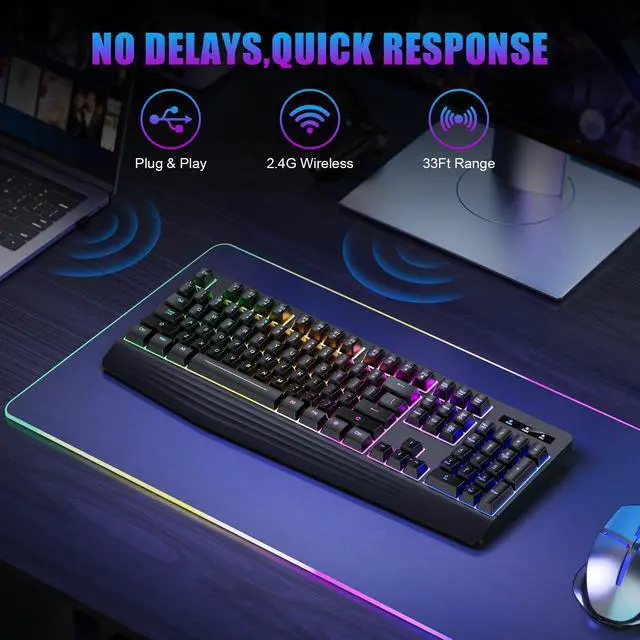
Does the keyboard have a Bluetooth connection option, or is it only for wireless USB dongle?
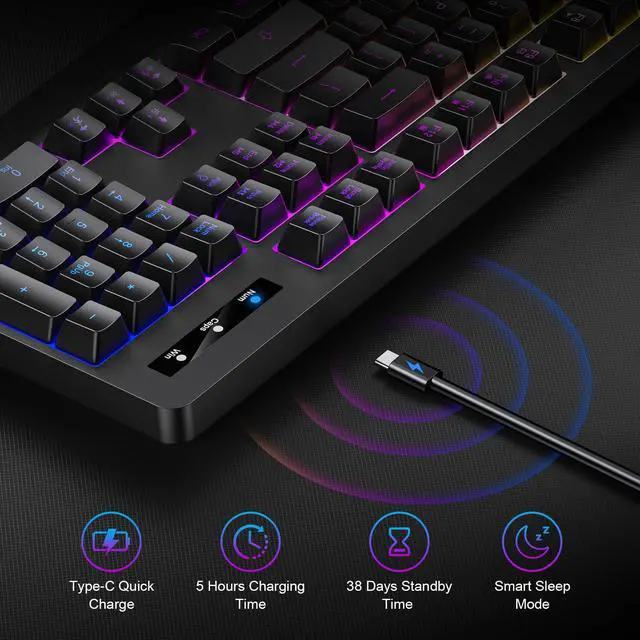
This wireless gaming keyboard only supports 2.4GHz wireless (lower latency) via the included USB receiver. The charging cable is for power only and cannot be used for wired connectivity.
Which devices and systems are compatible with the keyboard?
Compatible with PCs, laptops, PS3/4/5, Xbox, and Mac—plug & play, no drivers needed. Supports Windows 2000/XP/Vista/7/8/10/11. If connection fails initially, try restarting the keyboard, factory reset, or unplugging and replugging the USB port.
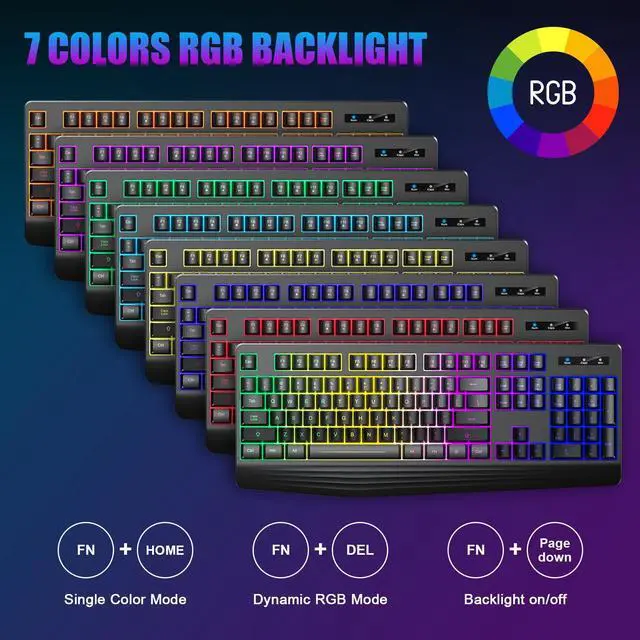
How to turn on/off backlight or keep it always on? Can RGB be customized?
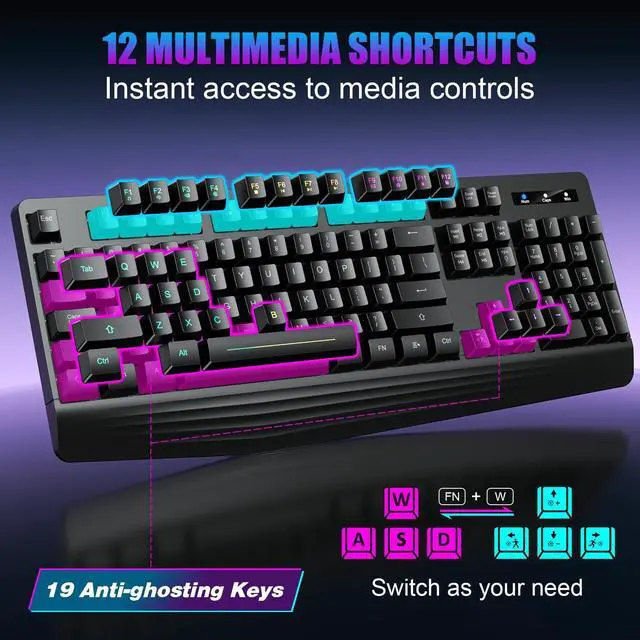
Press FN+PgDn to turn the backlight on/off, and FN+Insert/FN+Home for static backlight. The keyboard's backlight will auto-sleep after 90 seconds of inactivity. Press any key to wake it. Supports adjustable lighting modes, but no custom RGB effects.
What should I do if my keyboard becomes unresponsive during use?
It may have entered sleep mode (press any key to wake). For wireless models, try re-pairing or re-plugging the USB receiver. These are common power-saving and connection protection features. For further assistance, please contact our support team.


yesbeaut
Unlock new worlds and possibilities with us

At yesbeaut, we believe gaming should be accessible to all. Our high-quality, affordable keyboards are designed by gamers, for gamers. We pride ourselves on durability, reliability, and ergonomic design.
Our goal is simple: provide gamers with the best tools to enjoy their favorite games. We believe that every keystroke should be an adventure, and with yesbeaut, you can take your journey to the next level. Join us in embracing a new era of play.

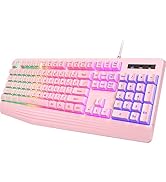
Level Up Your Typing Game.
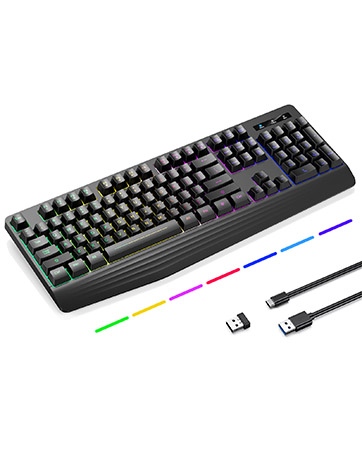
Wireless wonder, deep comfort
Experience the Depth: Our New Wireless Keyboard

After-Sales Support
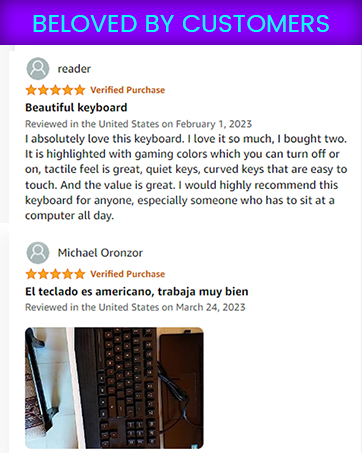

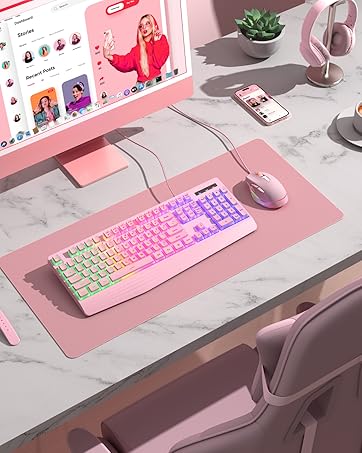


Wirless Gaming Computer Rechargeable Keyboard
wireless backlit keyboard
Merchant Video


Double-colored Injection Keycaps


Removable keycaps for quick cleaning without worrying about dust or dirt. Two-tone injection-molded keycaps provide crystal-clear uniform backlighting, and letters never fade.

Is this a membrane keyboard or a mechanical keyboard? How is the tactile feedback of the keys?
It's a membrane keyboard. The keys are relatively quiet, producing only a faint sound when pressed rapidly and firmly. Regularly clean any dust or debris beneath the keys and ensure the battery is sufficiently charged to maintain its responsiveness.
Does the keyboard have a Bluetooth connection option, or is it only for wireless USB dongle?
This wireless gaming keyboard only supports 2.4GHz wireless (lower latency) via the included USB receiver. The charging cable is for power only and cannot be used for wired connectivity.
Which devices and systems are compatible with the keyboard?
Compatible with PCs, laptops, PS3/4/5, Xbox, and Mac—plug & play, no drivers needed. Supports Windows 2000/XP/Vista/7/8/10/11. If connection fails initially, try restarting the keyboard, factory reset, or unplugging and replugging the USB port.
How to turn on/off backlight or keep it always on? Can RGB be customized?
Press FN+PgDn to turn the backlight on/off, and FN+Insert/FN+Home for static backlight. The keyboard's backlight will auto-sleep after 90 seconds of inactivity. Press any key to wake it. Supports adjustable lighting modes, but no custom RGB effects.
What should I do if my keyboard becomes unresponsive during use?
It may have entered sleep mode (press any key to wake). For wireless models, try re-pairing or re-plugging the USB receiver. These are common power-saving and connection protection features. For further assistance, please contact our support team.
Explore Our Range
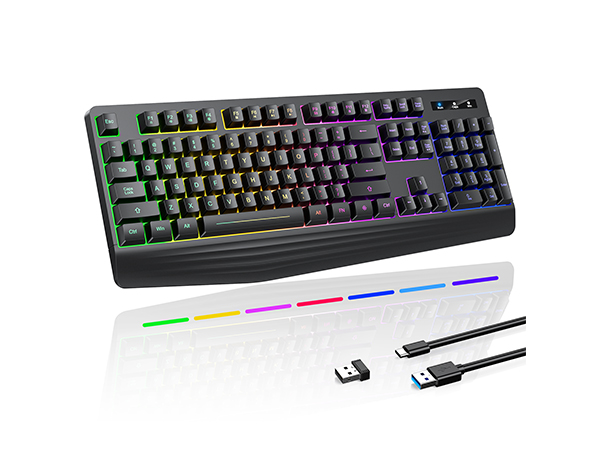
PC414
Connection
Wireless
Backlight
Rainbow Single Color
Switches
Membrane
Keycap
ABS
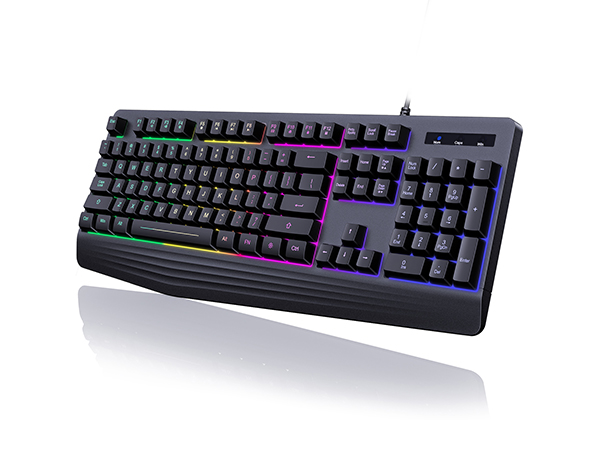
PC359
Connection
Wired
Backlight
Rainbow
Switches
Membrane
Keycap
ABS
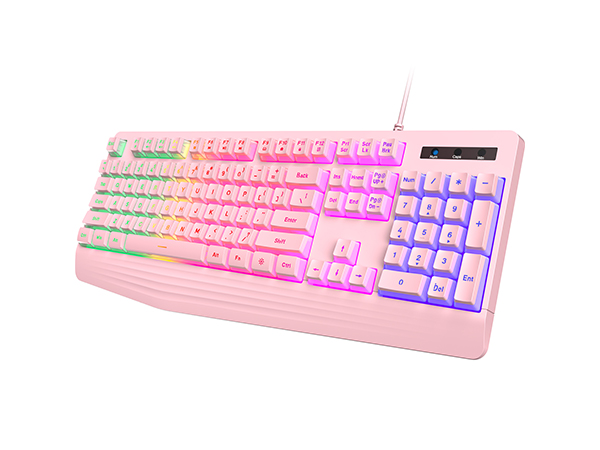
PC359AP
Connection
Wired
Backlight
Rainbow
Switches
Membrane
Keycap
Creamy
yesbeaut
Unlock new worlds and possibilities with us
At yesbeaut, we believe gaming should be accessible to all. Our high-quality, affordable keyboards are designed by gamers, for gamers. We pride ourselves on durability, reliability, and ergonomic design.
Our goal is simple: provide gamers with the best tools to enjoy their favorite games. We believe that every keystroke should be an adventure, and with yesbeaut, you can take your journey to the next level. Join us in embracing a new era of play.
Level Up Your Typing Game.
Wireless wonder, deep comfort
Experience the Depth: Our New Wireless Keyboard
After-Sales Support