




How can I find the USB receiver?
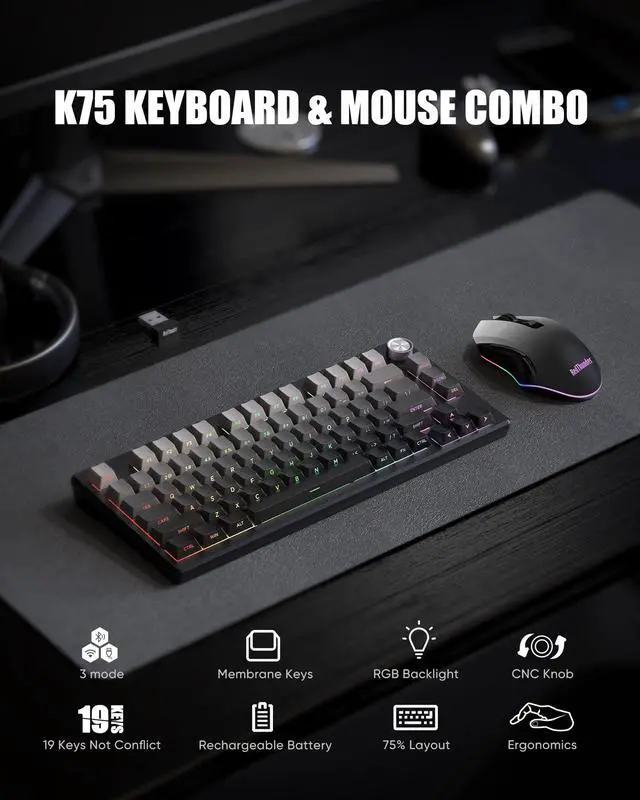
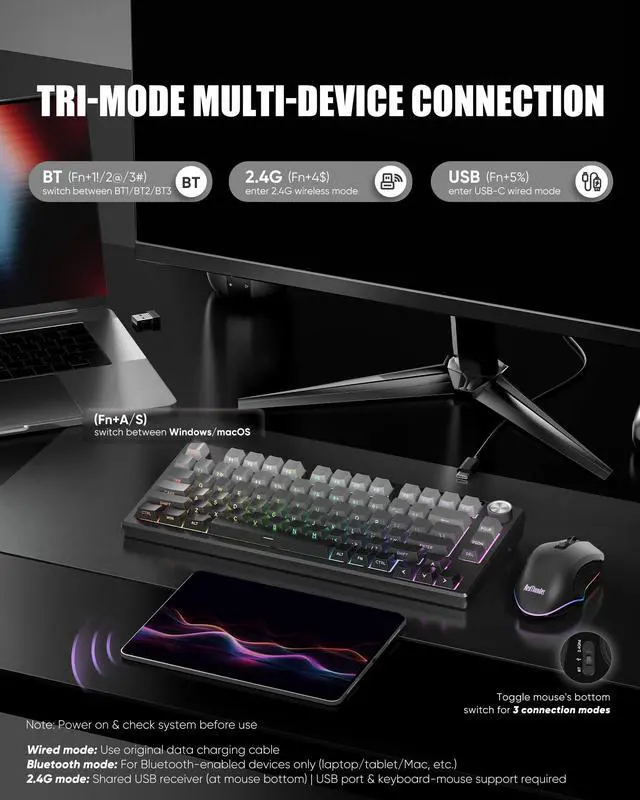
The keyboard and mouse share only one USB receiver, whitch is in the bottom of the mouse.
How to use Knob
Press & hold FN + CNC Knob for 3s to switch modes.
Volume Mode: Rotate to adjust volume. Press to mute/unmute.
Lighting Mode: Rotate to adjust brightness. Press to cycle lighting effects.
How to select the system.
FN+A/S to switch between Windows and macOS.
How to select connection mode?
Press Fn+1!/2@/3#/4$/5% to choos BT1/BT2/BT3/2.4G/Wired mode.
Other Options
 K75 Keyboard and Mouse |  K75 Mechanical Keyboard |  K65 Mechanical Keyboard |  K95 Mechanical Keyboard |  K84 Keyboard and Mouse |  K62 Keyboard and Mouse |  K10 Keyboard and Mouse | |
|---|---|---|---|---|---|---|---|
Customer Reviews | — | — | — | — | — | — | — |
Price | — | — | — | — | — | — | — |
CNC Knob | ? | ? | ? | ? | ? | ? | ? |
Switches | Membrane | Mechanical Switches | Mechanical Switches | Mechanical Switches | Membrane | Membrane | Membrane |
RGB | ? | ? | ? | ? | ? | ? | ? |
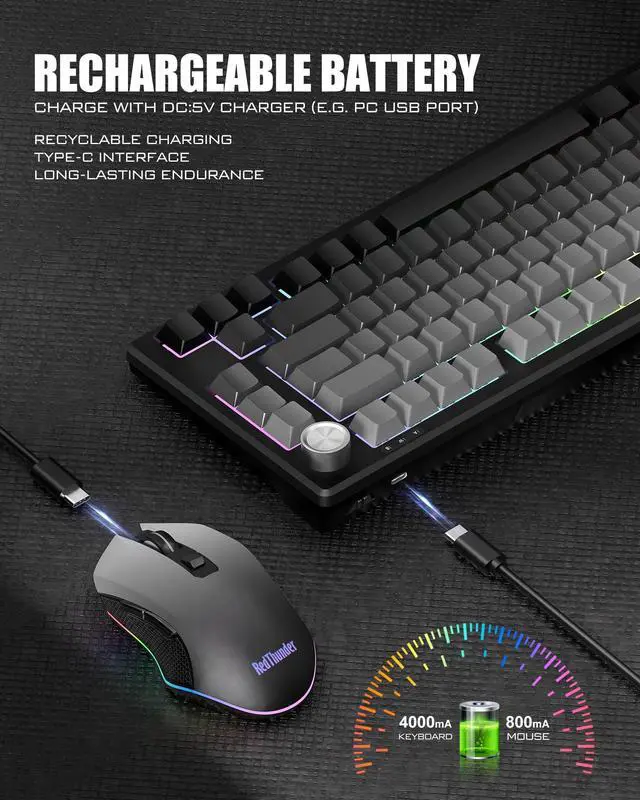
Keyboard Battery | 4000 mAh | 4000 mAh | 4000 mAh | 8000 mAh | 1850 mAh | 2000 mAh | - |
Mouse Battery | 800 mAh | - | - | - | 500 mAh | 500 mAh | - |

About RedThunder
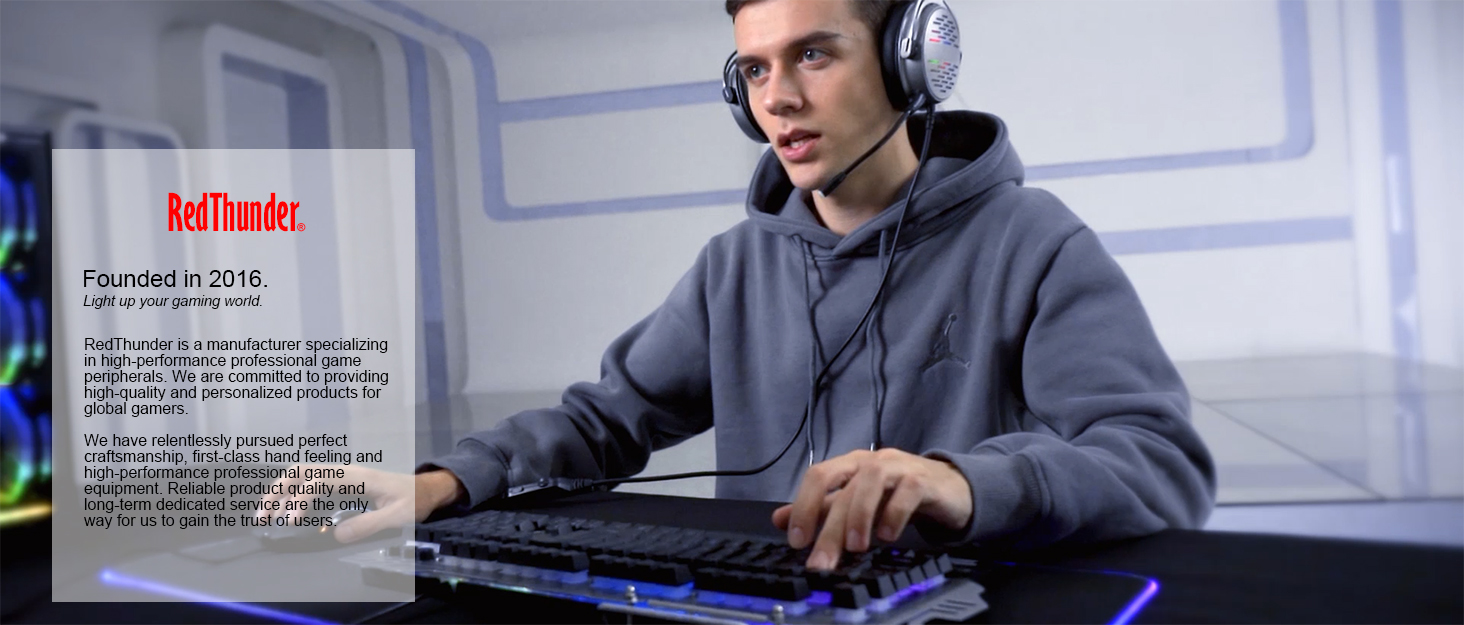
RedThunder is a manufacturer specializing in high-performance professional game peripherals. We are committed to providing high-quality and personalized products for global gamers.
We have relentlessly pursuing perfect craftsmanship, first-class feel, high-performance professional gaming equipment and high-standard service. Your satisfaction is our driving force.
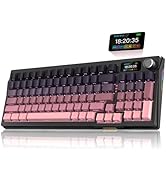
New Collection
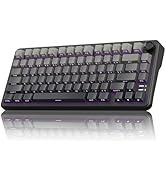
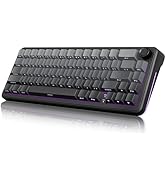
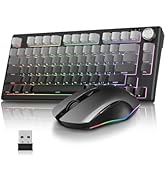
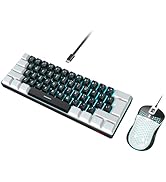
Compact Layout for Gaming
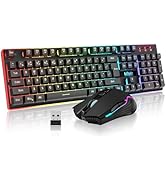
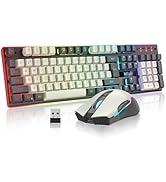
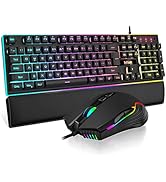
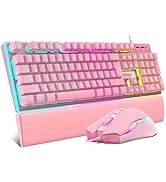
Hot Sale
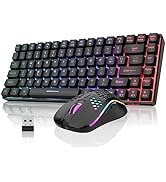
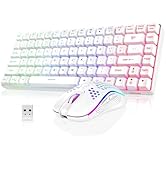
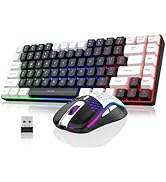
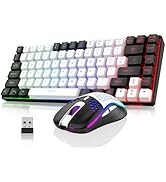
K84 Keyboard Mouse Combo
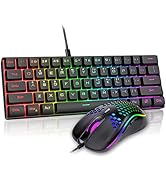
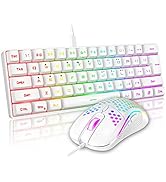
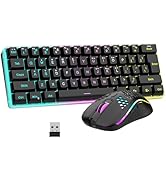
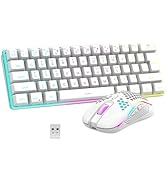
K62 Keyboard Mouse Combo
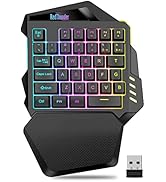
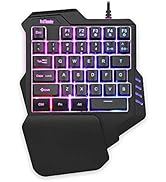

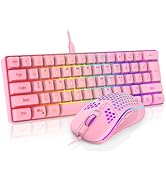
One-handed Keyboard Series


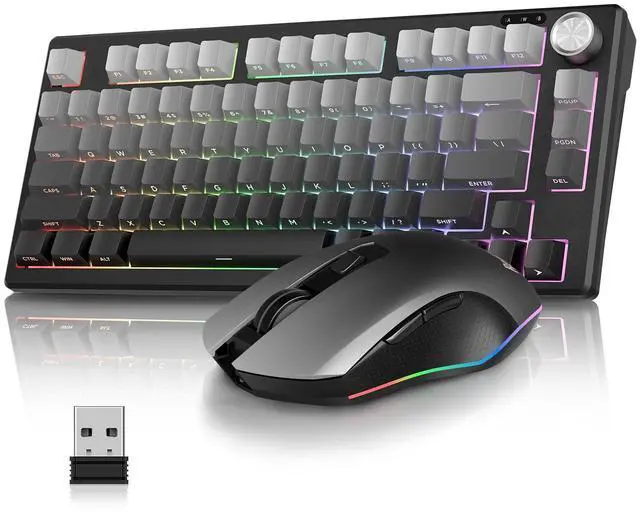
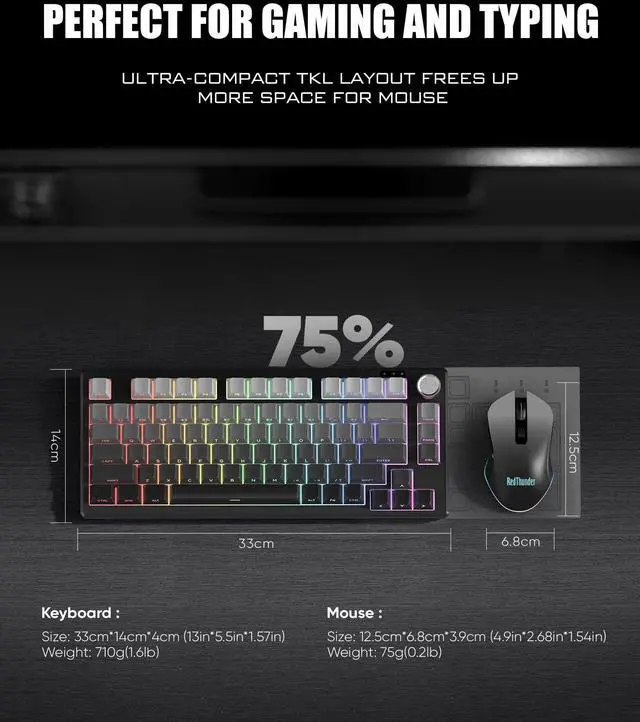
RedThunder K75 Wireless Keyboard and Mouse
- Get rid of messy cables and provide a neat and organized desktop
- Compact and cordless, it fits easily in your bag and can be taken anywhere
- Professional Gaming Mouse the fiercest battles are handled with ease
- Seek the high-quality choice of multifunctional and innovative typing experience
How to connect the K75 keyboard and mouse set?
Turn on the switch and select system before using. Windows/macOS switch: FN+A/S
Wired Mode: FN+5%, Use original USB-C cable with Data Transmission.
Bluetooth Mode:FN+1!/2@/3# to select BT1/BT2/BT3
2.4G Wireless Mode: FN+4$
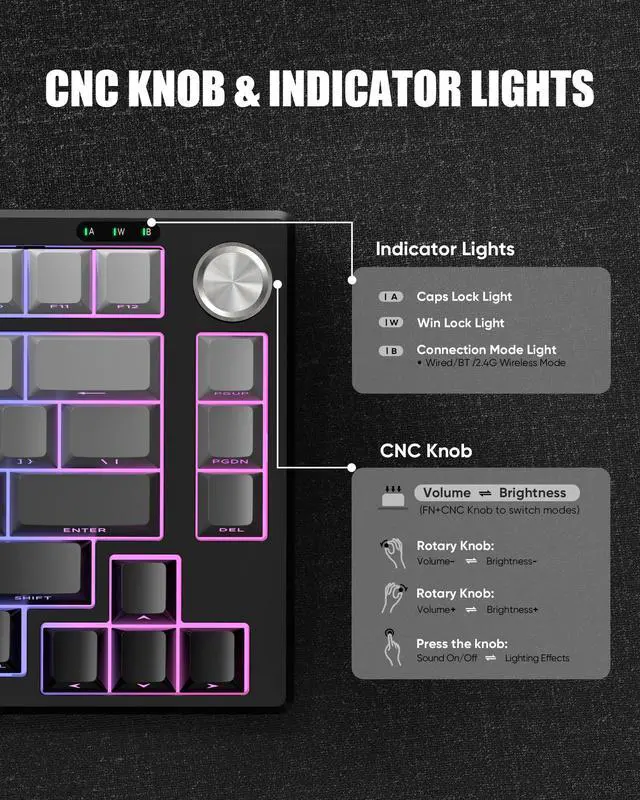
How to use CNC Knob?
Press & holdFN + CNC for 3s to switch modes.
Volume Mode: Rotate to adjust volume. Press to mute/unmute.
Lighting Mode: Rotate to adjust brightness. Press to cycle lighting effects.
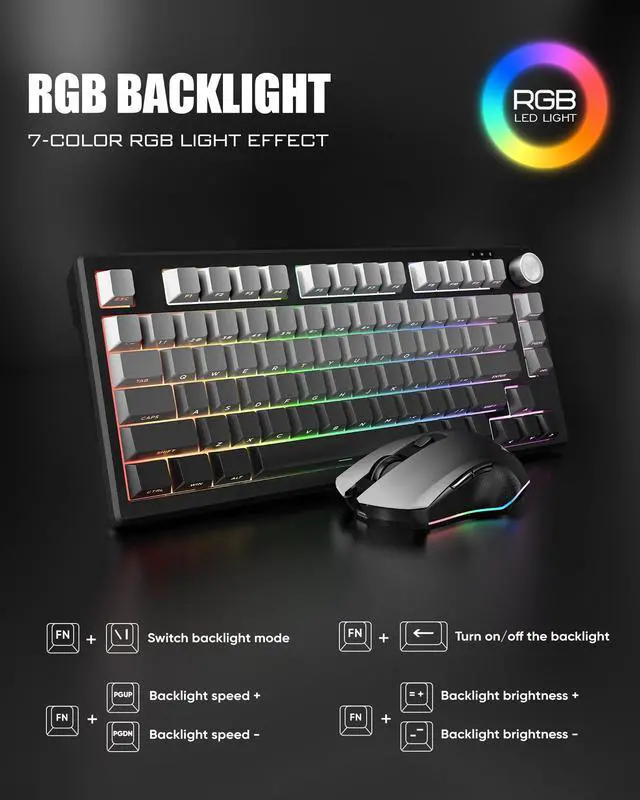
How to adjust RGB backlight?
FN + Backspace: Turn on/off the backlight.
FN +\|: Switch backlight mode.
FN + PU / PD: Increase/Decrease backlight brightness.
FN+ =+/-_: Speed up/Slow down the backlight speed.
How to repair the keyboard/mouse with your device?
When you cannot connect, please reconnect by following the steps in the video.
Lightweight RGB Mouse
Adjustable DPI


The 85g (±5) Lightweight Mouse has 13 adjustable RGB backlights.
800-1000 (Default)-1600-2400-4800

How can I find the USB receiver?
The keyboard and mouse share only one USB receiver, whitch is in the bottom of the mouse.
How to use Knob
Press & hold FN + CNC Knob for 3s to switch modes.
Volume Mode: Rotate to adjust volume. Press to mute/unmute.
Lighting Mode: Rotate to adjust brightness. Press to cycle lighting effects.
How to select the system.
FN+A/S to switch between Windows and macOS.
How to select connection mode?
Press Fn+1!/2@/3#/4$/5% to choos BT1/BT2/BT3/2.4G/Wired mode.
Other Options
K75 Keyboard and Mouse | K75 Mechanical Keyboard | K65 Mechanical Keyboard | K95 Mechanical Keyboard | K84 Keyboard and Mouse | K62 Keyboard and Mouse | K10 Keyboard and Mouse |
|---|---|---|---|---|---|---|
| Customer Reviews | ||||||
| — | — | — | — | — | — | — |
| Price | ||||||
| — | — | — | — | — | — | — |
| CNC Knob | ||||||
| ? | ? | ? | ? | ? | ? | ? |
| Switches | ||||||
| Membrane | Mechanical Switches | Mechanical Switches | Mechanical Switches | Membrane | Membrane | Membrane |
| RGB | ||||||
| ? | ? | ? | ? | ? | ? | ? |
| Keyboard Battery | ||||||
| 4000 mAh | 4000 mAh | 4000 mAh | 8000 mAh | 1850 mAh | 2000 mAh | - |
| Mouse Battery | ||||||
| 800 mAh | - | - | - | 500 mAh | 500 mAh | - |
About RedThunder
RedThunder is a manufacturer specializing in high-performance professional game peripherals. We are committed to providing high-quality and personalized products for global gamers.
We have relentlessly pursuing perfect craftsmanship, first-class feel, high-performance professional gaming equipment and high-standard service. Your satisfaction is our driving force.
New Collection
Compact Layout for Gaming
Hot Sale
K84 Keyboard Mouse Combo
K62 Keyboard Mouse Combo
One-handed Keyboard Series