







Dual Wake-Up Mode & Indicator Light & Packing List
All-Key or Single-Key Activation
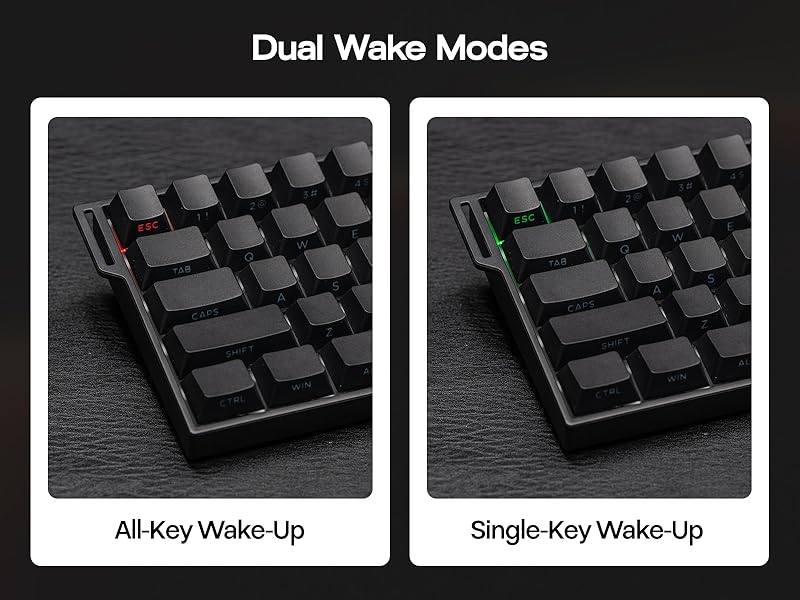
Dual Wake-Up Mode
- Short press the FN and ESC keys can toggle between 2 wake-up methods. When the ESC key lights Red, the keyboard is in All-Key Wake-Up mode; if it lights Green, it is in Single-Key Wake-Up mode.
- Note: If pressing the FN and ESC for 3 seconds, the keyboard will be reset.
- You can flexibly adjust this according to your needs and environmental conditions, effectively enhancing your gaming or typing experience.
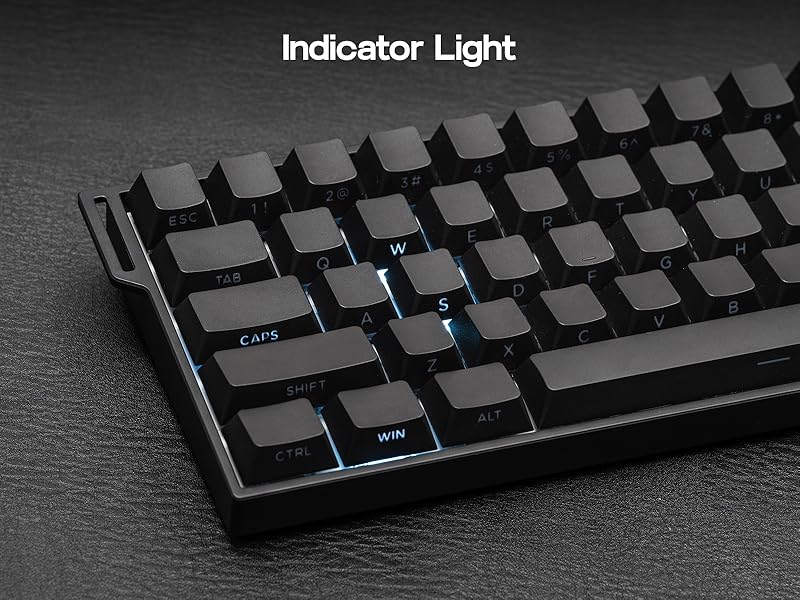
Holding the FN key, relevant keys will light up
Intuitive Indicator Light
- CAPS lights white = Caps Lock
- WIN lights white = Win Lock. Pressing the FN + WIN keys to lock/unlock it
- A = Android Mode, S = Windows Mode, D = Mac Mode
- Q/W/E = BT Device 1/2/3, R = 2.4G Code Matching


How can I check the remaining battery level of my keyboard?
Press FN + B to view your battery level (green backlight on keys 1-0 indicates it)
What are the polling rate and latency of this mechanical keyboard?
The polling rate: 8000Hz (USB Wired), 1000Hz (2.4G Wireless), 125Hz (BT)
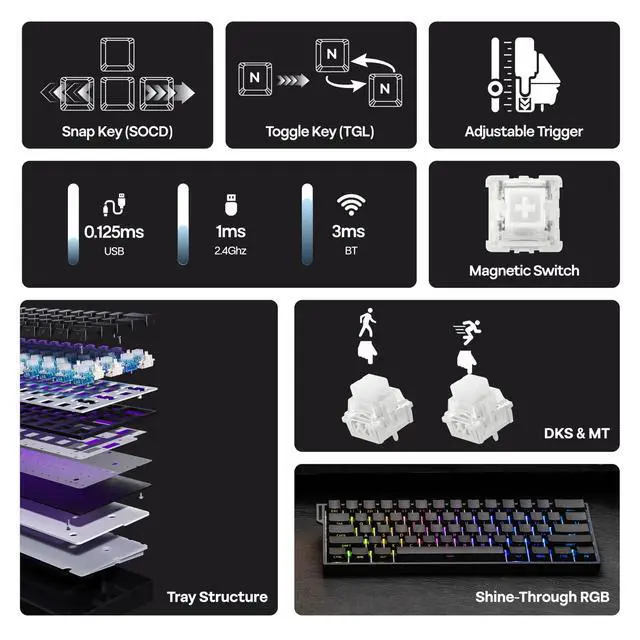
The latency: 0.125ms (USB Wired), 1ms (2.4G Wireless), 3ms (BT)
How to switch the function of 1, 2...0 and F1, F2...F12?
You can convert the function row to number keys by pressing FN and left Ctrl.
(When the left Ctrl's red LED is on, the keyboard is on the function row)
What is hall effect magnetic switch? Is it the same as mechanical switch?
The Hall effect switches input signals by translating changes in magnetic flux, while mechanical switches require a physical connection of the circuit to input signals.
Is this gaming keyboard compatible with all games? Does it work with consoles?
While connectivity with the console works, compatibility is not guaranteed and may vary depending on specific games or third-party controllers. Advanced features such as RT, SOCD, or DKS are restricted by certain games as cheating.
More Gaming Keyboard with Magnetic Hall Effect Switches
 Hero84 HE |  Hero68 HE |  AK820 MAX HE |  ALUX68 HE |  AK680 MAX HE | |
|---|---|---|---|---|---|
Customer Reviews | — | — | — | — | — |
Price | — | — | — | — | — |
Polling & Latency | 8K Polling, 0.125ms | 8K Polling, 0.125ms | 8K Polling, 0.125ms | 8K Polling, 0.125ms | 8K Polling, 0.125ms |
Adjustable Travel | 0.01-3.4mm (per 0.01mm) | 0.01-3.4mm (per 0.01mm) | 0.1-2.0mm (per 0.1mm) | 0.01-2.0mm (per 0.01mm) | 0.01-2.0mm (per 0.01mm) |
Case Material | Plastic | Plastic | Plastic | Aluminum | Plastic |
Layout | 75% ANSI, QWERTY | 65% ANSI, QWERTY | 75% ANSI, QWERTY | 65% ANSI, QWERTY | 65% ANSI, QWERTY |
Connectivity | USB-C Wired | USB-C Wired | USB-C Wired | USB-C Wired | USB-C Wired |
Backlight | Per-Key RGB | Per-Key RGB | Per-Key RGB | Per-Key RGB | Per-Key RGB |
Keycaps Shine-Through? | No | Yes (South-Facing) | No | Yes (South-Facing) | Yes (South-Facing) |
Hot-Swappable | Magnetic Switch | Magnetic Switch | Magnetic Switch | Magnetic Switch | Magnetic Switch |
OS System | Win/Mac/Android/iOS | Win/Mac/Android/iOS | Win/Mac/Android/iOS | Win/Mac/Android/iOS | Win/Mac/Android/iOS |
Software | AULA Web Driver (Chrome) | AULA Web Driver (Chrome) | AJAZZ Driver | AJAZZ Driver | AJAZZ Driver |

MechLands Keyboard & Accessory
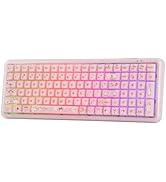
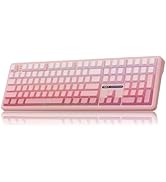
96%/100% Gaming Keyboards
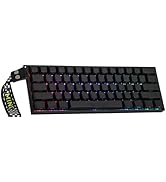
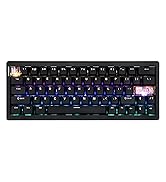
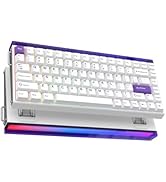
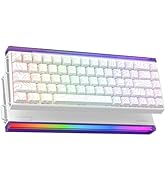
Rapid Fast Keyboard
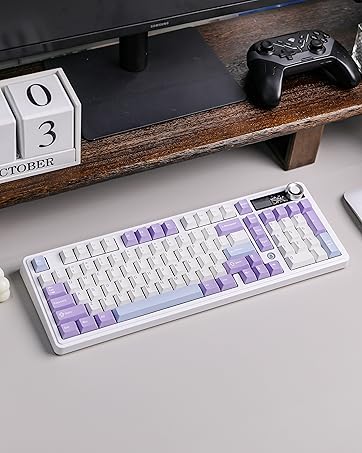
AJAZZ AK980 Keyboard
- 98% Keyboard with Display Screen
- Impressive 8000mAh Battery
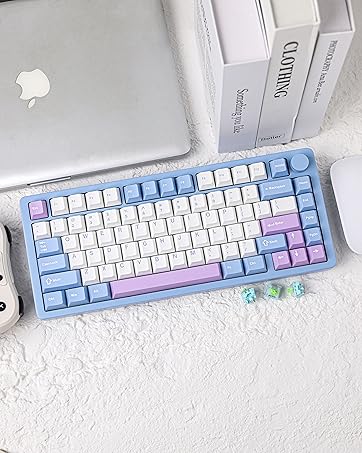
MechLands Blade75 Keyboard
- Full Aluminum Case
- 3 Modes Wireless
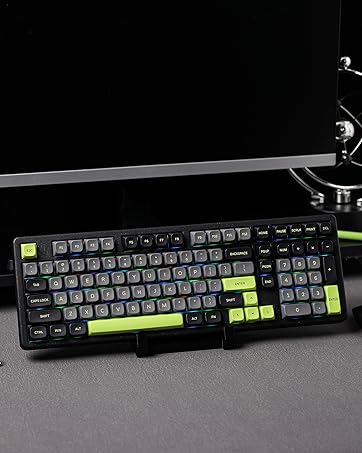
MechLands Blade101 Keyboard
- Full Aluminum Case
- Compact 1800-Layout
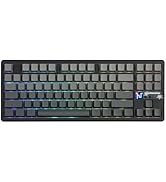
AULA Gaming Keyboard
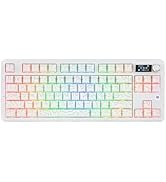
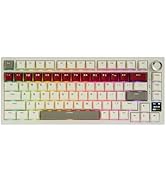
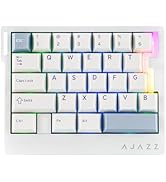
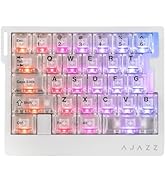
AJAZZ Gaming Keyboard
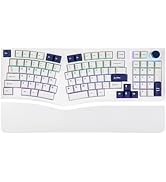
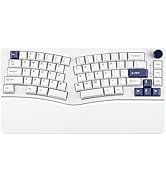
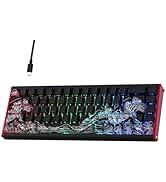
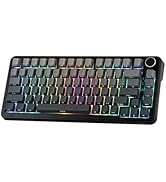
Gaming Keyboard
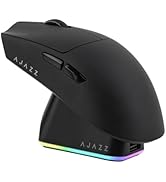
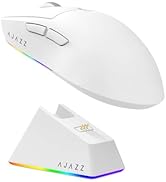
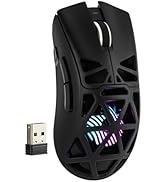
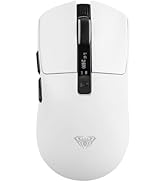
Gaming Mouse
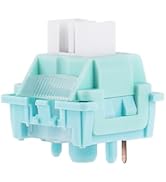
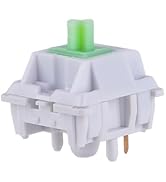
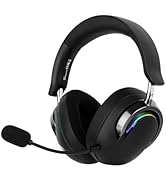
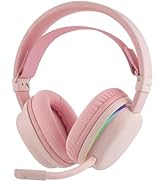
More Accessories


Dual Wake-Up Mode & Indicator Light & Packing List


All-Key or Single-Key Activation
Dual Wake-Up Mode
- Short press the FN and ESC keys can toggle between 2 wake-up methods. When the ESC key lights Red, the keyboard is in All-Key Wake-Up mode; if it lights Green, it is in Single-Key Wake-Up mode.
- Note: If pressing the FN and ESC for 3 seconds, the keyboard will be reset.
- You can flexibly adjust this according to your needs and environmental conditions, effectively enhancing your gaming or typing experience.
Holding the FN key, relevant keys will light up
Intuitive Indicator Light
- CAPS lights white = Caps Lock
- WIN lights white = Win Lock. Pressing the FN + WIN keys to lock/unlock it
- A = Android Mode, S = Windows Mode, D = Mac Mode
- Q/W/E = BT Device 1/2/3, R = 2.4G Code Matching
What will I receive?
Packing List
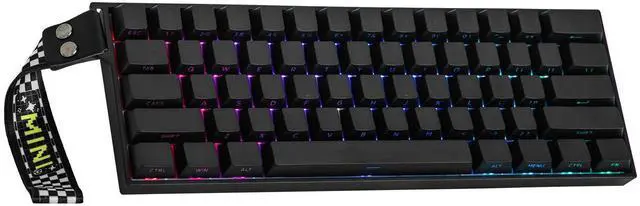
- Mini60 HE PRO Keyboard
- User Manual & Quick Guide
- USB-C Cable, Switch & Keycap Puller
- Detachable Ribbon, Dust Cover


RGB Backlits Shine Through Gaming Keyboard
How can I check the remaining battery level of my keyboard?
Press FN + B to view your battery level (green backlight on keys 1-0 indicates it)
What are the polling rate and latency of this mechanical keyboard?
The polling rate: 8000Hz (USB Wired), 1000Hz (2.4G Wireless), 125Hz (BT)
The latency: 0.125ms (USB Wired), 1ms (2.4G Wireless), 3ms (BT)
How to switch the function of 1, 2...0 and F1, F2...F12?
You can convert the function row to number keys by pressing FN and left Ctrl.
(When the left Ctrl's red LED is on, the keyboard is on the function row)
What is hall effect magnetic switch? Is it the same as mechanical switch?
The Hall effect switches input signals by translating changes in magnetic flux, while mechanical switches require a physical connection of the circuit to input signals.
Is this gaming keyboard compatible with all games? Does it work with consoles?
While connectivity with the console works, compatibility is not guaranteed and may vary depending on specific games or third-party controllers. Advanced features such as RT, SOCD, or DKS are restricted by certain games as cheating.
More Gaming Keyboard with Magnetic Hall Effect Switches
Hero84 HE | Hero68 HE | AK820 MAX HE | ALUX68 HE | AK680 MAX HE |
|---|---|---|---|---|
| Customer Reviews | ||||
| — | — | — | — | — |
| Price | ||||
| — | — | — | — | — |
| Polling & Latency | ||||
| 8K Polling, 0.125ms | 8K Polling, 0.125ms | 8K Polling, 0.125ms | 8K Polling, 0.125ms | 8K Polling, 0.125ms |
| Adjustable Travel | ||||
| 0.01-3.4mm (per 0.01mm) | 0.01-3.4mm (per 0.01mm) | 0.1-2.0mm (per 0.1mm) | 0.01-2.0mm (per 0.01mm) | 0.01-2.0mm (per 0.01mm) |
| Case Material | ||||
| Plastic | Plastic | Plastic | Aluminum | Plastic |
| Layout | ||||
| 75% ANSI, QWERTY | 65% ANSI, QWERTY | 75% ANSI, QWERTY | 65% ANSI, QWERTY | 65% ANSI, QWERTY |
| Connectivity | ||||
| USB-C Wired | USB-C Wired | USB-C Wired | USB-C Wired | USB-C Wired |
| Backlight | ||||
| Per-Key RGB | Per-Key RGB | Per-Key RGB | Per-Key RGB | Per-Key RGB |
| Keycaps Shine-Through? | ||||
| No | Yes (South-Facing) | No | Yes (South-Facing) | Yes (South-Facing) |
| Hot-Swappable | ||||
| Magnetic Switch | Magnetic Switch | Magnetic Switch | Magnetic Switch | Magnetic Switch |
| OS System | ||||
| Win/Mac/Android/iOS | Win/Mac/Android/iOS | Win/Mac/Android/iOS | Win/Mac/Android/iOS | Win/Mac/Android/iOS |
| Software | ||||
| AULA Web Driver (Chrome) | AULA Web Driver (Chrome) | AJAZZ Driver | AJAZZ Driver | AJAZZ Driver |
MechLands Keyboard & Accessory
96%/100% Gaming Keyboards
Rapid Fast Keyboard
AJAZZ AK980 Keyboard
- 98% Keyboard with Display Screen
- Impressive 8000mAh Battery
MechLands Blade75 Keyboard
- Full Aluminum Case
- 3 Modes Wireless
MechLands Blade101 Keyboard
- Full Aluminum Case
- Compact 1800-Layout
AULA Gaming Keyboard
AJAZZ Gaming Keyboard
Gaming Keyboard
Gaming Mouse
More Accessories