


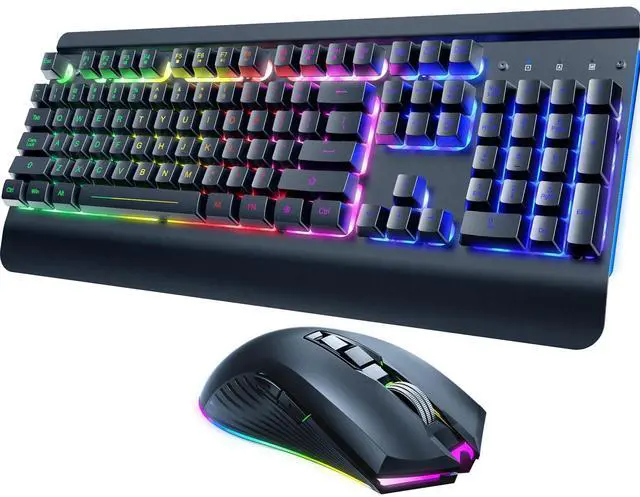
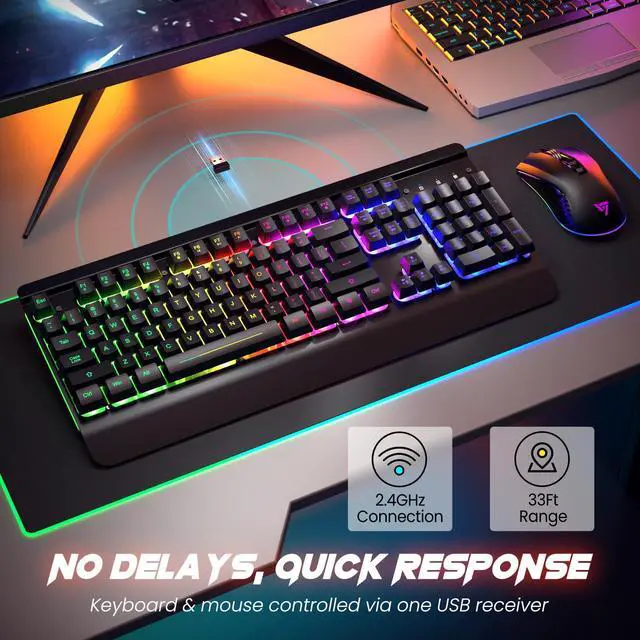
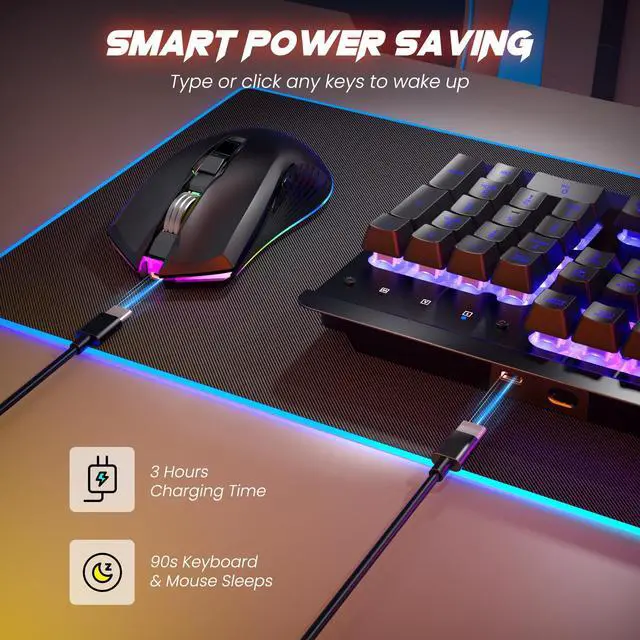


Is there only one receiver for both the keyboard and the mouse?
Yes, they share one receiver. You can find it on the back of the mouse.
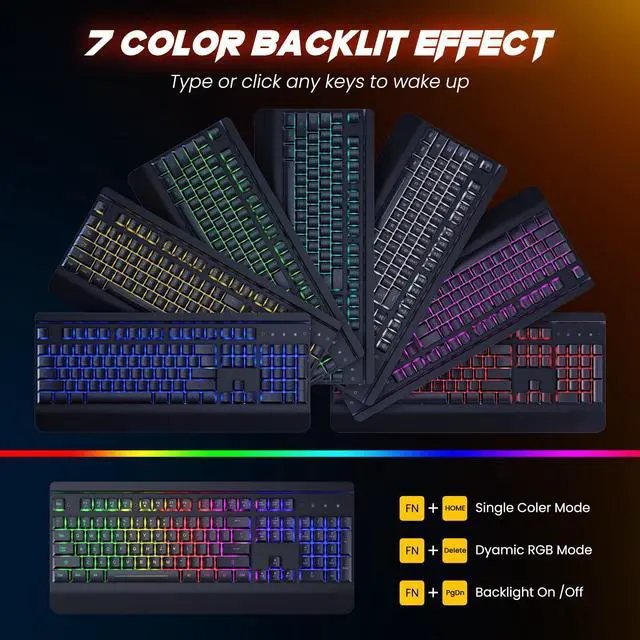
How can I turn off the backlight on my mouse?
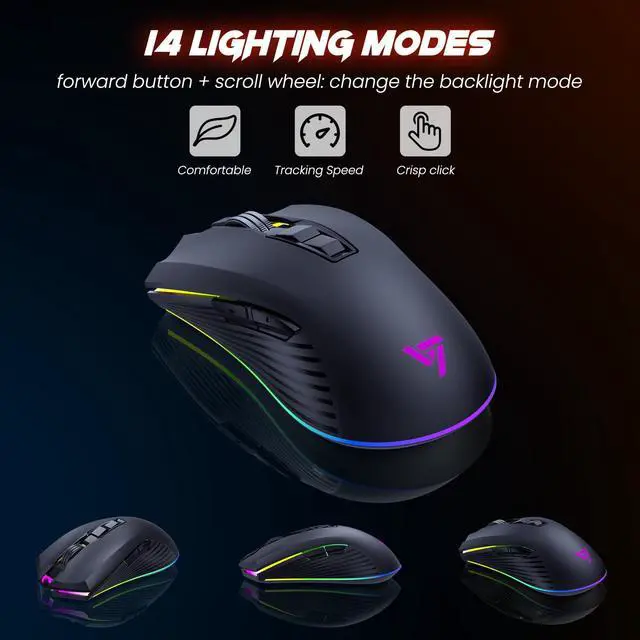
Holding down the forward button and middle button for 3 seconds will turn off the backlight.
How do I switch between backlight modes on my mouse?
Holding down the forward button and middle button will cycle through the backlight modes.
RisoPhy 2025 Upgrade Keyboard
 PC428 | 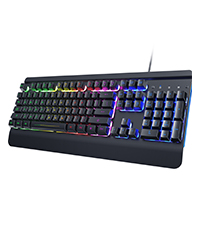 PC268 | 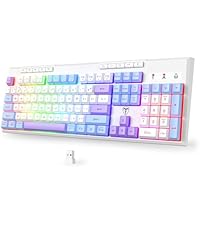 PC432 | 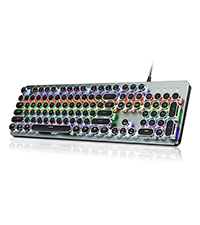 PC420 | 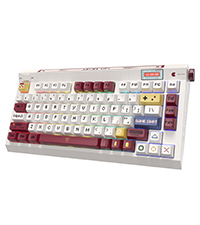 PC423 |  PC305 | |
|---|---|---|---|---|---|---|
Customer Reviews | — | — | — | — | — | — |
Price | — | — | — | — | — | — |
Backlight | RGB | Rainbow | RGB | Rainbow | RGB | RGB |
Material | Metal | Metal | PBT Keycaps | Metal | Gasket Mounted | ABS Keycaps |
Switches | Membrane | Membrane | Membrane | Blue Switch | Customed Creamy Switches | Red Switches |
Size | 104 Keys | 104 Keys | 104 Keys | 104 Keys | 81 Keys | 104 Keys |
Connectivity | Wireless | Wired | 2.4Ghz/Bluetooth/USB-C | Wired | 2.4Ghz/Bluetooth/USB-C | Wired |

RisoPhy Gaming Keyboard
All for glory, All for your use experience.

Hi, We're RisoPhy!
We are a company born out of that idea of Just for you to enjoy the game. We aim to bring you the best cost-effective gaming mouse.
All for glory, All for your use experience.
Our factory has a wealth of bluetooth gaming mouse production experience, we will continue to work hard to create "high-performance, high-level gaming mouse"
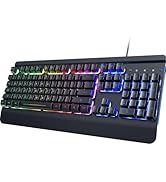
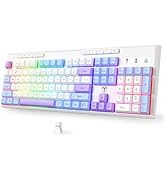
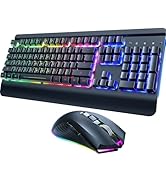
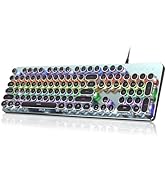
RisoPhy Provide All You Need
RisoPhy Provide All You Need
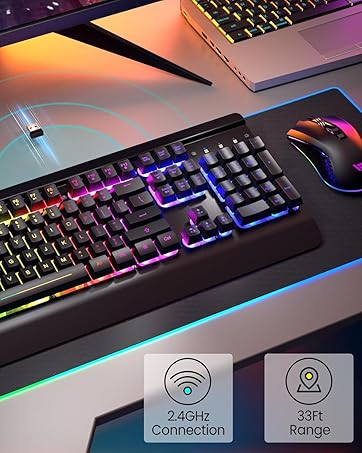
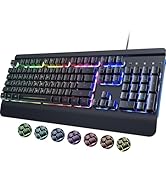
Essential gaming Combo
Unmatched Feel, Total Immersion.
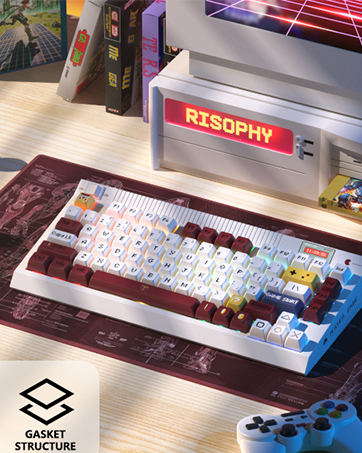
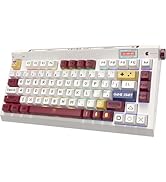
Nostalgic gaming
Our keyboard is the perfect way to relive your childhood gaming memories.
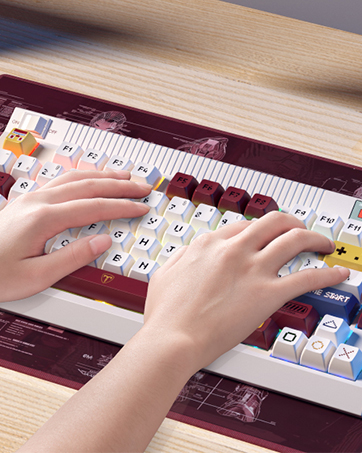
Take a trip down memory lane.
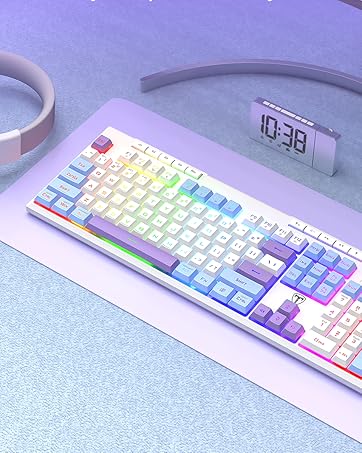
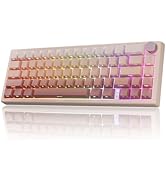
Win Faster. Go Wireless
Pro-grade wireless keyboard with hyper-fast response for competitive edge.
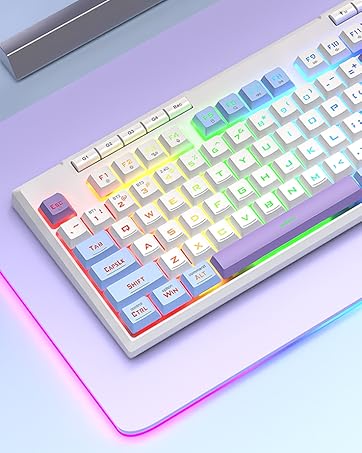
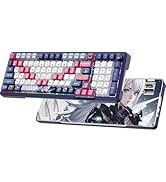
Artistic Accent for Desktops.
Hand-picked color blocks to elevate your workspace
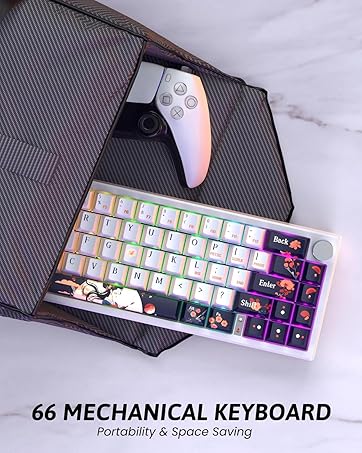
Feel Every Keystroke
Bluetooth mechanical keyboard with authentic switch sensations
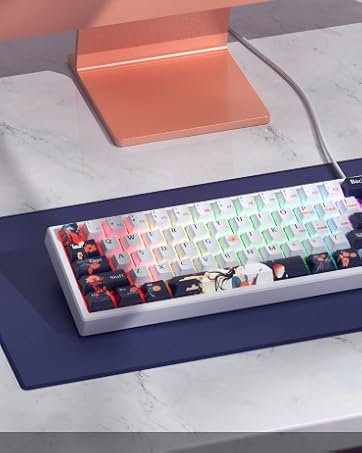
One-Touch Volume Knob
Dedicated volume wheel for instant adjustment without distractions





Is there only one receiver for both the keyboard and the mouse?
Yes, they share one receiver. You can find it on the back of the mouse.
How can I turn off the backlight on my mouse?
Holding down the forward button and middle button for 3 seconds will turn off the backlight.
How do I switch between backlight modes on my mouse?
Holding down the forward button and middle button will cycle through the backlight modes.
RisoPhy 2025 Upgrade Keyboard
PC428 | PC268 | PC432 | PC420 | PC423 | PC305 |
|---|---|---|---|---|---|
| Customer Reviews | |||||
| — | — | — | — | — | — |
| Price | |||||
| — | — | — | — | — | — |
| Backlight | |||||
| RGB | Rainbow | RGB | Rainbow | RGB | RGB |
| Material | |||||
| Metal | Metal | PBT Keycaps | Metal | Gasket Mounted | ABS Keycaps |
| Switches | |||||
| Membrane | Membrane | Membrane | Blue Switch | Customed Creamy Switches | Red Switches |
| Size | |||||
| 104 Keys | 104 Keys | 104 Keys | 104 Keys | 81 Keys | 104 Keys |
| Connectivity | |||||
| Wireless | Wired | 2.4Ghz/Bluetooth/USB-C | Wired | 2.4Ghz/Bluetooth/USB-C | Wired |
RisoPhy Gaming Keyboard
All for glory, All for your use experience.
Hi, We're RisoPhy!
We are a company born out of that idea of Just for you to enjoy the game. We aim to bring you the best cost-effective gaming mouse.
All for glory, All for your use experience.
Our factory has a wealth of bluetooth gaming mouse production experience, we will continue to work hard to create "high-performance, high-level gaming mouse"
RisoPhy Provide All You Need
RisoPhy Provide All You Need
Essential gaming Combo
Unmatched Feel, Total Immersion.
Nostalgic gaming
Our keyboard is the perfect way to relive your childhood gaming memories.
Take a trip down memory lane.
Win Faster. Go Wireless
Pro-grade wireless keyboard with hyper-fast response for competitive edge.
Artistic Accent for Desktops.
Hand-picked color blocks to elevate your workspace
Feel Every Keystroke
Bluetooth mechanical keyboard with authentic switch sensations
One-Touch Volume Knob
Dedicated volume wheel for instant adjustment without distractions