






?Tri-Mode Connection - Battery - PC/MAC Compatible - Size & Weight?
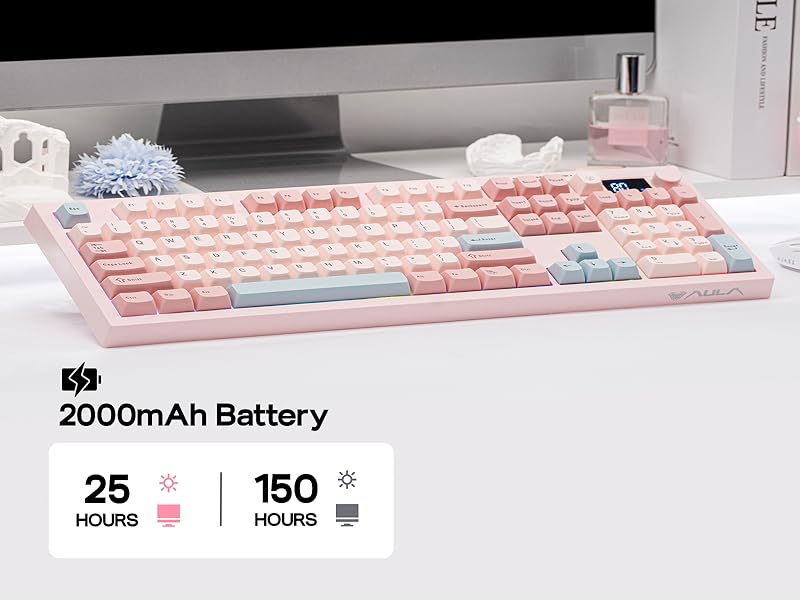
Large 2000mAh Battery
Rechargeable battery with 150H playtime
The S102 PRO rechargeable keyboard features a 2000mAh high-capacity battery with low power consumption and extended endurance, delivering up to 150 hours of use (backlight off) and 25 hours (backlight on) on a single charge.
Tips: This keyboard charges when plugged in – always use a computer USB port for charging; direct power adapter use may damage the battery.
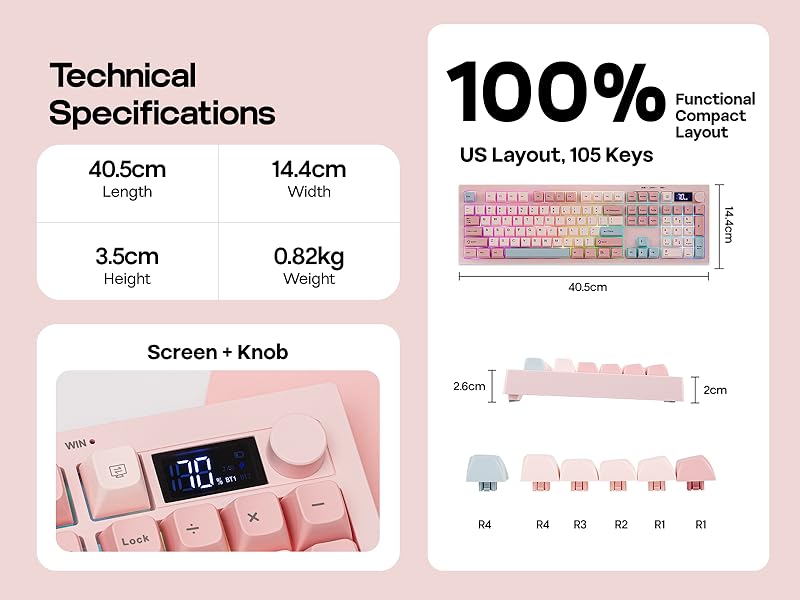
100% Full Size Layout
105 Keys + Screen + Knob
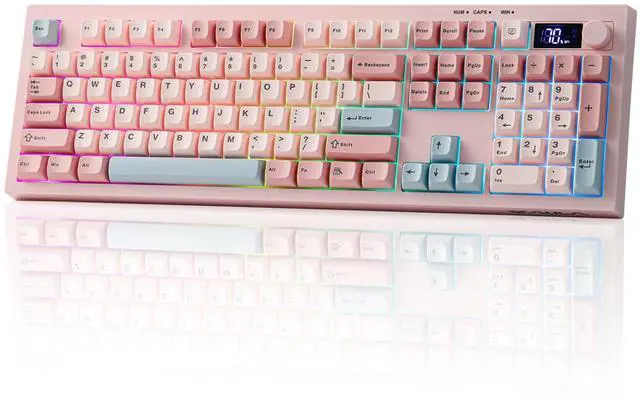
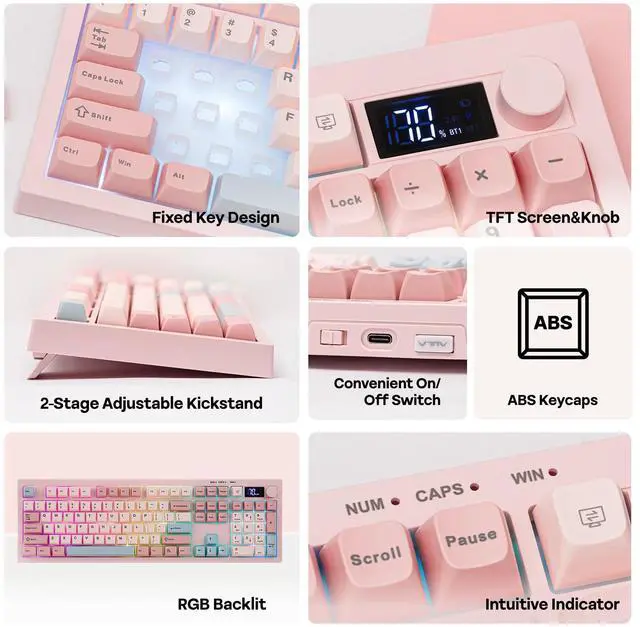
The S102 PRO full-size keyboard comes with an integrated numeric keypad, intuitive display and dual-function rotary knobs. The numeric keypad boosts efficiency for financial tasks, the display clearly shows battery level, charging status and keyboard connection mode, and the dual knobs offer easy control of volume, multimedia playback and backlight settings.
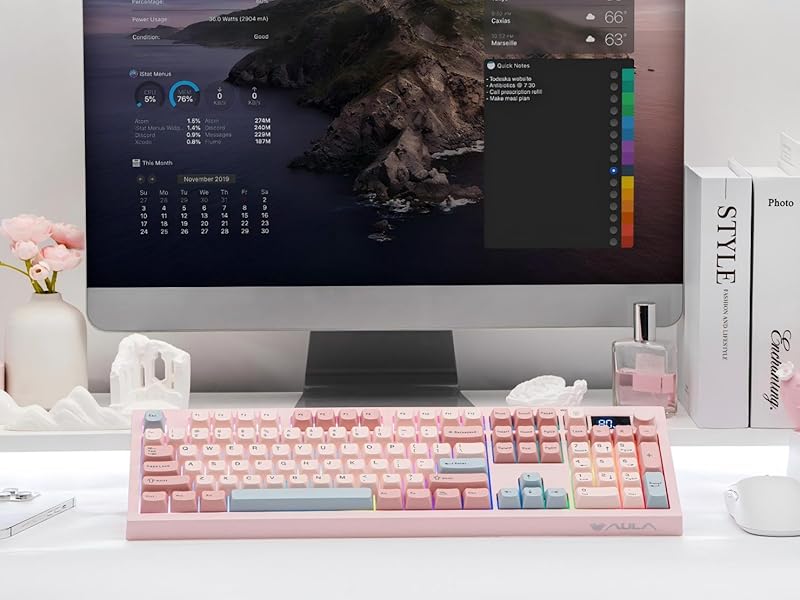
Experience Whisper-Quiet Typing with Silent Membrane Keyboard
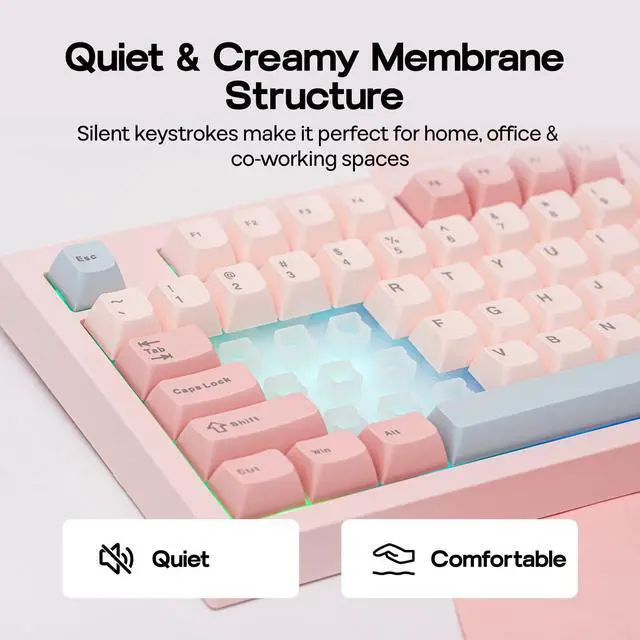
Enjoy a peaceful typing experience with the S102 PRO silent membrane keyboard. Perfect for shared workspaces or late-night productivity sessions, this feature ensures your keystrokes won't disturb those around you. Combine comfort and consideration in one sleek design.
?Dynamic Lights - Dual Function Knob?
Backlight & Indicator Light
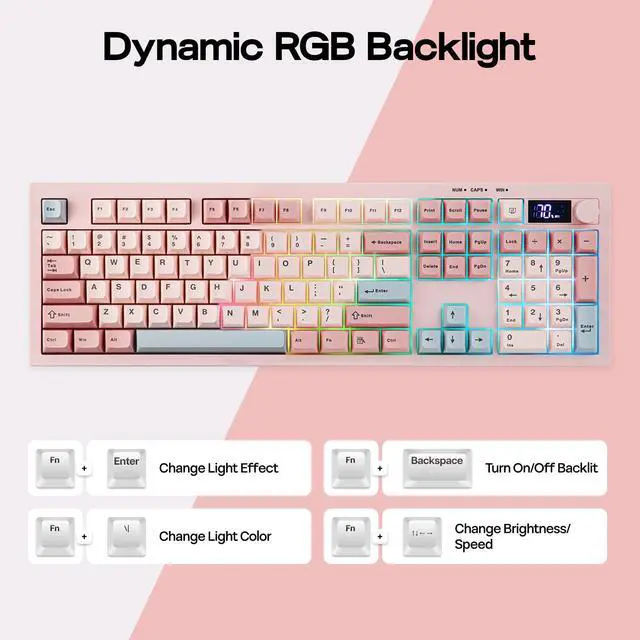
Dynamic RGB Backlight
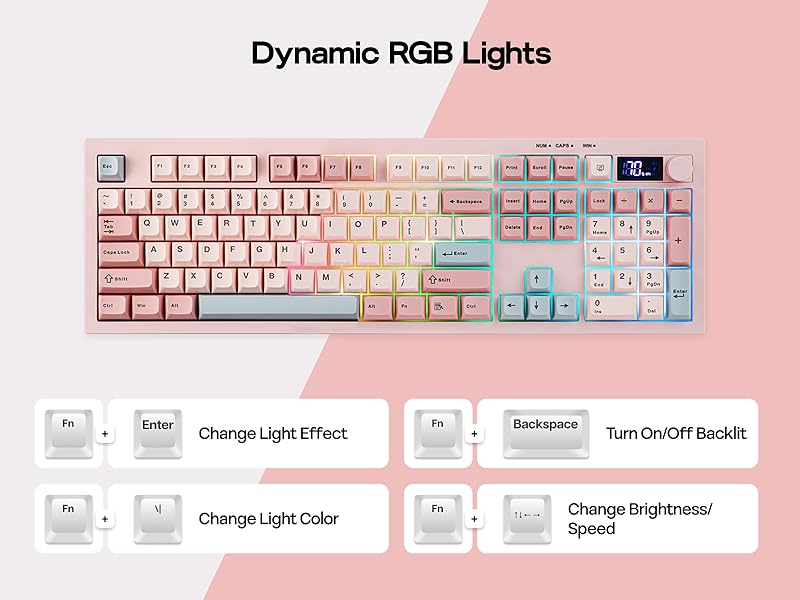
Upgrade to the S102 PRO Creamy Keyboard and effortlessly boost your office productivity. It boasts a rich selection of pre-set dynamic RGB lighting effects, from gentle breathing modes to eye-catching flowing gradients—each carefully calibrated. Brightness can be freely adjusted via the top knob or key combinations.
- Turn On/Off Backlit: FN+Backspace.
- Toggle Backlight Effect: FN+Enter. Backlight Color: FN+\|
- Backlight Brightness/Speed: FN+????
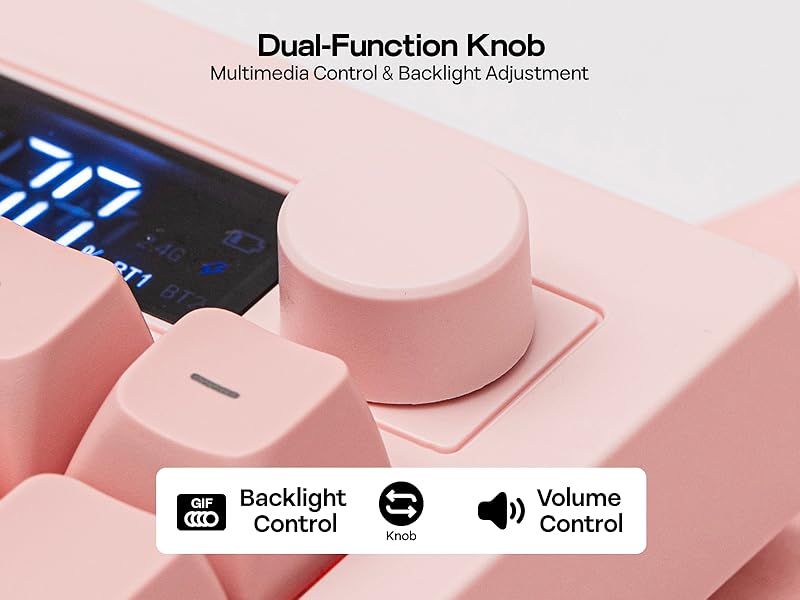
Dual-Function Knob
Multimedia Control & Backlight Adjustment
S102 PRO full-size keyboard with a built-in screen and control knob comes with an integrated numeric keypad, greatly boosting office efficiency. The dual-function volume knob supports volume adjustment, mute control, and backlight switching, while the screen displays key information in real time, including battery level and keyboard connection status.
- Knob Function: Volume & Backlight Control (Knob to Swap)
Does it have programmable keys?
The S102 PRO keyboard is not equipped with dedicated software, so custom key functions, macro settings, and personalized backlight customization are not supported.
Is this keyboard noisy while typing?
The S102 PRO membrane keyboard offers an ultra-quiet, comfortable typing experience, perfect for offices and shared working spaces.
Does the backlight remain on continuously?
No. In wireless mode, the backlight will automatically turn off after 6 minutes of inactivity, and the keyboard will enter power-saving mode (light sleep after 6 minutes, deep sleep after 30 minutes). Press any key to wake the keyboard.
How is the battery level displayed?
The battery level is shown in 10% increments. Please note that the displayed percentage is not fully accurate, with a typical deviation of around 10%.
How to wake up the keyboard from sleep mode?
Please press any key twice in succession to wake the keyboard.


Composed of a team of young gamers, software engineers, and product designers who love tech gadgets, we set out to develop the best products that encapsulate personality, functionality, and affordability. Unsatisfied with the keyboards currently out there, we have created our ultimate sturdiness, wireless, and fully-customizable mechanical keyboard. Our promise is to deliver a keyboard that meets all of your workflow needs.



EPOMAKER New Release for 2026
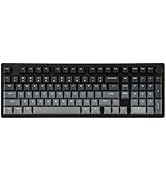
EPOMAKER Gaming Keyboard
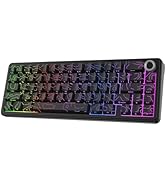
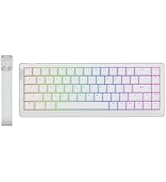
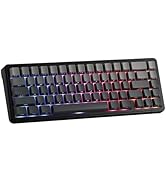
65% Layout Gaming Keyboard
75% Layout Gaming Keyboard
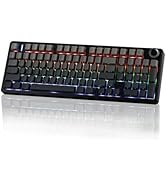
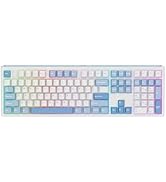
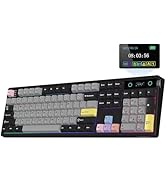
1800 Layout Gaming Keyboard
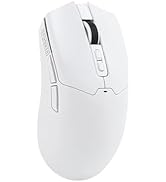
PC Gaming Mice
Numpad
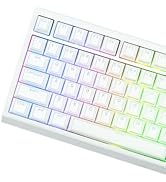
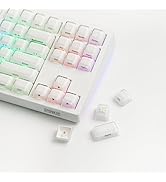
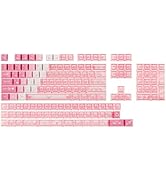
Premium PBT Keycap Set
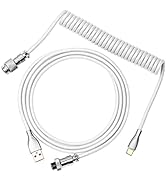
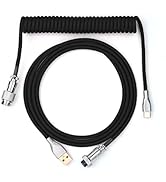
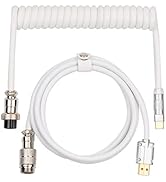
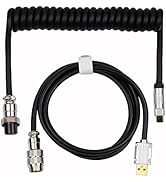
Keyboard Cable
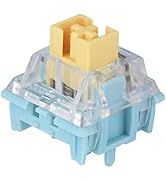
Keyboard Switches


?Tri-Mode Connection - Battery - PC/MAC Compatible - Size & Weight?


Tri-mode Connection
USB-C Wired/2.4Ghz Wireless/BT1/BT2
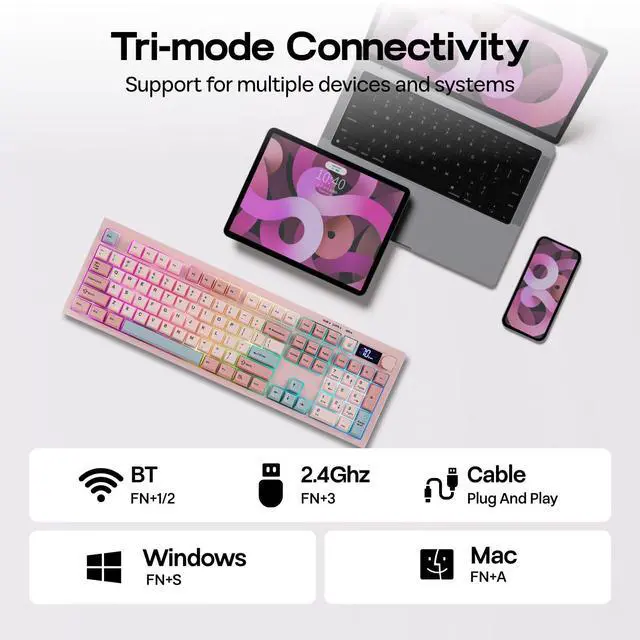
The S102 PRO gaming keyboard supports Mac/Win (FN+A/S) and 3 connection modes: 2.4Ghz wireless (FN+3) for late-night PC gaming, BT (FN+1/2) for seamless switching between 2 paired devices, and USB A-to-C for instant out-of-the-box plug-and-play.
- Tips: If WIN Key stopped working, use FN+WIN to en/disable it. If WIN/Alt swapped places, use the WIN/Mac switch besides USB port to swap OS Mode.
Large 2000mAh Battery
Rechargeable battery with 150H playtime
The S102 PRO rechargeable keyboard features a 2000mAh high-capacity battery with low power consumption and extended endurance, delivering up to 150 hours of use (backlight off) and 25 hours (backlight on) on a single charge.
Tips: This keyboard charges when plugged in – always use a computer USB port for charging; direct power adapter use may damage the battery.
100% Full Size Layout
105 Keys + Screen + Knob
The S102 PRO full-size keyboard comes with an integrated numeric keypad, intuitive display and dual-function rotary knobs. The numeric keypad boosts efficiency for financial tasks, the display clearly shows battery level, charging status and keyboard connection mode, and the dual knobs offer easy control of volume, multimedia playback and backlight settings.
Experience Whisper-Quiet Typing with Silent Membrane Keyboard
Enjoy a peaceful typing experience with the S102 PRO silent membrane keyboard. Perfect for shared workspaces or late-night productivity sessions, this feature ensures your keystrokes won't disturb those around you. Combine comfort and consideration in one sleek design.
?Dynamic Lights - Dual Function Knob?


Backlight & Indicator Light
Dynamic RGB Backlight
Upgrade to the S102 PRO Creamy Keyboard and effortlessly boost your office productivity. It boasts a rich selection of pre-set dynamic RGB lighting effects, from gentle breathing modes to eye-catching flowing gradients—each carefully calibrated. Brightness can be freely adjusted via the top knob or key combinations.
- Turn On/Off Backlit: FN+Backspace.
- Toggle Backlight Effect: FN+Enter. Backlight Color: FN+\|
- Backlight Brightness/Speed: FN+????
Dual-Function Knob
Multimedia Control & Backlight Adjustment
S102 PRO full-size keyboard with a built-in screen and control knob comes with an integrated numeric keypad, greatly boosting office efficiency. The dual-function volume knob supports volume adjustment, mute control, and backlight switching, while the screen displays key information in real time, including battery level and keyboard connection status.
- Knob Function: Volume & Backlight Control (Knob to Swap)
Does it have programmable keys?
The S102 PRO keyboard is not equipped with dedicated software, so custom key functions, macro settings, and personalized backlight customization are not supported.
Is this keyboard noisy while typing?
The S102 PRO membrane keyboard offers an ultra-quiet, comfortable typing experience, perfect for offices and shared working spaces.
Does the backlight remain on continuously?
No. In wireless mode, the backlight will automatically turn off after 6 minutes of inactivity, and the keyboard will enter power-saving mode (light sleep after 6 minutes, deep sleep after 30 minutes). Press any key to wake the keyboard.
How is the battery level displayed?
The battery level is shown in 10% increments. Please note that the displayed percentage is not fully accurate, with a typical deviation of around 10%.
How to wake up the keyboard from sleep mode?
Please press any key twice in succession to wake the keyboard.

Composed of a team of young gamers, software engineers, and product designers who love tech gadgets, we set out to develop the best products that encapsulate personality, functionality, and affordability. Unsatisfied with the keyboards currently out there, we have created our ultimate sturdiness, wireless, and fully-customizable mechanical keyboard. Our promise is to deliver a keyboard that meets all of your workflow needs.
EPOMAKER New Release for 2026
EPOMAKER Gaming Keyboard
65% Layout Gaming Keyboard
75% Layout Gaming Keyboard
1800 Layout Gaming Keyboard
PC Gaming Mice
Numpad
Premium PBT Keycap Set
Keyboard Cable
Keyboard Switches
