




Special phenomena:
After connecting the usb cable, keyboard may occur:
1.Lights appear stagnant;
2.Lights is not bright;
3.Only some of the lights are illuminated.
Reason:
a.The static electricity occurs if contact position is frequently plugged and unplugged.Due to the keyboard's self-protection,the light stops changing and responds slowly;
b.After disconnecting and reconnecting multiple times, the OS has repeated signals, and the device's driver cannot match the operating system.
Solution:
A. The light does not light up or only partially lights up after connecting the USB cable.Please wait patiently for 20 seconds, due to the above reasons, the keyboard will restart the light control chip;
B. Fastly connect the computer to the network, then connect the keyboard, wait for the desktop notification bar to appear "the driver installation is complete", and then keyboard can be used normally;
C. You can try the 9th lighting mode to adjust(FN+9);
D.The problem has not been solved, please co

Product Details
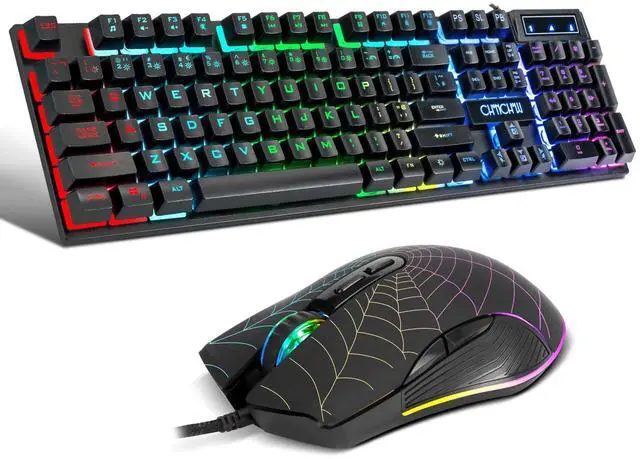
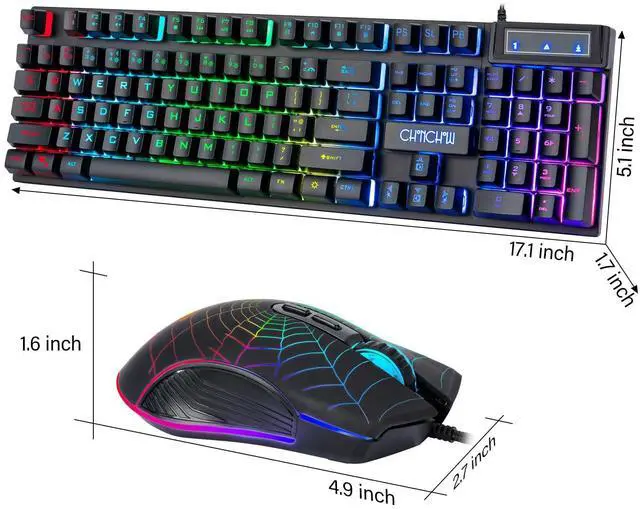
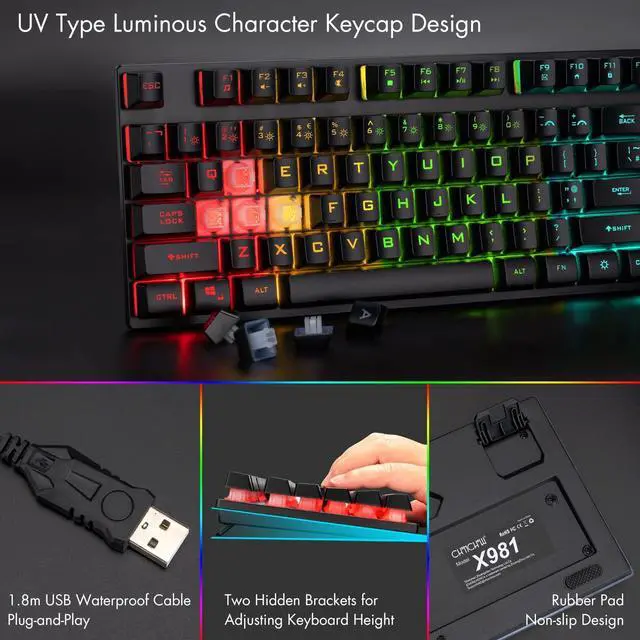
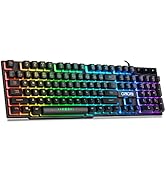
The gaming keyboard features a non-slip adjustable rear foot for a perfect typing angle. The keyboard backlight is clearly visible, illuminating the keyboard even in the dark.Two rubberized holders on the bottom to prevent it from slip.

Rainbow Gaming Keyboard(Wired)
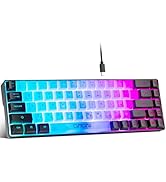
Standard 104-keys US layout keyboard,sturdy and robust enough for longevity using ,Interchangeable "WASD" keys and WIN keys can be disabled for gaming,perfectly adapt to different people's gaming habits.
FN+Windows key=Win key lock

Games and Work
The gaming keyboard is not only excellent in games, but also favored by many gamers. It is also a very popular keyboard at work.Solidly connected crater keys and floating design.

What's in the box:
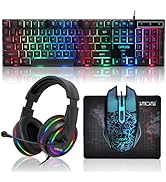
1 * RGB Gaming Keyboard
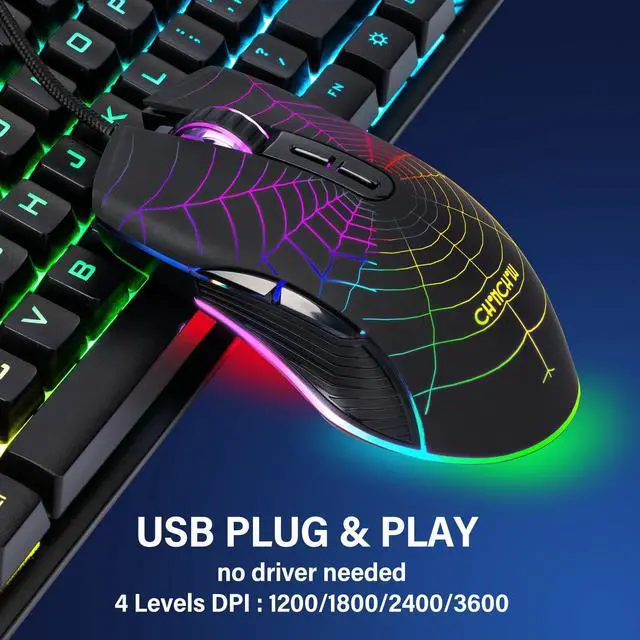
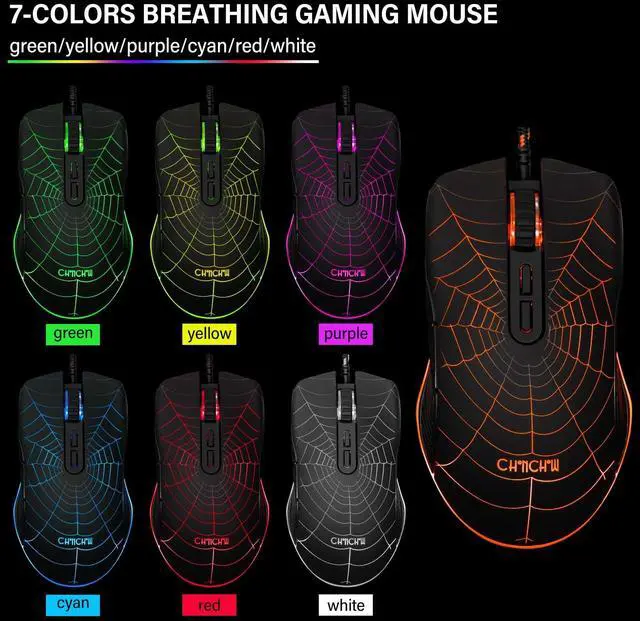
1X Gaming Mouse
1 X User Manual
RGB Gaming Keyboard Backlit Customization:
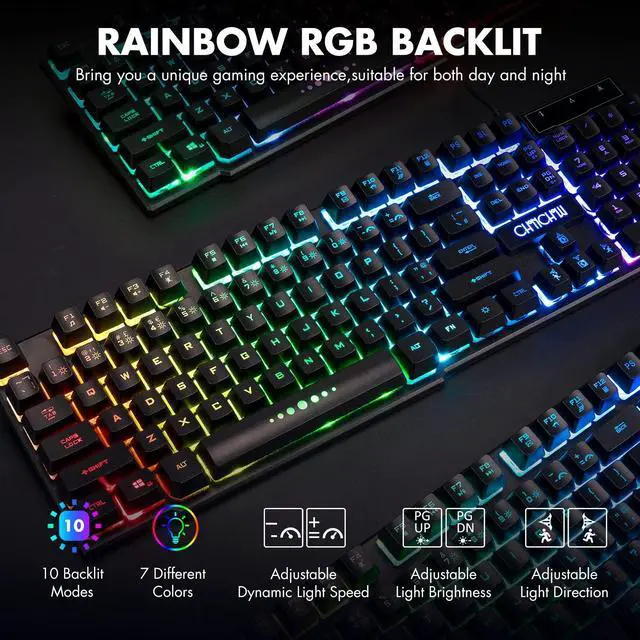
Backlight On/Off :Sun key
Backlight Mode Select :FN+1~0(FN+8=light off,FN+9=Can creat your personal lighting effects)
Brightness increase :FN+PG UP
Brightness reduce :FN+PG DN
Color adjust :FN+UP arrow / FN+Down arrow
Direction of running light :FN+Left arrow / Right arrow
Speed of running light:FN+ "=" Equal sign key / "-" Minus sign key
Note:The breathing backlight can't change the color.
Caring service:
We provide 30 days replacement and 12 months service of the quality problem.
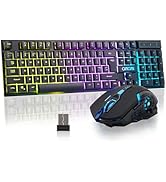
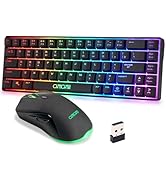
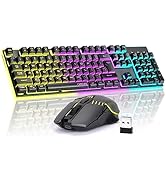
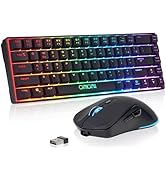
 Gaming Wireless Keyboard and Mouse |  Gaming Wireless Keyboard and Mouse |  RGB Gaming Keyboard and Mouse |  Wired Custom Clear Keyboard |  60% Wireless Gaming Keyboard and Mouse |  60% Wireless Gaming Keyboard and Mouse | |
|---|---|---|---|---|---|---|
| Customer Reviews | — | — | — | — | — | — |
| Price | — | — | — | — | — | — |
| Brand | CHONCHOW | CHONCHOW | CHONCHOW | CHONCHOW | CHONCHOW | CHONCHOW |
| Keyboard Type | 2.4G Wireless | 2.4G Wireless | USB Wired | USB Wired | 2.4G Wireless | 2.4G Wireless |
| Number of Keys | 104 | 104 | 104 | 104 | 68 | 68 |


CHONCHOW
CHONCHOW, founded in 2015, specializes in computer peripherals, with a core focus on high-performance, durable keyboards and mice. Catering to both gamers and business professionals, our products blend solid build quality with smooth, responsive use—ideal for intense gaming sessions and daily office work alike. We stand for premium quality at budget-friendly prices, and our reliable gear has earned widespread recognition from buyers worldwide.
Wireless Keyboard and Mouse
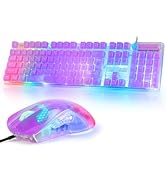
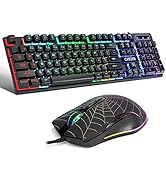
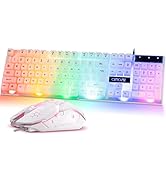
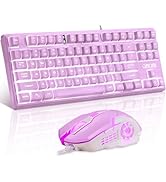
Wired Keyboard and Mouse
Wired Keyboard
Special phenomena:
After connecting the usb cable, keyboard may occur:
1.Lights appear stagnant;
2.Lights is not bright;
3.Only some of the lights are illuminated.
Reason:
a.The static electricity occurs if contact position is frequently plugged and unplugged.Due to the keyboard's self-protection,the light stops changing and responds slowly;
b.After disconnecting and reconnecting multiple times, the OS has repeated signals, and the device's driver cannot match the operating system.
Solution:
A. The light does not light up or only partially lights up after connecting the USB cable.Please wait patiently for 20 seconds, due to the above reasons, the keyboard will restart the light control chip;
B. Fastly connect the computer to the network, then connect the keyboard, wait for the desktop notification bar to appear "the driver installation is complete", and then keyboard can be used normally;
C. You can try the 9th lighting mode to adjust(FN+9);
D.The problem has not been solved, please co
Product Details
The gaming keyboard features a non-slip adjustable rear foot for a perfect typing angle. The keyboard backlight is clearly visible, illuminating the keyboard even in the dark.Two rubberized holders on the bottom to prevent it from slip.
Rainbow Gaming Keyboard(Wired)
Standard 104-keys US layout keyboard,sturdy and robust enough for longevity using ,Interchangeable "WASD" keys and WIN keys can be disabled for gaming,perfectly adapt to different people's gaming habits.
FN+Windows key=Win key lock
Games and Work
The gaming keyboard is not only excellent in games, but also favored by many gamers. It is also a very popular keyboard at work.Solidly connected crater keys and floating design.
What's in the box:
1 * RGB Gaming Keyboard
1X Gaming Mouse
1 X User Manual
RGB Gaming Keyboard Backlit Customization:
Backlight On/Off :Sun key
Backlight Mode Select :FN+1~0(FN+8=light off,FN+9=Can creat your personal lighting effects)
Brightness increase :FN+PG UP
Brightness reduce :FN+PG DN
Color adjust :FN+UP arrow / FN+Down arrow
Direction of running light :FN+Left arrow / Right arrow
Speed of running light:FN+ "=" Equal sign key / "-" Minus sign key
Note:The breathing backlight can't change the color.
Caring service:
We provide 30 days replacement and 12 months service of the quality problem.
Gaming Wireless Keyboard and Mouse | Gaming Wireless Keyboard and Mouse | RGB Gaming Keyboard and Mouse | Wired Custom Clear Keyboard | 60% Wireless Gaming Keyboard and Mouse | 60% Wireless Gaming Keyboard and Mouse | |
|---|---|---|---|---|---|---|
| Customer Reviews | — | — | — | — | — | — |
| Price | — | — | — | — | — | — |
| Brand | CHONCHOW | CHONCHOW | CHONCHOW | CHONCHOW | CHONCHOW | CHONCHOW |
| Keyboard Type | 2.4G Wireless | 2.4G Wireless | USB Wired | USB Wired | 2.4G Wireless | 2.4G Wireless |
| Number of Keys | 104 | 104 | 104 | 104 | 68 | 68 |
CHONCHOW
CHONCHOW, founded in 2015, specializes in computer peripherals, with a core focus on high-performance, durable keyboards and mice. Catering to both gamers and business professionals, our products blend solid build quality with smooth, responsive use—ideal for intense gaming sessions and daily office work alike. We stand for premium quality at budget-friendly prices, and our reliable gear has earned widespread recognition from buyers worldwide.
Wireless Keyboard and Mouse
Wired Keyboard and Mouse
Wired Keyboard