


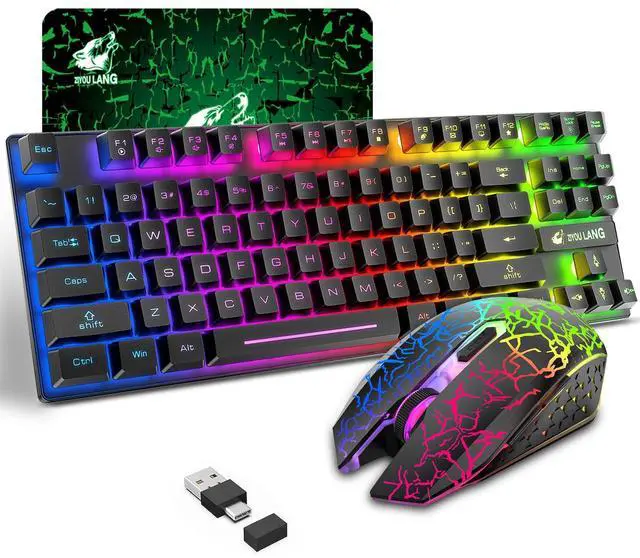


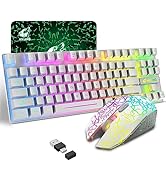
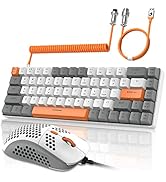
Compact Wireless Gaming Keyboard and Mouse Combo
Keyboard Specification:
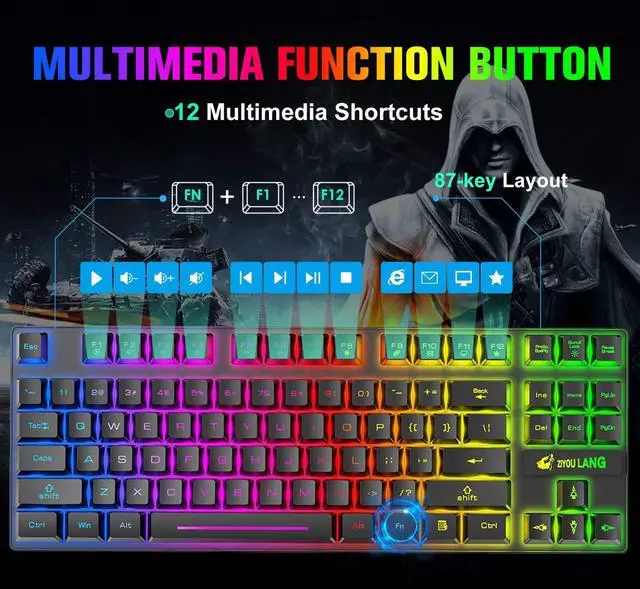
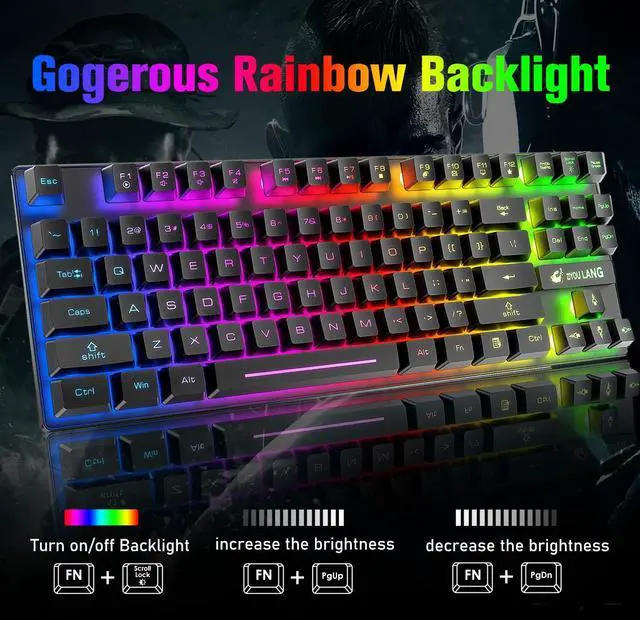
- Number of Keys: 87 Key
- Built-in Battery Capacity: 3000 mAh
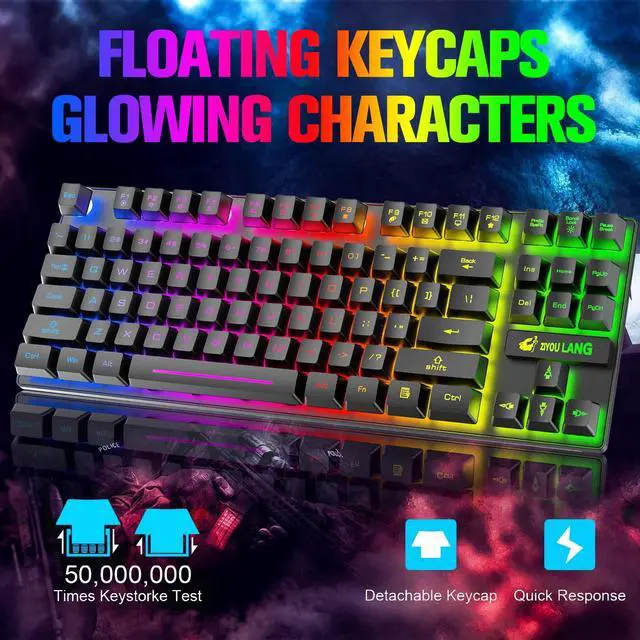
- Rainbow Backlight
- 3 Brightness Level(The 2nd level is default)
- How to Control Backlight: FN+Scroll Lock Key= Turn on/ off Backlight; FN+PgUp=Increase Backlight Brightness; FN+PgDn=Decrease Backlight Brightness
- Supported System: Windows XP, WIN 7/8/10, MAC OS 2.0.
- 12 Multimedia Key: FN+F1=Multimedia Player; FN+F2=Volume - ; FN+F3=Volume + ; FN+F4=Mute; FN+F5=Previous Song ; FN+F6=Next Song ; FN+F7=Pause/Play ; FN+F8=Stop ; FN+F9=Home Page ; FN+F10=Mailbox ; FN+F11= My Computer ; FN+F12=Favorites
Mouse Specifications:
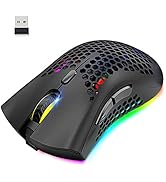
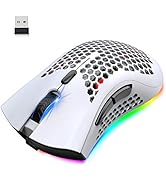
- Number of Button: 6 Button
- Built-in Battery Capacity: 800mAh
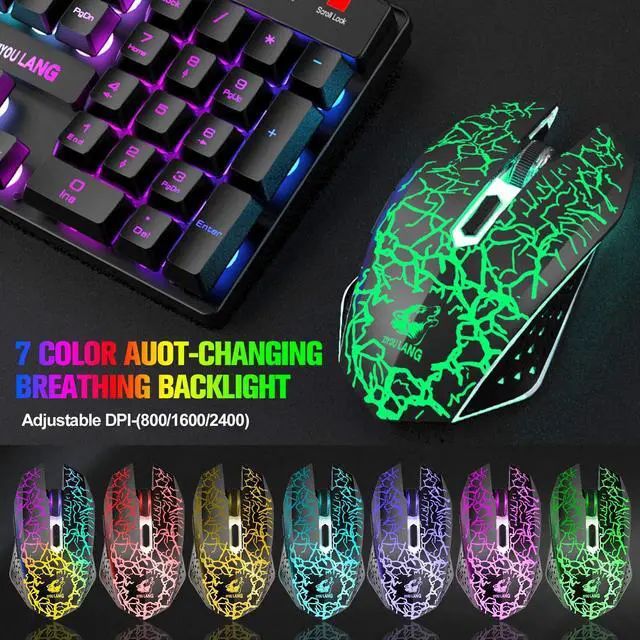
- Adjustable 3 DPI:800-1600-2400
- 7 monochrome color auto switching breathing backlight
Note:
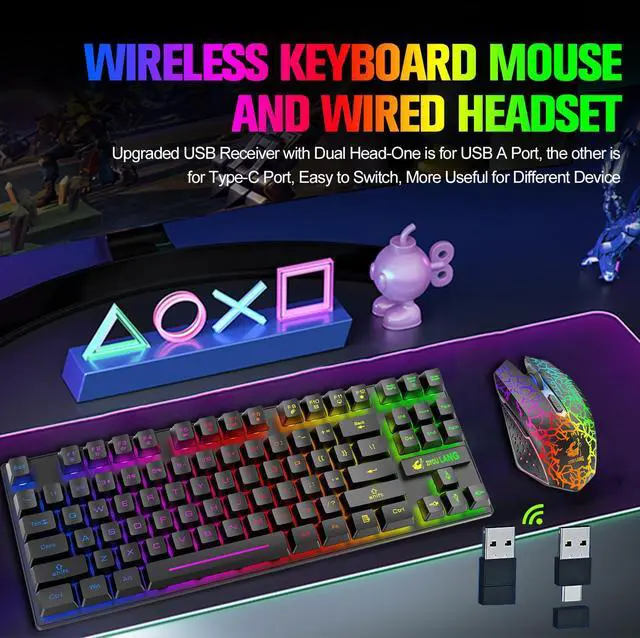
- 1 The keyboard and the mouse share one USB receiver, which has Dual Head-one for USB A port and the other for Type C port, insert the receiver into the corresponding computer USB port, they will auto connect after turning them on, note: the USB C port is in the opposite end of the A port and covered by protective case, you need to remove the cover before plugging if you need to use the C port.
- 2 Both the keyboard and mouse have power button, please make sure you turn on the keyboard and mouse before using, and the effective connection range is 10 meters, pls ensure they are not away from the USB receiver over 10 meters when using, otherwise the product will not work.
- 3 For better using, please make sure the keyboard and mouse is fully charged in their first use, pls don't use charger over 5V and quick/fast charger. or the built-in battery will be damaged, we recommend plugging the charging cable into your computer USB port to charge them, when plugging charging cable, pls use gentle strength and ensure the cable was plugged into the charging port from the correct direction, otherwise the charging port might be damaged
- 4 The keyboard will auto enter sleep mode if no operation in 2 minutes, and press any key can wake it up, and this setting cannot be adjusted.
- 5 Backlight will accelerate battery consumption, if you wanna a long using time for one charge, you can turn off the backlight or decrease the brightness
- 6 There will be a little delay or the lights will not turn on when the keyboard/mouse battery is too low, please charge it in time, the charging indicator will go off after full charge
- 7 If the keyboard and mouse lose connection with the USB receiver, it will not work, rebuilding connection can solve this problem,if the button cannot work, you can check whether there is something stuck inside, and detach the cover to clean it to make it work
Keyboard pairing steps: Unplug the USB receiver; Keep the keyboard close to the receiver; Turn on the keyboard; Press and hold the ESC key and the +/= key simultaneously, the indicator light will remain on;Insert the USB receiver into the computer, and pairing is complete.
Mouse pairing steps: Unplug the USB receiver; Keep the mouse close to the receiver; Turn on the mouse; Press and hold the mouse scroll wheel and right and left button for 3 seconds; Insert the USB receiver into the computer and the pairing is complete.
- 8 If you have any problems, we will try our best to solve it
Package List:
- 1* 87 Key Wireless Keyboard(this keyboard is 87 key TKL keyboard, it doesn’t have separate number pad)
- 1*Wireless Mouse
- 1*Mouse Pad
- 1*Charging USB Cable
- 1*User Manual(The USB receiver is packed in the same bag with the user manual, pls check the system requirement before purchasing)
 wireless gaming keyboard and mouse White |  wired mechanical gaming keyboard and mouse |  wired mechanical gaming keyboard and mouse |  wired mechanical gaming keyboard and mouse |  wired mechanical gaming keyboard and mouse |  wired mechanical gaming keyboard and mouse | |
|---|---|---|---|---|---|---|
| Customer Reviews | — | — | — | — | — | — |
| Price | — | — no data | — | — no data | — | — |
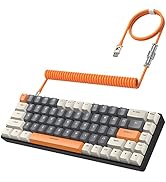
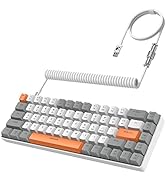
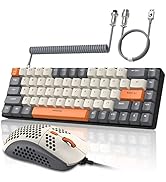
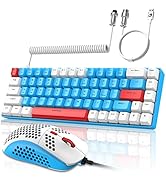
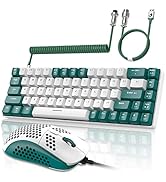
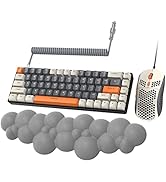
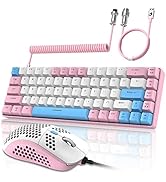
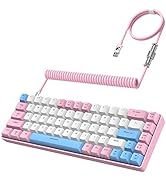
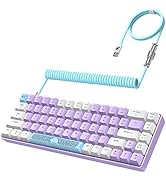
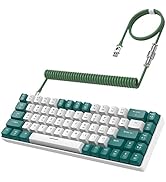
| Connection Way | 2.4Ghz Wireless Connection with Dual Head USB C and A port receiver | Type-C Wired with Coiled Cable | Type-C Wired with Coiled Cable | Type-C Wired with Coiled Cable | Type-C Wired with Coiled Cable | Type-C Wired with Coiled Cable |
| Key Layout | 87 Key | 68 Key | 68 Key | 68 Key | 68 Key | 68 Key |
| Mechanical Switch | Membrane Keyboard, No Mechanical Switch | Blue Switch | Blue Switch | Blue Switch | Blue Switch | Red Switch |
| Backlit | Rainbow | RGB | RGB | RGB | RGB | RGB |




Compact Wireless Gaming Keyboard and Mouse Combo
Keyboard Specification:
- Number of Keys: 87 Key
- Built-in Battery Capacity: 3000 mAh
- Rainbow Backlight
- 3 Brightness Level(The 2nd level is default)
- How to Control Backlight: FN+Scroll Lock Key= Turn on/ off Backlight; FN+PgUp=Increase Backlight Brightness; FN+PgDn=Decrease Backlight Brightness
- Supported System: Windows XP, WIN 7/8/10, MAC OS 2.0.
- 12 Multimedia Key: FN+F1=Multimedia Player; FN+F2=Volume - ; FN+F3=Volume + ; FN+F4=Mute; FN+F5=Previous Song ; FN+F6=Next Song ; FN+F7=Pause/Play ; FN+F8=Stop ; FN+F9=Home Page ; FN+F10=Mailbox ; FN+F11= My Computer ; FN+F12=Favorites
Mouse Specifications:
- Number of Button: 6 Button
- Built-in Battery Capacity: 800mAh
- Adjustable 3 DPI:800-1600-2400
- 7 monochrome color auto switching breathing backlight
Note:
- 1 The keyboard and the mouse share one USB receiver, which has Dual Head-one for USB A port and the other for Type C port, insert the receiver into the corresponding computer USB port, they will auto connect after turning them on, note: the USB C port is in the opposite end of the A port and covered by protective case, you need to remove the cover before plugging if you need to use the C port.
- 2 Both the keyboard and mouse have power button, please make sure you turn on the keyboard and mouse before using, and the effective connection range is 10 meters, pls ensure they are not away from the USB receiver over 10 meters when using, otherwise the product will not work.
- 3 For better using, please make sure the keyboard and mouse is fully charged in their first use, pls don't use charger over 5V and quick/fast charger. or the built-in battery will be damaged, we recommend plugging the charging cable into your computer USB port to charge them, when plugging charging cable, pls use gentle strength and ensure the cable was plugged into the charging port from the correct direction, otherwise the charging port might be damaged
- 4 The keyboard will auto enter sleep mode if no operation in 2 minutes, and press any key can wake it up, and this setting cannot be adjusted.
- 5 Backlight will accelerate battery consumption, if you wanna a long using time for one charge, you can turn off the backlight or decrease the brightness
- 6 There will be a little delay or the lights will not turn on when the keyboard/mouse battery is too low, please charge it in time, the charging indicator will go off after full charge
- 7 If the keyboard and mouse lose connection with the USB receiver, it will not work, rebuilding connection can solve this problem,if the button cannot work, you can check whether there is something stuck inside, and detach the cover to clean it to make it work
Keyboard pairing steps: Unplug the USB receiver; Keep the keyboard close to the receiver; Turn on the keyboard; Press and hold the ESC key and the +/= key simultaneously, the indicator light will remain on;Insert the USB receiver into the computer, and pairing is complete.
Mouse pairing steps: Unplug the USB receiver; Keep the mouse close to the receiver; Turn on the mouse; Press and hold the mouse scroll wheel and right and left button for 3 seconds; Insert the USB receiver into the computer and the pairing is complete.
- 8 If you have any problems, we will try our best to solve it
Package List:
- 1* 87 Key Wireless Keyboard(this keyboard is 87 key TKL keyboard, it doesn’t have separate number pad)
- 1*Wireless Mouse
- 1*Mouse Pad
- 1*Charging USB Cable
- 1*User Manual(The USB receiver is packed in the same bag with the user manual, pls check the system requirement before purchasing)
wireless gaming keyboard and mouse White | wired mechanical gaming keyboard and mouse | wired mechanical gaming keyboard and mouse | wired mechanical gaming keyboard and mouse | wired mechanical gaming keyboard and mouse | wired mechanical gaming keyboard and mouse | |
|---|---|---|---|---|---|---|
| Customer Reviews | — | — | — | — | — | — |
| Price | — | — no data | — | — no data | — | — |
| Connection Way | 2.4Ghz Wireless Connection with Dual Head USB C and A port receiver | Type-C Wired with Coiled Cable | Type-C Wired with Coiled Cable | Type-C Wired with Coiled Cable | Type-C Wired with Coiled Cable | Type-C Wired with Coiled Cable |
| Key Layout | 87 Key | 68 Key | 68 Key | 68 Key | 68 Key | 68 Key |
| Mechanical Switch | Membrane Keyboard, No Mechanical Switch | Blue Switch | Blue Switch | Blue Switch | Blue Switch | Red Switch |
| Backlit | Rainbow | RGB | RGB | RGB | RGB | RGB |
Hot Sale
More and More Good Items are Coming!
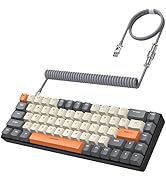
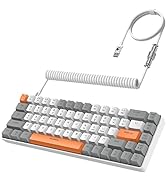
Wired Mechanical Keyboard
Gaming Combo for Your Choice!
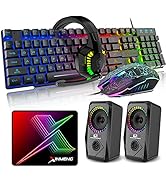
All in One
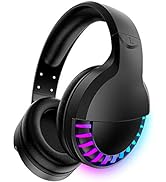
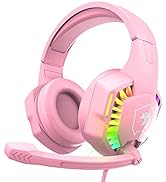
Headset
Big Discount
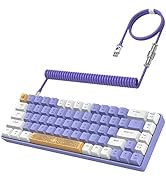
Mechanical Keyboard
