





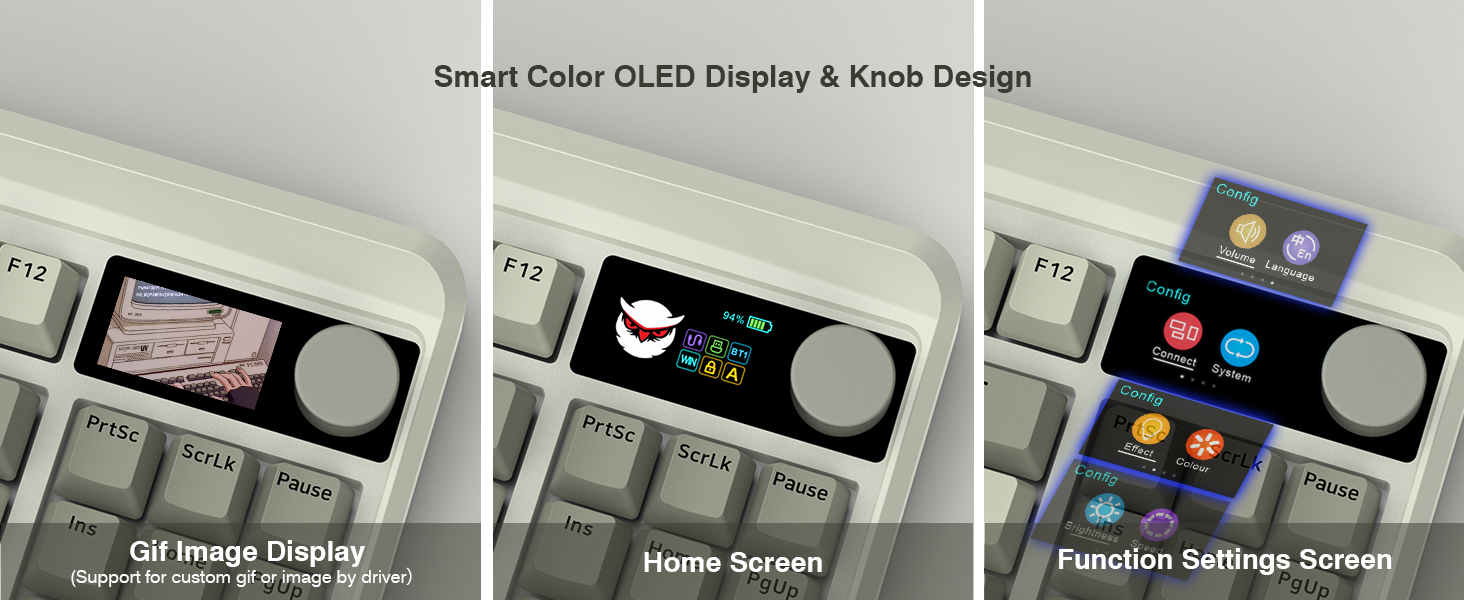
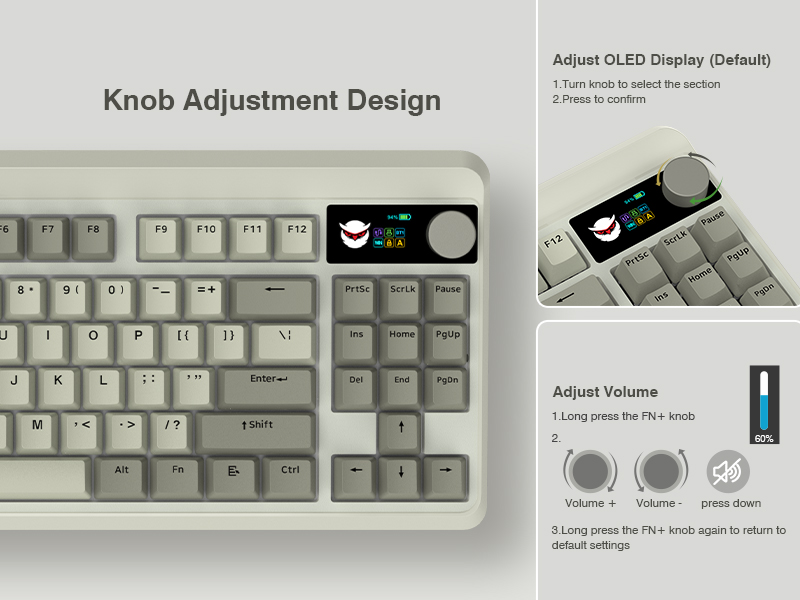
How to use and switch 2.4Ghz & BT mode?
2.4Ghz mode:
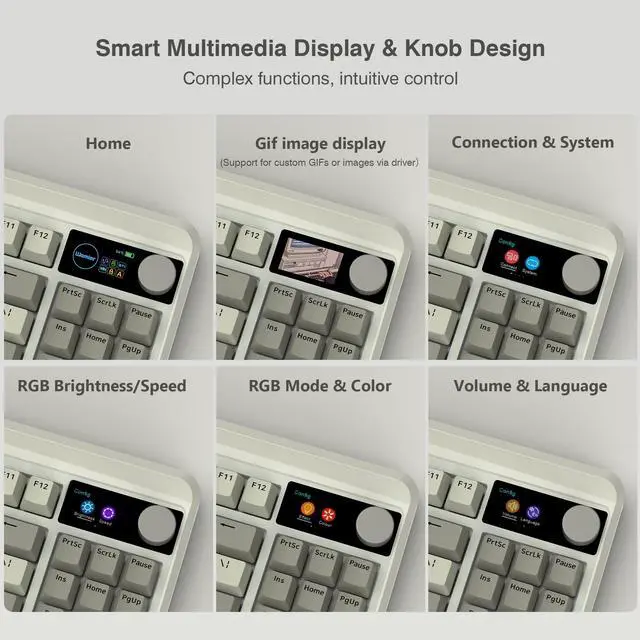
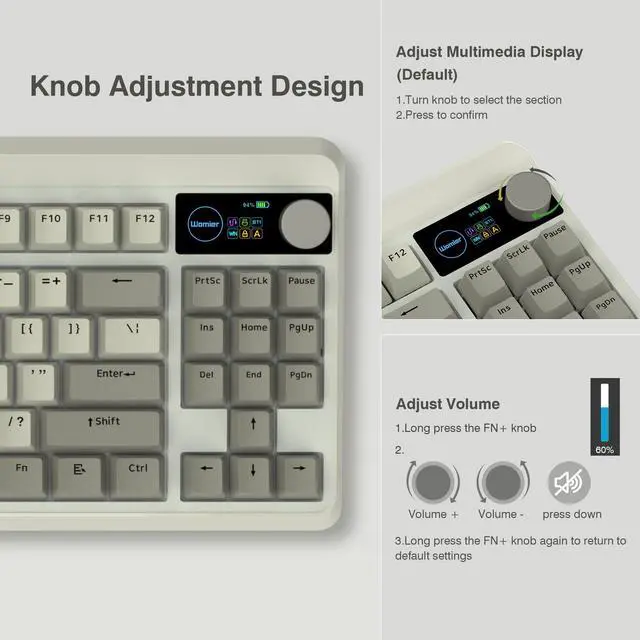
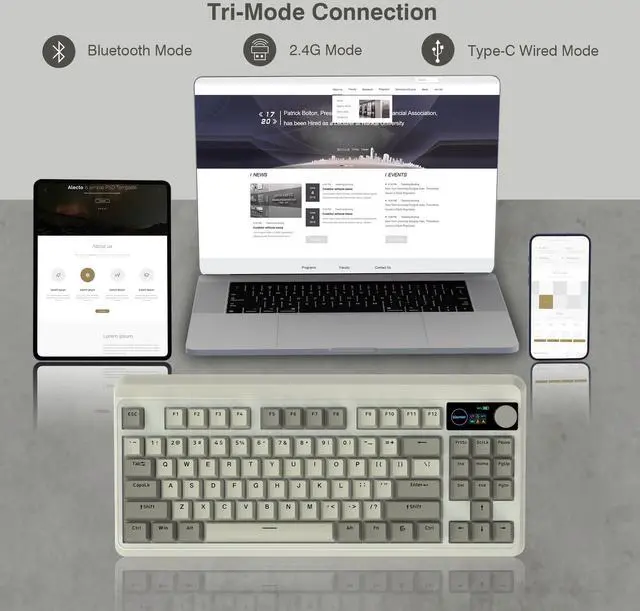
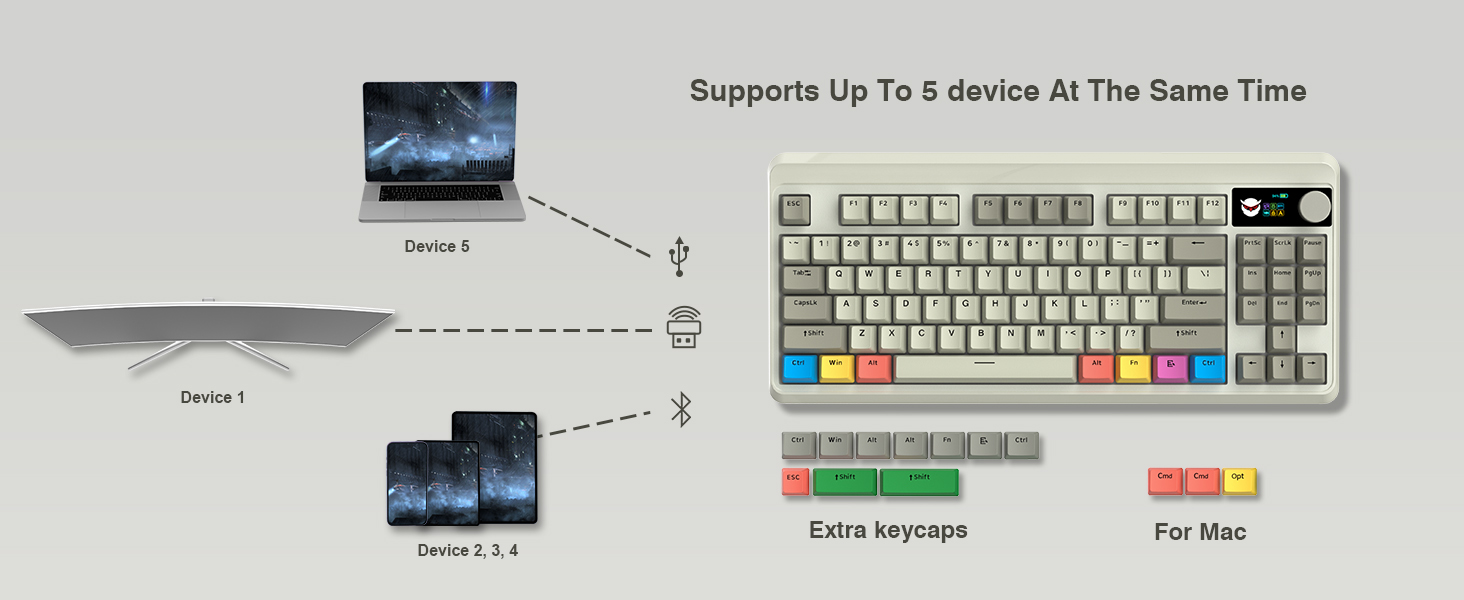
Step1. Switch Power On. Step2. Insert the wireless dongle to a USB port on the PC. Step3. Turn the knob to the 2.4G icon, short press the knob to select 2.4Ghz mode.
BT mode:
Step 1. Switch Power On. Step 2. Turn the knob to select the connection mode and press the knob to confirm it. Step 3. Turn the knob to the BT1 icon, long press the knob to enter BT1 pairing mode, and the display shows "BT1 Pairing". Step 4 Turn on the bluetooth of computer/phone, then connect the device.
Long Battery Life
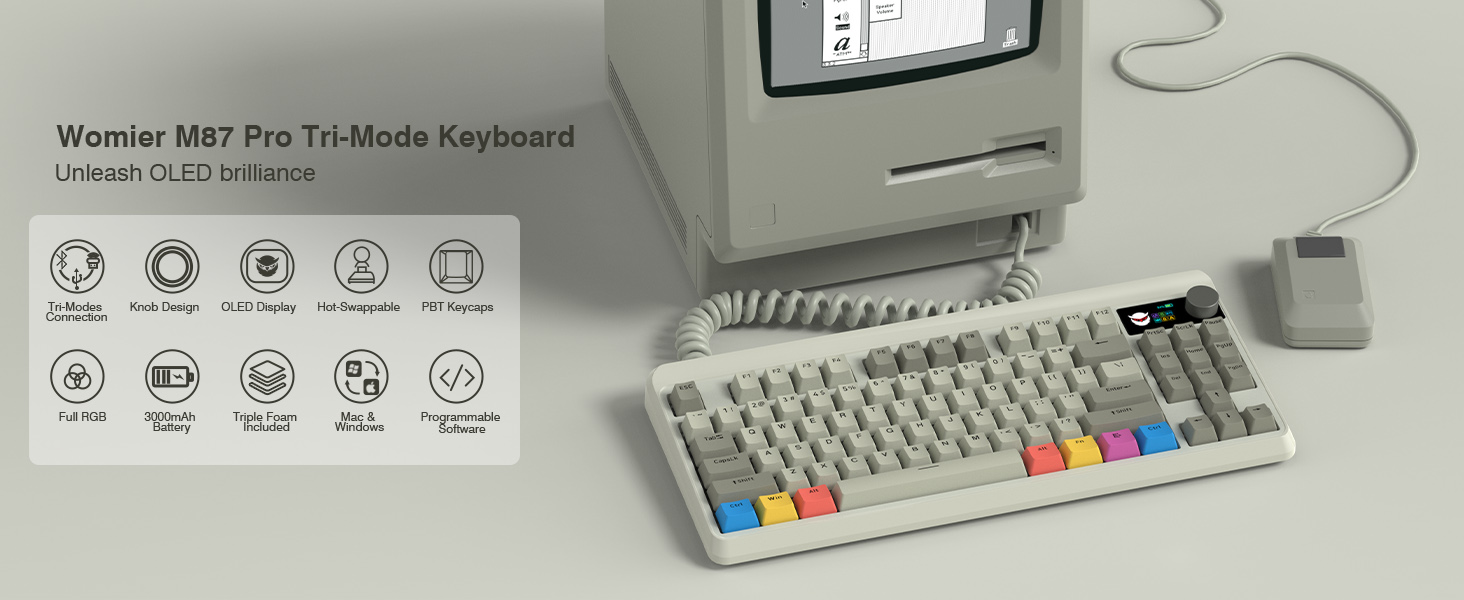
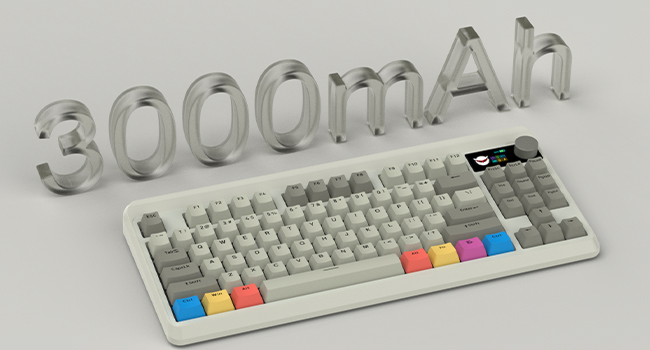
Built in a 3000 mAh rechargeable battery, last up to 7 days normal use (count 8hrs per day).
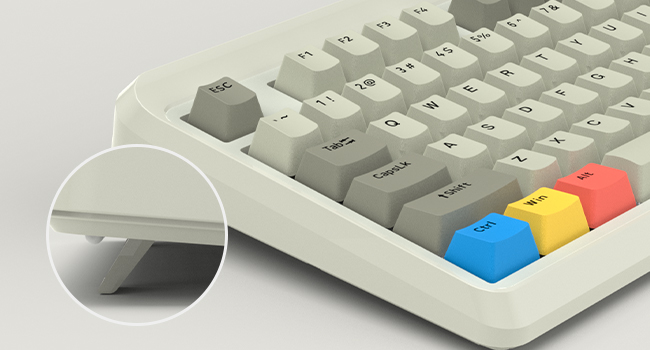
Adjustable keyboard angles
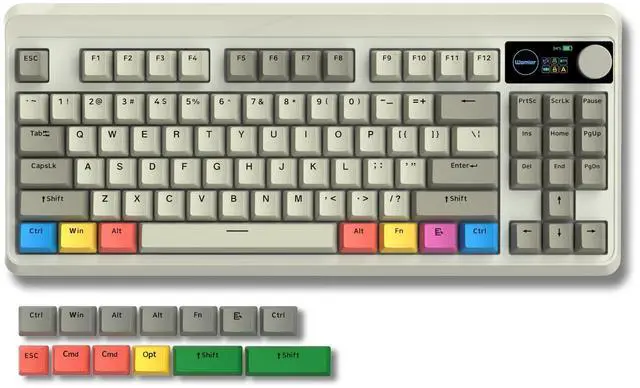
Comes with 1 adjustable keyboard feet which can give you the comfort angle you need for marathon gaming sessions.

Womier Mechanical Gaming Keyboard
 Womier WK75 |  Womier WK75 |  Womier WK61 PRO |  Redragon K742 |  Redragon K742 |  Redragon K742 |  Redragon K742 | |
|---|---|---|---|---|---|---|---|
Customer Reviews | — | — | — | — | — | — | — |
Price | — | — | — | — | — | — | — |
Layout | 75% Layout | 75% Layout | 60% Layout | 98% Layout | 98% Layout | 98% Layout | 98% Layout |
Connection | 2.4G/Bluetooth/Type-C wired | 2.4G/Bluetooth/Type-C wired | 2.4G/Bluetooth/Type-C wired | 2.4G/Bluetooth/Type-C wired | 2.4G/Bluetooth/Type-C wired | 2.4G/Bluetooth/Type-C wired | 2.4G/Bluetooth/Type-C wired |
Switch Type | Hot Swappable | Hot Swappable | Hot Swappable | Hot Swappable | Hot Swappable | Hot Swappable | Hot Swappable |
Keyboard Switches | Linear Switch | Linear Switch | Linear Switch | Linear Switch | Linear Switch | Linear Switch | Linear Switch |
Backlit | RGB | RGB | RGB | RGB | RGB | RGB | RGB |
DIY Software | ? | ? | ? | ? | ? | ? | ? |

About COSTOM
Founded in 2018, a sub-brand of Womier, a professional manufacturer integrating design, production and sales of custom keyboards and related peripherals.
We are committed to providing each customer with better service. We focuses on providing our customers with a better user experience. We will bring more customizable theme peripherals products, letting you have fun in mechanical keyboards!
What's New
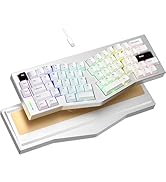
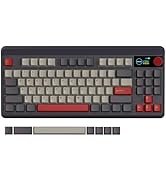
M87 Pro Series
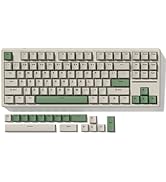
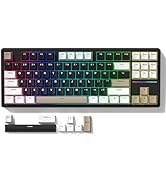
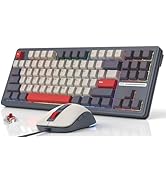
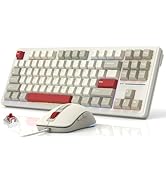
New TKL Mechanical Keyboards
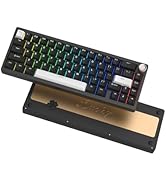
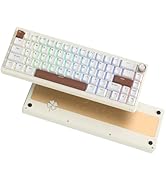
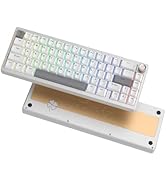
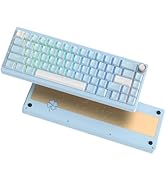
Hot SK65 Mechanical Keyboard
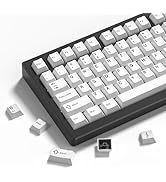
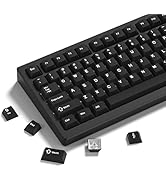
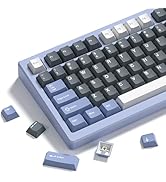
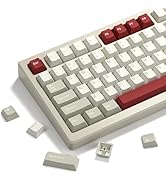
Best-seller Keycaps
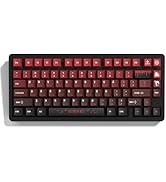
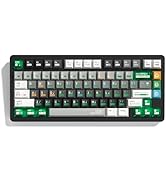
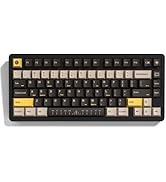
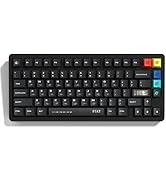
New PBT Keycaps
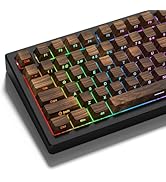
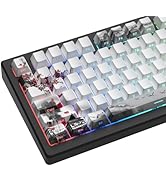
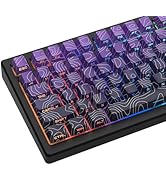
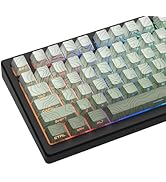
Custom Keycaps
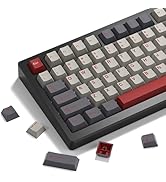
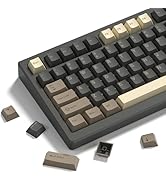
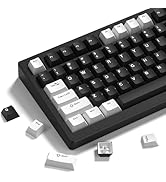
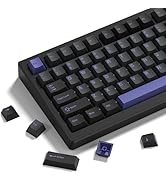
Best-seller Keycaps
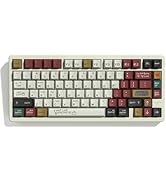
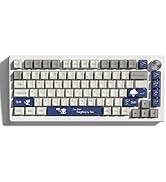
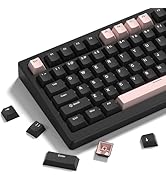
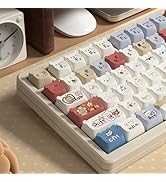
Outlets Deal
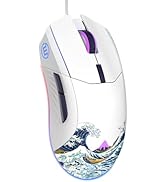
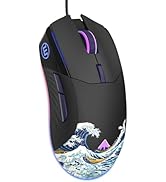
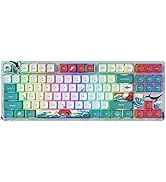
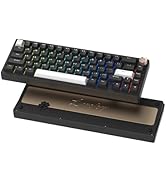
Carol Sea Theme Peripherals
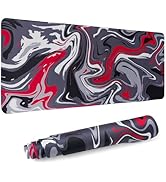
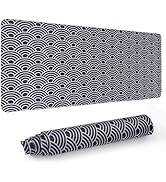
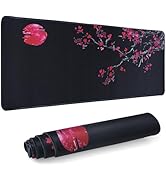

Outlets Deals
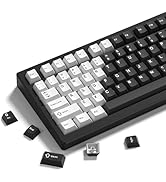
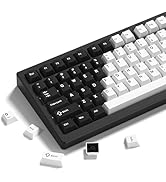
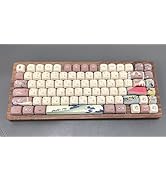

New Gaming Mouse
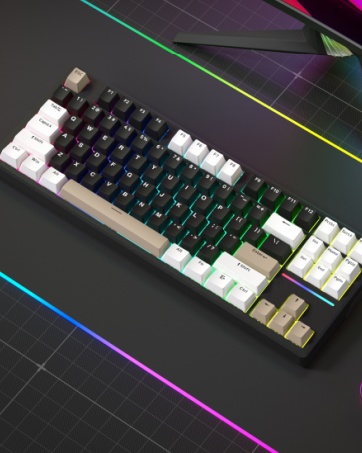
WK87 Mechanical Keyboard
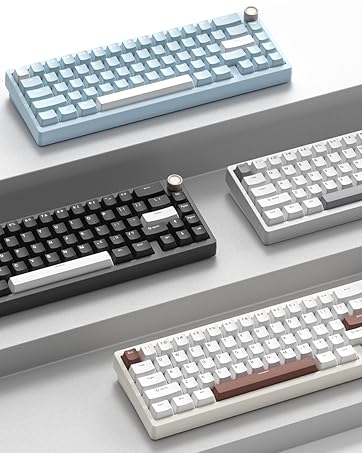
SK65 Aluminum Keyboard
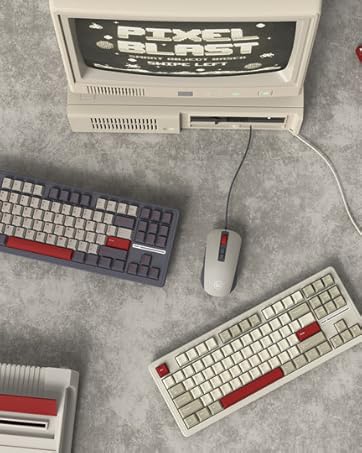
M87 Wired Keyboard Mouse Combo
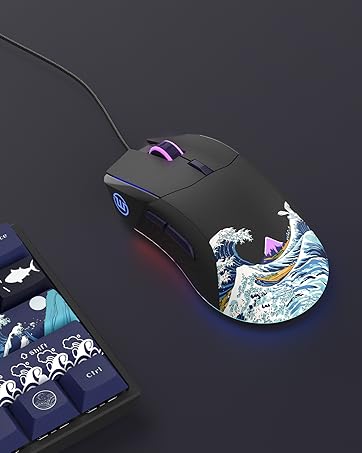
G705 Gaming Mouse
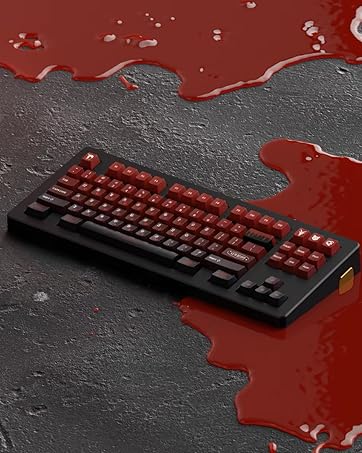
Custom Keycaps
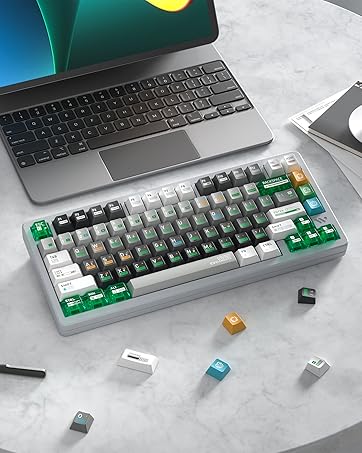
Custom Keycaps


How to use and switch 2.4Ghz & BT mode?
2.4Ghz mode:
Step1. Switch Power On. Step2. Insert the wireless dongle to a USB port on the PC. Step3. Turn the knob to the 2.4G icon, short press the knob to select 2.4Ghz mode.
BT mode:
Step 1. Switch Power On. Step 2. Turn the knob to select the connection mode and press the knob to confirm it. Step 3. Turn the knob to the BT1 icon, long press the knob to enter BT1 pairing mode, and the display shows "BT1 Pairing". Step 4 Turn on the bluetooth of computer/phone, then connect the device.


Long Battery Life
Built in a 3000 mAh rechargeable battery, last up to 7 days normal use (count 8hrs per day).
Adjustable keyboard angles
Comes with 1 adjustable keyboard feet which can give you the comfort angle you need for marathon gaming sessions.

Womier Mechanical Gaming Keyboard
Womier WK75 | Womier WK75 | Womier WK61 PRO | Redragon K742 | Redragon K742 | Redragon K742 | Redragon K742 |
|---|---|---|---|---|---|---|
| Customer Reviews | ||||||
| — | — | — | — | — | — | — |
| Price | ||||||
| — | — | — | — | — | — | — |
| Layout | ||||||
| 75% Layout | 75% Layout | 60% Layout | 98% Layout | 98% Layout | 98% Layout | 98% Layout |
| Connection | ||||||
| 2.4G/Bluetooth/Type-C wired | 2.4G/Bluetooth/Type-C wired | 2.4G/Bluetooth/Type-C wired | 2.4G/Bluetooth/Type-C wired | 2.4G/Bluetooth/Type-C wired | 2.4G/Bluetooth/Type-C wired | 2.4G/Bluetooth/Type-C wired |
| Switch Type | ||||||
| Hot Swappable | Hot Swappable | Hot Swappable | Hot Swappable | Hot Swappable | Hot Swappable | Hot Swappable |
| Keyboard Switches | ||||||
| Linear Switch | Linear Switch | Linear Switch | Linear Switch | Linear Switch | Linear Switch | Linear Switch |
| Backlit | ||||||
| RGB | RGB | RGB | RGB | RGB | RGB | RGB |
| DIY Software | ||||||
| ? | ? | ? | ? | ? | ? | ? |
About COSTOM
Founded in 2018, a sub-brand of Womier, a professional manufacturer integrating design, production and sales of custom keyboards and related peripherals.
We are committed to providing each customer with better service. We focuses on providing our customers with a better user experience. We will bring more customizable theme peripherals products, letting you have fun in mechanical keyboards!
What's New
M87 Pro Series
New TKL Mechanical Keyboards
Hot SK65 Mechanical Keyboard
Best-seller Keycaps
New PBT Keycaps
Custom Keycaps
Best-seller Keycaps
Outlets Deal
Carol Sea Theme Peripherals
Outlets Deals
New Gaming Mouse
WK87 Mechanical Keyboard
SK65 Aluminum Keyboard
M87 Wired Keyboard Mouse Combo
G705 Gaming Mouse
Custom Keycaps
Custom Keycaps