





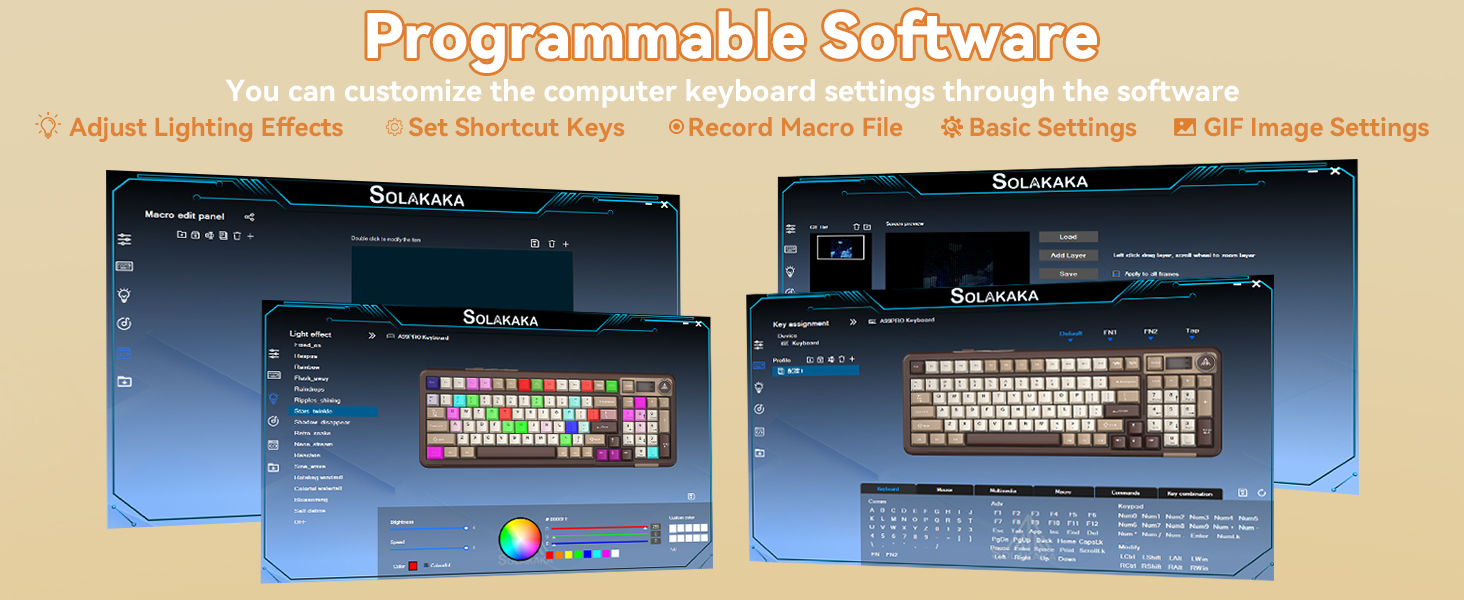
Software download: solakakadriver.com (This software only supports Windows systems. Please run the driver in wired mode.)
What should I do if the plastic covering on the screen has scratches or curled edges?
The plastic covering on the screen's surface protects it during transportation. If the plastic covering has scratches or curled edges, it can be peeled off without affecting the screen's use.
Why can't I run the driver software?
Please check if the driver software is running in USB-C wired mode. The driver software only supports wired mode and Windows systems.
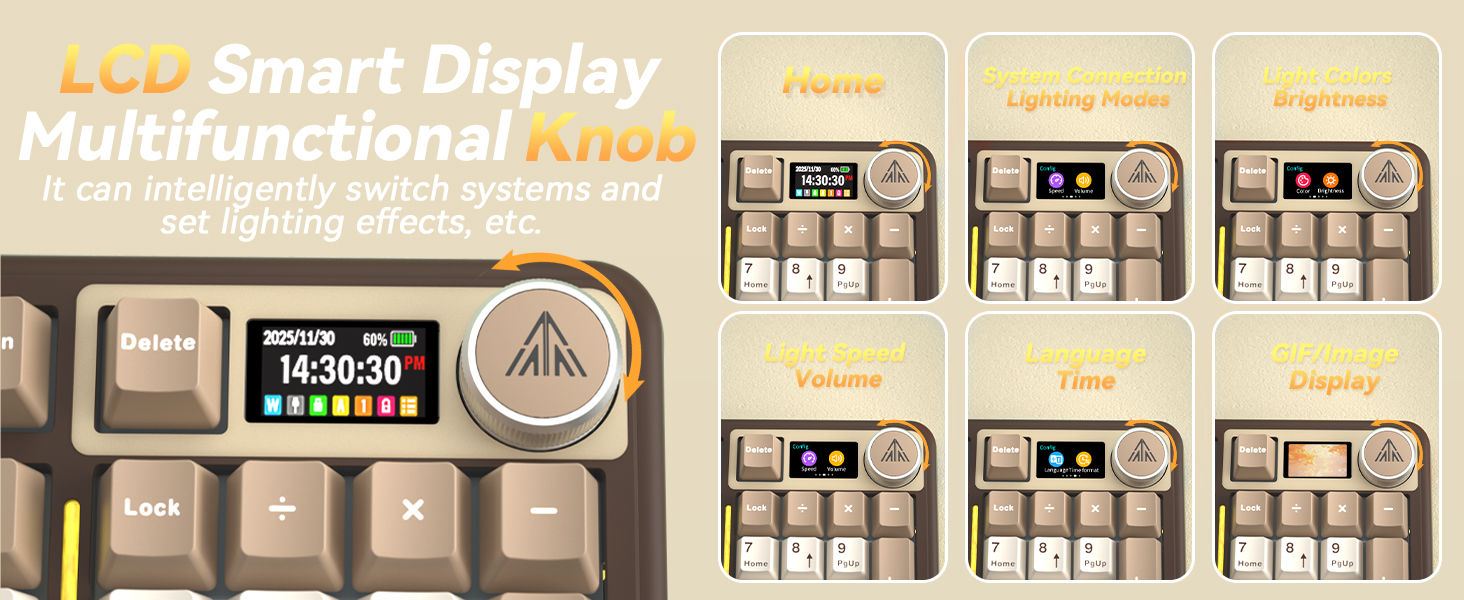
How do I set up the GIF image?
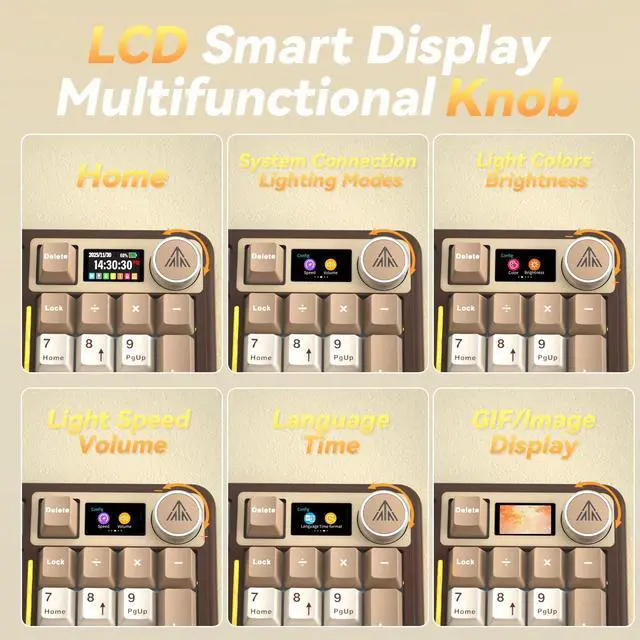
You need to run the driver software in USB-C wired mode. And click the file download button to access the GIF image management page. Click "Upload" to upload the pre-downloaded GIF image. Click "Apply". The GIF image will appear on the screen.
How can I prevent the GIF image on the screen from switching back to the home page after entering the sleep mode?
Please download and install the firmware of A99 Pro in wired mode. Download address: solakakadriver.com (please download the firmware for the corresponding keyboard). After the application, please reopen the mode switch and reconnect the keyboard.
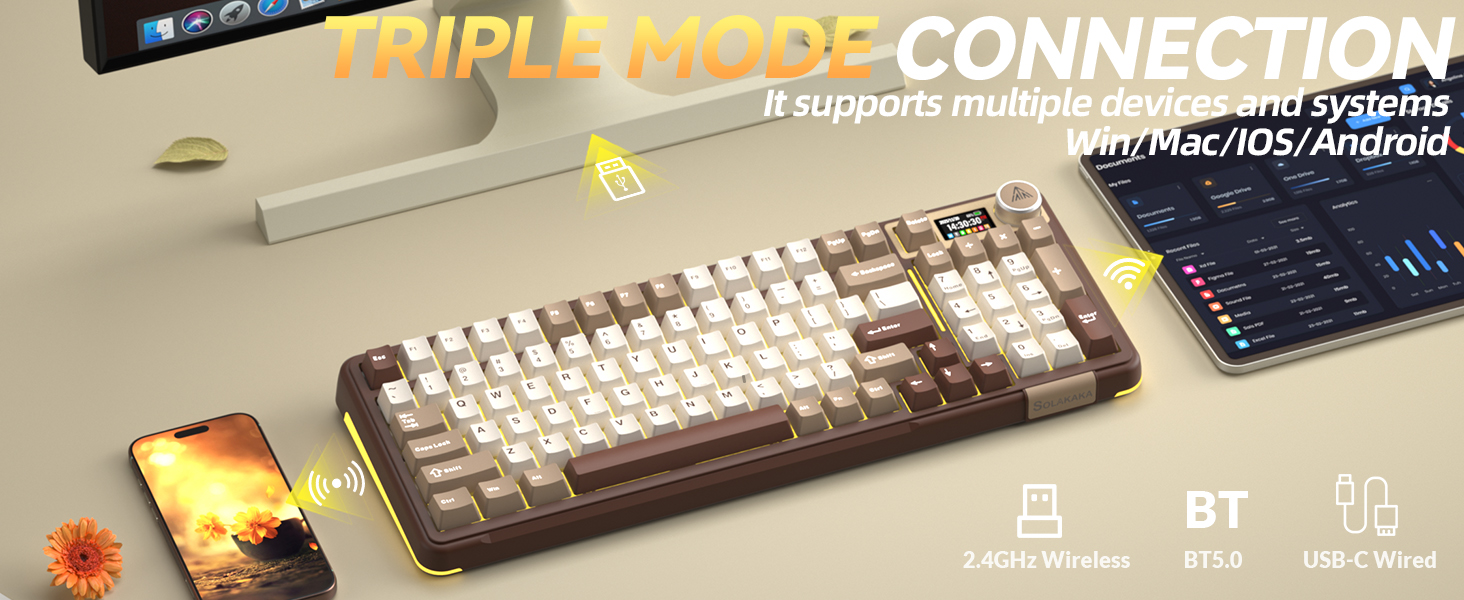
How to Switch Systems?
1. Locate the“System”settings on the screen, rotate the knob to select it, then press the knob to confirm.
2. Shortcut Keys for Switching Systems. Press "Fn+W" to switch to Windows; Press "Fn+M" to switch to Mac.
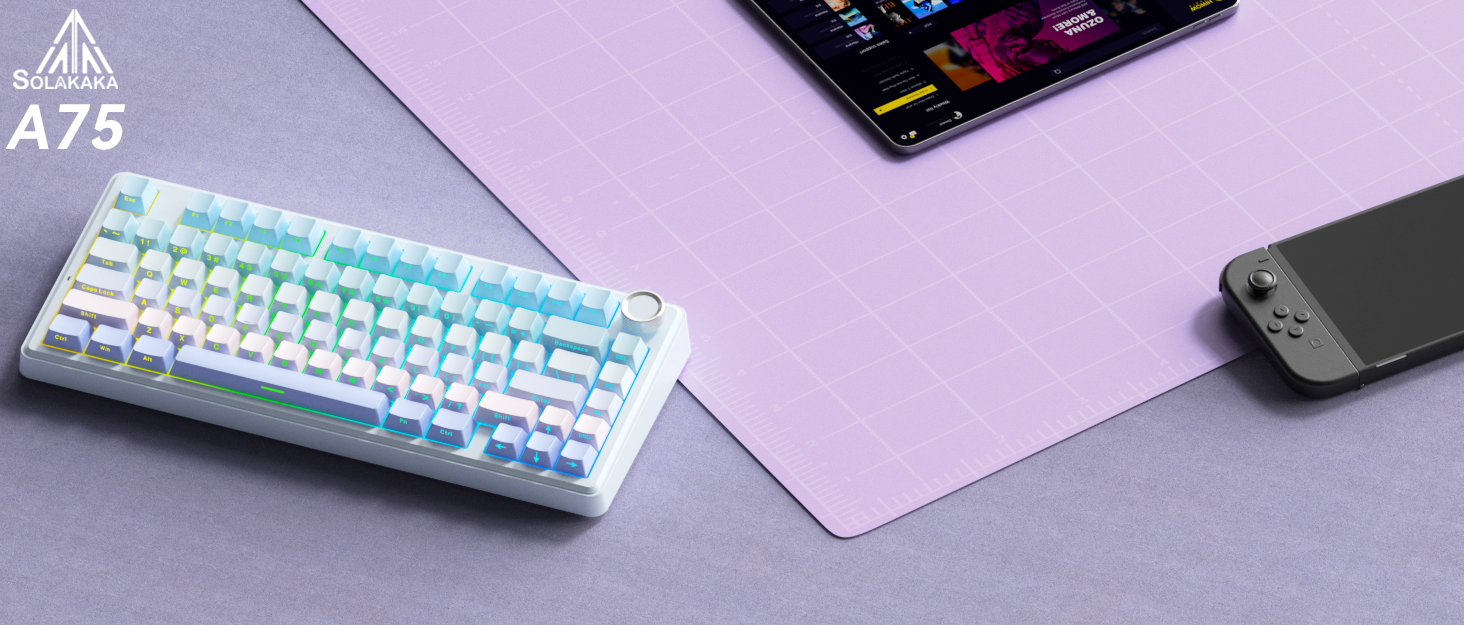

About Solakaka
Solakaka is a brand dedicated to crafting exceptional keyboards and mice. Every product is shaped by premium materials and advanced manufacturing techniques. We are committed not only to providing high-performance, high-configuration personalized products, but also to providing meticulous service experiences.
Our vision is for everyone to experience true quality and care—may our products become your trusted companions in both gaming and work.
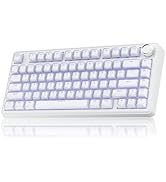
GAMING KEYBOARD
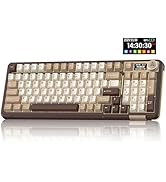
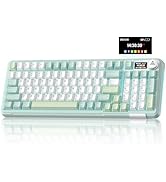
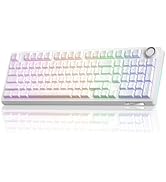
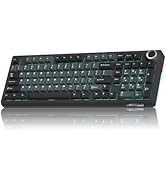
MECHANICAL KEYBOARD
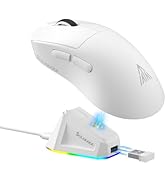
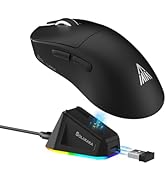
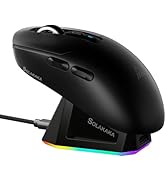
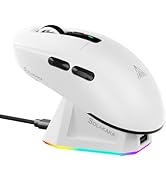
MOUSE WITH CHARGING DOCK
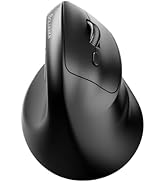
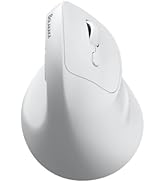
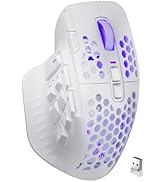
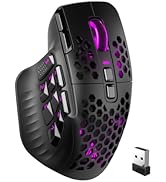
ERGONOMIC MOUSE
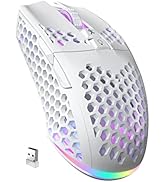
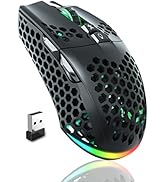
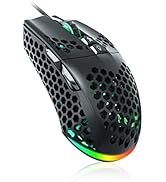
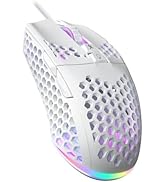
WIRELESS GAMING MOUSE
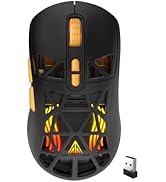
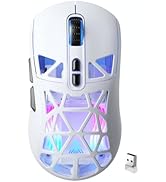
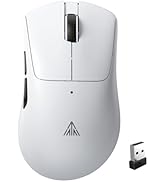
WIRELESS COMPUTER MOUSE
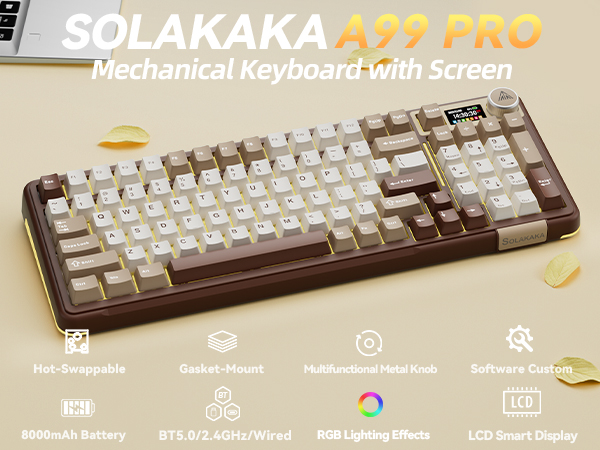
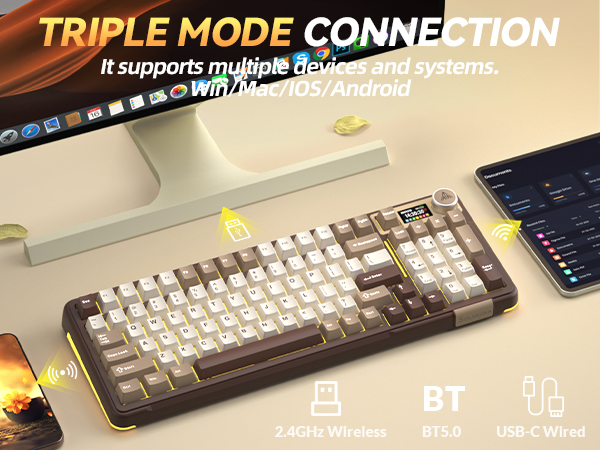
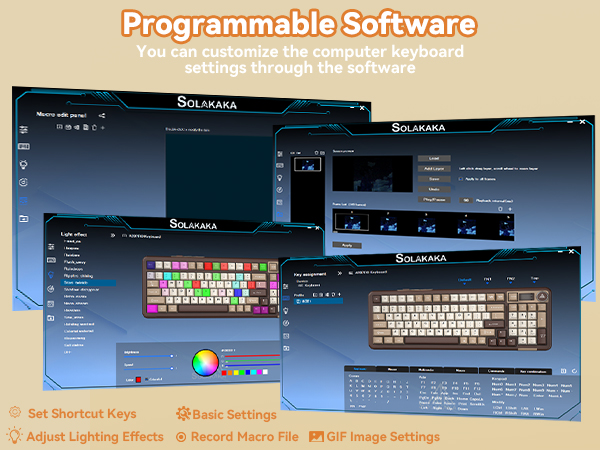
Software download: solakakadriver.com (This software only supports Windows systems. Please run the driver in wired mode.)
What should I do if the plastic covering on the screen has scratches or curled edges?
The plastic covering on the screen's surface protects it during transportation. If the plastic covering has scratches or curled edges, it can be peeled off without affecting the screen's use.
Why can't I run the driver software?
Please check if the driver software is running in USB-C wired mode. The driver software only supports wired mode and Windows systems.
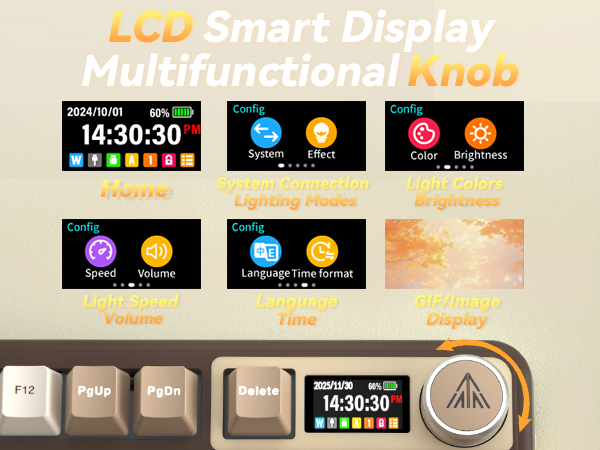
How do I set up the GIF image?
You need to run the driver software in USB-C wired mode. And click the file download button to access the GIF image management page. Click "Upload" to upload the pre-downloaded GIF image. Click "Apply". The GIF image will appear on the screen.
How can I prevent the GIF image on the screen from switching back to the home page after entering the sleep mode?
Please download and install the firmware of A99 Pro in wired mode. Download address: solakakadriver.com (please download the firmware for the corresponding keyboard). After the application, please reopen the mode switch and reconnect the keyboard.
How to Switch Systems?
1. Locate the“System”settings on the screen, rotate the knob to select it, then press the knob to confirm.
2. Shortcut Keys for Switching Systems. Press "Fn+W" to switch to Windows; Press "Fn+M" to switch to Mac.
About Solakaka
Solakaka is a brand dedicated to crafting exceptional keyboards and mice. Every product is shaped by premium materials and advanced manufacturing techniques. We are committed not only to providing high-performance, high-configuration personalized products, but also to providing meticulous service experiences.
Our vision is for everyone to experience true quality and care—may our products become your trusted companions in both gaming and work.
GAMING KEYBOARD
MECHANICAL KEYBOARD
MOUSE WITH CHARGING DOCK
ERGONOMIC MOUSE
WIRELESS GAMING MOUSE
WIRELESS COMPUTER MOUSE