





New Keyboard, Classic Mech
 KN104 Mechanical Keyboard |  KN104 Mechanical Keyboard |  KN85 Mechanical Keyboard |  KN85 Mechanical Keyboard |  KN85 Mechanical Keyboard |  KN85 Mechanical Keyboard |  KN85 Mechanical Keyboard | |
|---|---|---|---|---|---|---|---|
Customer Reviews | — | — | — | — | — | — | — |
Price | — | — | — | — | — | — | — |
Layout & Keys | 100% ANSI US, 104 keys | 100% ANSI US, 104 keys | 75% ANSI US, 85 keys | 75% ANSI US, 85 keys | 75% ANSI US, 85 keys | 75% ANSI US, 85 keys | 75% ANSI US, 85 keys |
Hot-Swappable | ? | ? | ? | ? | ? | ? | ? |
Connection | Wired/2.4G /Bluetooth 5.0 | Wired/2.4G /Bluetooth 5.0 | Wired/2.4G /Bluetooth 5.0 | Wired/2.4G /Bluetooth 5.0 | Wired/2.4G /Bluetooth 5.0 | Wired/2.4G /Bluetooth 5.0 | Wired/2.4G /Bluetooth 5.0 |
Programmable | KN104 software(WIN only) | KN104 software(WIN only) | KN85 software(WIN only) | KN85 software(WIN only) | KN85 software(WIN only) | KN85 software(WIN only) | KN85 software(WIN only) |
Size/Weight | 17.52*5.55*1.65in/2.41lb | 17.52*5.55*1.65in/2.41lb | 13.68*5.51*1.77in /1.98lb | 13.68*5.51*1.77in /1.98lb | 13.68*5.51*1.77in /1.98lb | 13.68*5.51*1.77in /1.98lb | 13.68*5.51*1.77in /1.98lb |
Switch Type | Bsun Linear Switch | Bsun Linear Switch | Bsun Linear Switch | Bsun Linear Switch | Bsun Linear Switch | Bsun Linear Switch | Bsun Linear Switch |
Polling rate | 1000Hz(2.4G/USB), 125Hz(BT) | 1000Hz(2.4G/USB), 125Hz(BT) | 1000Hz(2.4G/USB), 125Hz(BT) | 1000Hz(2.4G/USB), 125Hz(BT) | 1000Hz(2.4G/USB), 125Hz(BT) | 1000Hz(2.4G/USB), 125Hz(BT) | 1000Hz(2.4G/USB), 125Hz(BT) |
Media Keys& Knob | ? | ? | ? | ? | ? | ? | ? |

Familiar 104 Keys Layout


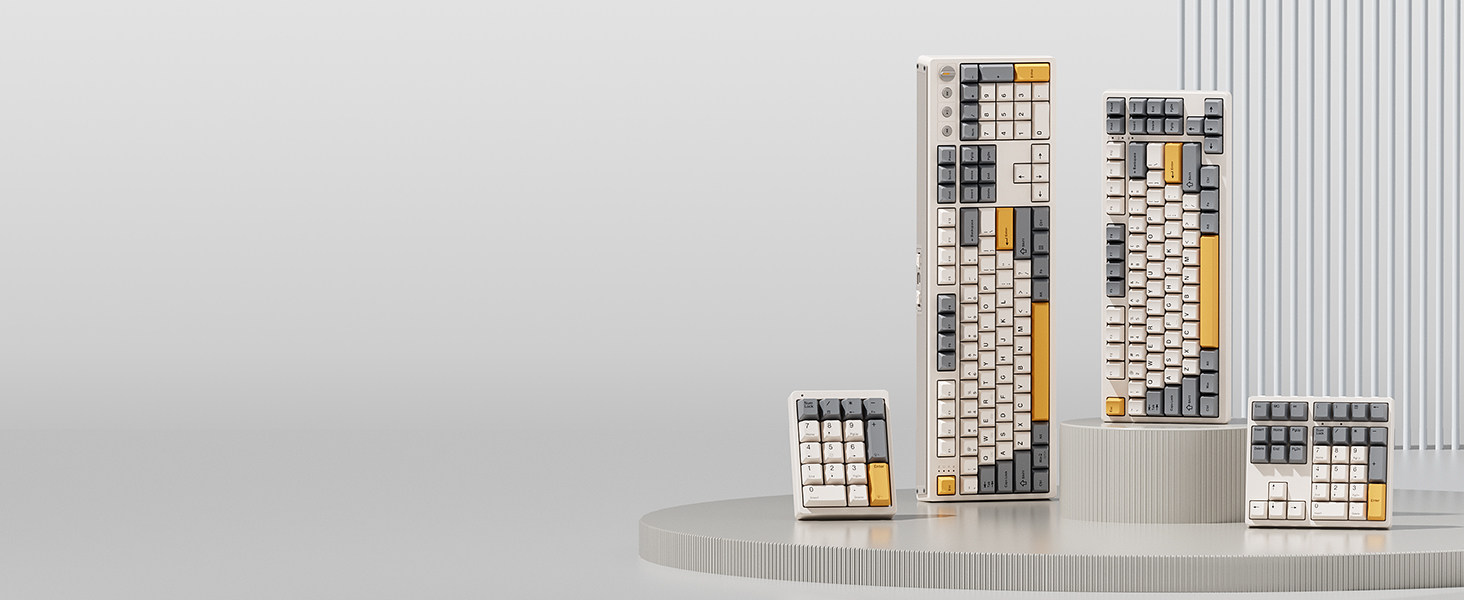
Complete Your Setup
Looking for more than a lone upgrade? Meet your new desk aesthetics and deck out your battle station with Kisnt.
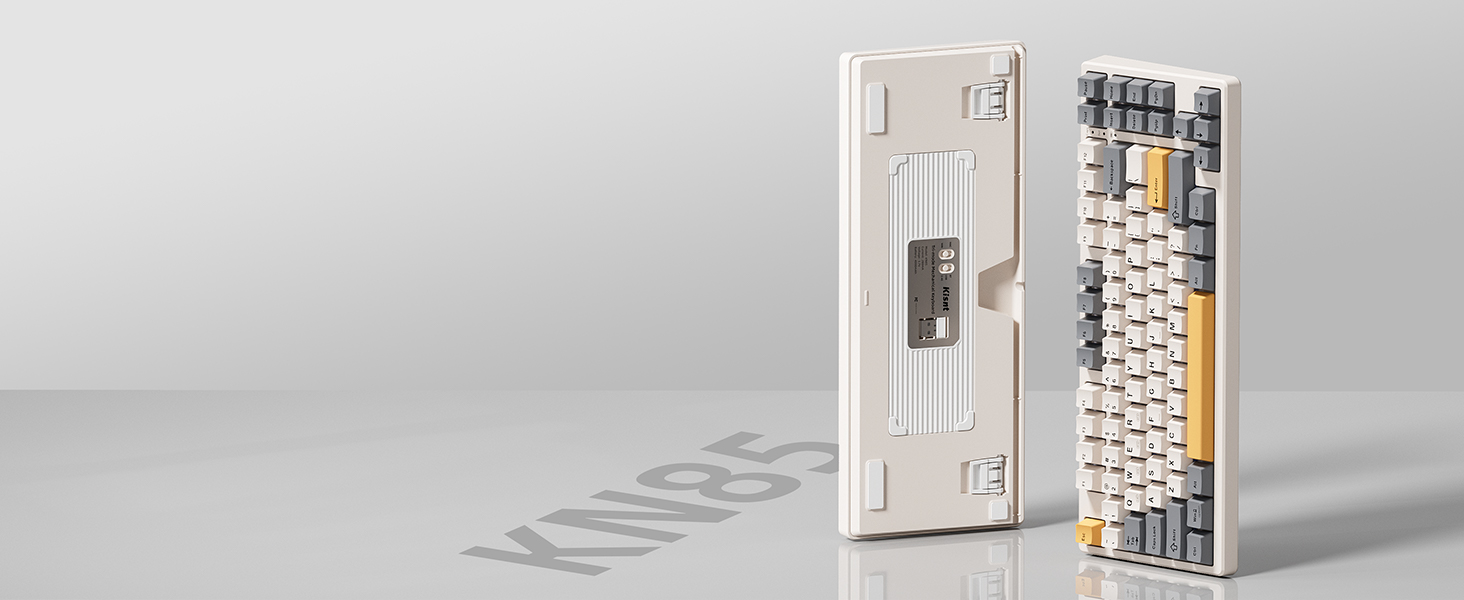
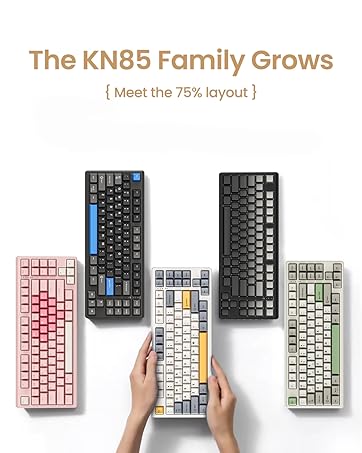
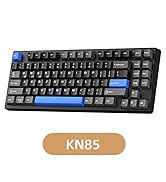
Kisnt KN85
The 85-key design includes most of the keys you commonly use, portable and maximize your space. Take you an experience of the ultimate 75% compact power.
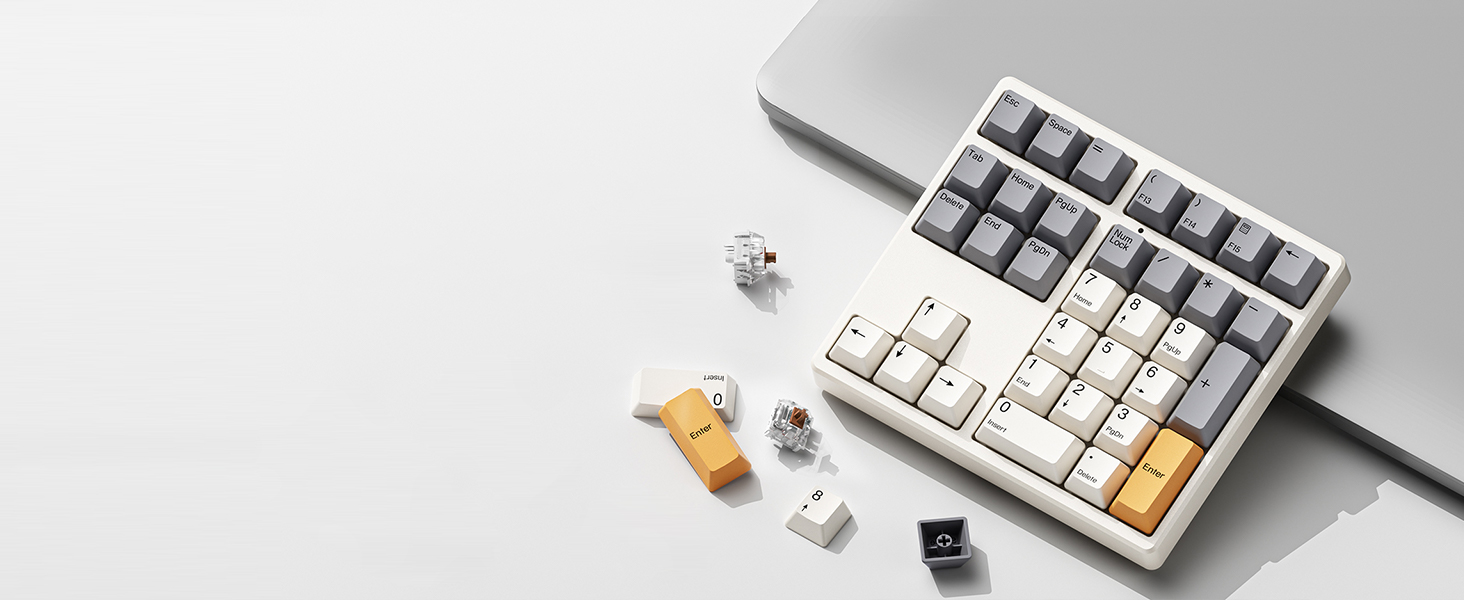
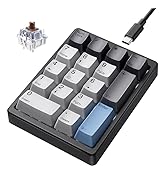
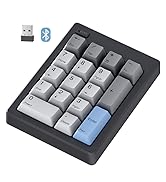
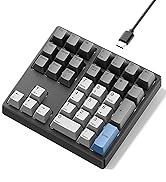
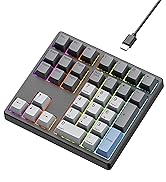
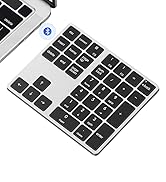
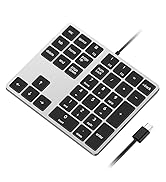
Kisnt KN34
With all the necessary keys for basic calculations and data entry and four arrow keys. Having this keypad now opens up more options for you to go with a compact keyboard.
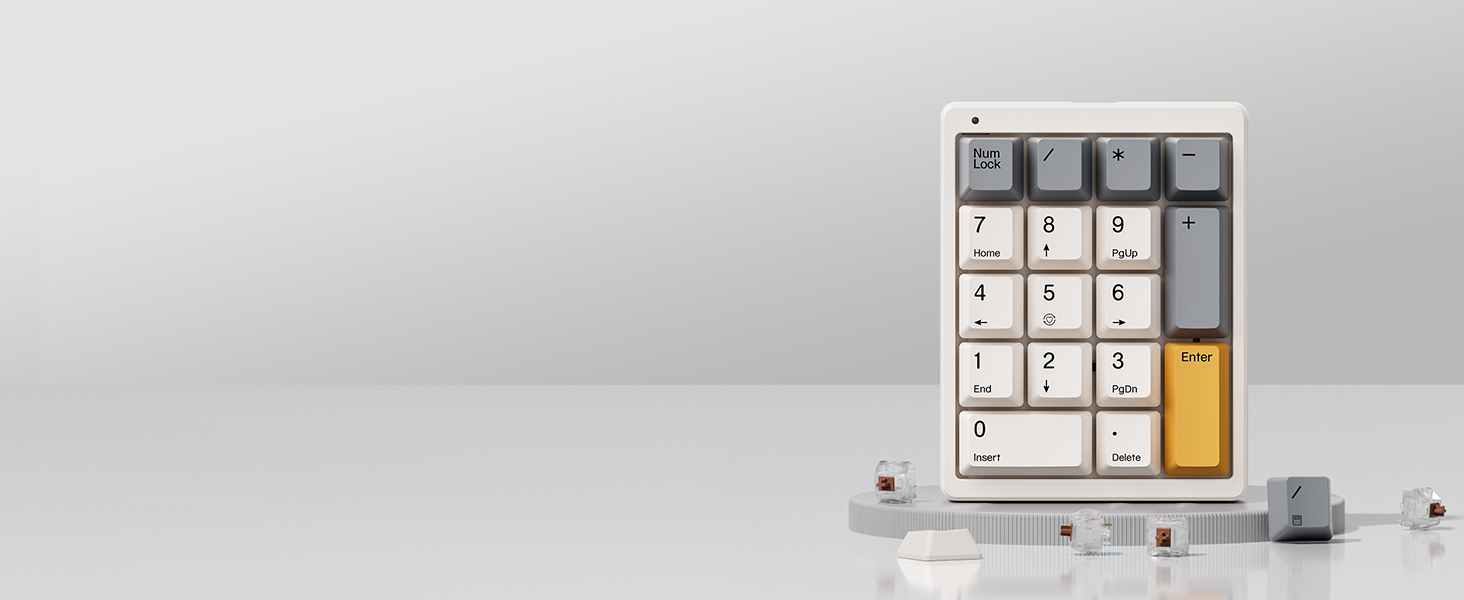
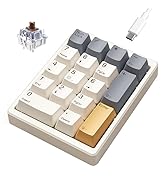
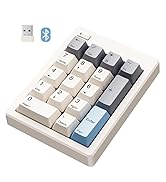
Kisnt KN17
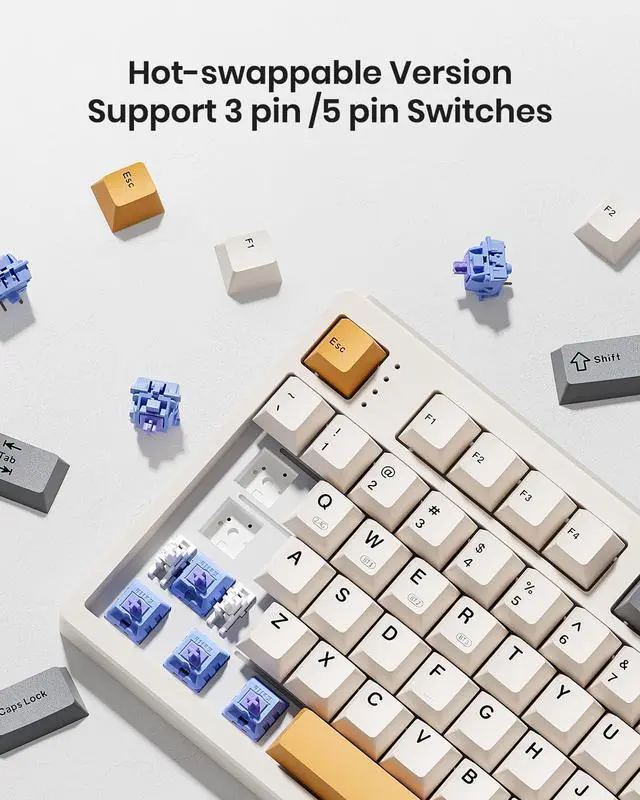
AS a standard numeric keypad with PBT Dye keycaps and hot-swap switches. If you are a mechanical keyboard lover, you will love it's sound and feel in everyday use.
What’s the dimensions?
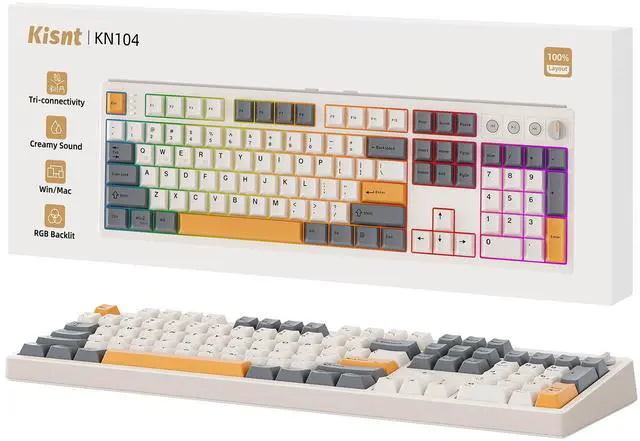
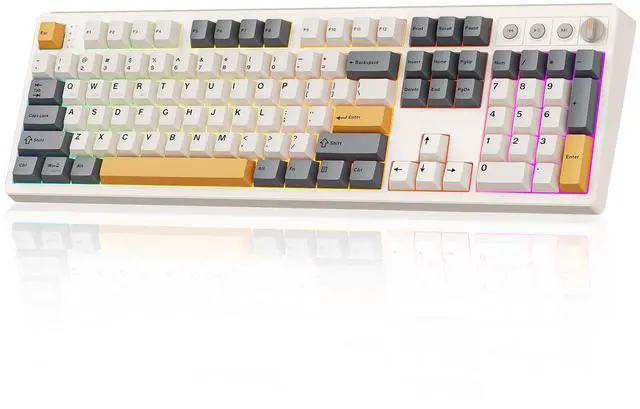
Weighing 2.41lb with dimensions of 17.52*5.55*1.65 inches, it retains the familiar typing experience with the complete number pad included.
Is quiet to type on?
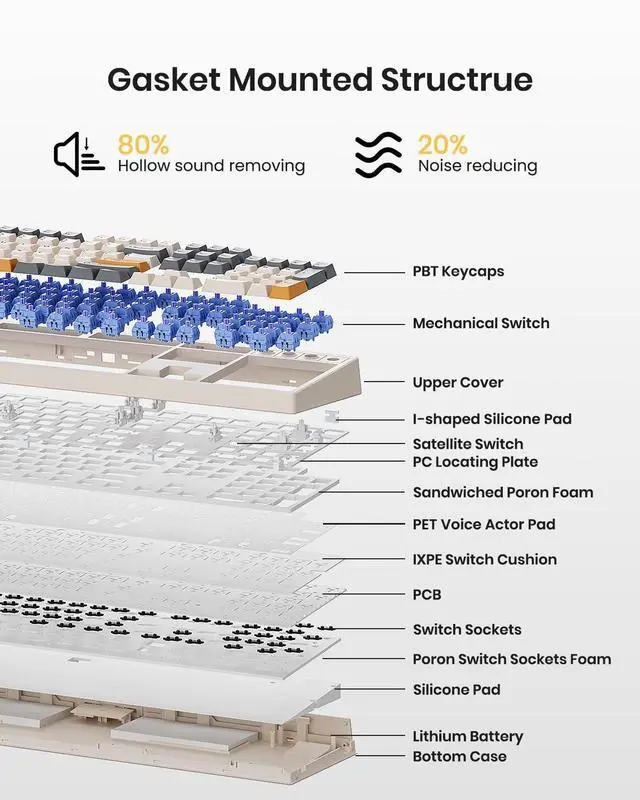
It is not a silent keyboard, but be quieter than typical mechanical keyboards and delivers a satisfying "thocky" creamy sound instead of clicky noise.
Why does the keyboard fail to connect (or keep disconnecting) in wireless mode?
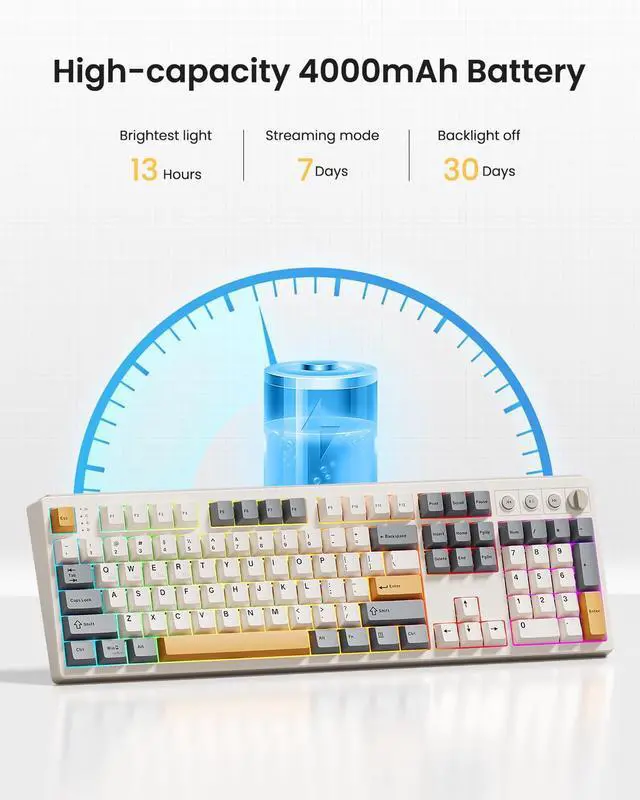
Low battery- Make sure the battery is still active before further troubleshooting.
Bluetooth compatibility- Bluetooth connectivity requires Windows 8 or later and only supports Bluetooth version 4.0 to 5.3.
How to pair it with Bluetooth device?
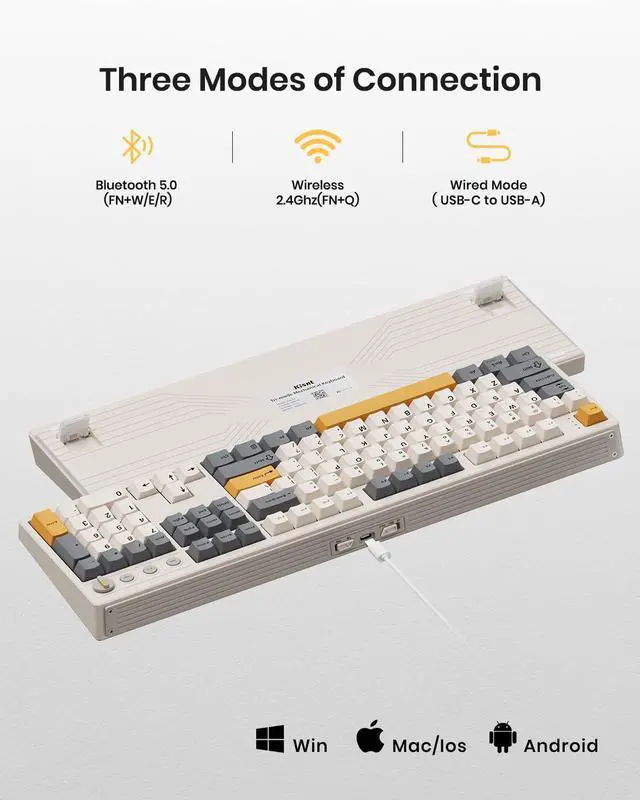
Switch the toggle to?BT?firstly, press the FN+W and hold down for about 3-5s until the W key flashes rapidly, pair your device with “?KN104 BT-1?”(The same as FN+E/FN+R).
How to adjust the RGB backlighting?
1. Shortcut keys for quick adjustments: FN+Insert = Switch 20 RGB lighting effects /FN+Delete= Backlight color switching.
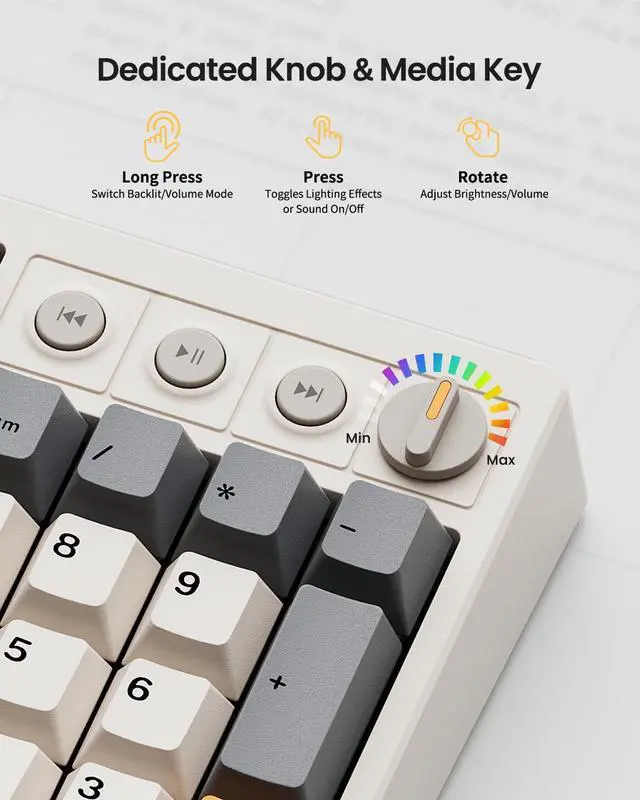
2. The KN104 driver for advanced programmable lighting effects and patterns (Windows only, compatible with wired or 2.4G mode).





New Keyboard, Classic Mech
KN104 Mechanical Keyboard | KN104 Mechanical Keyboard | KN85 Mechanical Keyboard | KN85 Mechanical Keyboard | KN85 Mechanical Keyboard | KN85 Mechanical Keyboard | KN85 Mechanical Keyboard |
|---|---|---|---|---|---|---|
| Customer Reviews | ||||||
| — | — | — | — | — | — | — |
| Price | ||||||
| — | — | — | — | — | — | — |
| Layout & Keys | ||||||
| 100% ANSI US, 104 keys | 100% ANSI US, 104 keys | 75% ANSI US, 85 keys | 75% ANSI US, 85 keys | 75% ANSI US, 85 keys | 75% ANSI US, 85 keys | 75% ANSI US, 85 keys |
| Hot-Swappable | ||||||
| ? | ? | ? | ? | ? | ? | ? |
| Connection | ||||||
| Wired/2.4G /Bluetooth 5.0 | Wired/2.4G /Bluetooth 5.0 | Wired/2.4G /Bluetooth 5.0 | Wired/2.4G /Bluetooth 5.0 | Wired/2.4G /Bluetooth 5.0 | Wired/2.4G /Bluetooth 5.0 | Wired/2.4G /Bluetooth 5.0 |
| Programmable | ||||||
| KN104 software(WIN only) | KN104 software(WIN only) | KN85 software(WIN only) | KN85 software(WIN only) | KN85 software(WIN only) | KN85 software(WIN only) | KN85 software(WIN only) |
| Size/Weight | ||||||
| 17.52*5.55*1.65in/2.41lb | 17.52*5.55*1.65in/2.41lb | 13.68*5.51*1.77in /1.98lb | 13.68*5.51*1.77in /1.98lb | 13.68*5.51*1.77in /1.98lb | 13.68*5.51*1.77in /1.98lb | 13.68*5.51*1.77in /1.98lb |
| Switch Type | ||||||
| Bsun Linear Switch | Bsun Linear Switch | Bsun Linear Switch | Bsun Linear Switch | Bsun Linear Switch | Bsun Linear Switch | Bsun Linear Switch |
| Polling rate | ||||||
| 1000Hz(2.4G/USB), 125Hz(BT) | 1000Hz(2.4G/USB), 125Hz(BT) | 1000Hz(2.4G/USB), 125Hz(BT) | 1000Hz(2.4G/USB), 125Hz(BT) | 1000Hz(2.4G/USB), 125Hz(BT) | 1000Hz(2.4G/USB), 125Hz(BT) | 1000Hz(2.4G/USB), 125Hz(BT) |
| Media Keys& Knob | ||||||
| ? | ? | ? | ? | ? | ? | ? |

Familiar 104 Keys Layout


Complete Your Setup
Kisnt KN85
Kisnt KN34
Kisnt KN17


Looking for more than a lone upgrade? Meet your new desk aesthetics and deck out your battle station with Kisnt.
The 85-key design includes most of the keys you commonly use, portable and maximize your space. Take you an experience of the ultimate 75% compact power.
With all the necessary keys for basic calculations and data entry and four arrow keys. Having this keypad now opens up more options for you to go with a compact keyboard.
AS a standard numeric keypad with PBT Dye keycaps and hot-swap switches. If you are a mechanical keyboard lover, you will love it's sound and feel in everyday use.
What’s the dimensions?
Weighing 2.41lb with dimensions of 17.52*5.55*1.65 inches, it retains the familiar typing experience with the complete number pad included.
Is quiet to type on?
It is not a silent keyboard, but be quieter than typical mechanical keyboards and delivers a satisfying "thocky" creamy sound instead of clicky noise.
Why does the keyboard fail to connect (or keep disconnecting) in wireless mode?
Low battery- Make sure the battery is still active before further troubleshooting.
Bluetooth compatibility- Bluetooth connectivity requires Windows 8 or later and only supports Bluetooth version 4.0 to 5.3.
How to pair it with Bluetooth device?
Switch the toggle to?BT?firstly, press the FN+W and hold down for about 3-5s until the W key flashes rapidly, pair your device with “?KN104 BT-1?”(The same as FN+E/FN+R).
How to adjust the RGB backlighting?
1. Shortcut keys for quick adjustments: FN+Insert = Switch 20 RGB lighting effects /FN+Delete= Backlight color switching.
2. The KN104 driver for advanced programmable lighting effects and patterns (Windows only, compatible with wired or 2.4G mode).
Best Bang for the Buck
KN85 Series
17 Keys Series
34 Keys Series
