


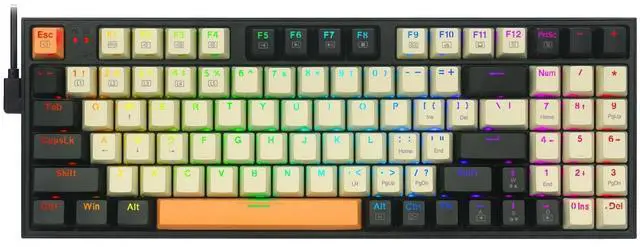
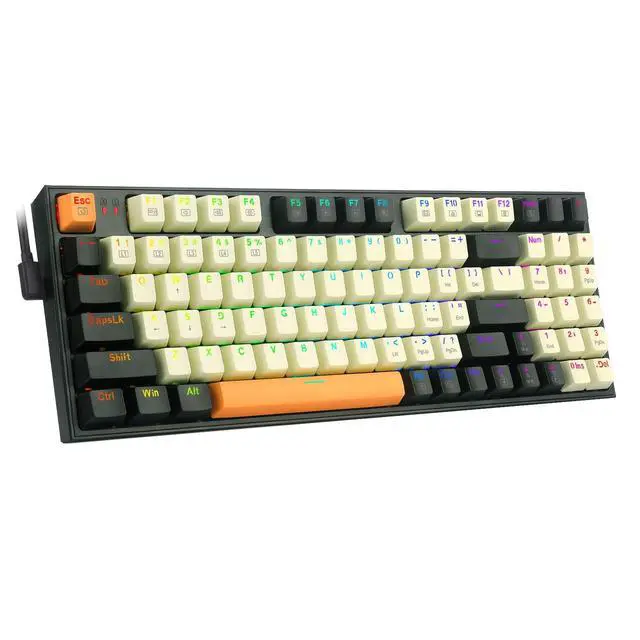
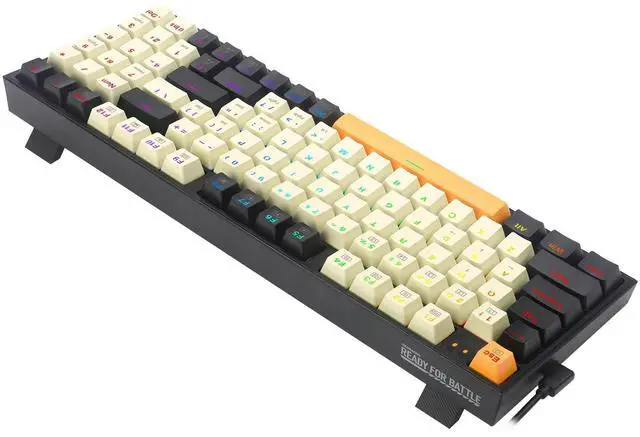
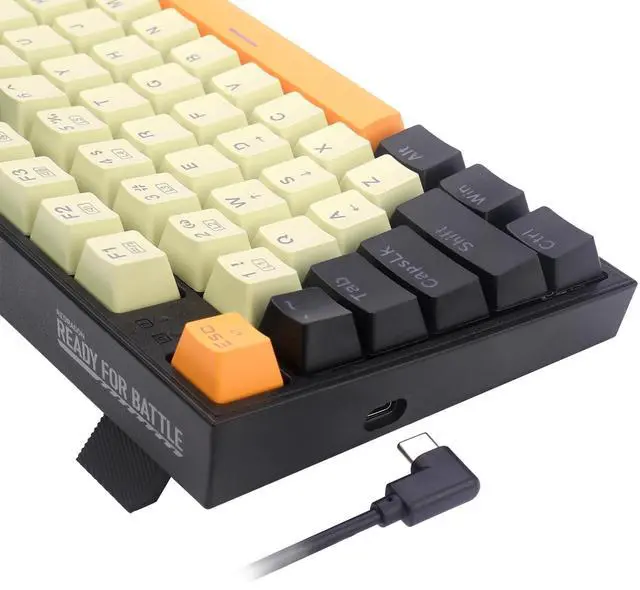
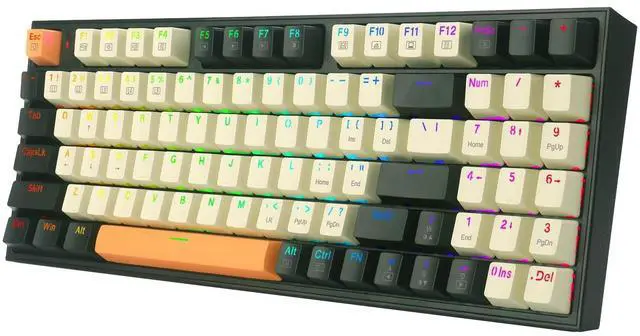
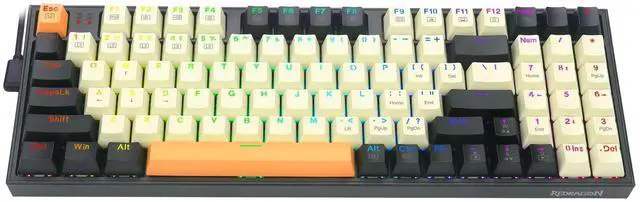


Detachable "L" USB-C Cable
Portable & Easy to Carry

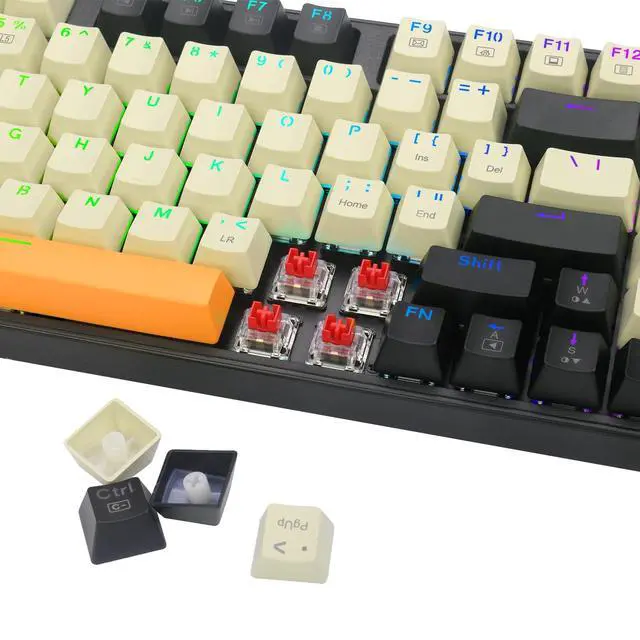
PBT Keycaps
No trouble of fading or wearing letters after long-tern using

Hot-Swappable Switch
Supports redragon, Outemu, Akko 3 spin switches to customize your own keyboard

Full Key Anti-ghosting
All keys can work simultaneously, easily complete any combining functions without conflicting keys
How do I download the software for the K636 mechanical gaming keyboard?
Download Steps:
1. Visit the Redragon website;
2. Click the “Download” button, then enter the model number in the search box: K636CLO;
3. Find “ K636CLO” and click “Download” to jump to the driver download path.
Note: The gaming Software is only compatible with Windows operating systems.
Some keys stop working after using this keyboard for a while, what should I do?
We recommend 2 methods to get the keyboard functioning again: 1) Press and hold FN+ESC for 5 seconds to restore it to factory settings. 2) Replace the faulty key switches.
Why are the number keys and the Delete key unresponsive?
If you'd like to use the number keys, press the 'Num' key and ensure that the '1' indicator is illuminated. For the Delete key, press and hold the 'Num' key once more, and if there's no indicator light, you can use the Delete key
Where should I download the software for this keyboard?
From the official Redragon website: redragon, go to the “Downloads” section, scroll down to find the keyboard: Redragon K636CLO Gaming Keyboard and click “Download”.



for office
for gaming
Macro Editing
Reassign Mutiplemedia Keys
Customize Backlit Color and Effects


Combine mutilple keys function in one key, simplify operations and helps you operation faster in gaming
Customize your own light mode and speed
Detachable "L" USB-C Cable
Portable & Easy to Carry
PBT Keycaps
No trouble of fading or wearing letters after long-tern using
Hot-Swappable Switch
Supports redragon, Outemu, Akko 3 spin switches to customize your own keyboard
Full Key Anti-ghosting
All keys can work simultaneously, easily complete any combining functions without conflicting keys
How do I download the software for the K636 mechanical gaming keyboard?
Download Steps:
1. Visit the Redragon website;
2. Click the “Download” button, then enter the model number in the search box: K636CLO;
3. Find “ K636CLO” and click “Download” to jump to the driver download path.
Note: The gaming Software is only compatible with Windows operating systems.
Some keys stop working after using this keyboard for a while, what should I do?
We recommend 2 methods to get the keyboard functioning again: 1) Press and hold FN+ESC for 5 seconds to restore it to factory settings. 2) Replace the faulty key switches.
Why are the number keys and the Delete key unresponsive?
If you'd like to use the number keys, press the 'Num' key and ensure that the '1' indicator is illuminated. For the Delete key, press and hold the 'Num' key once more, and if there's no indicator light, you can use the Delete key
Where should I download the software for this keyboard?
From the official Redragon website: redragon, go to the “Downloads” section, scroll down to find the keyboard: Redragon K636CLO Gaming Keyboard and click “Download”.