






About RedThunder
RedThunder is a manufacturer specializing in high-performance professional game peripherals. We are committed to providing high-quality and personalized products for global gamers.
We have relentlessly pursuing perfect craftsmanship, first-class feel, high-performance professional gaming equipment and high-standard service. Your satisfaction is our driving force.
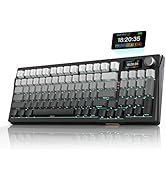
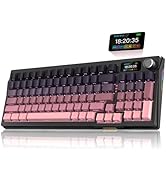
New Collection
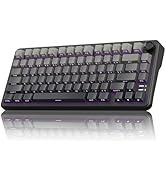
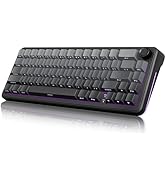
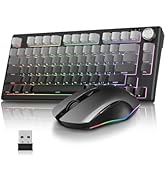
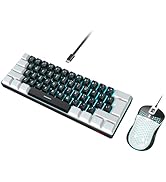
Compact Layout for Gaming
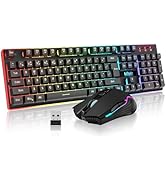
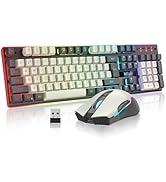
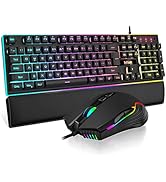
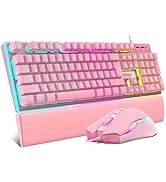
Hot Sale
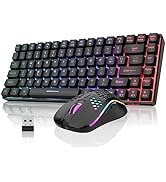
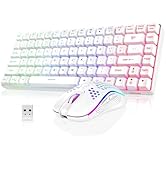
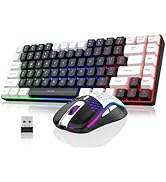
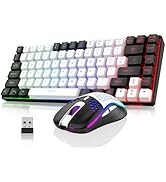
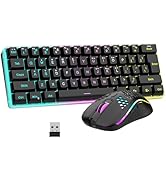
K84 Keyboard Mouse Combo
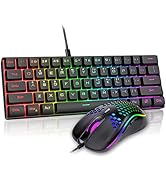
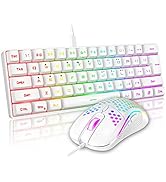
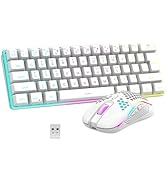
K62 Keyboard Mouse Combo
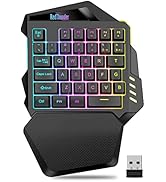
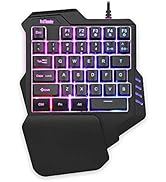

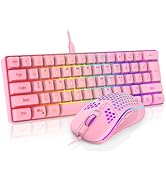
One-handed Keyboard Series


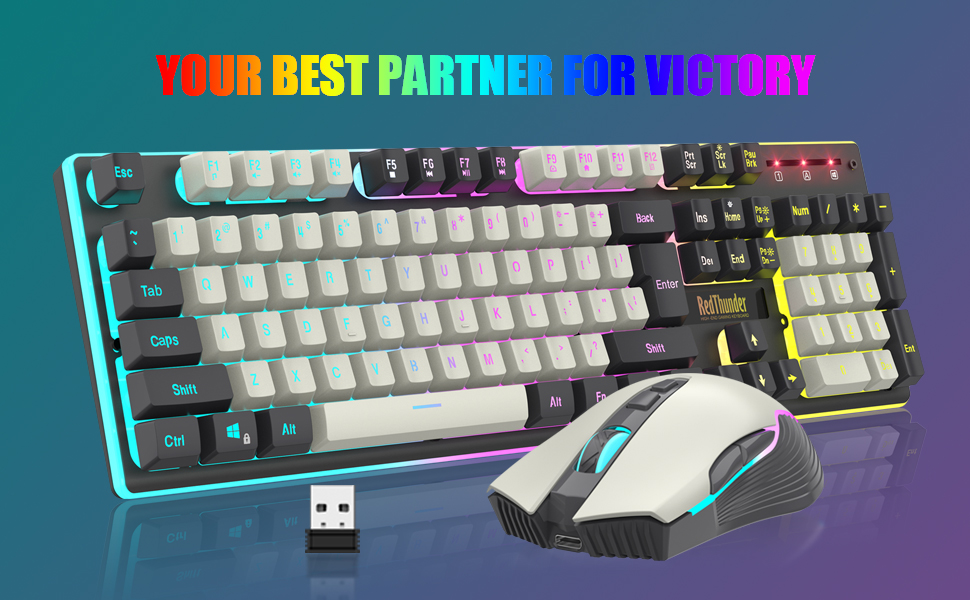
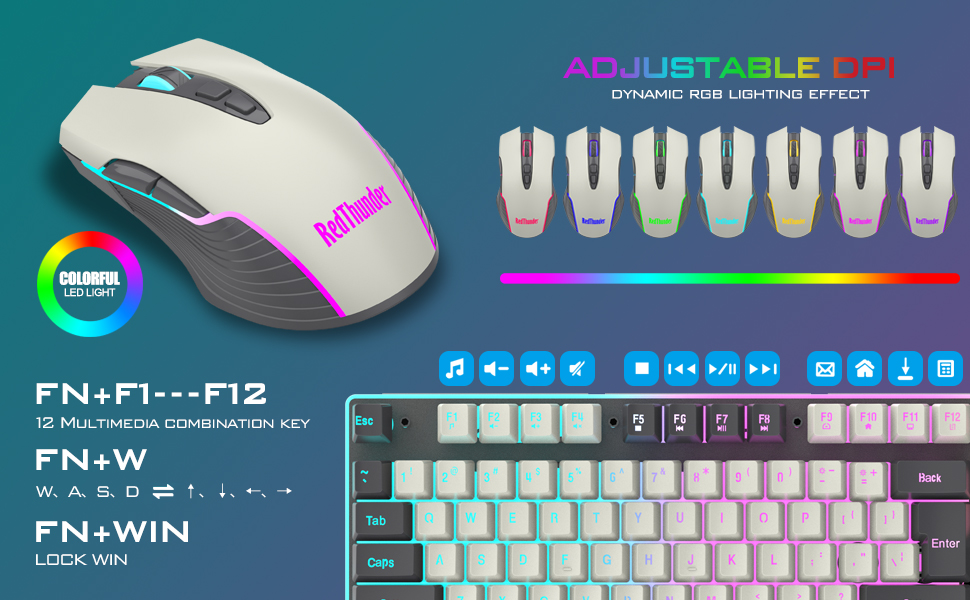
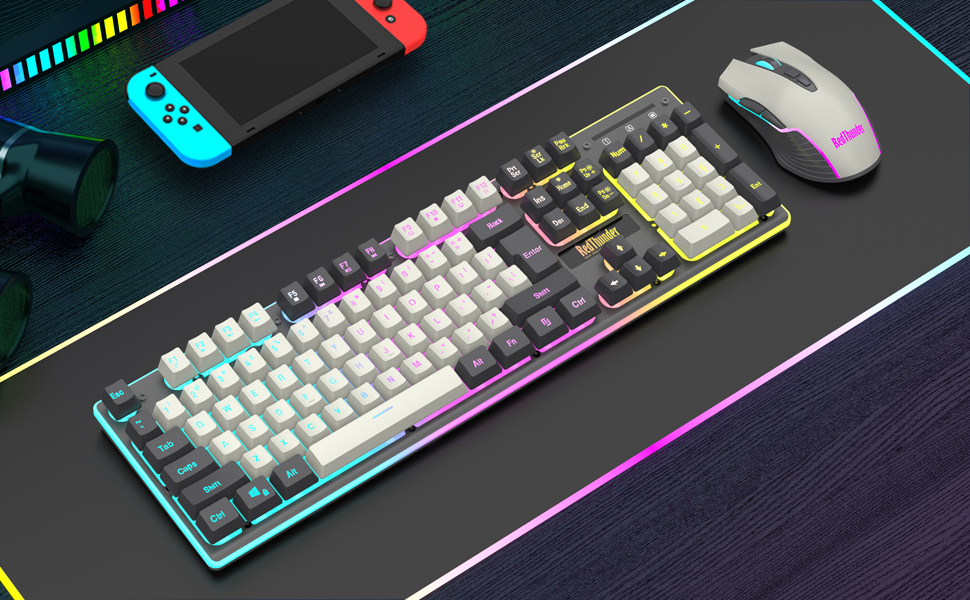
How to customize keyboard lighting and FN key?
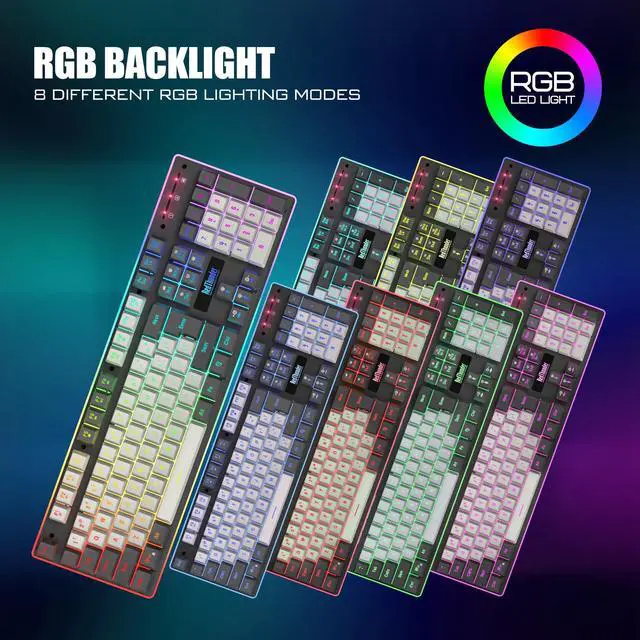
1. Fn+ScrLk: Turn on/off the backlight o switch the backlight color. 2. FN +1!, Fn+2@, Fn+3#,Fn+4$: Switch backlight mode;Fn+5 %: Switch 8 RGB colors;
3. FN + PU/PD: increase/decrease backlight brightness. 4. FN + +/-: Speed up/slow down breathing rate.
5. FN+W: Exchange WASD and arrow keys. 6. FN + WIN: WIN key lock. 7. FN + (F1-F12): 12 multimedia combination keys.
Note
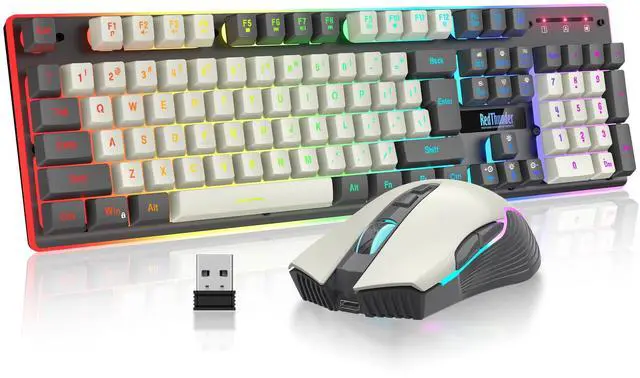
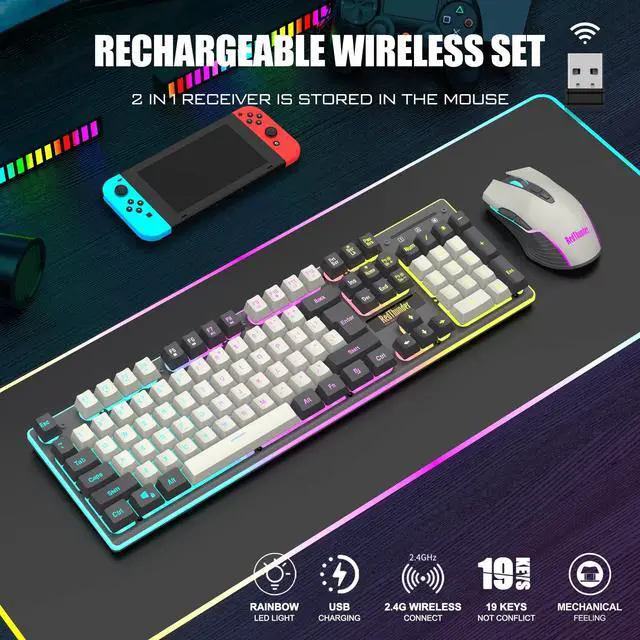
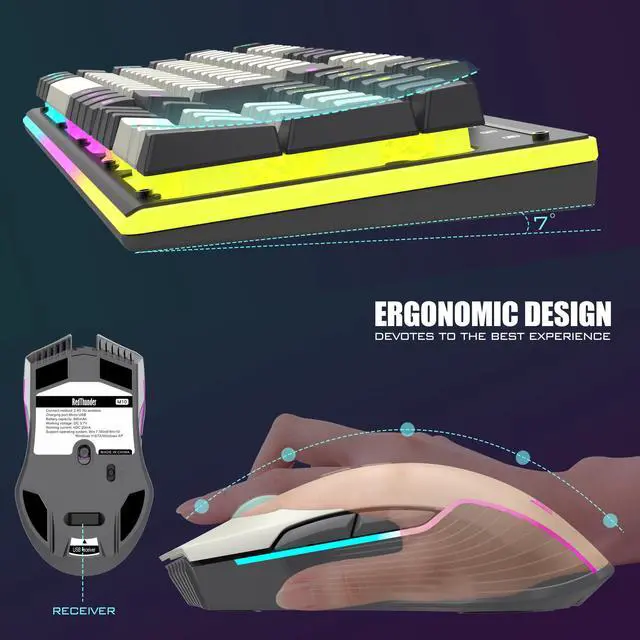
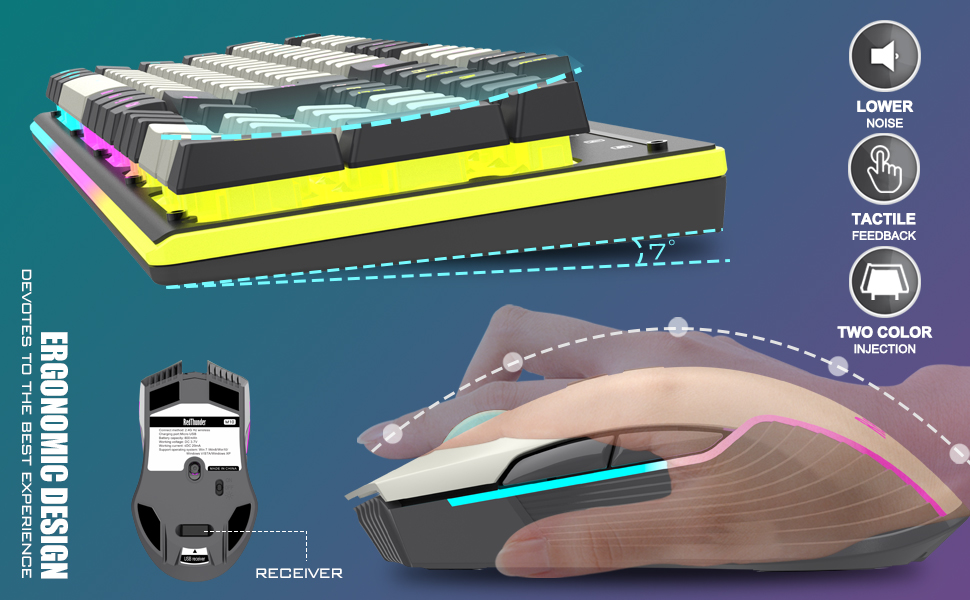
1.The keyboard and mouse share only one USB receiver, which is located in the bottom of the mouse. (Only when the receiver is plugged in, the lights of the keyboard and mouse will light up)
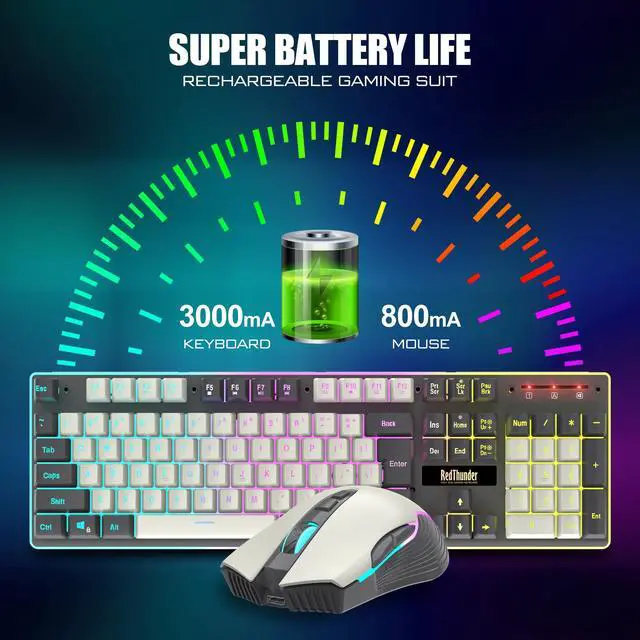
2. There will be a little delay or the lights will not turn on when the battery is too low, please charge it in time and use computer's USB port to charge.
3. If you can't press "WASD" or "????", please press FN+ "W" key can be used to switch between letter "WASD" keys and arrow "????" keys at will. If the numeric keys cannot be used, press NumLock.
4.USB Receiver Pairing steps. Make sure the keyboard/mouse fully charged.
Keyboard pairing steps: Step 1: Turn on the keyboard switch;
Step 2: Press and hold the ESC key and the K key at the same time, the indicator light starts to flash;
Step 3: Insert the USB receiver into the computer, and pairing is complete.
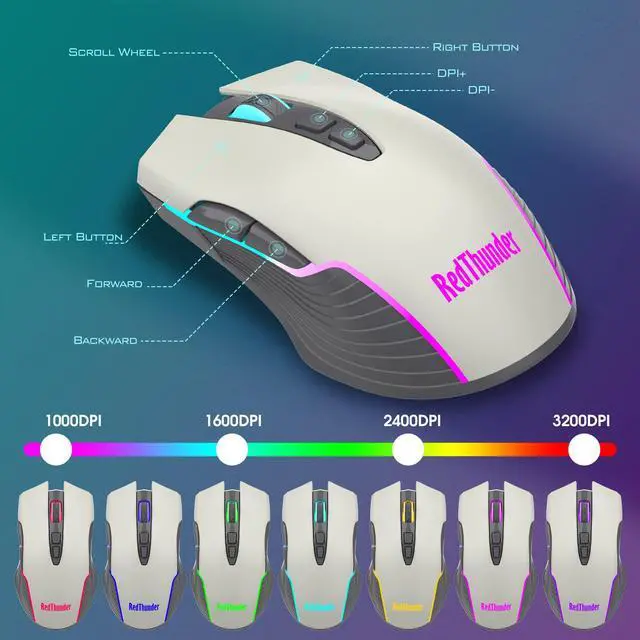
Mouse pairing steps: Step 1: Turn the switch at the bottom of the mouse to the switch position with the sun logo;
Step 2: Press and hold the mouse wheel and right button, the mouse RGB lights start to flash;
Step 3: Insert the USB receiver into the computer and the pairing is complete.
5. About Mac: USB-C adapter required. It has 99% of the features adapted to the Mac.
 K10 Wireless Keyboard and Mouse Combo |  K10 Wired Keyboard and Mouse Combo |  K95 Wireless Mechanical Gaming Keyboard |  K84 Wireless Keyboard and Mouse Combo |  K62 Wireless Keyboard and Mouse Combo |  K75 Wireless Keyboard and Mouse | |
|---|---|---|---|---|---|---|
| Customer Reviews | — | — | — | — | — | — |
| Price | — no data | — | — | — | — | — |
| Color Option | White-Gray/Black/White/Pink | Black/White | Black-Gold/Snowy-White/Gradient Gray/Gradient Pink | Black-White/White-Black/Black/White | Black/White | White/Gradient Gray |
| Connection | Wireless | Wired | 2.4G Wireless/Wired/Bt | Wireless | Wired | 2.4G Wireless/Wired/Bt |
| Keyboard Keys | 104 | 104 | 95 | 84 | 104 | 80-key +1 knob |
| Backlight Mode | ? | ? | ? | ? | ? | ? |
| Battery | 3800mAh | - no data | 8000mAh | 2350mAh | 2500mAh | 4800mAh |
How to customize keyboard lighting and FN key?
1. Fn+ScrLk: Turn on/off the backlight o switch the backlight color. 2. FN +1!, Fn+2@, Fn+3#,Fn+4$: Switch backlight mode;Fn+5 %: Switch 8 RGB colors;
3. FN + PU/PD: increase/decrease backlight brightness. 4. FN + +/-: Speed up/slow down breathing rate.
5. FN+W: Exchange WASD and arrow keys. 6. FN + WIN: WIN key lock. 7. FN + (F1-F12): 12 multimedia combination keys.
Note
1.The keyboard and mouse share only one USB receiver, which is located in the bottom of the mouse. (Only when the receiver is plugged in, the lights of the keyboard and mouse will light up)
2. There will be a little delay or the lights will not turn on when the battery is too low, please charge it in time and use computer's USB port to charge.
3. If you can't press "WASD" or "????", please press FN+ "W" key can be used to switch between letter "WASD" keys and arrow "????" keys at will. If the numeric keys cannot be used, press NumLock.
4.USB Receiver Pairing steps. Make sure the keyboard/mouse fully charged.
Keyboard pairing steps: Step 1: Turn on the keyboard switch;
Step 2: Press and hold the ESC key and the K key at the same time, the indicator light starts to flash;
Step 3: Insert the USB receiver into the computer, and pairing is complete.
Mouse pairing steps: Step 1: Turn the switch at the bottom of the mouse to the switch position with the sun logo;
Step 2: Press and hold the mouse wheel and right button, the mouse RGB lights start to flash;
Step 3: Insert the USB receiver into the computer and the pairing is complete.
5. About Mac: USB-C adapter required. It has 99% of the features adapted to the Mac.
K10 Wireless Keyboard and Mouse Combo | K10 Wired Keyboard and Mouse Combo | K95 Wireless Mechanical Gaming Keyboard | K84 Wireless Keyboard and Mouse Combo | K62 Wireless Keyboard and Mouse Combo | K75 Wireless Keyboard and Mouse | |
|---|---|---|---|---|---|---|
| Customer Reviews | — | — | — | — | — | — |
| Price | — no data | — | — | — | — | — |
| Color Option | White-Gray/Black/White/Pink | Black/White | Black-Gold/Snowy-White/Gradient Gray/Gradient Pink | Black-White/White-Black/Black/White | Black/White | White/Gradient Gray |
| Connection | Wireless | Wired | 2.4G Wireless/Wired/Bt | Wireless | Wired | 2.4G Wireless/Wired/Bt |
| Keyboard Keys | 104 | 104 | 95 | 84 | 104 | 80-key +1 knob |
| Backlight Mode | ? | ? | ? | ? | ? | ? |
| Battery | 3800mAh | - no data | 8000mAh | 2350mAh | 2500mAh | 4800mAh |
About RedThunder
RedThunder is a manufacturer specializing in high-performance professional game peripherals. We are committed to providing high-quality and personalized products for global gamers.
We have relentlessly pursuing perfect craftsmanship, first-class feel, high-performance professional gaming equipment and high-standard service. Your satisfaction is our driving force.
New Collection
Compact Layout for Gaming
Hot Sale
K84 Keyboard Mouse Combo
K62 Keyboard Mouse Combo
One-handed Keyboard Series