



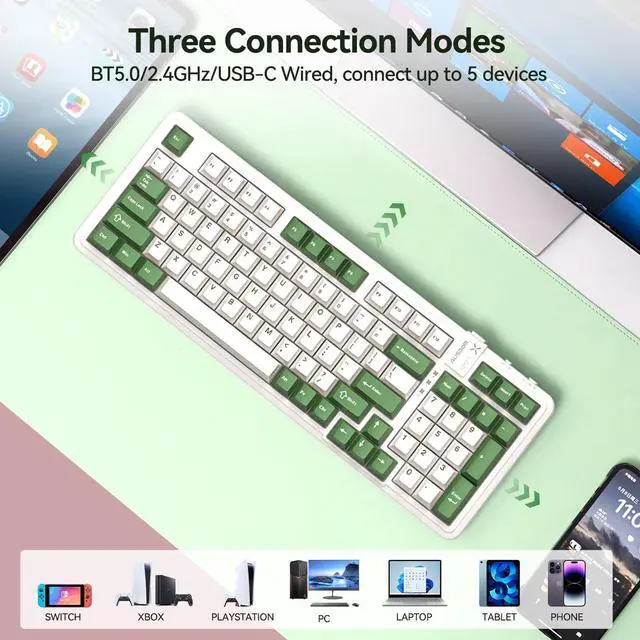
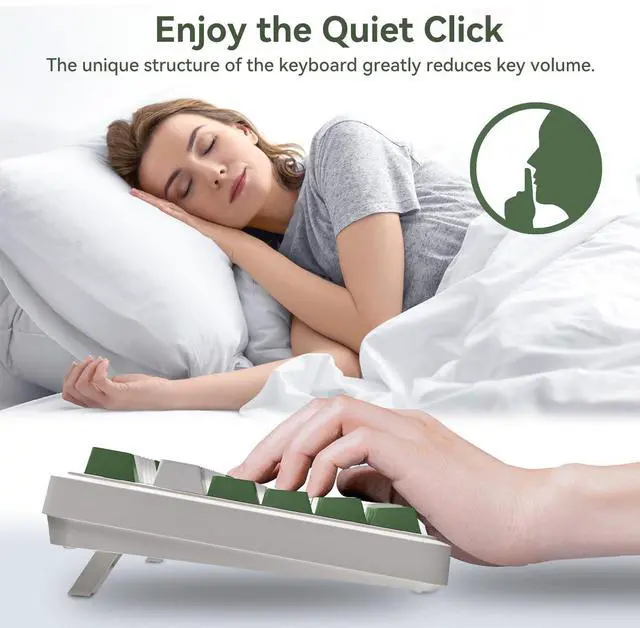
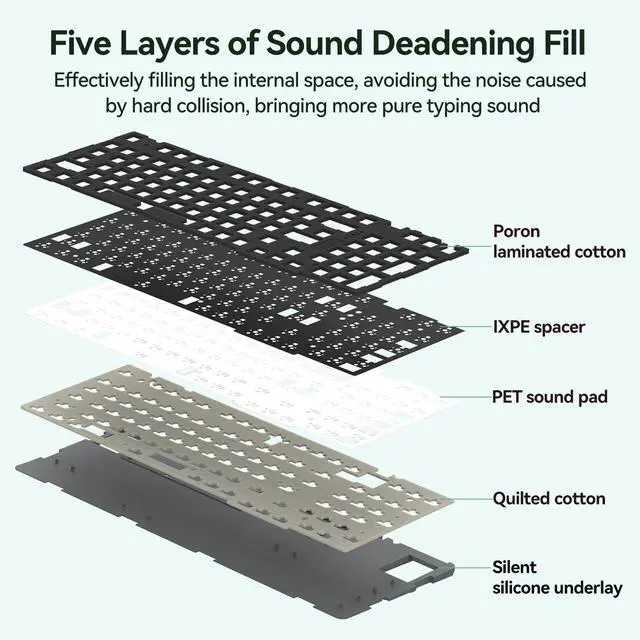


AUSDOM 98pro Silent Mechanical Keyboard
Merchant Video


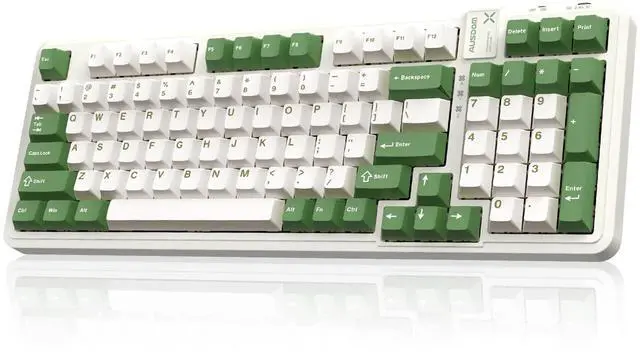
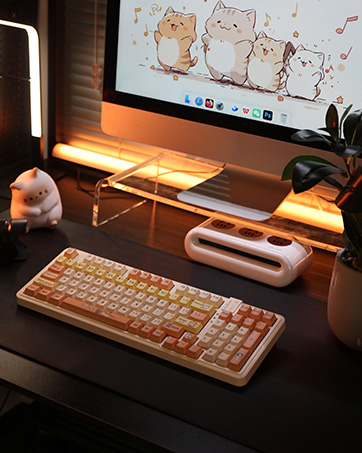
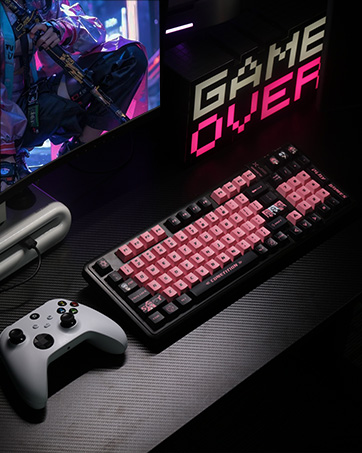
95% Layout Compact Keyboard
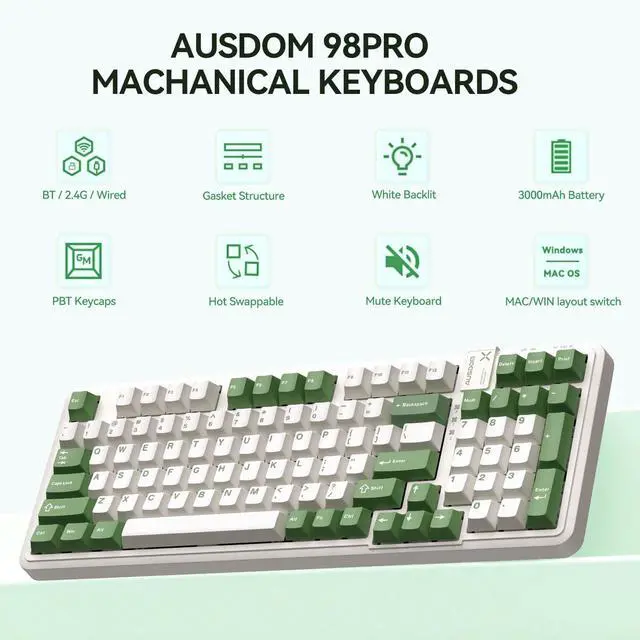
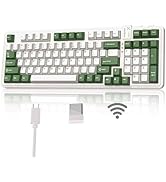
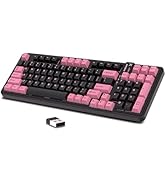
97-key streamlined layout saves more space on the desktop and retains the arrow keys and numeric keypad needed for gaming and work.

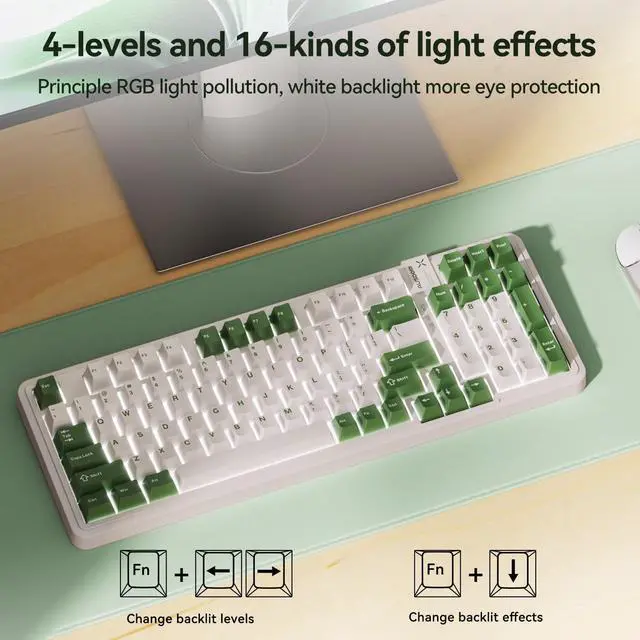
Adjustable Backlight System
16 Backlight Modes : Fn + ?
4 Levels of Brightness Control : Fn + ?/?

3000mAh Capacity Battery
The built-in 3000 mAh high-capacity battery lasts for about 220 hours with the backlight off. No need to worry about battery life when typing.

PBT Keycaps
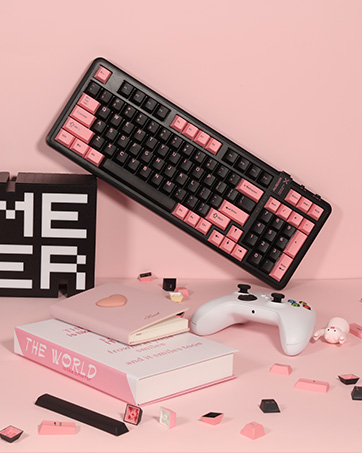
PBT two-color keycaps, wear-resistant and anti-grease, long-lasting and comfortable to touch.

Type C Connector
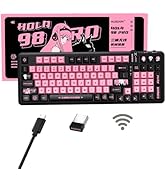
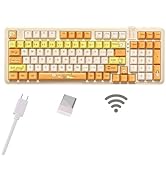
Type C connector for wired connection and charging.

Ergonomic Kickstand
The base is supported by two-part feet that adjust to a comfortable typing height.
AUSDOM Mechanical Keyboard Comparison
 AUSDOM 98 Silent Keyboard |  AUSDOM 98 Silent Keyboard |  AUSDOM 87 Gaming Keyboard |  AUSDOM 87 Gaming Keyboard |  AUSDOM 87 Gaming Keyboard |  AUSDOM 98 Cat Keyboard | |
|---|---|---|---|---|---|---|
Customer Reviews | — | — | — | — | — | — |
Price | — | — | — | — | — | — |
Number of Keys | 97 | 97 | 87 | 87 | 87 | 97 |
Connectivity Tech | Bluetooth, 2.4G, USB-C | Bluetooth, 2.4G, USB-C | Bluetooth, 2.4G, USB-C | Bluetooth, 2.4G, USB-C | Bluetooth, 2.4G, USB-C | Bluetooth, 2.4G, USB-C |
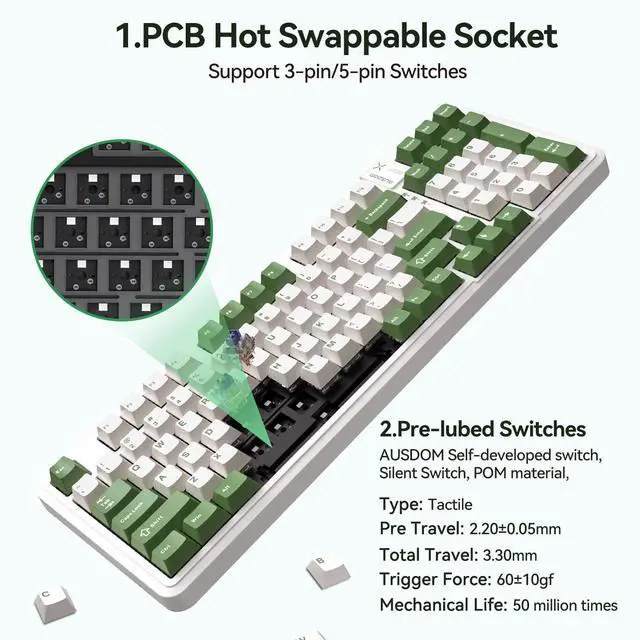
Hot Swappable | 3/5-pin Mechanical Switches | 3/5-pin Mechanical Switches | 3/5-pin Mechanical Switches | 3/5-pin Mechanical Switches | 3/5-pin Mechanical Switches | 3/5-pin Mechanical Switches |
Battery capacity | 3000mAh | 3000mAh | 10000mAh | 10000mAh | 10000mAh | 3000mAh |
Backlight Color | White | White | RGB | RGB | RGB | White |
Custom Software | 98PRO Software (WIN, MAC) | 98PRO Software (WIN, MAC) | H87 Software (WIN only) | H87 Software (WIN only) | H87 Software (WIN only) | 98PRO Software (WIN, MAC) |
Compatible Devices | PC, Laptop, Gaming Console | PC, Laptop, Gaming Console | PC, Laptop, Gaming Console | PC, Laptop, Gaming Console | PC, Laptop, Gaming Console | PC, Laptop, Gaming Console |
Why is there no response when using the keyboard after plugging in the USB port or connecting the number Bluetooth?
To use the keyboard, you need to first turn the switch on the side of the keyboard on and cross the other button to the appropriate connection.
Why don't I see the power display on the keyboard after I press FN + "+=" key?
When checking the battery level, you need to make sure that the backlight effect has been turned on and that you are using it in Bluetooth mode connection or 2.4G mode connection.
Can I customize the keyboard key settings? Such as adding "Page Up" and "Page Down" keys ?
Yes, first download the 98PRO driver from the official website, then you can customize the functions you want for the existing buttons. The newly assigned function will overwrite the original function. (Setting only works in wired and 2.4G modes)
How do I download the macro function programme?
Go to the brand's official website, according to the following way can be downloaded: SUPPORT----Software Download---AUSDOM 98PRO Macro Driver
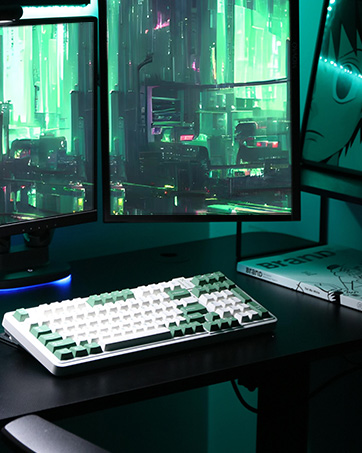
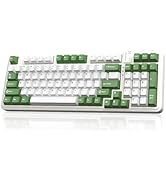
Does this mechanical keboard is pure white & green? Does it get dirty easily?
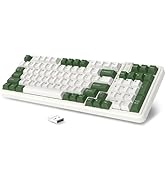
No, this silent keyboard is not pure white; The color is light beige& green. Made of PBT material, it is wear-resistant and oil-resistant, durable and comfortable to the touch.

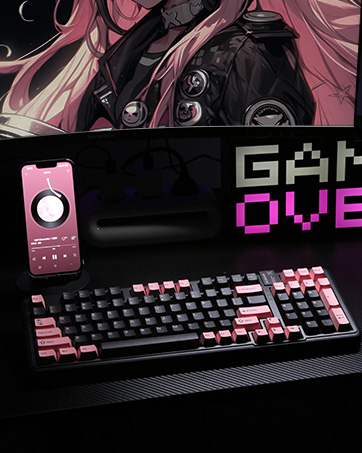
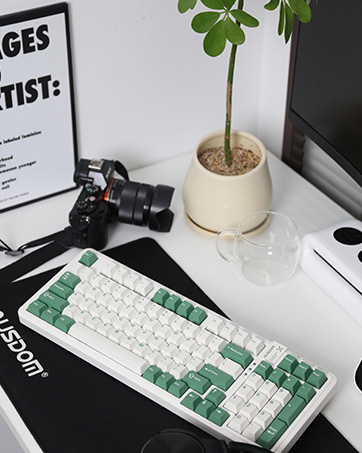
AUSDOM 98pro Silent Mechanical Keyboard
Merchant Video


95% Layout Compact Keyboard
97-key streamlined layout saves more space on the desktop and retains the arrow keys and numeric keypad needed for gaming and work.
Adjustable Backlight System
16 Backlight Modes : Fn + ?
4 Levels of Brightness Control : Fn + ?/?
3000mAh Capacity Battery
The built-in 3000 mAh high-capacity battery lasts for about 220 hours with the backlight off. No need to worry about battery life when typing.
PBT Keycaps
PBT two-color keycaps, wear-resistant and anti-grease, long-lasting and comfortable to touch.
Type C Connector
Type C connector for wired connection and charging.
Ergonomic Kickstand
The base is supported by two-part feet that adjust to a comfortable typing height.
AUSDOM Mechanical Keyboard Comparison
AUSDOM 98 Silent Keyboard | AUSDOM 98 Silent Keyboard | AUSDOM 87 Gaming Keyboard | AUSDOM 87 Gaming Keyboard | AUSDOM 87 Gaming Keyboard | AUSDOM 98 Cat Keyboard |
|---|---|---|---|---|---|
| Customer Reviews | |||||
| — | — | — | — | — | — |
| Price | |||||
| — | — | — | — | — | — |
| Number of Keys | |||||
| 97 | 97 | 87 | 87 | 87 | 97 |
| Connectivity Tech | |||||
| Bluetooth, 2.4G, USB-C | Bluetooth, 2.4G, USB-C | Bluetooth, 2.4G, USB-C | Bluetooth, 2.4G, USB-C | Bluetooth, 2.4G, USB-C | Bluetooth, 2.4G, USB-C |
| Hot Swappable | |||||
| 3/5-pin Mechanical Switches | 3/5-pin Mechanical Switches | 3/5-pin Mechanical Switches | 3/5-pin Mechanical Switches | 3/5-pin Mechanical Switches | 3/5-pin Mechanical Switches |
| Battery capacity | |||||
| 3000mAh | 3000mAh | 10000mAh | 10000mAh | 10000mAh | 3000mAh |
| Backlight Color | |||||
| White | White | RGB | RGB | RGB | White |
| Custom Software | |||||
| 98PRO Software (WIN, MAC) | 98PRO Software (WIN, MAC) | H87 Software (WIN only) | H87 Software (WIN only) | H87 Software (WIN only) | 98PRO Software (WIN, MAC) |
| Compatible Devices | |||||
| PC, Laptop, Gaming Console | PC, Laptop, Gaming Console | PC, Laptop, Gaming Console | PC, Laptop, Gaming Console | PC, Laptop, Gaming Console | PC, Laptop, Gaming Console |
Why is there no response when using the keyboard after plugging in the USB port or connecting the number Bluetooth?
To use the keyboard, you need to first turn the switch on the side of the keyboard on and cross the other button to the appropriate connection.
Why don't I see the power display on the keyboard after I press FN + "+=" key?
When checking the battery level, you need to make sure that the backlight effect has been turned on and that you are using it in Bluetooth mode connection or 2.4G mode connection.
Can I customize the keyboard key settings? Such as adding "Page Up" and "Page Down" keys ?
Yes, first download the 98PRO driver from the official website, then you can customize the functions you want for the existing buttons. The newly assigned function will overwrite the original function. (Setting only works in wired and 2.4G modes)
How do I download the macro function programme?
Go to the brand's official website, according to the following way can be downloaded: SUPPORT----Software Download---AUSDOM 98PRO Macro Driver
Does this mechanical keboard is pure white & green? Does it get dirty easily?
No, this silent keyboard is not pure white; The color is light beige& green. Made of PBT material, it is wear-resistant and oil-resistant, durable and comfortable to the touch.
Wireless Mechanical Keyboard
98Pro Wireless Gaming Keyboard
Wireless Gaming Keyboard
Gaming Mechanical Keyboard
AUSDOM Mechanical Keyboard
AUSDOM Keyboard for PC
