





Q&A
- Does the keyboard have a Bluetooth connection option, or is it only for wireless USB dongle?
- It only supports wireless USB dongle, there is no Bluetooth option.
- How to Resolve Slow Keyboard Response or Malfunction:
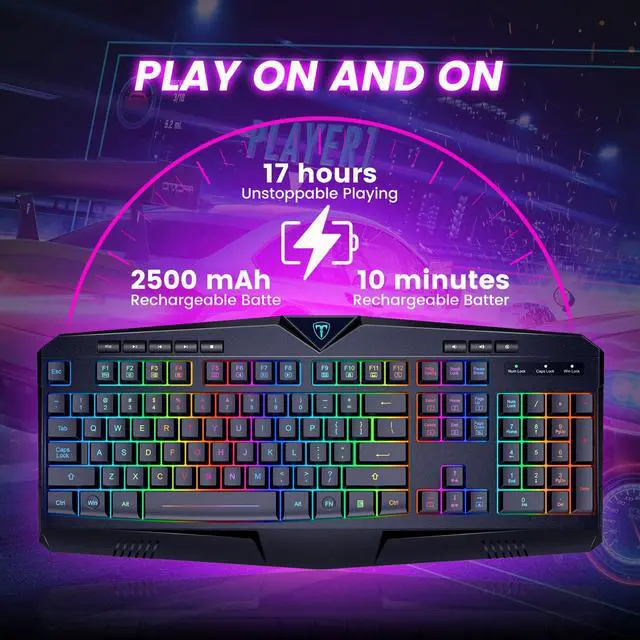
- This could be due to low battery power. Please charge the keyboard.
- It might be caused by computer latency. Please restart your computer and try again.
- The maximum working distance of the product is 10m. Please keep the keyboard within 10 meters of the receiver without any metal obstacles in between.
- How to Customize Keyboard Lighting and FN Keys:
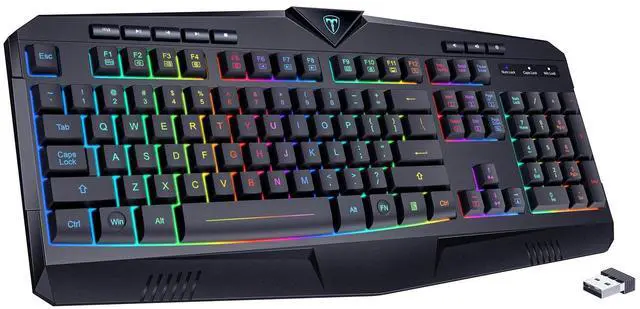
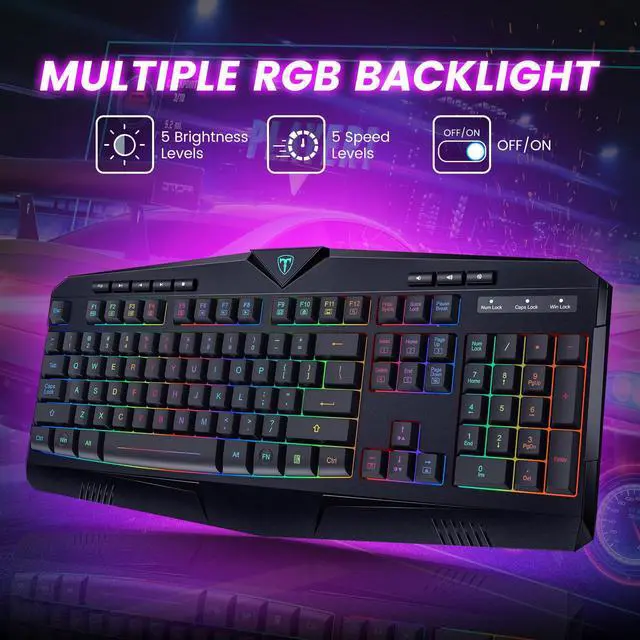
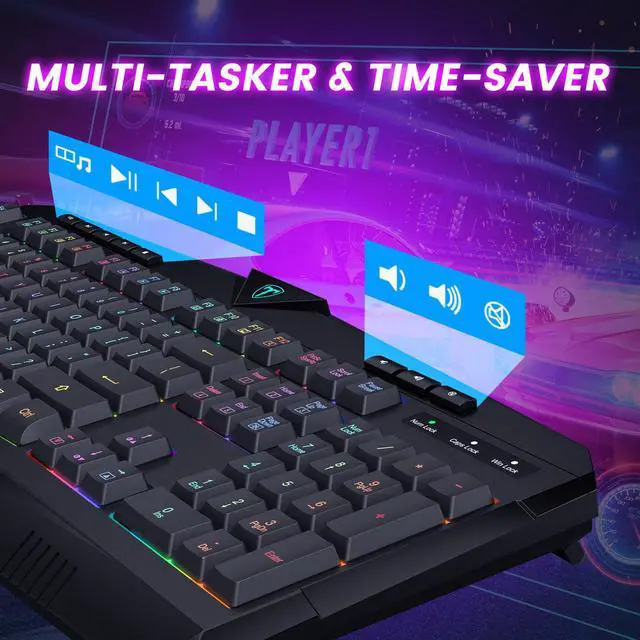
- FN+INS: RGB Neon Mode
- FN+HOME: Single-color constant lighting mode. Press again to switch the color.
- FN+Page UP: RGB constant lighting mode. Press again to switch the color.
- FN+DEL: Dynamic RGB mode. Press again to switch the color.
- FN+END: Turn other backlight mode into breathing lighting effect. Press again to cancel.
- FN+Page Down: Backlight On/Off
- FN+W: Swap between WASD and arrow keys.
- FN+WIN: Lock the WIN key. Press again to unlock the WIN key.

Dacoity
Innovate. Master. Game.

Dacoity was born out of a deep passion for gaming and a desire to elevate the gaming experience to new heights. We spent countless hours designing the ultimate keyboard for gamers. Our commitment to innovation and quality craftsmanship earned us a global following.
We care about our consumers and offer the speed, accuracy, and durability you need. At Dacoity, we pour our hearts into every keyboard we make. Join us on your gaming journey.
Power up Your Play!

Your Trusted Partner
Q&A
- Does the keyboard have a Bluetooth connection option, or is it only for wireless USB dongle?
- It only supports wireless USB dongle, there is no Bluetooth option.
- How to Resolve Slow Keyboard Response or Malfunction:
- This could be due to low battery power. Please charge the keyboard.
- It might be caused by computer latency. Please restart your computer and try again.
- The maximum working distance of the product is 10m. Please keep the keyboard within 10 meters of the receiver without any metal obstacles in between.
- How to Customize Keyboard Lighting and FN Keys:
- FN+INS: RGB Neon Mode
- FN+HOME: Single-color constant lighting mode. Press again to switch the color.
- FN+Page UP: RGB constant lighting mode. Press again to switch the color.
- FN+DEL: Dynamic RGB mode. Press again to switch the color.
- FN+END: Turn other backlight mode into breathing lighting effect. Press again to cancel.
- FN+Page Down: Backlight On/Off
- FN+W: Swap between WASD and arrow keys.
- FN+WIN: Lock the WIN key. Press again to unlock the WIN key.
Dacoity
Innovate. Master. Game.
Dacoity was born out of a deep passion for gaming and a desire to elevate the gaming experience to new heights. We spent countless hours designing the ultimate keyboard for gamers. Our commitment to innovation and quality craftsmanship earned us a global following.
We care about our consumers and offer the speed, accuracy, and durability you need. At Dacoity, we pour our hearts into every keyboard we make. Join us on your gaming journey.
Power up Your Play!
Your Trusted Partner