










Dominate on a Different Scale
Razer Huntsman Mini
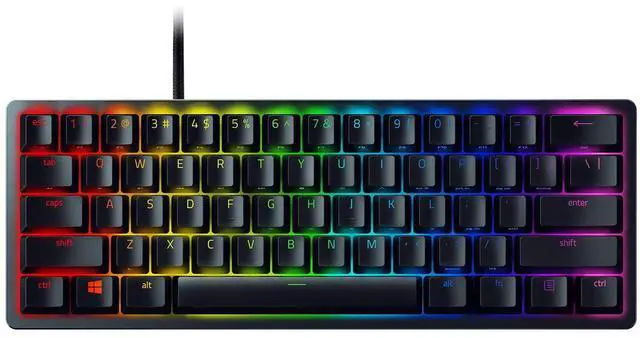
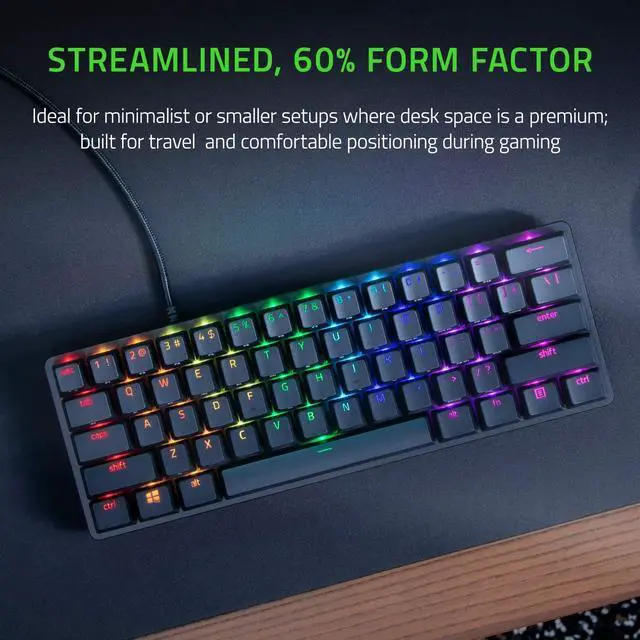
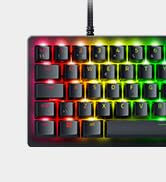
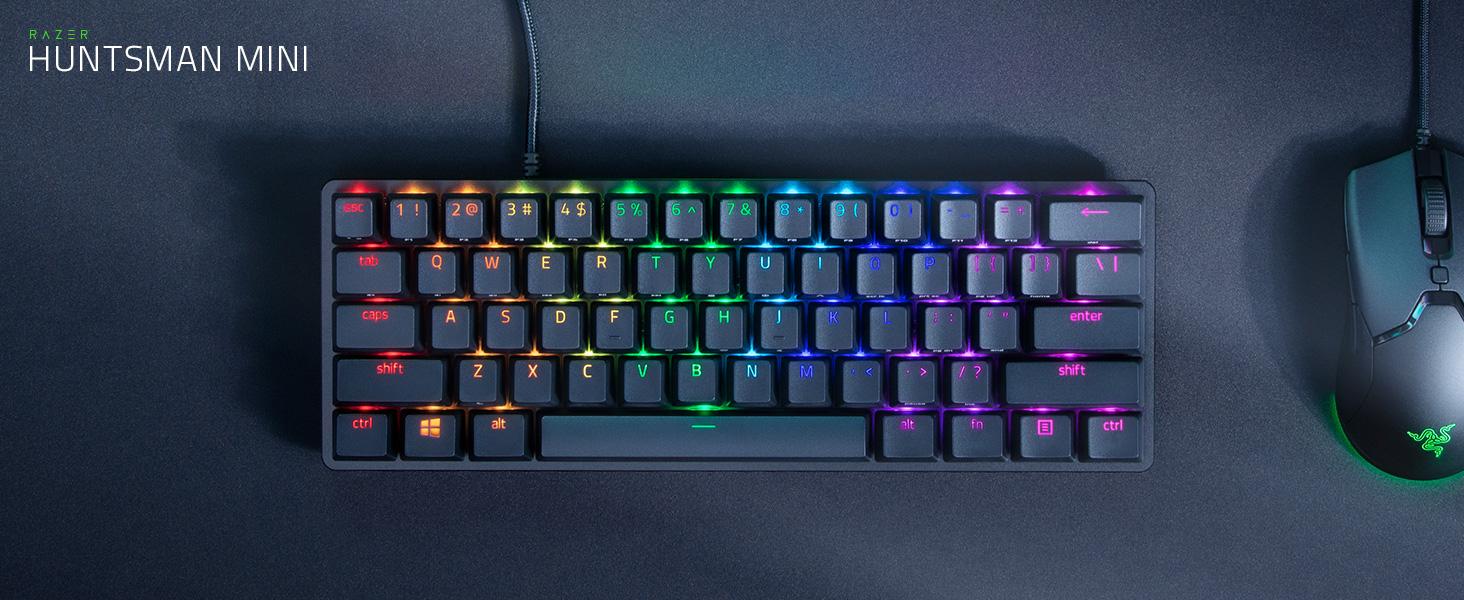
Dominate on a different scale with the Razer Huntsman Mini—a 60% gaming keyboard with cutting-edge Razer Optical Switches. Highly portable and ideal for streamlined setups, it’s time to experience lightning-fast actuation in our most compact form factor yet.
With Clicky or Linear Switch Options
Available in Black and Mercury Editions
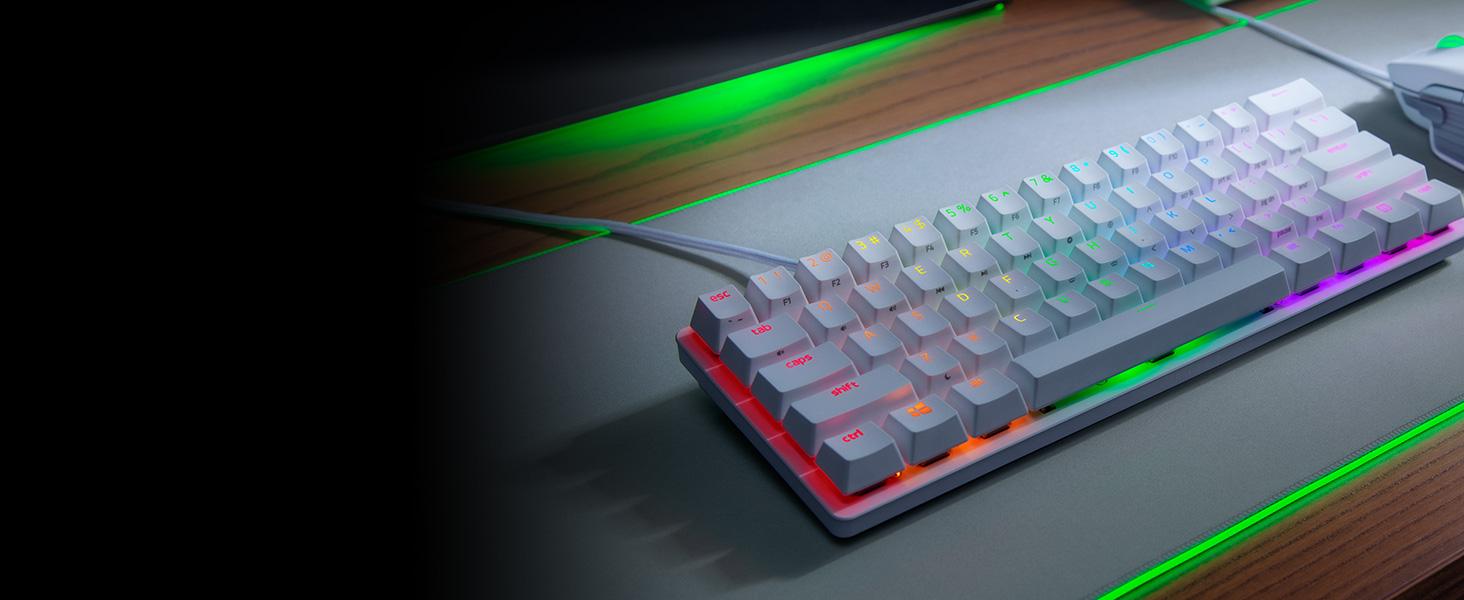
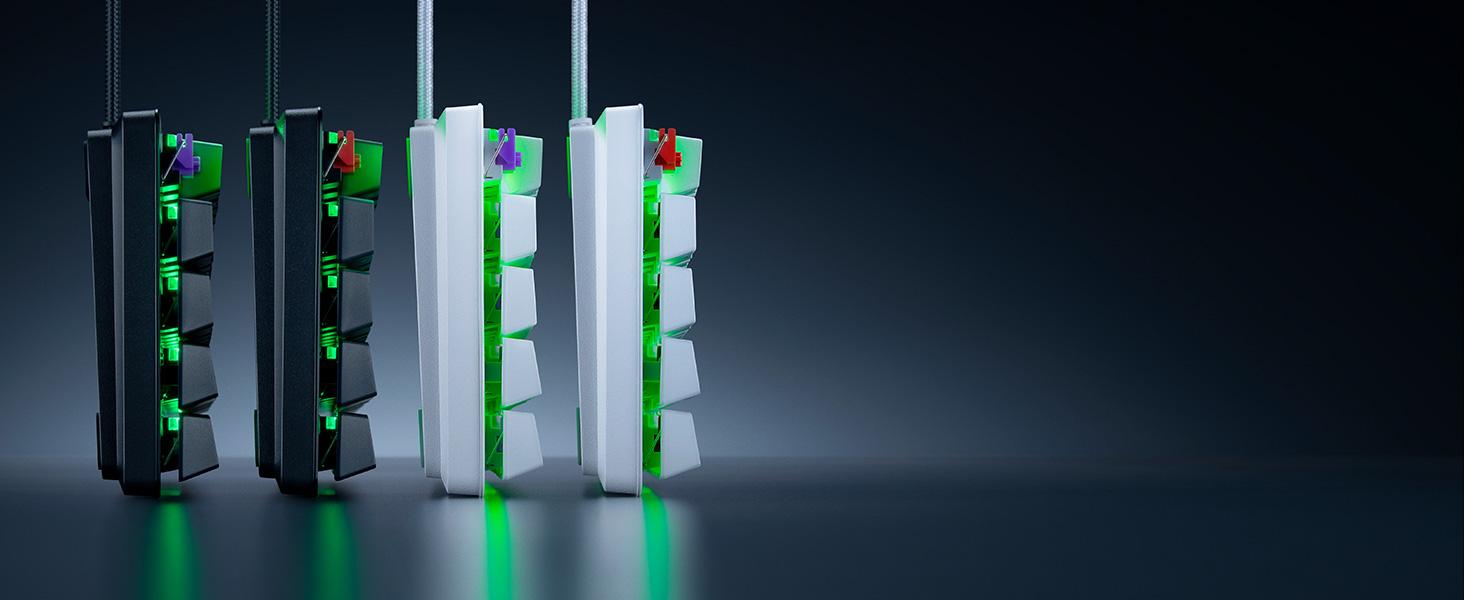
Choose between Black or Mercury Editions, and between Clicky or our improved Linear Switches.
Razer Snap Tap
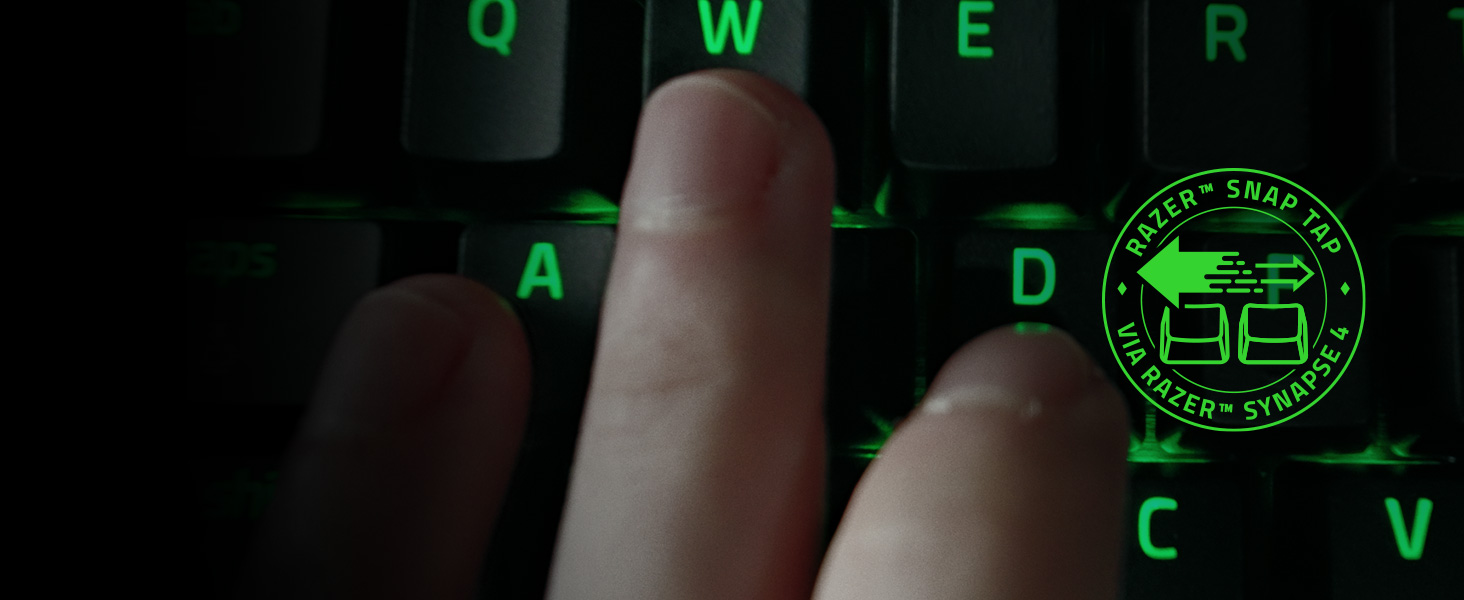
Enjoy more responsive counter-strafing and aerial strafing for bunny hopping in FPS games with faster input activation between two selected keys. Prioritize your latest input without having to release the previous key
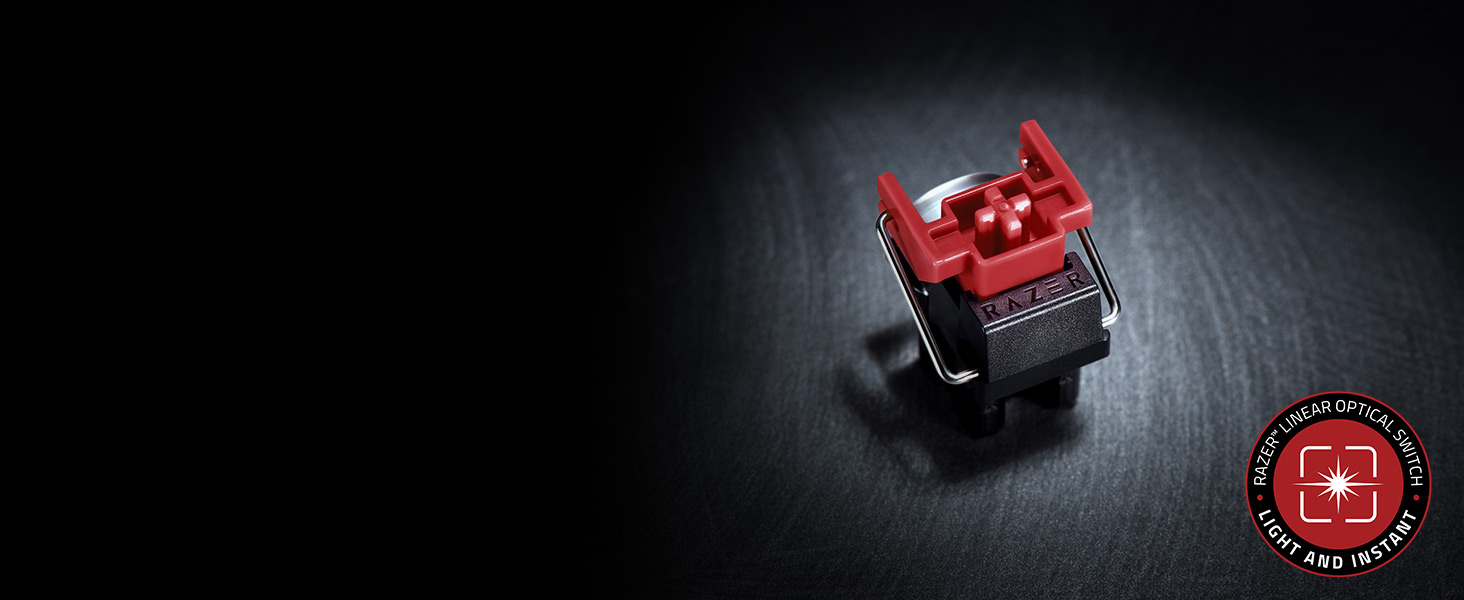
Speed of Light
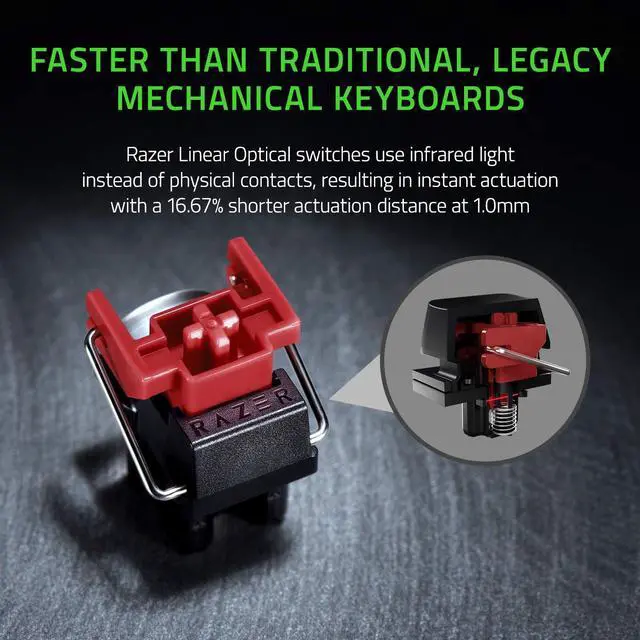
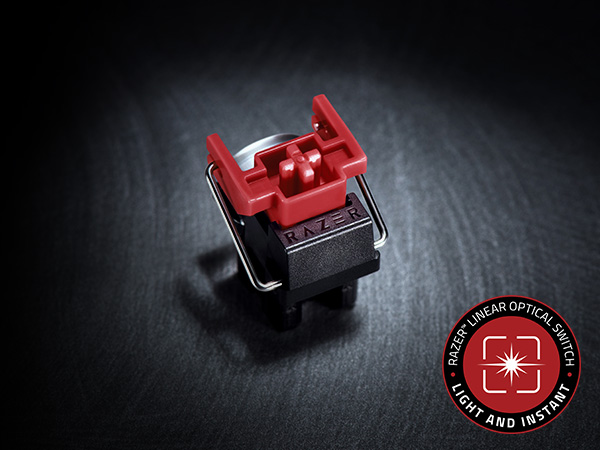
Razer Optical Switches
Offers faster, lighter, and smoother actuation's than mechanical switches
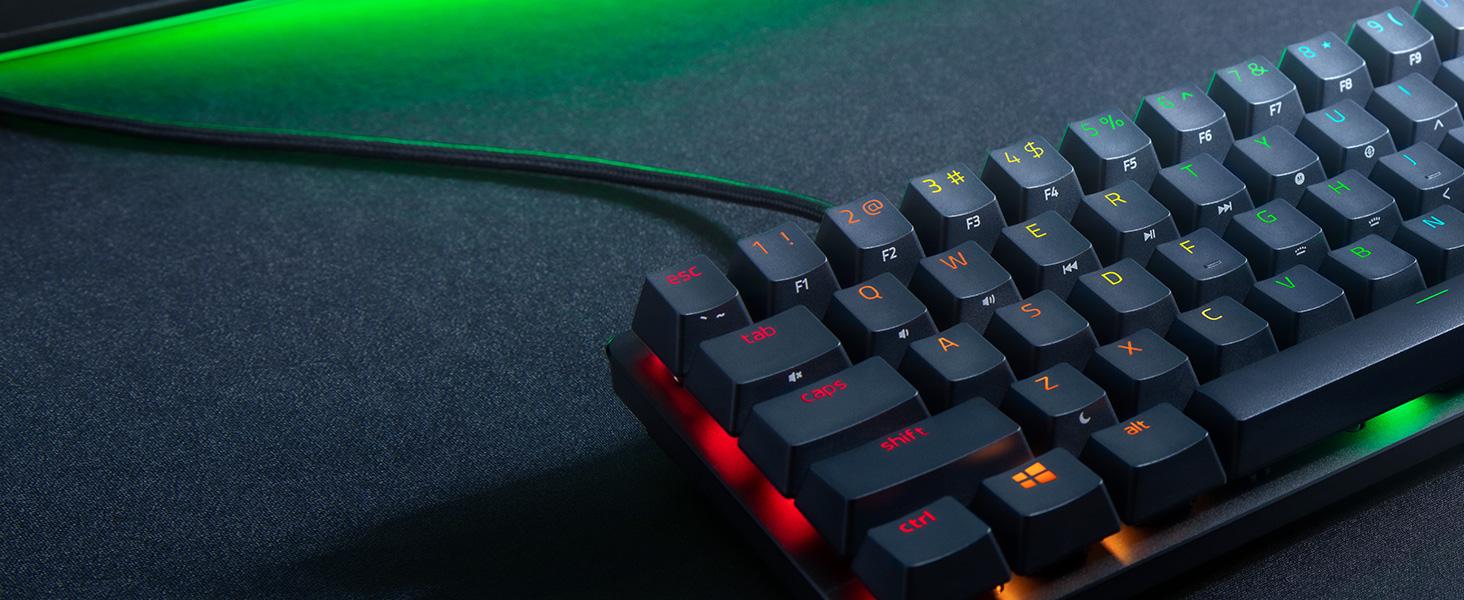
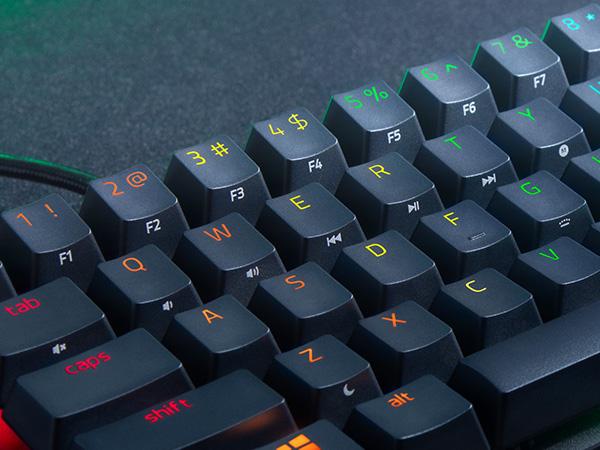
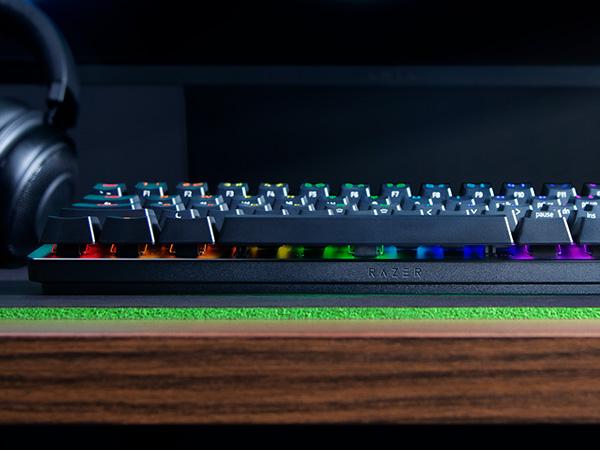
Side-Printed Functions
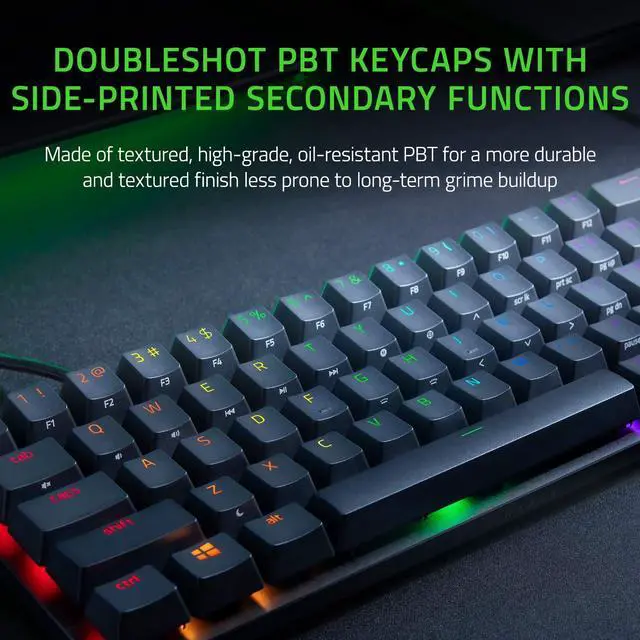
Doubleshot PBT Keycaps
Designed for greater durability, they’ll never have their labeling wear off with intense use
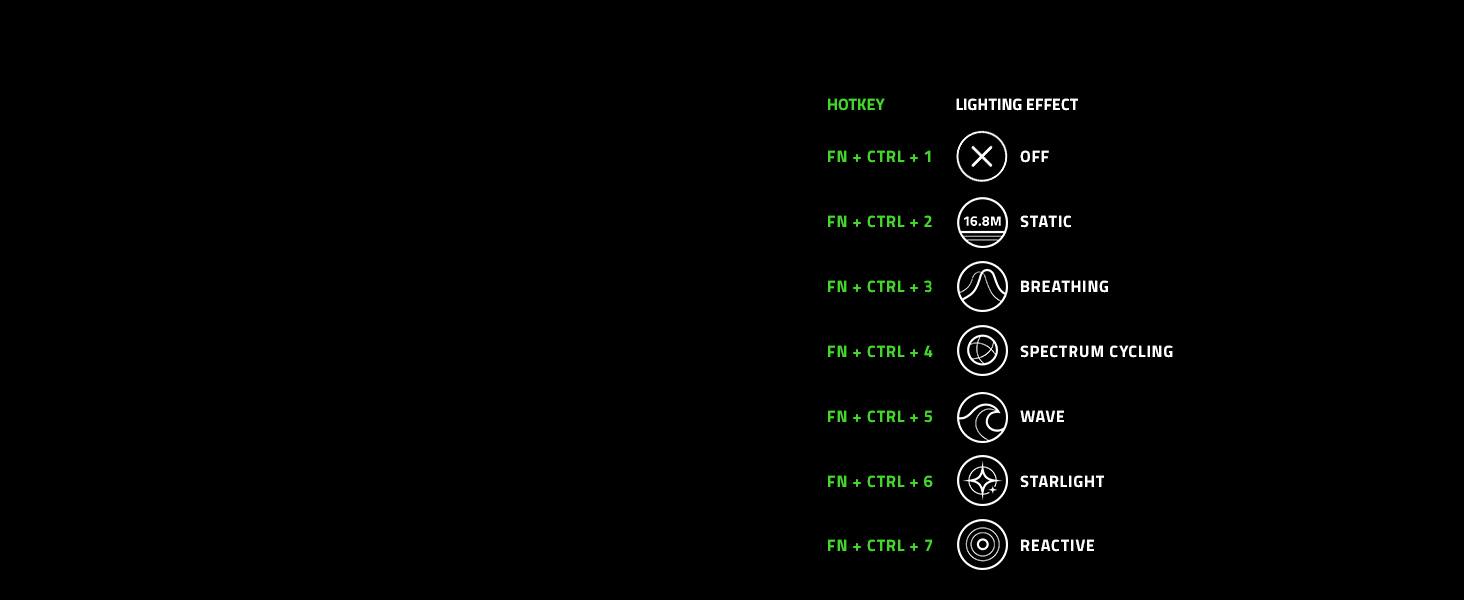
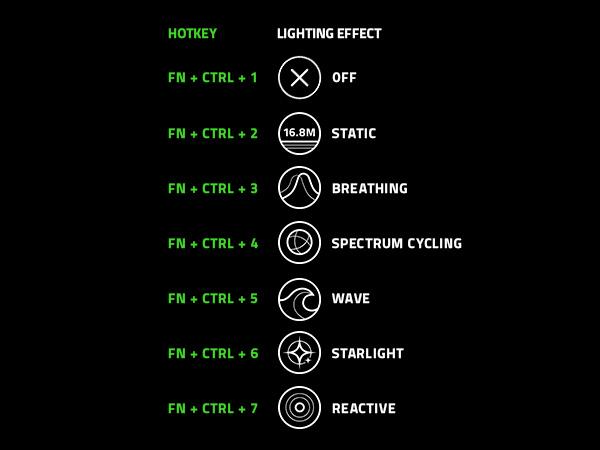
Lighting Presets
Onboard Memory
Activate up to 5 profiles, and choose between preset lighting effects without the need for software
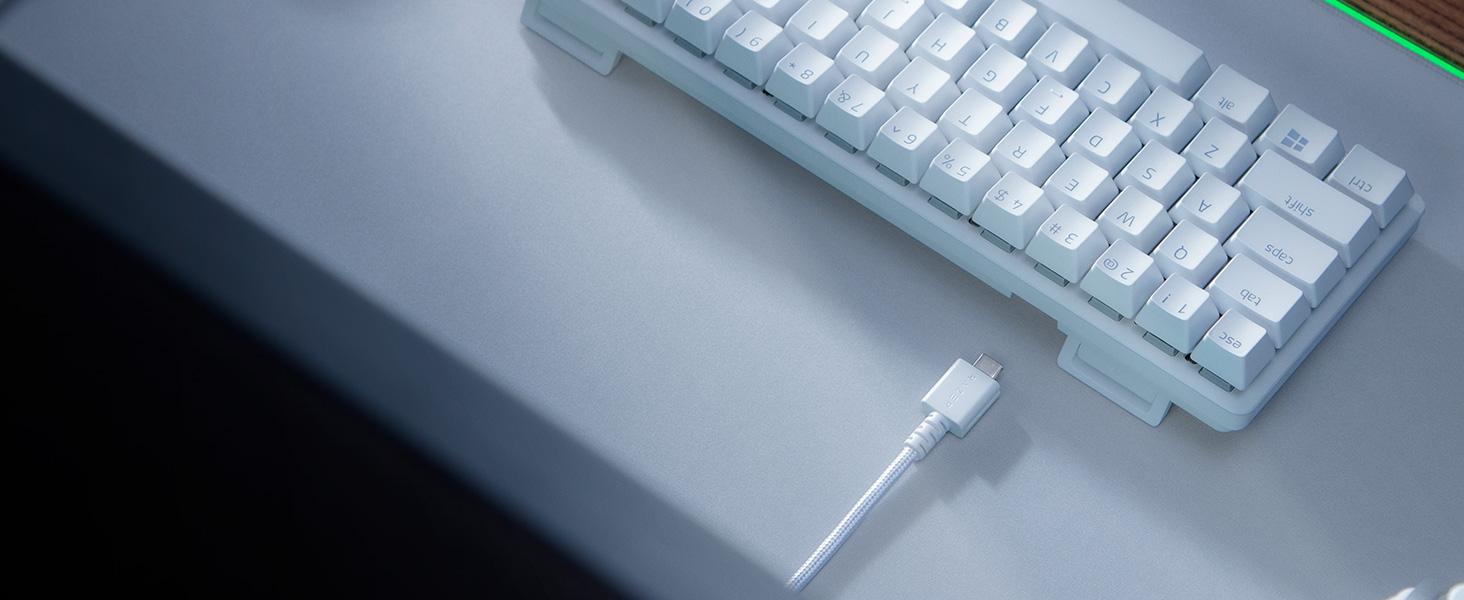
Easy Setup and Storage
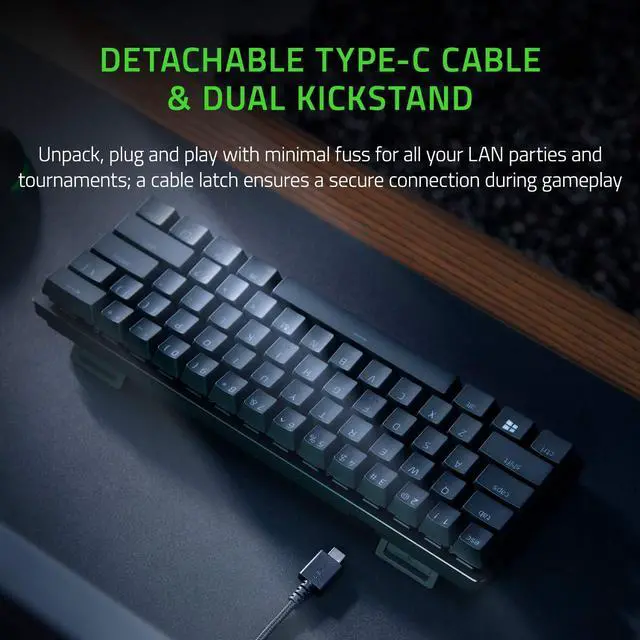
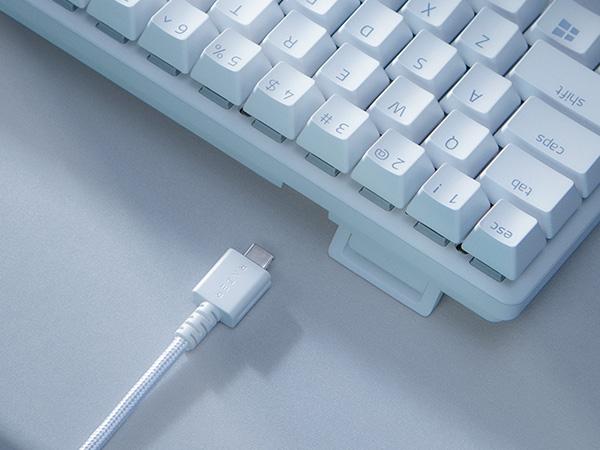
Detachable Type-C Cable
A cable latch ensures that it stays securely connected during gameplay
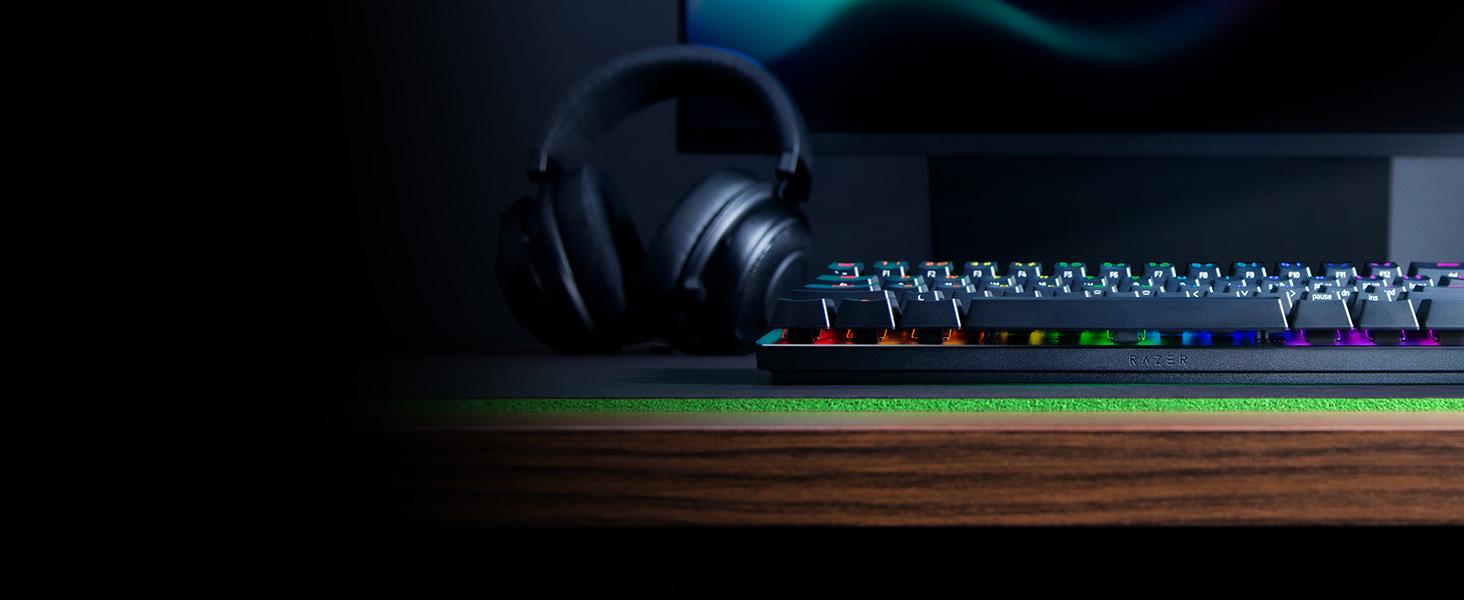
For Greater Durability
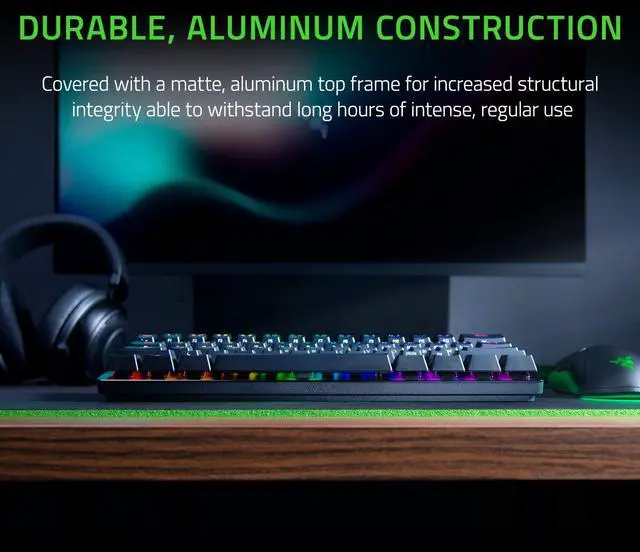
Aluminum Construction
The casing is robust enough to withstand long hours of intense, regular use
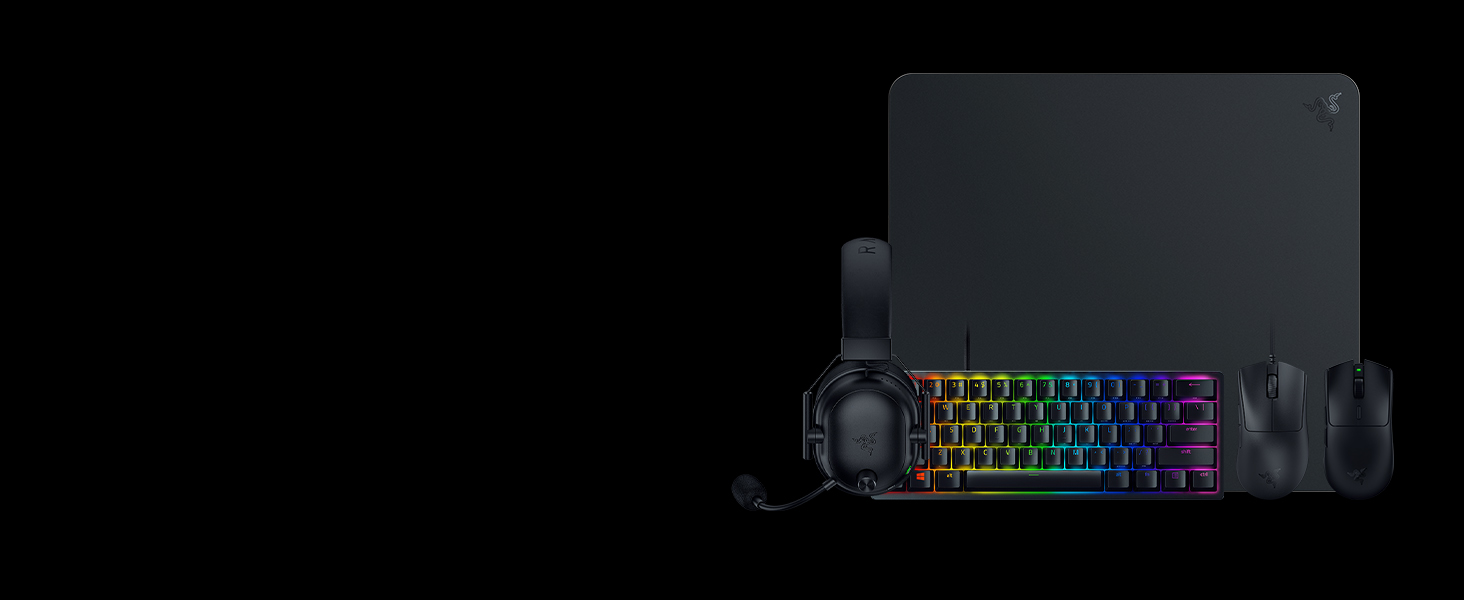
For The Pro
#1 SELLING PC GAMING PERIPHERALS BRAND IN THE U.S. — Source: Circana, Retail Tracking Service, U.S., Dollar Sales, Gaming Designed Mice, Keyboards, and PC Headsets, Jan. 2019- Dec. 2023 combined
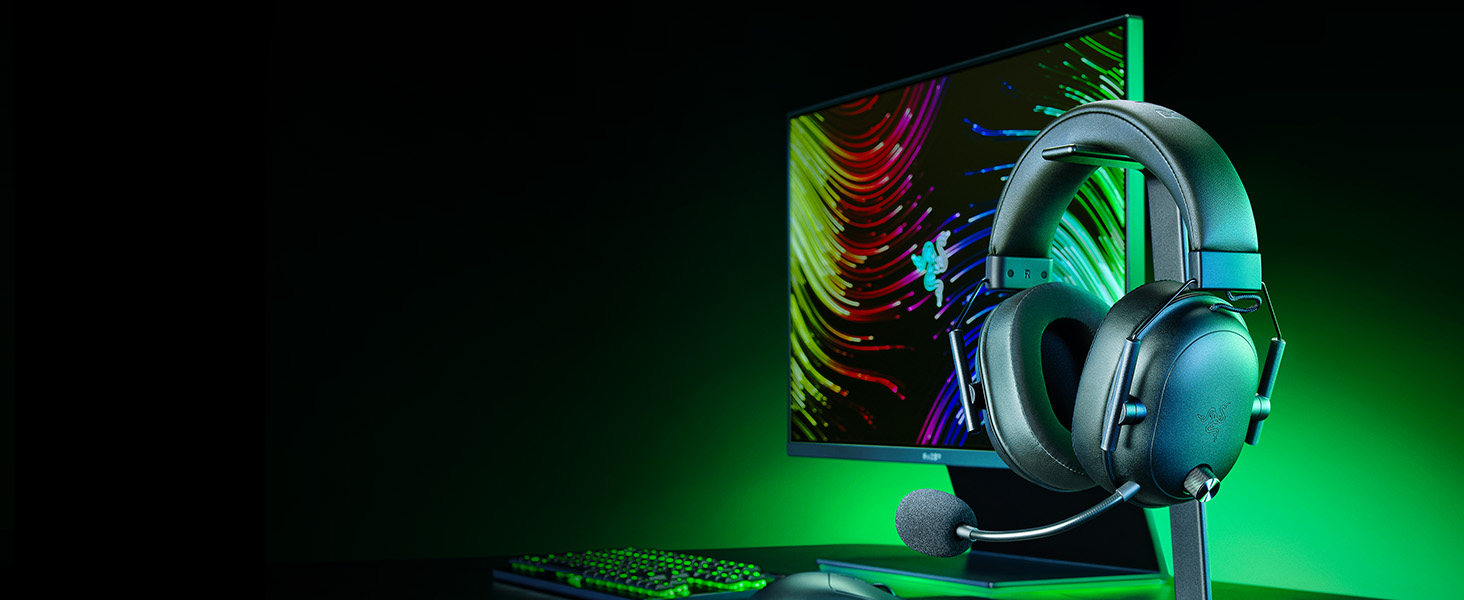
Razer BlackShark V2 HyperSpeed
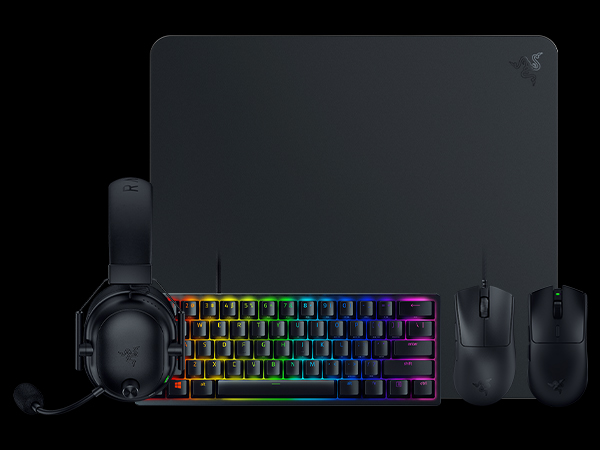
Experience non-stop comfort for all-day competitive play with our ultra-lightweight wireless headset. Featuring a super wideband mic and titanium-coated drivers for absolute clarity and power
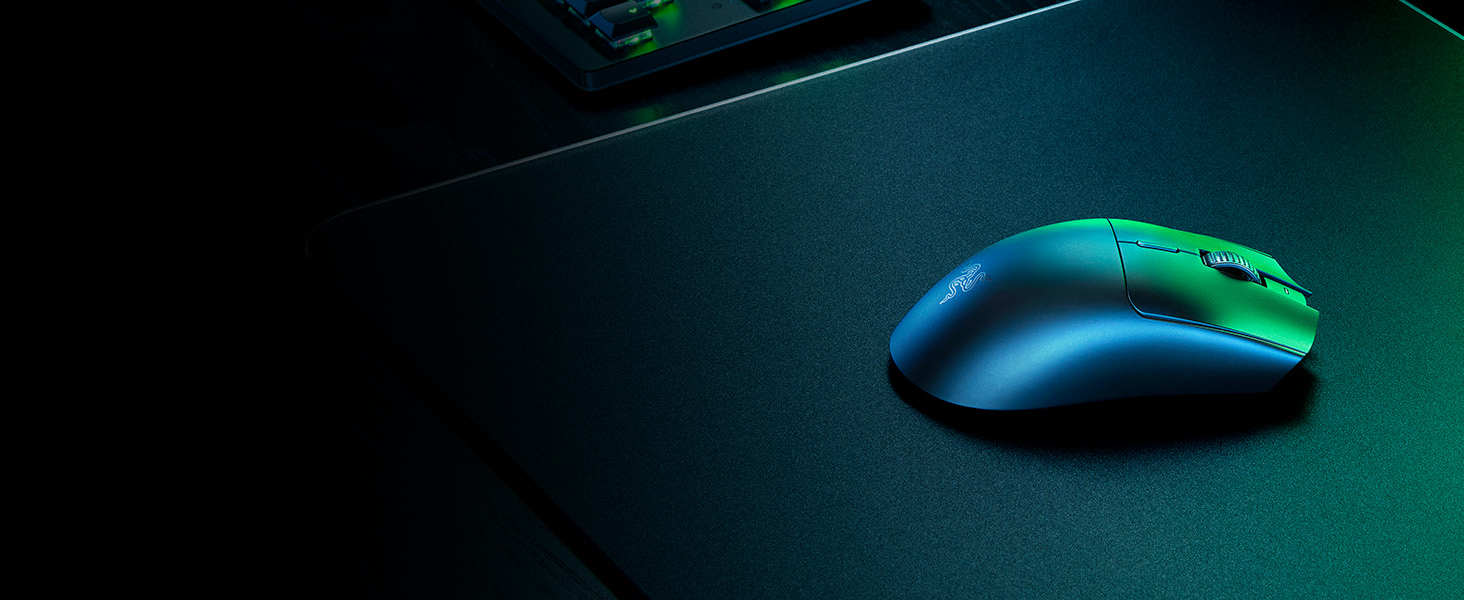
Razer Viper V3 HyperSpeed
Featuring our best-in-class technologies and a symmetrical shape improved with pros, shake up the meta with a wireless, lightweight esports mouse that thrives in top-flight competitive play
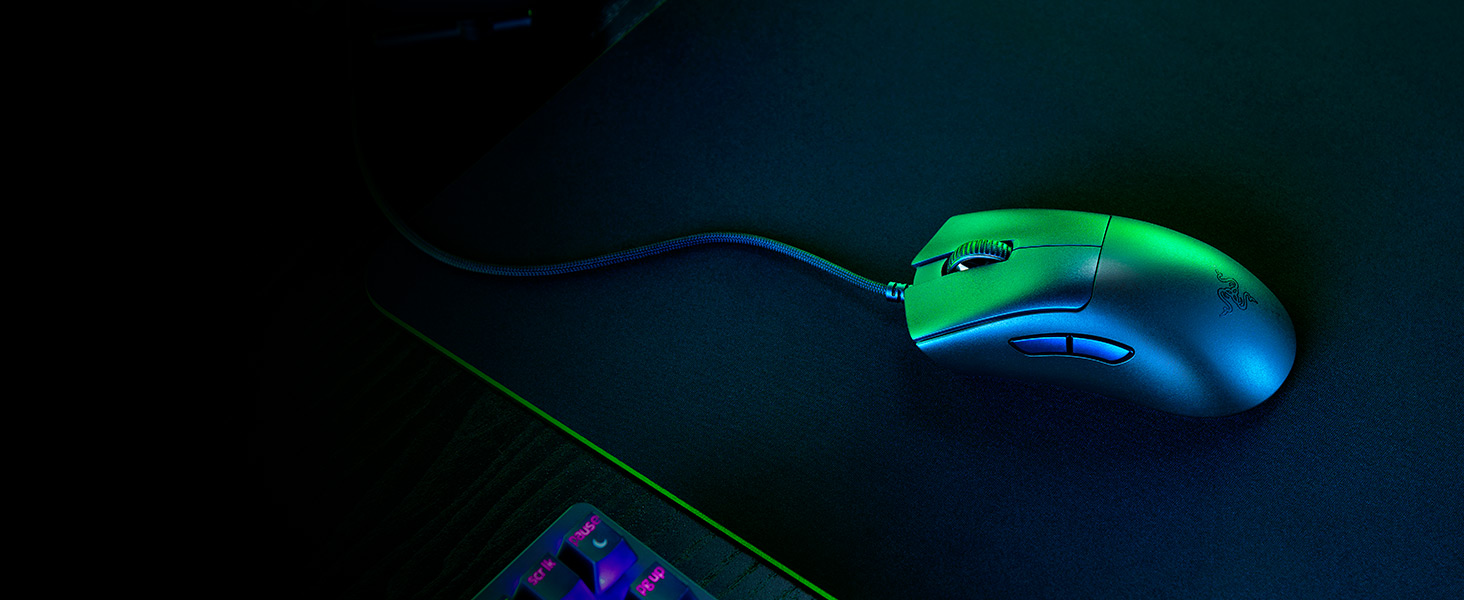
Razer DeathAdder V3
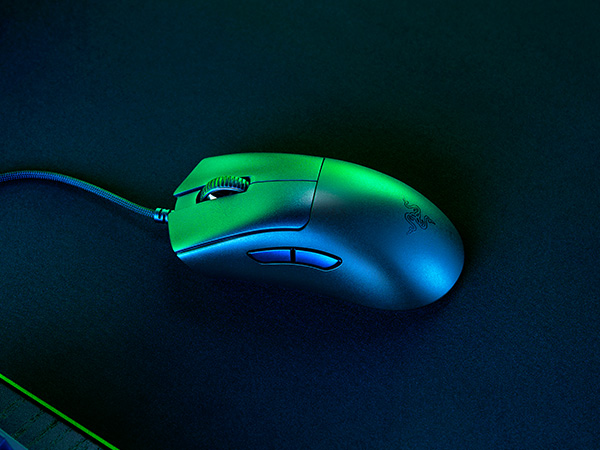
Refined by top esports pros, its ergonomic form is 25% lighter than its predecessor and backed by a set of cutting-edge upgrades

Razer Atlas
Zero in on a perfect aim with our first-ever glass gaming mouse mat - built to last with premium tempered glass. Optimized for optical sensors and specially treated for quieter swipes
What are the shortcuts for function keys?
You can access them by pressing the function key (FN) combined with the corresponding number (e.g. FN+1 for F1).
How do I cycle between the preset lighting effects?
Preset lighting effects work when Razer Synapse is not running – press FN + CTRL + 1 to 7 to cycle between the preset lighting effects. Pressing on the same number multiple times cycles through colors and effect variations.
Can I use my own USB Type-C Cable?
Yes, the Razer Huntsman Mini uses a non-proprietary USB Type-C cable—which means other similar cables will work just fine.
Do the keycaps have side-prints for secondary functions?
Yes, all secondary functions (function row, home key cluster, media controls, macros, and brightness control) are shown on the side of the keycap facing you.
Which keycaps can I use on the Razer Huntsman Mini?
The Razer Huntsman Mini can use any standard keycap set. We recommend checking out our Razer PBT Keycap Upgrade Sets to mix and match your colors.
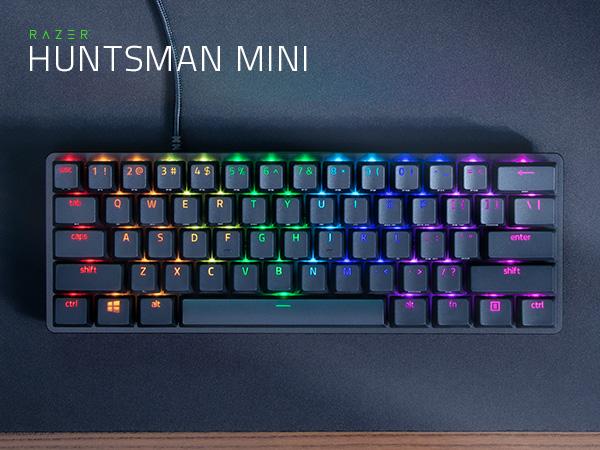
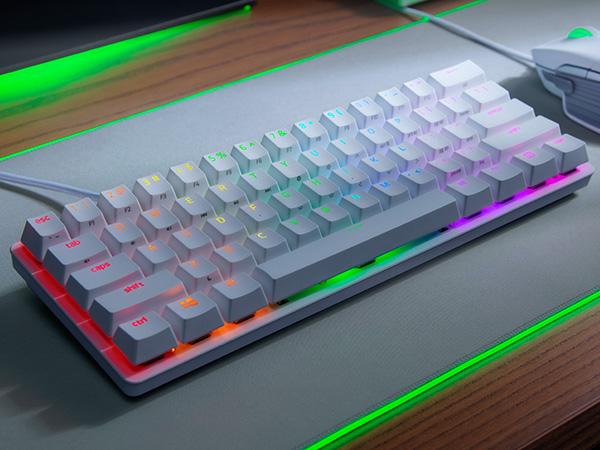
Dominate on a Different Scale
Razer Huntsman Mini
Dominate on a different scale with the Razer Huntsman Mini—a 60% gaming keyboard with cutting-edge Razer Optical Switches. Highly portable and ideal for streamlined setups, it’s time to experience lightning-fast actuation in our most compact form factor yet.
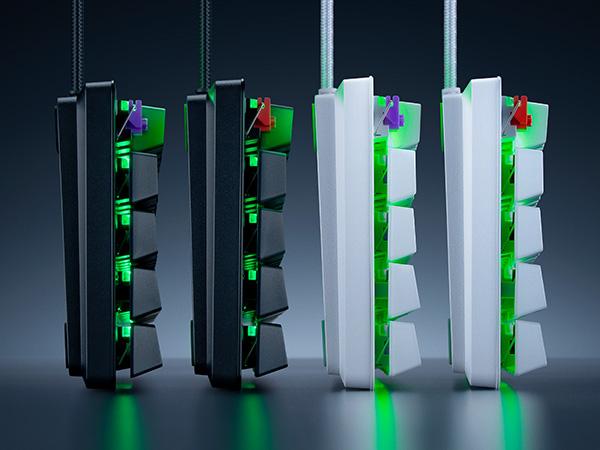
With Clicky or Linear Switch Options
Available in Black and Mercury Editions
Choose between Black or Mercury Editions, and between Clicky or our improved Linear Switches.
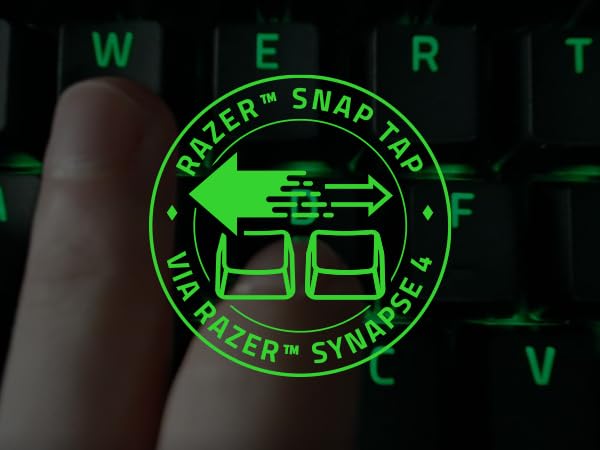
Razer Snap Tap
Enjoy more responsive counter-strafing and aerial strafing for bunny hopping in FPS games with faster input activation between two selected keys. Prioritize your latest input without having to release the previous key
Speed of Light
Razer Optical Switches
Offers faster, lighter, and smoother actuation's than mechanical switches
Side-Printed Functions
Doubleshot PBT Keycaps
Designed for greater durability, they’ll never have their labeling wear off with intense use
Lighting Presets
Onboard Memory
Activate up to 5 profiles, and choose between preset lighting effects without the need for software
Easy Setup and Storage
Detachable Type-C Cable
A cable latch ensures that it stays securely connected during gameplay
For Greater Durability
Aluminum Construction
The casing is robust enough to withstand long hours of intense, regular use
For The Pro
Razer BlackShark V2 HyperSpeed
Razer Viper V3 HyperSpeed
Razer DeathAdder V3
Razer Atlas



#1 SELLING PC GAMING PERIPHERALS BRAND IN THE U.S. — Source: Circana, Retail Tracking Service, U.S., Dollar Sales, Gaming Designed Mice, Keyboards, and PC Headsets, Jan. 2019- Dec. 2023 combined
Experience non-stop comfort for all-day competitive play with our ultra-lightweight wireless headset. Featuring a super wideband mic and titanium-coated drivers for absolute clarity and power
Featuring our best-in-class technologies and a symmetrical shape improved with pros, shake up the meta with a wireless, lightweight esports mouse that thrives in top-flight competitive play
Refined by top esports pros, its ergonomic form is 25% lighter than its predecessor and backed by a set of cutting-edge upgrades
Zero in on a perfect aim with our first-ever glass gaming mouse mat - built to last with premium tempered glass. Optimized for optical sensors and specially treated for quieter swipes
What are the shortcuts for function keys?
You can access them by pressing the function key (FN) combined with the corresponding number (e.g. FN+1 for F1).
How do I cycle between the preset lighting effects?
Preset lighting effects work when Razer Synapse is not running – press FN + CTRL + 1 to 7 to cycle between the preset lighting effects. Pressing on the same number multiple times cycles through colors and effect variations.
Can I use my own USB Type-C Cable?
Yes, the Razer Huntsman Mini uses a non-proprietary USB Type-C cable—which means other similar cables will work just fine.
Do the keycaps have side-prints for secondary functions?
Yes, all secondary functions (function row, home key cluster, media controls, macros, and brightness control) are shown on the side of the keycap facing you.
Which keycaps can I use on the Razer Huntsman Mini?
The Razer Huntsman Mini can use any standard keycap set. We recommend checking out our Razer PBT Keycap Upgrade Sets to mix and match your colors.
The Razer Esports Line
Powered by Razer Chroma
Sustainability
