

Your Browsing History

Meet Your Seller

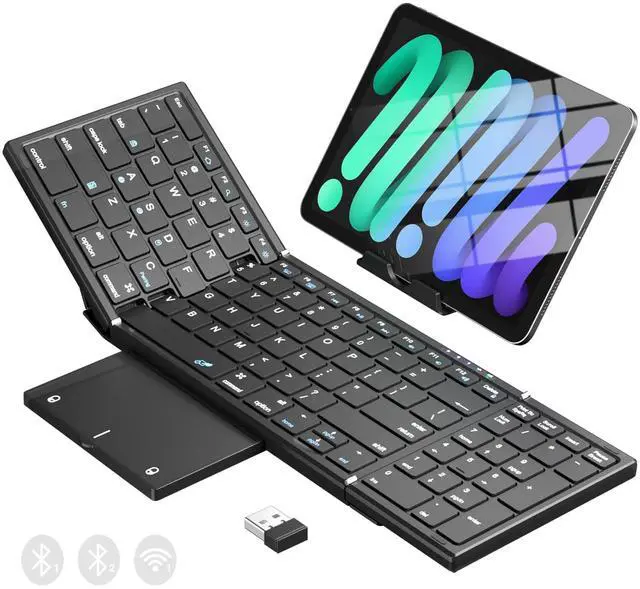
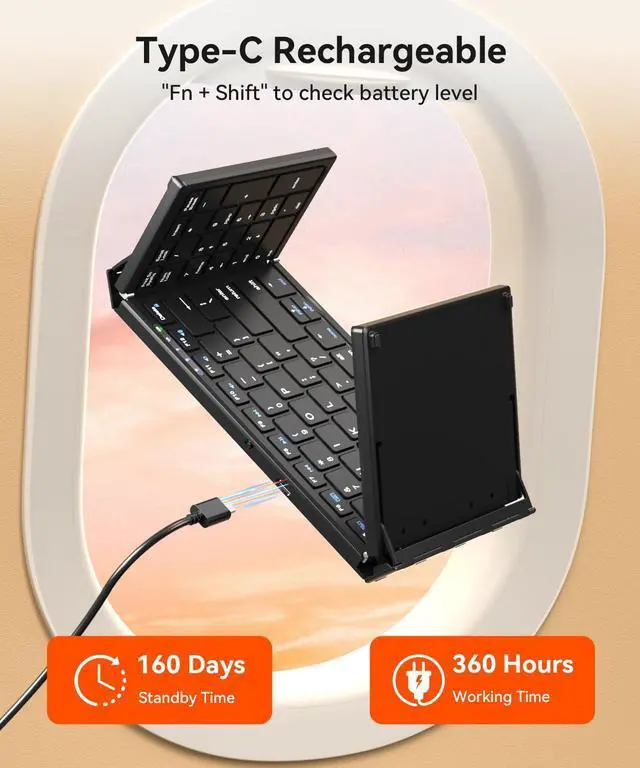
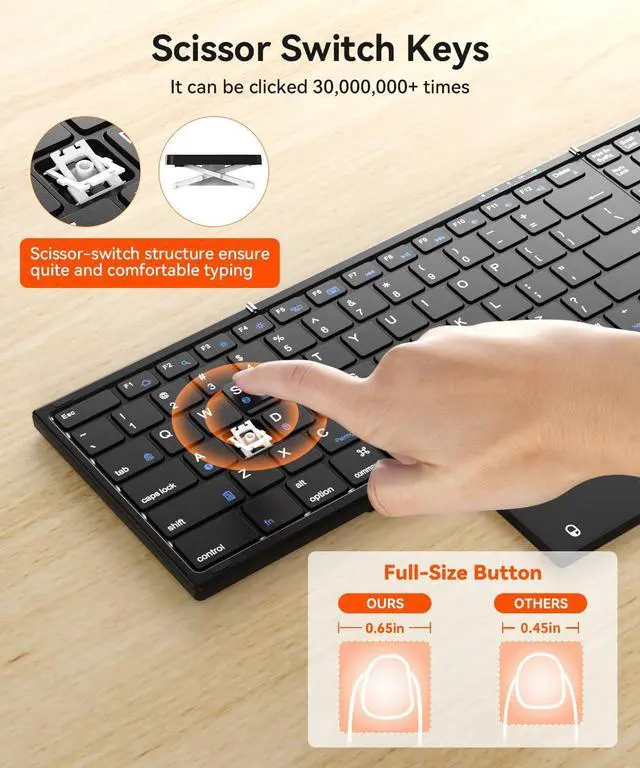
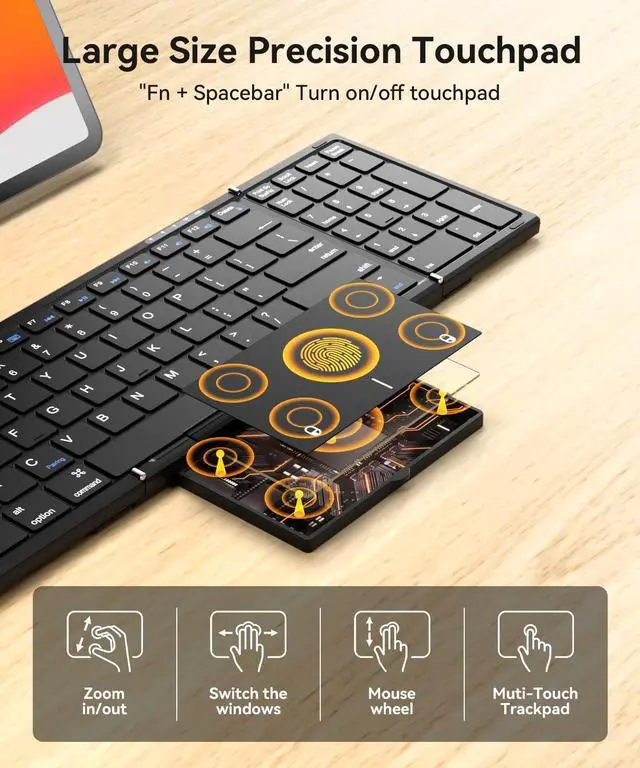


Foldable Bluetooth Keyboard with Touchpad & Number Pad, 3 Devices (2.4G+BTx2) Fold Portable Keyboard, Full Size Key Large Trackpad Wireless Travel Rechargeable Keyboards for Android Windows iOS Tablet
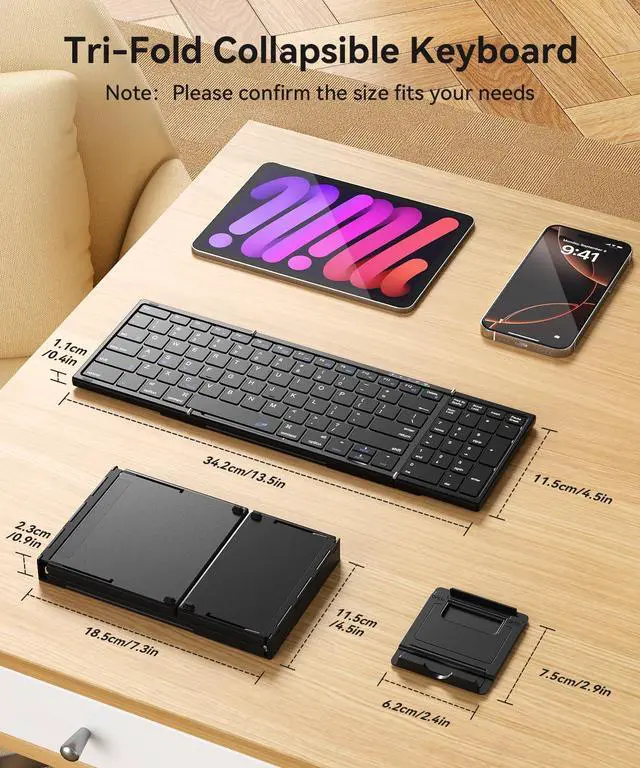
- [Foldable Large-Size Touchpad & Numeric Keypad] - Wireless Keyboard combines a number pad and touchpad. The multi-touch pad supports essential gestures like scrolling and clicking, enabling device control without a mouse.The touchpad can be also folded, which is easy to carry.The number pad significantly boosts efficiency when working with Excel sheets, entering passwords, or replying to emails. Ditch the bulky mouse and work efficiently anywhere.(Open: 13.5*4.5*0.4in; Folded: 7.3*4.5*0.9in; Weight: 0.65lb.)
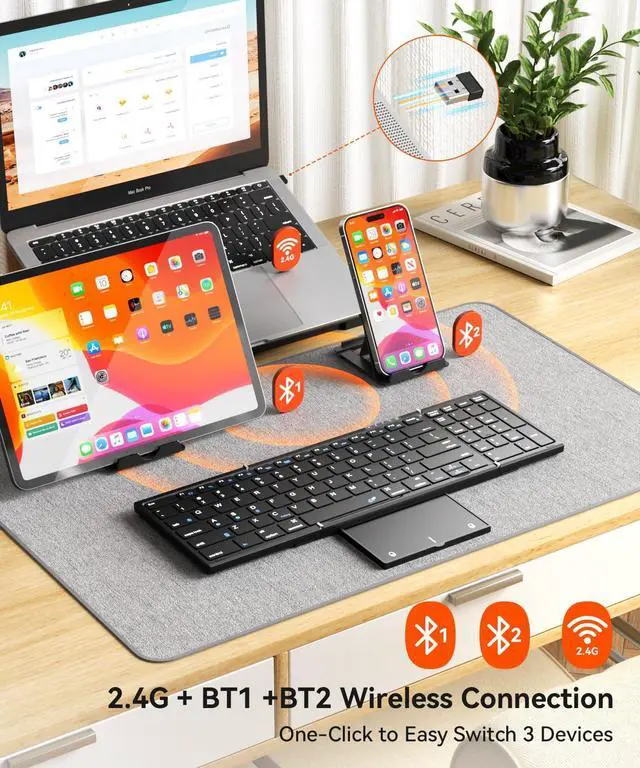
- [3-Device Switching] - 1*2.4G USB & 2*Bluetooth Channel, allowing one-click switching between iPads, smartphones, tablets, and laptops.It is compatible with iOS/Android/Windows/Mac OS systems (Connection method: FN+A/S/B then FN+C, and enable 2.4G USB/Bluetooth on your device.).
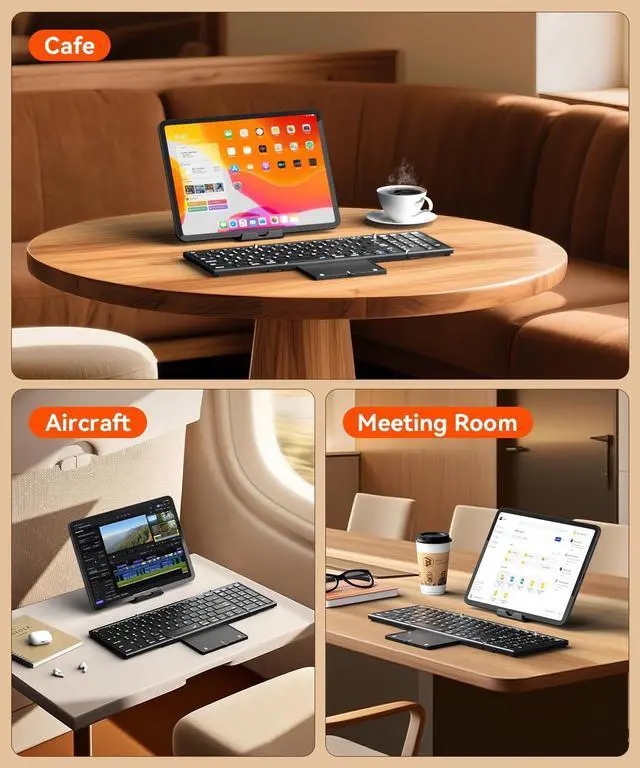
- [Tri-Fold 2.4G USB & Bluetooth Keyboard] - The collasible keyboard can folds into a small size for taking on the go.Come with phone stand specially designed for this keyboard.It effortlessly fits into your handbag, can be an ideal companion for your travels, coffee shop visits, business trips, flights, and more.It can be used wirelessly within a 33 feet range.This foldable keyboard supports Bluetooth and 2.4G USB Wireless Connection (USB Receiver Included).
+
+
Overview
Specs
Reviews

Any questions? Our AI beta will help you find out quickly.
Try me now
Connection Methods:
Bluetooth:
1. Turn on the Bluetooth switch on your device.
2. Turn on the keyboard's power switch.
3. Press Fn+A/S on the keyboard to switch Bluetooth channels and wait for the BT1/BT2 indicator light to flash twice.
4. Press Fn+C and hold for at least 3 seconds.
5. Select the Bluetooth name ""Bluetooth Keyboard"" on your device.
2.4G USB:
1. Insert the 2.4G USB receiver (included in the package) into your USB device.
2. Turn on the keyboard's power switch.
3. Press Fn+D to switch to the 2.4G channel, and you can start using it.
Warranty & Returns
Warranty, Returns, And Additional Information
Warranty
- Please contact the Seller directly for warranty information. Warranty information may also be found on the Manufacturer's website.
- CONTACT
Return Policies
- Return for refund within: 30 days
- Return for replacement within: 30 days
- This item is covered by HR Selects Return Policy
Manufacturer Contact Info
- For a directory of all our manufacturers, please click below.
- Manufacturers Directory
LOADING...