here!
here!
I’m your shopping assistant for PC builds, upgrades, and everything tech.
Got questions? Ask away!
Start a conversation
here!
I’m your shopping assistant for PC builds, upgrades, and everything tech.
Got questions? Ask away!
Start a conversation




Any questions? Ask CelesteSM will help you find out quickly.
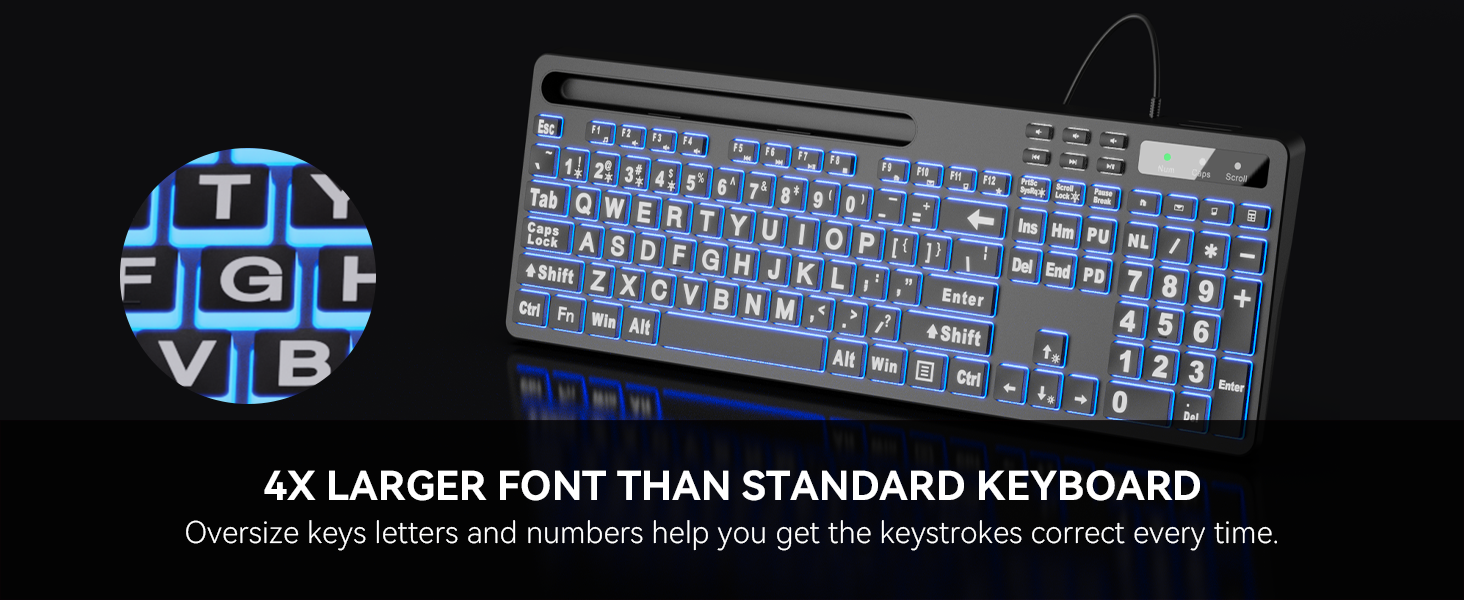
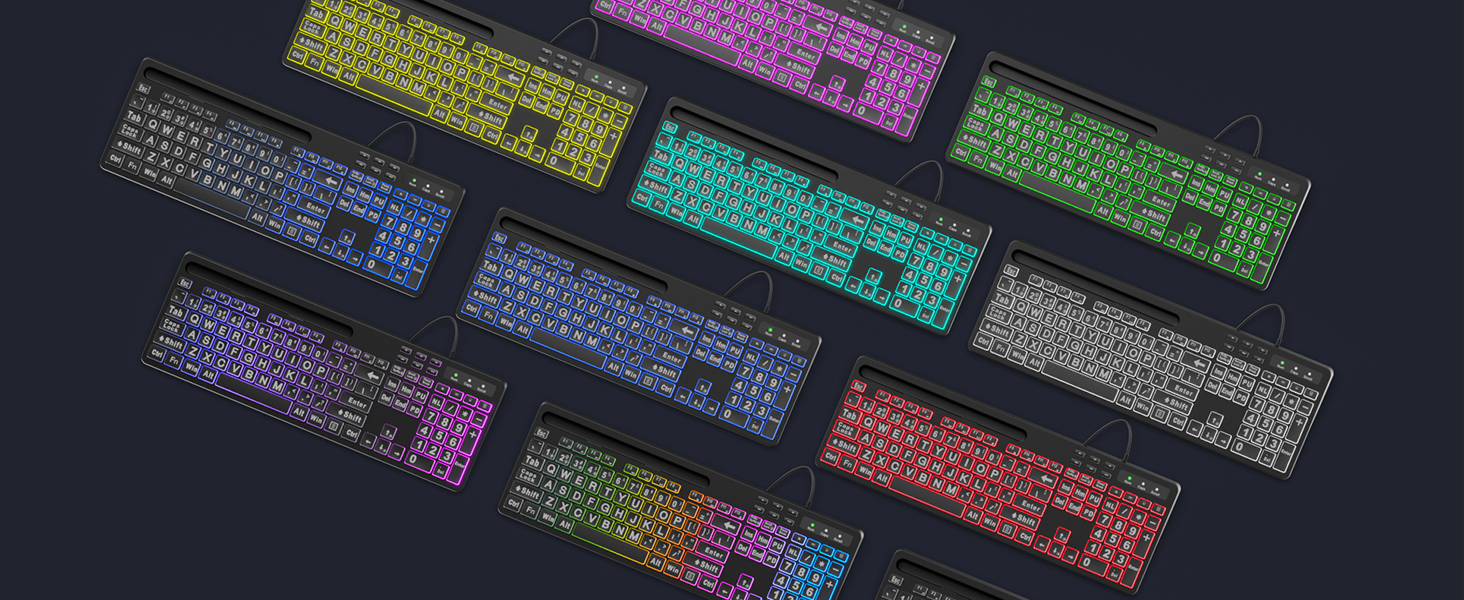
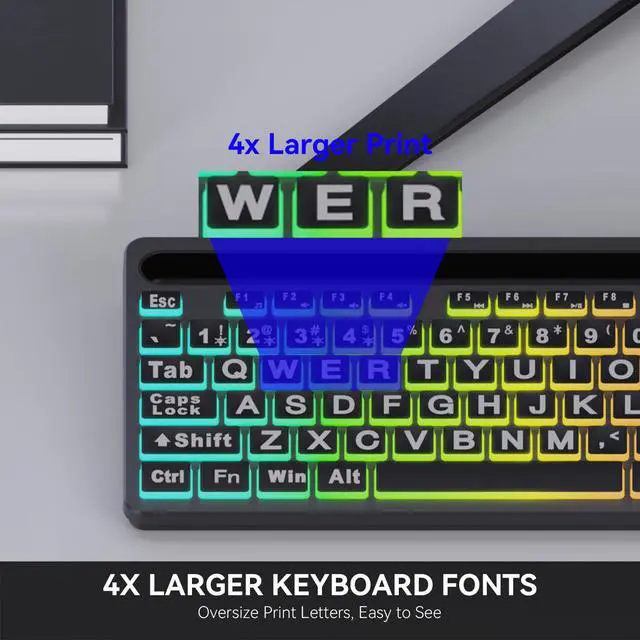
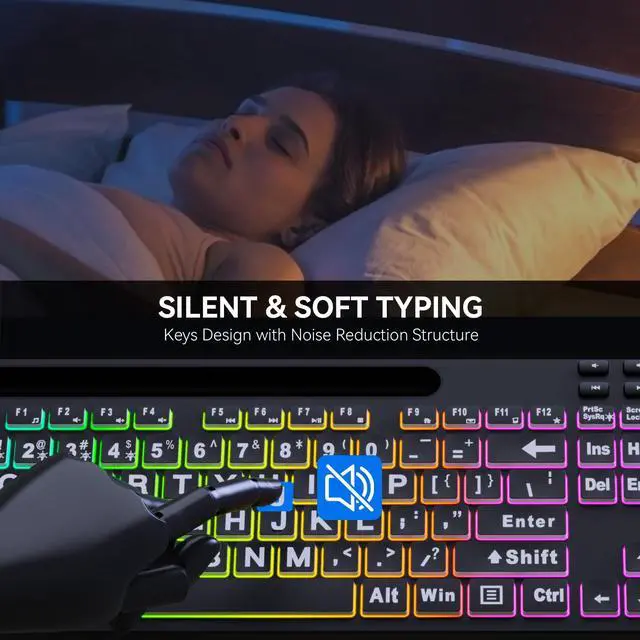
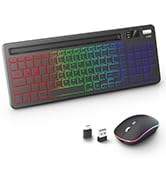
Bring more fun to your daily typing and reduce fatigue from heavy work.
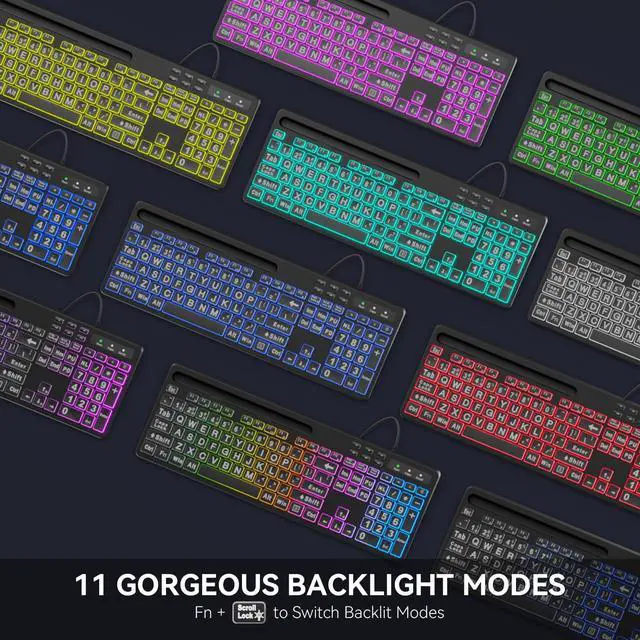
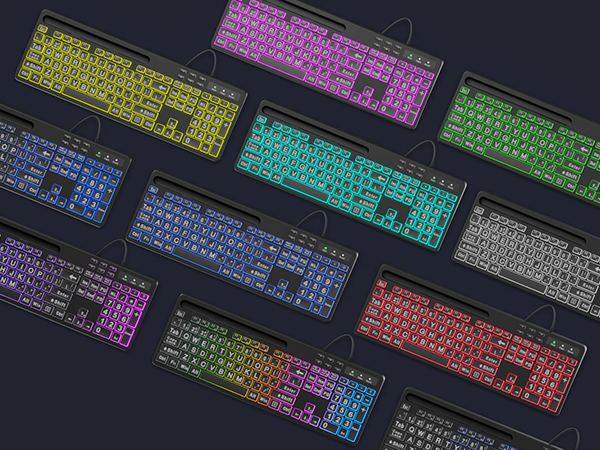
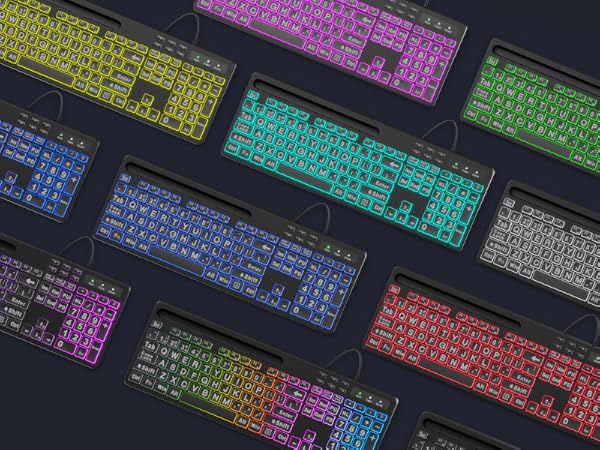
Colorful Flow?Comet Trail?Monochrome Flow?Cloud Flow?Flicker?Monochromatic Wave?Rainbow?Breathing?7-Color Monochrome?Strobe?Neon
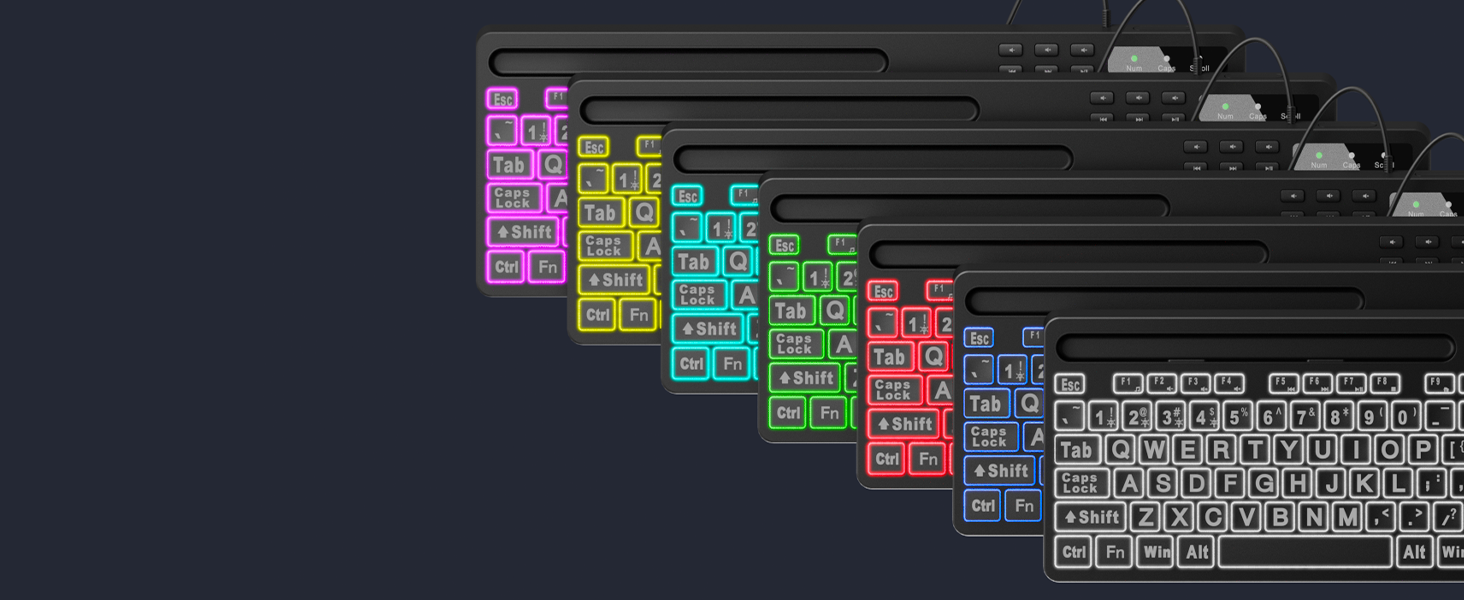
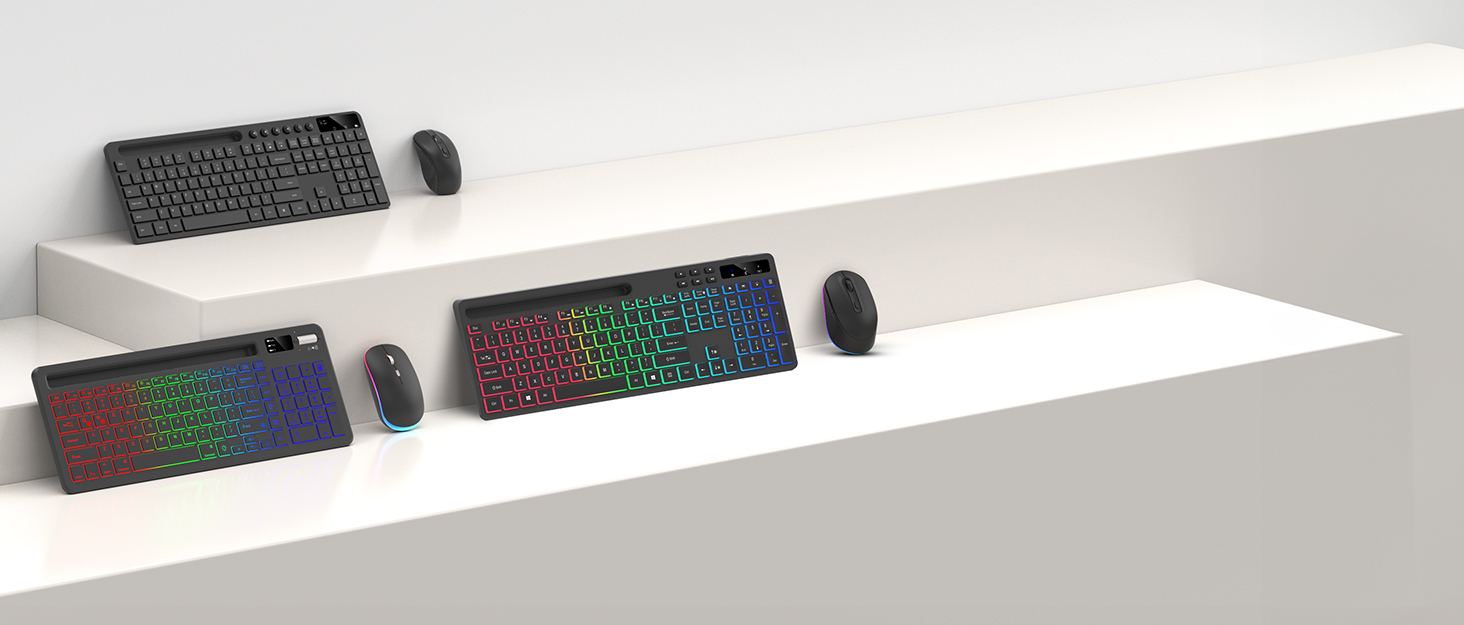
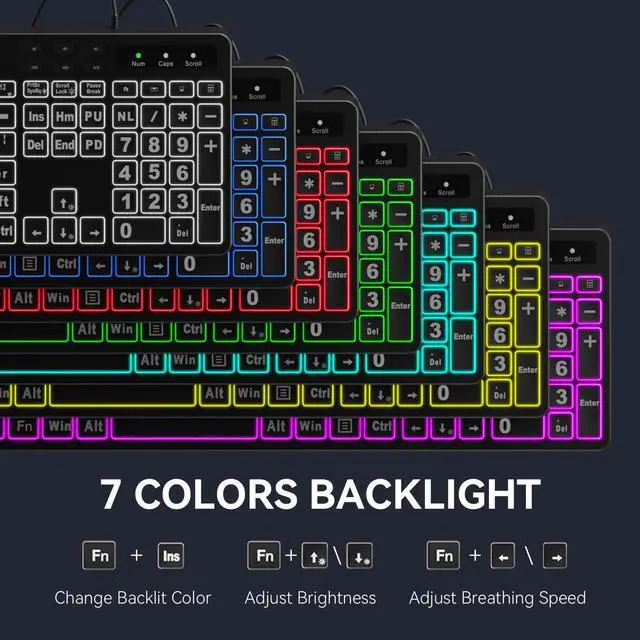
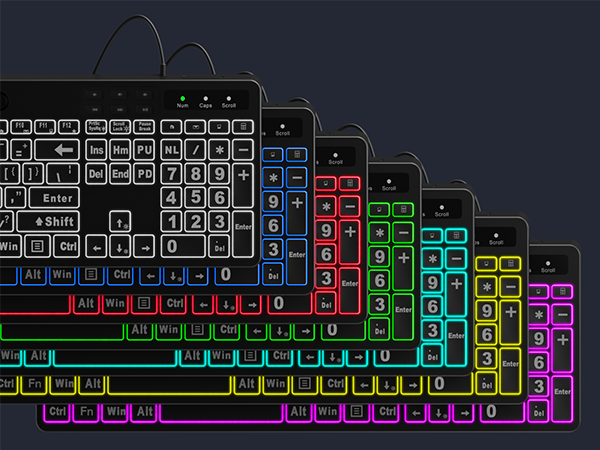
Free to change the backlit color (7 colors optional) and brightness (8 levels optional), choose your favorite one.
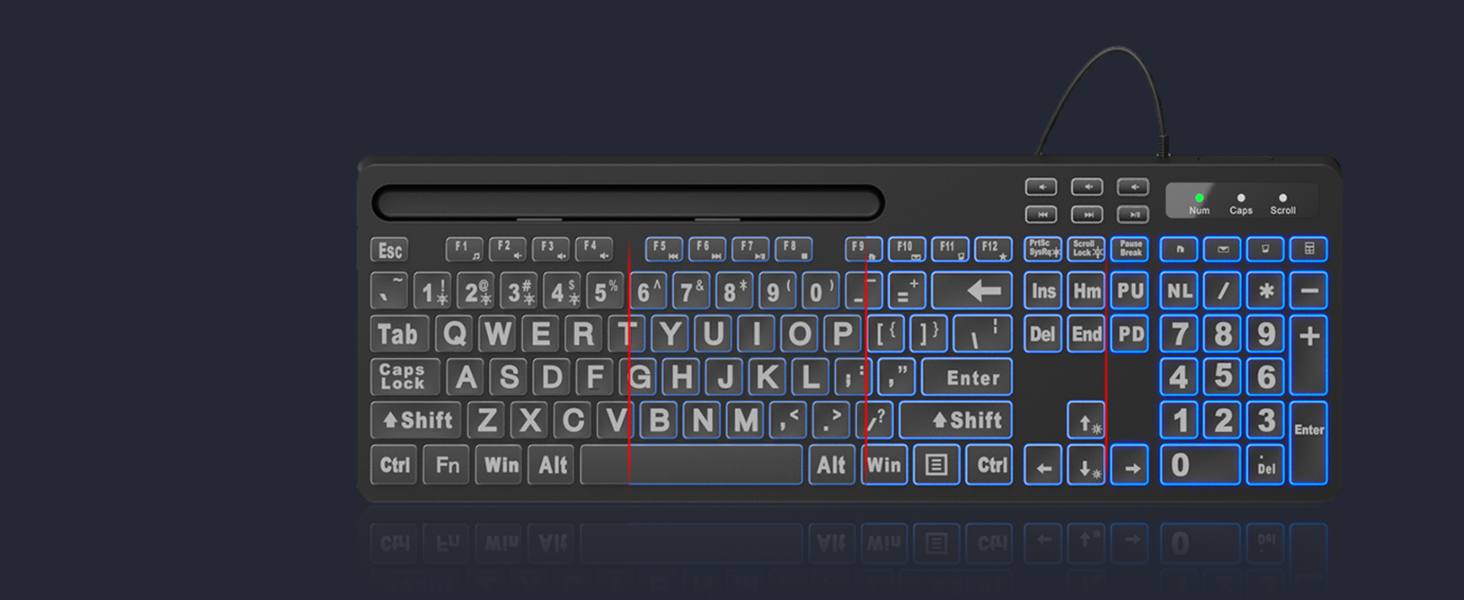
Allow you to type easily even in a dark environment with 8-level brightness.
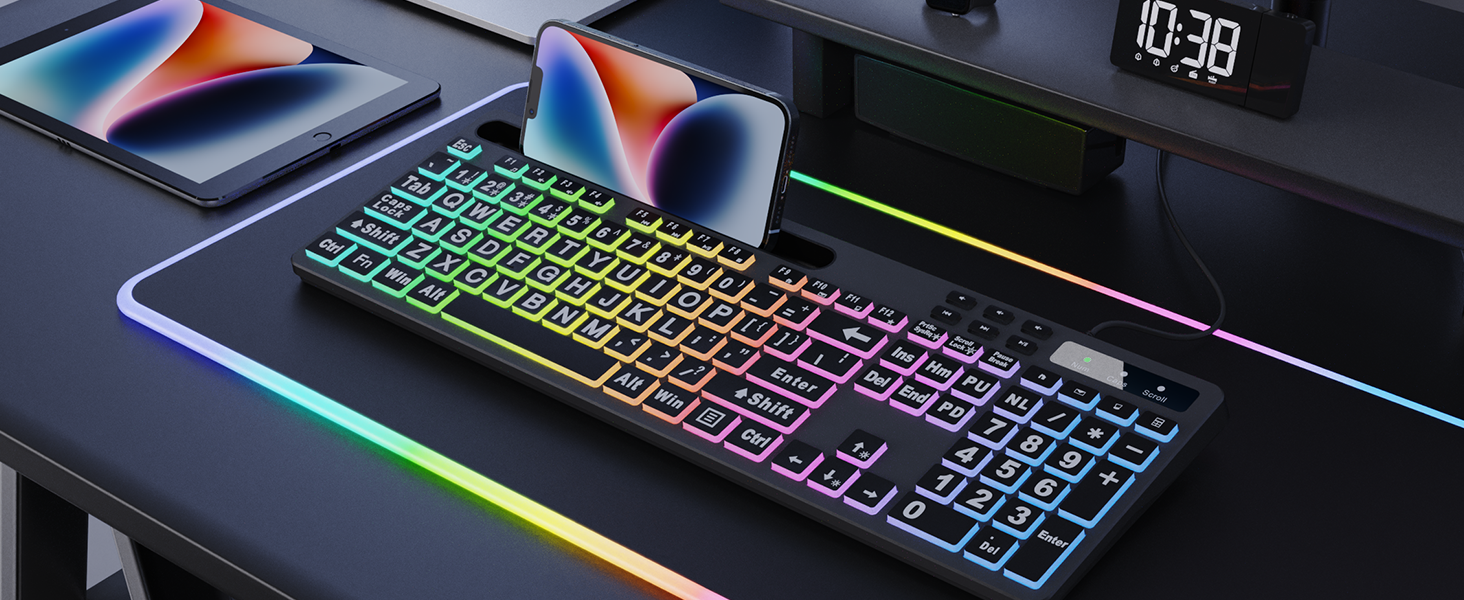
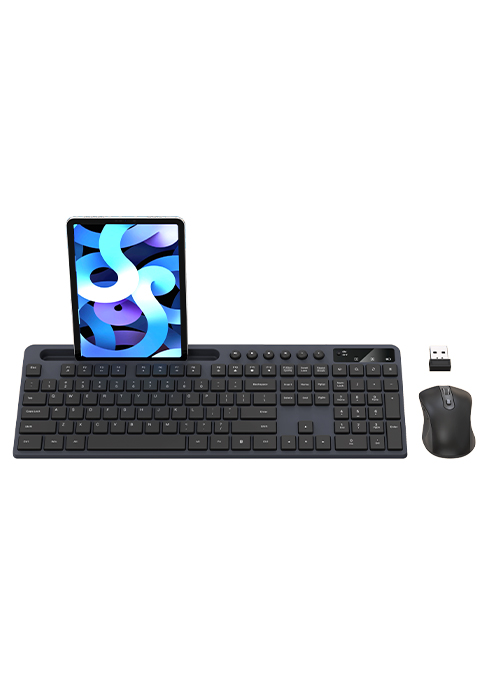
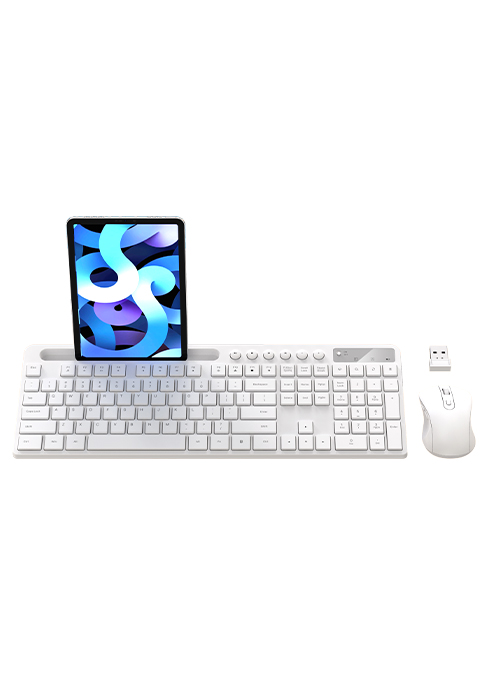
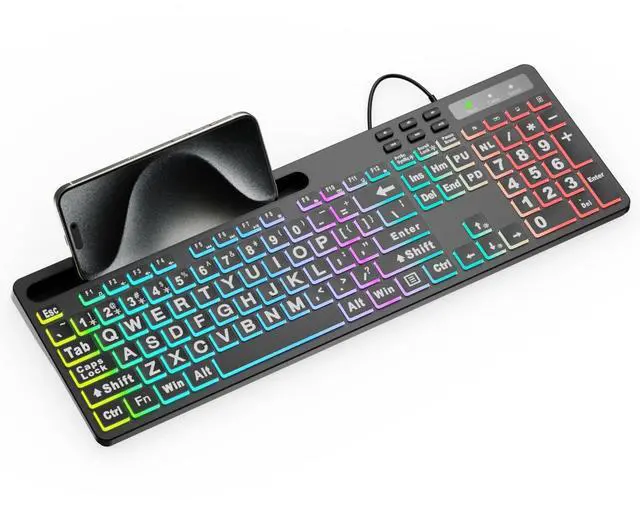
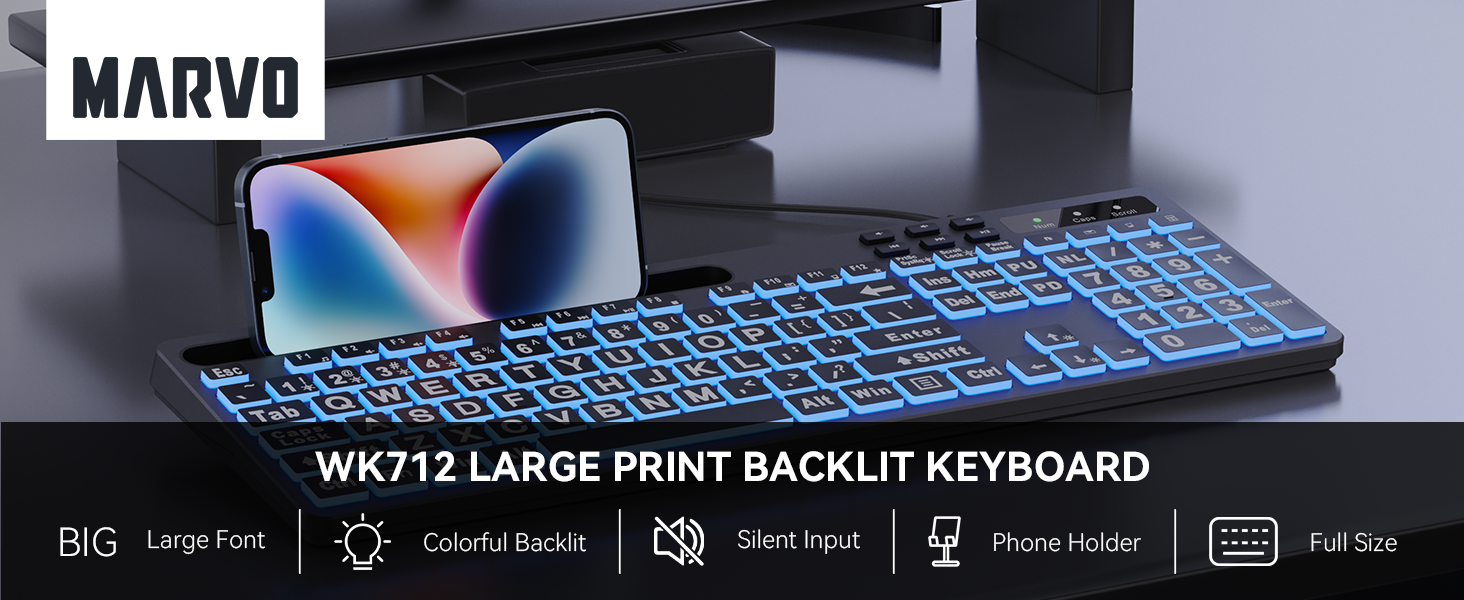
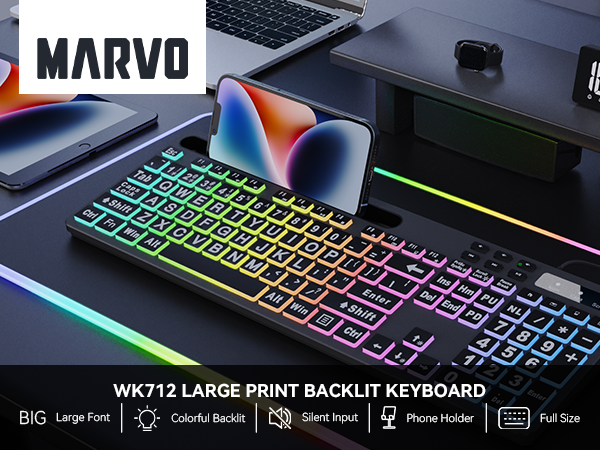
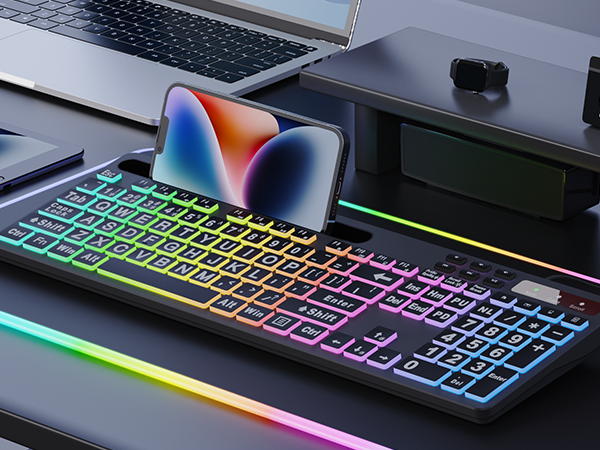
You can put your tablet or phone on the stand to multitask on other device while working. Keep your desk clean and tidy.
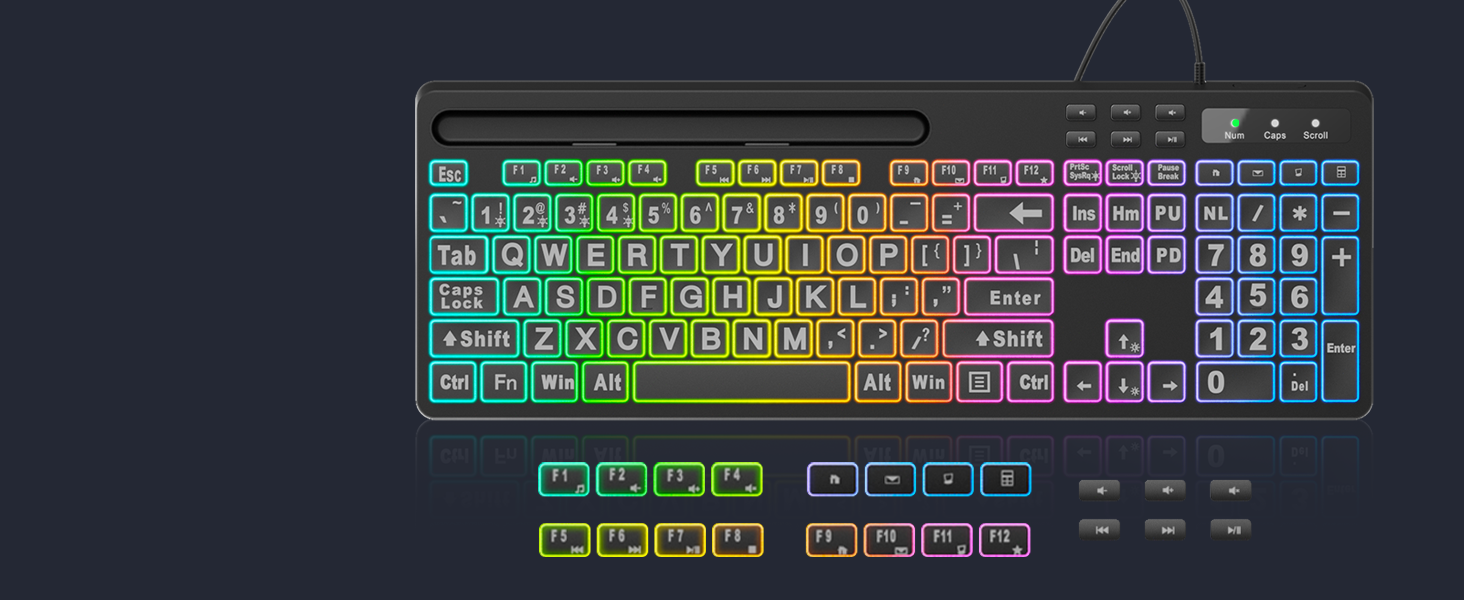
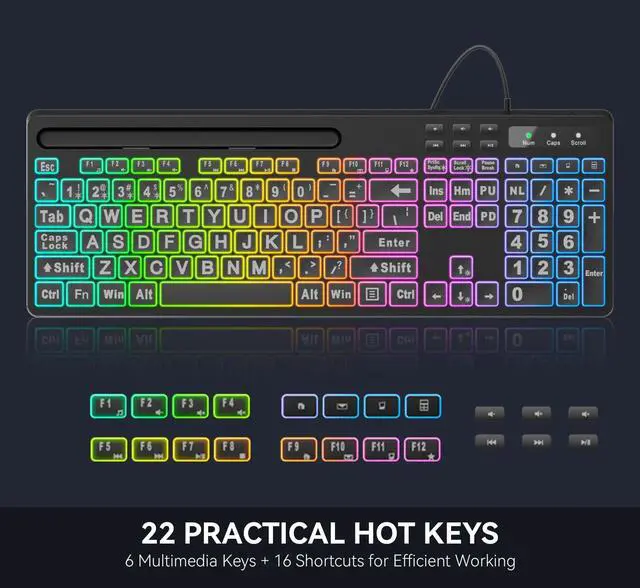
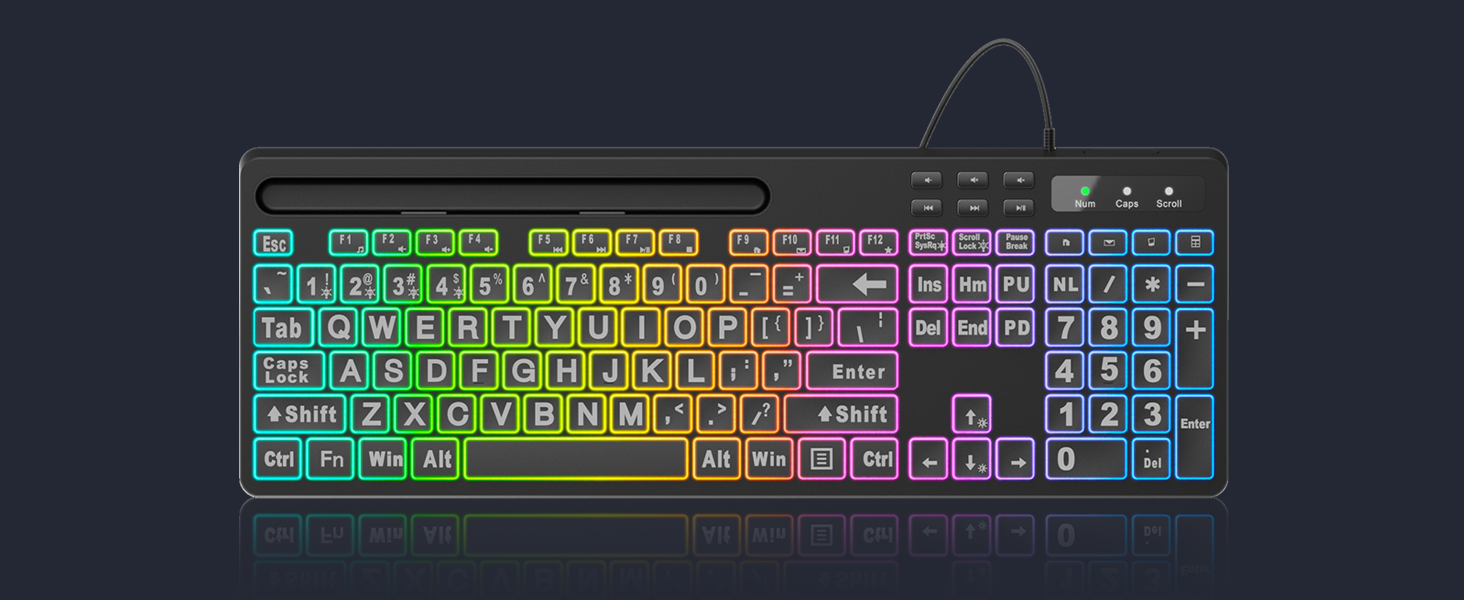
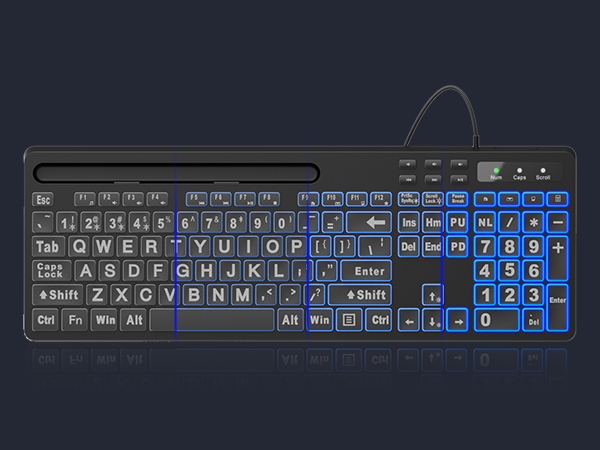
16 combined keys, and 6 independent multimedia keys for higher efficient with less effort.
How to change the backlit color and brightness?
Press "Fn + Mode key of M1~M9" or "Fn + Ins" to select the colors or modes, press arrow keys (up/down) to adjust brightness and (left/right) to adjust backlight breathing speed.
Does this keyboard have function keys?
Yes, there are 16 shortcut keys (Fn+F1~F12, Home/Email/Computer/Calculator) and 6 independent media keys.
Will it lagging when typing?
Simply plug the USB connector into your computer or laptop, and you can start typing immediately, there is no delay issue with cable connection.
Does this wireless keyboard works with Windows and Mac OS?
Compatible with Windows and Mac. You can switch between Windows and Mac simply and it works great on both.
What if my keyboard don't work?
Please contact the seller for further assistance firstly. We will be 100% responsible for each of our products and customers.
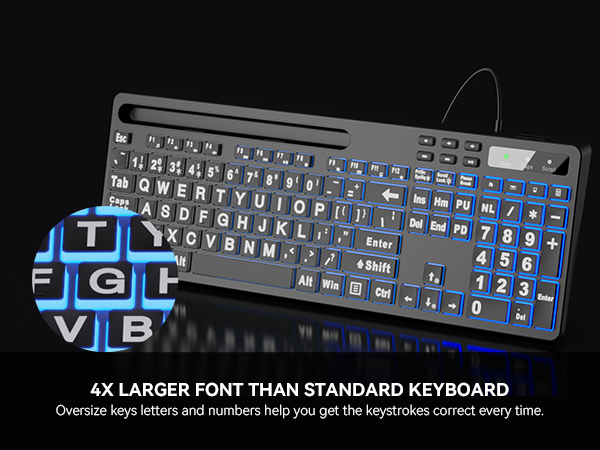
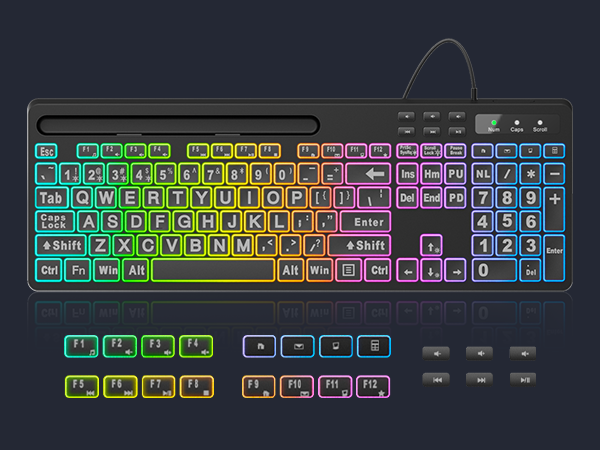
Bring more fun to your daily typing and reduce fatigue from heavy work.
Colorful Flow?Comet Trail?Monochrome Flow?Cloud Flow?Flicker?Monochromatic Wave?Rainbow?Breathing?7-Color Monochrome?Strobe?Neon
Free to change the backlit color (7 colors optional) and brightness (8 levels optional), choose your favorite one.
Allow you to type easily even in a dark environment with 8-level brightness.
You can put your tablet or phone on the stand to multitask on other device while working. Keep your desk clean and tidy.
16 combined keys, and 6 independent multimedia keys for higher efficient with less effort.
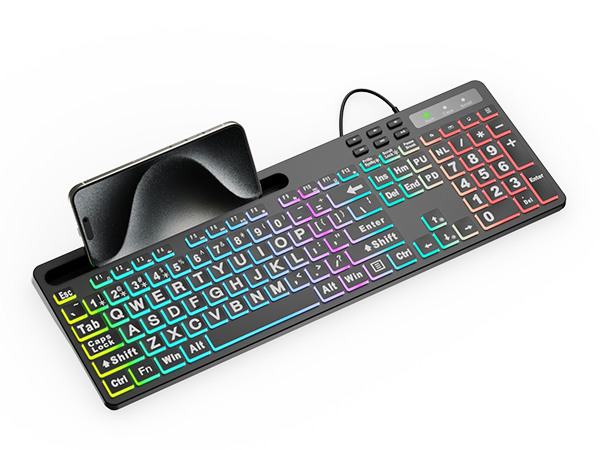
Phone/Tablet Holder | |
RGB Backlight | |
Multimedia Shortcut | |
Numeric Keypad | |
With Mouse | |
Wireless Or Wired | Wired |
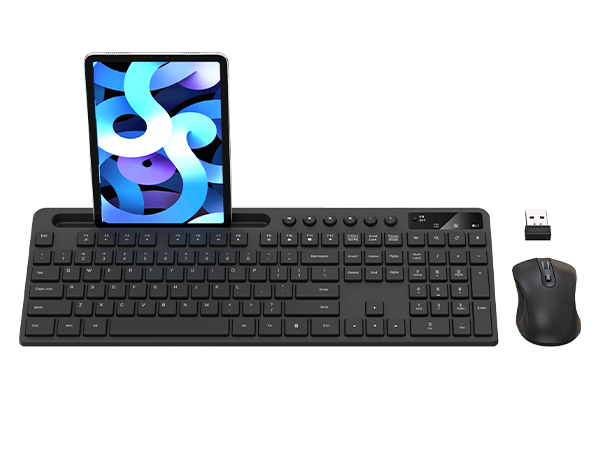
Phone/Tablet Holder | |
RGB Backlight | |
Multimedia Shortcut | |
Numeric Keypad | |
With Mouse | |
Wireless Or Wired | Wireless |
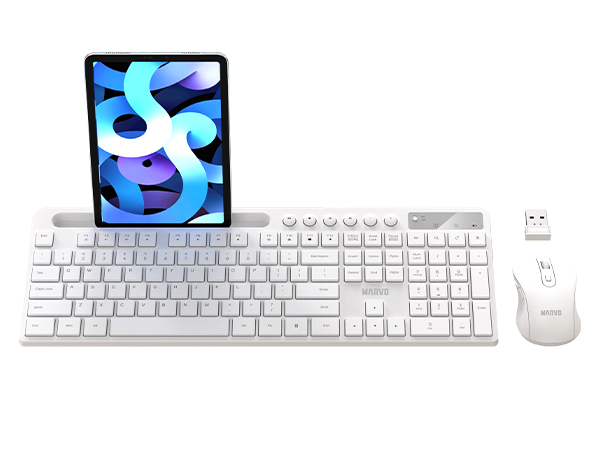
Phone/Tablet Holder | |
RGB Backlight | |
Multimedia Shortcut | |
Numeric Keypad | |
With Mouse | |
Wireless Or Wired | Wireless |
How to change the backlit color and brightness?
Press "Fn + Mode key of M1~M9" or "Fn + Ins" to select the colors or modes, press arrow keys (up/down) to adjust brightness and (left/right) to adjust backlight breathing speed.
Does this keyboard have function keys?
Yes, there are 16 shortcut keys (Fn+F1~F12, Home/Email/Computer/Calculator) and 6 independent media keys.
Will it lagging when typing?
Simply plug the USB connector into your computer or laptop, and you can start typing immediately, there is no delay issue with cable connection.
Does this wireless keyboard works with Windows and Mac OS?
Compatible with Windows and Mac. You can switch between Windows and Mac simply and it works great on both.
What if my keyboard don't work?
Please contact the seller for further assistance firstly. We will be 100% responsible for each of our products and customers.
BRTTER THAN YOU EXPECT!!!

MARVO
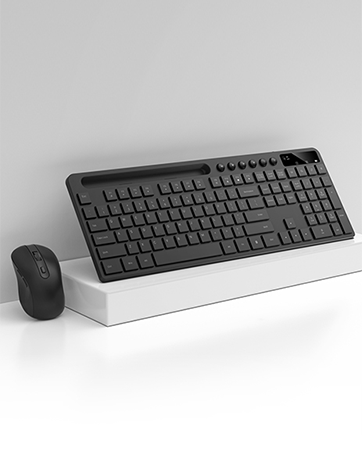
KC411W
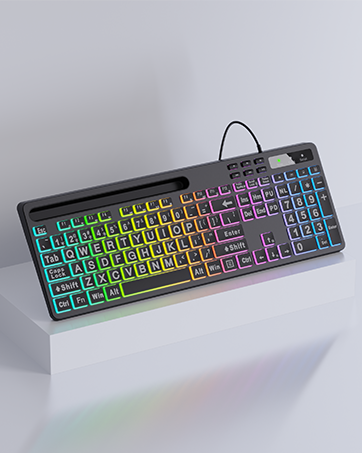
WK712 Wired Keyboard