here!
here!
I’m your shopping assistant for PC builds, upgrades, and everything tech.
Got questions? Ask away!
Start a conversation
here!
I’m your shopping assistant for PC builds, upgrades, and everything tech.
Got questions? Ask away!
Start a conversation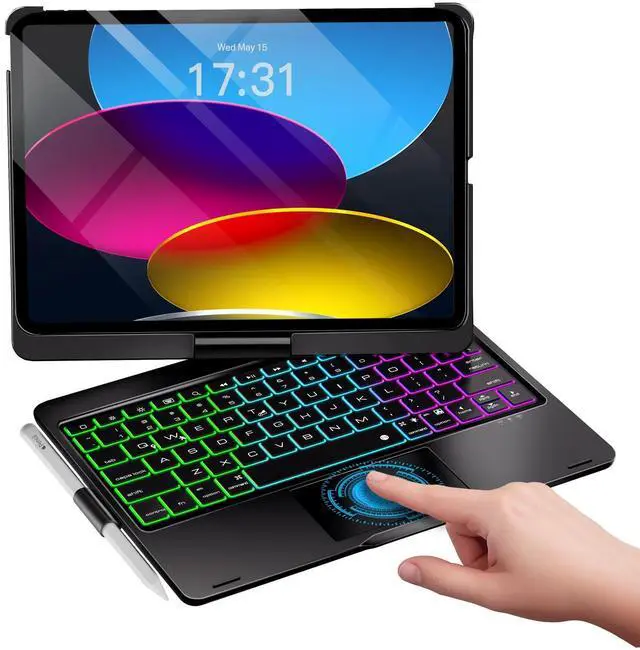



Any questions? Ask CelesteSM will help you find out quickly.
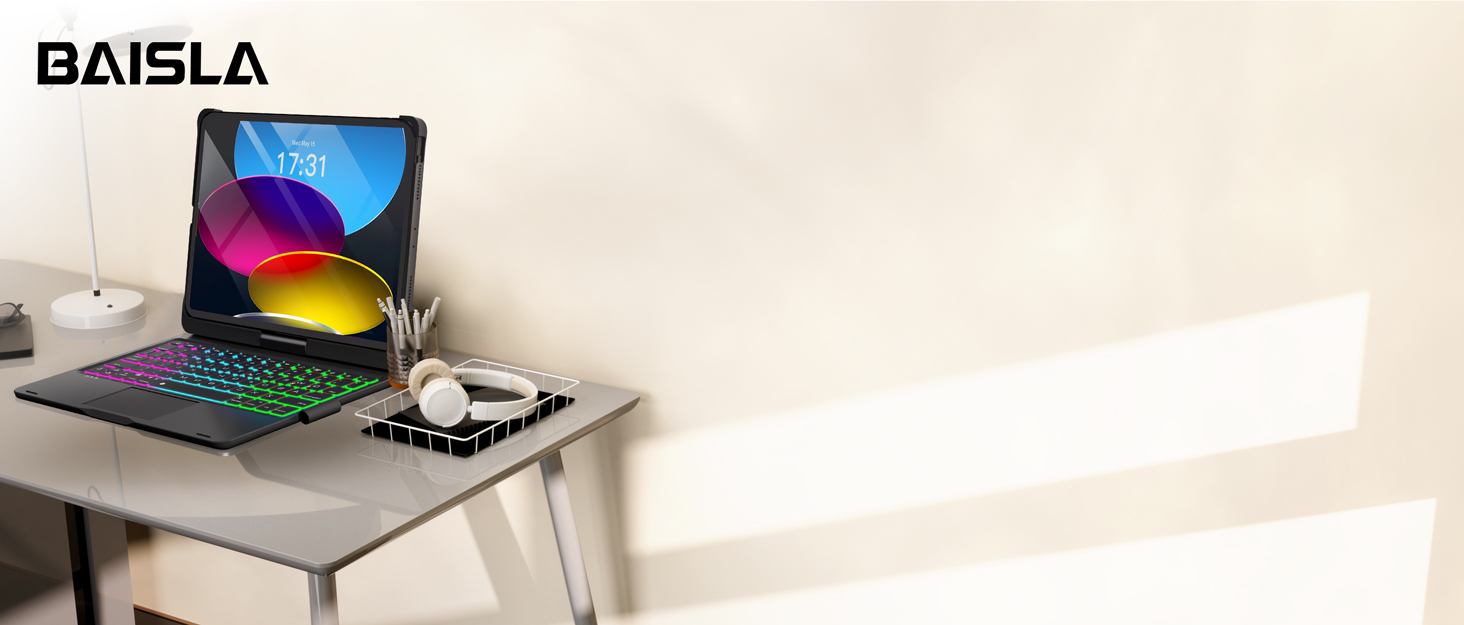
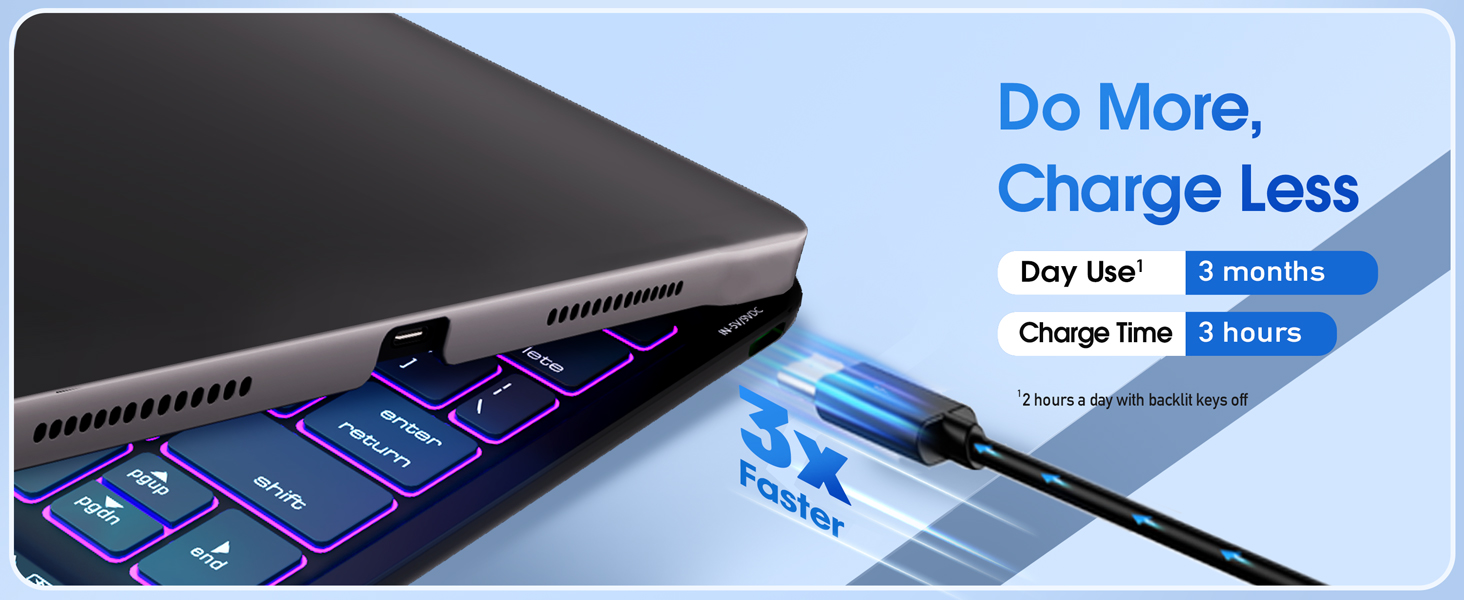
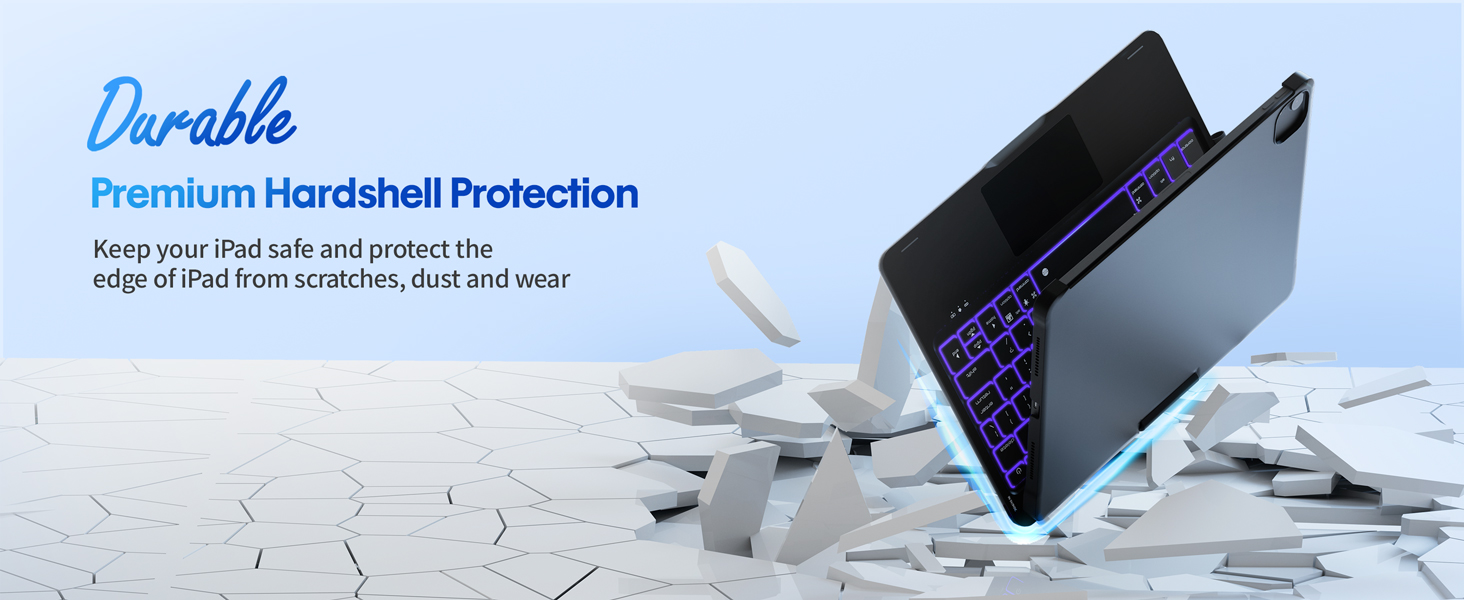
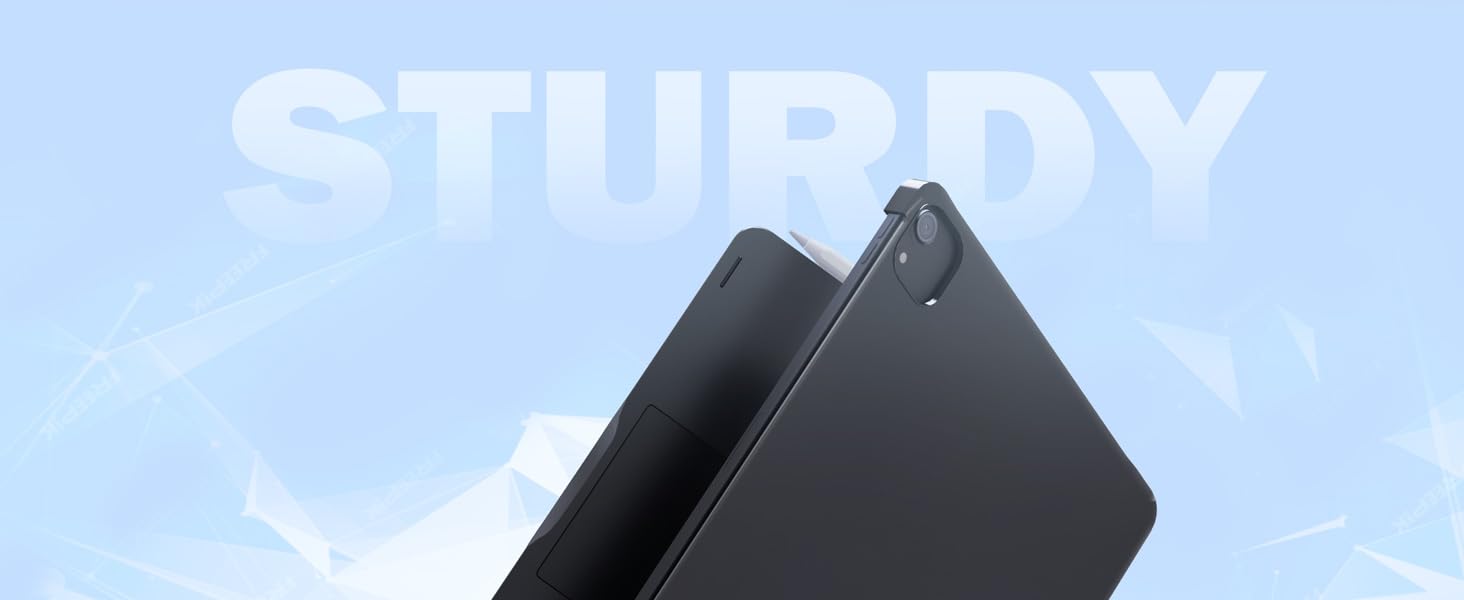
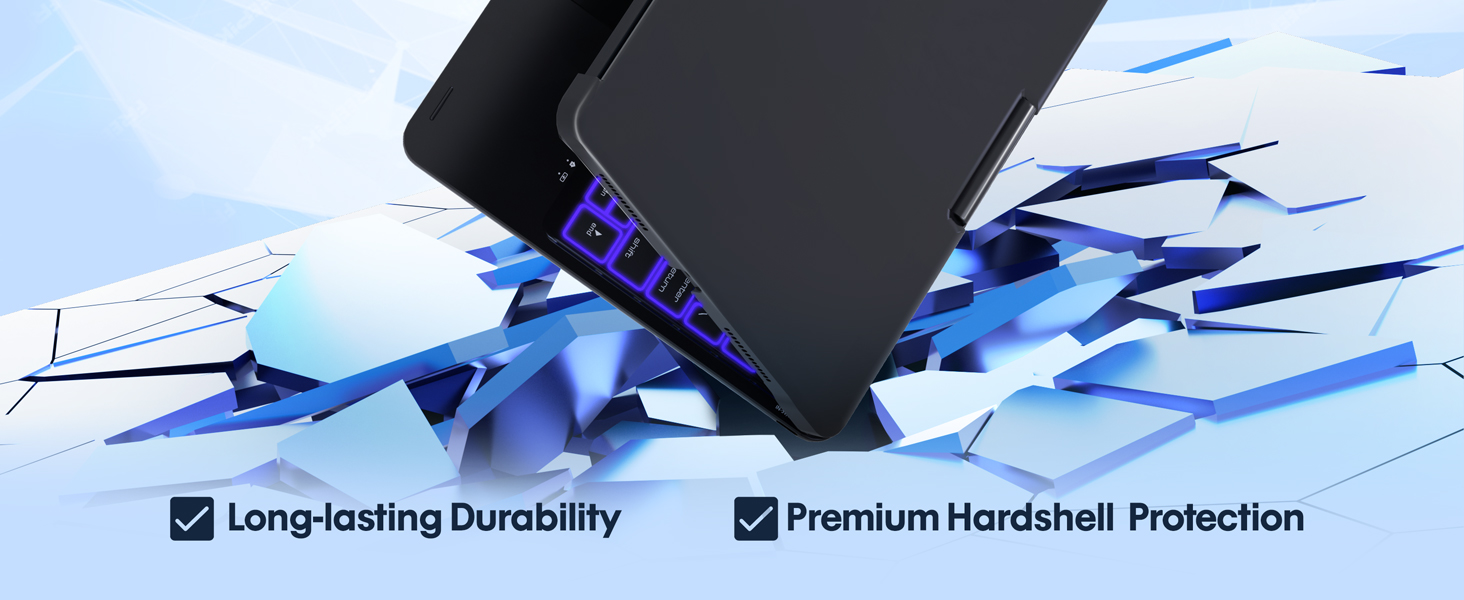
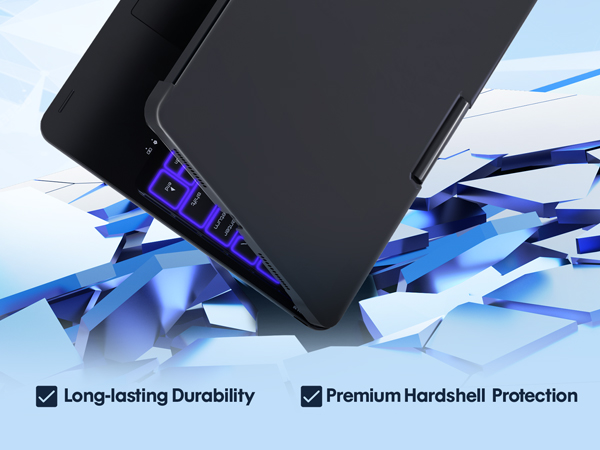
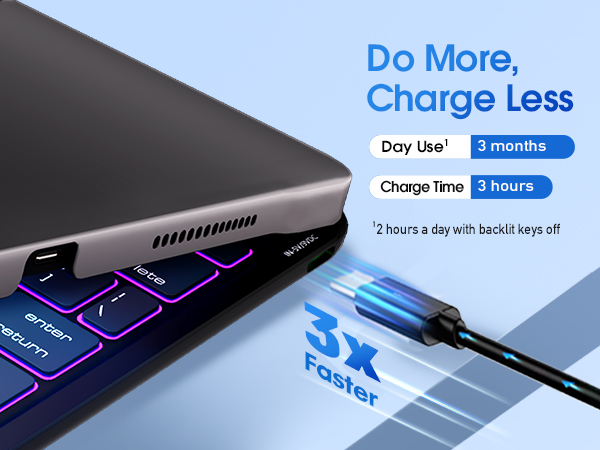
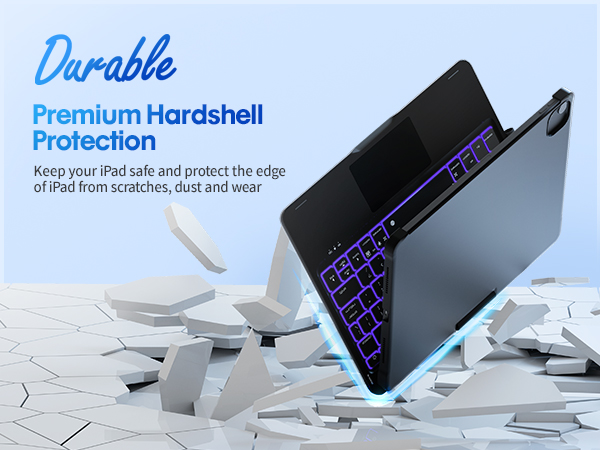
Perfect for business, work or other activities, with 360° sturdy hinge, long-lasting battery, and premium hardshell protection.
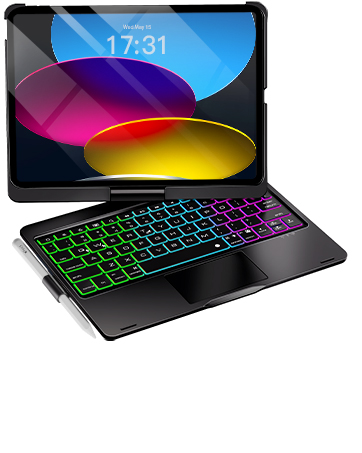
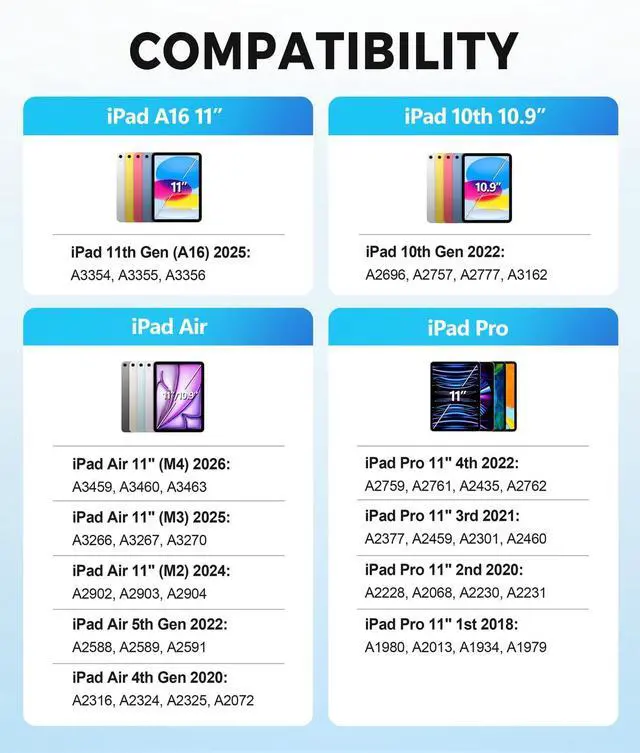
Baisla Keyboard Case for iPad 11th Gen(A16), iPad 10th Gen, iPad Air 11(M4/M3/M2)/Air 5th/Air 4th& iPad Pro 11-inch 4th/3rd/2nd/1st Gen
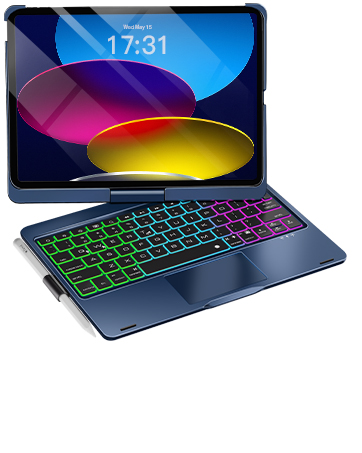
Baisla Keyboard Case for iPad 11th Gen(A16), iPad 10th Gen, iPad Air 11(M4/M3/M2)/Air 5th/Air 4th& iPad Pro 11-inch 4th/3rd/2nd/1st Gen
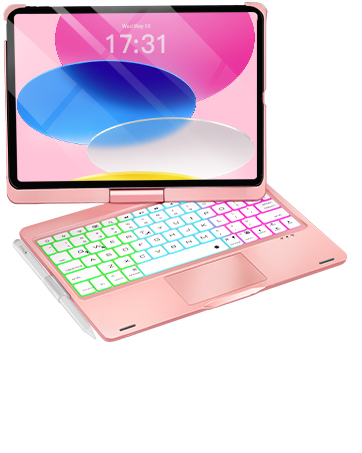
Baisla Keyboard Case for iPad 11th Gen(A16), iPad 10th Gen, iPad Air 11(M4/M3/M2)/Air 5th/Air 4th& iPad Pro 11-inch 4th/3rd/2nd/1st Gen
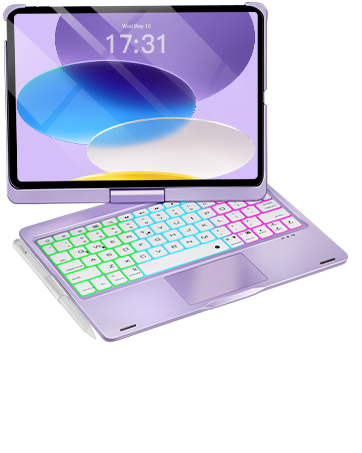
Baisla Keyboard Case for iPad 11th Gen(A16), iPad 10th Gen, iPad Air 11(M4/M3/M2)/Air 5th/Air 4th& iPad Pro 11-inch 4th/3rd/2nd/1st Gen
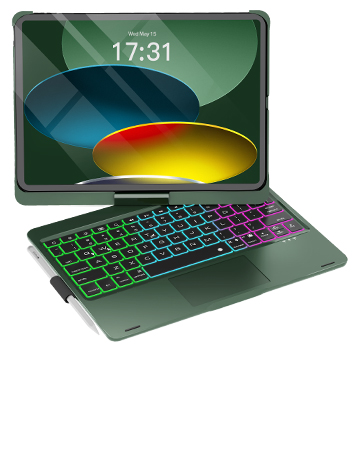
Baisla Keyboard Case for iPad 11th Gen(A16), iPad 10th Gen, iPad Air 11(M4/M3/M2)/Air 5th/Air 4th& iPad Pro 11-inch 4th/3rd/2nd/1st Gen
How do I connect the keyboard case to iPad?
1. Fully charge the keyboard before using.
2. Press power button for 3 seconds.
3. Press pair button for 3 seconds, the pair indicator flashes blue.
4. Select "Bluetooth Keyboard" in Settings: Settings - Bluetooth - Bluetooth Keyboard.
What viewing angles does this keyboard case support?
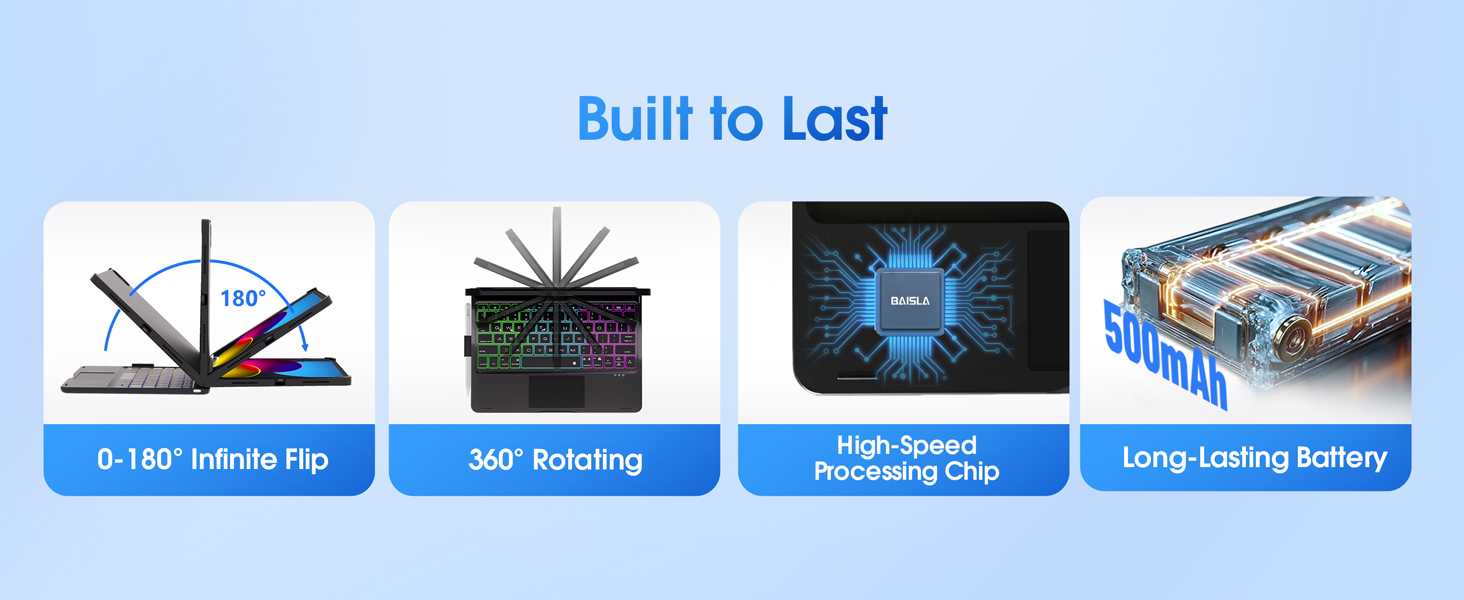
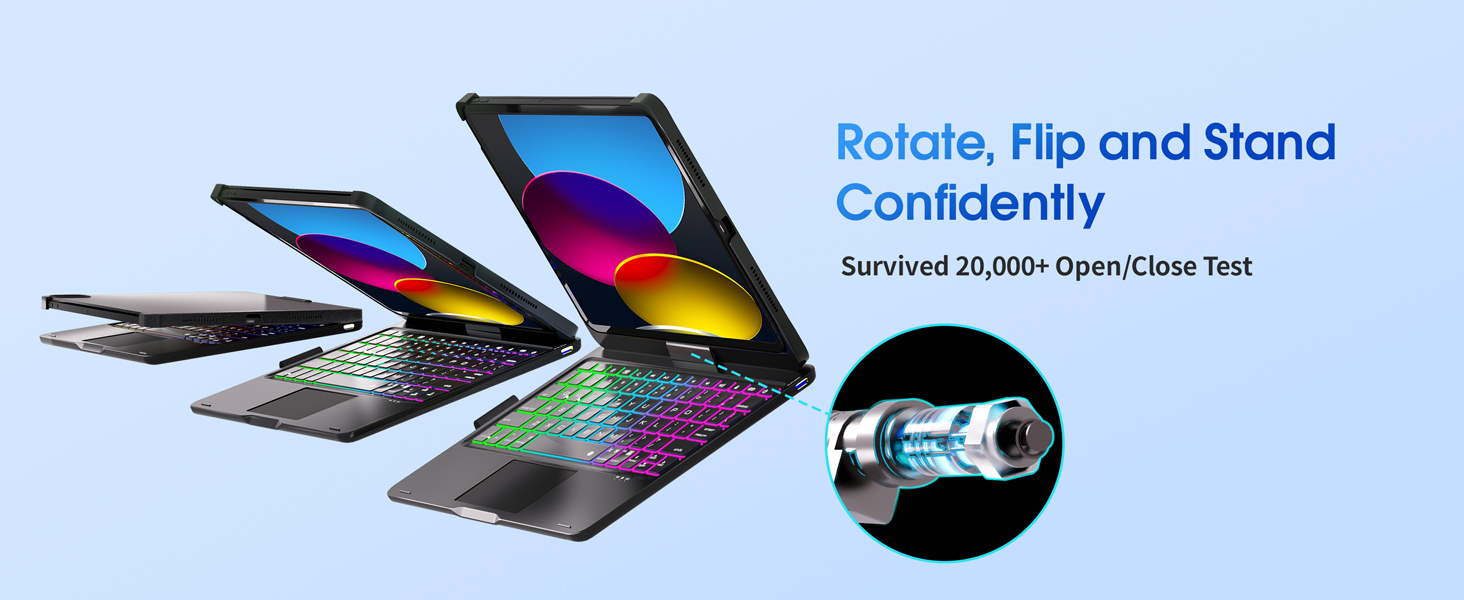
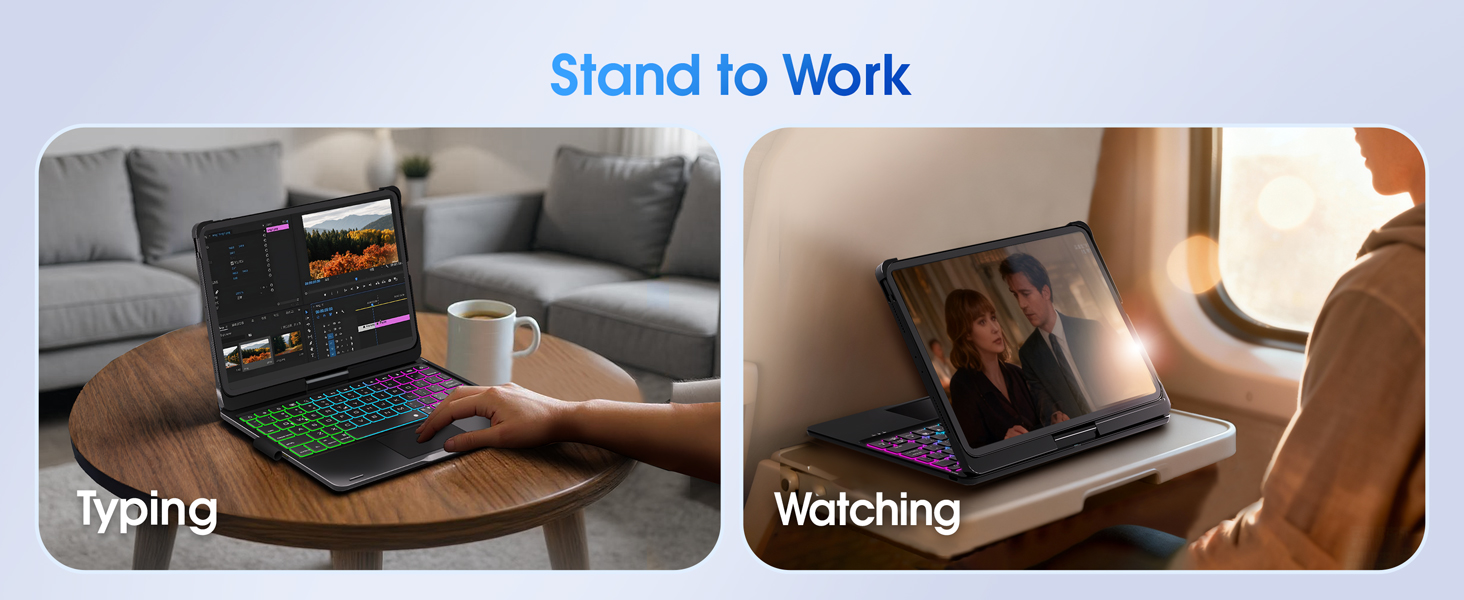
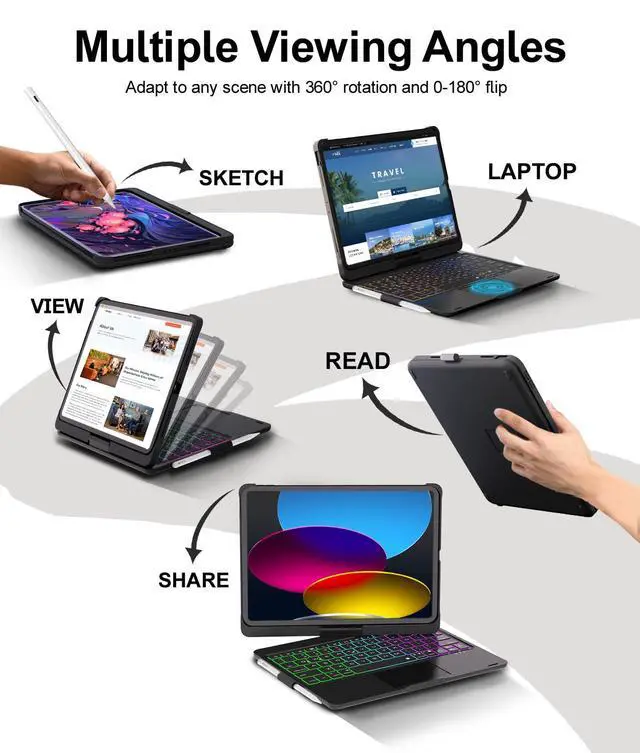
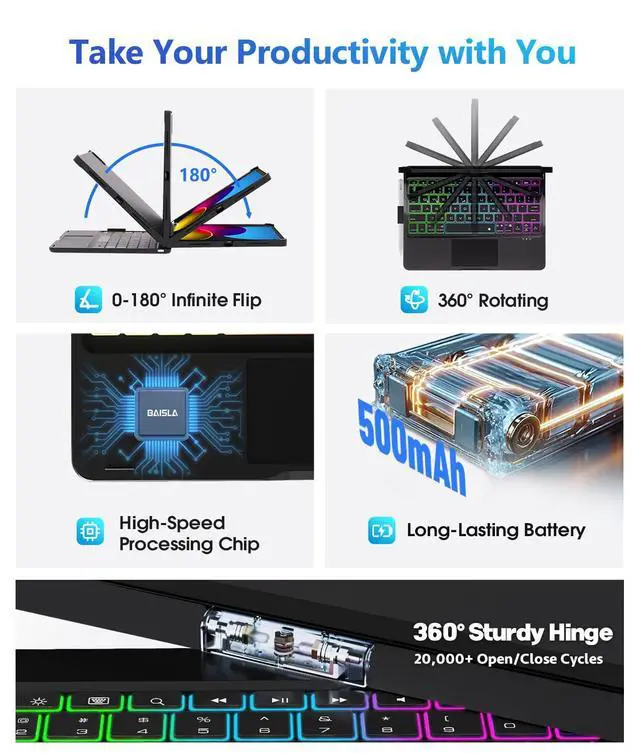
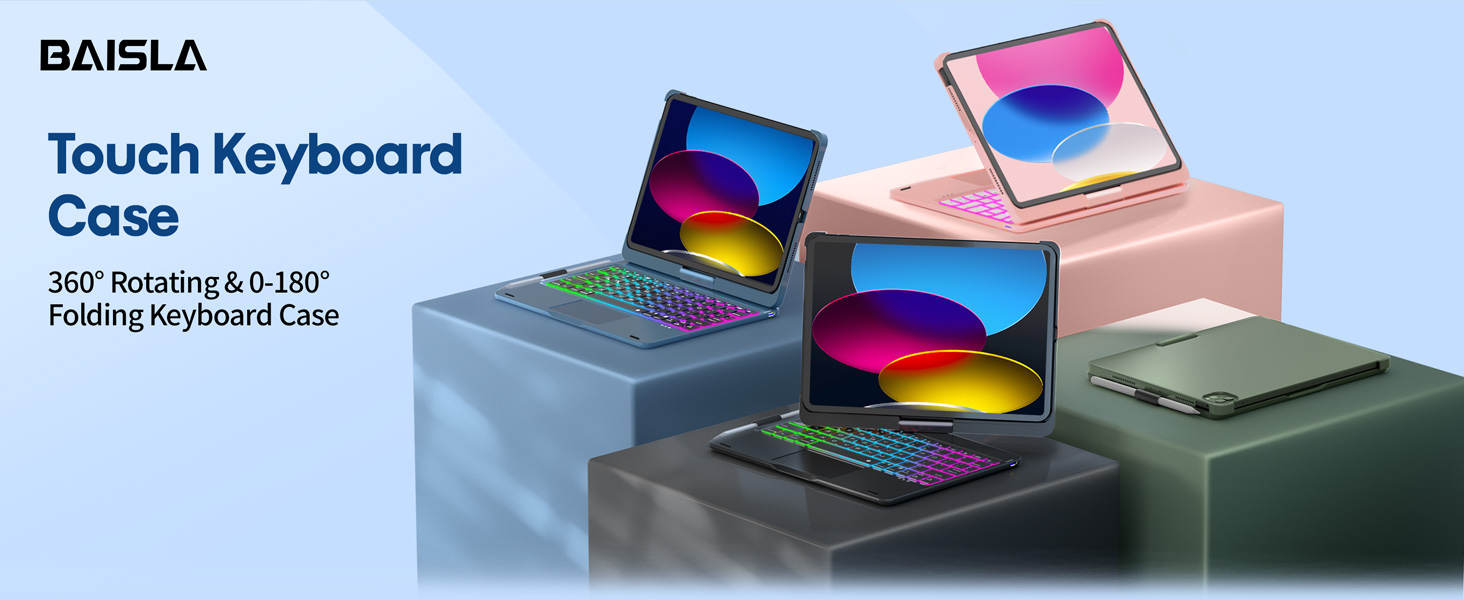
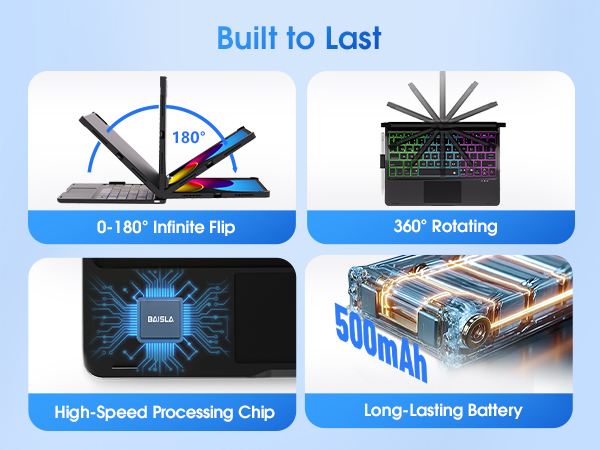
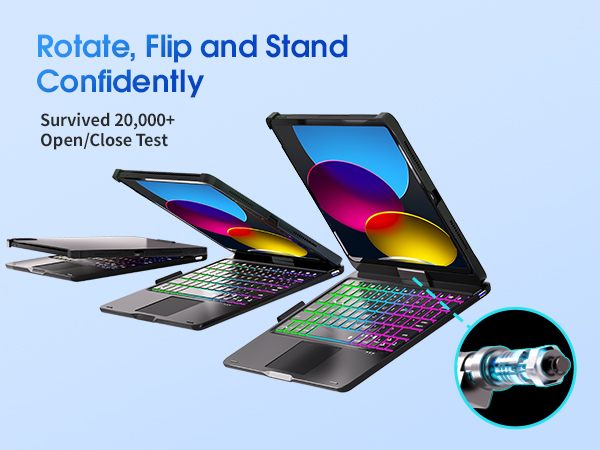
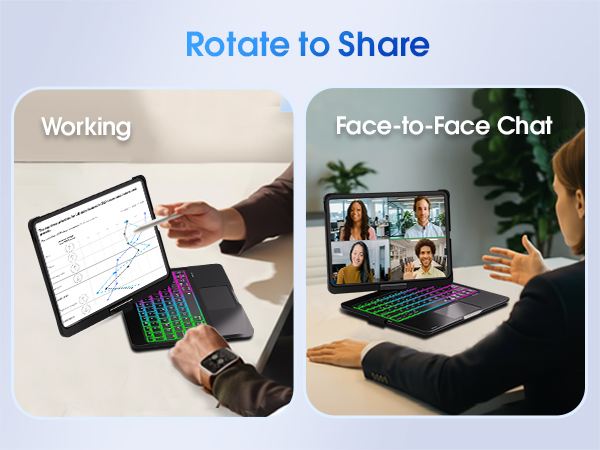
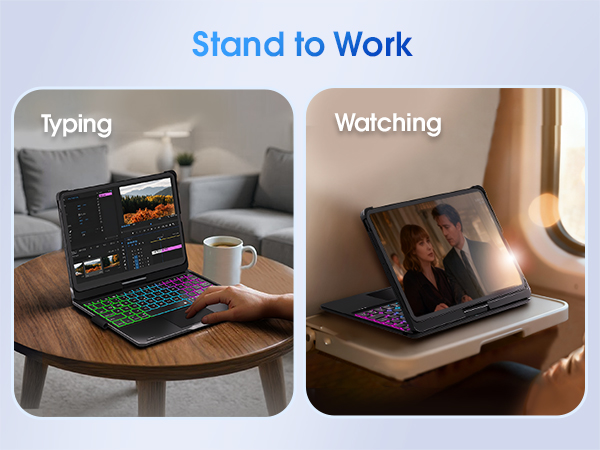
It supports 360° rotation and 0-180° folding. The hinge is tested for 20,000+ open/close cycles for stable everyday use, offering 7 usage modes for typing notes, drawing, reading, watching video, presenting, browsing, or using iPad in tablet mode.
Does it have a trackpad, and is the keyboard backlit?
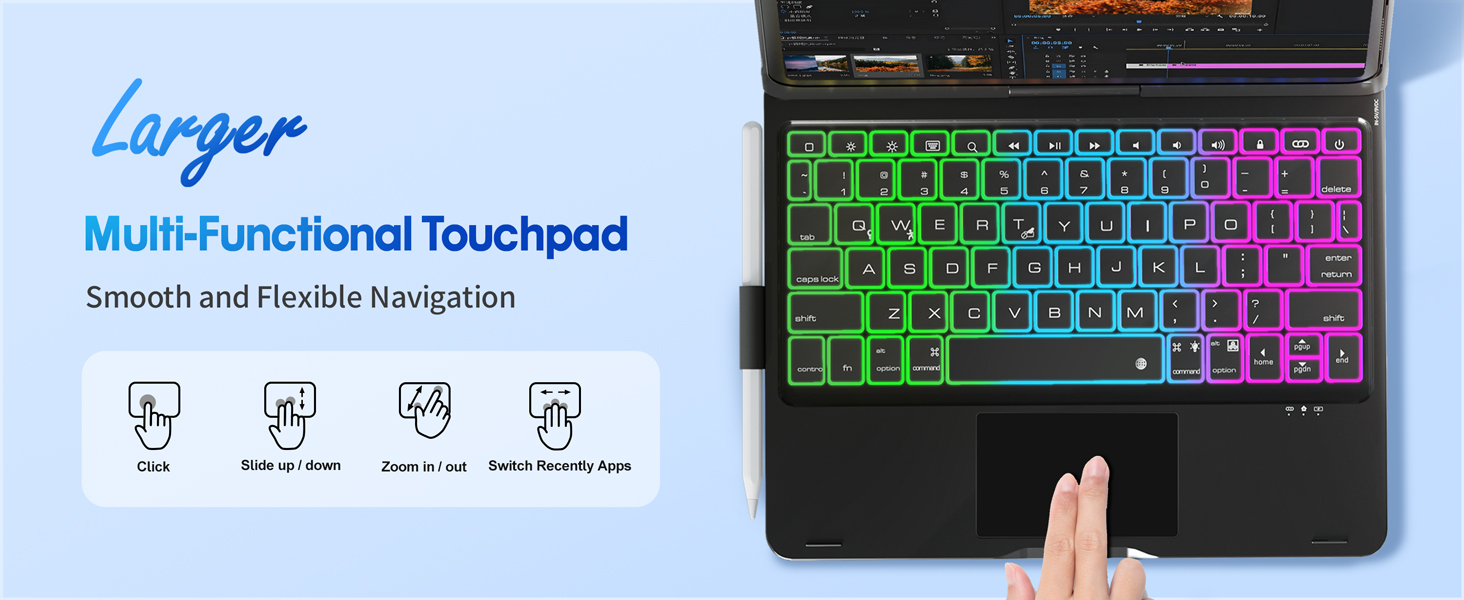
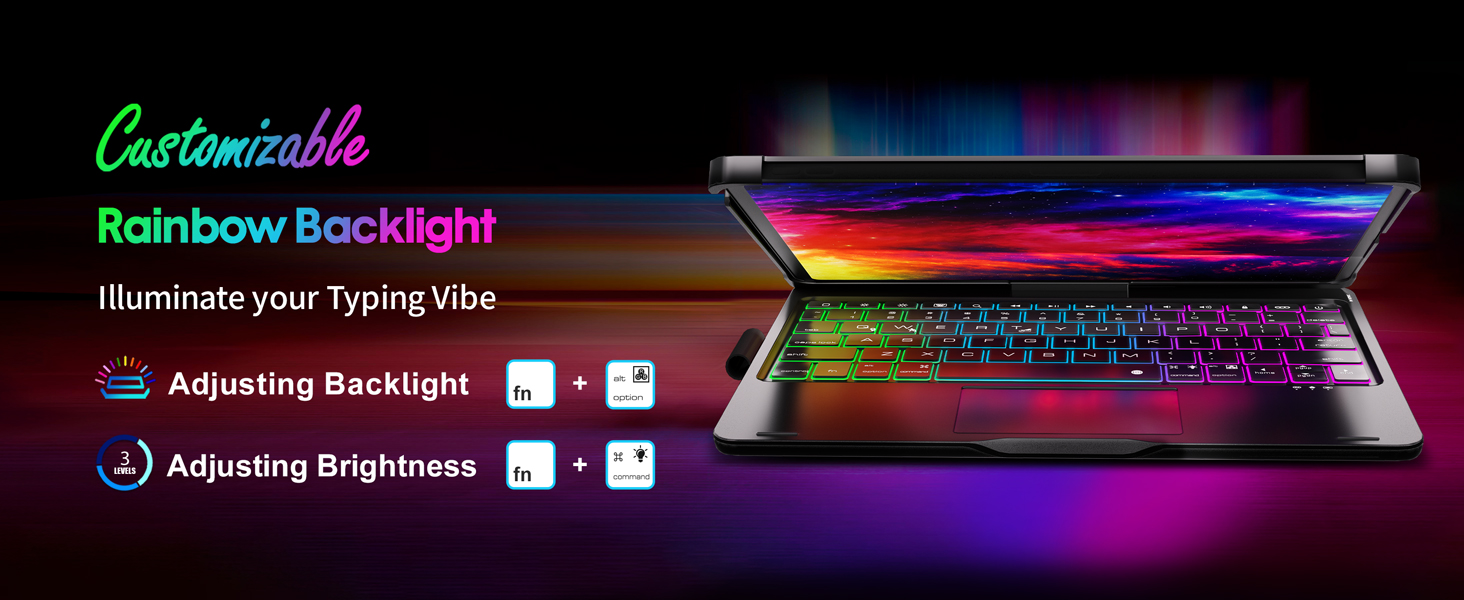
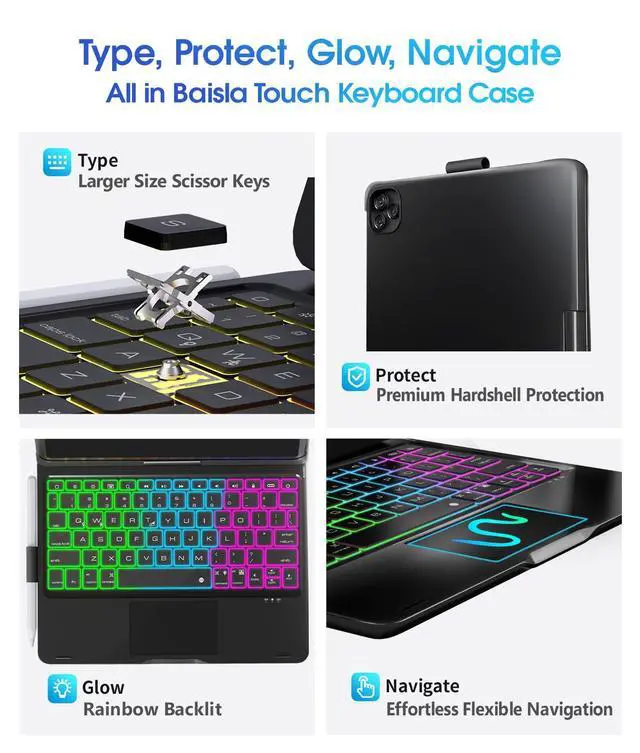
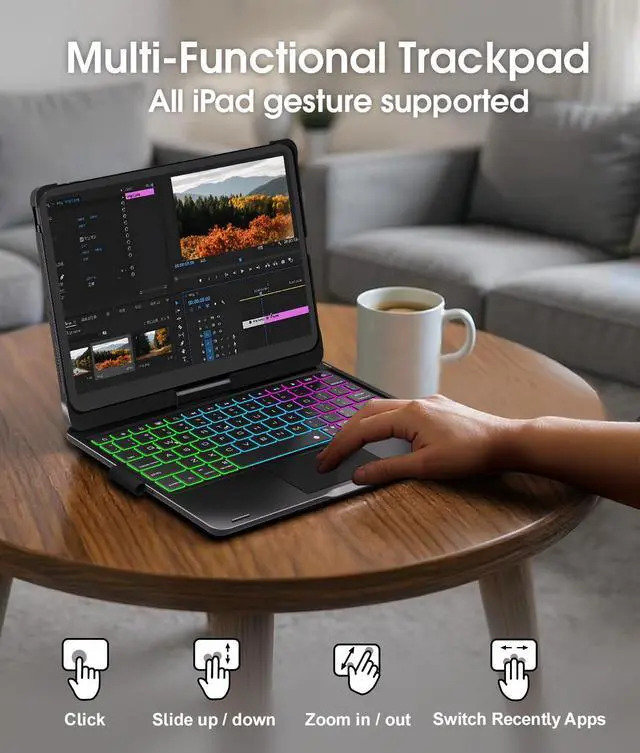
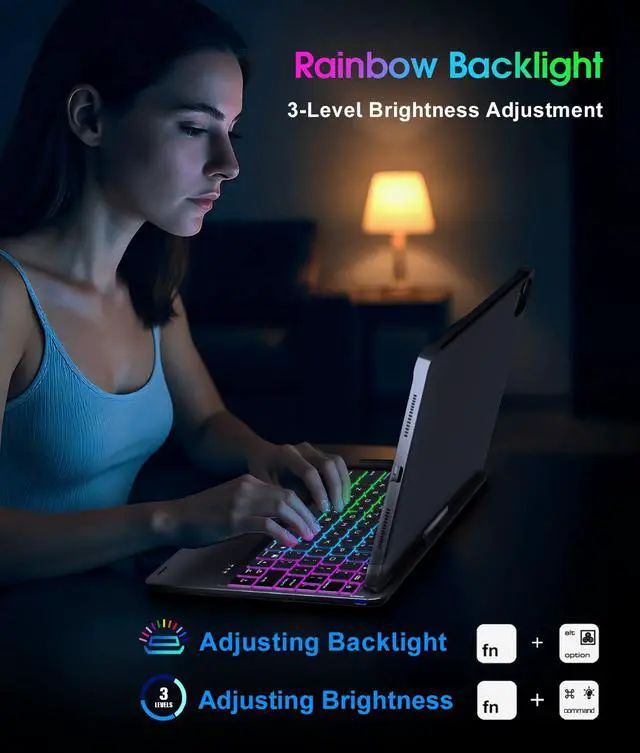
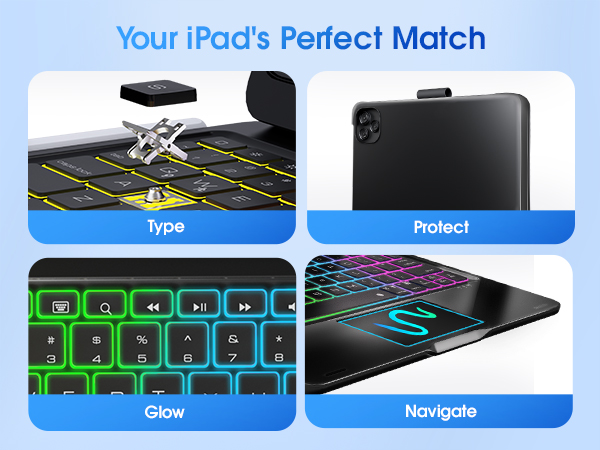
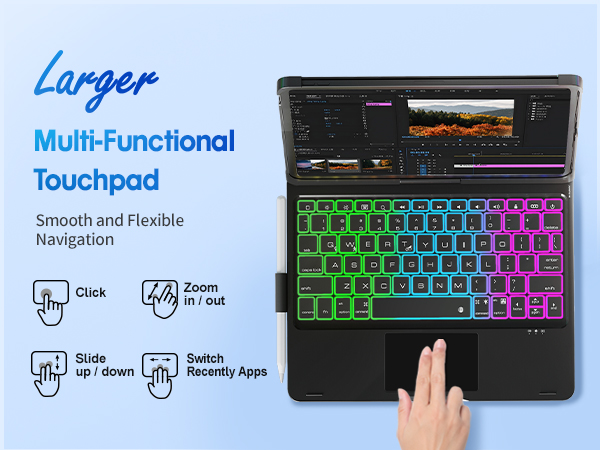
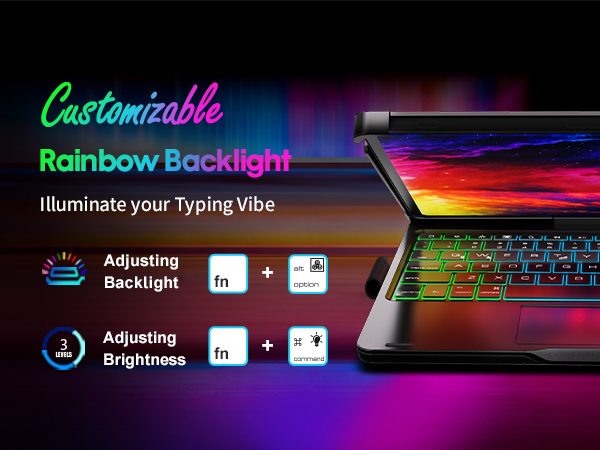
Yes. The large multi-touch trackpad provides accurate cursor control and access to all iPad gestures.Press Fn + T to turn on/off the touchpad. It has adjustable 7-color RGB backlighting and 3 brightness settings for comfortable typing day and night.
Does it have secure pencil storage?
Yes. This keyboard case includes a built-in Pencil holder that keeps your Pencil secure and easy to reach at home, school, work, or traveling.
Is the keyboard case comfortable for long typing sessions?
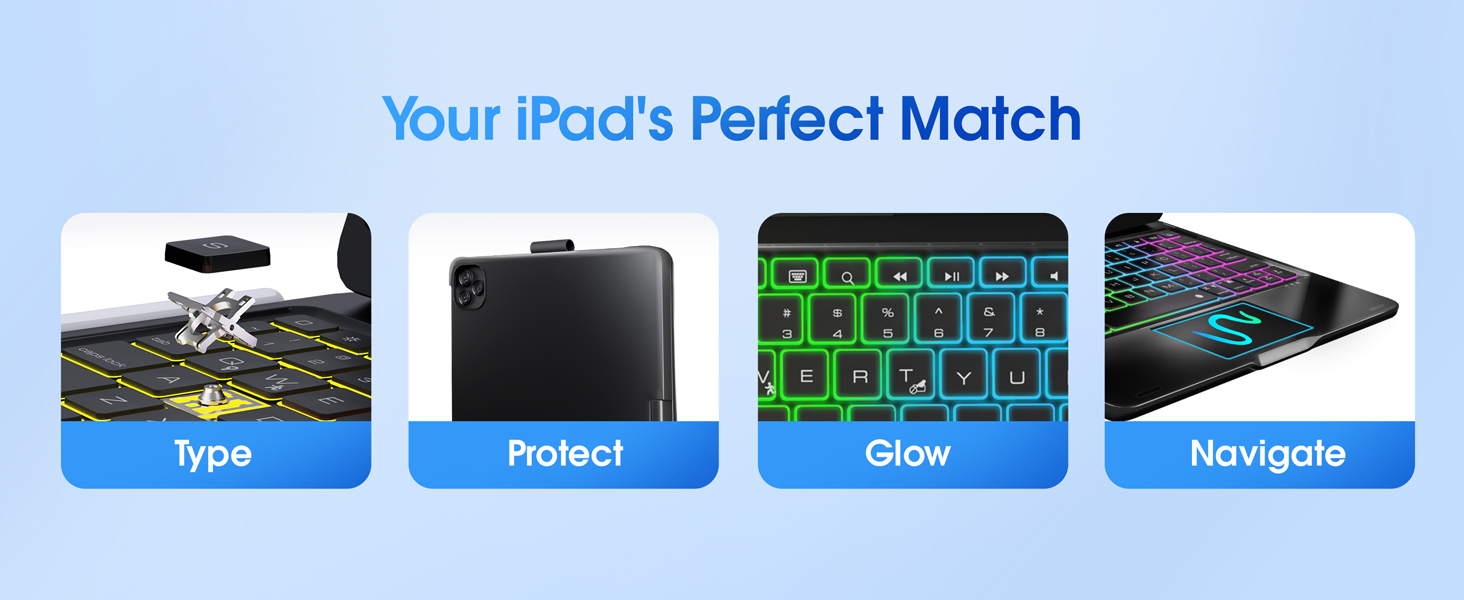
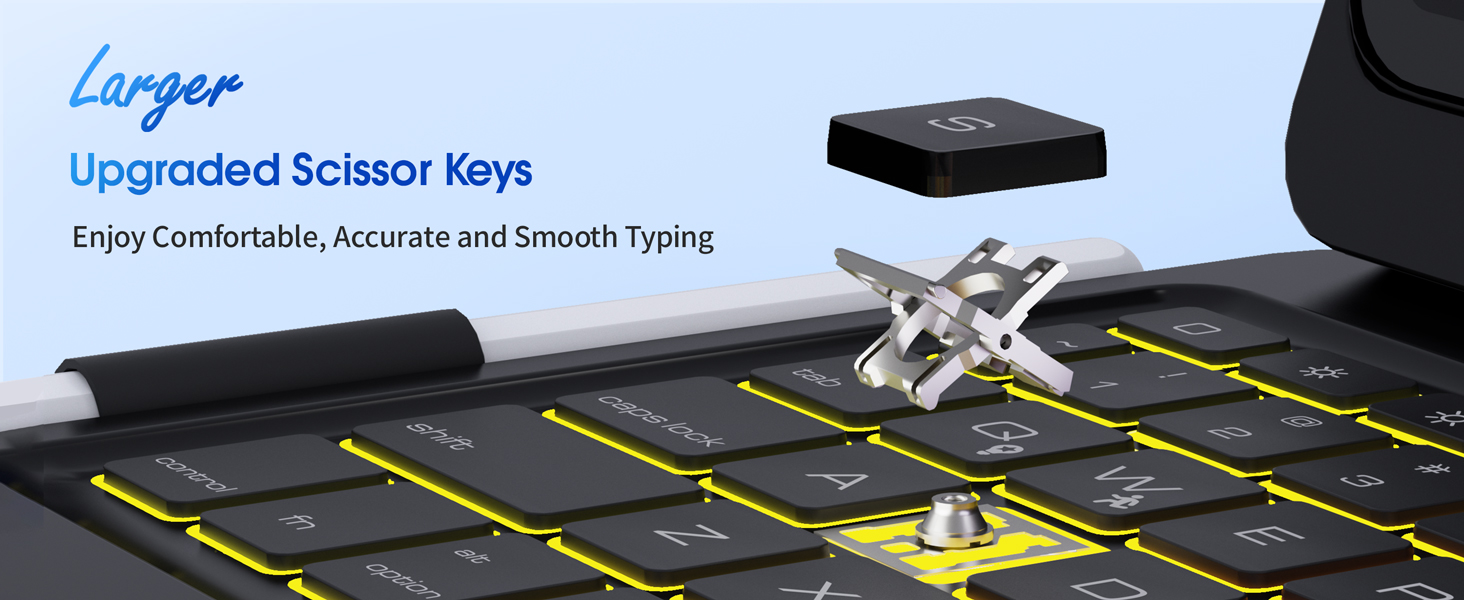
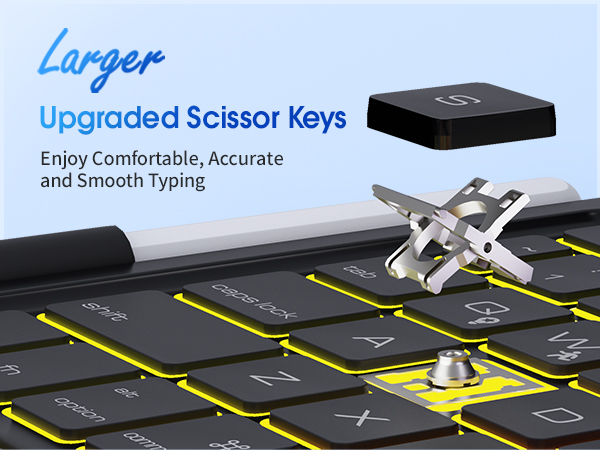
Yes. Laptop-style scissor keys provide smooth and controlled typing. Full row of iPadOS shortcut keys offers quick access to essential controls. This combination helps improve efficiency.


How do I connect the keyboard case to iPad?
1. Fully charge the keyboard before using.
2. Press power button for 3 seconds.
3. Press pair button for 3 seconds, the pair indicator flashes blue.
4. Select "Bluetooth Keyboard" in Settings: Settings - Bluetooth - Bluetooth Keyboard.
What viewing angles does this keyboard case support?
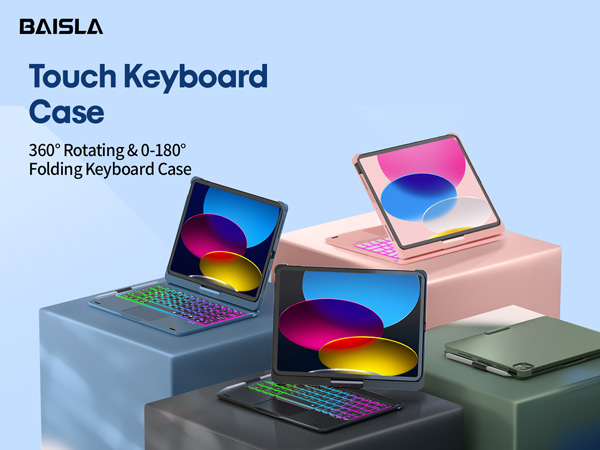
It supports 360° rotation and 0-180° folding. The hinge is tested for 20,000+ open/close cycles for stable everyday use, offering 7 usage modes for typing notes, drawing, reading, watching video, presenting, browsing, or using iPad in tablet mode.
Does it have a trackpad, and is the keyboard backlit?
Yes. The large multi-touch trackpad provides accurate cursor control and access to all iPad gestures.Press Fn + T to turn on/off the touchpad. It has adjustable 7-color RGB backlighting and 3 brightness settings for comfortable typing day and night.
Does it have secure pencil storage?
Yes. This keyboard case includes a built-in Pencil holder that keeps your Pencil secure and easy to reach at home, school, work, or traveling.
Is the keyboard case comfortable for long typing sessions?
Yes. Laptop-style scissor keys provide smooth and controlled typing. Full row of iPadOS shortcut keys offers quick access to essential controls. This combination helps improve efficiency.
Perfect for business, work or other activities, with 360° sturdy hinge, long-lasting battery, and premium hardshell protection.
Baisla Keyboard Case for iPad 11th Gen(A16), iPad 10th Gen, iPad Air 11(M4/M3/M2)/Air 5th/Air 4th& iPad Pro 11-inch 4th/3rd/2nd/1st Gen
Baisla Keyboard Case for iPad 11th Gen(A16), iPad 10th Gen, iPad Air 11(M4/M3/M2)/Air 5th/Air 4th& iPad Pro 11-inch 4th/3rd/2nd/1st Gen
Baisla Keyboard Case for iPad 11th Gen(A16), iPad 10th Gen, iPad Air 11(M4/M3/M2)/Air 5th/Air 4th& iPad Pro 11-inch 4th/3rd/2nd/1st Gen
Baisla Keyboard Case for iPad 11th Gen(A16), iPad 10th Gen, iPad Air 11(M4/M3/M2)/Air 5th/Air 4th& iPad Pro 11-inch 4th/3rd/2nd/1st Gen
Baisla Keyboard Case for iPad 11th Gen(A16), iPad 10th Gen, iPad Air 11(M4/M3/M2)/Air 5th/Air 4th& iPad Pro 11-inch 4th/3rd/2nd/1st Gen