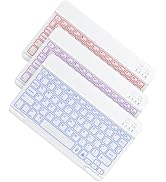
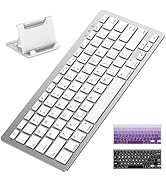
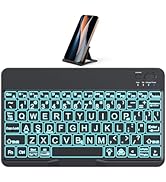
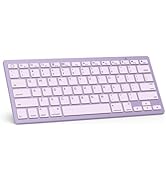
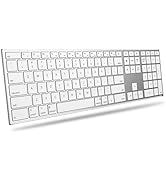
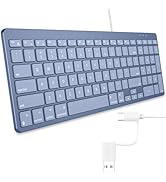
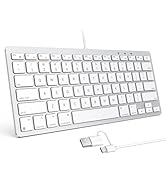
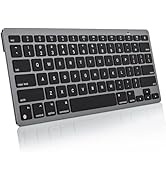
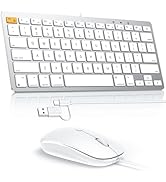
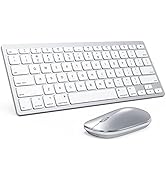
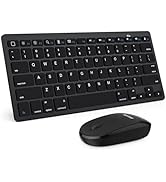
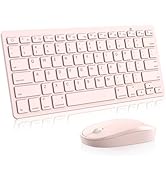
here!
here!
I’m your shopping assistant for PC builds, upgrades, and everything tech.
Got questions? Ask away!
Start a conversation
here!
I’m your shopping assistant for PC builds, upgrades, and everything tech.
Got questions? Ask away!
Start a conversation



Any questions? Ask CelesteSM will help you find out quickly.
What should I do if my keyboard won't connect or keeps disconnecting from my Mac?
Please try the following steps: 1. Ensure the keyboard has fresh batteries (low power causes issues). 2. Remove the keyboard from Mac's Bluetooth list, restart Mac, then re-pair. 3. If issues persist, please seek further assistance through your order
Why won’t the keyboard connect or turn on?
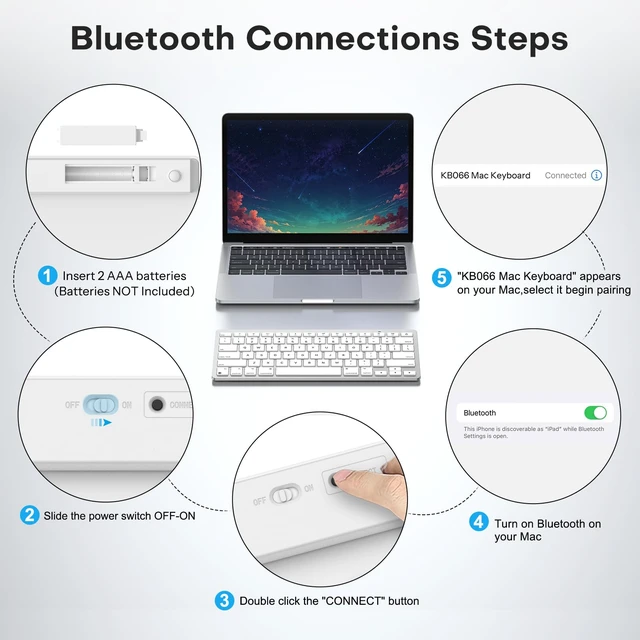
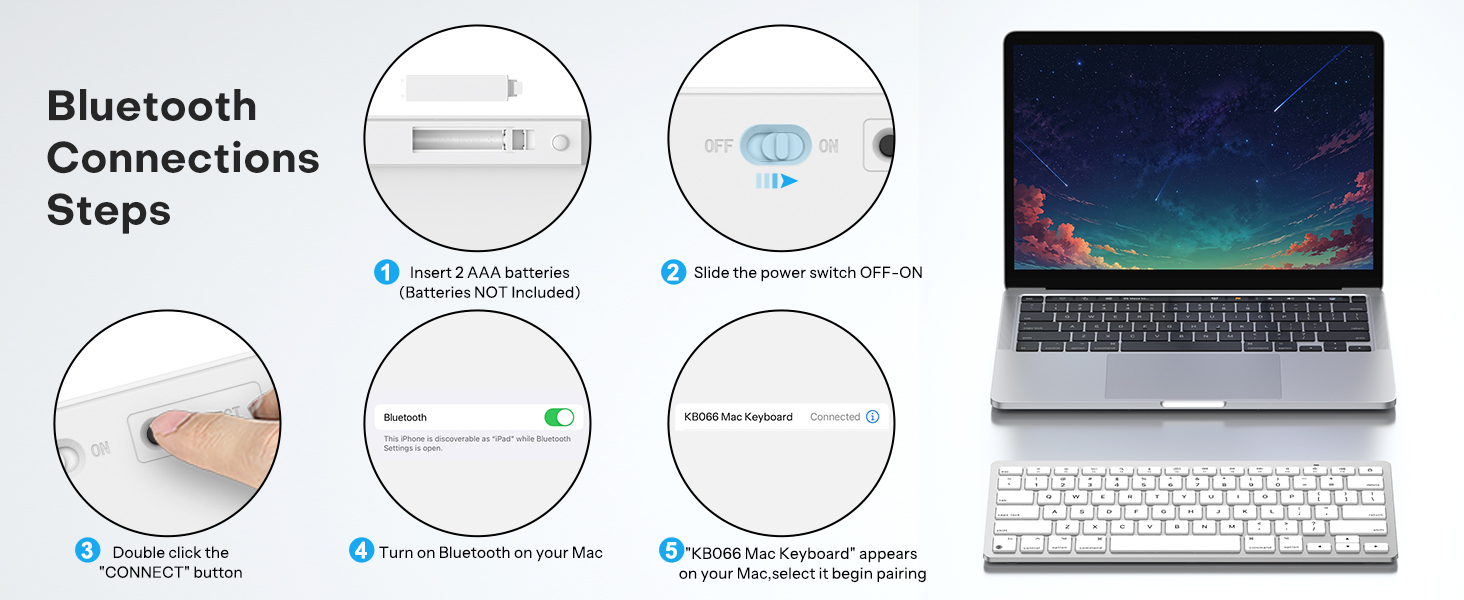
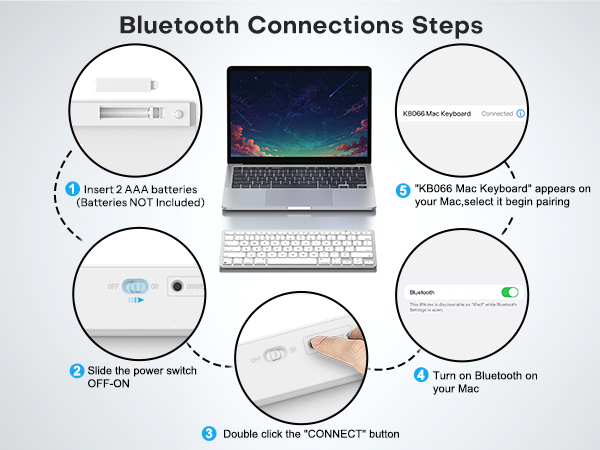
Use fresh batteries ( please check +/-). If it still doesn’t turn on, reinsert new batteries. Connect: turn on the power, enable Bluetooth on your Mac, and click “KB066 Mac Keyboard”. If issues persist please seek further assistance through the order
Does the Keyboard work with Windows or other devices?
No. It is specifically optimized for for macOS (11.3 or later), if used on other devices, some features may not be available. Therefore, we recommend using it exclusively on Mac systems.
Is this keyboard rechargeable?
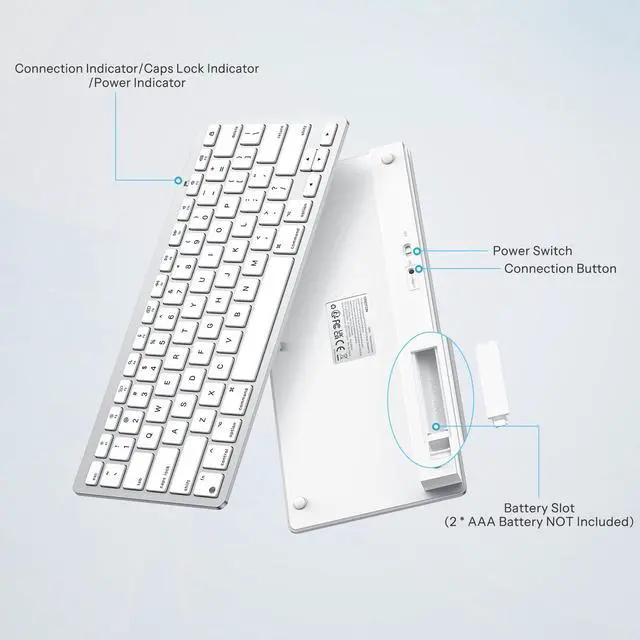
No, this keyboard is NOT rechargeable. It requires 2× AAA batteries for power. Please note: the batteries are NOT included with the keyboard.
Does it have a number pad and backlit keys?
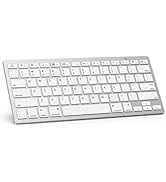
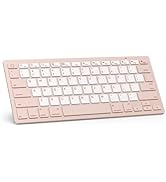
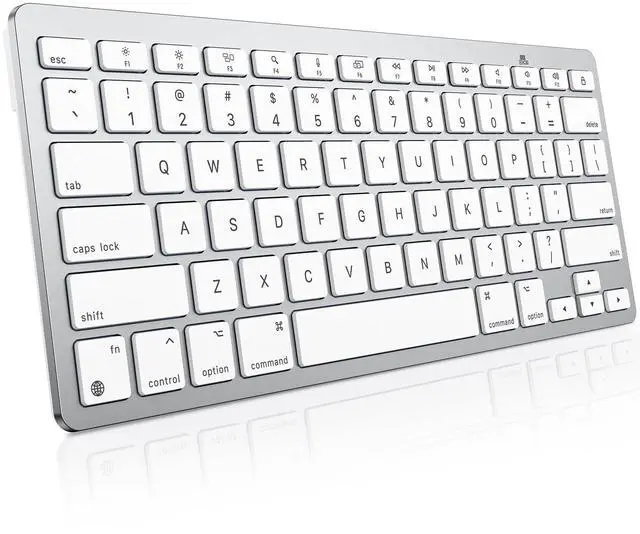
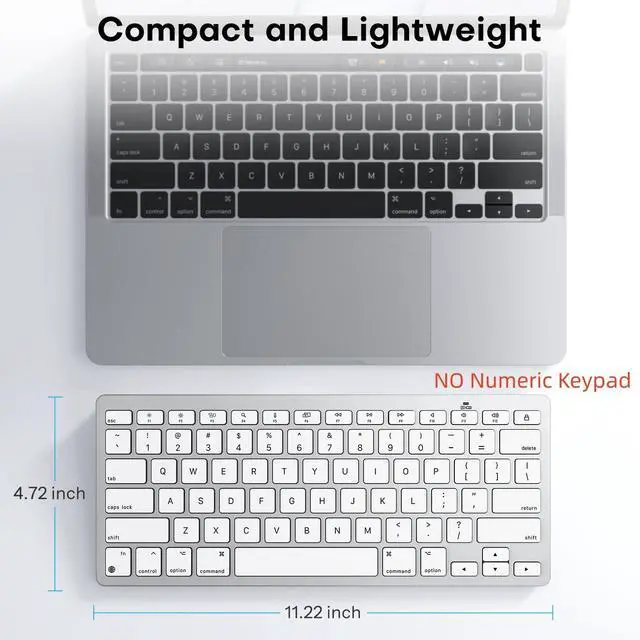
No, this is a compact keyboard. It does NOT include the numeric keypad on the right side. And the keyboard does NOT have backlit keys.


Whether you're typing, gaming, or designing, our keyboards are built to keep you in the flow.
Vibrant by design. Creative by choice.
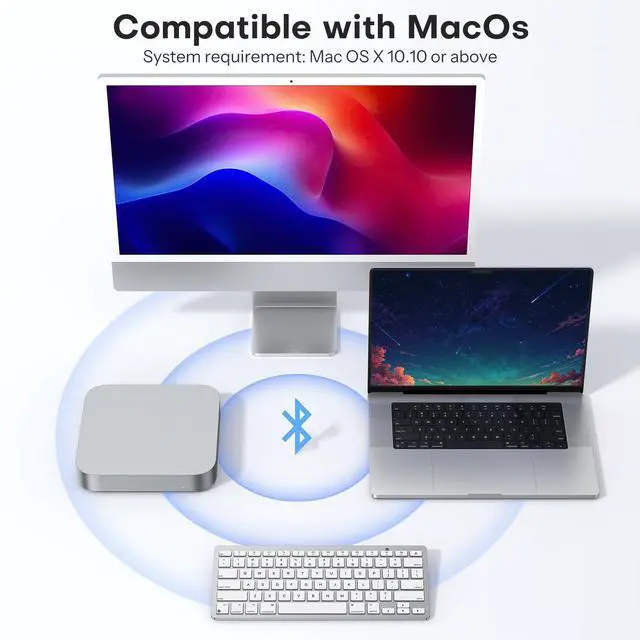
| Compatible Model | Mac, MacBook Pro/Air, iMac, iMac Pro, Mac Mini, Mac Pro and All Mac Devices ( recommend 10.10 or later) |
|---|---|
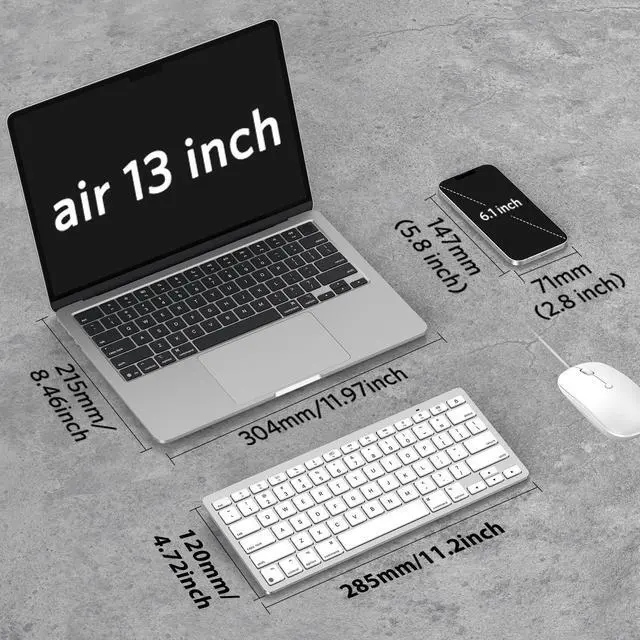
| Keyboard Dimensions LxWxH | 11.2" x 4.72" x 0.85" / 285 x 120 x 21.8 mm |
| Batteries | 2 AAA batteries required (NOT included, NOT NOT NOT NOT Rechargeable) |
| Connection method | Bluetooth |
| Keyboard layout | QWERTY, Compact layout, no numpad |
| Rechargeable | No |
| Backlight | No |
| USB C Rechargeable | No |
| Numeric Keypad | No |
What should I do if my keyboard won't connect or keeps disconnecting from my Mac?
Please try the following steps: 1. Ensure the keyboard has fresh batteries (low power causes issues). 2. Remove the keyboard from Mac's Bluetooth list, restart Mac, then re-pair. 3. If issues persist, please seek further assistance through your order
Why won’t the keyboard connect or turn on?
Use fresh batteries ( please check +/-). If it still doesn’t turn on, reinsert new batteries. Connect: turn on the power, enable Bluetooth on your Mac, and click “KB066 Mac Keyboard”. If issues persist please seek further assistance through the order
Does the Keyboard work with Windows or other devices?
No. It is specifically optimized for for macOS (11.3 or later), if used on other devices, some features may not be available. Therefore, we recommend using it exclusively on Mac systems.
Is this keyboard rechargeable?
No, this keyboard is NOT rechargeable. It requires 2× AAA batteries for power. Please note: the batteries are NOT included with the keyboard.
Does it have a number pad and backlit keys?
No, this is a compact keyboard. It does NOT include the numeric keypad on the right side. And the keyboard does NOT have backlit keys.


Whether you're typing, gaming, or designing, our keyboards are built to keep you in the flow.
Vibrant by design. Creative by choice.

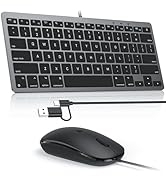
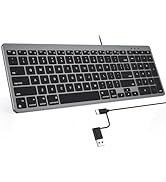
Full-Size Wireless Keyboard & Mouse for Windows /PC /Laptop /Computer, Silent Typing Keys for Office /Home