




 here!
here!
I’m your shopping assistant for PC builds, upgrades, and everything tech.
Got questions? Ask away!
Start a conversation
here!
I’m your shopping assistant for PC builds, upgrades, and everything tech.
Got questions? Ask away!
Start a conversation



Any questions? Ask CelesteSM will help you find out quickly.
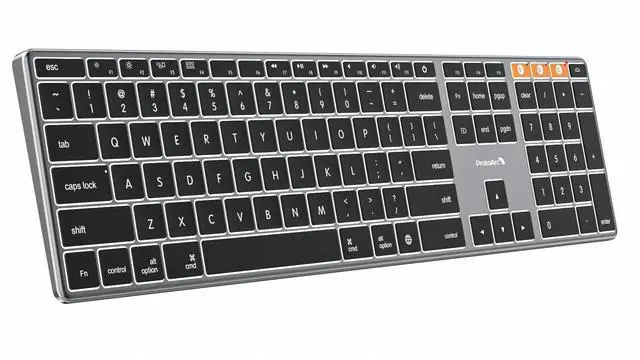
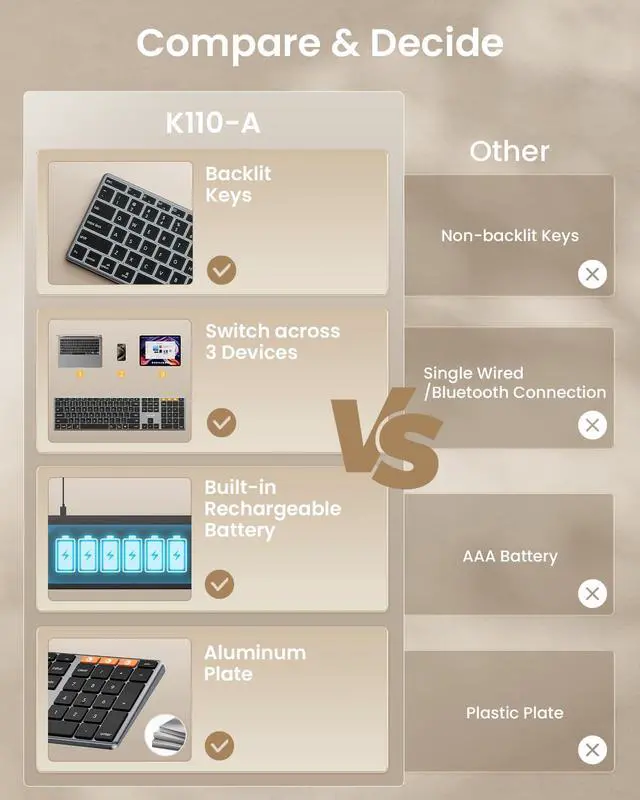
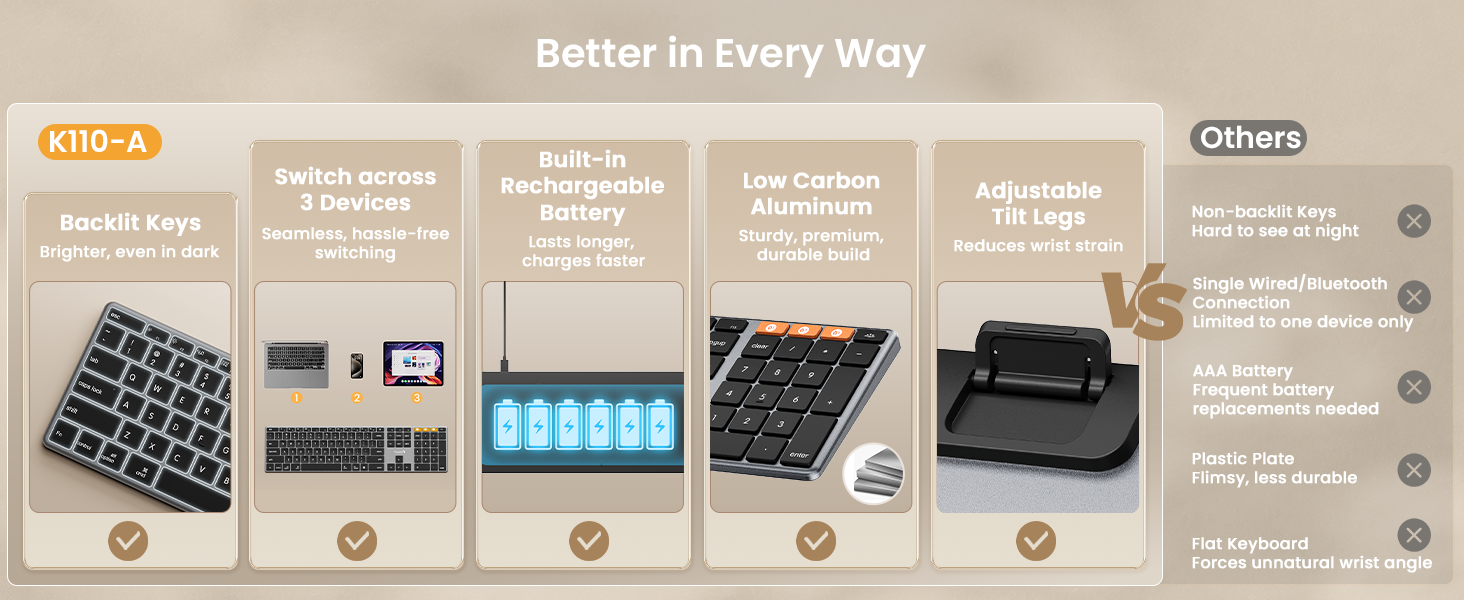
A premium full-size Mac keyboard combining adjustable white backlighting, a slim aluminum design, multi-device Bluetooth, and everyday desktop productivity

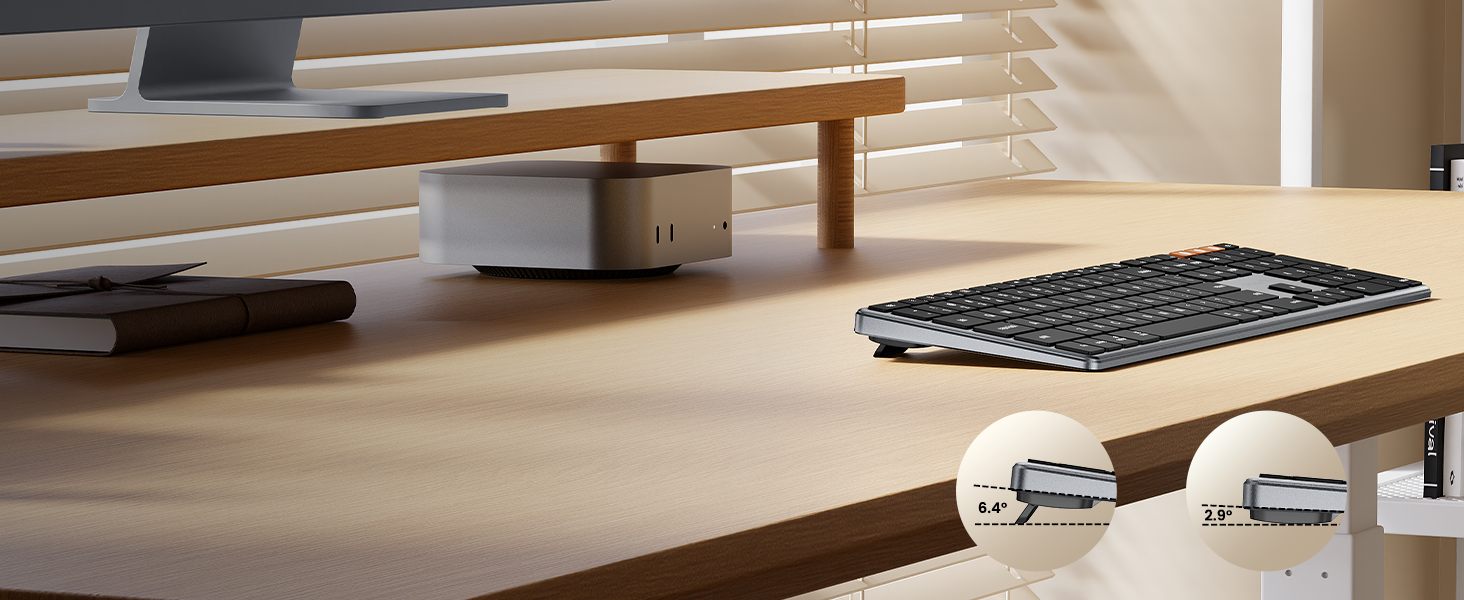
Built-in tilt feet let you raise the keyboard to your preferred angle for a more comfortable desktop typing position


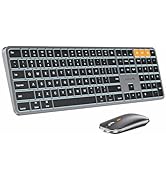
Complete your mac workspace with the ProtoArc K110-A Mac Keyboard and the EM15 USB-C Mouse - comfort meets performance in one seamless pair
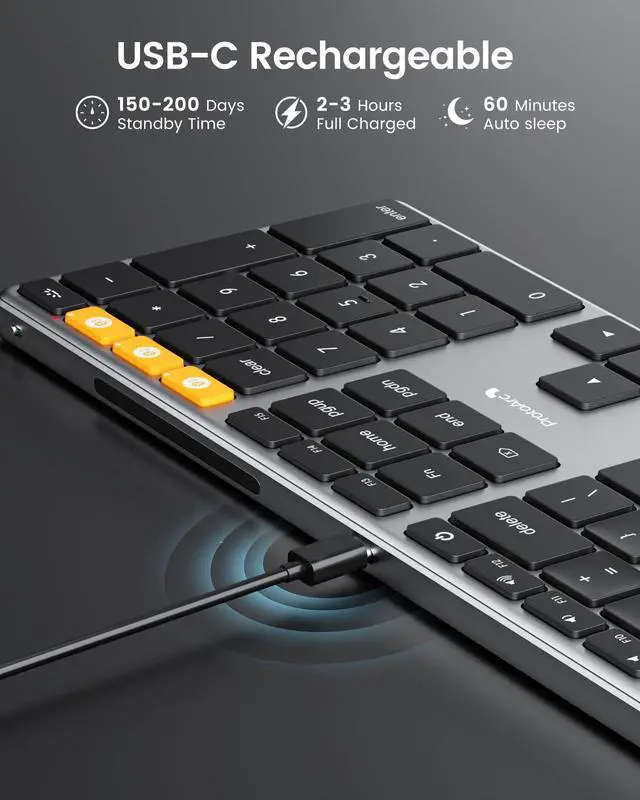
From its refined aluminum construction and low-profile keys to adjustable tilt feet and rechargeable convenience, K110-A is designed for a polished, productive desktop experience
The keyboard cannot connect to your device
1.Ensure that the keyboard is fully charged.
2.Confirm that the keyboard is in the correct mode.
3.Delete the keyboard's Bluetooth pairing from your device's Bluetooth listing.
4.Repair the keyboard with your device.
Some keyboard keys do not work / Keyboard keys have typing delay / Keyboard keys repeat typing:
1. Ensure that the keyboard is fully charged.
2. Delete the keyboard's Bluetooth connection from your computer's Bluetooth connection history. After deleting the Bluetooth connection, restart your computer.
3. Re-pair the keyboard with your computer
Is K110-A Bluetooth Keyboard compatible with Windows PCs?
No. This K110-A keyboard is designed exclusively for macOS 10.12 and above, iPadOS, and iOS. Device manufactured before 2013 or running macOS versions below 10.12 are not supported. It does not support Windows, Android, or Linux
On macOS, why do the keyboard keys 7, 8, 9, U, I, O, J, K, or the number keys (0-9) on the keypad, stop responding?
Because the "Mouse Keys" feature is enabled, to disable this feature on MacBook, iMac, and Mac Mini, follow these steps:
? Go to Settings > Accessibility > Pointer Control > Mouse Keys.
? Toggle the Mouse Keys switch to the off position.
After the device restart that required login, the keyboard wouldn't reconnect?
The reason is FileVault On Mac. To disable FileVault:
1. Go to System Settings/System Preferences 2. Click Privacy & Security 3. Click FileVault 4. Click the lock icon in the bottom left and enter your password. 5. Click Turn Off Encryption
How to Use Multimedia or F1-F12 function?
The Bluetooth keyboard comes preconfigured with multimedia functions. The F1-F12 functions need to be activated by pressing Fn + F1-F12 keys. Or you can set the keyboard to the F1-F12 functions by default on your Mac
How long does it take for the keyboard backlight to automatically turn off if not in use?
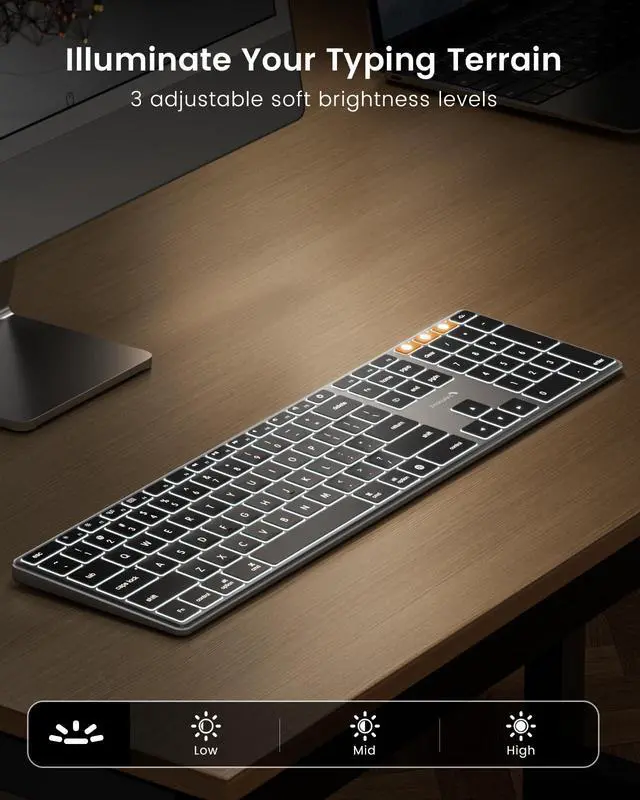
If the keyboard is not in use for 2 minutes, the backlight will automatically turn off and can be awakened by pressing any key.
Does the keyboard come with a USB receiver or bluetooth adapter?
No. The keyboard connects only via Bluetooth — no dongle, no port clogging. lt's designed for the clean wireless experience mac users expect
Can i connect and switch between multiple devices with the keyboard?
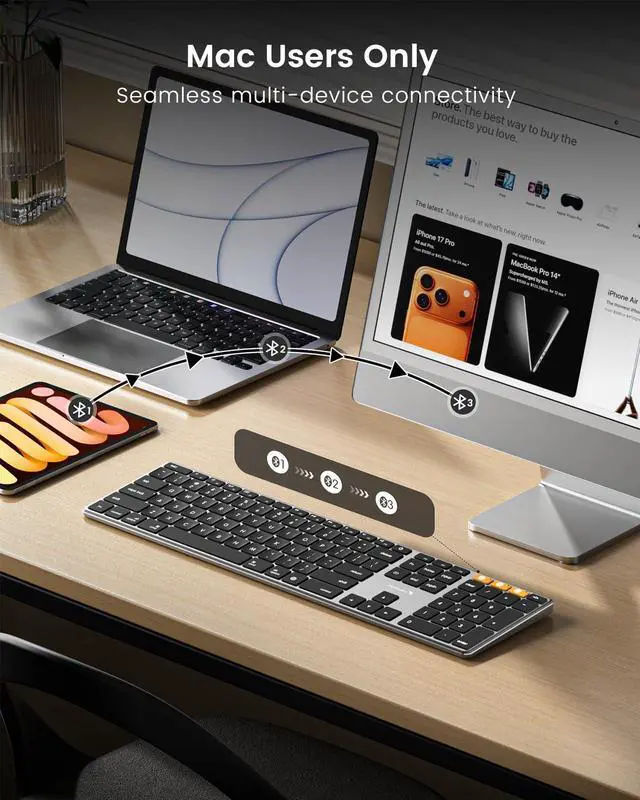
Yes. The keyboard offers 3 bluetooth channels and supports bluetooth 5.1 version or above. Using our keyboard for multiple devices helps declutter your workspace by eliminating the need for separate peripherals for each device.
How to know if the keyboard is at low battery?
When the battery is low, the low battery indicator light will start flashing in red until the keyboard is turned off. Low battery power can cause performance issues such as response delay and keys sticking
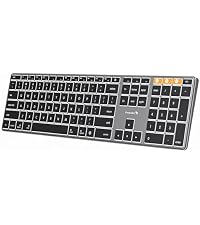 K110-A Aluminum Keyboard |  K100-A Full-Size Keyboard |  K90-A Compact Keyboard | 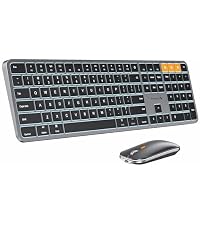 KM100-A Full-Size Combo |  KM110-A Aluminum Combo |  KM90-A Small Combo | |
|---|---|---|---|---|---|---|
Customer Reviews | — | — | — | — | — | — |
Price | — | — | — | — | — | — |
Version | Flagship Model | Mid-Range Model | Entry Level | Mid-Range Model | Flagship Model | Entry Level |
Material | Aluminum | Plastic | Metallic | Plastic | Aluminum | Metallic |
Connection Type | 3 * Bluetooth 5.1 | 3 * Bluetooth 5.1 | 3 * Bluetooth 5.1 | 3 * Bluetooth 5.1 | 3 * Bluetooth 5.1 | 3 * Bluetooth 5.1 |
Operating System | Mac OS X 10.12 and above | Mac OS X 10.12 and above | Mac OS X 10.12 and above | Mac OS X 10.12 and above | Mac OS X 10.12 and above | Mac OS X 10.12 and above |
Compatible Devices | MacBook Pro/Air, iMac, iPad | MacBook Pro/Air, iMac, iPad | MacBook Pro/Air, iMac, iPad | MacBook Pro/Air, iMac, iPad | MacBook Pro/Air, iMac, iPad | MacBook Pro/Air, iMac, iPad |
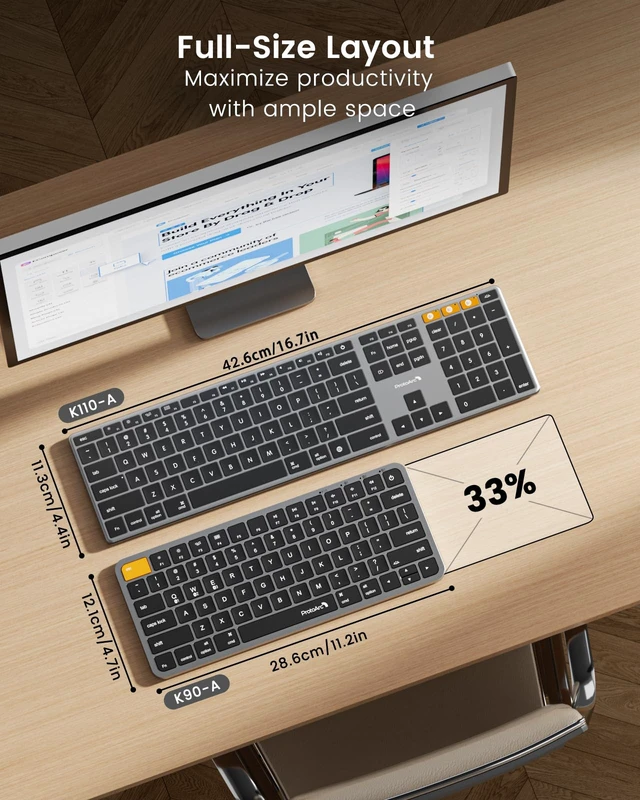
Layout | Full Size layout, with numpad | Full Size layout, with numpad | Compact layout, no numpad | Full Size layout, with numpad | Full Size layout, with numpad | Compact layout, no numpad |
Keyboard Dimensions L x W | 16.7"L x 4.4"W | 16.7"L x 4.8"W | 11.2"L x 4.7"W | 16.7"L x 4.7"W | 16.7"L x 4.4"W | 11.2"L x 4.7"W |
Number of Keys | 110 | 109 | 78 | 109 | 110 | 78 |
Backlight | ? | ? | ? | ? | ? | ? |
Ergonomic Titing Feet | ? | ? | ? | ? | ? | ? |
Numeric Keypad | ? | ? | ? | ? | ? | ? |
Windows Compatible | ? | ? | ? | ? | ? | ? |


Mission
At ProtoArc, our mission is to deliver innovative workspace solutions that enhance comfort, boost productivity, and foster overall wellness.
Vision
We believe that everyone deserves a workspace that not only meets their functional needs but also empowers them to thrive. Our vision is a world where work environments promote health, happiness, and high performance.
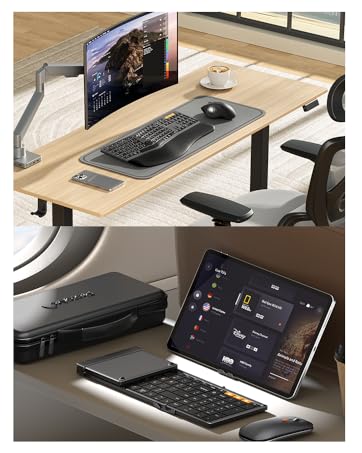
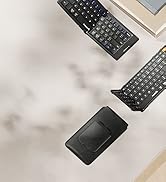
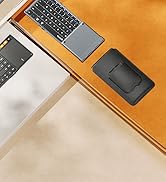


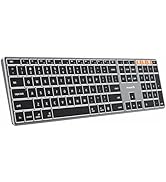
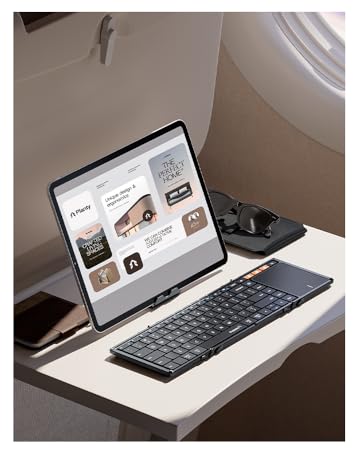



A premium full-size Mac keyboard combining adjustable white backlighting, a slim aluminum design, multi-device Bluetooth, and everyday desktop productivity


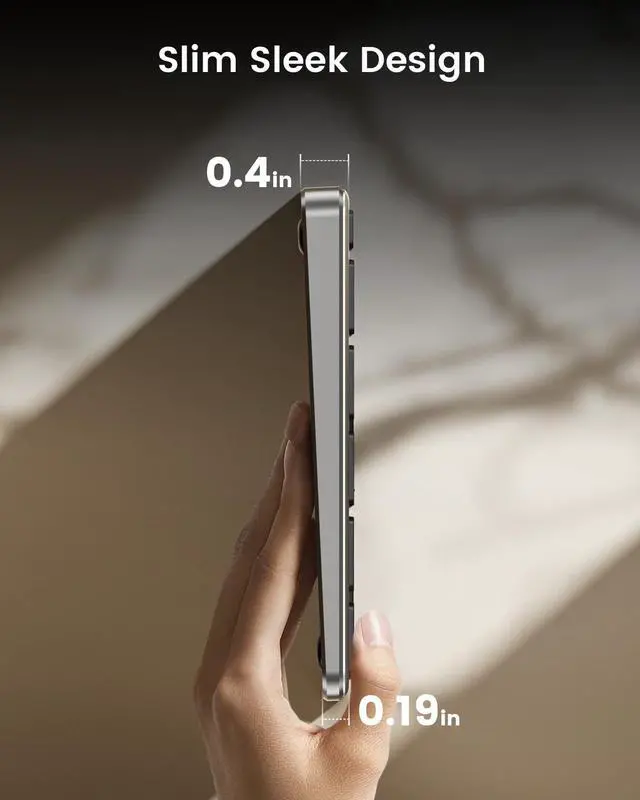
3-level white backlighting keeps every key easy to see in low-light settings, while the ultra-slim 0.4" profile delivers a clean, low-profile typing experience made for modern Mac workspaces


Pair up to three compatible devices via Bluetooth 5.1 and switch with dedicated controls—then enjoy a full-size Mac layout built for spreadsheets, creative work, and everyday productivity

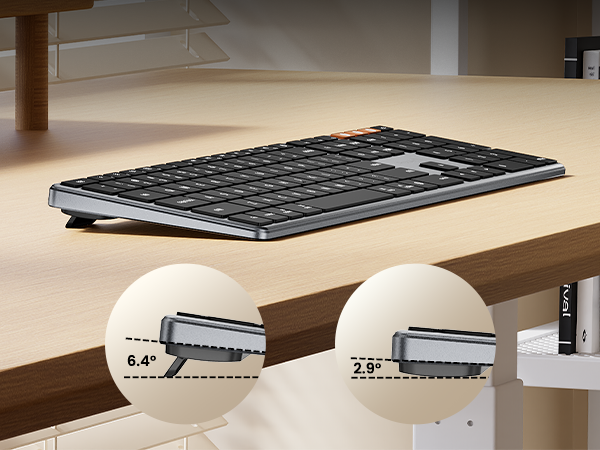
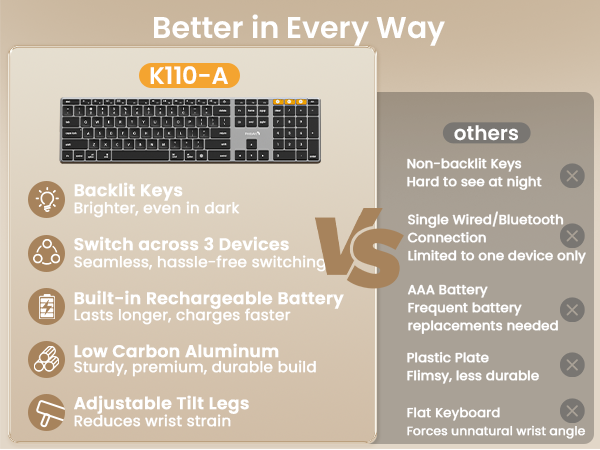


Built-in tilt feet let you raise the keyboard to your preferred angle for a more comfortable desktop typing position
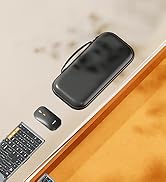
Complete your mac workspace with the ProtoArc K110-A Mac Keyboard and the EM15 USB-C Mouse - comfort meets performance in one seamless pair
From its refined aluminum construction and low-profile keys to adjustable tilt feet and rechargeable convenience, K110-A is designed for a polished, productive desktop experience
The keyboard cannot connect to your device
1.Ensure that the keyboard is fully charged.
2.Confirm that the keyboard is in the correct mode.
3.Delete the keyboard's Bluetooth pairing from your device's Bluetooth listing.
4.Repair the keyboard with your device.
Some keyboard keys do not work / Keyboard keys have typing delay / Keyboard keys repeat typing:
1. Ensure that the keyboard is fully charged.
2. Delete the keyboard's Bluetooth connection from your computer's Bluetooth connection history. After deleting the Bluetooth connection, restart your computer.
3. Re-pair the keyboard with your computer
Is K110-A Bluetooth Keyboard compatible with Windows PCs?
No. This K110-A keyboard is designed exclusively for macOS 10.12 and above, iPadOS, and iOS. Device manufactured before 2013 or running macOS versions below 10.12 are not supported. It does not support Windows, Android, or Linux
On macOS, why do the keyboard keys 7, 8, 9, U, I, O, J, K, or the number keys (0-9) on the keypad, stop responding?
Because the "Mouse Keys" feature is enabled, to disable this feature on MacBook, iMac, and Mac Mini, follow these steps:
? Go to Settings > Accessibility > Pointer Control > Mouse Keys.
? Toggle the Mouse Keys switch to the off position.
After the device restart that required login, the keyboard wouldn't reconnect?
The reason is FileVault On Mac. To disable FileVault:
1. Go to System Settings/System Preferences 2. Click Privacy & Security 3. Click FileVault 4. Click the lock icon in the bottom left and enter your password. 5. Click Turn Off Encryption
How to Use Multimedia or F1-F12 function?
The Bluetooth keyboard comes preconfigured with multimedia functions. The F1-F12 functions need to be activated by pressing Fn + F1-F12 keys. Or you can set the keyboard to the F1-F12 functions by default on your Mac
How long does it take for the keyboard backlight to automatically turn off if not in use?
If the keyboard is not in use for 2 minutes, the backlight will automatically turn off and can be awakened by pressing any key.
Does the keyboard come with a USB receiver or bluetooth adapter?
No. The keyboard connects only via Bluetooth — no dongle, no port clogging. lt's designed for the clean wireless experience mac users expect
Can i connect and switch between multiple devices with the keyboard?
Yes. The keyboard offers 3 bluetooth channels and supports bluetooth 5.1 version or above. Using our keyboard for multiple devices helps declutter your workspace by eliminating the need for separate peripherals for each device.
How to know if the keyboard is at low battery?
When the battery is low, the low battery indicator light will start flashing in red until the keyboard is turned off. Low battery power can cause performance issues such as response delay and keys sticking
K110-A Aluminum Keyboard | K100-A Full-Size Keyboard | K90-A Compact Keyboard | KM100-A Full-Size Combo | KM110-A Aluminum Combo | KM90-A Small Combo |
|---|---|---|---|---|---|
| Customer Reviews | |||||
| — | — | — | — | — | — |
| Price | |||||
| — | — | — | — | — | — |
| Version | |||||
| Flagship Model | Mid-Range Model | Entry Level | Mid-Range Model | Flagship Model | Entry Level |
| Material | |||||
| Aluminum | Plastic | Metallic | Plastic | Aluminum | Metallic |
| Connection Type | |||||
| 3 * Bluetooth 5.1 | 3 * Bluetooth 5.1 | 3 * Bluetooth 5.1 | 3 * Bluetooth 5.1 | 3 * Bluetooth 5.1 | 3 * Bluetooth 5.1 |
| Operating System | |||||
| Mac OS X 10.12 and above | Mac OS X 10.12 and above | Mac OS X 10.12 and above | Mac OS X 10.12 and above | Mac OS X 10.12 and above | Mac OS X 10.12 and above |
| Compatible Devices | |||||
| MacBook Pro/Air, iMac, iPad | MacBook Pro/Air, iMac, iPad | MacBook Pro/Air, iMac, iPad | MacBook Pro/Air, iMac, iPad | MacBook Pro/Air, iMac, iPad | MacBook Pro/Air, iMac, iPad |
| Layout | |||||
| Full Size layout, with numpad | Full Size layout, with numpad | Compact layout, no numpad | Full Size layout, with numpad | Full Size layout, with numpad | Compact layout, no numpad |
| Keyboard Dimensions L x W | |||||
| 16.7"L x 4.4"W | 16.7"L x 4.8"W | 11.2"L x 4.7"W | 16.7"L x 4.7"W | 16.7"L x 4.4"W | 11.2"L x 4.7"W |
| Number of Keys | |||||
| 110 | 109 | 78 | 109 | 110 | 78 |
| Backlight | |||||
| ? | ? | ? | ? | ? | ? |
| Ergonomic Titing Feet | |||||
| ? | ? | ? | ? | ? | ? |
| Numeric Keypad | |||||
| ? | ? | ? | ? | ? | ? |
| Windows Compatible | |||||
| ? | ? | ? | ? | ? | ? |
Mission
At ProtoArc, our mission is to deliver innovative workspace solutions that enhance comfort, boost productivity, and foster overall wellness.
Vision
We believe that everyone deserves a workspace that not only meets their functional needs but also empowers them to thrive. Our vision is a world where work environments promote health, happiness, and high performance.


