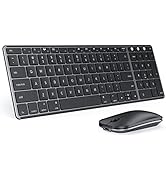
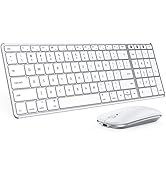
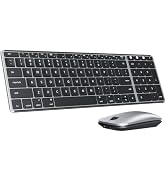
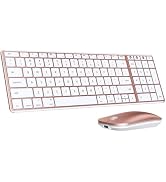
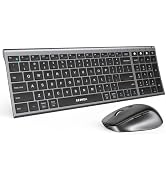
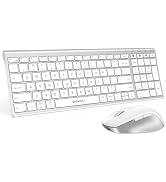
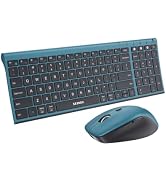
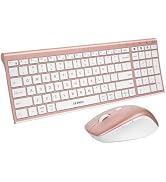
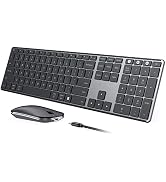
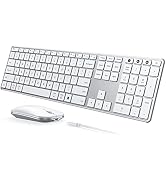
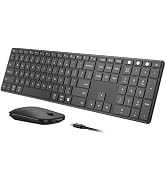
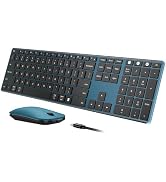
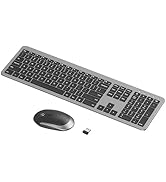
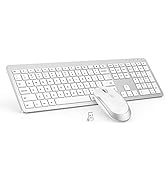
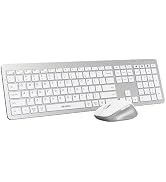
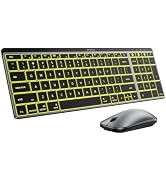
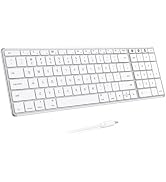
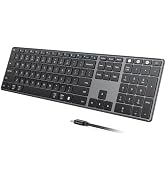
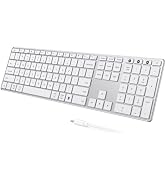
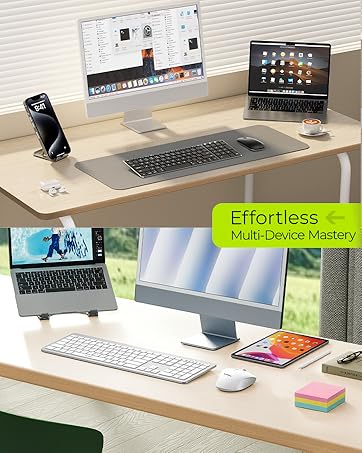
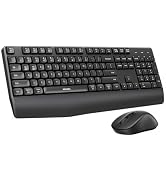
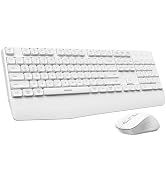
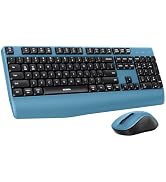
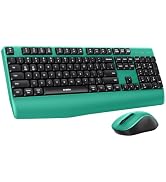
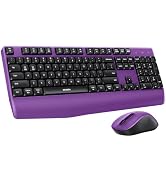
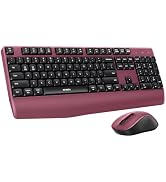
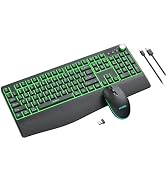
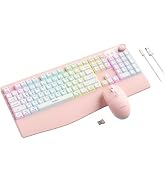
here!
here!
I’m your shopping assistant for PC builds, upgrades, and everything tech.
Got questions? Ask away!
Start a conversation
here!
I’m your shopping assistant for PC builds, upgrades, and everything tech.
Got questions? Ask away!
Start a conversation




Any questions? Ask CelesteSM will help you find out quickly.

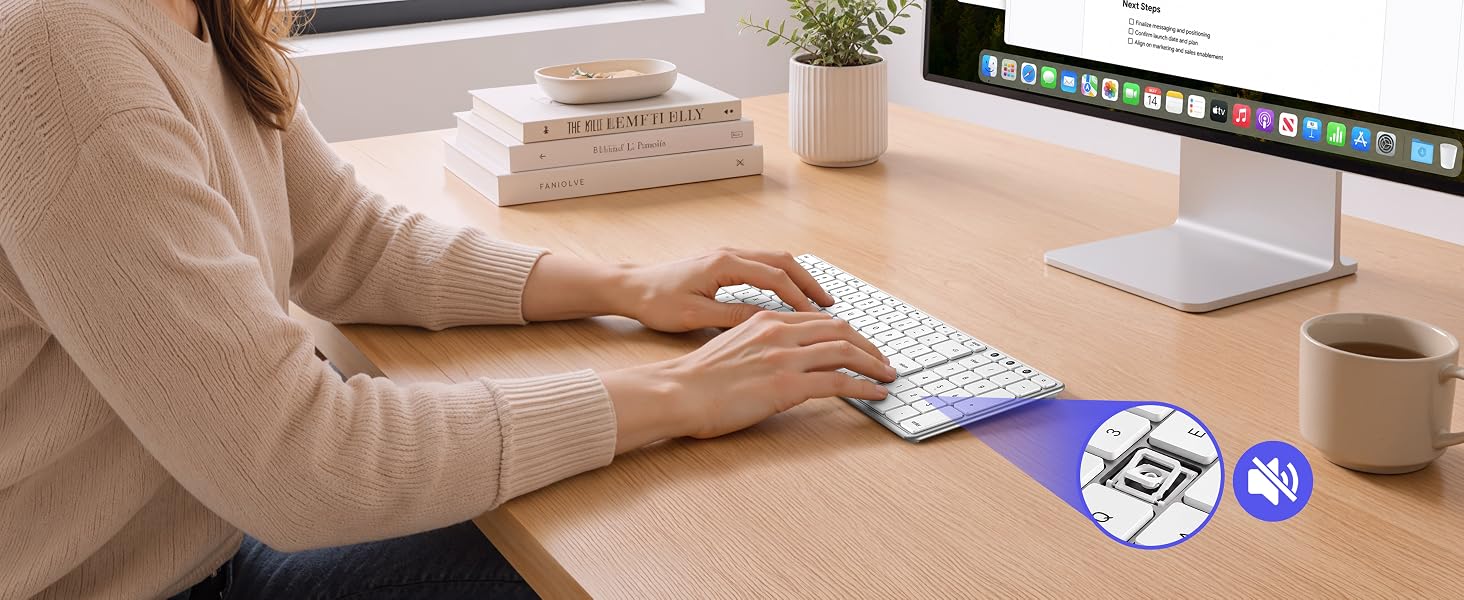
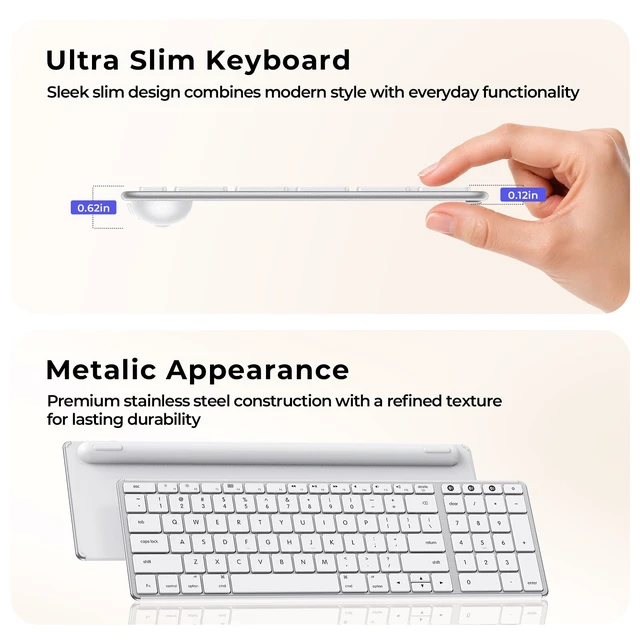
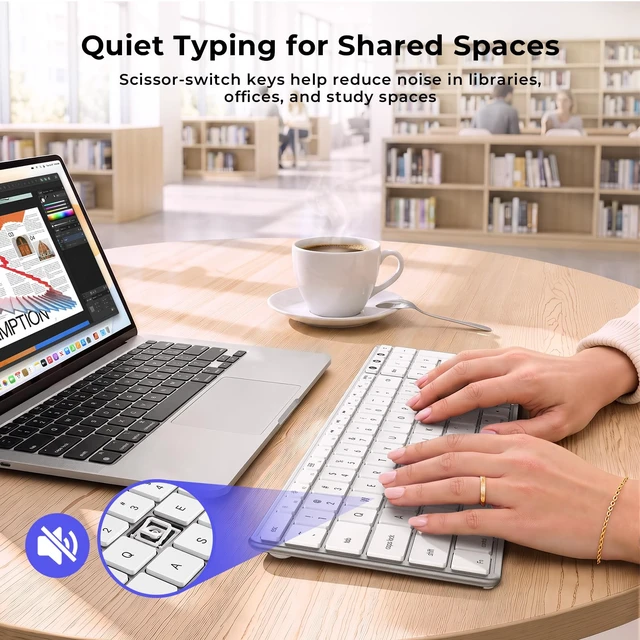
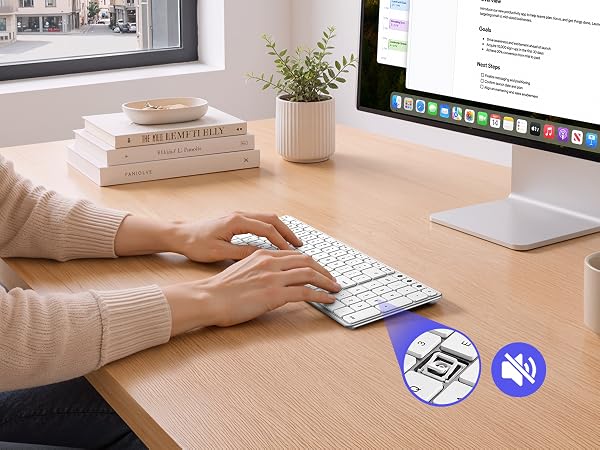
Scissor-switch keys help reduce noise and deliver a softer typing feel for focused daily work.

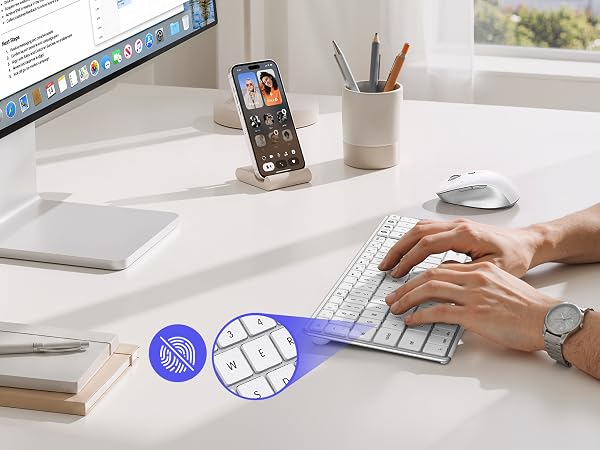
Matte keys help reduce fingerprints and provide a comfortable, steady typing feel.
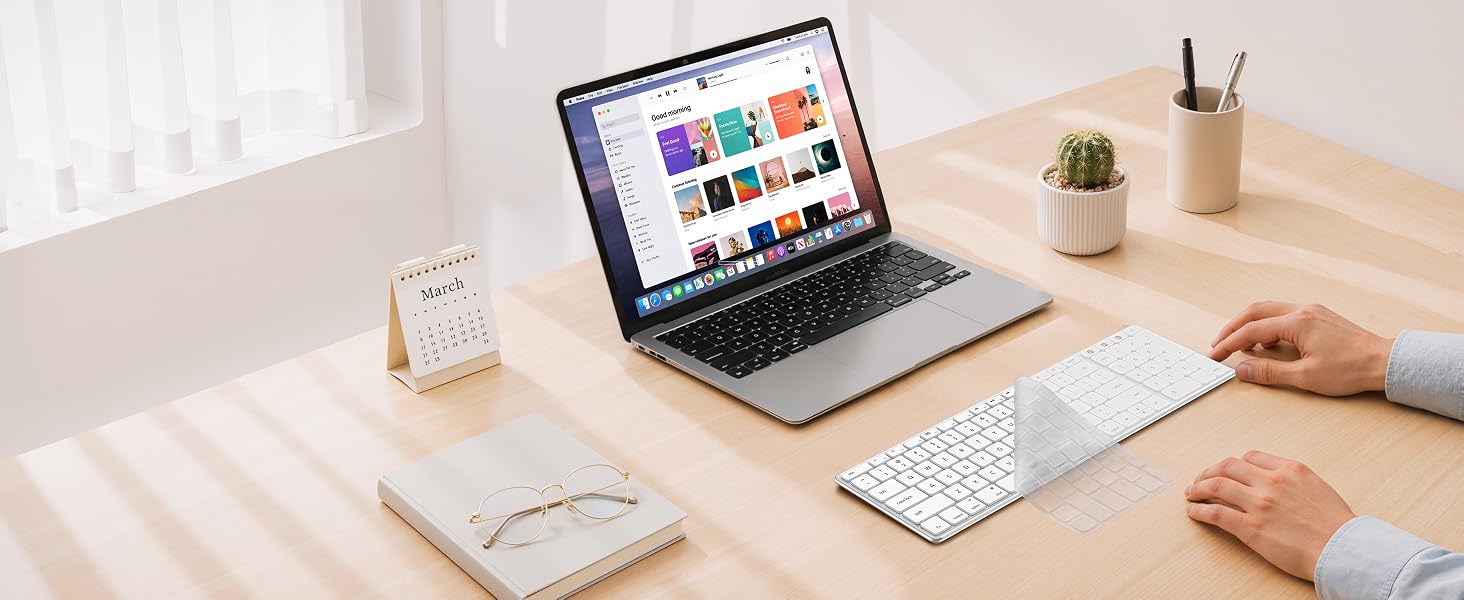
Included keyboard cover helps protect against dust, crumbs, and daily wear.
1. Bluetooth Connection Issue: For optimal performance, keep devices within 10 meters (about 33 feet). If you experience disconnection, repeated keystrokes, or typing & clicking delay, try the following steps:
1) Make sure the keyboard is fully charged, as low battery may affect performance;
2) Remove the device from your Bluetooth list, restart your device, then re-pair following the user manual;
3) If the issue persists, test with another device to isolate the problem, or seek further assistance through your order.
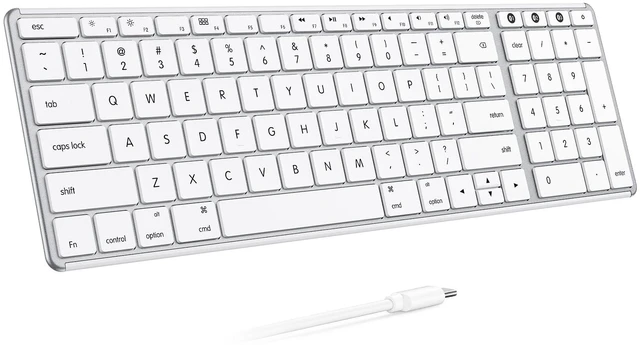
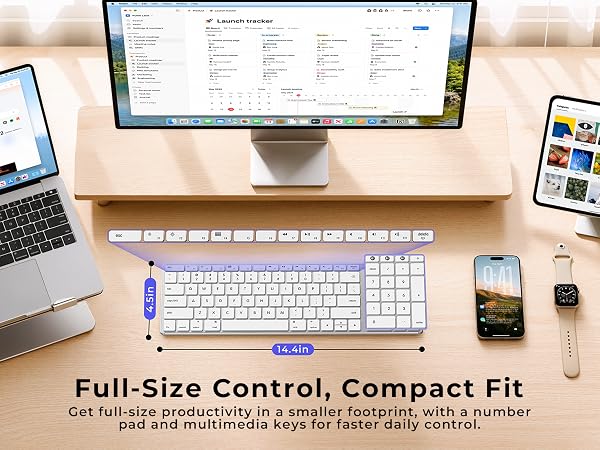
2. Keyboard Layout: This keyboard follows the standardMac layout. The Fn and Control keys are positioned differently than on some Windows keyboards. Mac users will feel at home. If used with Windows devices, some keys may not function as expected; it is not recommended for use.
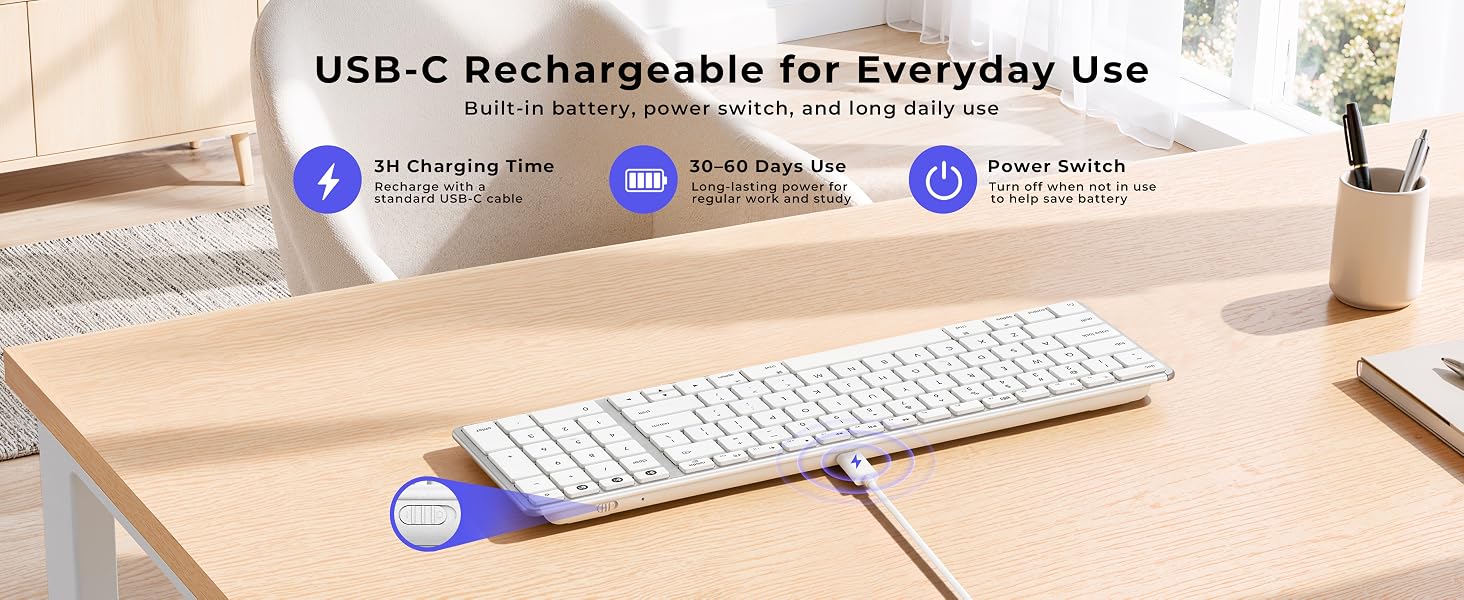
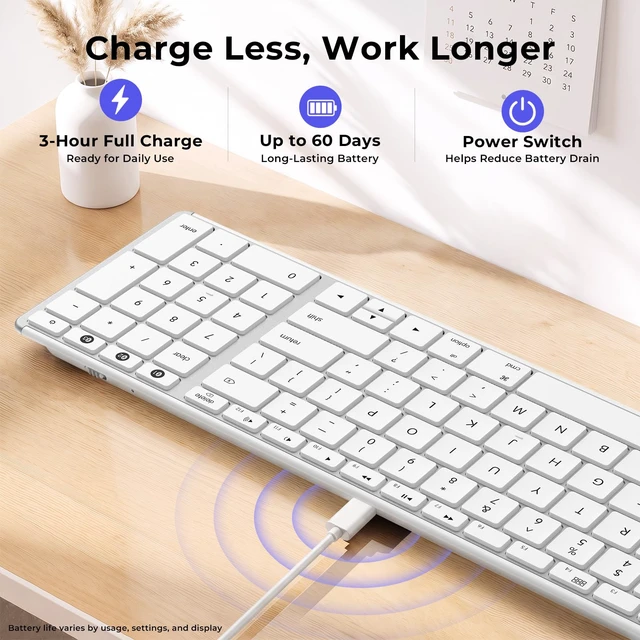
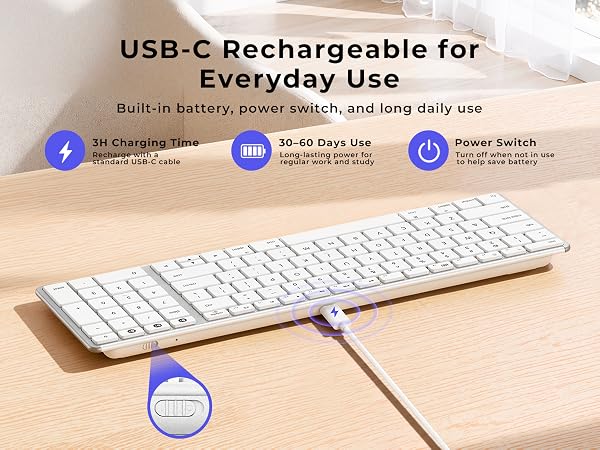
3. Charging & Battery: Supports USB-C charging and use while charging. For optimal performance, pls fully charge before first use. Low battery will cause the connection channel indicator to flash as a reminder.
4. Wake-Up Delay: This keyboard enters sleep mode to save battery. To wake it, press any key – reconnection takes about 3–5 seconds. This is normal.

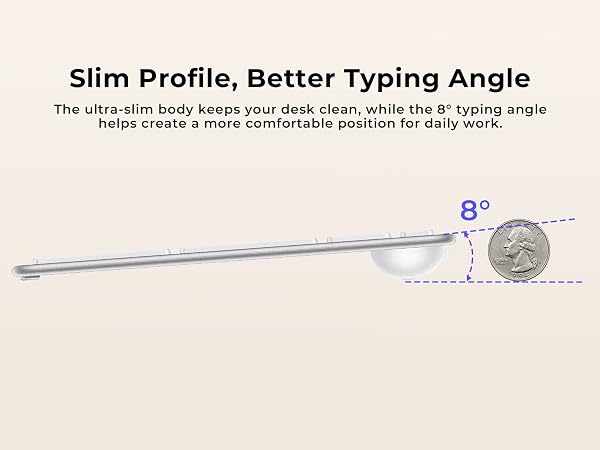
Scissor-switch keys help reduce noise and deliver a softer typing feel for focused daily work.
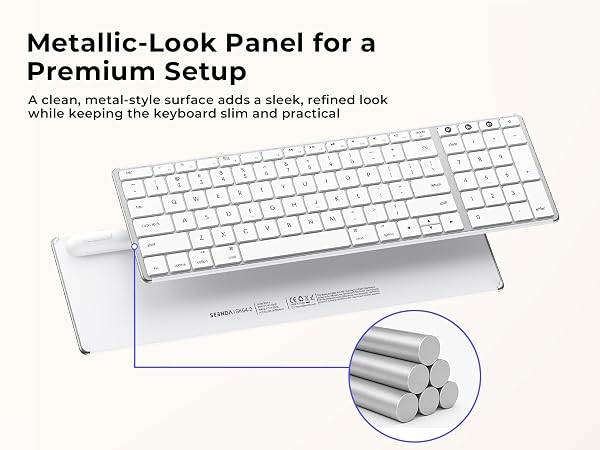
Matte keys help reduce fingerprints and provide a comfortable, steady typing feel.
Included keyboard cover helps protect against dust, crumbs, and daily wear.




1. Bluetooth Connection Issue: For optimal performance, keep devices within 10 meters (about 33 feet). If you experience disconnection, repeated keystrokes, or typing & clicking delay, try the following steps:
1) Make sure the keyboard is fully charged, as low battery may affect performance;
2) Remove the device from your Bluetooth list, restart your device, then re-pair following the user manual;
3) If the issue persists, test with another device to isolate the problem, or seek further assistance through your order.
2. Keyboard Layout: This keyboard follows the standardMac layout. The Fn and Control keys are positioned differently than on some Windows keyboards. Mac users will feel at home. If used with Windows devices, some keys may not function as expected; it is not recommended for use.
3. Charging & Battery: Supports USB-C charging and use while charging. For optimal performance, pls fully charge before first use. Low battery will cause the connection channel indicator to flash as a reminder.
4. Wake-Up Delay: This keyboard enters sleep mode to save battery. To wake it, press any key – reconnection takes about 3–5 seconds. This is normal.