




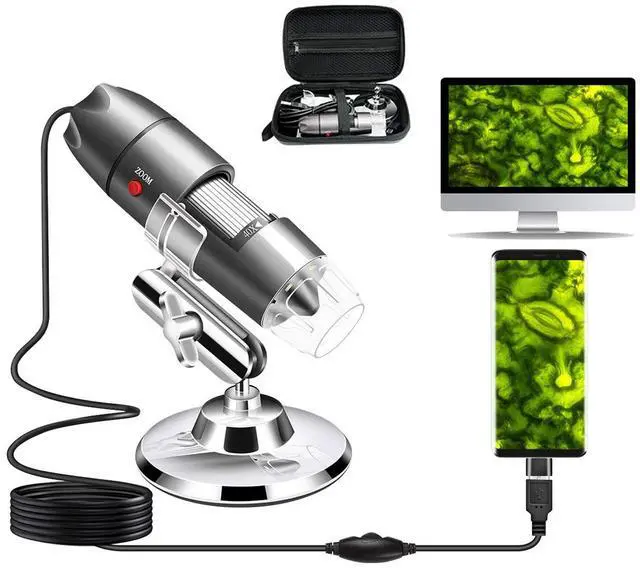


Cainda USB Digital Microscope
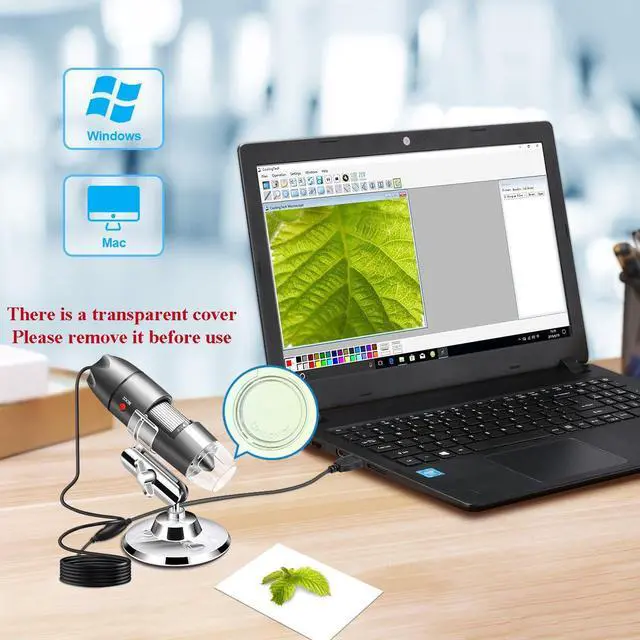
Compatible with Windows xp/vista/7/8/10/11, Mac, Linux.
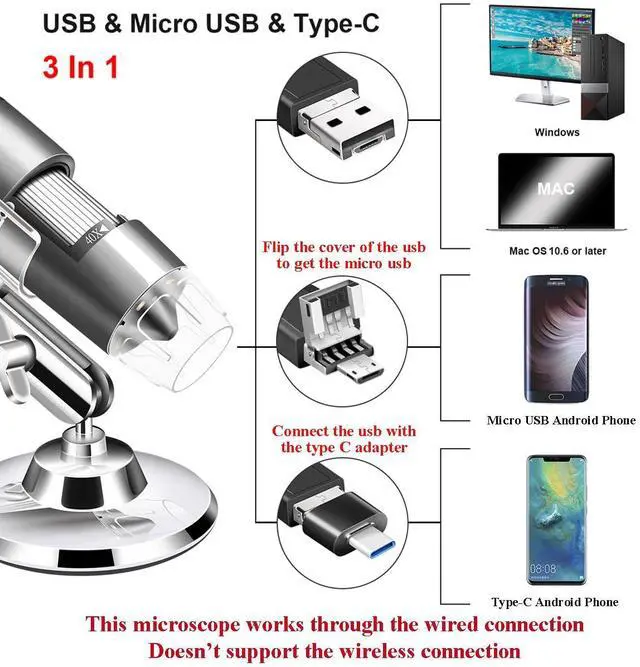
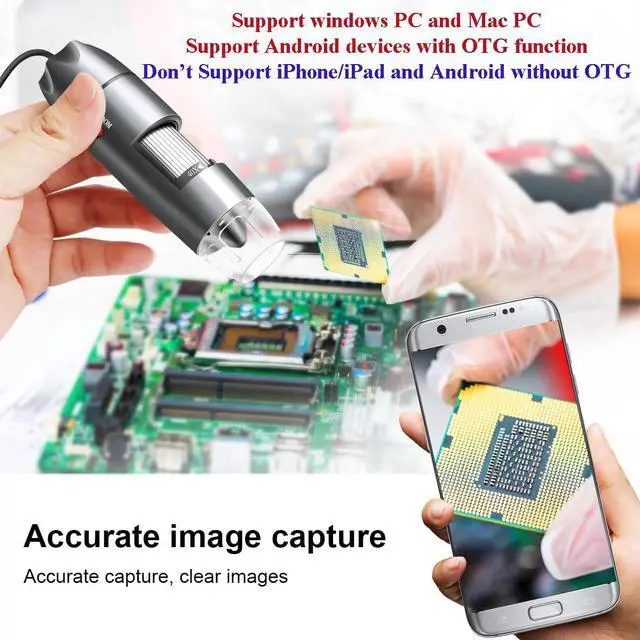
Compatible for Android Phone with OTG function (No work with iPhone/iPad/Kindles).
Support taking photos and recording videos, measurement function only works on Windows.
Windows User
”Amcap” is a professional Window software designed for Windows xp/vista/7/8/10/11. You can get the package from the CD or the downloading link.
Win10 user can open the default camera app to use this microscope directly.
Mac User
Mac users can use the “Photo Booth” to use our microscope directly. “Digital Viewer” can also work on Mac. If you need it, please contact with us.
Android User
Please download the"USB Camera" or “OTG View” from Google Play to use this microscope.
Chrome OS
This microscope can be used with the default Camera app that comes with Chrome.
Linux
Raspberry Pi: Working with the current version of Raspbian Jessie.
Note: The Focus Wheel can be used on all devices above. But the SNAP and ZOOM button can only be recognized on Windows system as the software was written by our company. The Android APP is common in the market so it can’t recognize the SNAP and ZOOM command.
Use it on your smart phone

STEP ONE
Download and install the APP to your Android smart phone.

STEP TWO
Connect your microscope to the smart phone.

STEP THREE
Turn on the OTG function of your phone. (Some phones do not have this switch, you can skip this step.)

STEP FOUR
Turn on the APP and you can use the microscope to observe.

Use on Windows PC
Step 1: Download and install the "Amcap" Software.
Step 2: Run "Amcap" as an administrator.
Step 3: Connect the microscope to your PC.
Step 4: Open the Amcap and you can see the image.
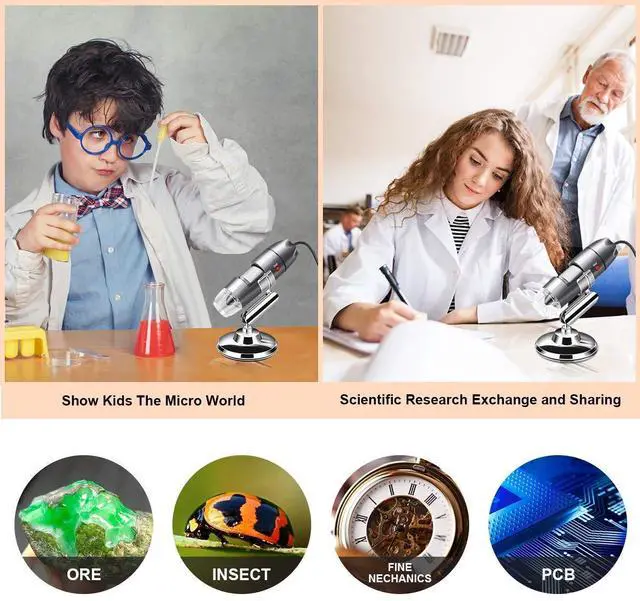
Widely Application

Precision Structure

Circuit Board

Insect Observation

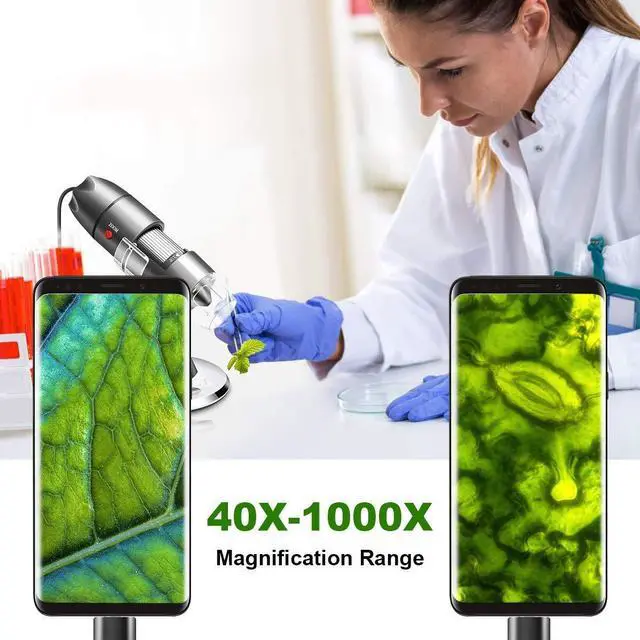
Plant Observation
Cainda USB Digital Microscope
Compatible with Windows xp/vista/7/8/10/11, Mac, Linux.
Compatible for Android Phone with OTG function (No work with iPhone/iPad/Kindles).
Support taking photos and recording videos, measurement function only works on Windows.
Windows User
”Amcap” is a professional Window software designed for Windows xp/vista/7/8/10/11. You can get the package from the CD or the downloading link.
Win10 user can open the default camera app to use this microscope directly.
Mac User
Mac users can use the “Photo Booth” to use our microscope directly. “Digital Viewer” can also work on Mac. If you need it, please contact with us.
Android User
Please download the"USB Camera" or “OTG View” from Google Play to use this microscope.
Chrome OS
This microscope can be used with the default Camera app that comes with Chrome.
Linux
Raspberry Pi: Working with the current version of Raspbian Jessie.
Note: The Focus Wheel can be used on all devices above. But the SNAP and ZOOM button can only be recognized on Windows system as the software was written by our company. The Android APP is common in the market so it can’t recognize the SNAP and ZOOM command.
Use it on your smart phone
STEP ONE
Download and install the APP to your Android smart phone.
STEP TWO
Connect your microscope to the smart phone.
STEP THREE
Turn on the OTG function of your phone. (Some phones do not have this switch, you can skip this step.)
STEP FOUR
Turn on the APP and you can use the microscope to observe.
Use on Windows PC
Step 1: Download and install the "Amcap" Software.
Step 2: Run "Amcap" as an administrator.
Step 3: Connect the microscope to your PC.
Step 4: Open the Amcap and you can see the image.
Widely Application
Precision Structure
Circuit Board
Insect Observation
