






Teslong’s mission is to make your life easier by helping you solve problems, whether you are a professional contractor or an enthusiastic home DIYer.
Teslong has an international team of 40+ engineers, designers, and developers working hard to improve our products and satisfy our customers on a daily basis, that’s why we take our customer feedback so seriously and are very excited about the future!

Industrial Endoscopes
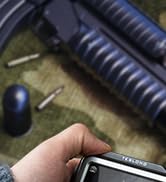
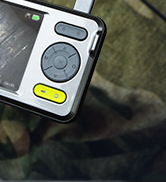
Rifle Borescope
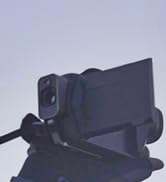


Thermal Monocular
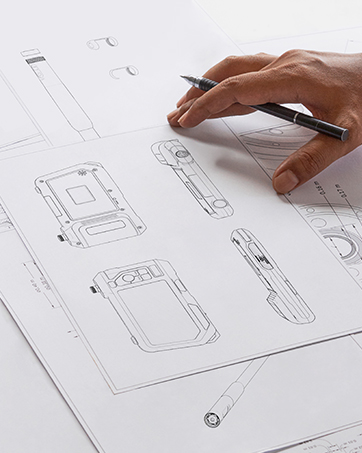
Innovation
Where Aesthetics Meets Practicality
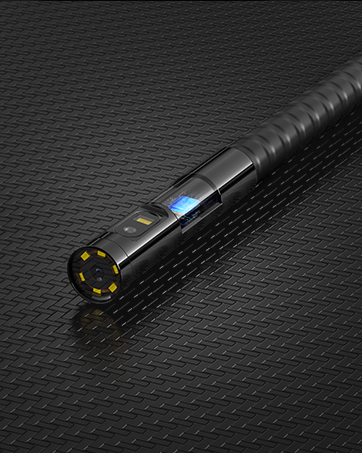
Latest Triple Camera Probe
Get More Field Of View & Clearer Images
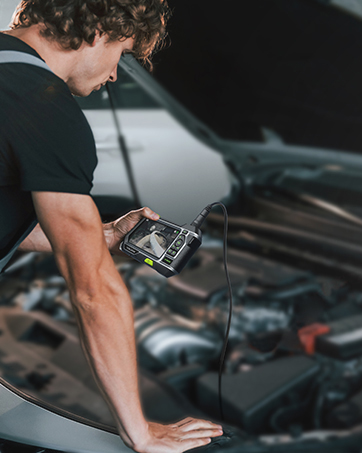
Visual Inspection
Extend Your View into Narrow Spaces
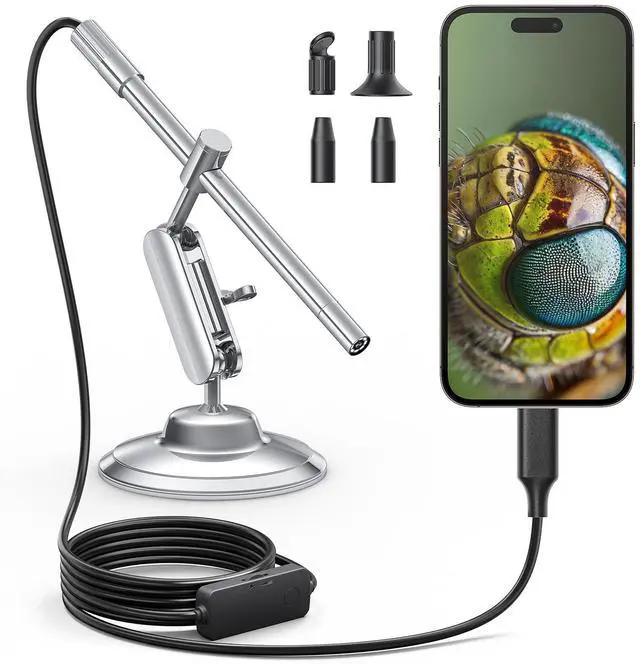
Teslong USB-C Digital Microscope with Lights


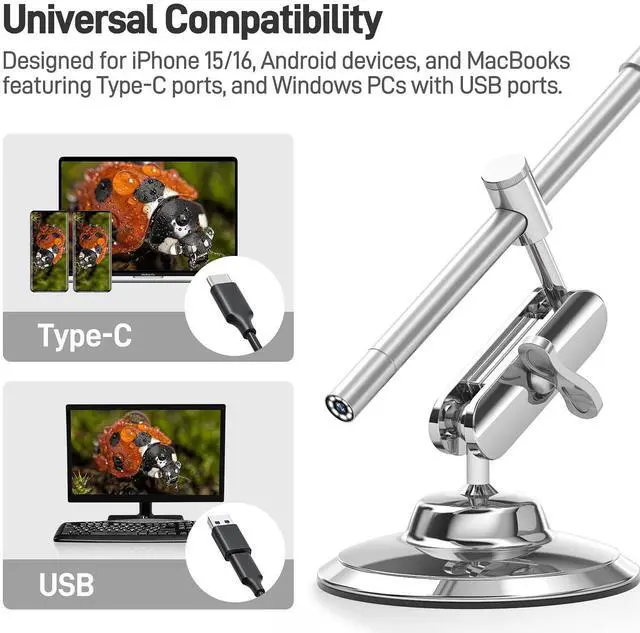
NOT Compatible with Lightning interface devices

Compatible with Macbook
For Photo Booth, select “Teslong Camera” or “USB 2.0 PC Camera” in settings. If set to “Camera,” it will use the built-in Mac camera.
For QuickTime Player, click “File,” then “New Movie Recording.” Use the settings button to change the camera or adjust image quality.

Compatible with Windows PC
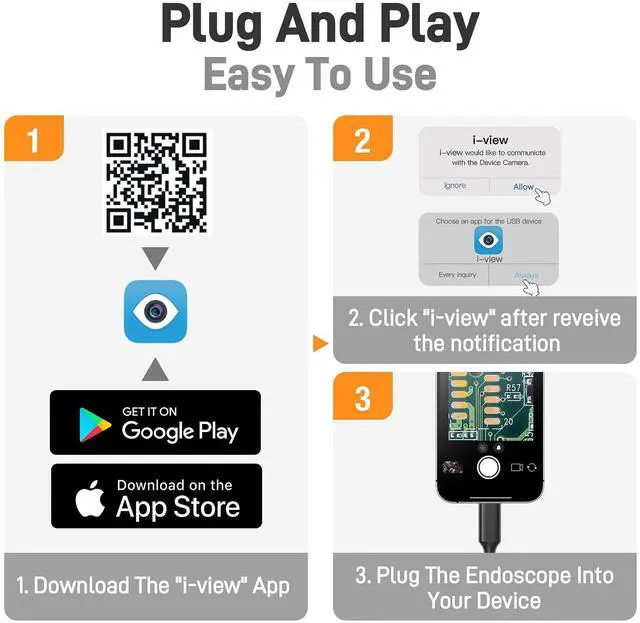
Download and install “Amcap". Download the link in the user manual
Make sure to select the correct device name in the menu. Plug the USB camera into your computer.
Step 1: Click “Devices” in the menu and choose “Teslong Camera”.
Step 2: Click “Options,” then “Preview”.
What You Get!

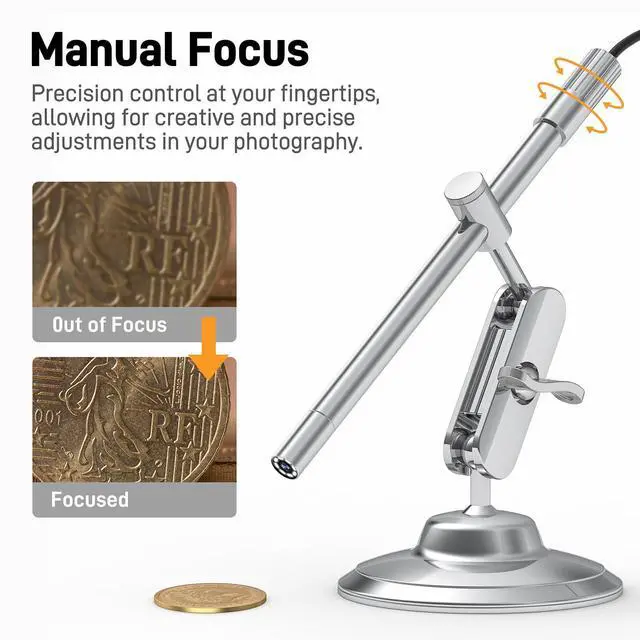
Focus Wheel
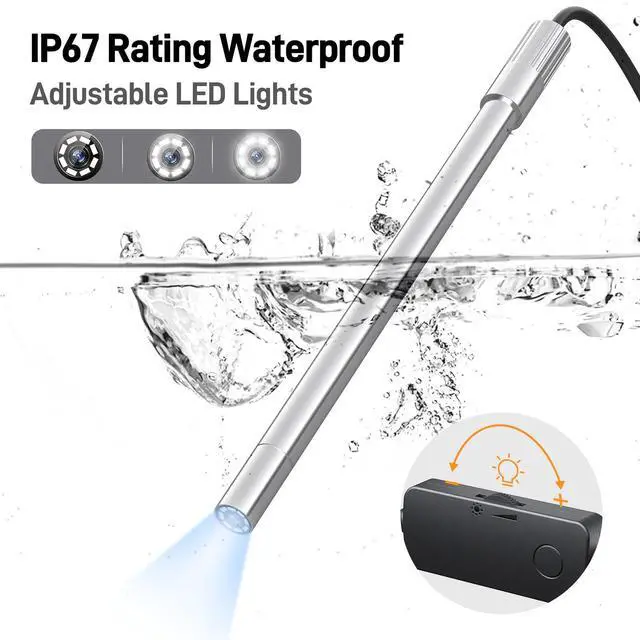
Note: The focus wheel is not waterproof. When using the camera lens underwater, ensure water does not pass the focus wheel.

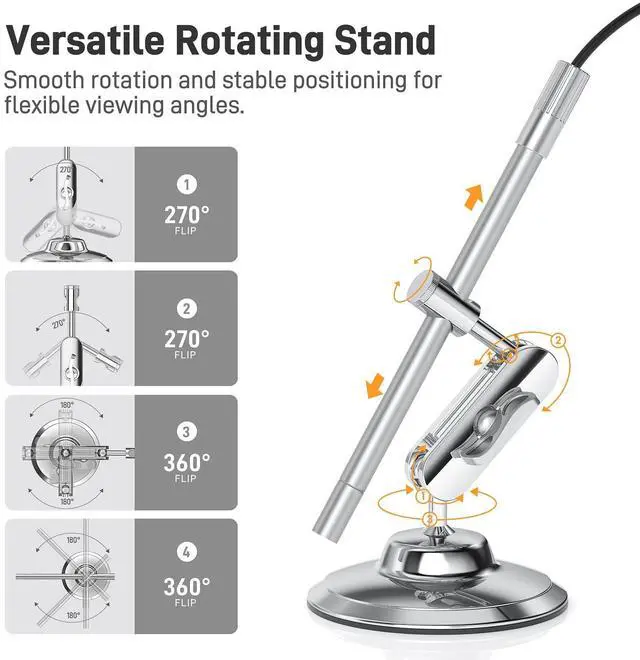
Rotating Metal Stand
The rotating metal stand provides stability and easy angle adjustment for inspecting flat and curved objects.

8 Adjustable LED Lights
Ensures optimal illumination in various lighting conditions, enhancing visibility for clear and accurate imaging.

Practical Accessories
Practical Accessories for Enhanced Functionality: 2 Ear Specula; 1 Protective Cover; 1 Side-viewing Mirror
Technical Specifications
Does it work with iphone 15 pro max?
Yes, the portable microscope camera is compatible with iPhone 15/16 and above as it supports devices with USB-C interfaces.
Can it connect to a laptop for viewing images?
Yes, the USB-C digital microscope can connect to a laptop for viewing images. It is compatible with Windows 7/8/10 and Mac OS 11+ systems.
Is the stand adjustable for different angles?
Yes, the handheld digital microscope comes with an adjustable stand that can be modified to different angles to suit your viewing needs.
Are software/apps required for it to function?
Yes, the inspection microscope is compatible with Android devices running 5.0+ with OTG support.
Diverse Application Scenarios

Teslong USB-C Digital Microscope with Lights


NOT Compatible with Lightning interface devices
Compatible with Macbook
For Photo Booth, select â??Teslong Cameraâ?� or â??USB 2.0 PC Cameraâ?� in settings. If set to â??Camera,â?� it will use the built-in Mac camera.
For QuickTime Player, click â??File,â?� then â??New Movie Recording.â?� Use the settings button to change the camera or adjust image quality.
Compatible with Windows PC
Download and install â??Amcap". Download the link in the user manual
Make sure to select the correct device name in the menu. Plug the USB camera into your computer.
Step 1: Click â??Devicesâ?� in the menu and choose â??Teslong Cameraâ?�.
Step 2: Click â??Options,â?� then â??Previewâ?�.
What You Get!
Focus Wheel
Note: The focus wheel is not waterproof. When using the camera lens underwater, ensure water does not pass the focus wheel.
Rotating Metal Stand
The rotating metal stand provides stability and easy angle adjustment for inspecting flat and curved objects.
8 Adjustable LED Lights
Ensures optimal illumination in various lighting conditions, enhancing visibility for clear and accurate imaging.
Practical Accessories
Practical Accessories for Enhanced Functionality: 2 Ear Specula; 1 Protective Cover; 1 Side-viewing Mirror
Technical Specifications
| Scope Diameter | Φ8mm (0.3 inch) |
|---|---|
| Resolution | 1280x720 and 1920x1080 (Use settings to change camera or adjust image quality.) |
| Manual Focus Range | 10mm-500mm(0.4 inch-19.7 inch) |
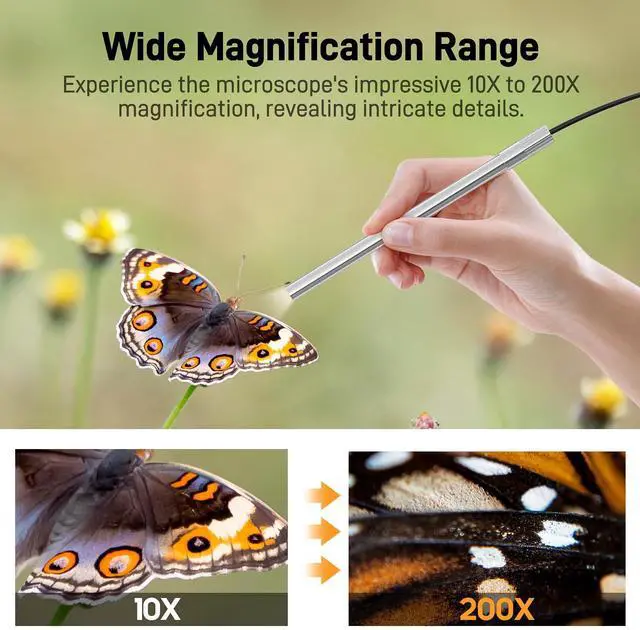
| Magnification Ratio | 10x to 200x |
| Camera Lights | 8 Adjustable Brightness LED Lights |
| Interface | USB Type-C |
| Compatible Operation Systems | Windows 7/8/10, Android 5.0+, Mac OS 11+, iOS 9+ |
Does it work with iphone 15 pro max?
Yes, the portable microscope camera is compatible with iPhone 15/16 and above as it supports devices with USB-C interfaces.
Can it connect to a laptop for viewing images?
Yes, the USB-C digital microscope can connect to a laptop for viewing images. It is compatible with Windows 7/8/10 and Mac OS 11+ systems.
Is the stand adjustable for different angles?
Yes, the handheld digital microscope comes with an adjustable stand that can be modified to different angles to suit your viewing needs.
Are software/apps required for it to function?
Yes, the inspection microscope is compatible with Android devices running 5.0+ with OTG support.
Diverse Application Scenarios

Teslongâ??s mission is to make your life easier by helping you solve problems, whether you are a professional contractor or an enthusiastic home DIYer.
Teslong has an international team of 40+ engineers, designers, and developers working hard to improve our products and satisfy our customers on a daily basis, thatâ??s why we take our customer feedback so seriously and are very excited about the future!
Industrial Endoscopes
Rifle Borescope
Thermal Monocular
Innovation
Where Aesthetics Meets Practicality
Latest Triple Camera Probe
Get More Field Of View & Clearer Images
Visual Inspection
Extend Your View into Narrow Spaces