





All-round Protection for Safety Use
Voltage and Current Protection Function:
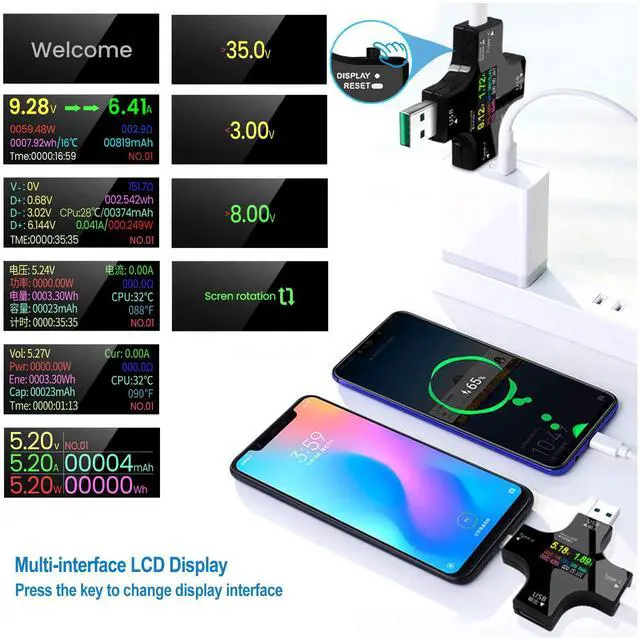
Over Voltage Protection Function: The system default value of Over-voltage Warning is 32.0V.
To change Over voltage default value, please select the 1st option (>32.0V OVP) on system setting interface; short press the key to decrease 0.1V; quick 2 press the key to increase 0.1V.
Low Voltage Protection Function: The system default value of Low-voltage Warning is 0.00V.
To change Low voltage default value, please select the 2nd option (<0.00V LVP) on system setting interface; short press the key to decrease 0.1V; quick 2 press the key to increase 0.1V.
Over Current Protection Function: The system default value of Over-current Warning is 8.00A.
To change Over current default value, please select the 3rd option (>8.00A OCP) on system setting interface; short press the key to decrease 0.1A; quick 2 press the key to increase 0.1A.
Tips:
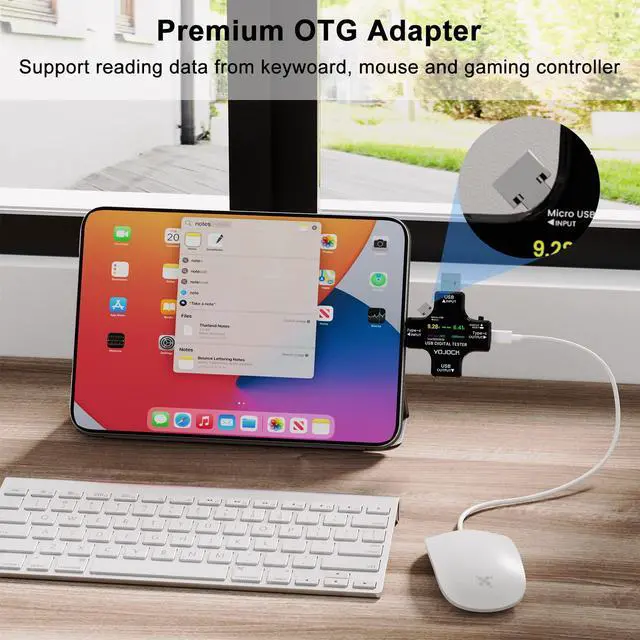
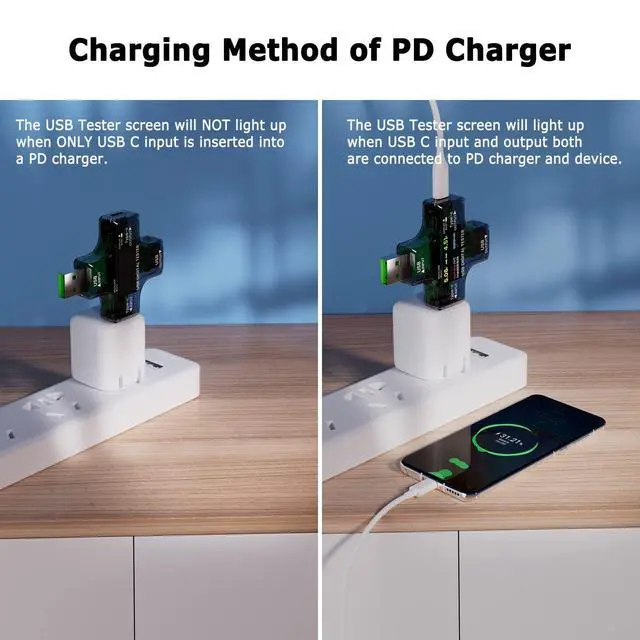
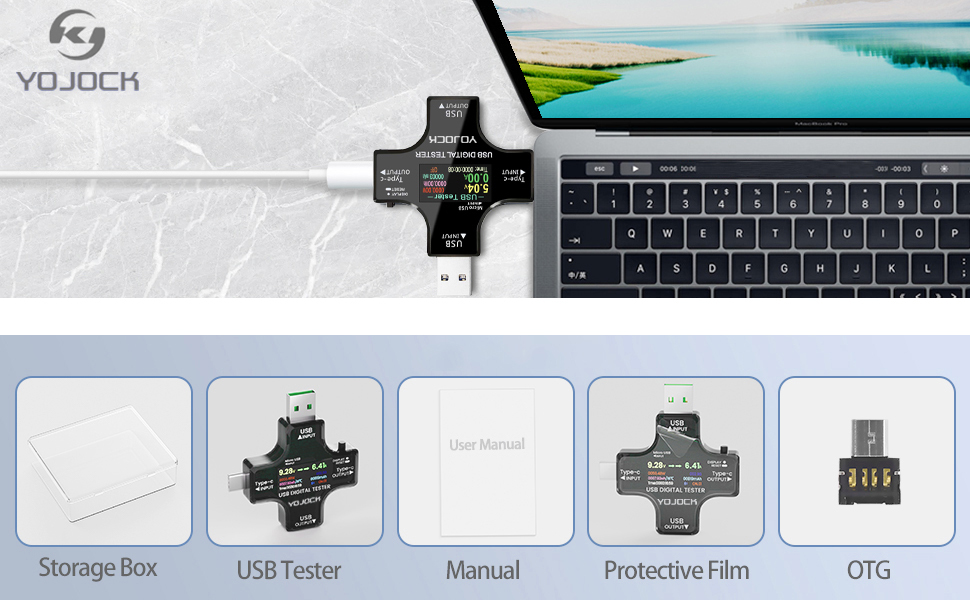
1. When this USB tester connect to USB-C device and USB-A to USB-C cable, you should insert the OTG adapter (Micro USB adapter) into USB tester to trigger the PD charging function. Then the USB tester can be used normally.
2. If there is current in the tester without connecting load,? press and hold the key of USB tester, then connect to device and calibrate to zero. During calibration, the output must not have any current consumption.
Important: Please download more information from Product guides and documents.
The product is constantly updated and new content is added, so sometimes the version you receive may be different from the description, but it does not affect the quality and use of product.
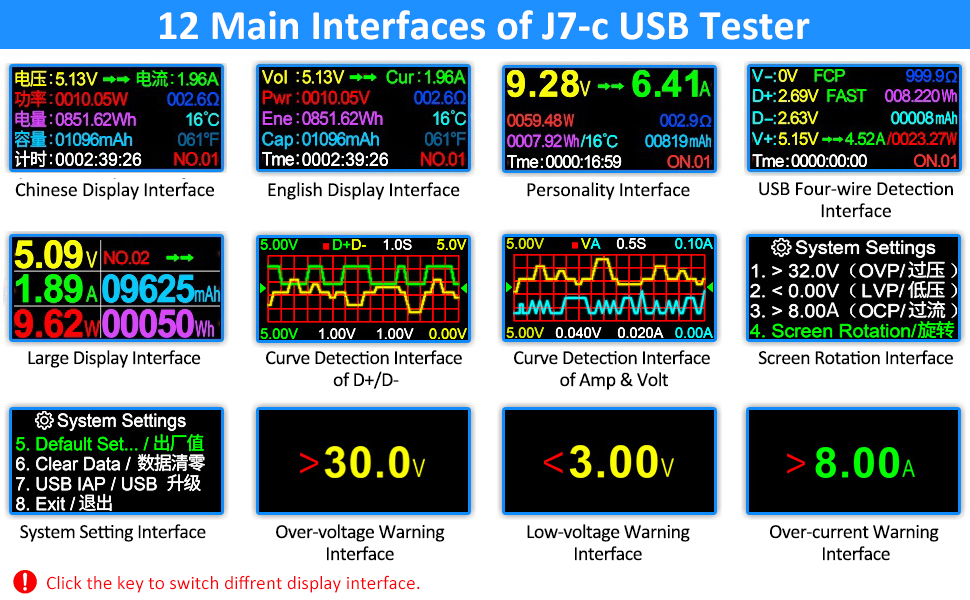
Operation Instructions of USB Power Meter
- Short Press to switch different interface
- Quick 2 Press: Reset capacity (mAh)
- Quick 3 Press: Reset energy(Wh)
- Quick 4 Press: Reset timing (00:00:00)
- Quick 5 Press: Change group number (NO.X, total 10 groups of data)
- Long Press to reset capacity, energy and timing of curent group(mAh, Wh, 00:00:00)
- On the system interface, short press the key to switch different setting options, long press the key to select and enter the option.
Features
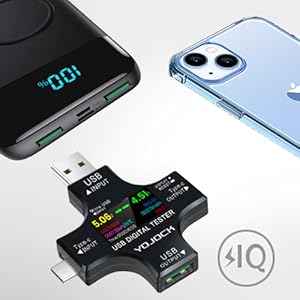
Become A Safety Guard of Your Devices
Detect Charging & Discharging condition of your devices.
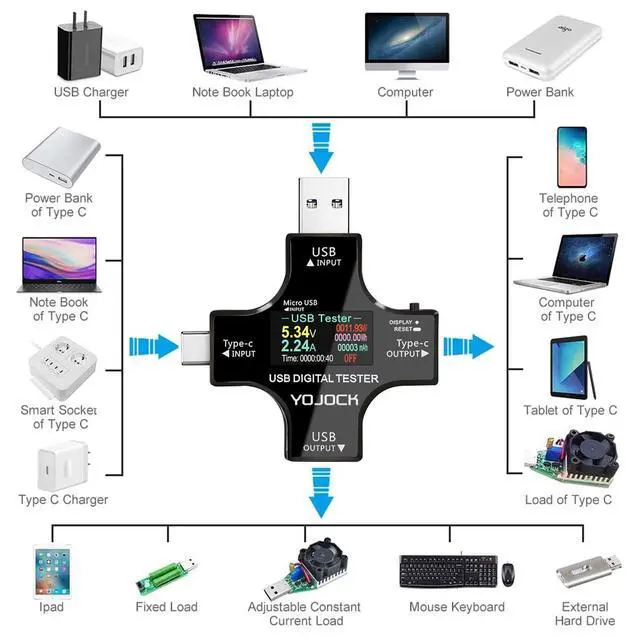
Wide range of application, can be applied to test Type-C and Micro USB devices.
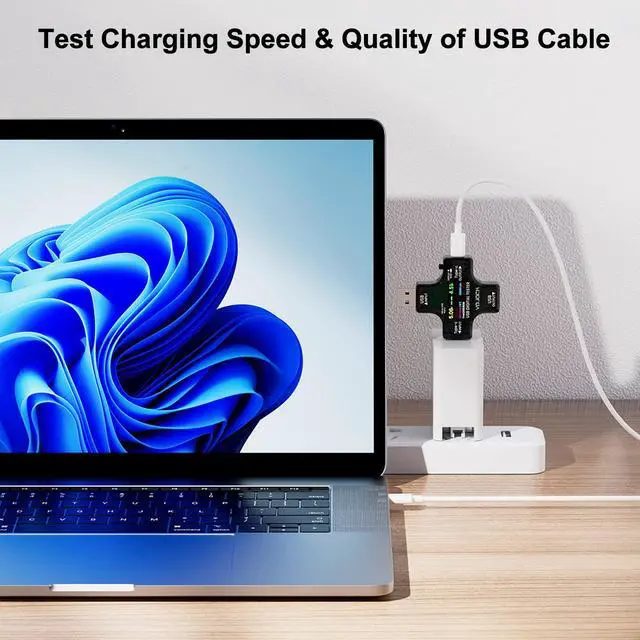
Under the circumstance of the constant power supply and sustained load, the larger voltage and the lower voltage drop of the USB cable detected by this USB tester means that the better quality of the USB cables will be.
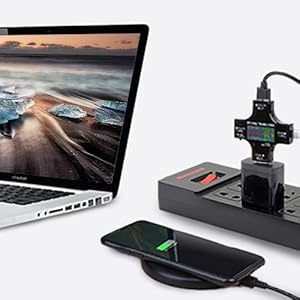
Test the Output Current of the Charger
USB tester provides real-time charging parameter information of charging status to you, ensure a safety charging environment to your devices.
Note: If the USB tester doesn’t display any parameters, please insert the USB Micro adapter into the side hole on the USB tester to trigger the PD charging function.
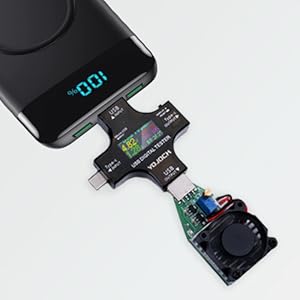
Test Capacity and Electric Energy of Power Bank
Make sure the power bank to be tested is fully charged firstly, then connect to this USB tester and reset the capacity and electric energy by long pressing, and then fully discharge with this USB tester and 5v load till power bank run out of its energy. The reading on this USB tester is real data of capacity of your power bank.
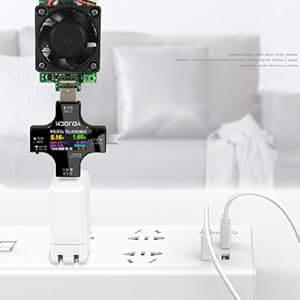
Test Various USB A/C Chargers
Plug the USB tester into the charger and connect an adjustable current load;
Perform current adjustment and test the current and voltage data of the charger;
Let the charger be connected to the current loader for a long time to check the stability of the charger.
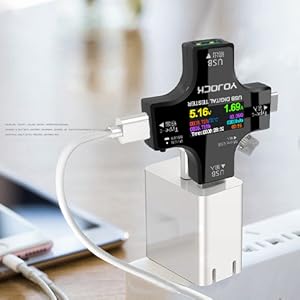
2-IN-1 Tester Meter
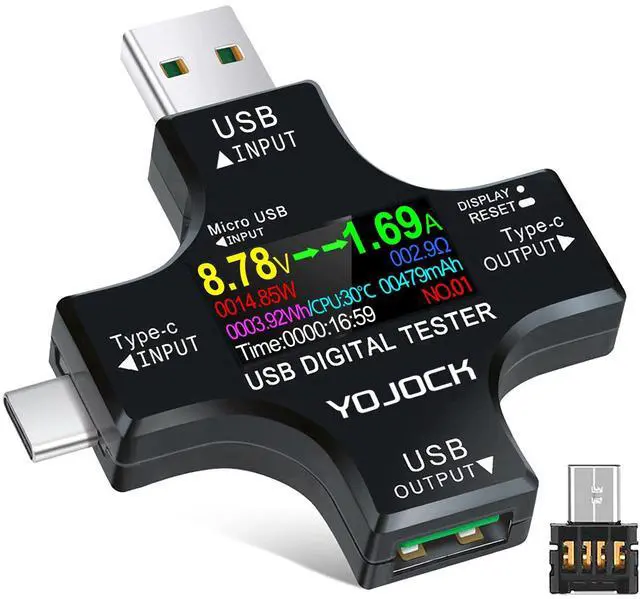
Our USB tester can meet the transform of two kinds of output. When USB-A input connect to your charger, the USB-A output and Type-C output both support testing electricity.
Note: the Micro USB Adapter should be inserted at this time.
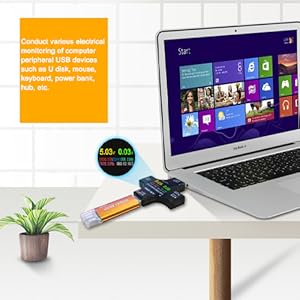
Laptop Charge Monitor
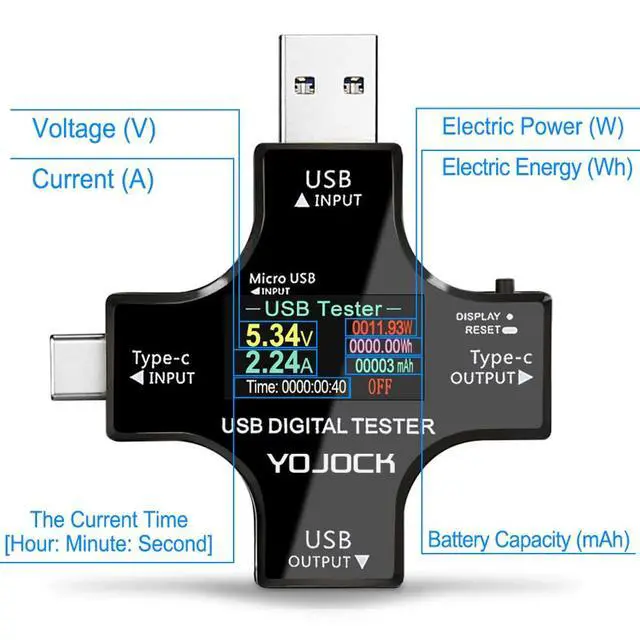
When charging the notebook, connect a YOJOCK USB meter to monitor real-time voltage, current, capacity, power, temperature and other electric parameter information.
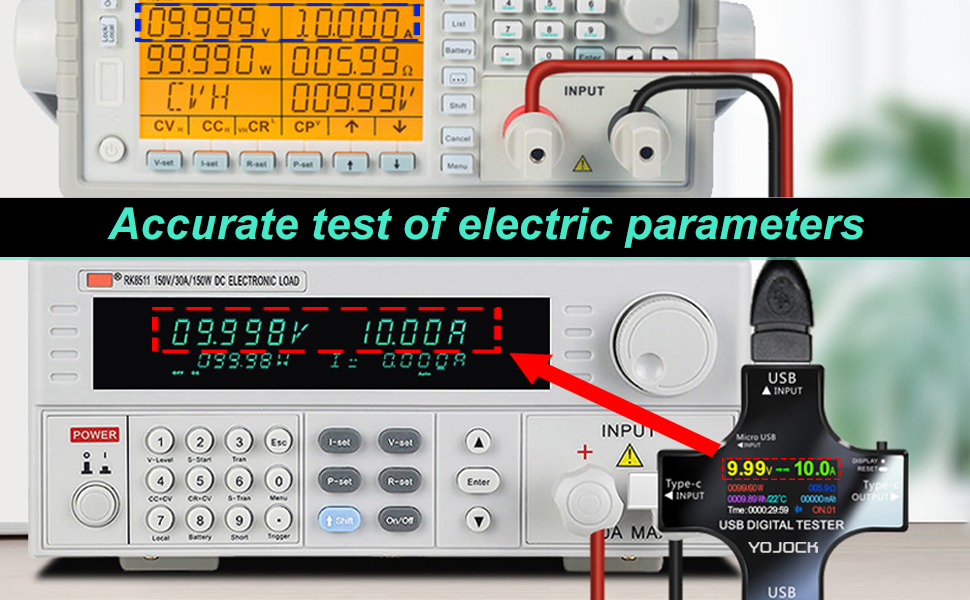
Measuring Parameters


YOJOCK is a global brand in the consumer electronics accessories industry, provide customer around the world with high quality product and authentic service.
We devote ourselves to provide reliable, safe, durable and stable quality products to our customers. Take a look at our extensive products on store. I believe you will be able to find to meet the needs of electronics products.
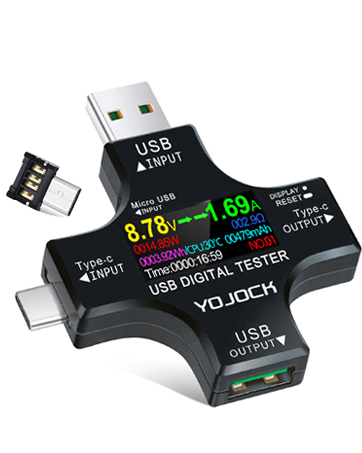
YOJOCK USB Tester 2-IN-1
A Must Gadget checks the charging performance(charging speed and quality).
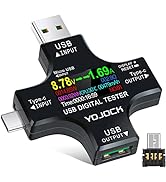
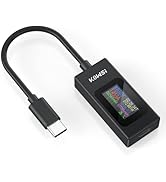
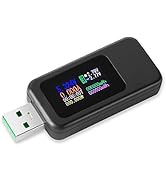
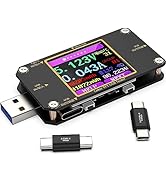
USB Tester Tool
![YOJOCK 8K Displayport Cable 1.4, Monitor DP Cable 6.6ft/2M [8K@60Hz, 4K@144Hz, 2K@165Hz, HDR] Hig...](//c1.neweggimages.com/sellingpilot/modules/product/a-plus/5864b43f2008ce00b210d9a799b64ee6a472b8403690635962a4b7f30a17e656.jpg)
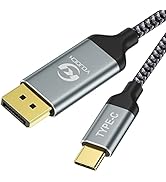
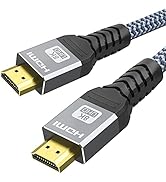
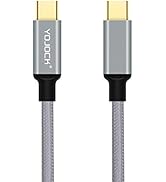
Cable Accessories
![YOJOCK 8K Displayport Cable 1.4, Monitor DP Cable 6.6ft/2M [8K@60Hz, 4K@144Hz, 2K@165Hz, HDR] Hig...](http://c1.neweggimages.com/sellingpilot/modules/product/a-plus/5864b43f2008ce00b210d9a799b64ee6a472b8403690635962a4b7f30a17e656.jpg)
YOJOCK is a global brand in the consumer electronics accessories industry, provide customer around the world with high quality product and authentic service.
We devote ourselves to provide reliable, safe, durable and stable quality products to our customers. Take a look at our extensive products on store. I believe you will be able to find to meet the needs of electronics products.
YOJOCK USB Tester 2-IN-1
A Must Gadget checks the charging performance(charging speed and quality).
USB Tester Tool
Cable Accessories
All-round Protection for Safety Use
Voltage and Current Protection Function:
Over Voltage Protection Function: The system default value of Over-voltage Warning is 32.0V.
To change Over voltage default value, please select the 1st option (>32.0V OVP) on system setting interface; short press the key to decrease 0.1V; quick 2 press the key to increase 0.1V.
Low Voltage Protection Function: The system default value of Low-voltage Warning is 0.00V.
To change Low voltage default value, please select the 2nd option (<0.00V LVP) on system setting interface; short press the key to decrease 0.1V; quick 2 press the key to increase 0.1V.
Over Current Protection Function: The system default value of Over-current Warning is 8.00A.
To change Over current default value, please select the 3rd option (>8.00A OCP) on system setting interface; short press the key to decrease 0.1A; quick 2 press the key to increase 0.1A.
Tips:
1. When this USB tester connect to USB-C device and USB-A to USB-C cable, you should insert the OTG adapter (Micro USB adapter) into USB tester to trigger the PD charging function. Then the USB tester can be used normally.
2. If there is current in the tester without connecting load,? press and hold the key of USB tester, then connect to device and calibrate to zero. During calibration, the output must not have any current consumption.
Important: Please download more information from Product guides and documents.
The product is constantly updated and new content is added, so sometimes the version you receive may be different from the description, but it does not affect the quality and use of product.
Operation Instructions of USB Power Meter
- Short Press to switch different interface
- Quick 2 Press: Reset capacity (mAh)
- Quick 3 Press: Reset energy(Wh)
- Quick 4 Press: Reset timing (00:00:00)
- Quick 5 Press: Change group number (NO.X, total 10 groups of data)
- Long Press to reset capacity, energy and timing of curent group(mAh, Wh, 00:00:00)
- On the system interface, short press the key to switch different setting options, long press the key to select and enter the option.
Features
Become A Safety Guard of Your Devices
Detect Charging & Discharging condition of your devices.
Wide range of application, can be applied to test Type-C and Micro USB devices.
Under the circumstance of the constant power supply and sustained load, the larger voltage and the lower voltage drop of the USB cable detected by this USB tester means that the better quality of the USB cables will be.
Test the Output Current of the Charger
USB tester provides real-time charging parameter information of charging status to you, ensure a safety charging environment to your devices.
Note: If the USB tester doesn’t display any parameters, please insert the USB Micro adapter into the side hole on the USB tester to trigger the PD charging function.
Test Capacity and Electric Energy of Power Bank
Make sure the power bank to be tested is fully charged firstly, then connect to this USB tester and reset the capacity and electric energy by long pressing, and then fully discharge with this USB tester and 5v load till power bank run out of its energy. The reading on this USB tester is real data of capacity of your power bank.
Test Various USB A/C Chargers
Plug the USB tester into the charger and connect an adjustable current load;
Perform current adjustment and test the current and voltage data of the charger;
Let the charger be connected to the current loader for a long time to check the stability of the charger.
2-IN-1 Tester Meter
Our USB tester can meet the transform of two kinds of output. When USB-A input connect to your charger, the USB-A output and Type-C output both support testing electricity.
Note: the Micro USB Adapter should be inserted at this time.
Laptop Charge Monitor
When charging the notebook, connect a YOJOCK USB meter to monitor real-time voltage, current, capacity, power, temperature and other electric parameter information.
Measuring Parameters
| Voltage Measuring Range: | 3.6 ~ 32.0V |
| Current Measuring Range: | 0.00 ~ 8.0A |
| Capacity Cumulative Range: | 0 ~ 99999mAh |
| Power Cumulative Range: | 0 ~ 999999Wh |
| Power Measuring Range: | 0 ~ 256.000W |
| Resistance Measuring Range: | 1 ~ 999.99O |
| Max Timing Range: | 999H : 59M : 59S |
| Working Temperature: | 0-80? / 14-140? |
| USB D+ Voltage Range: | 0 ~ 2.999V |
| USB D- Voltage Range: | 0 ~ 2.999V |
| Measurement Rate: | 0.5times/s |
| Self-consumable Current: | <0.02A |