• $19.98
  • Free 30-day Returns
  • Sold by YWS Prime

    Shipped by YWS Prime

    Price alert
    Shop it at NeweggBusiness.

    Meet Your Seller

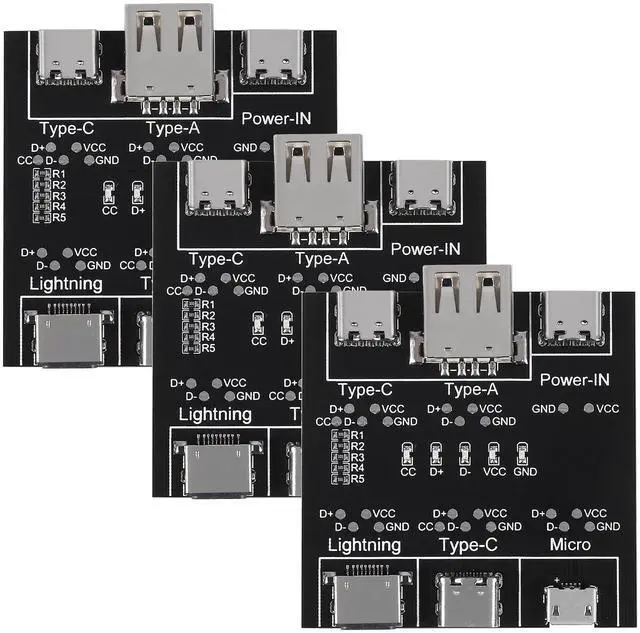
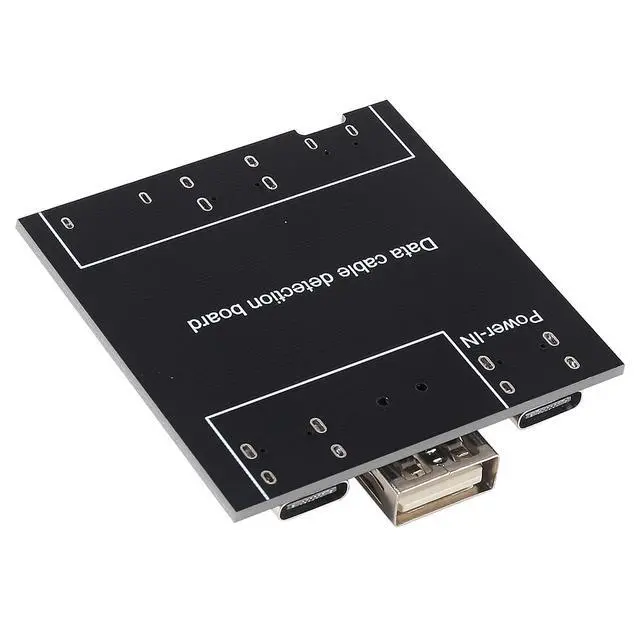
    3pcs Data Cable Detection Board DT 3, USB Cable Tester Board USB Cable Checker Data Wire Charging Test Card Type-C Micro

    • USB Cable Tester: This USB data cable tester can quickly detect abnormal data lines.
    • With powerful data cable pass-through detection function, it supports C-type, micro and iOS interface inputs to ensure your data cable functions properly.
    • D+ or D- is off, indicating the data transmission function is abnormal.Port:Type-C, Type-A, Micro Made of high quality materials and stable structural design, the USB Cable Tester provides excellent performance and long service life, ensuring you reliable testing in any situation.
    • Insert the test cable into the corresponding input port after connecting the power from the power supply port 4 lights are on for normal power on, no light is on for abnormal power on (5 lights are on for normal dual-type-c connection).
    • Multi-level protection ensures the stability and safety of testing. Small and convenient, fast detection, easy to carry and use.
    +
    +
    Overview
    Specs
    Reviews
    avatar

    Any questions? Our AI beta will help you find out quickly.

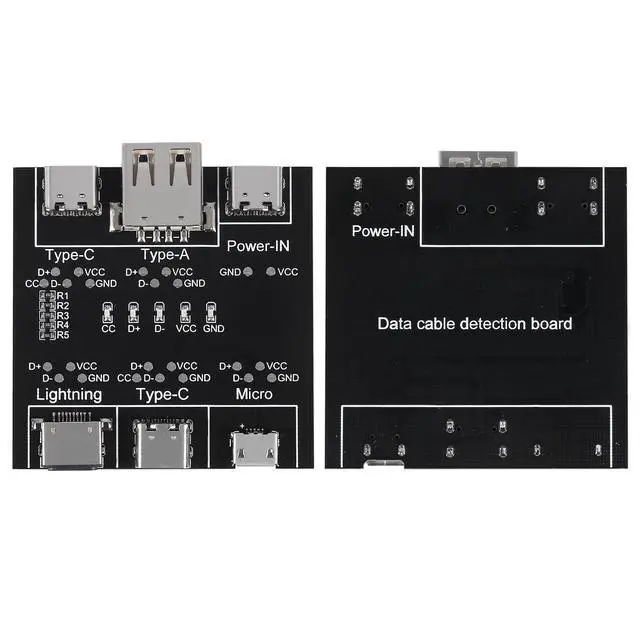
    Data Cable Detection Board:

    Material:PCB

    Size:5x5 cm

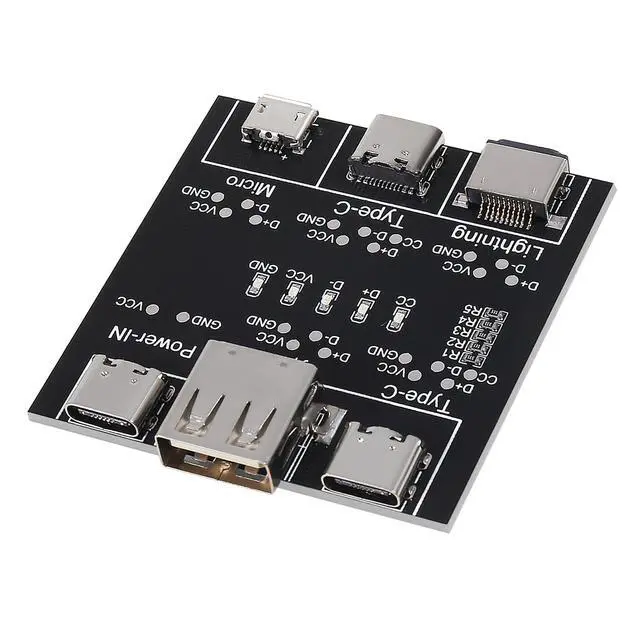
    Port:Type-C, Type-A, Micro

    Quick detection of data line anomalies:

    If all indicator lights are on, the data cable is normal. If one indicator light is not on, it indicates that the data cable is abnormal.

    Indicator light description:

    If all four indicator lights are on, the data cable is normal (dual headed type-c data cables require all five indicator lights to be on).

    If VCC or GND is not lit, it indicates that the data cable charging function is abnormal.

    D+or D - off indicates abnormal data transmission function.

    CC is specifically designed for dual head type-c data line detection. When testing other data cables, the light does not turn on.

    Test scope:

    Type-c to Type-c

    Type-c to Lighting

    USB to lighting

    USB to Type-c

    USB to Mini

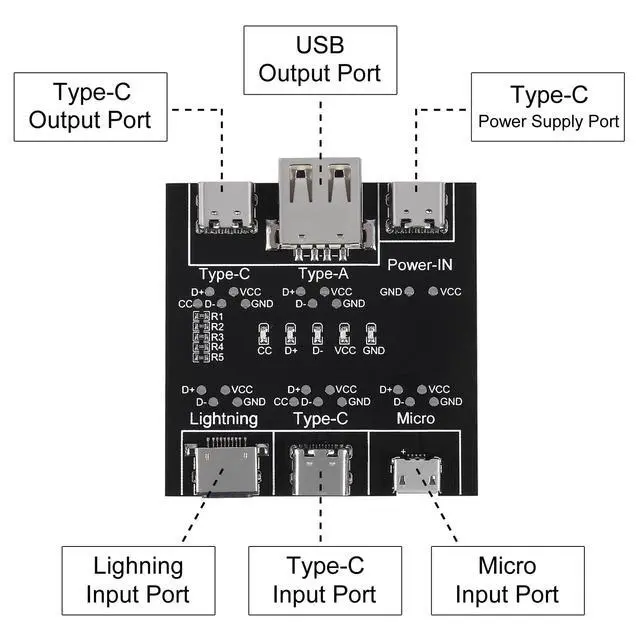
    Interface distribution:

    The operation is simple, the detection is convenient, and the detection efficiency of the data line is improved.

    Instructions for using the tester:

    1. Use a type-c charging cable to plug into the power port to power the product.

    2. Insert one end of the data cable to be tested into the corresponding port.

    3. Insert the other end of the data cable into the corresponding port.

    4. Observe the indicator light.

    Package: 3pcs USB Data Cable Test Board

    Warranty & Returns

    Warranty, Returns, And Additional Information

    Warranty

    • Please contact the Seller directly for warranty information. Warranty information may also be found on the Manufacturer's website.
    • CONTACT

    Return Policies

    • Return for refund within: 30 days
    • Return for replacement within: 30 days
    • This item is covered by YWS Prime Return Policy

    Manufacturer Contact Info

    LOADING...