
Your Browsing History





Any questions? Our AI beta will help you find out quickly.
Product Description
1. The relevant information of the product has not been sorted out yet, the upper computer will be synchronized to the official website power-z.cn in the near future;
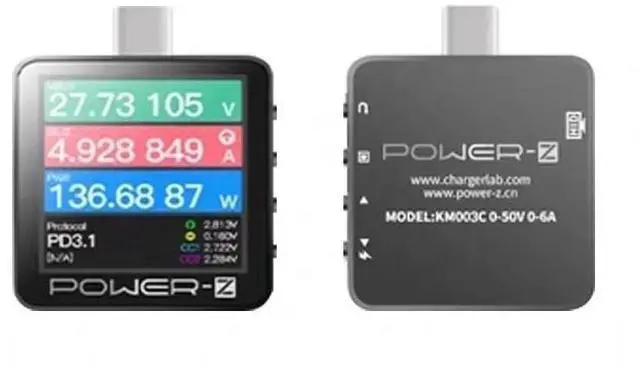
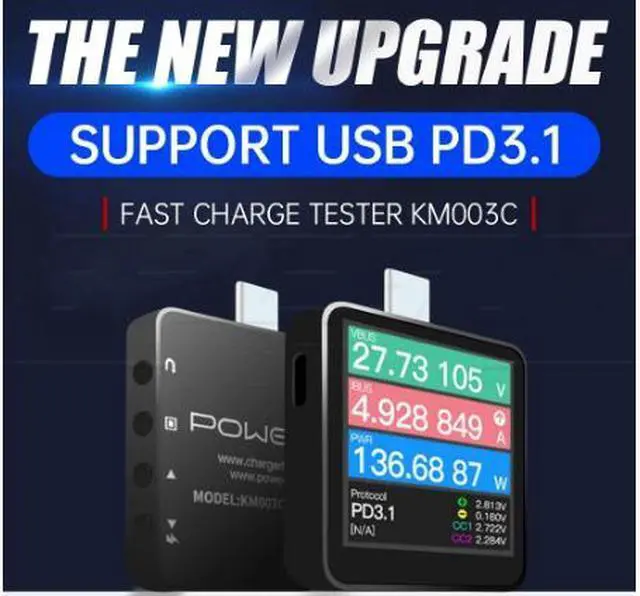
2. The main function is to increase the detection and deception of the PD3.1 protocol, and the range has been increased to 50V 6A. More detailed information is waiting for follow-up instructions;
3. There are a large number of inquiries. If you do not reply in time, please bear with it. If you see it, you will reply one by one;
Function introduction
"Quick start"
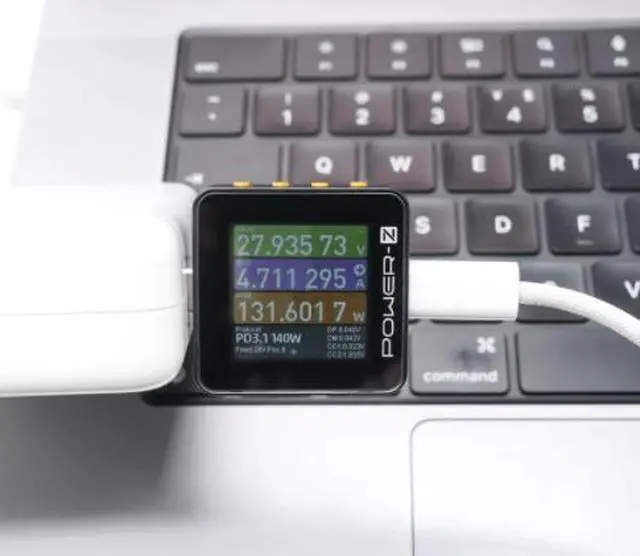
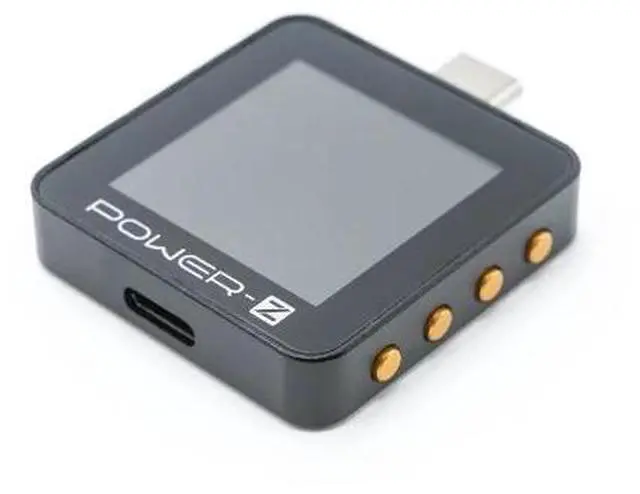
1. Insert the Type-C port of Power-Z into the charging port of the mobile phone
2. Insert the original charger into the C port at the bottom of the Power-Z
3. Turn on the power and start using, easily monitor charging voltage, current, power and other data
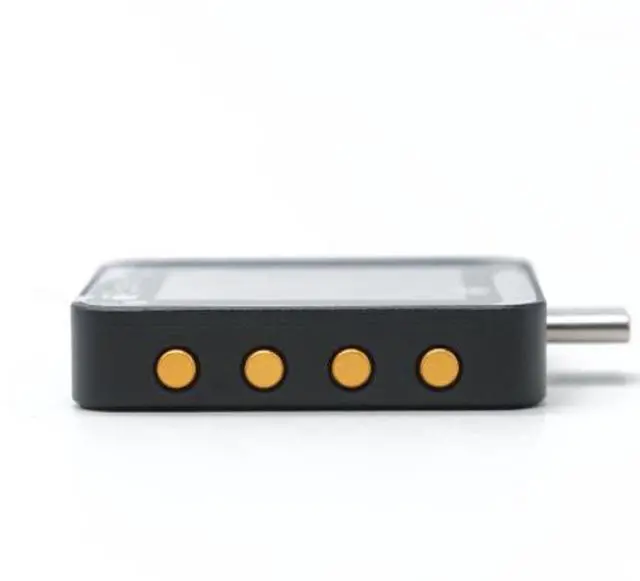
"Key Description" (from top to bottom)
Button 1: Back, adjust the text display direction on the main interface
Button 2: OK, adjust the data refresh frequency on the main interface
Button 3: Previous page, cursor up
Button 4: Next page, the cursor moves down
"Precautions"
1. The QR code manual will appear when you first open it, you can choose to skip it and "start using" directly
2. The current firmware version is the test firmware, there are some minor bugs that do not affect the use, please forgive me. Some unfinished features and issues will be added and fixed in subsequent updates.
3. HID is a data interface, used to connect to the host computer and PC suite (for the time being only Windows). It can be used for 5V power supply during testing, which is more stable.
4. The official version of the manual will be updated synchronously with the official firmware