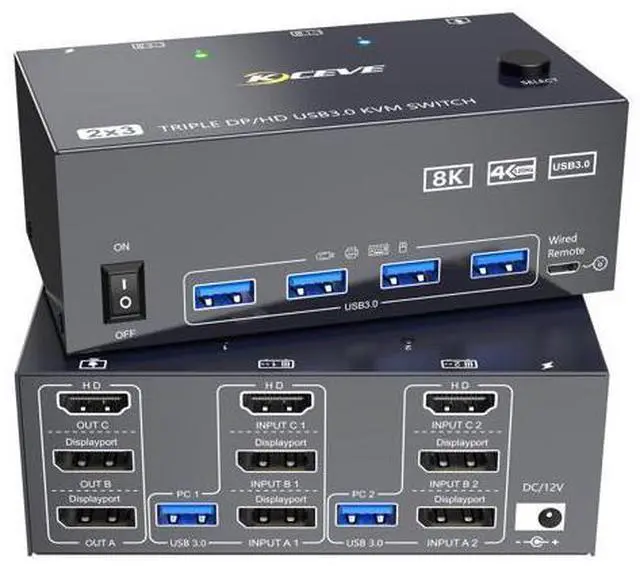
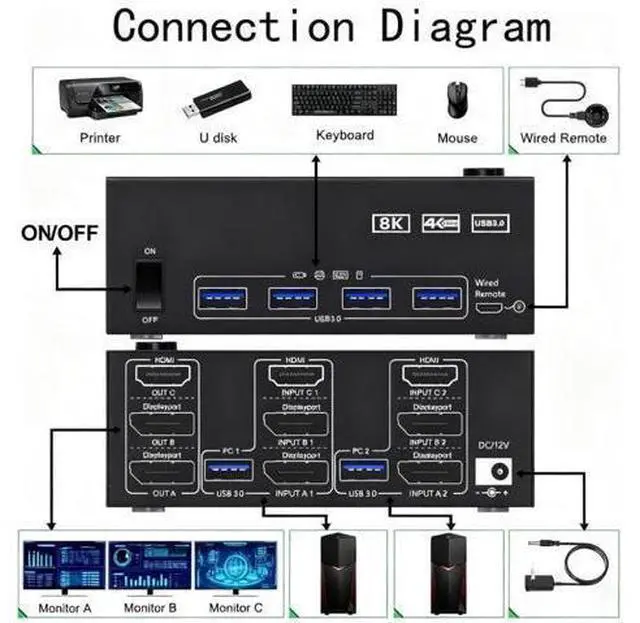
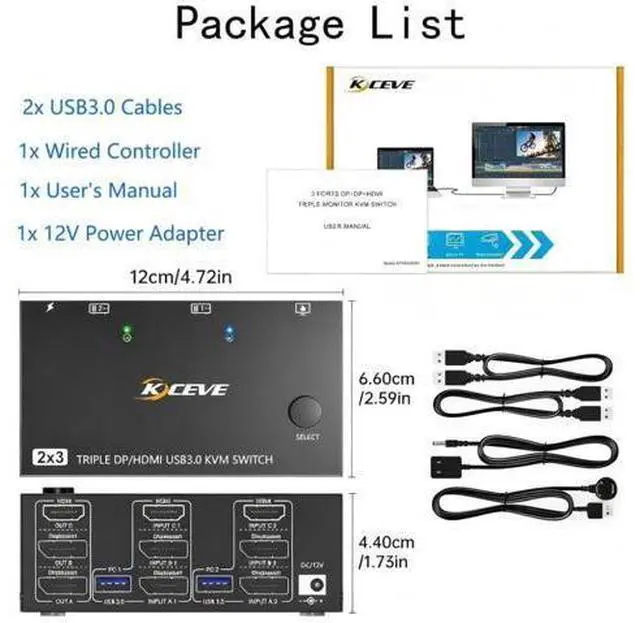
[- ]. Both computers need two DP ports, one HDMI port, and one USB-A output port..
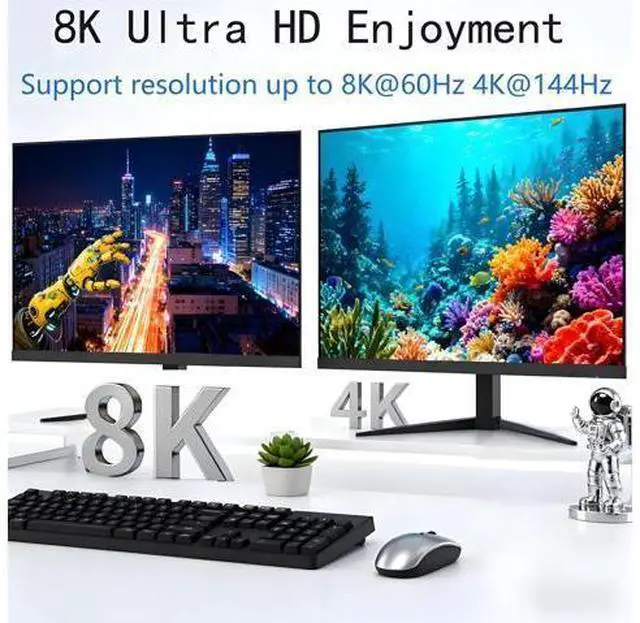
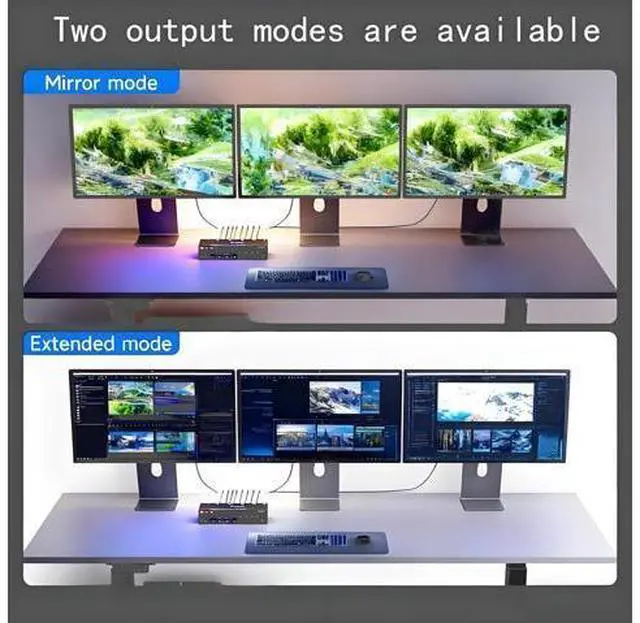
Of your three monitors: two require DP ports, one requires an HDMI port.. For the KVM switch, use short cables compliant with DP 1.4 and HDMI 2.1 standards; [ ]3 monitor kvm switch 2 computers allows you to control 2 computers by only one set of keyboard mouse, share 4 USB devices and 3 monitors. Quick switching avoids damaging the interface by plugging and unplugging, Improve work efficiency; [ ]KVM switch 3 monitors 2 computers supports resolutions up to 8K@60Hz/4K@144Hz, delivering lifelike visual experiences. DP HDMI KVM switch is also backward compatible with 4K@30Hz, 1080P, or lower resolutions.
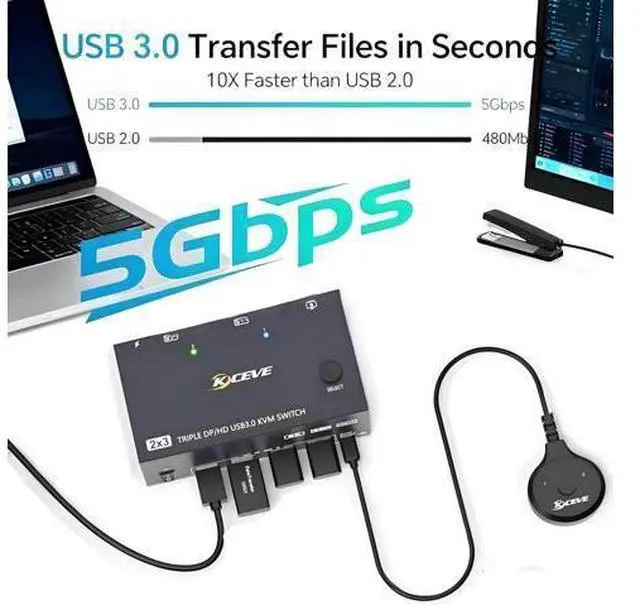
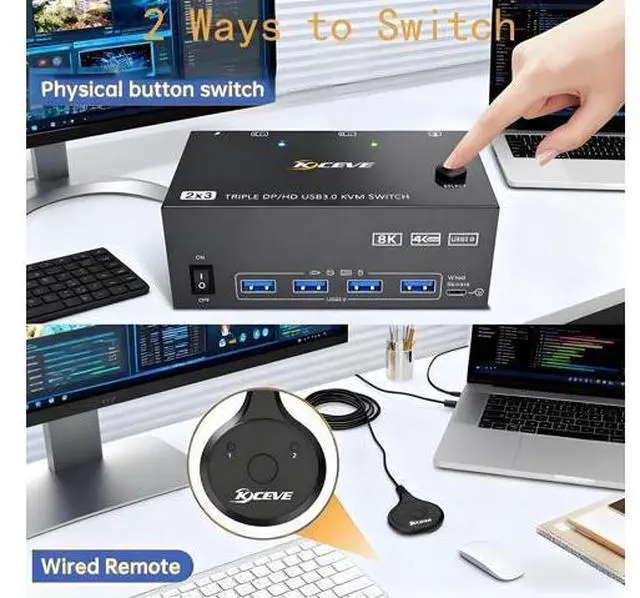
Note: To achieve maximum resolution, avoid using adapters or low-quality cables; [. ]3 monitors kvm switch features 4 USB 3.0 ports for connecting keyboards, mice, USB drives, printers, USB cameras, and other USB devices. Data transfer speeds reach up to 5Gbps, reducing wait times and boosting productivity. 4 monitors kvm is also compatible with USB 2.0 devices.; [ - ]KVM switch driver-free and plug and play, no plug-ins required, you can press the button on the panel or use the wired remote controller to switch the computers.