• $35.89
  • Free 30-day Returns
  • Ships from China.

    Shipped by SNUGGLESOFT LTD

    Price alert
    Shop it at NeweggBusiness.

    Meet Your Seller

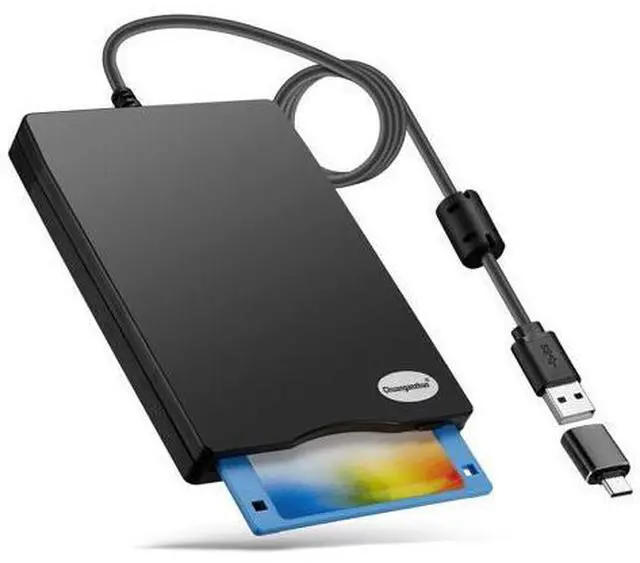
    Chuanganzhuo Floppy Disk Reader, 3.5 inch External USB Type C Floppy Disk Drive for PC, Laptop and Desktop Compatible with Windows 11/10/8/7/2000/XP, Black, Frosted Texture

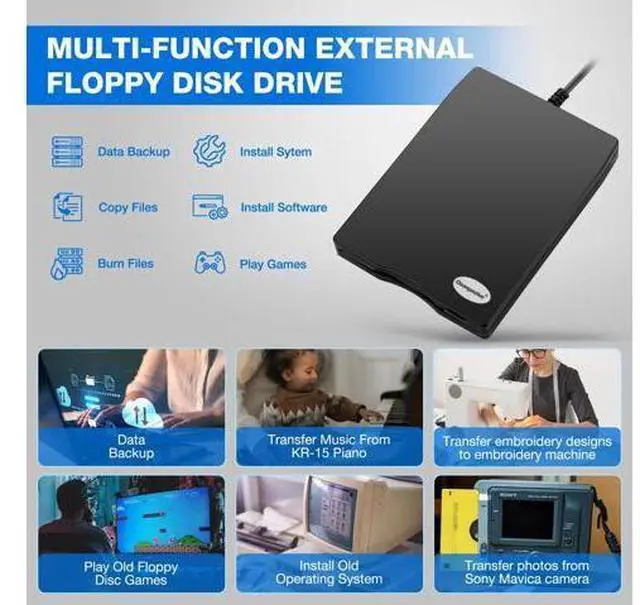
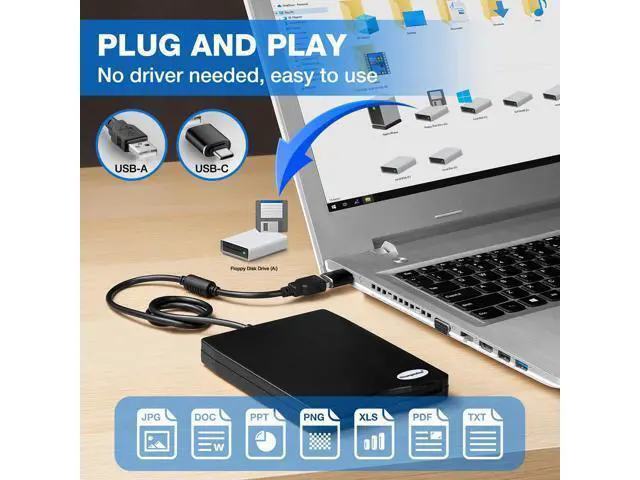
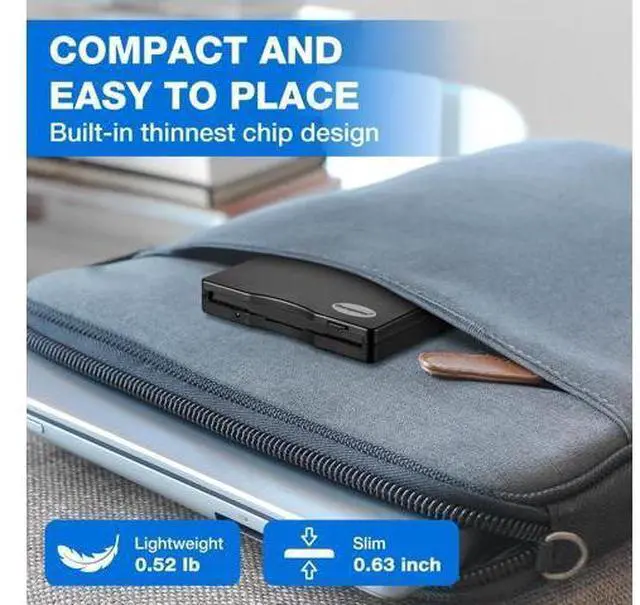
    • Floppy Disk Reader for PC: As most modern laptops and desktop computers no longer come equipped with internal floppy disk drive for reading floppy diskettes, this 3.5 inch external USB floppy disk drive is an excellent solution to reading and writing your old floppy disks as easy as a built-in floppy disc reader. Retrieve Your Memories, for all the people that grew up with floppy disks, this is a return to the past.; Plug and Play Floppy Disc Reader: No extra driver program is required, powered by the USB cable. Just insert your floppy diskette into floppy disk drive, then plug the USB type A/C connector to your computer and it will be automatically detected. Bring up Windows File Explorer, you will see drive A icon under "Devices and Drives", right click it and select open option, you could cut, paste, copy the files in your floppy disks as you would other files in the system.; Ultra thin and Portable USB Floppy Drive: With ultra-slim (Only 0.63inch thick) design and lig
    +
    +
    Overview
    Specs
    Reviews
    avatar

    Any questions? Our AI beta will help you find out quickly.

    Floppy Disk Reader for
    PC: As most modern laptops and desktop computers no longer come equipped with internal floppy disk drive for reading floppy diskettes, this 3.5 inch external USB floppy disk drive is an excellent solution to reading and writing your old floppy disks as easy as a built-in floppy disc reader. Retrieve Your Memories, for all the people that grew up with floppy disks, this is a return to the past.; Plug and
    Play Floppy Disc Reader: No extra driver program is required, powered by the USB cable. Just insert your floppy diskette into floppy disk drive, then plug the USB type A/C connector to your computer and it will be automatically detected. Bring up Windows File Explorer, you will see drive A icon under "Devices and Drives", right click it and select open option, you could cut, paste, copy the files in your floppy disks as you would other files in the system.; Ultra thin and
    Portable USB Floppy Drive: With ultra-slim (Only 0.63 inch thick) design and lig

    Warranty & Returns

    Warranty, Returns, And Additional Information

    Warranty

    • Please contact the Seller directly for warranty information. Warranty information may also be found on the Manufacturer's website.
    • CONTACT

    Return Policies

    Manufacturer Contact Info

    LOADING...