• $45.98
  • Free 30-day Returns
  • Ships from China.
    Price alert
    Shop it at NeweggBusiness.

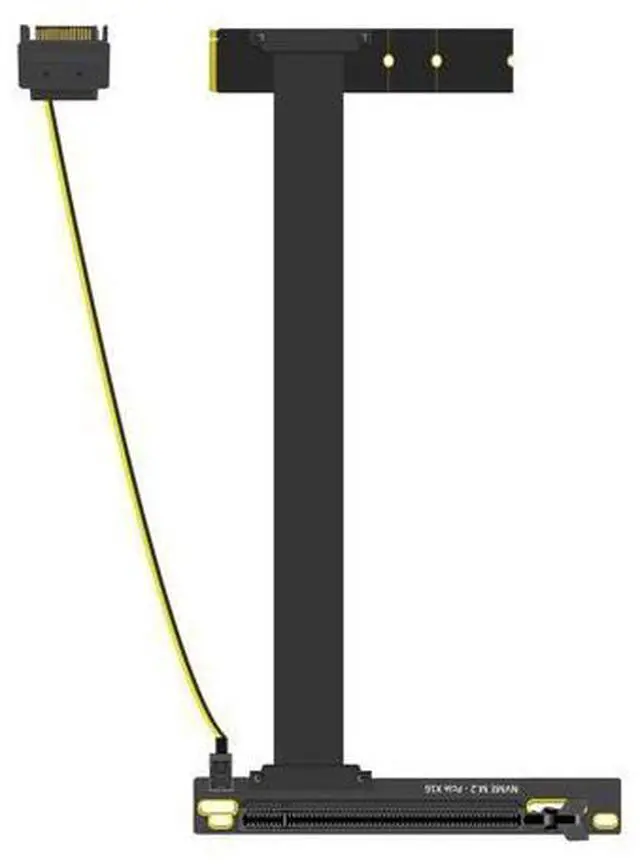
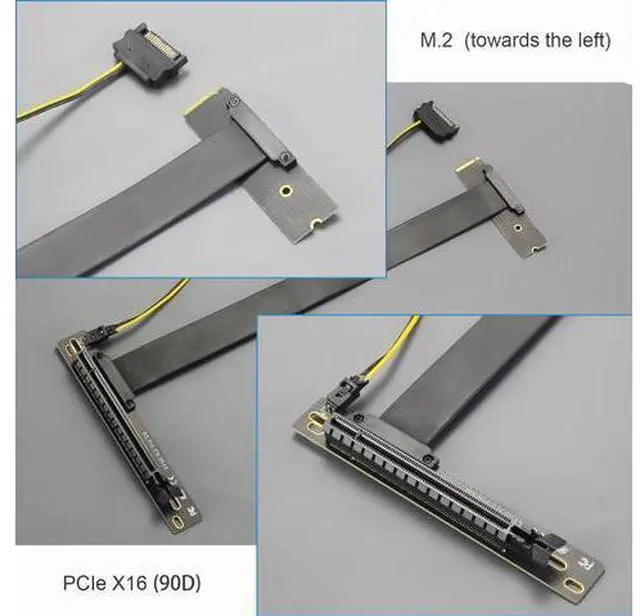
    BUCIER 300mm M.2 Key M to PCIe 4.0 X16 Riser Cable with SATA Power Cable, Not Support M.2 SATA Slot

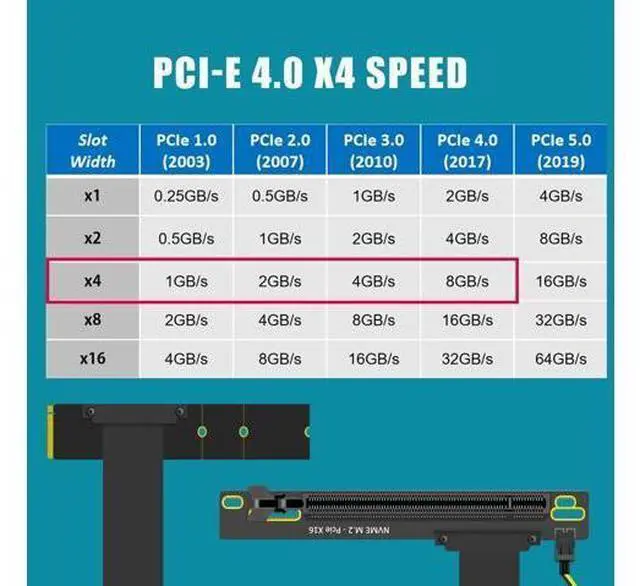
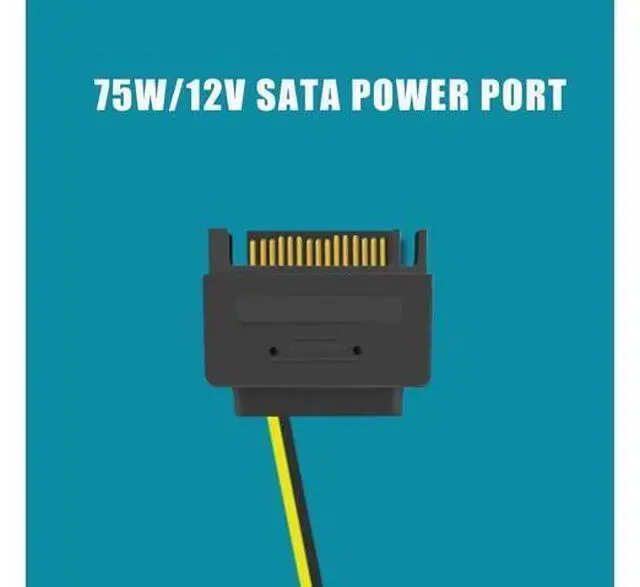
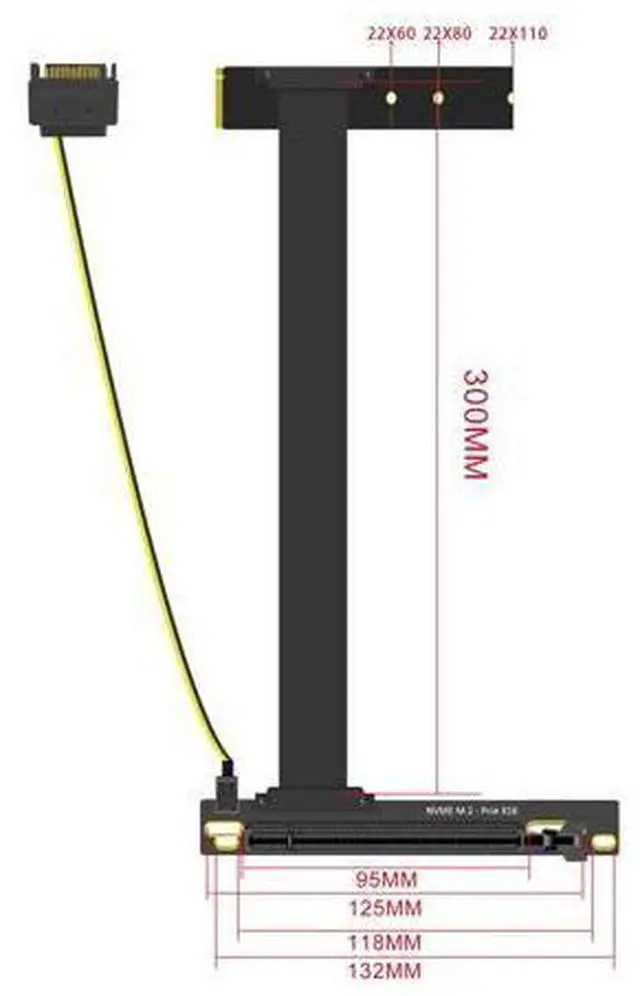
    • Slot Conversion and ExtensionConverts the left-facing onboard M.2 M-Key slot to a 90-degree PCIe X16 slot, with a 300-mm extension. Only work with M.2 M-Key PCIE Slot, not support M.2 SATA Slot.; Speed: Achieves a maximum PCIe 4.0 X4 speed (8GB/s). However, for this speed, the CPU, M.2 slot, and graphics card must all support PCIe 4.0. Note that Intel CPUs below the 11th generation do not support PCIe 4.0.; Power Supply: Equipped with a 300mm long SATA power cable, supporting up to 75W/12V. Ensure your PC/Mini PC/Server has a 12V SATA power port.; Compatibility: Compatible with all graphics cards and PCIe adapters. Due to the 75W power limit, high-power-consuming graphics cards require their own power supply interfaces.; Troubleshooting: If your computer crashes or shows a blue screen after installation, re-insert the M.2 riser cable, check all device connections, and consider reinstalling the GPU driver.
    +
    +
    Overview
    Specs
    Reviews
    avatar

    Any questions? Our AI beta will help you find out quickly.

    Slot Conversion and ExtensionConverts the left-facing onboard M. 2 M-Key slot to a 90-degree PCIe X16 slot, with a 300-mm extension. Only work with M. 2 M-Key PCIE Slot, not support M. 2 SATA Slot.;
    Speed: Achieves a maximum PCIe 4.0 X4 speed (8GB/s). However, for this speed, the CPU, M. 2 slot, and graphics card must all support PCIe 4.0. Note that Intel CPUs below the 11th generation do not support PCIe 4.0.;
    Power Supply: Equipped with a 300mm long SATA power cable, supporting up to 75W/12V. Ensure your PC/Mini PC/Server has a 12V SATA power port.;
    Compatibility: Compatible with all graphics cards and PCIe adapters. Due to the 75W power limit, high-power-consuming graphics cards require their own power supply interfaces.;
    Troubleshooting: If your computer crashes or shows a blue screen after installation, re-insert the M. 2 riser cable, check all device connections, and consider reinstalling the GPU driver.

    Warranty & Returns

    Warranty, Returns, And Additional Information

    Warranty

    • Please contact the Seller directly for warranty information. Warranty information may also be found on the Manufacturer's website.
    • CONTACT

    Return Policies

    Manufacturer Contact Info

    LOADING...