

Your Browsing History
- Free 30-day Returns
$146.47
Ships from China.

Meet Your Seller



M.2 NVMe SSD Cloner Dock, 10Gbps Dual-Bay NVMe to USB-C/A Enclosure, Supports Offline Clone, UASP, Design for M-Key or M+B Key SSDs in Size 2230/2242/2260/2280/22110, SSD Not Include
Limited time offer, ends 10/10 By NexusPoint
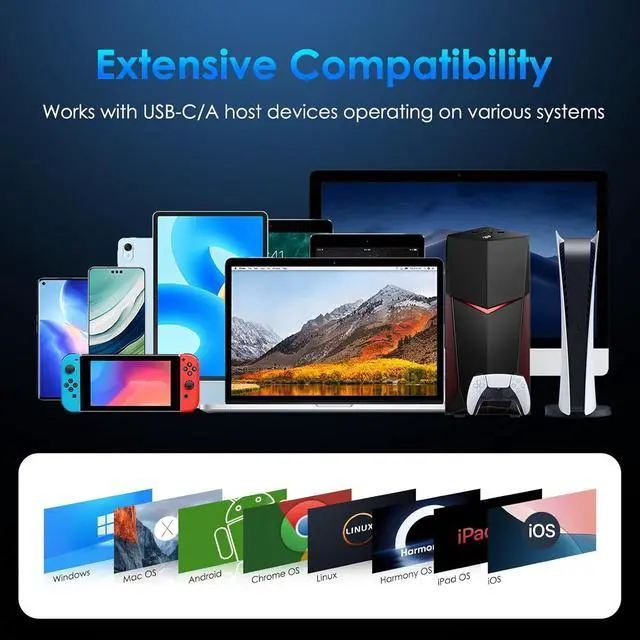
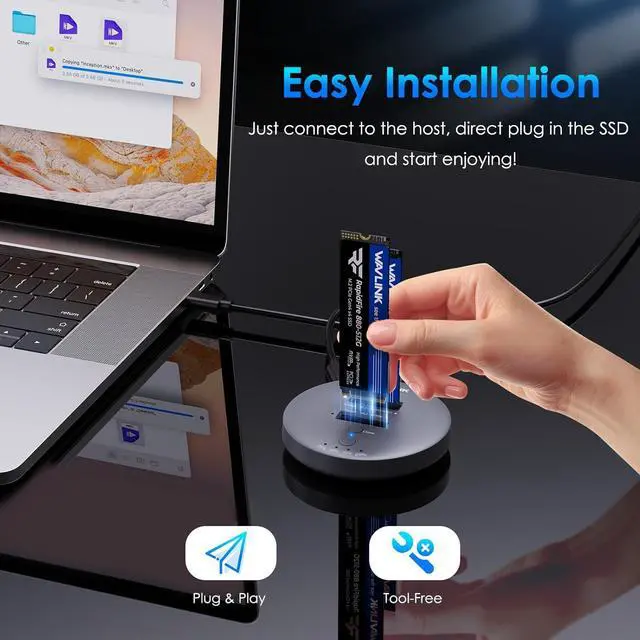
- Transfer Data at Blazing 10Gbps Experience unparalleled speed with RapidFire S2 as it supports lightning-fast data transfers through its USB-C 3.2 Gen 2 port, delivering speeds of up to 10Gbps. The included USB-C to A adapter ensures a wider application. Before using the USB-A adapter, connect it to the dock to check which side supports 10Gbps data transfer.; Effortless One-Click CloningSimplify your data management with the convenient one-click cloning function. Please note that the source disk capacity should not exceed the target disk capacity. Cloning is unavailable when the dock is connected to the host, so ensure the power connection, but DO NOT connect the host while cloning.; Works with M.2 PCIe SSDsRapidFire S2 supports a diverse range of SSDs, supporting M Key/B+M Key NVMe SSDs in sizes ranging from 22110 to 2230, allowing you to enjoy exceptional storage expansion capabilities of up to 2x8TB.; Universal Compatibility Compatible with Windows, Mac OS, Chrome OS, Linux, Android, iOS, Harmony OS, and iPad OS, and applicable with USB-C/A hosts, including laptops, tablets, phones (OTG), PS5, projectors, etc., the RapidFire S2 provides you with excellent versatility. Whether you need to expand storage or clone data, RapidFire S2 ensures reliable performance and enhances your overall user experience.
+
+
Overview
Specs
Reviews

Any questions? Our AI mode will help you find out quickly.
Try me now
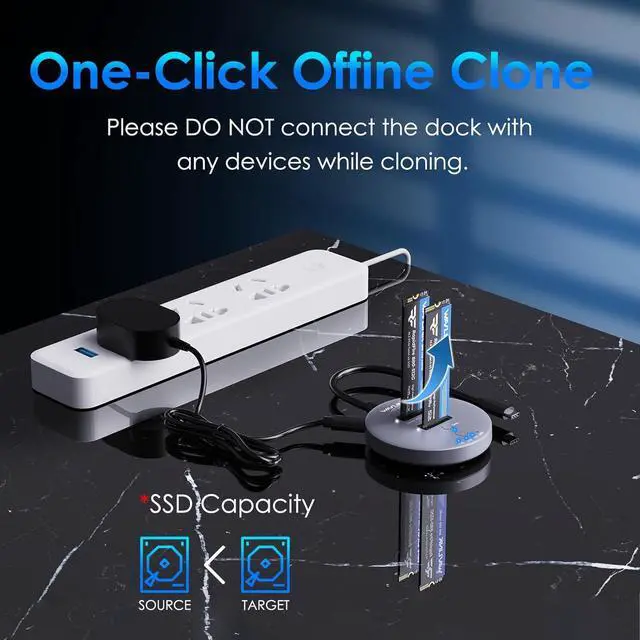
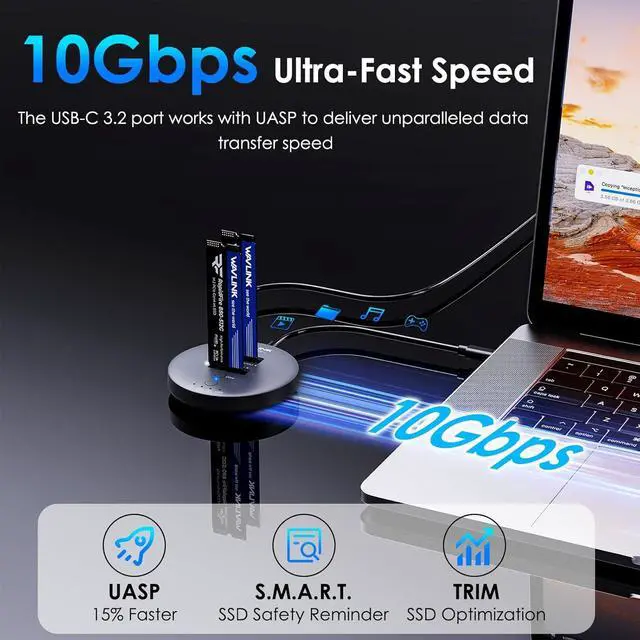
Transfer Data at Blazing 10Gbps Experience unparalleled speed with RapidFire S2 as it supports lightning-fast data transfers through its USB-C 3.2 Gen 2 port, delivering speeds of up to 10Gbps. The included USB-C to A adapter ensures a wider application. Before using the USB-A adapter, connect it to the dock to check which side supports 10Gbps data transfer.; Effortless One-Click CloningSimplify your data management with the convenient one-click cloning function. Please note that the source disk capacity should not exceed the target disk capacity. Cloning is unavailable when the dock is connected to the host, so ensure the power connection, but DO NOT connect the host while cloning.
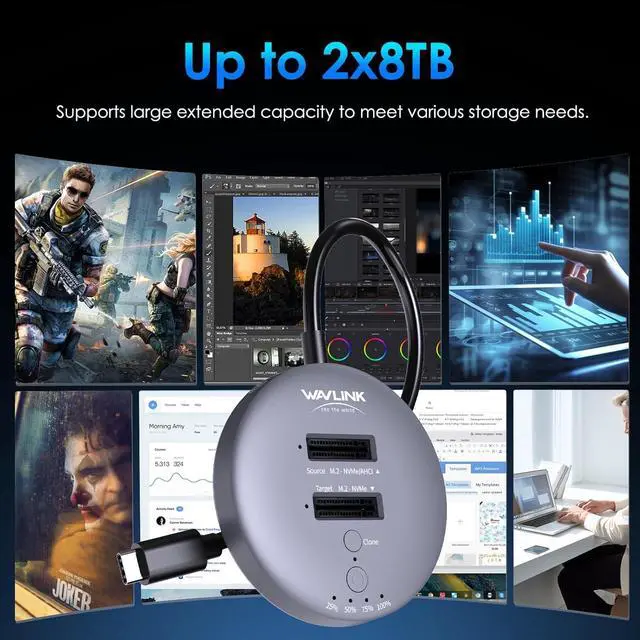
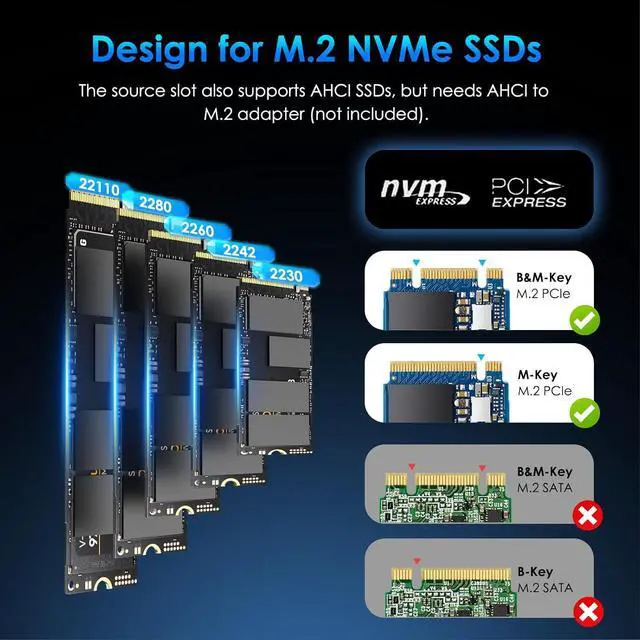
; Works with M. 2 PCIe SSDsRapidFire S2 supports a diverse range of SSDs, supporting M Key/B+M Key NVMe SSDs in sizes ranging from 22110 to 2230, allowing you to enjoy exceptional storage expansion capabilities of up to 2x8TB.; Universal Compatibility Compatible with Windows, Mac OS, Chrome OS, Linux, Android, iOS, Harmony OS, and iPad OS, and applicable with USB-C/A hosts, including laptops, tablets, phones (OTG), PS5, projectors, etc., the RapidFire S2 provides you with excellent versatility. Whether you need to expand storage or clone data, RapidFire S2 ensures reliable performance and enhances your overall user experience.
; Works with M. 2 PCIe SSDsRapidFire S2 supports a diverse range of SSDs, supporting M Key/B+M Key NVMe SSDs in sizes ranging from 22110 to 2230, allowing you to enjoy exceptional storage expansion capabilities of up to 2x8TB.; Universal Compatibility Compatible with Windows, Mac OS, Chrome OS, Linux, Android, iOS, Harmony OS, and iPad OS, and applicable with USB-C/A hosts, including laptops, tablets, phones (OTG), PS5, projectors, etc., the RapidFire S2 provides you with excellent versatility. Whether you need to expand storage or clone data, RapidFire S2 ensures reliable performance and enhances your overall user experience.
Warranty & Returns
Warranty, Returns, And Additional Information
Warranty
- Please contact the Seller directly for warranty information. Warranty information may also be found on the Manufacturer's website.
- CONTACT
Return Policies
- Return for refund within: 30 days
- Return for replacement within: non-replaceable
- This item is covered by NexusPoint Return Policy
Manufacturer Contact Info
- For a directory of all our manufacturers, please click below.
- Manufacturers Directory
LOADING...