

Your Browsing History
- Free 30-day Returns
$67.69
Ships from China.

Meet Your Seller

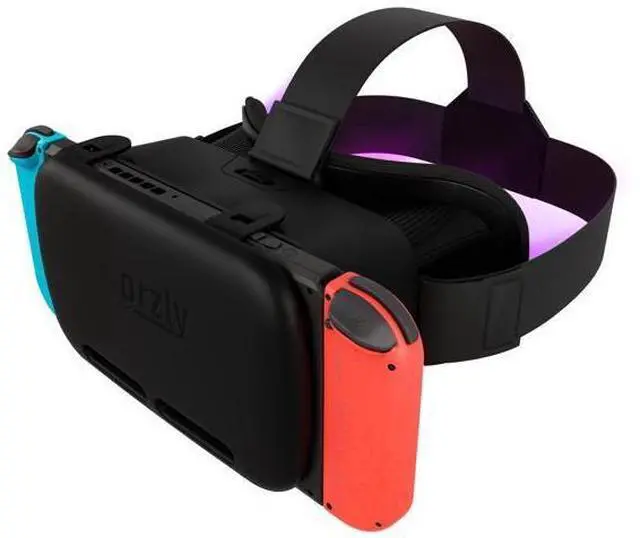
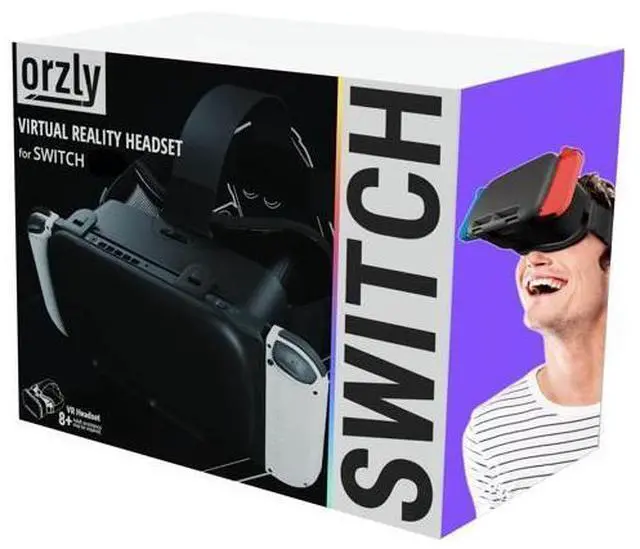


VR Headset Designed for Nintendo Switch & Switch OLED Console with Adjustable Lens for a Virtual Reality Gaming Experience and for Labo VR - Black - Gift Boxed Edition
Limited time offer, ends 09/26 By BRIGHTOR
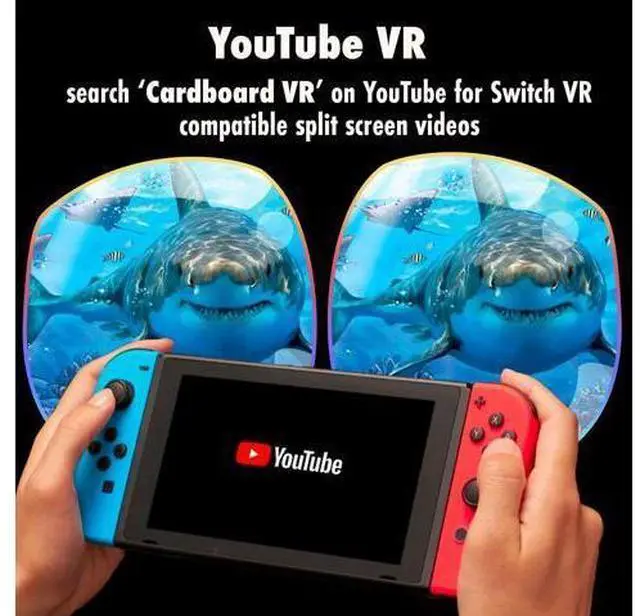
- Designed by Orzly in London VR headset with head strap and adjustable lens made for Nintendo Switch; Age Range 8 years and suitable for adults (watch before you buy on our YouTube channel); Designed exclusively to complement your range of Switch accessories and Games by our London design team; Enhance your switch console experience and be creative with this VR headset good for YouTube and a new way to game play; Adjustable lens and adjustable head strap and solid design
+
+
Overview
Specs
Reviews

Any questions? Our AI mode will help you find out quickly.
Try me now
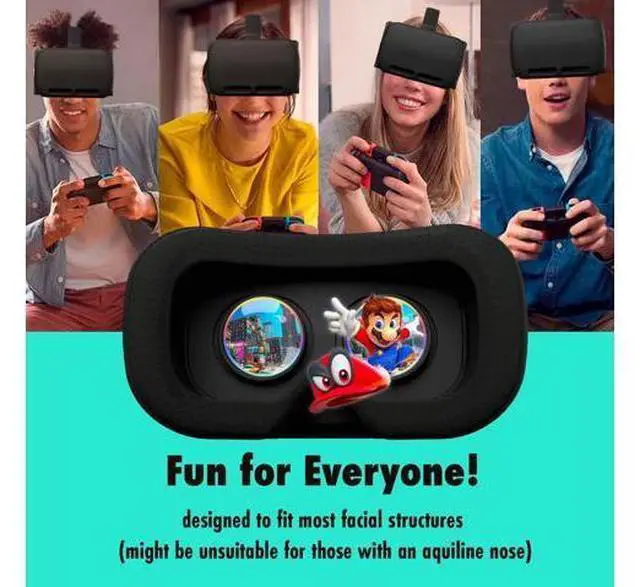
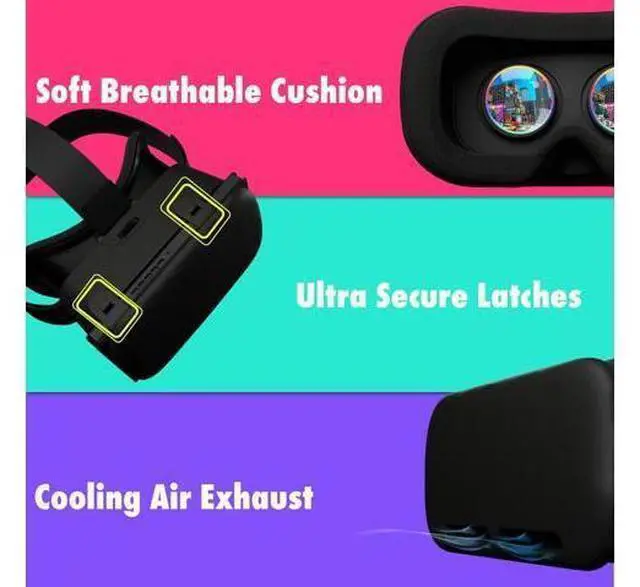
Ultra-Soft Padding Features extra large crystal clear lenses for comfortable viewing and luxuriously soft breathable cushions for extended use. (VR Headset may be unsuited for those with aquiline noses). Focus Dial Here at Orzly we understand that everyone's eye and facial structure is unique! Adjusting the Focus Dial will bring the world of VR into clear HD for your unique eyesight requirements. Adjustable Head Straps Three-way adjustable head straps ensure children and adults alike don't miss out on the fun! Securly affixes the VR Headset so it won't slip off during vigorous VR gaming! (Recommended for ages 8+, adult supervision recommended).
Full Access to Functions Minimalistic yet heavy duty latches offer full unobstructed access to your
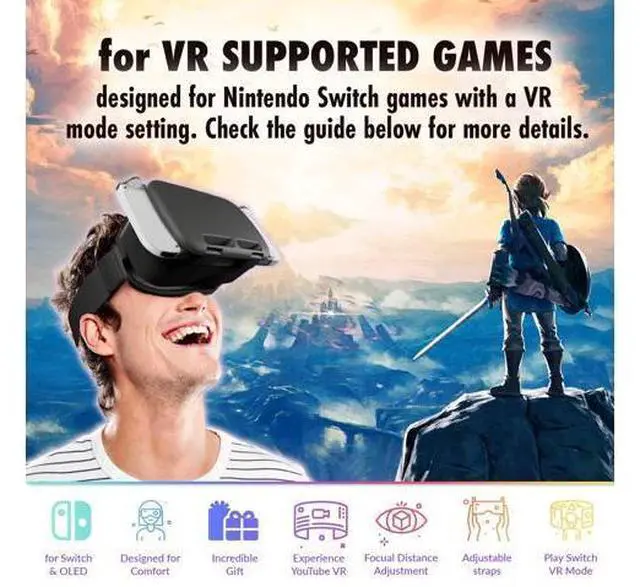
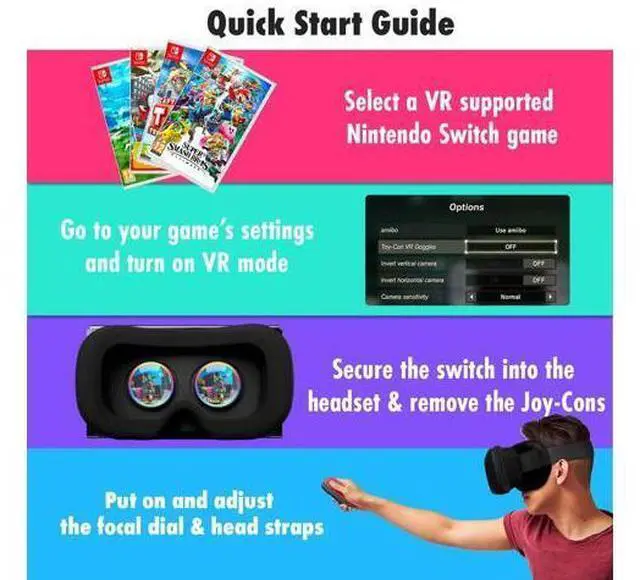
Nintendo Switch's functions such as: the charging port, power button, volume buttons, and air vents. 1) Choose a VR Supported Game Select a VR supported game from the list above. Ensure that your console and game are fully up to date - your Nintendo Switch will tell you if there is an update available. 2) Navigate to Settings and Turn On VR Mode Go to game settings and turn on 'VR Mode' or 'Toy-Con VR Goggles'. This will split your screen into two bubbles. Need some help? Feel free to reach out to us. 3) Seat the Switch into the Headset Once your game is set-up and ready to play, open the latches and seat the console into the VR Headset. Next, remove the Joy-Con controllers and fasten the latches.
Full Access to Functions Minimalistic yet heavy duty latches offer full unobstructed access to your
Nintendo Switch's functions such as: the charging port, power button, volume buttons, and air vents. 1) Choose a VR Supported Game Select a VR supported game from the list above. Ensure that your console and game are fully up to date - your Nintendo Switch will tell you if there is an update available. 2) Navigate to Settings and Turn On VR Mode Go to game settings and turn on 'VR Mode' or 'Toy-Con VR Goggles'. This will split your screen into two bubbles. Need some help? Feel free to reach out to us. 3) Seat the Switch into the Headset Once your game is set-up and ready to play, open the latches and seat the console into the VR Headset. Next, remove the Joy-Con controllers and fasten the latches.
Warranty & Returns
Warranty, Returns, And Additional Information
Warranty
- Please contact the Seller directly for warranty information. Warranty information may also be found on the Manufacturer's website.
- CONTACT
Return Policies
- Return for refund within: 30 days
- Return for replacement within: 30 days
- This item is covered by BRIGHTOR Return Policy
Manufacturer Contact Info
- For a directory of all our manufacturers, please click below.
- Manufacturers Directory
LOADING...