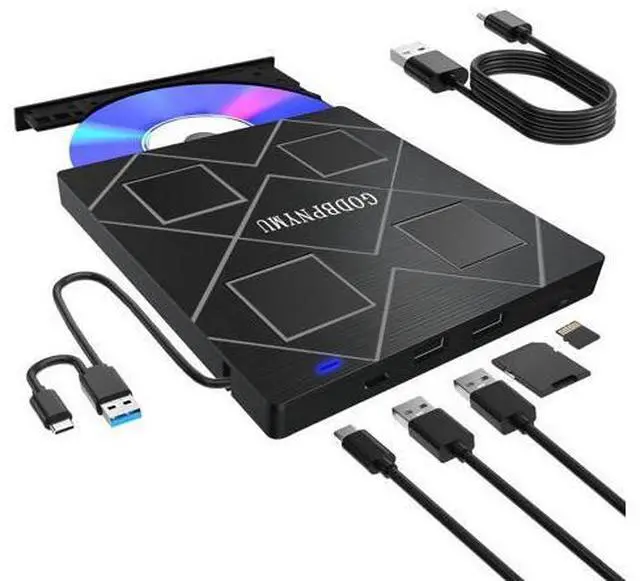
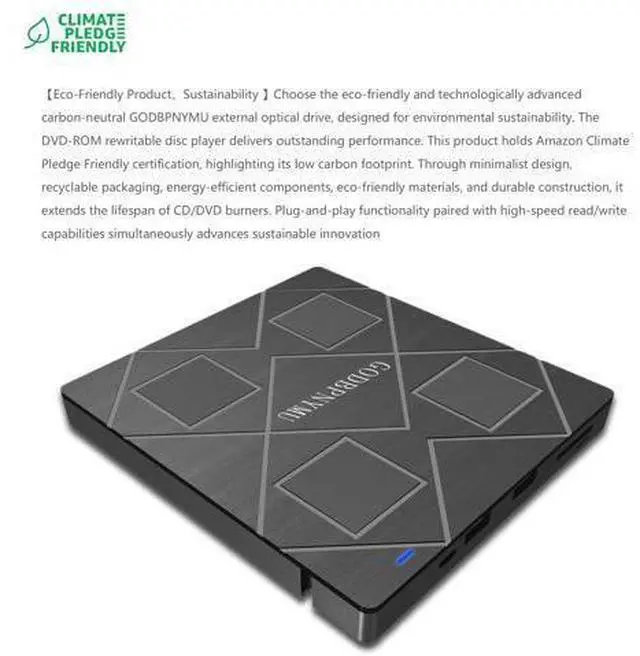
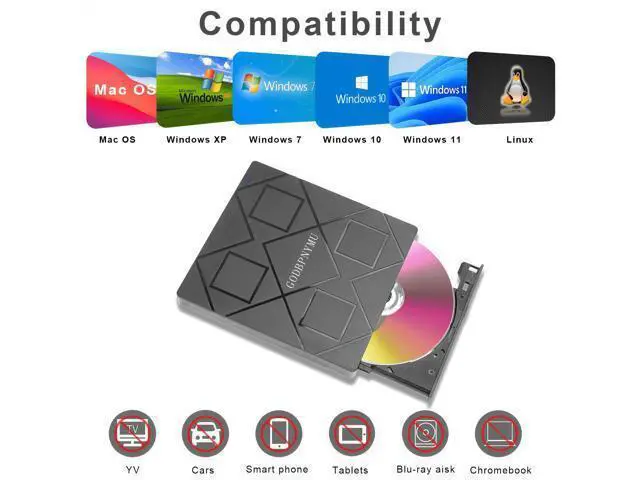
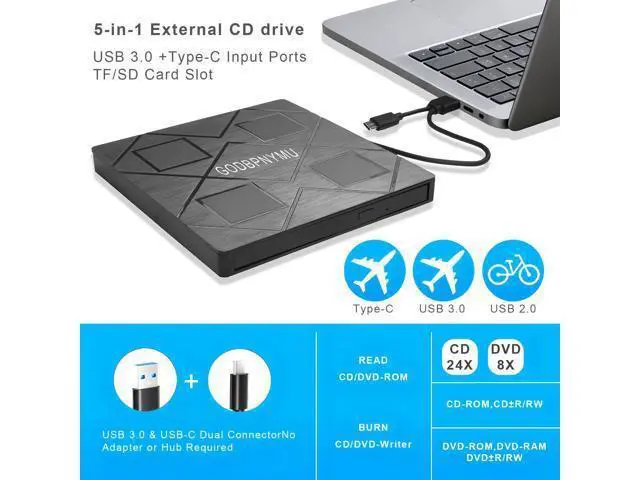
Previous page external cd drive Next page Previous page Next page External DVD Burner User Guide I.
Core Functions Playback Function: Relive cherished moments preserved on VCD/CD/DVDwedding day warmth, birthday party joy, Christmas Eve gatherings, and other special celebrations. Supports diverse content including home videos, classic films, music albums, educational materials, game discs, and important documents.
Burning Function: Burn digital content like music, photos, and videos onto discs for long-term preservation, playback across multiple devices, and digital organization/archiving. II. Software Preparation
Player Software (Required): Since most operating systems do not pre-install DVD playback components, a third-party player must be installed beforehand.
Recommended Options: VLC
Media Player: Free and open-source with comprehensive format support and optimal compatibility
KMPlayer: Feature-rich with excellent decoding capabilities Burning
Software (Optional): Prepare dedicated software if disc burning is required.
Recommended Options: BurnAware
Free Edition: Lightweight design for basic burning needs
Nero: Professional-grade tool offering advanced burning and editing features III.
Critical Considerations Genuine/Protected DVDs: First-time playback requires setting the Region Code. Select the option that exactly matches the disc's labeled region.
Important Note: Region code changes are limited (typically =5 times). Choose carefully.





 here!
here!