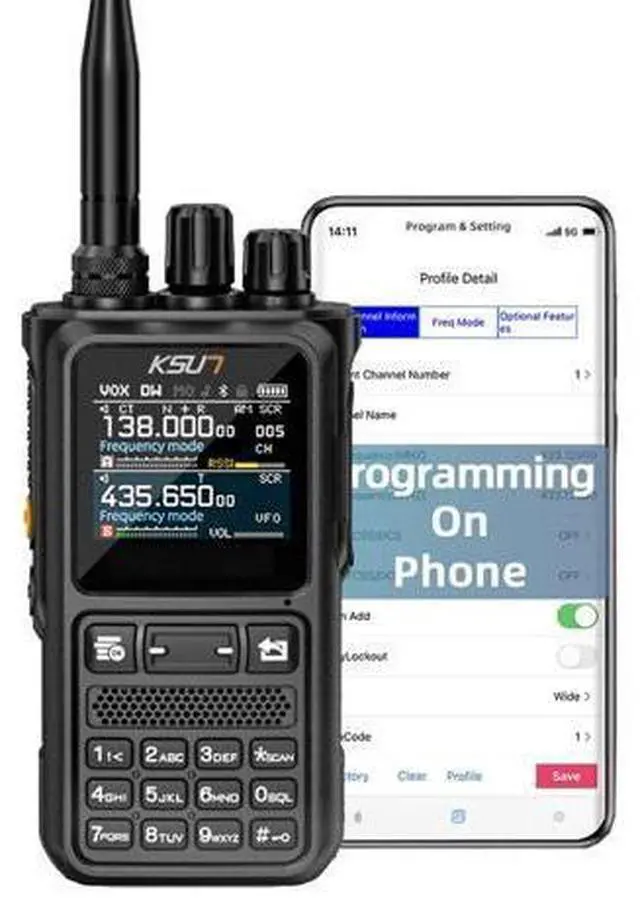
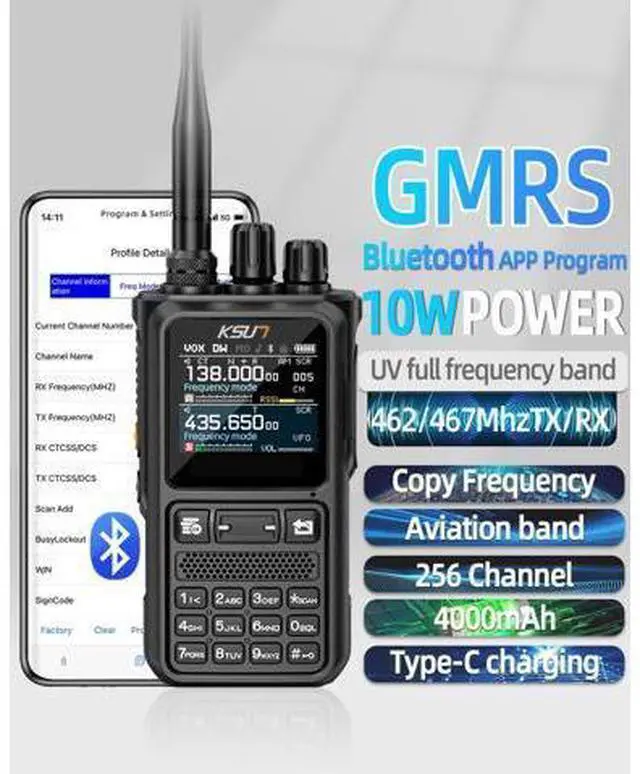
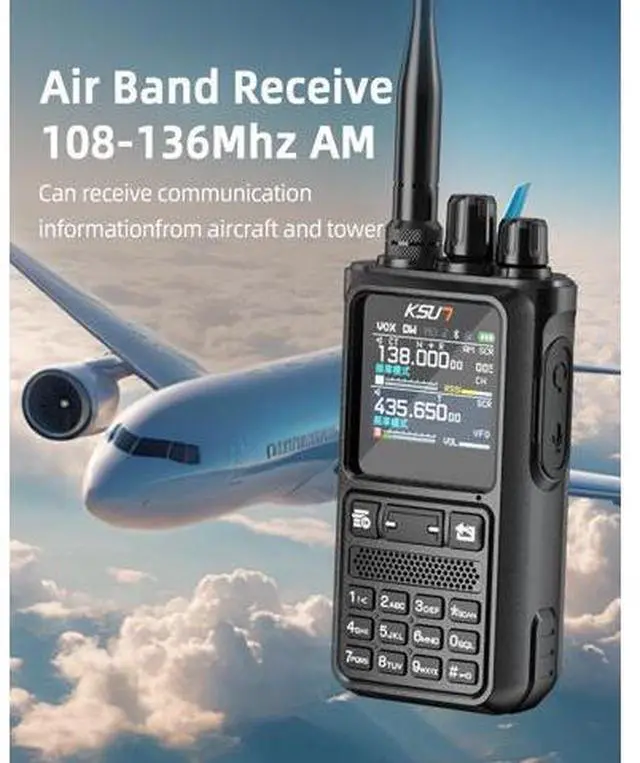
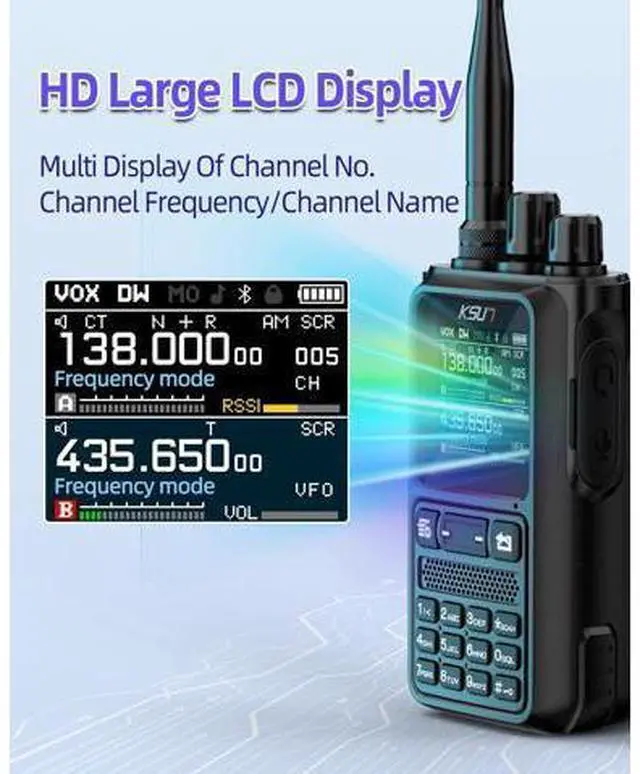
KSUN UV110D (APP Version) Full Band Receiving GMRS & Ham Radio The product we sell is APP version, it has feature Bluetooth Function, and SUPPORT to program on phone. We can provide the CPS software if you need. Please use the regular 2-pin programming cable. The UV110D APP version does NOT have LED Flashlight Function. Here is the operation guide for IOS system Programming with APP 1. Scan the code in the back of User's Manual to download and install the APP programmer. 2. Please turn on the Bluetooth function of the radio.
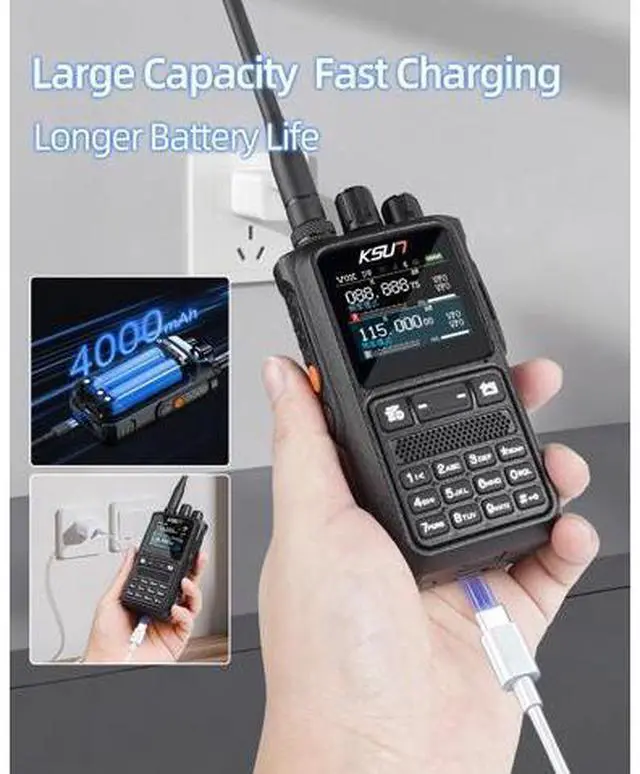
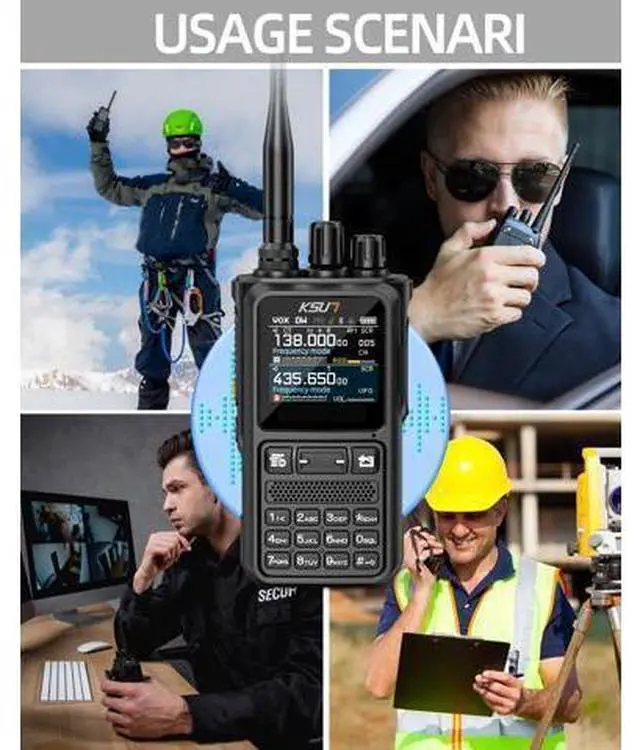
3. Set the correct intercom information on the programmer and click the "Connect" to connect. 4. "Read" the walkie-talkie and start to program your radio. Call Noise Reduction We can provide the CPS software if you need. Please use the regular 2-pin programming cable. The UV110D APP version does NOT have LED Flashlight Function. Type-c charging Usage scenarios Where can I download the CPS or APP? You can download the CPS from official
KSUN site: qzksun. com For the mobile APP, simply search Walkie Talkie Tool in the App Store or Google Play Store and download it directly. Can I use CHIRP to program the UV 110D? Sure, select the model "UV 110D " and then you can setup your UV 110D on CHIRP. How to connect the radio with the APP for programming? 1. Scan the code in the back of User's Manual to download and install the APP programmer. 2. Please turn on the Bluetooth function of the radio.