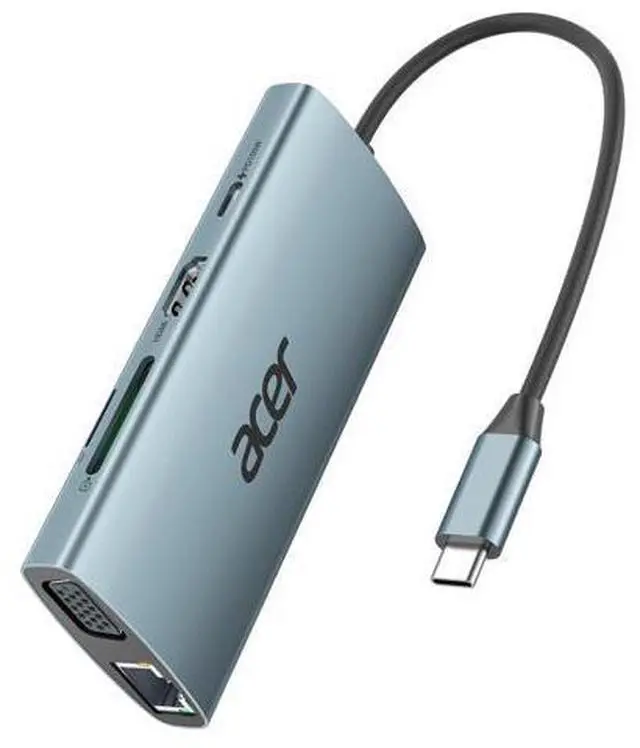
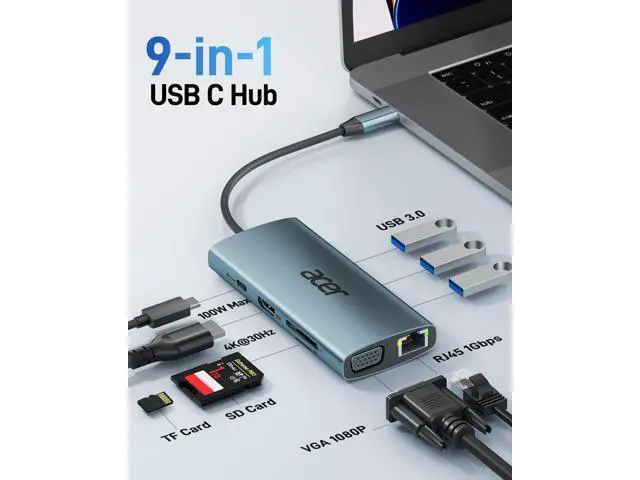
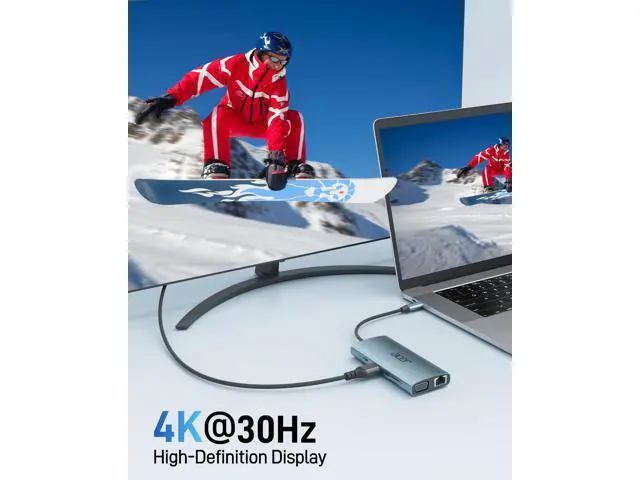
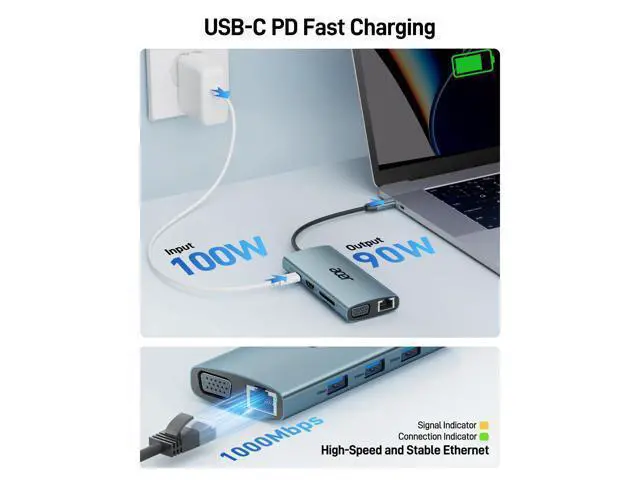
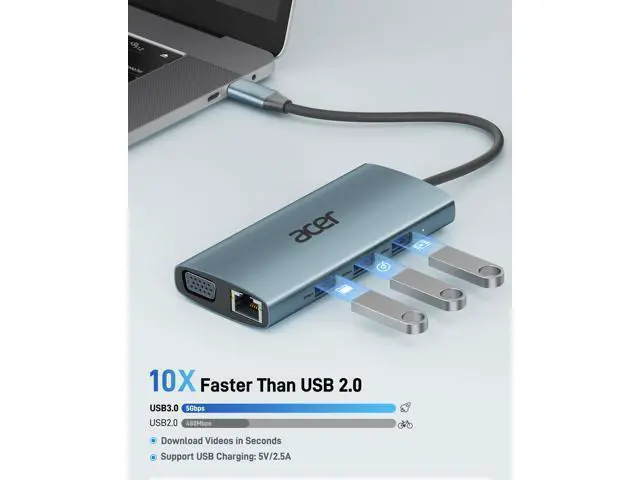
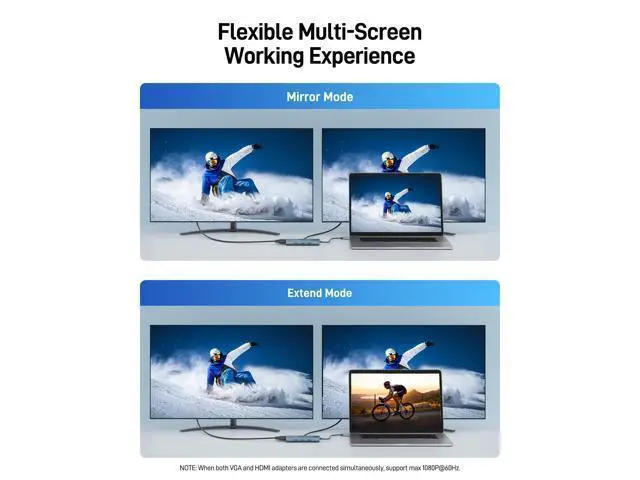
Previous page Next page Previous page Next page 1 4K HDMI 2 1080P VGA 3 Multi-Screen Previous page Next page 1 Games 2 Exercise 3 Learning 4 About Acer Gadget Previous page Next page Q1 Why doesn't my computer work with HDMI or VGA? - Your USB-C device may not support video output (DP Alt Mode). Please check the device specs. Q2 Why is my laptop charging slowly when using this USB-C hub? - Please ensure your laptop's USB-C port supports PD protocol and use a 65W+ charger for best performance. Q3 Can I extend different displays across two monitors when connecting HDMI and VGA? - No, when connecting two additional monitors with HDMI and VGA, they can only show the same content, such as AAA and ABB.
Q4 Why is the network speed slow when connected to the port? - To achieve 1Gbps, please use CAT6 or higher Ethernet cables. Q5 Can the SD and microSD ports work simultaneously? - No, they cannot work at the same time. Q6 Can the PD 100W (USB-C) port transmit data? - No, it is only for charging. Q7 Why is the USB C hub not compatible with my computer? - Please connect the power supply with the PD port to provide sufficient power for the USB C hub.





 here!
here!