

Your Browsing History

Meet Your Seller


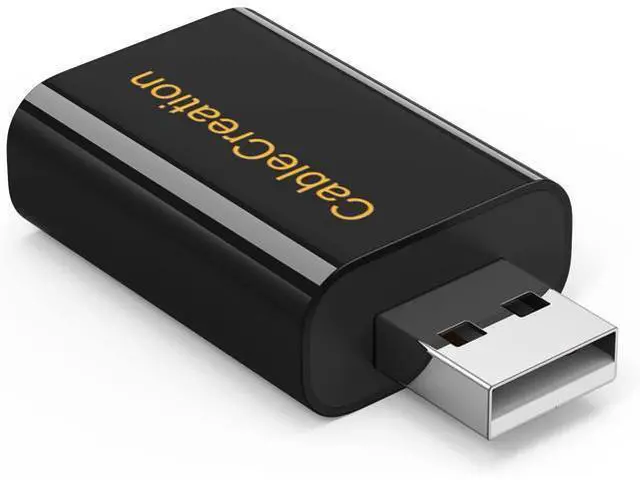
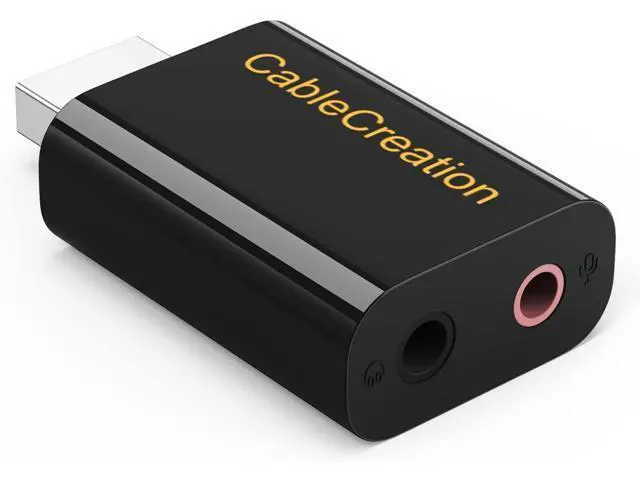
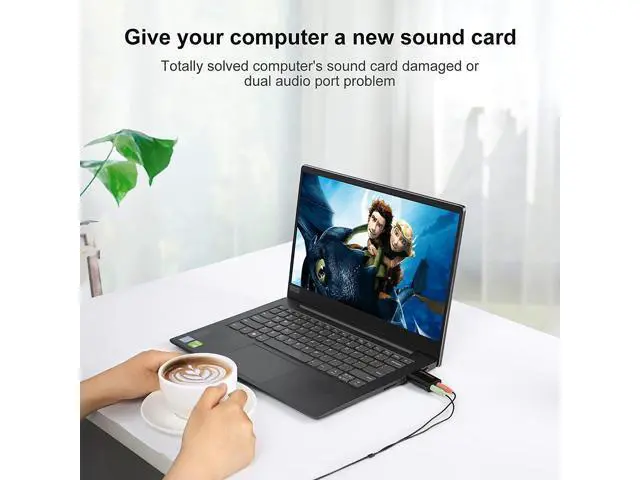
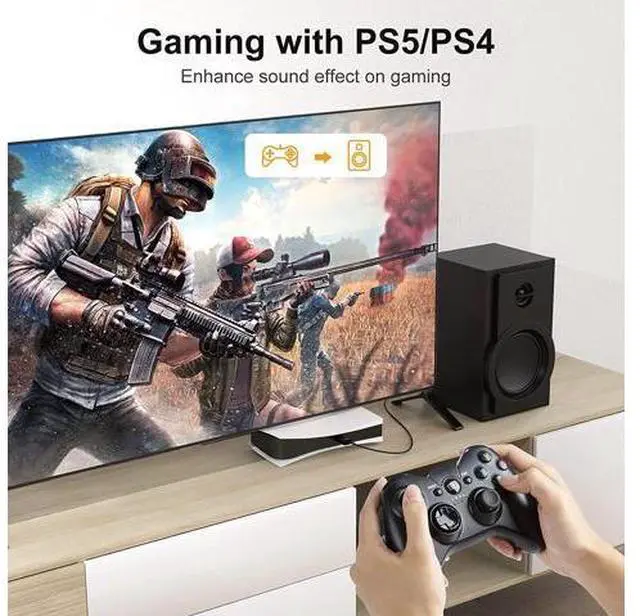


USB Audio Adapter with 3.5mm Jack, CableCreation USB External Stereo Sound Card with 3.5mm Earphone and Microphone for PS4, PS5, Windows, Mac, Linux, Plug and Play, Black
Limited time offer, ends 08/02 By AxisLink
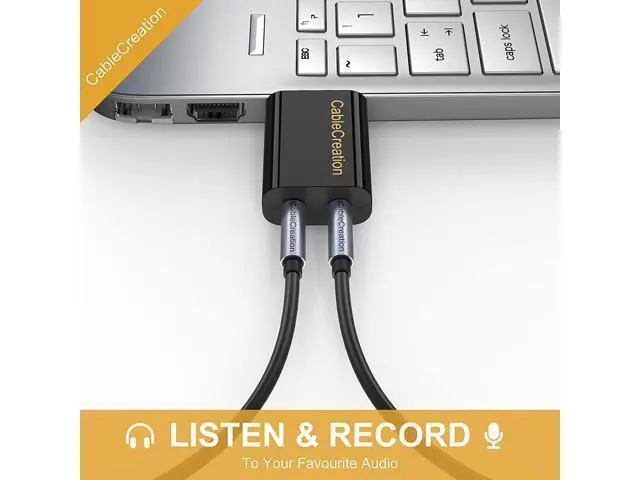
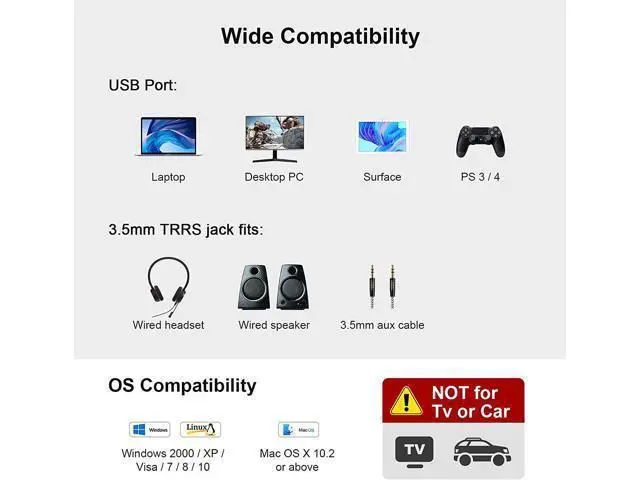
- ? [Add 3.5mm Audio Ports]: USB audio adapter adds 3.5mm audio jack to pc, laptop, computers; provides an alternative solution for a failed original sound card; works as an audio splitter for an audio output plug and microphone input plug.; ? [High Quality Sound]: Built-in with HS-100B chip, 48K / 44.1KHz sampling rate for both Playback and Recording, Skype / Google Hangout / Live Games / TeamSpeak ; protects against electromagnetic interference and enjoy the stable and best sound quality.; ? [Audio Interface]: Audio-in jack (black color) support TRRS (with microphone) and TRS (without microphone) earphone; microphone jack (pink color) supports mono input. ?Notes: 1. Apple EarPods were tested not support mic input but only audio output with this adapter; 2. Doesn't work on most Car system or smart TV.; ? [Wide Compatibility]: Support USB 2.0 Full Speed (12Mbps) Specification, compatible with PS4, PS5, Raspberry Pi, Surface Pro, MacBook Pro; Windows 7 / 8 / 8.1 /10 / XP / Vista, Mac OS
+
+
Overview
Specs
Reviews

Any questions? Our AI mode will help you find out quickly.
Try me now
CableCreation USB Audio Adapter with a setero headphone output jack and a mono microphone input jackis a highly flexible audio interface. Ideal for bypass the defective sound card or the faulty 3.5 mm audio port of your laptop / desktop system. Plug-and-play for instant audio playing and compliant with all mainstream operation systems such as: Windows 10, Windows 8.1 /8, Windows 7, Windows Vista, Windows XP Mac OS 8.6 or above PS4 Sound Settings for
Windows: - Right-click on the sound icon in the taskbar; - Select Playback or Recording devices; - Adjust the volume on the computer and in the application for
Mac: Volume
Windows: - Right-click on the sound icon in the taskbar; - Select Playback or Recording devices; - Adjust the volume on the computer and in the application for
Mac: Volume
Warranty & Returns
Warranty, Returns, And Additional Information
Warranty
- Please contact the Seller directly for warranty information. Warranty information may also be found on the Manufacturer's website.
- CONTACT
Return Policies
- Return for refund within: 30 days
- Return for replacement within: 30 days
- This item is covered by AxisLink Return Policy
Manufacturer Contact Info
- For a directory of all our manufacturers, please click below.
- Manufacturers Directory
LOADING...